How many free AI image generators can you use before a watermark, a credit wall, or a forced upgrade stops the job? Polished sample galleries never answer that. I judge each browser tool on three practical axes: what the free tier lets you finish, where it falls short, and which real job it fits best, including family projects and small-team work.
Prompting a picture is now a routine habit for a large share of adults, at work and outside it. Testing a visual should not require a desktop studio install or a paid plan.
What follows is an honest overview of ten free online AI image generators. Each entry receives the same evaluation of free-tier limits, privacy stance, and the scenario where it stands out, whether that is a same-day social graphic or a classroom illustration. If you want a separate one-off illustration with no extra account, you can create images with ImagesArt AI.
The right pick is the tool whose free ceiling matches the job, so read the limit lines as carefully as the strengths.
1. 1chat Homepage
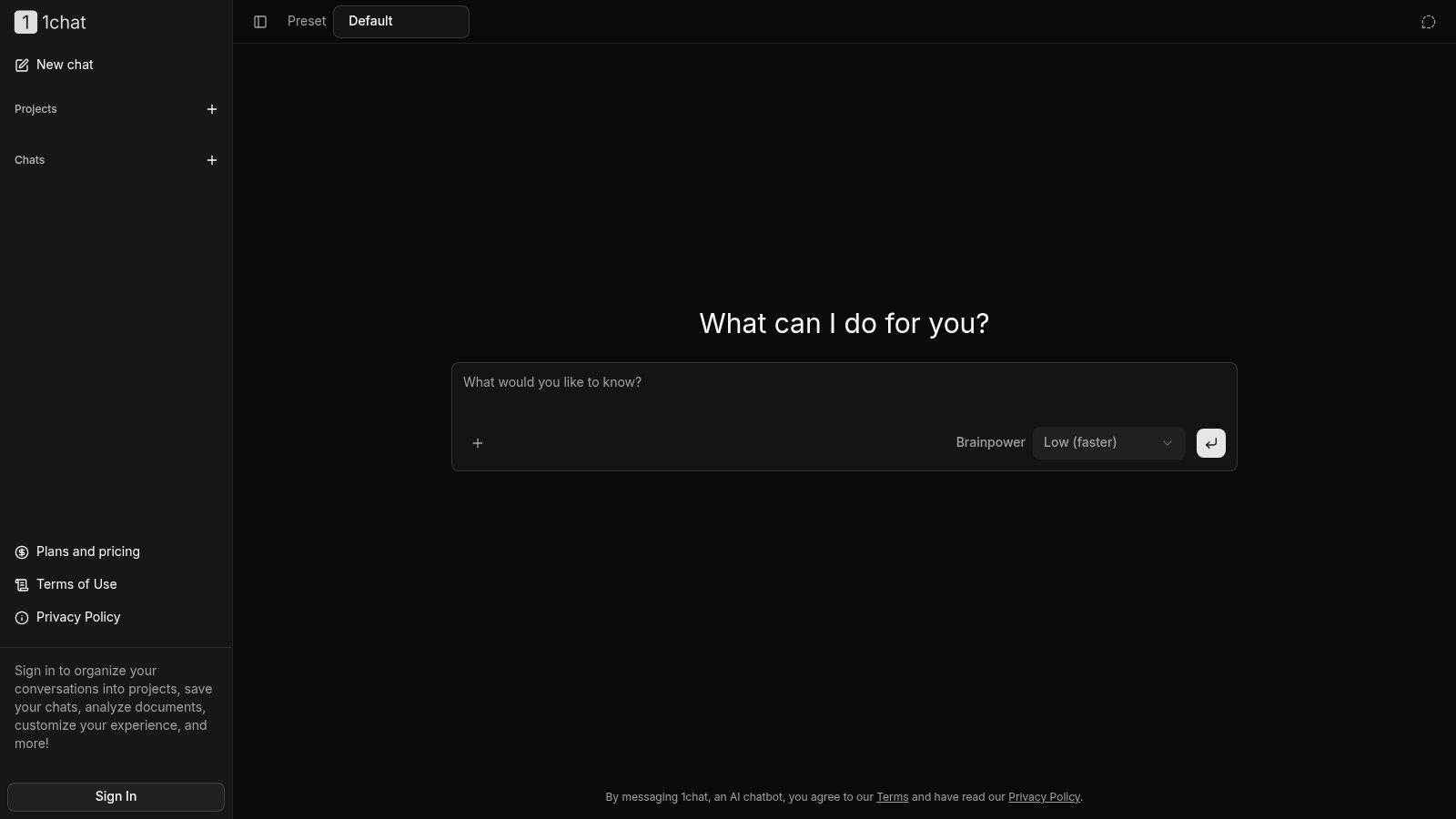
1chat is the place I start when the image is only one piece of the afternoon. You can chat with a range of large language models in one workspace, ask questions, work through a PDF, and generate an image without opening a second studio. It positions itself as a privacy-first ChatGPT alternative for families, small businesses, and teams.
Its services cannot be used for child sexual abuse material, whether or not any part is AI-generated. They also cannot be used for grooming minors, or to expose minors to age-inappropriate content such as graphic self-harm, sexual, or violent content. That boundary matters if kids share the same browser profile as the work.
What the free path is for
Treat the first image as a draft, not a finished asset. Text-heavy figures in particular tend to come back with wrong labels, swapped counts, or garbled captions, because the generator renders a plausible-looking chart rather than a verified one. Ask the chat to rewrite the prompt and run again; correcting in conversation is faster than regenerating blind and hoping the next roll lands.
- Prompt, then correct: Ask for subject, count, layout, and audience, then have the chat tighten the prompt when labels or relationships fail.
- Keep private files private: Hold back a child's portrait, an unpublished product shot, or a customer photo until you know the retention rules for your account. Model lists and plan caps can change, so check the current limits inside the app instead of assuming unlimited runs.
- Best fit: A parent making a story picture beside homework help, or a three-person team that wants chat, PDF review, and a draft visual in one tab.
Output cannot be used to develop models that compete with 1chat, which only matters if your side project is training one. For a poster that lives or dies on locked typography, a specialist further down this list is the better free experiment.
2. Adobe Firefly
Firefly is the free online AI image generator I open when the picture has to land inside an Adobe file, not just a chat download. You describe the image, then use generative expand and fill to push a crop or replace a region. A free account includes limited generative credits, which is enough to learn the feel before anyone approves a subscription.
Adobe's 2025 survey of 16,000 creators across eight countries found that 86% used generative AI in their work. Credits still run out fast if you iterate like those creators do. Advanced workflows push you toward a paid plan, and the interface is heavier than you need for one sticker.
Practical rule: Spend free Firefly credits on one hero frame you will actually place in a layout, not on ten style experiments.
It fits a small brand team already living in Adobe apps. Families who only want a birthday card will move faster elsewhere. If you are weighing a design suite against a chat workspace, our account and image questions spell out the split.
3. Microsoft Designer
Designer feels like a lightweight layout app that happens to generate images, which is why I hand it to people who freeze in blank prompt boxes.
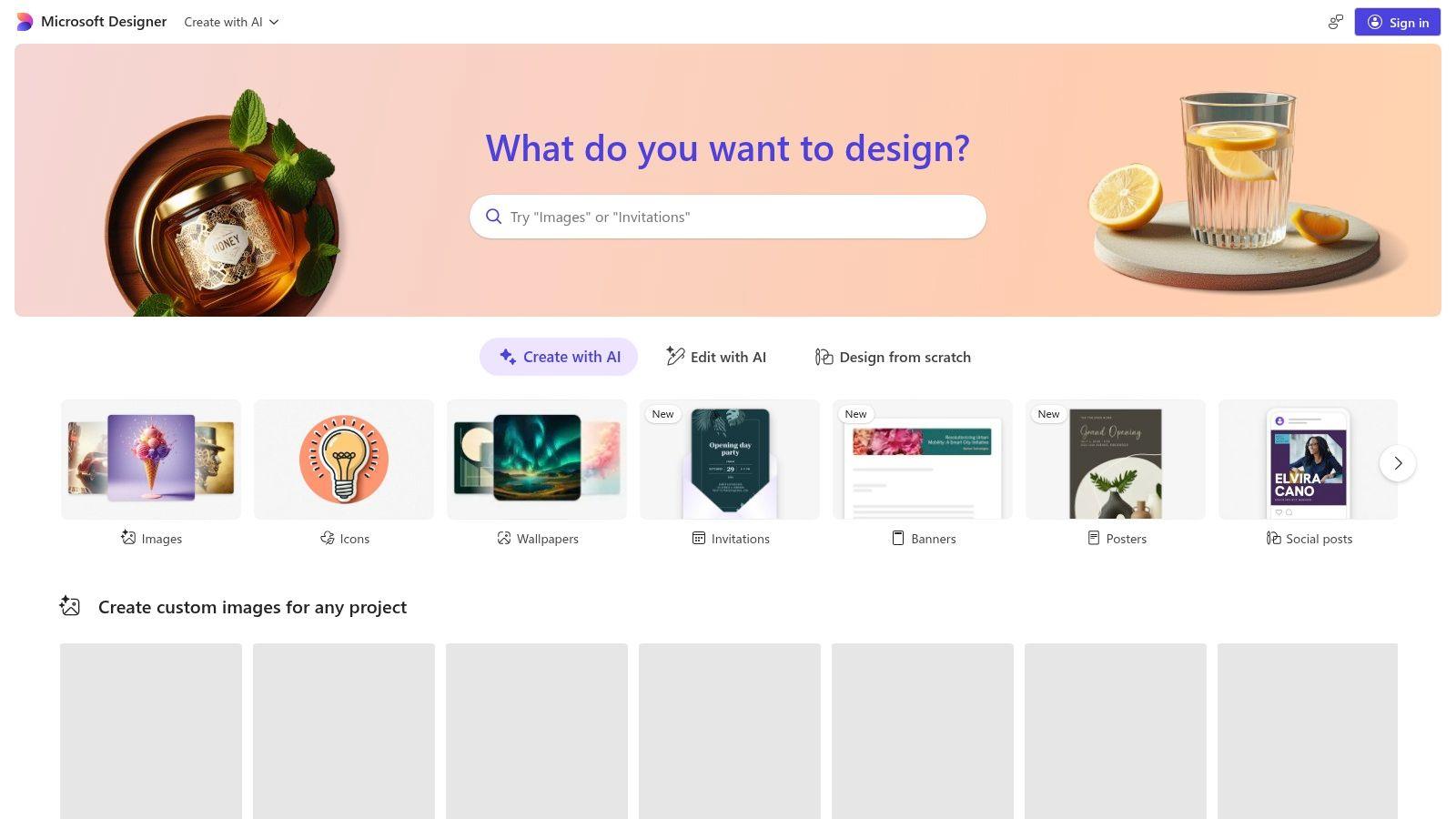
With a Microsoft account you can prompt images, stickers, and invitations, then crop, resize, add text, strip a distraction, or swap a background. You do not need a design degree to ship a readable social square.
- What works: Invitations, simple stickers, and quick social graphics for a shop or a school event.
- What doesn't: Fine control over the model is thin, and heavy use or some features can require a subscription. Some AI features also depend on account and age rules, so check that before you assign it to students.
I would not use it as the only generator for a product render with exact part counts. I would use it when the next step is "make this fit a story size," not "invent a new art direction."
4. Canva Magic Media
Canva's Magic Media earns its place when the image is useless until it sits in a finished layout. You type a description, pick a style such as photography, digital art, or fine art, and optionally guide the result with a reference image. The picture drops straight into templates for presentations, classroom sheets, social posts, and simple marketing graphics.
The free plan includes limited AI use. That cap is the main constraint, not the editor. The canvas is busy if all you wanted was a PNG. Some templates and features sit behind a paid plan, so a "free" design can stall at export.
Say a bakery needs three Instagram variants of the same croissant hero. Generate once, duplicate the Canva page, and change crop and headline instead of burning three fresh generations. That is the free-tier habit that works. For a family poster night it is friendly. For a confidential pitch deck, keep client names out of the prompt until you accept Canva's data terms.
5. Meta AI
Meta AI is the odd one on this list because image generation is woven into a social product, not a design desk. On the web, and in supported Meta apps, you can prompt a new image or upload a photo and ask for a targeted change, such as removing an object or swapping one element. Meta says image generation does not require a subscription. What you see still varies by country and rollout, so a feature your coworker has may be missing on your account.
Do not upload a family photo just because the edit box is one tap away. A free tool can still keep prompts and pictures.
It is convenient if your team already lives in those apps and needs a quick visual, not a brand system. It is a weaker choice than Canva when you need templates, consistent type, and a file you can hand to someone else. Availability drift is the failure mode. Build the post so it still ships if the editor is not in your region that week.
6. Ideogram
Open Ideogram when the words inside the picture matter as much as the picture. Posters, headline graphics, and rough logo concepts are the jobs where most generators smear letters and this one usually gets closer.
A IEEE benchmark write-up judges text-to-image systems with CLIP semantic similarity, LPIPS perceptual similarity, FID, mean reciprocal rank, and Recall@K, and notes that metadata-rich prompts improved fidelity for most systems tested, with standout gains for Flux and Context_LoRA. Separate checks cover attribute binding, relationships, numeracy, and words drawn inside the image. That is exactly where "three products, three colors, one readable headline" falls apart.
Ideogram's free account is the entry. Remix, Magic Fill, and Canvas let you repair a design instead of starting over, and character references help keep a subject stable. Paid plans add credits and private generation. I still proof every word. A handsome poster with a broken price is not usable. Skip living artists' signature styles if you might publish the result.
7. Leonardo.Ai
Leonardo.Ai is a web studio with several models, aimed at people who want variations of a concept rather than one lucky frame. The free plan is a trial of that studio. Paid plans add generation room and, according to the provider, a royalty-free commercial-use license, subject to the terms that apply to that plan.
The trade-off is learning time. Model menus slow you down on day one, and free usage will not carry a full campaign. Commercial rights are not a vibe. They depend on the plan you are on, so a free export is not automatically a logo you can trademark.
I use the free tier to compare two or three styles for a product mood, then stop. Teams exploring a look benefit. Families making a one-off invitation do not need this many knobs. If the image must be exclusively yours in a legal sense, read the license before you print it on packaging.
8. Playground
Playground spells out that the free tier has a ceiling, then lets you work inside it. The free plan runs on recurring usage limits, with tighter caps on selected models, and busy hours can slow generation. Its free plan includes a commercial-use license, subject to the terms that apply to that plan.
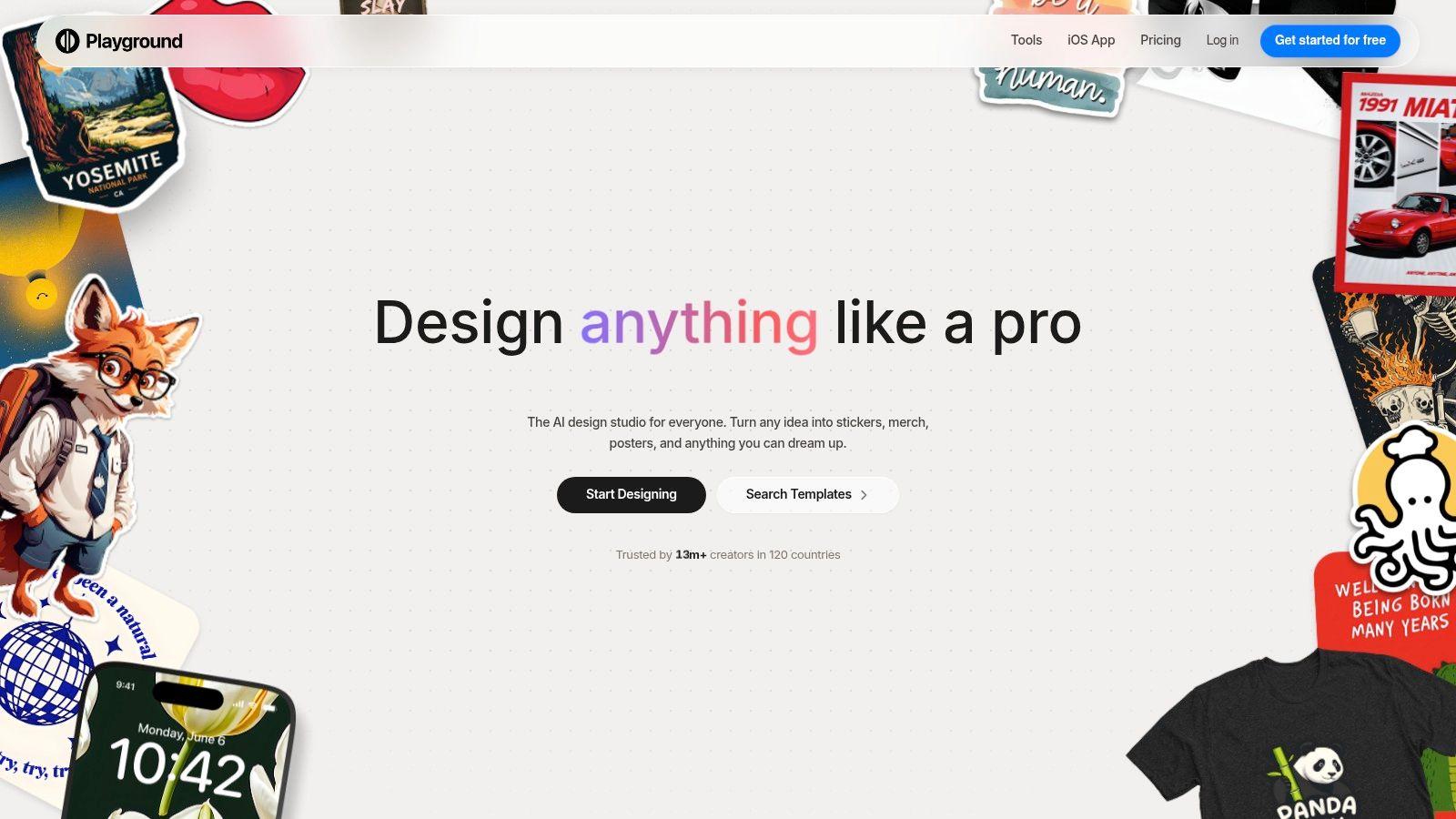
- Batch the window: Draft five prompts before you hit generate, so the usage window pays for finals rather than typos.
- Watch model access: Some models are tightly capped, and those caps can change.
- Separate license from ownership: A license to use an image is not the same as a monopoly on it.
That commercial license is why I keep Playground on the short list for a small shop testing ad concepts. It is a poor fit for a student who needs dozens of figures in one evening. Before you plan a month of drafts around any free cap, compare it with the 1chat plan details so chat, documents, and images stay on one predictable bill.
9. Craiyon
Craiyon is the simplest text-to-image toy on this list, and that is the point. You type a subject and a style, and you can try it without buying a plan first. Extra tools cover retouching, upscaling, and background removal, so a rough frame can be cleaned without a second website.
The free version can watermark images and make you wait. Free commercial use, under Craiyon's current terms, requires attribution. I treat that as a hard publishing rule, not a footnote. A watermarked mascot with a credit line is fine for a classroom slide. It is a bad idea for a paid client who expects a clean file and no third-party credit.
Use it to learn prompting across odd subjects when quality can be average. Do not use it as the system of record for a brand. If the wait queue is long, write the next prompts offline and submit them together instead of staring at the spinner.
10. NightCafe
NightCafe is a multi-model art site with a community wrapped around it. Generation spends credits, and the cost changes with the model and the settings you pick. Free-credit amounts and which models those credits touch can change, so check the account page before you promise a set of images to anyone else.
The community is the useful part. You can see prompts and styles other people already burned credits to discover. Some extra credits may come from site activities, under whatever rules are current. That is a bonus, not a production schedule.
Credit prices that move with every setting will wreck a same-day deadline. Fix the model first, then prompt.
I would not plan a client delivery on leftover free credits. I would use NightCafe to study approaches, then recreate the winner somewhere with clearer rights. For notes on reviewing prompts before you publish, see our blog. Families should also skip public galleries if the image includes a real child.
Free Online AI Image Generators at a Glance
Read this as a triage sheet: what the free tier lets you do, where it breaks, and which job it fits.
| Tool | Free Tier Model | Key Limitation | Best For |
| 1chat Homepage | Image generation sits alongside chat, multiple AI models, and PDF analysis | Plan limits can change, so confirm current terms before a deadline | A family-friendly or small-team hub for chat, PDFs, and images in one place |
| Adobe Firefly | Free account with limited generative credits | Free generations are limited; advanced workflows may require a paid plan | Image generation and editing within Adobe workflows |
| Microsoft Designer | Free with a Microsoft account | Some features or higher usage may require a subscription | Quick designs, invitations, stickers, and social graphics |
| Canva Magic Media | Free plan with limited AI usage | Some features and content require a paid plan | Creating images within presentations and finished designs |
| Meta AI | Free prompt-based image creation and photo edits where available | Availability depends on location and rollout | Casual image creation and edits inside Meta's ecosystem |
| Ideogram | Free account available | Free access is limited; private generation depends on plan | Designs where readable text is important |
| Leonardo.Ai | Free plan available | Free usage is limited; commercial rights depend on plan and terms | Exploring styles and developing visual concepts |
| Playground | Free plan with recurring limits, including up to 10 images per three-hour window | Some models have tight limits; generation may slow at peak times | Image generation combined with design and editing |
| Craiyon | Free version available | May include watermarks and wait times; commercial use requires attribution | Simple text-to-image experimentation |
| NightCafe | Credit-based generation; free credits may be available | Credit costs vary by model and settings | Exploring multiple models and sharing AI art |
A generous free tier still fails if it adds watermarks, keeps private generation behind a paid plan, or lets credit costs move with every setting. For family use, favor clear account rules and skip public galleries when a real child appears. For a small team, one workspace that covers chat, PDFs, and images can beat five separate logins, as long as the current plan limits are checked before client work depends on it.
Choosing the Right Free Generator for Your Workflow
Match the tool to the artifact, not to a homepage ranking. Quick social graphics and invitations belong in Microsoft Designer or Canva, where crop and type are part of the same visit. Typography-heavy posters belong in Ideogram, with a human reading every word. Concept exploration belongs in Leonardo.Ai or NightCafe, as long as you accept credit and license limits. A small team that also needs chat and PDFs should not scatter the work across five logins.
Free tiers punish wandering. Batch prompts before you spend a window, lock the aspect ratio in the prompt, and stop after you have two usable options. OpenAI figures reported by Tools8020 said more than 130 million people created over 700 million images in the first week after ChatGPT added native image generation in 2025, more than five images per participating user in that burst. Iteration is normal. Unreviewed iteration is how wrong diagrams get published.
Privacy and rights before you hit publish
"Free" does not answer privacy. Before you recommend a tool to a family, a school, or a client, get four answers: whether an account is mandatory, whether prompts and uploads are kept, whether content may train models, and whether you can delete it. Skip faces, schoolwork, customer photos, and confidential plans unless those answers are explicit.
The U.S. Copyright Office says purely AI-generated output generally gets copyright protection only when a human adds enough expressive work. Typing prompts alone is not enough. Human edits, arrangements, or mixing AI material with work you authored may be protectable. Permission to use an image is not the same as an exclusive right you can enforce. Keep the prompt, the edits, and the source assets. Avoid brand logos and a living artist's distinctive style. Treat an unedited export as a weak logo and a weak trademark filing.
If you want image generation, PDF analysis, and multi-model chat in one privacy-first hub built for families and small teams, open 1chat and keep the draft, the document, and the picture in a single place.