
Your support inbox is full of the same delivery questions, invoices land as PDFs, scans, and forwarded emails, and a new lead sits idle because nobody retyped it into the CRM. That's the daily case for AI tools for business automation, not a futuristic overhaul. The useful tools remove one measurable bottleneck, connect to the software you already pay for, and keep a person in charge where a wrong reply, payment, or record change would cost you.
Adoption is rising, but it isn't deep yet. Across OECD member countries, businesses with at least 10 employees using AI rose from 5.6% in 2020 to 14% in 2024, according to OECD data on AI adoption by small and medium sized enterprises. Use in core business functions was lower, which tells you most firms start at the edges with drafting, search, and triage before they automate production work.
Judge every pick below the same way. How many minutes does it save per transaction, how hard is setup, how does pricing behave when volume grows, and what data does it touch. The categories run from customer support and document processing to marketing, general workflows, RPA, and team AI. If you need broader context on AI for business automation, start with the bottleneck, not the feature list.
1. Zapier

For most small teams, Zapier is where automation starts because you don't need a developer to get value. Its workflows, called Zaps, connect thousands of apps through a visual builder. You can add filters and branching, then insert an AI step only where fixed rules break down, such as summarizing a support email or extracting fields from a form.
That pattern matches where companies deploy automation. Reducing manual or repetitive work was cited by 55% of respondents in IBM's Global AI Adoption Index on automation applications, with customer self service close behind. A sensible first Zap is intake. A new inquiry gets classified, a draft reply is prepared, and the record lands in your CRM for review. If your immediate pain is the inbox itself, you can also organize customer emails with AI before building anything larger.
Where Zapier Fits and Where It Strains
- Best fit: Lead capture, notifications, form handling, and light AI drafting across marketing, sales, and support apps, plus Forms and Tables for simple internal data.
- Watch out: Task based billing climbs when multi step workflows run at high volume, and AI steps may consume tasks differently from standard actions.
- Practical limit: Very complex branching is harder to inspect here than in a dedicated visual design tool.
Keep Zaps narrow, name them by business outcome, and check task usage weekly. The extra reading on practical AI guidance for small teams is useful if you're still deciding which process deserves the first build.
2. Make

Choose Make when a simple trigger and action chain stops describing your process. Its canvas lays out routers, filters, and data transformations as a visible map, so you can see why an order went to accounting instead of fulfillment. That visibility matters when a workflow touches money or customer records.
Make connects with more than 3,500 apps and adds an AI toolkit and agents for classification, extraction, and text work. On eligible plans you can drop in JavaScript or Python for custom logic instead of forcing every edge case through prebuilt modules, and execution logs trace a failed run to the exact step.
Build the branch you can explain to a new hire. If nobody can walk through the canvas, nobody will fix it at month end.
Costs need attention. Each module operation consumes credits, so a long scenario that runs constantly can eat your allowance faster than the headline plan suggests. AI usage adds another variable, so forecast volume before automating a high frequency feed.
The builder has a real learning curve. It is logical once it clicks, but your first scenario will take longer than you expect. If a process is two steps, stay with a simpler tool. Make earns its cost when branching, error paths, or data reshaping are the actual problem.
Start with one routing problem you already handle manually, such as sorting web leads by territory and intent. Test with deliberately messy inputs, check the logs, and only then let it write to live systems.
3. n8n

Control is the reason teams pick n8n. You can combine app connections, code, and AI or agent nodes in one workflow, and you decide whether it runs on hosted plans or on your own infrastructure. That second option appeals to businesses with data residency worries or an in house technical lead who wants to inspect everything.
Pricing Logic That Rewards Longer Workflows
n8n charges by workflow execution rather than by each step inside the execution. A 15 step process that enriches a lead, scores it, drafts an outreach note, and files the result counts as one execution, which can be kinder than per task billing for step heavy work. Execution and concurrency limits still apply, and the AI models you call may bill separately, so total cost is not just the n8n plan.
- Strength: High configurability for teams comfortable mixing no code nodes with custom code and API calls.
- Strength: Self hosting gives you deployment control that closed SaaS tools can't match.
- Cost of that control: Updates, backups, security patches, and troubleshooting become your job if you self host.
Be honest about who's on call. If nobody on your team enjoys maintaining infrastructure, use the hosted option and spend your energy on workflow design instead. n8n rewards technical curiosity, but it punishes neglect, because a broken self hosted instance stops every automation at once.
4. Microsoft Power Automate

If your files, mail, and documents already live in Microsoft 365, Microsoft Power Automate is often the shortest path. Cloud flows react to events, schedules, or a manual button press, while desktop flows repeat clicks and keystrokes in browser or Windows applications that have no modern integration. AI Builder adds document processing and text classification for invoices, forms, and incoming requests.
That desktop capability is the differentiator. Plenty of small firms still copy data from a legacy accounting screen into a spreadsheet every Friday. Automating the screen itself beats waiting for an API that will never come. Just plan for maintenance, because a moved button or renamed field can break a desktop flow that worked yesterday.
Adoption data supports giving staff an approved route instead of improvised tools. In Microsoft's 2024 Work Trend Index covering 31,000 knowledge workers, 78% of AI users reported using at least one AI tool their organization hadn't provided. Building flows inside your existing Microsoft tenant keeps that work visible and governed.
Licensing is the friction point. The headline per user price rarely tells the whole story, since premium connectors, AI capacity, and unattended desktop automation may need additional licenses. Map exactly which flows need which tier before you roll it out company wide.
5. HubSpot Breeze

Breeze is not a general automation builder. It's HubSpot's layer of AI features and agents that work directly on your CRM data across marketing, sales, and service. That grounding is the point. A follow up email, a support summary, or a prospecting brief is more useful when the tool already knows the contact, company, deal stage, and recent tickets.
Breeze Assistant is included with HubSpot subscriptions at no additional charge, while some agents and AI workflow actions consume HubSpot Credits. Track that split carefully. Routine assistance can feel free until an automated enrichment or research action runs across your whole database and draws down credits faster than expected.
Who Gets Value and Who Should Pass
- Good fit: Teams already running campaigns, pipeline, and tickets in HubSpot who want one shared customer record behind every AI action.
- Poor fit: Businesses happy with a cheaper CRM, since advanced HubSpot subscriptions can be a heavy commitment just to access AI features.
- Implementation tip: Clean duplicate contacts and stale deal stages first, because agents amplify whatever quality your data already has.
Pilot Breeze on one segment, compare reply quality and time saved against your current templates, and review a sample of outputs daily at first. The background material in 1chat research on AI for teams can help you frame that evaluation before credits make it expensive.
6. Salesforce Agentforce
Agentforce brings the same CRM native logic to organizations already built on Salesforce. You build, test, and deploy agents that answer inquiries, update records, or kick off existing Salesforce processes, using the permissions and business rules you've already configured. For a service team drowning in case updates, that inheritance saves rebuilding logic elsewhere.
The market context explains why vendors are pushing agents hard. In McKinsey's 2025 global survey on the state of AI, 23% of respondents said their organizations were scaling an agentic AI system and 39% had begun experimenting. Yet more than 80% in that same research hadn't seen a tangible effect on enterprise level EBIT, so enthusiasm shouldn't substitute for a baseline. Measure case handling time and rework, not agent activity counts.
Salesforce offers usage based and license based purchasing, with consumption visible through its Digital Wallet. Usage pricing needs forecasting discipline. Model your busiest week, not your average week, and set internal alerts before finance asks questions.
There's no case for Agentforce if Salesforce isn't already your system of record. Implementation typically needs an experienced Salesforce administrator or outside services, and that cost dwarfs the license for a small team. If you're deep in Salesforce already, start with an employee facing agent that drafts case summaries. Customer facing autonomy can wait until your error rate earns it.
7. Workato

Workato sits a tier above basic app connectors. It's built for orchestration across many business systems, with API management, event driven workflows, and AI and agent capabilities under stronger governance and lifecycle controls. Think order to cash or employee onboarding that spans finance, HR, IT, and your CRM, not a single notification.
That depth is valuable when several departments build automations and someone has to manage versions, access, and environments. Workato offers a free way to explore the platform and a published self service Pro tier, so you can test fit before a sales conversation. Enterprise editions move to quoted pricing based on edition, usage, and capacity.
Practical rule: Buy orchestration when coordination is the problem. Buy a simple connector when data just needs to move from A to B.
Credit based usage still needs estimating. Map your highest volume processes, count the steps each transaction triggers, and ask how credits behave during peak periods like quarter close. Without that discipline, a successful automation becomes a budget surprise.
For a ten person business moving leads between two apps, Workato is more platform than you need. For a growing company where a broken integration blocks billing, its administration features justify the conversation. Judge it on failure handling and audit trails, not on the demo workflow.
8. UiPath
When the work lives in desktop software, scanned documents, and systems with no useful API, UiPath earns its place. It combines software robots, workflows, AI agents, and human review, and it can classify documents and extract data before handing clean fields to downstream actions. Invoice processing, claims intake, and repetitive data entry are its home ground.
What Structured RPA Demands From You
- Process design first: Robots follow exactly what you specify, so undocumented exceptions become failed runs until you map them.
- Human review queues: Route low confidence extractions to a person instead of letting a misread amount reach your ledger.
- Ongoing maintenance: Screen changes, password rotations, and new document layouts all need testing time in your plan.
UiPath offers a low cost entry tier and a free trial for higher tier features, which lets you prove one document workflow before committing. Standard and Enterprise pricing requires contacting sales, and deployment can be cloud or self hosted on eligible plans. Governance and access controls strengthen on higher plans, which matters once robots touch financial data.
Don't start with your messiest process. Pick one document type with steady volume and a clear definition of correct. Teams exploring lighter, conversation based help alongside heavier automation can see how 1chat supports small business teams without replacing a formal RPA program.
9. Lindy
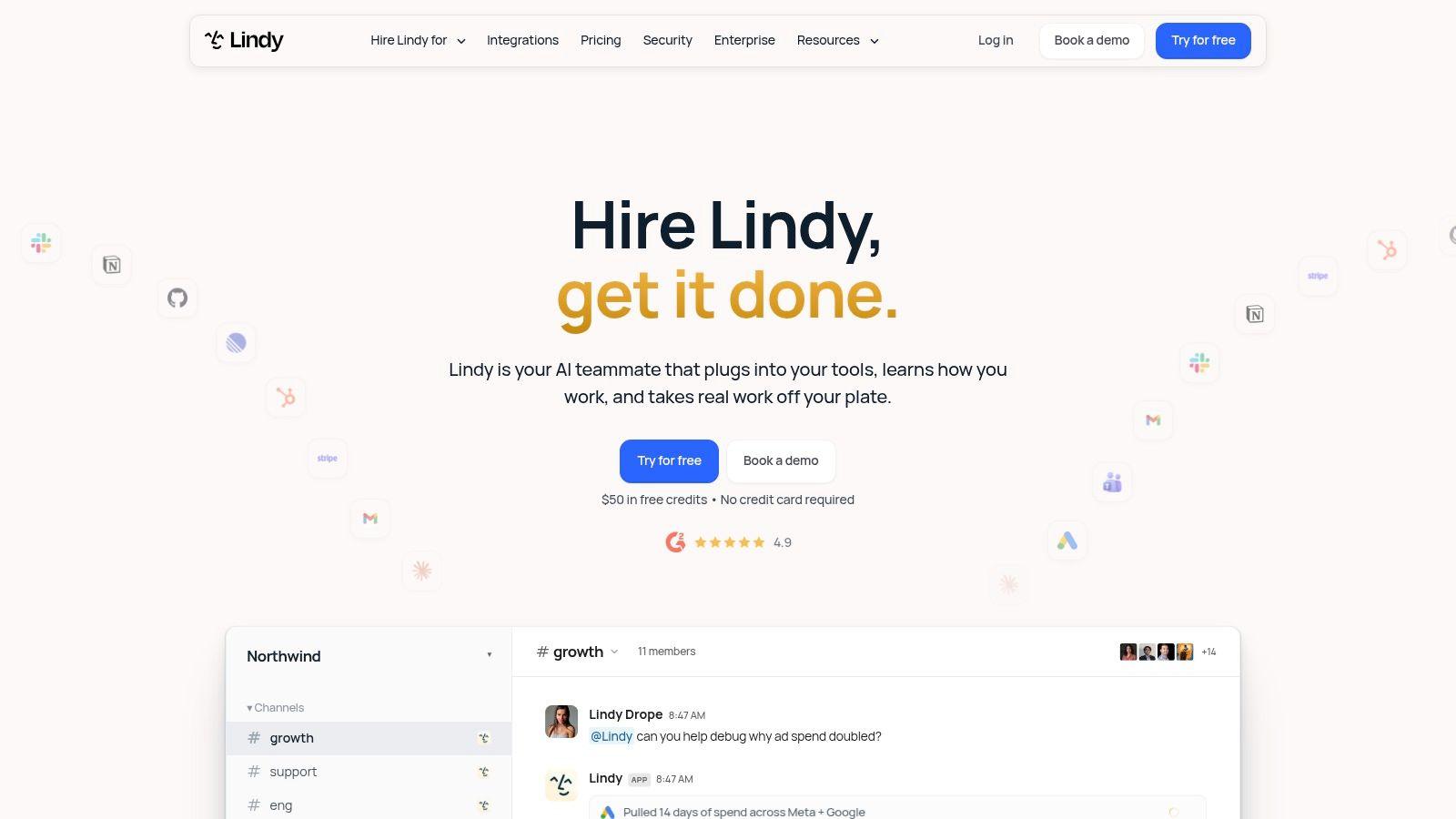
Lindy flips the usual model. Instead of wiring every step yourself, you delegate a defined job to an AI teammate connected to your business tools, and it handles the repeatable coordination in between. Scheduling follow ups, assembling information, and moving routine administrative work forward fit that delegation style better than rigid rules sometimes do.
This works when a task has a clear goal but slightly variable steps. Preparing a meeting brief from scattered messages, for example, is awkward as a fixed workflow and natural as an assignment. The trade off is predictability. An agent that decides its own path can also produce a result you wouldn't have chosen, which is why customer facing work and record changes need review until you've built trust with evidence.
Run Lindy the way you'd train a new hire. Give it one narrow responsibility, written instructions, examples of good output, and a short list of things it must never do without asking. Read everything it produces for the first stretch, correct it visibly, and widen its scope only when the correction rate drops.
Check current pricing, integrations, and usage allowances directly with the vendor before a wider rollout, since agent platforms change plans quickly. If you can't describe the task in a paragraph, you can't delegate it yet, to a person or to Lindy.
10. Relay.app

Relay.app fits teams that want AI drafts with a clear checkpoint before anything goes out. It connects your apps, runs steps through multiple AI models, and inserts explicit human approval inside the workflow. The system prepares the customer reply or the record update, then pauses for a person to approve, edit, or reject it.
That pause addresses two specific SMB worries. In a 2025 survey of small businesses on technology and AI concerns, data privacy led at 44% of respondents and output accuracy followed at 43%. Approval steps plus tight controls on data access give operators a direct way to contain both risks.
Relay says it supports more than 200 apps, which covers common stacks but may miss niche or legacy systems. Confirm your two or three critical connections before you build. Check current plan limits and pricing directly with the vendor, as with every tool on this list.
Apply human review where errors cost money. Keep it for refunds, contracts, and external promises. Remove it for low risk internal summaries after a test period proves reliability. That graduated approach makes Relay a practical middle option between manual work and fully autonomous agents.
Top 10 AI Business Automation Tools Compared
| Platform | Core Automation | Standout Capabilities | Best For | Value & Pricing |
| Zapier | No-code, multi-step app workflows | ✨ Thousands of integrations, AI steps, branching | 👥 Small teams automating routine tasks | 💰 Task-based; high-volume use can add up |
| Make | Visual, branching workflows | ✨ Routers, data transformations, AI tools and agents | 👥 Teams needing workflow visibility and flexibility | 💰 Free and paid tiers; credit use varies |
| n8n | Customizable visual workflows | ✨ Code options, AI nodes, self-hosting | 👥 Technical teams seeking control | 💰 Hosted or self-hosted; execution-based pricing |
| Microsoft Power Automate | Cloud flows and desktop RPA | ✨ Microsoft integrations, AI Builder, legacy UI automation | 👥 Organizations using Microsoft 365 | 💰 Licensing varies; advanced features may cost extra |
| HubSpot Breeze | CRM-based AI and workflow assistance | ✨ AI grounded in customer records; marketing, sales, and service agents | 👥 Teams using HubSpot CRM | 💰 Assistant included with subscriptions; some features use credits |
| Salesforce Agentforce | AI agents for CRM processes | ✨ Agents can use Salesforce data, rules, and workflows | 👥 Organizations already using Salesforce | 💰 License- or usage-based; monitor consumption |
| Workato | Cross-system integration and orchestration | ✨ API management, governance, AI-agent capabilities | 👥 Larger organizations with complex processes | 💰 Credit-based; enterprise pricing may require a sales quote |
| UiPath | RPA across apps, interfaces, and documents | ✨ Coordinates robots, agents, and human review | 👥 Businesses automating desktop or legacy processes | 💰 Entry options available; higher tiers require a quote |
| Lindy | AI agents for delegated business tasks | ✨ Handles repeatable coordination and admin work | 👥 Teams delegating routine tasks to agents | 💰 Check current plans and usage limits |
| Relay.app | App workflows combining AI and people | ✨ Human approvals and access controls | 👥 Teams that want review before key actions | 💰 Check current plans and limits |
Build Your Automation Stack in the Right Order
Don't buy three platforms in the same month. Start with one high frequency, low risk process and write down how it works today, step by step, including the exceptions everyone handles from memory. Time it for a week. Count errors and rework. That baseline is the only honest way to know whether any of these AI tools for business automation helped.
Then build the smallest workflow that fixes the bottleneck. Add an AI step only where interpretation earns its place, such as classifying a message, extracting fields from a document, or drafting a reply. Keep the predictable steps deterministic. A workflow that moves data reliably and calls AI twice will outperform an ambitious agent that improvises all day and needs constant supervision.
Measurement deserves more discipline than most vendors suggest. In OECD research on generative AI and the SME workforce, 43% of respondents described AI's business impact as moderate and 18% reported significant improvements. Self reported productivity isn't profit, so track task time, error rate, response time, and cost per transaction, and include subscriptions, training, and review time in the math.
Approvals aren't a failure of automation. They're how you protect customers and cash while trust builds. Require sign off for customer replies, refunds, contract language, and changes to financial records. Loosen controls only for steps with a measured track record, and tighten them again when inputs change, because a new form layout or product line can break a workflow that ran clean for months.
Privacy needs the same staged thinking. Classify documents as public, internal, confidential, or regulated, decide which categories may enter which tools, and verify each vendor's retention and training policies in writing. Give staff one approved workspace so work doesn't scatter across personal accounts. A privacy conscious option like 1chat lets a small team or family explore multiple models and analyze PDFs in one place without committing to a single automation ecosystem, while your formal workflows run in tools built for that job.
Match the category to the problem as you grow. CRM native AI fits when customer data is the bottleneck and can help you fix slow sales workflows without new integrations. Visual builders fit cross app processes. RPA fits legacy screens and documents. Agents fit variable, goal based work once you've earned confidence in review and measurement. Simpler is better until the simpler tool is visibly the constraint.
Pick one process that wastes your team's time this week, baseline it for five working days, and trial the single tool above that matches it. Set one approval checkpoint, one success metric, and a review date two weeks out. If the numbers improve, expand it. If they don't, you've learned cheaply, and that's still progress.