It's 10:47 p.m. You have a half-finished discussion post, a dense PDF you still need to understand, and three AI tabs open because each one does something slightly different. That's the main student problem now. The hard part usually isn't getting access to AI. It's choosing the right tool for the task, using it without wasting time, and staying inside your course rules.
That practical question shapes this guide. The tools below are grouped around actual student needs: research, writing, note cleanup, problem solving, and study support. Some are better for finding sources. Some are better for explaining concepts. Some are useful only if you already know how to verify what they produce.
The trade-off matters. AI can speed up first drafts, clarify a reading, or help you organize a messy project. It can also give you confident nonsense, flatten your own voice, or do so much of the thinking that you learn less and submit work you can't defend.
So the goal here is not to hand over your coursework to a chatbot. It's to use AI as support while keeping the intellectual work, judgment, and final responsibility with you. That includes privacy, too. If you're uploading class notes, drafts, or personal information, the tool itself matters. That's one reason 1chat stands out early in this guide. Its privacy-first, family-safe positioning is relevant for students who want more control over where their work goes and how they use AI day to day.
You'll also see academic integrity treated as a real constraint, not a footnote. Good AI use in school means asking for explanations, outlines, practice questions, source discovery, or feedback on clarity. It does not mean pasting in a prompt, accepting the output, and calling it learning.
If you want a broader system for putting these tools into your actual study routine, this guide to AI-powered learning workflows is a useful companion.
1. 1chat
If you want one tool that can cover a lot of academic ground without locking you into a single model, 1chat is the most flexible starting point on this list. It's positioned as a privacy-first, family-friendly alternative to ChatGPT, and that framing matters more than it sounds like it would. A lot of students want AI help without feeling like they're entering a chaotic, anything-goes tool.
What makes 1chat different is the multi-model setup. You can compare and switch between major LLMs in one interface instead of juggling separate accounts and tabs. For students, that's useful when one model is better at outlining, another is better at explaining a reading, and another is better at rewriting a clunky paragraph more naturally.
Where it fits best
1chat is strongest when your work spans multiple formats. You can upload files, analyze PDFs, generate images, and organize work into Projects and Chats. That makes it more than a plain chatbot. It starts to feel like a lightweight academic workspace.
A few parts stand out for real student use:
- Model flexibility: If a response feels too vague or too stiff, you can switch models without rebuilding your whole prompt history elsewhere.
- Document support: PDF and file analysis is useful for readings, article summaries, and pulling key arguments out of long documents.
- Organization: Projects and saved chats help if you're managing several classes, a capstone, or a group project.
- Temporary sessions: Temporary Chats are a good option when you want a private working space that doesn't sit in your regular history.
Practical rule: Use 1chat for pre-writing and document interrogation. Ask it to explain a passage, compare two interpretations, or surface questions you should answer yourself. Don't ask it to produce the final assignment in your voice.
The “brainpower” controls are also more useful than they sound. Sometimes you need speed for quick clarification. Sometimes you need a slower, more careful pass through a dense reading. Being able to choose that inside the same environment is practical.
The trade-offs
It's not frictionless for casual testing. Guest access is limited to a small daily message cap, and the more useful features become available once you sign in. That won't bother students who plan to use it regularly, but it may annoy people who just want to poke around for five minutes.
The other limitation is due diligence. Pricing, third-party trust signals, and broader validation details aren't prominent in the provided site copy, so if you're comparing paid options closely, check the official 1chat website directly before committing.
For students who care about privacy, family-safe defaults, document work, and not being tied to one model, 1chat is one of the more practical picks here.
2. Khan Academy Khanmigo
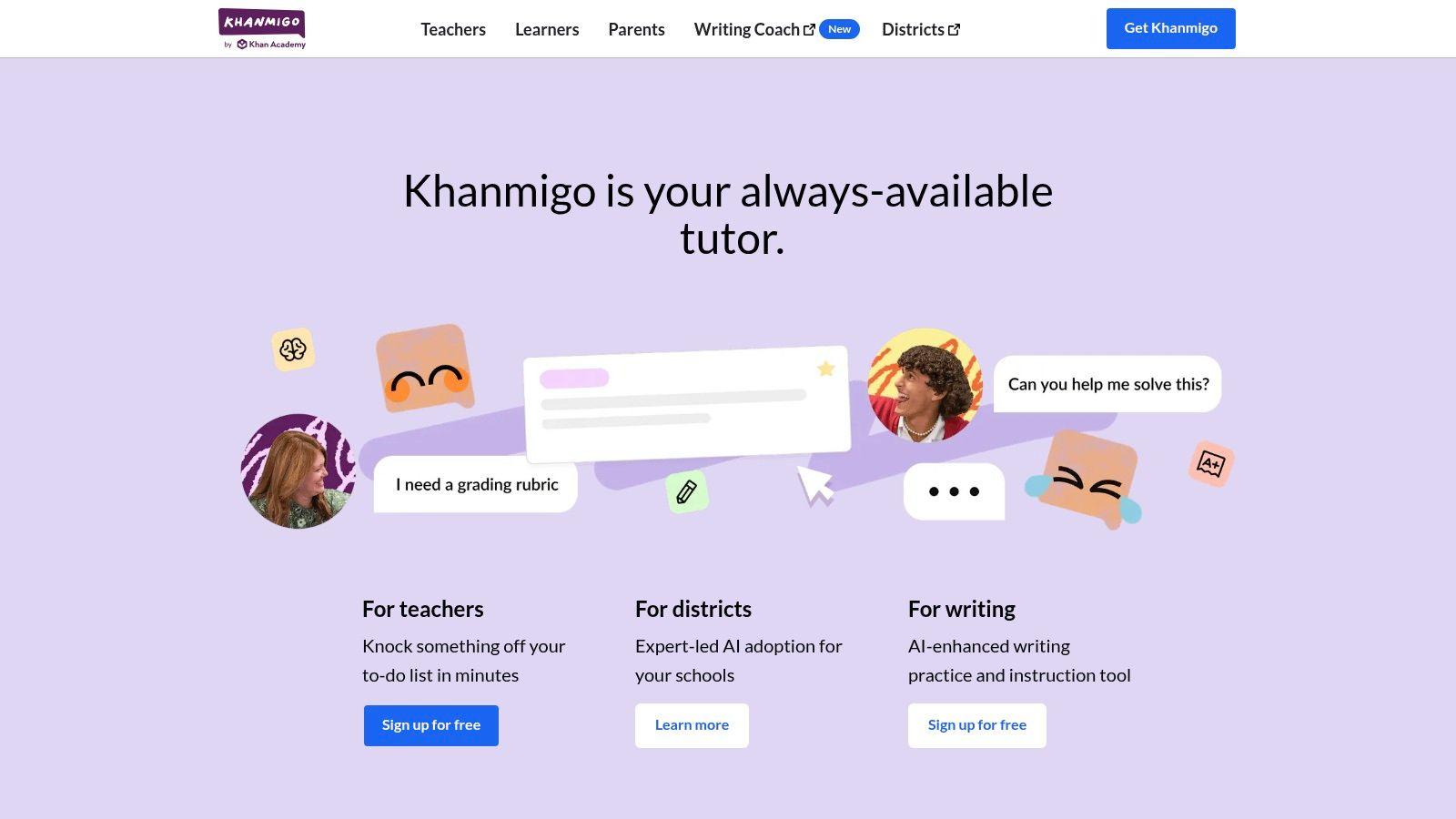
Khanmigo is the tool I'd point a younger student to first, or any college student who keeps using AI as an answer vending machine and then realizes they learned nothing. Its core strength is tutoring. It's built to guide, not just generate.
That matters because one of the core concerns around student AI use is shallow learning. A Digital Education Council survey reported that 65% of students worry AI may make learning too shallow and reduce critical thinking and creativity, which is exactly why guided, question-based systems matter in the survey write-up.
Why it works
Khanmigo is integrated with Khan Academy's learning ecosystem, so it's best when you need structured help in math, science, humanities, SAT prep, or coding. Instead of dumping a solution on you, it tends to ask follow-up questions and walk you through the next step.
That makes it good for:
- Math practice: It nudges you through a process instead of replacing it.
- Writing feedback: Better for coaching a draft than ghostwriting one.
- Coding help: Useful when you want hints and explanation, not just a pasted fix.
There are guardrails built into the product and family-oriented policies around access, which gives it a different feel from open-ended chatbots. If you want a more general-purpose alternative with broader model access, the 1chat FAQ is worth reading for comparison.
Use Khanmigo when the assignment is supposed to teach a method. That's where it beats a generic chatbot.
The biggest downside is scope. It isn't your main tool for open web research or broad document analysis. It's a learning assistant, not a general research engine.
3. Perplexity
Perplexity is useful at 11:30 p.m. when you have a vague paper topic, three browser tabs open, and no clear starting point. It gives you a fast overview, shows sources alongside the answer, and makes it easy to keep pushing with better follow-up questions.
That makes it a strong research triage tool.
I use it early, not late. If a professor gives you a broad prompt on a policy issue, historical event, or scientific debate, Perplexity can help you identify the main terms, recurring arguments, and sources worth opening first. It is faster than a normal search engine for getting oriented, but the speed comes with a trade-off. Summaries can flatten disagreement, skip methodological limits, or make weak sources look more settled than they are.
Best use cases
Perplexity fits the front end of academic work:
- Topic orientation: Get a workable overview before you commit to a thesis or research question.
- Source discovery: Find articles, reports, and publications to read yourself.
- Follow-up questioning: Refine your understanding without rewriting the search from scratch.
- Research collection: Spaces can help keep sources and threads grouped by class or project.
Used well, it supports the kind of information-seeking many students already rely on AI for. The ethical line is straightforward. Use it to locate and compare sources, then verify those sources directly before you quote, cite, or build an argument on top of them.
Don't cite Perplexity's answer in your paper. Cite the underlying source after you read it.
This also makes Perplexity a different kind of tool from privacy-first assistants like 1chat or tutoring systems like Khanmigo. Perplexity is strongest when the job is broad web research. It is weaker when the job requires guarded family settings, high-trust privacy expectations, or step-by-step teaching.
The paid version adds useful features, but the core rule stays the same. Treat it as a launchpad for research, not a substitute for reading.
4. SciSpace
SciSpace is for the point where a normal chatbot stops being enough. If you're reading journal articles, trying to understand methods sections, or building a literature review, SciSpace is much closer to the actual academic workflow.
Its “chat with PDF” style experience is the reason students like it. You can upload a paper, ask for a plain-language explanation of a difficult passage, and keep pressing on the same document until the argument makes sense. For STEM papers and social science articles with dense language, that's a big quality-of-life improvement.
Where SciSpace earns its keep
SciSpace is strongest in research-heavy classes.
- Paper discovery: Useful for finding relevant literature around a topic.
- PDF interrogation: Better than generic chat tools when you need to stay anchored to a specific paper.
- Citation support: Helpful for keeping references and source structure under control.
- Plain-language explanations: Good when the text is technically correct but unreadable on the first pass.
There's also a bigger strategic reason to use a specialized research tool. The AI tools-for-students market was valued at USD 3.56 billion in 2025 and projected to reach USD 15.0 billion by 2035, a projection implying 15.5% CAGR, with demand focused around academic-assistance workflows rather than only broad-purpose chat in this market report.
SciSpace's limitations are the usual ones for niche tools. Some features run on credits, and it doesn't replace your library databases, course reserves, or the need to read the paper yourself. Still, for research students, it's one of the easiest recommendations on the list.
5. Grammarly

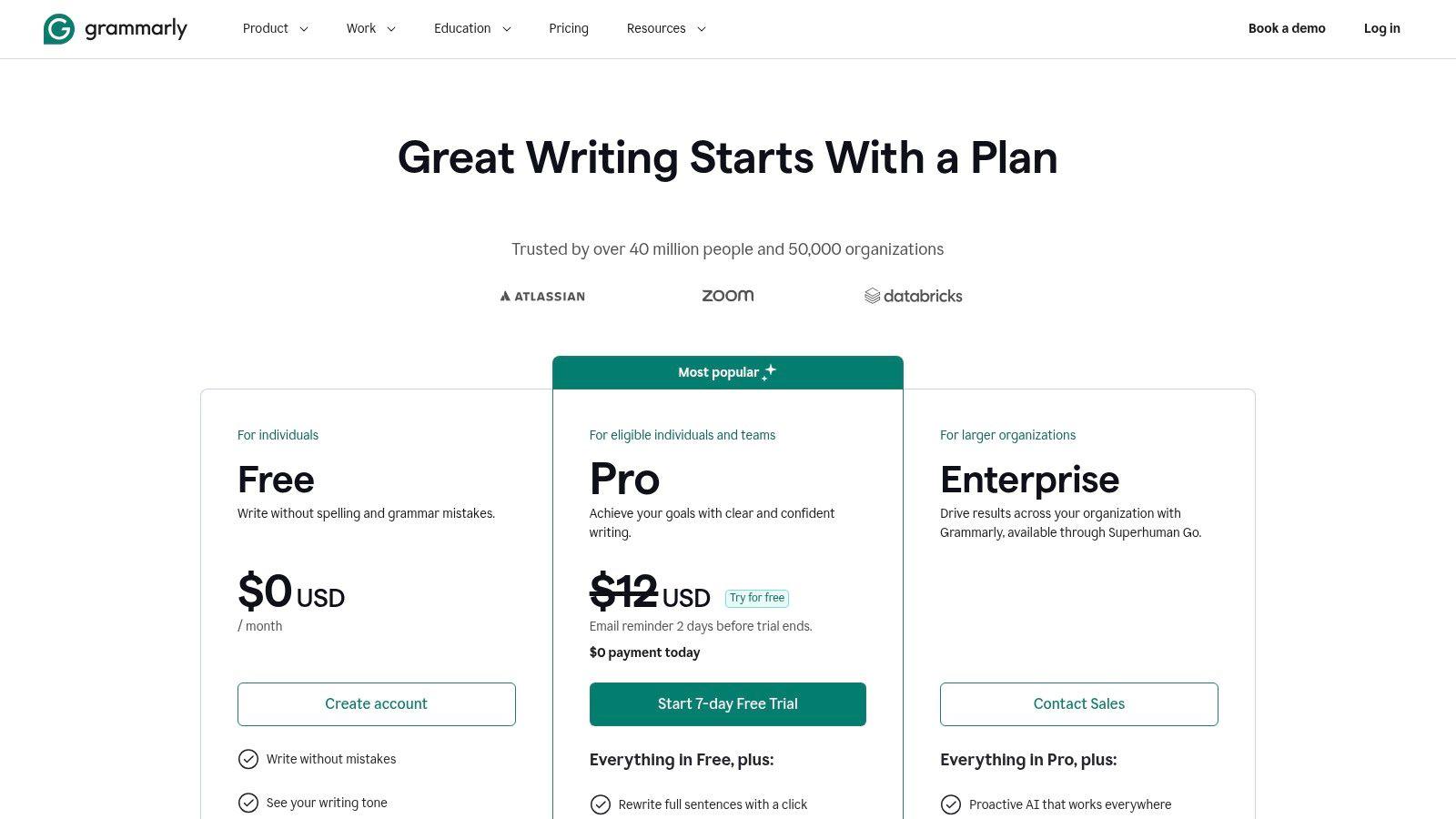
Grammarly is less glamorous than a chatbot, but for a lot of students it's the tool they'll use most consistently. It's ambient. It sits in the places where you already write, catches obvious issues, and helps clean up clunky sentences before submission.
That's why it remains useful even if you already have a general AI assistant. Grammarly isn't trying to be your research engine or your tutor. It's your revision layer.
What it's actually good at
Students often misuse writing tools by asking for full rewrites too early. Grammarly is better when you already have a draft and need help with surface-level and mid-level revision.
- Grammar and mechanics: Fast cleanup for essays, emails, and discussion posts.
- Clarity edits: Good at spotting wordiness and awkward phrasing.
- Tone adjustment: Helpful when your draft sounds too casual or too stiff.
- Workflow fit: Browser and document integrations mean you don't have to copy-paste constantly.
The weak point is that stronger features often sit behind paid plans, including plagiarism-related functionality on some tiers. And like every writing assistant, it can push your prose toward safe, generic wording if you accept everything automatically.
A good rule is to review every suggestion that changes meaning, not just grammar.
If your campus offers Grammarly for Education, that can make it a very easy default pick. If not, it's still one of the simpler ways to improve final-draft quality without changing your whole workflow.
6. LanguageTool
LanguageTool makes the most sense for multilingual students, students writing in languages other than English, or anyone who wants a lighter and often more budget-conscious alternative to Grammarly.
That multilingual support is not a side feature. It's the reason many students should consider it first. A lot of “best AI tools for students” lists assume English-first writing and don't really address accessibility or language diversity, even though equity and support differences matter a lot in how useful a tool is for real students as discussed in EdTrust's analysis of AI and student equity.
Who should choose it
LanguageTool is a practical pick in a few scenarios:
- Multilingual coursework: Better fit if you regularly write in more than one language.
- Budget-conscious editing: Often easier to justify if you mainly want writing correction, not an expansive AI suite.
- Non-English nuance: More relevant than English-centric tools when your assignments or personal writing span multiple languages.
Premium adds paraphrasing and rewrite features, but this isn't trying to be an all-in-one AI research assistant. It's a writing checker first. That focus is a strength if you know exactly what you need.
The main downside is polish at the edges. Depending on the language and the kind of writing you do, some suggestions may feel less refined than what larger platforms produce. Still, for multilingual students, LanguageTool solves a very real gap that broader tools often treat as secondary.
7. Google Gemini
If your academic life already runs through Google Docs, Drive, Slides, Gmail, and Meet, Google Gemini has an obvious advantage. It lives where your coursework already happens.
That convenience matters more than feature comparisons sometimes do. A tool that's slightly less impressive on paper but shows up inside your actual workflow often gets used more consistently than a stronger standalone app you forget to open.
Best for Google-native students
Gemini is a good fit when your schoolwork is heavily collaborative and Google-based.
- Docs support: Brainstorming, drafting, editing, and summarizing without leaving your document ecosystem.
- Slides and Sheets help: Useful for turning notes into presentations or organizing data-heavy assignments.
- Gmail and Meet integration: Handy for group project coordination and class communication.
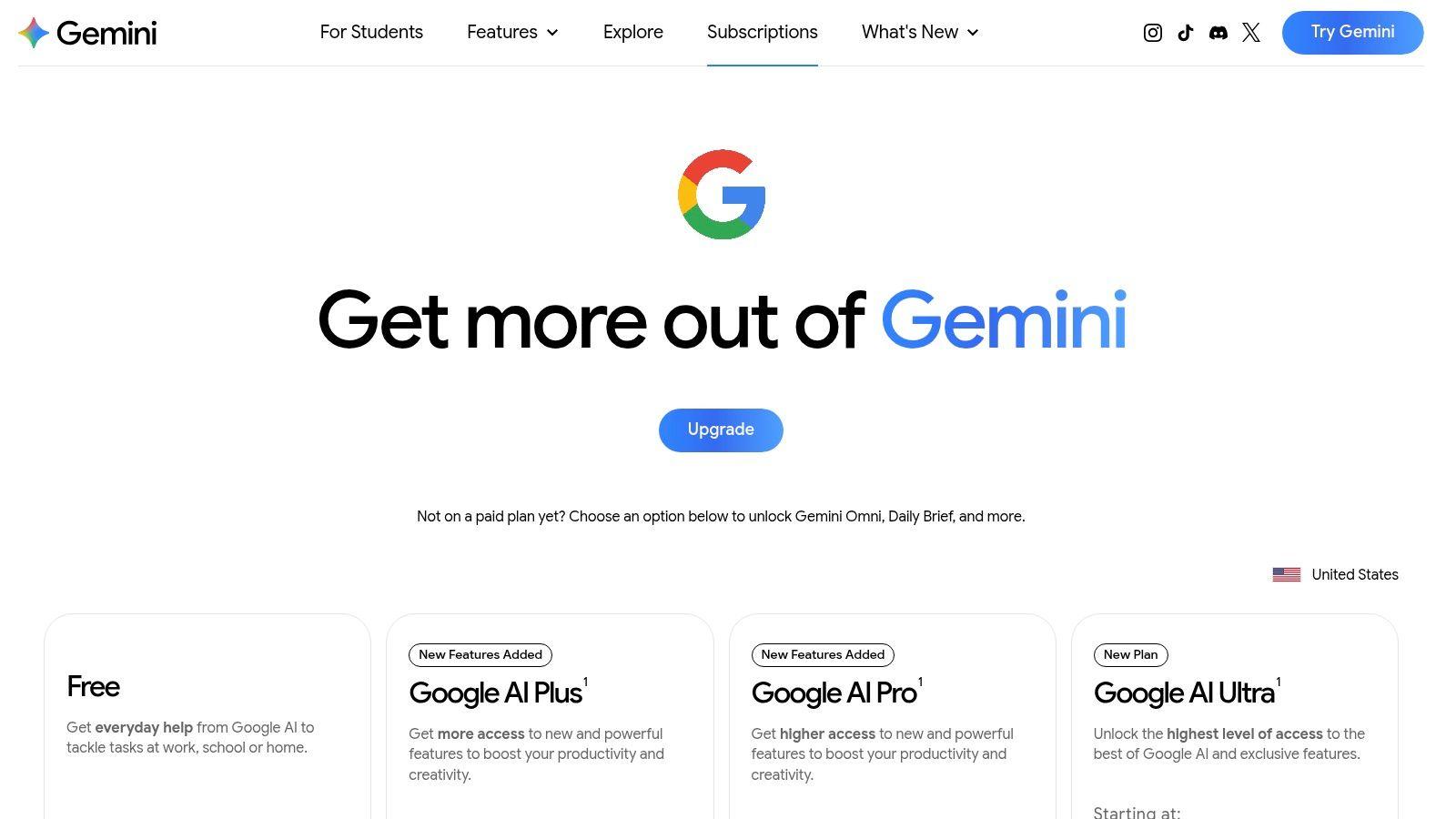
The trade-off is plan volatility. Google changes names, bundles, regional availability, and feature access often enough that you need to verify what your chosen tier includes. If cost comparison is part of your decision, look at the current 1chat pricing page alongside Gemini's subscription options.
Gemini is strongest when convenience is the deciding factor. If your entire semester already lives inside Google Workspace, it can reduce a lot of friction. If not, a more focused research or writing tool may give you clearer value.
8. Microsoft Copilot
Microsoft Copilot is the Office-heavy student's answer to Gemini. If your classes revolve around Word docs, PowerPoint decks, Excel sheets, Outlook threads, and OneNote notebooks, Copilot feels much more natural than switching into a separate AI app every time you need help.
For presentation-heavy majors, internship prep, and classes with a lot of written deliverables, that integration is the selling point. You can draft, summarize, and reorganize inside tools that professors and employers already expect you to know.
Where Copilot helps most
Copilot tends to be strongest in productivity-oriented tasks:
- Word drafting: Useful for rough starts, structural cleanup, and summary help.
- PowerPoint support: Good for turning notes into a presentation skeleton.
- Outlook and planning: Helpful if you juggle email-heavy group work or professional communication.
- Excel assistance: Can reduce friction for formula explanations and spreadsheet setup.
It's less compelling if you don't already use Microsoft 365 a lot. Also, some integrations may require both a Copilot subscription and a separate Microsoft 365 plan, so you need to check the stack before paying.
This isn't the tool I'd choose first for deep academic reading or literature review work. It shines more in document production and school productivity.
9. Notion AI
Notion AI is the best choice here if your real problem isn't writing. It's chaos. Too many class notes, too many tabs, too many deadlines, and no clean place where your coursework lives.
Notion AI works because it sits inside an organization system. Instead of generating text in isolation, it helps summarize your notes, create study pages, clean up meeting notes from group projects, and build reusable class templates.
Best for students who already live in Notion
Notion AI makes sense if you're already committed to Notion as your academic hub.
- Study note summaries: Good for condensing messy lecture notes.
- Database and page creation: Helpful when you want a quick course dashboard or revision hub.
- Group work support: Strong for shared pages, task tracking, and project documentation.
There's also a learning-quality angle here. Higher-ed guidance increasingly frames AI adoption around pedagogical value, user experience, and what counts as genuine learning help versus shortcutting, rather than asking whether a tool is impressive in this higher-ed guidance piece. Notion AI works best on the “helpful infrastructure” side of that line.
The catch is simple. If you don't already use Notion, this may feel like adding a whole new system just to get the AI features. For existing Notion users, though, it's one of the cleanest productivity upgrades.
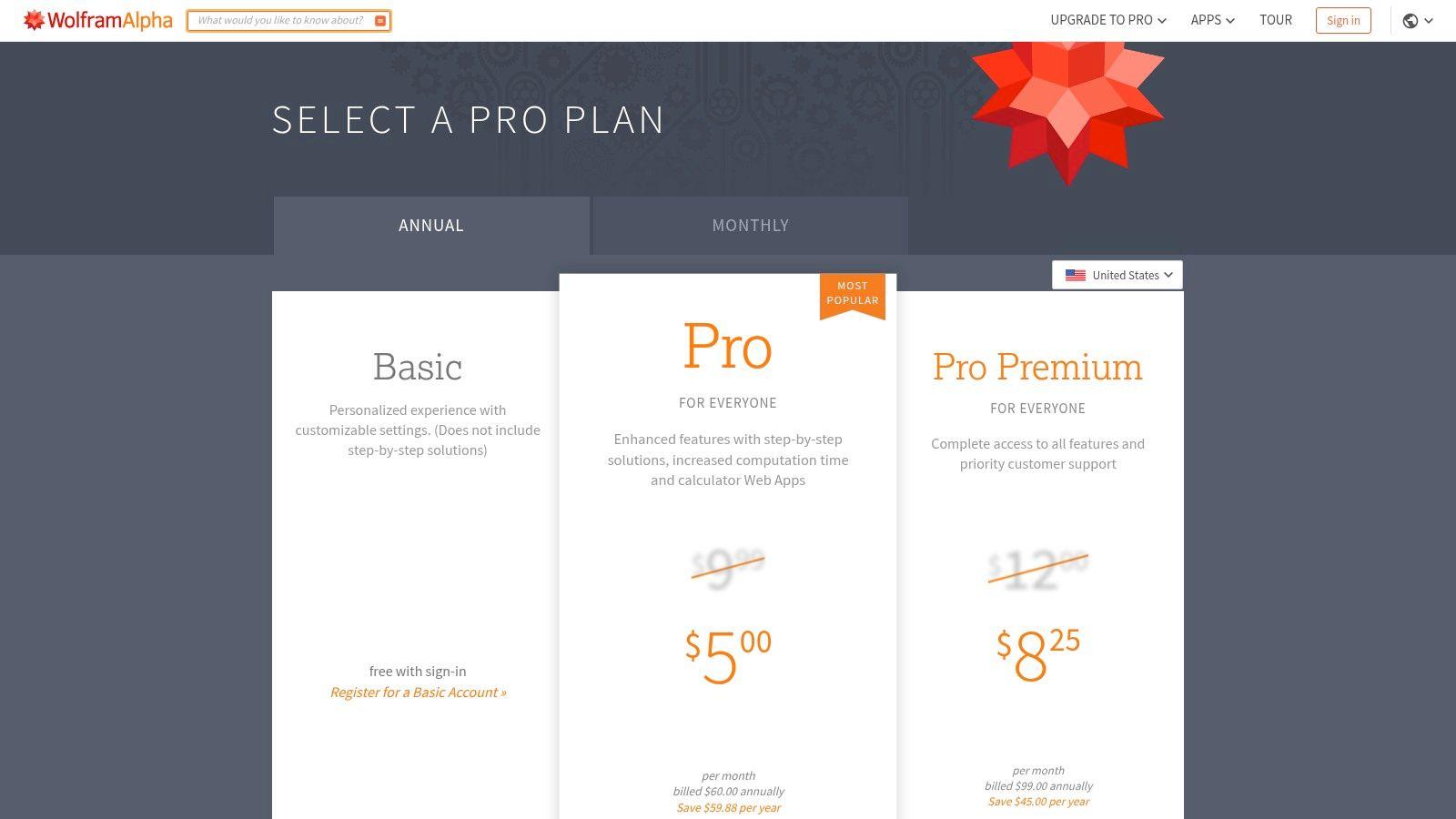
10. Wolfram|Alpha Pro
You're halfway through a physics set, your algebra is getting messy, and a general chatbot keeps giving you polished answers you still don't trust. Wolfram|Alpha Pro fits that exact situation better than a general AI assistant.
It earns a spot on this list because it does computational work, not just conversation. For calculus, physics, engineering, statistics, and other quantitative classes, that difference matters. General AI tools can help you brainstorm or explain a concept. Wolfram|Alpha Pro is the tool I'd use to check whether the math itself holds up.
Best for students who need verified technical output
Wolfram|Alpha Pro is strongest when the assignment has a right answer, a defined method, or both.
- Step-by-step math support: Useful for tracing how a result was reached, especially in algebra, calculus, and differential equations.
- Units and formulas: Good for physics, chemistry, and engineering problems where conversions and notation errors can wreck the final answer.
- Calculation checking: Helpful for verifying your own work before you turn in a lab, problem set, or take-home quiz.
- Data and function analysis: Solid for plotting, comparing functions, and exploring structured numerical questions.
There's also a clear academic-integrity advantage here. Used well, Wolfram|Alpha Pro supports learning because it shows process and helps you audit your own reasoning. Used poorly, it can become a shortcut that skips the part where you learn the method. That trade-off is common across student AI tools, which is why it helps to pair a specialist tool like this with clear boundaries about what you will solve yourself.
The limitation is obvious. It will not replace a writing assistant, research tool, or all-purpose study partner like 1chat. That narrow focus is why many students overlook it. In hard STEM classes, that focus is also why it stays useful long after the novelty of general chatbots wears off.
Top 10 AI Tools for Students, Comparison
| Product | Core features | UX & quality | Value / Pricing | Target audience | Unique selling point |
| 1chat 🏆 | ✨ Multi‑LLM chat, PDF analysis, AI image gen, Projects & Temporary Chats | ★★★★☆, privacy‑first, family‑friendly | 💰 Affordable tiers; guest limited (10 msgs/day) | 👥 Families, students, small teams | ✨ All top LLMs in one privacy‑focused interface |
| Khan Academy Khanmigo | Socratic tutor, writing & coding feedback, voice/read‑aloud | ★★★★☆, strong safety/guardrails | 💰 Very low / nonprofit‑aligned | 👥 K‑12 students, parents, educators | ✨ Curriculum‑aligned tutoring |
| Perplexity | Source‑cited answers, web search, file uploads, Collections | ★★★★☆, fast, research‑oriented | 💰 Free tier; paid for advanced features | 👥 Researchers, students, quick fact‑checkers | ✨ Source‑backed concise answers & follow‑ups |
| SciSpace (Typeset) | Chat with PDFs, literature search, citation & paraphrase tools | ★★★★☆, tailored to academic workflows | 💰 Credit/plan‑based for heavy use | 👥 Academics, grad students, researchers | ✨ Deep PDF chat & paper explanation tools |
| Grammarly | Grammar, clarity, tone rewrites, plagiarism (paid) | ★★★★☆, polished, ubiquitous UX | 💰 Freemium; advanced paid plans | 👥 Students, professionals, writers | ✨ Broad integrations & robust writing suggestions |
| LanguageTool | Multilingual grammar & style, paraphrasing, add‑ons | ★★★☆☆, strong non‑English support | 💰 Budget‑friendly; edu discounts | 👥 Multilingual writers, educators | ✨ 30+ language coverage at lower cost |
| Google Gemini (Google One AI) | Gemini in Docs/Sheets/Gmail/Meet; advanced models on higher tiers | ★★★★☆, native Workspace integration | 💰 Included in Google One tiers (varies by plan) | 👥 Google Workspace users, students | ✨ Seamless AI inside Google apps |
| Microsoft Copilot | Copilot across Bing/Edge and Microsoft 365 apps | ★★★★☆, strong Office ecosystem UX | 💰 Copilot Pro + Microsoft 365 often required | 👥 Microsoft 365 users, professionals, students | ✨ Deep Office app productivity integration |
| Notion AI | Drafting, summaries, Q&A, templates, collaboration | ★★★☆☆, best if already using Notion | 💰 Bundled in higher Notion tiers | 👥 Students, teams using Notion | ✨ Integrated notes + AI templates for workflows |
| Wolfram|Alpha Pro | Step‑by‑step math, symbolic computation, notebooks | ★★★★☆, best‑in‑class for STEM accuracy | 💰 Pro subscription; student pricing available | 👥 STEM students, educators, researchers | ✨ Industry‑leading computational engine |
Choosing Your AI Study Partner
It's 11:40 p.m. You still need to understand tomorrow's reading, clean up a draft, and finish one problem set without crossing a line on academic honesty. At that point, the right AI tool is the one that fits the task, your school's rules, and your tolerance for sharing class material online.
Start with your actual bottleneck. Students who spend most of their time revising papers will get more value from Grammarly or LanguageTool than from a general chatbot. Students buried in journal articles should look first at SciSpace. If your coursework already lives in Google Docs or Microsoft Word, Gemini or Copilot can save time because they sit inside the tools you already use.
AI use on campus is common now, as noted earlier. That makes tool choice less about novelty and more about judgment. Pick something that helps you study better, not something that makes it easier to submit work you do not fully understand.
My practical recommendation is a two-tool setup. Use one general assistant as your home base, then add one specialist for the kind of work that slows you down. A privacy-first option like 1chat makes sense for that general role if you want model choice, document analysis, and a more controlled, family-safe environment. Then pair it with the specialist that matches your courses: Khanmigo for guided tutoring, SciSpace for papers, Wolfram|Alpha Pro for quantitative work, or Notion AI for planning and notes.
Keep the stack small. Three tools you trust and use beats ten tabs open during finals week.
The strongest academic use of AI reduces friction around learning. It does not replace the learning.
Use AI after you have made a real attempt. Ask it to explain a concept in simpler language, quiz you on key terms, turn your notes into practice questions, or point out weak spots in a draft you wrote yourself. Slow down once it starts generating thesis statements, choosing evidence, or solving the exact reasoning your assignment is supposed to measure.
This is also where ethics stop being abstract. Privacy matters if you are uploading class notes, drafts, or research materials. Integrity matters if your professor expects your reasoning, not polished output from a model. Read the course policy. If it is unclear, ask a direct question before you use any tool for graded work.
The safest workflow is still human-led. Read first. Try the problem first. Draft first. Then use AI to check understanding, improve clarity, and save time on low-value friction. That approach holds up better in class, in office hours, and later when you need to do the work without a chatbot beside you.