The dreaded blank cursor blinking on an empty page is a familiar challenge for students everywhere. From last-minute essays to complex research papers, the writing process can feel overwhelming. Fortunately, a new class of ai writing tools for students has emerged, designed not to replace critical thinking but to enhance it. These platforms act as intelligent assistants, helping with everything from brainstorming ideas and structuring outlines to polishing grammar and formatting citations.
Navigating this rapidly growing landscape, however, can be confusing. Which tools are genuinely helpful, which are safe to use, and how can they be leveraged ethically without compromising academic integrity? This guide cuts through the noise, offering a detailed breakdown of the 12 best AI writing assistants for students. We'll dive into their specific features, ideal use cases, pricing structures, and, most importantly, provide actionable tips on how to use them responsibly to become a more efficient and effective writer.
Inside, you will find a comprehensive analysis of each tool, complete with screenshots and direct links to get you started quickly. We evaluate everything from specialized grammar checkers like Grammarly to comprehensive research and drafting partners like ChatGPT and our privacy-first recommendation, 1chat. Our goal is to equip you with the information needed to select the right platform for your academic needs, whether you are a high school student tackling your first research paper, a college student managing a heavy course load, or part of a small team working on a group project. Let's find the perfect tool to transform your writing workflow.
1. 1chat
Best for: Privacy-conscious students and families needing a versatile, multi-model AI assistant.
1chat establishes itself as a premier choice among AI writing tools for students by prioritizing privacy and versatility. Unlike many platforms that lock users into a single AI model, 1chat provides access to a powerful suite of top-tier Large Language Models (LLMs), including OpenAI’s GPT-5, Google’s Nano Banana, and ByteDance’s Seedream. This multi-model approach allows students to select the best engine for any given task, from drafting a nuanced history essay to brainstorming creative writing prompts.
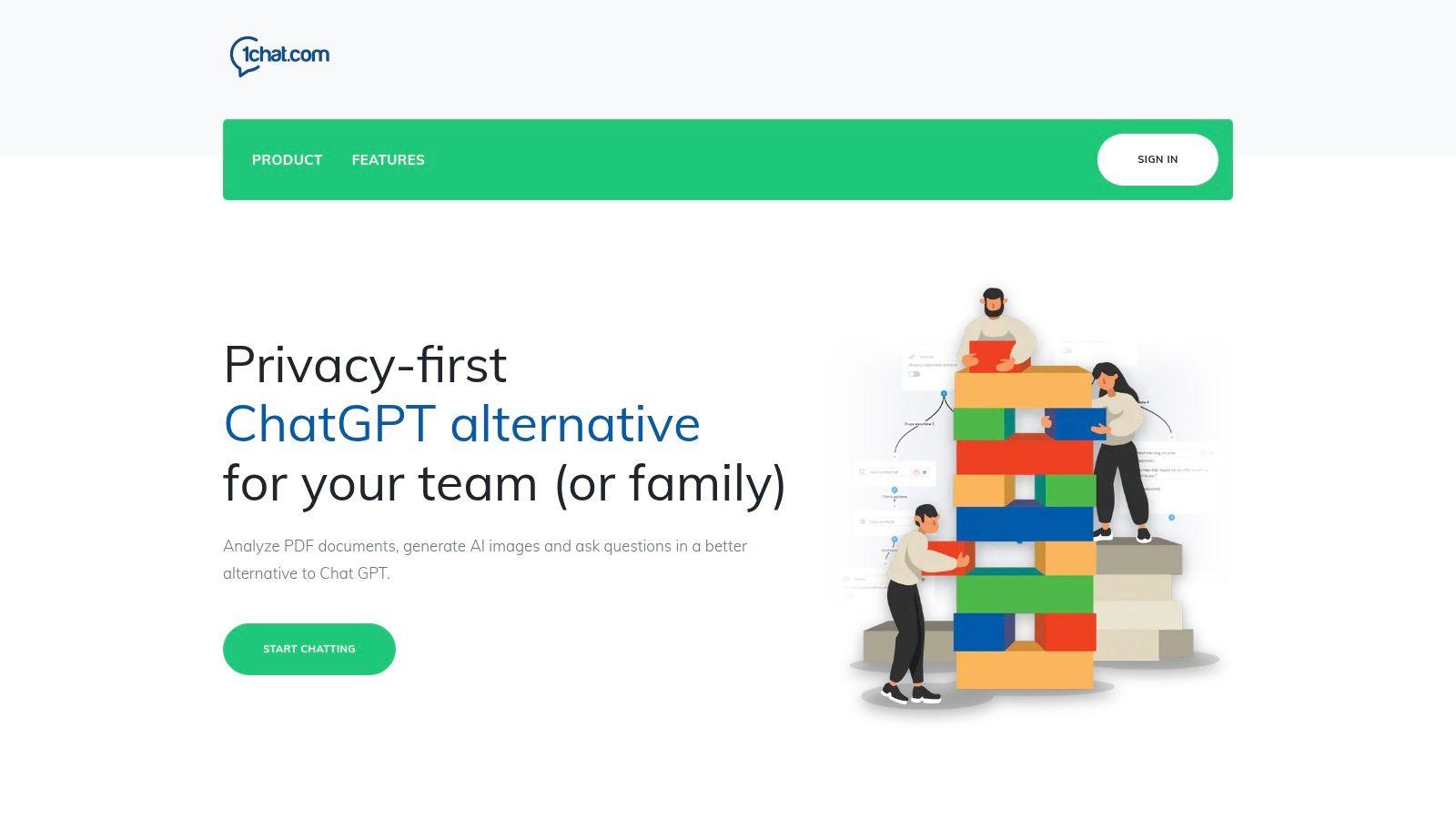
The platform is engineered with a strong emphasis on being a family-friendly and secure environment. Its built-in moderation and privacy-first design make it a responsible choice for middle and high school students, offering parents and educators peace of mind. For college students, the integrated productivity tools are a significant advantage. You can instantly analyze complex PDF research papers, generate images for presentations, and receive targeted assistance with homework and writing assignments, all within one unified interface.
Key Features and Pricing
1chat’s feature set is designed to be an all-in-one academic and productivity hub. It moves beyond simple text generation to offer a comprehensive toolkit that supports the entire learning process.
- Multi-LLM Access: Choose the ideal AI model (Google, OpenAI, ByteDance) for different academic needs, from technical analysis to creative ideation.
- Built-in Productivity Suite: Includes essential tools like PDF analysis for dissecting research papers, an AI image generator for visual aids, and specialized homework assistance.
- Privacy-First and Family-Friendly: Strong moderation and data privacy controls create a safer digital space for younger users and protect sensitive academic work.
- Team and Collaboration Ready: Features like seat-based roles and intelligent routing, while designed for businesses, can be adapted for student group projects, ensuring organized collaboration.
Pricing Structure
Pricing is not publicly listed and requires contacting their sales team for a custom quote. Plans are tiered (Mini, Omni, Omni Pro) and billed monthly per seat, making it scalable for individual students or small academic groups.
| Pros | Cons |
| Access to multiple leading AI models from a single interface. | Pricing is not transparent and requires a sales inquiry, which may be a barrier for individual students. |
| Strong focus on privacy and family-safe moderation. | Lacks public testimonials or industry certifications, so a trial or demo is recommended for evaluation. |
| Integrated tools like PDF analysis and image generation streamline academic workflows. | |
| Link: Visit 1chat |
2. ChatGPT (OpenAI)
As one of the most recognized ai writing tools for students, ChatGPT offers a powerful and versatile platform for a wide range of academic tasks. It excels at brainstorming complex topics, generating structured outlines for essays, and drafting initial versions of papers, saving students valuable time during the ideation phase. Its conversational interface allows for intuitive interaction, making it easy to ask for explanations of difficult concepts or request revisions on a piece of writing.
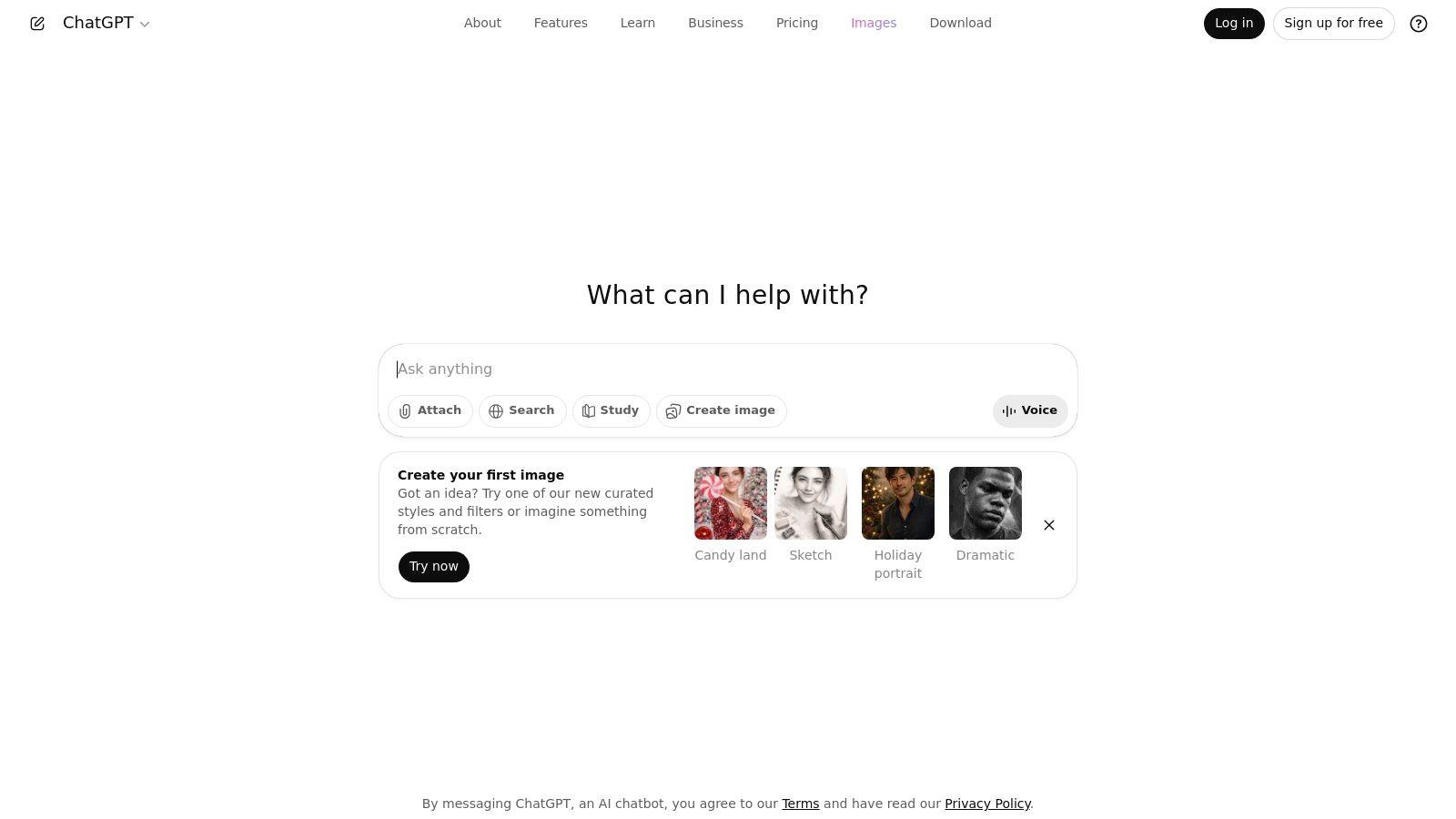
The platform’s strength lies in its adaptability. Students can upload research papers or class notes for quick summaries, use its multimodal features to analyze data from images, or even build custom GPTs tailored to specific subjects like history or biology. The free version is highly capable, but the paid "Plus" plan unlocks access to more advanced models (like GPT-4), file analysis, and higher usage limits, which can be critical during finals week.
Key Features and Usage Tips
- Multimodal Support: Go beyond text by uploading documents, spreadsheets, or images for analysis and feedback.
- Custom GPTs: Create or use specialized AI agents for tasks like formatting citations or practicing a foreign language.
- Pro Tip: Use ChatGPT to act as a debate partner. Provide your thesis statement and ask it to argue the opposing viewpoint to help you identify weaknesses in your argument.
While incredibly powerful, users must be diligent in verifying information and properly citing any concepts or data sourced with its help. For those seeking different capabilities or a more cost-effective solution, exploring the best free ChatGPT alternatives can provide additional options tailored to specific needs.
Website: https://chat.openai.com
3. Google One AI (Gemini in Docs, Gmail, etc.)
For students deeply embedded in the Google ecosystem, Gemini’s integration through a Google One AI plan is one of the most seamless ai writing tools for students. Instead of toggling between apps, AI assistance for drafting, summarizing, and rewriting is built directly into Google Docs and Gmail. This native integration is ideal for generating first drafts of essays, refining lab reports, or composing professional emails to professors without ever leaving the familiar interface.
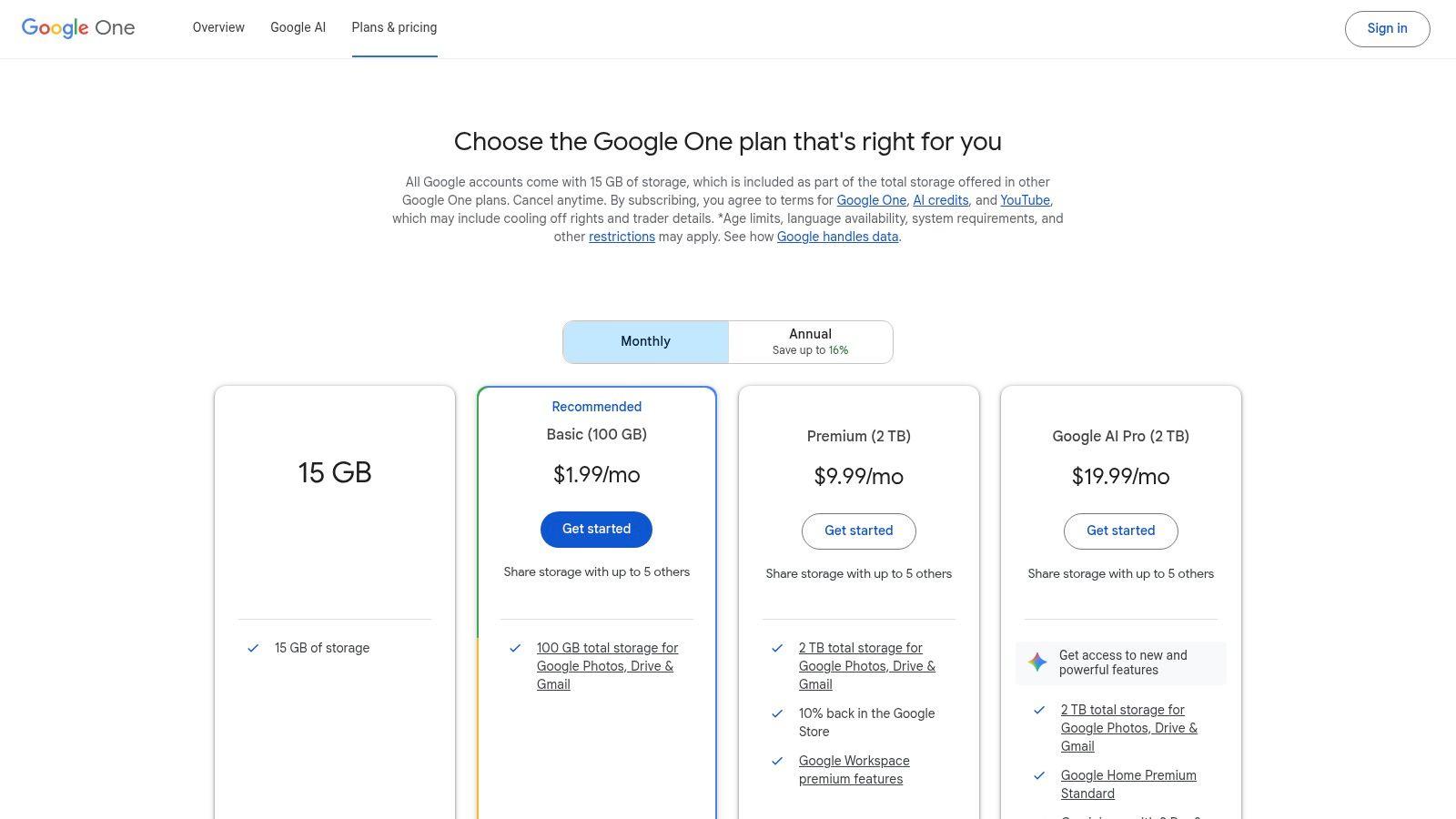
The primary advantage is its convenience. The Google One AI Premium plan bundles advanced Gemini access with extra cloud storage, a valuable perk for students managing large project files and research papers. This plan also unlocks access to NotebookLM, a powerful research and writing assistant that can create outlines, summaries, and FAQs from source materials you upload, making it a fantastic study partner. While some features may be restricted to users 18 and older, the core writing aids in Docs are a game-changer for daily academic work.
Key Features and Usage Tips
- Native Integration: Use the "Help me write" feature directly in Google Docs to brainstorm, draft, or rephrase text without switching tabs.
- NotebookLM Access: Upload your course readings, lecture notes, and research articles to NotebookLM to get AI-powered insights and create structured study guides.
- Pro Tip: In Google Sheets, describe the chart or table you need in plain English (e.g., "create a bar chart comparing project grades") and let Gemini generate it for you, saving significant time on data visualization.
While the deep integration is a major benefit, the best features are tied to a paid Google One subscription. However, for students who already need extra storage, this bundle offers a compelling and efficient two-in-one solution.
Website: https://one.google.com/plans
4. Microsoft Copilot in Microsoft 365
For students already living in the Microsoft ecosystem, Copilot in Microsoft 365 is one of the most seamlessly integrated ai writing tools for students. Its power comes from being embedded directly within the applications you use daily, such as Word, PowerPoint, and Outlook. This allows for real-time assistance, from drafting an entire essay in Word based on a simple prompt to summarizing lengthy research documents or rewriting awkward sentences on the spot. It eliminates the need to switch between different apps, streamlining the entire writing and research workflow.
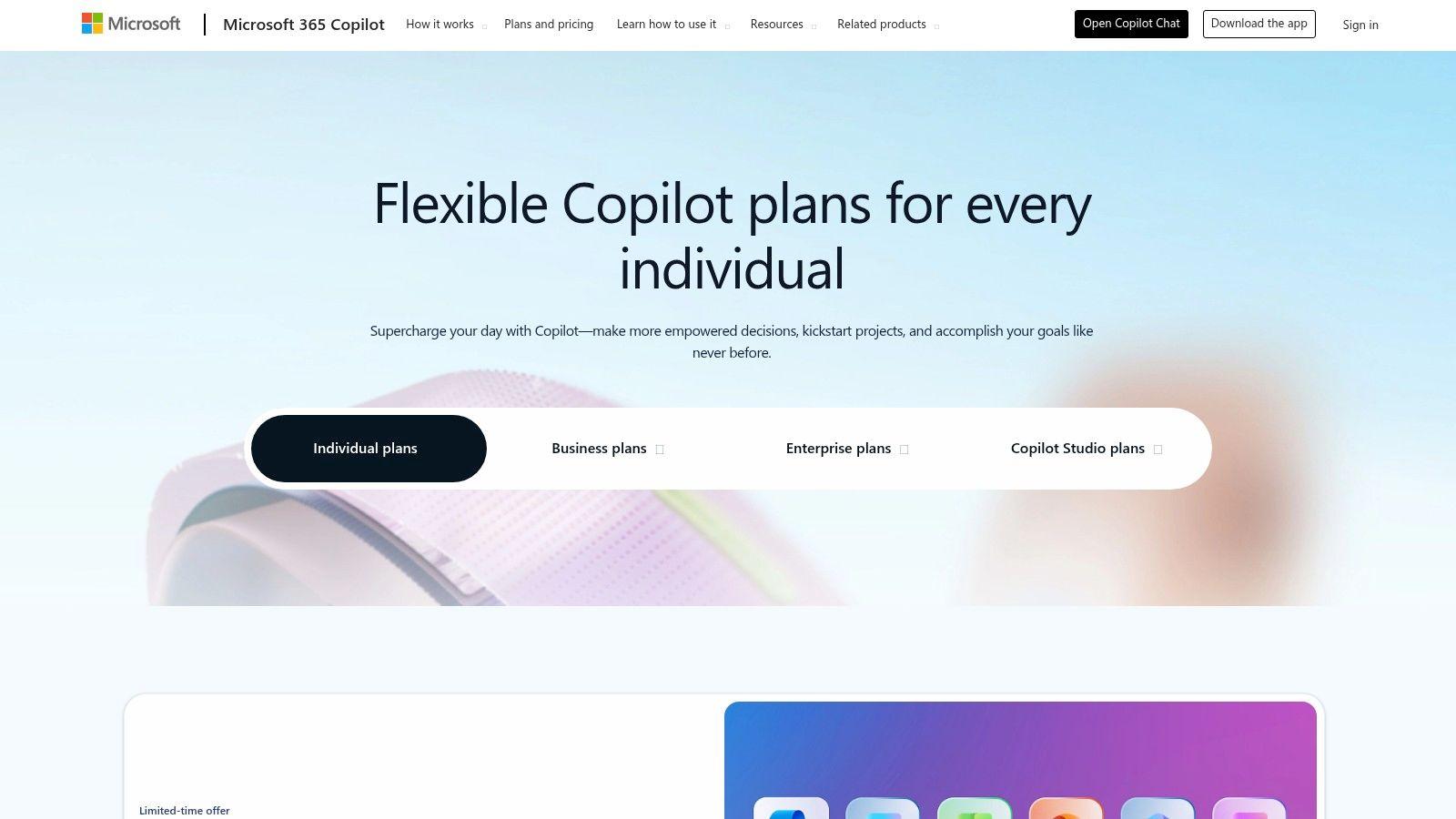
The platform stands out by leveraging the context of your existing documents. For instance, Copilot can generate a PowerPoint presentation from a Word document or draft email responses in Outlook with a single click. Access is included for the primary account holder with Microsoft 365 Personal or Family subscriptions, which also bundles core Office apps and OneDrive storage. This makes it a high-value option for students who already rely on these tools for their schoolwork.
Key Features and Usage Tips
- Deep Office Integration: Use AI to draft, edit, and summarize directly inside Word, create presentations in PowerPoint, and manage emails in Outlook.
- Context-Aware Assistance: Copilot can reference your open documents to provide more relevant and accurate support for your writing tasks.
- Pro Tip: In Word, use the "Rewrite" feature with Copilot to get multiple suggestions for a selected sentence or paragraph. This is excellent for improving clarity and varying sentence structure in your essays.
While the integration is a major benefit, its features can be limited if you are not the primary subscription holder on a Family plan. It is best suited for individuals who are heavily invested in the Microsoft 365 suite and want AI assistance without leaving their familiar work environment.
Website: https://www.microsoft.com/microsoft-365-copilot/pricing/individuals
5. Grammarly
As a foundational ai writing tool for students, Grammarly has long been the go-to platform for polishing written work. It moves beyond simple spell-checking to offer sophisticated grammar, punctuation, clarity, and style suggestions. Its AI-powered features help students refine their drafts, ensuring their arguments are presented clearly and professionally, making it an essential final checkpoint before submission.
The platform’s strength lies in its seamless integration into a student's existing workflow through browser extensions and add-ins for popular editors like Microsoft Word and Google Docs. While the free version provides robust core corrections, the Premium plan unlocks advanced features like plagiarism detection, full-sentence rewrites for clarity, and citation assistance. Grammarly often provides educational discounts, making these powerful tools more accessible for academic use.
Key Features and Usage Tips
- Real-Time Feedback: Get instant suggestions on grammar, spelling, and style directly within your writing environment.
- Tone Detector: Ensure your writing matches the intended tone for your assignment, whether it's formal, analytical, or persuasive.
- Pro Tip: Use the "Goals" feature to set your audience, formality, and domain (e.g., Academic) to receive more tailored and relevant writing suggestions for your specific assignment.
While Grammarly is excellent for refining and correcting existing text, its generative capabilities are less extensive than those of dedicated chatbots. Students looking for an initial draft generator might use another tool first and then bring the text into Grammarly for polishing. For those focusing specifically on improving essays, exploring a free AI essay checker can offer targeted feedback on structure and argumentation.
Website: https://www.grammarly.com
6. QuillBot
QuillBot has established itself as one of the most popular ai writing tools for students by focusing on refining and perfecting existing text. Its core strength is its advanced paraphrasing engine, which allows students to rephrase sentences, paragraphs, or entire documents to improve clarity, tone, and style. This makes it an invaluable resource for avoiding repetitive phrasing and ensuring that your writing is original and engaging. The platform goes beyond simple rewording, offering a suite of tools for summarizing long articles and generating citations.
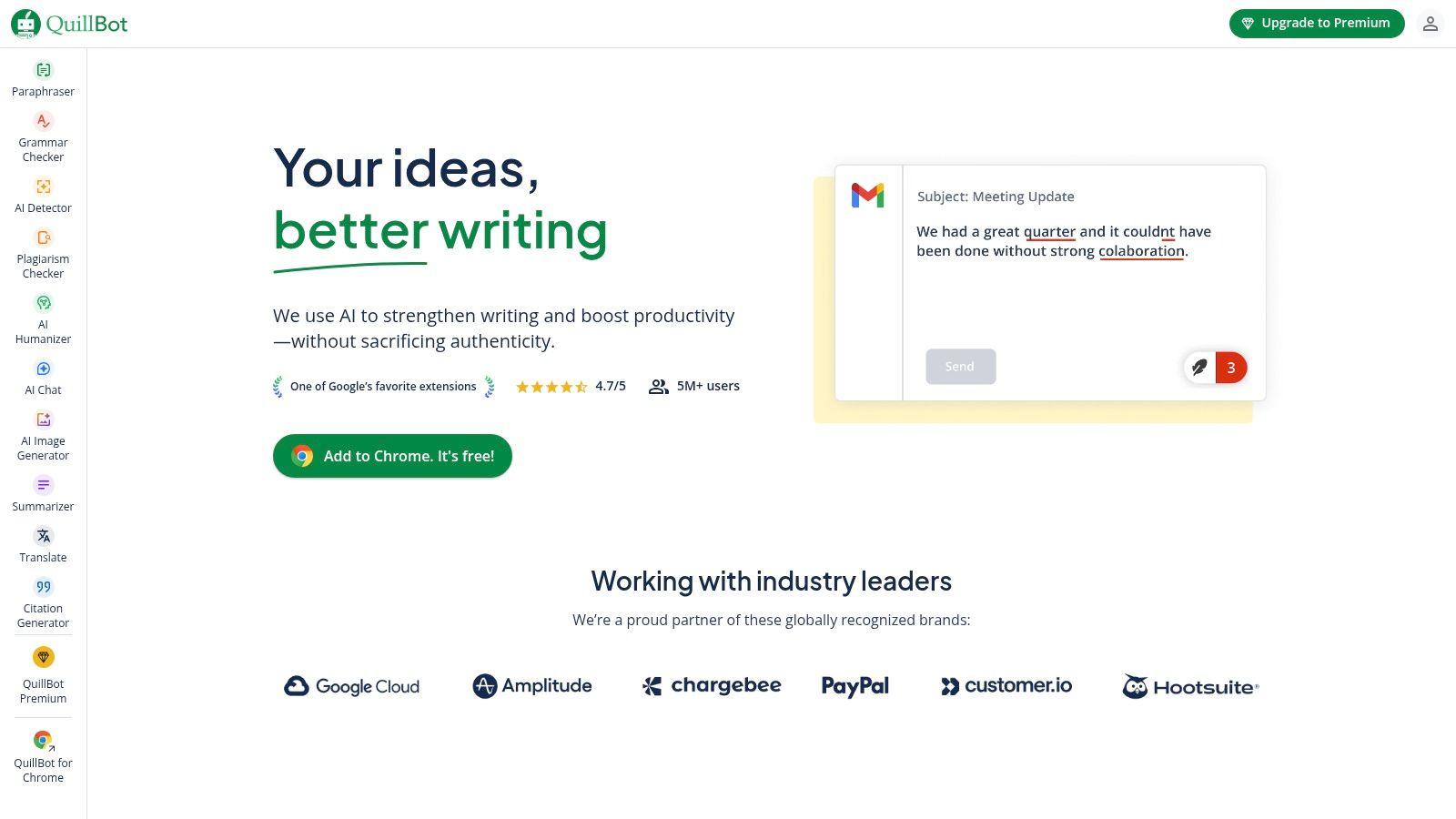
The platform is designed as an all-in-one academic writing assistant. In addition to paraphrasing, it includes a grammar checker, a plagiarism checker, and a "Co-writer" space that combines research, note-taking, and AI-assisted writing. While the free version offers basic functionality with limitations on word count, the Premium plan unlocks unlimited words, more advanced paraphrasing modes, and faster processing speeds. This makes it a powerful companion for everything from drafting initial ideas to putting the final polish on a term paper.
Key Features and Usage Tips
- Multiple Paraphrasing Modes: Choose from modes like "Standard," "Fluency," "Formal," or "Creative" to tailor the rephrased text to your specific assignment's needs.
- Summarizer and Citation Generator: Quickly condense research articles into key points and automatically generate citations in APA, MLA, and Chicago styles.
- Pro Tip: Use the "Compare Modes" feature to see how different paraphrasing options alter your original text side-by-side, helping you select the most effective wording.
It's crucial to use paraphrasing tools ethically to enhance your own writing rather than replace it. To better understand these principles, discover more about how to paraphrase without plagiarizing and maintain academic integrity.
Website: https://quillbot.com
7. LanguageTool
For students who frequently write in multiple languages or need a robust grammar checker that goes beyond the basics, LanguageTool is an exceptional choice. While known primarily as a grammar and style assistant, it integrates powerful ai writing tools for students, including an AI-powered paraphrasing feature to help rephrase sentences for clarity and impact. Its strength lies in its extensive multilingual support and deep stylistic analysis, making it ideal for international students or those in language programs.
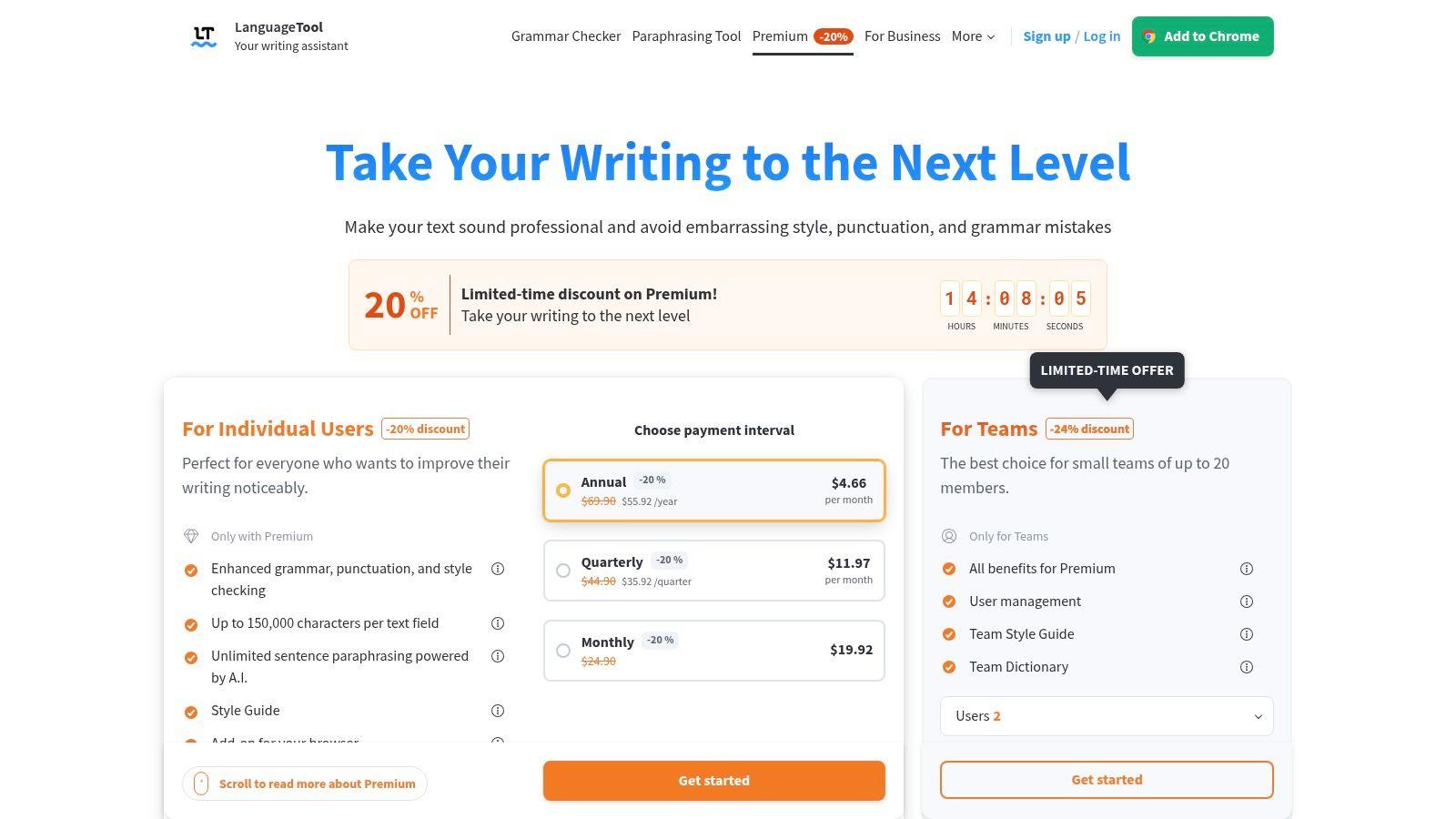
LanguageTool seamlessly integrates with browsers, Google Docs, and Microsoft Word, providing real-time suggestions directly within a student's existing workflow. The free version offers solid basic checks, but the Premium plan unlocks advanced corrections, the full paraphrasing tool, and support for a custom style guide. This allows students to tailor the tool to specific academic requirements, like avoiding passive voice or adhering to a certain tone. Student and educator discounts are often available, making the premium features more accessible.
Key Features and Usage Tips
- Multilingual Mastery: Get advanced grammar, punctuation, and style checks in over 30 languages, including English, Spanish, German, and French.
- AI Rephraser: Use the "Paraphrase" feature to reword sentences, improve flow, or simplify complex ideas without losing meaning.
- Pro Tip: Create a personal dictionary to add specialized academic terms, names, or acronyms relevant to your field of study. This prevents the tool from incorrectly flagging them as errors in your papers.
While its core focus is on correction rather than generation, LanguageTool's AI-driven enhancements make it a vital companion for polishing final drafts and ensuring academic writing is precise and professional across different languages.
Website: https://languagetool.org/premium
8. Wordtune
Wordtune stands out among ai writing tools for students by focusing specifically on rewriting and refining existing text. Instead of generating content from scratch, it acts as an intelligent thesaurus and editor, offering multiple ways to rephrase your sentences to improve clarity, tone, and flow. This makes it an invaluable tool for students who have completed a draft but want to elevate the quality and readability of their writing without losing their original voice.

The platform's strength is its simplicity and direct focus on sentence-level improvement. You can highlight any sentence and instantly see several alternative versions, categorized by tone (e.g., casual, formal) or function (e.g., shorten, expand). While the free plan offers a limited number of daily "rewrites," it’s often sufficient for polishing shorter assignments or important emails. For more intensive work like thesis writing or long-form essays, the paid "Advanced" and "Unlimited" tiers provide higher usage limits and additional features.
Key Features and Usage Tips
- Rewrite & Rephrase: Instantly generate multiple alternative phrasings for any sentence to find the perfect expression.
- Tone Adjustment: Easily switch between formal and casual tones to match the requirements of any academic or professional context.
- Pro Tip: Use the "Summarizer" feature to condense lengthy research articles or dense textbook chapters into key bullet points, speeding up your study and note-taking process.
Wordtune is less about creating new text and more about perfecting what you have already written, making it an excellent companion for the final editing stages of any academic project.
Website: https://www.wordtune.com
9. Paperpal
Designed specifically for academic writing, Paperpal is one of the most specialized ai writing tools for students and researchers. Instead of being a general-purpose assistant, it focuses on polishing language, ensuring consistency in tone, and preparing documents for submission to academic journals. It excels at refining research papers, theses, and essays to meet the rigorous standards of higher education, making it an invaluable tool for graduate students and serious researchers.
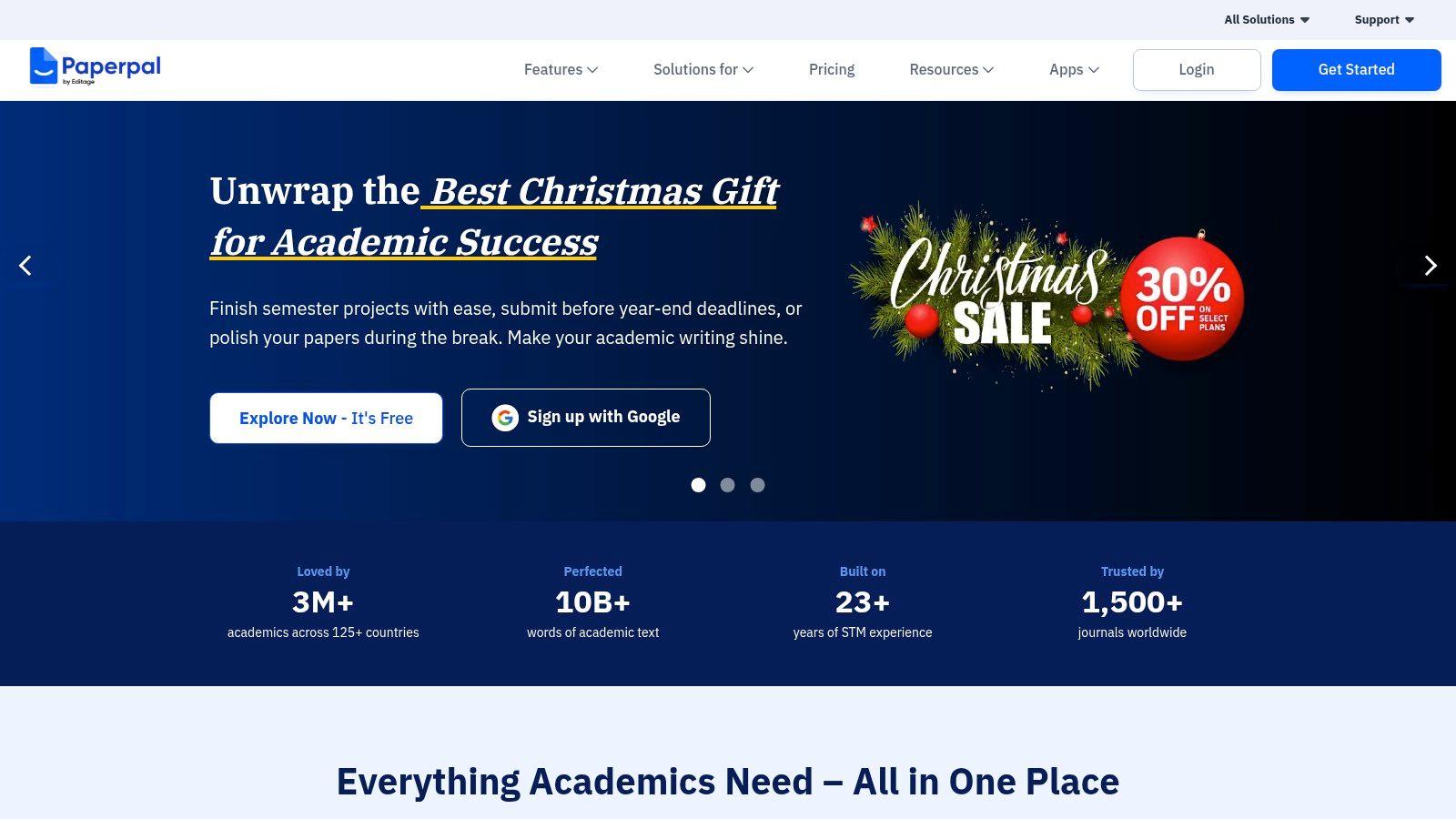
The platform’s strength is its deep understanding of academic conventions. Paperpal's AI provides corrections and suggestions that are contextually aware of scientific and scholarly language, a feature often missing in more general writing aids. It also includes submission readiness checks that evaluate a manuscript against thousands of editing checkpoints, increasing the chances of acceptance. While a free version is available, the most powerful academic features are part of the paid "Paperpal Prime" subscription, which students can often access at a discount with a university email.
Key Features and Usage Tips
- Academic Tone and Style: Get AI suggestions tailored specifically to improve the clarity, conciseness, and formality of academic prose.
- Submission Readiness Check: Analyze your manuscript for common journal submission requirements, including language and structural checks.
- Pro Tip: Use the "Chat with your PDF" feature to quickly ask questions about lengthy research papers you are reviewing. This helps you extract key findings and methodologies without rereading the entire document.
While its focus on academic writing is a major advantage, it may be overly specialized for students needing help with creative writing or general high school essays. Its most impactful features require a subscription, making it a better fit for those heavily invested in research and publication.
Website: https://paperpal.com
10. Jasper
Originally designed for marketing professionals, Jasper has evolved into a powerful platform that serves as one of the most robust ai writing tools for students, particularly those in higher education or creating professional portfolios. It excels at producing structured, long-form content like research papers, reports, and presentations. Its sophisticated templates and Brand Voice feature allow students to maintain a consistent tone and style, which is ideal for capstone projects or building a professional resume.
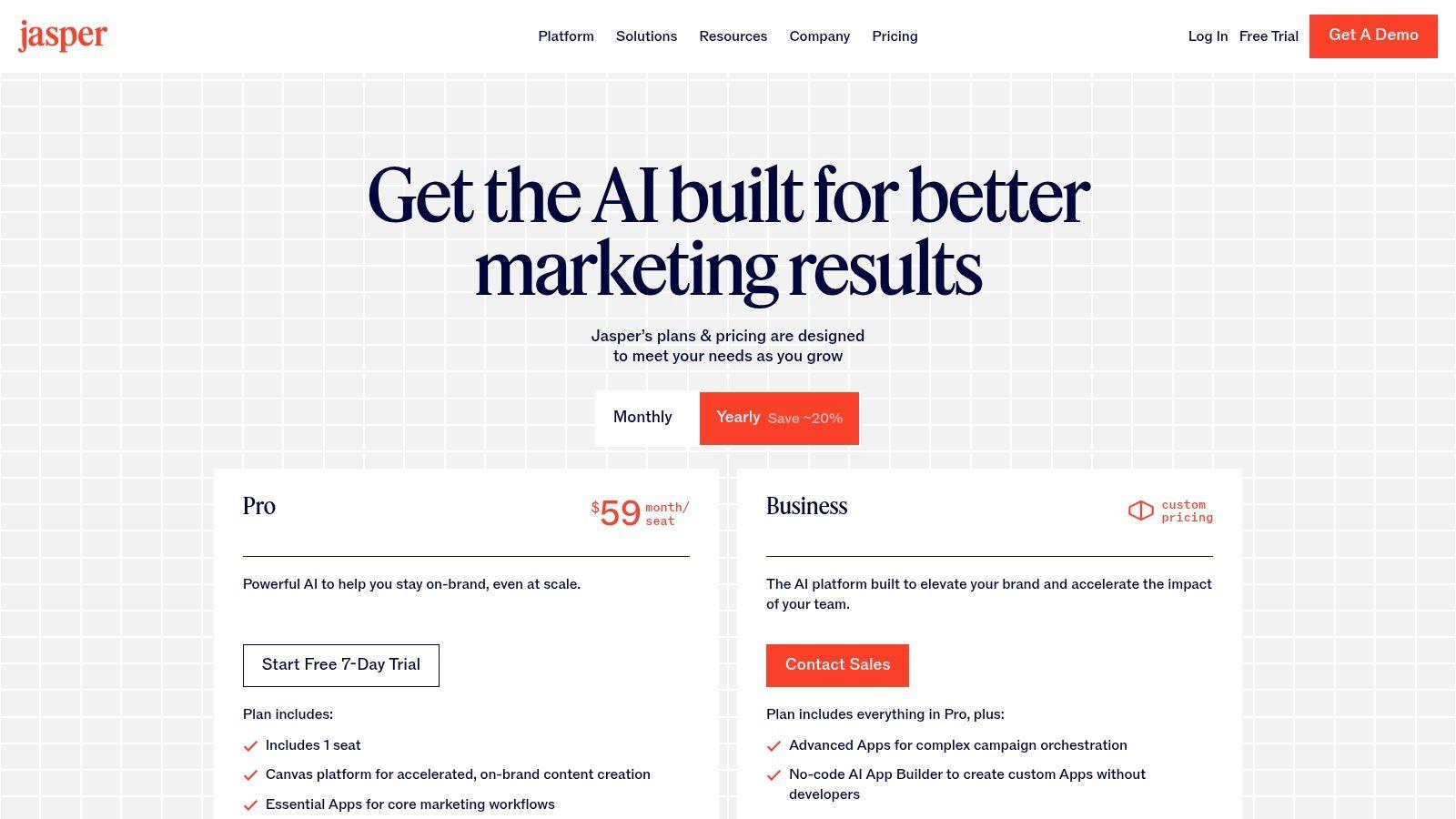
Jasper’s strength lies in its ability to handle complex, multi-part documents within a single workspace, called the Canvas. This feature is perfect for drafting and organizing an entire thesis or portfolio from start to finish. While its pricing is geared more toward business users and may be more than what a casual student needs for simple proofreading, the advanced features offer significant value for academic and professional writing. A 7-day free trial is available on its Pro plans, giving students a chance to test its capabilities.
Key Features and Usage Tips
- Canvas Editor: Use this long-form editor to outline, draft, and rearrange entire essays or reports in one seamless interface.
- Brand Voice & Templates: Create a custom style guide to ensure your writing remains consistent for a major project, or use its templates for specific formats like lab reports or business proposals.
- Pro Tip: Use Jasper’s collaboration features to work on group projects. You can share documents and maintain a unified writing style, ensuring the final submission is cohesive and professional.
While Jasper is an excellent tool for polished, final-draft writing, its professional focus means the cost can be a significant drawback. Students needing a tool primarily for brainstorming or quick summaries might find other options more suitable for their everyday needs.
Website: https://www.jasper.ai/pricing
11. Writesonic
Writesonic positions itself as a versatile ai writing tool for students by offering a vast library of templates designed to kickstart the writing process. It excels at generating structured content quickly, from essay outlines and paragraph expansions to summaries of complex articles. For students who struggle with getting started or organizing their thoughts, Writesonic’s guided templates provide a clear path forward, helping to overcome writer's block and build a solid foundation for any assignment.
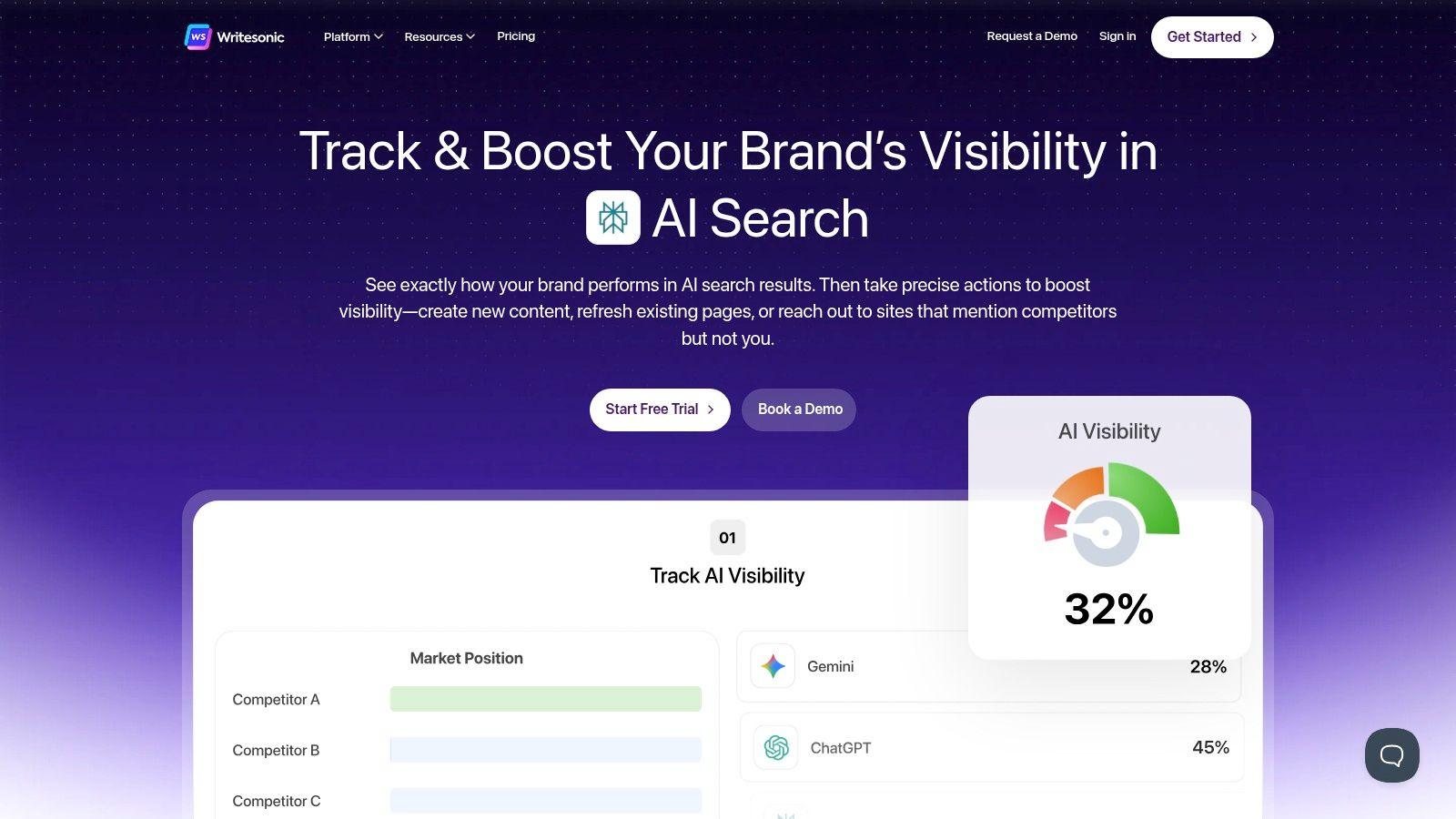
The platform’s strength is its specificity, with over 100 templates tailored for different writing needs. Students can select a template for a "Conclusion Writer" or an "Essay Intro Generator" to receive highly relevant first drafts. While it offers a free trial, its paid plans are structured around a credit system or unlimited word counts, providing scalability for students with heavy writing loads. This makes it a cost-effective option for generating large volumes of initial draft material throughout a semester.
Key Features and Usage Tips
- 100+ AI Templates: Find specific tools for academic tasks like creating outlines, writing paragraphs, or rephrasing sentences.
- Adjustable Tone and Creativity: Control the output's style to better match the requirements of a formal academic paper versus a creative writing assignment.
- Pro Tip: Use the "Article Rewriter" and "Content Rephrase" tools to explore different ways of expressing a complex idea, which can help you clarify your own understanding and improve your writing.
While Writesonic is excellent for drafting and ideation, its output requires careful review. Students must fact-check all generated content and revise the writing to ensure it reflects their unique voice and meets academic integrity standards. The credit-based system can also be confusing initially, so it's wise to monitor usage carefully on lower-tier plans.
Website: https://writesonic.com
12. Chegg (Study Pack / Chegg Writing)
While not exclusively an AI writer, Chegg stands out by bundling essential ai writing tools for students within a comprehensive academic support suite. The Chegg Study Pack integrates powerful features like plagiarism detection and expert proofreading directly into a platform students already use for textbook solutions, expert Q&A, and math help. This all-in-one approach is ideal for students who want to streamline their subscriptions and access writing support alongside broader study resources.
The platform’s strength is its convenience. Instead of juggling separate tools for grammar checks, citation management, and plagiarism scanning, Chegg Writing centralizes these functions. While the core writing features are part of the higher-tier "Study Pack" subscription, this bundled value can be a cost-effective solution for those who also need help with homework problems or test preparation.
Key Features and Usage Tips
- Integrated Plagiarism Checker: Upload your final drafts to scan against billions of sources, ensuring your work is original before submission.
- Citation Generation: Quickly create and manage citations in major formats like MLA, APA, and Chicago, which helps avoid accidental plagiarism.
- Pro Tip: Use the expert proofreading service for your most important papers. Submitting your essay a day or two before the deadline allows a human expert to provide detailed feedback on clarity, structure, and argumentation that automated tools might miss.
It's important to note that the most robust writing tools require the Chegg Study Pack, which costs more than the basic Study plan. However, for students seeking a single, powerful hub for both writing assistance and general academic support, the consolidated package offers significant value.
Website: https://www.chegg.com/study
Comparison of 12 AI Writing Tools for Students
| Product | Core features | UX & Quality | Price & Value | Target audience | Unique selling points |
| 🏆 1chat | Multi‑LLM access, PDF analysis, AI image gen, omni‑channel inbox & seat roles | ★★★★☆ — privacy‑first, team workflows | 💰 Tiered per‑seat (Mini/Omni/Pro) — contact sales | 👥 Families, students, SMB teams | ✨ Unified LLM selection + omni‑channel customer stream |
| ChatGPT (OpenAI) | Multimodal, file analysis, Custom GPTs | ★★★★★ — broad capability & ecosystem | 💰 Free tier; Plus/Team paid plans (transparent) | 👥 General users, students, teams | ✨ Custom GPTs & wide third‑party ecosystem |
| Google One AI (Gemini) | Gemini in Docs/Gmail/Sheets, NotebookLM access | ★★★★☆ — integrated Google UX | 💰 Bundled with Google One (varies by plan) | 👥 Google workspace users, students | ✨ Deep in‑product Docs/Gmail integrations |
| Microsoft Copilot (365) | Drafting in Word, PPT generation, Outlook help | ★★★★☆ — Office‑centric reliability | 💰 Included/optional in Microsoft 365 plans | 👥 Office users, students, professionals | ✨ Source‑aware drafting inside Office apps |
| Grammarly | Grammar, style, tone, plagiarism checks | ★★★★☆ — mature editor & clarity tooling | 💰 Freemium + Premium (edu discounts) | 👥 Students, writers, professionals | ✨ Robust tone guidance & editor integrations |
| QuillBot | Paraphrasing, summarizer, translator, citations | ★★★☆☆ — focused rewriting tools | 💰 Free tier; Premium & add‑ons | 👥 Students revising text & summaries | ✨ Multiple paraphrase modes + citation gen |
| LanguageTool | Multilingual grammar, style, AI paraphrase | ★★★★☆ — strong multilingual coverage | 💰 Freemium; Premium with generous limits | 👥 Multilingual writers, educators | ✨ Custom style guides & large language support |
| Wordtune | Rewrite, tone adjustment, summarization | ★★★★☆ — fast line‑level rewrites | 💰 Free + Advanced/Unlimited tiers | 👥 Students & professionals refining prose | ✨ Multiple tone options for clarity |
| Paperpal | Academic polishing, chat PDF, journal checks | ★★★☆☆ — academic‑focused quality | 💰 Subscription (Prime for full features) | 👥 Researchers, academic authors | ✨ Journal‑readiness checks & citation aid |
| Jasper | Long‑form Canvas, templates, Brand Voice | ★★★★☆ — marketing‑grade output | 💰 Pro plans (free trial available) | 👥 Marketers, pro writers, students | ✨ Brand Voice & structured long‑form tools |
| Writesonic | 100+ templates, multi‑language, credit system | ★★★☆☆ — fast draft generation | 💰 Credit‑based; scalable tiers | 👥 Content creators, students drafting essays | ✨ Wide template library & creativity controls |
| Chegg (Study Pack) | Proofreading, plagiarism, study aids bundle | ★★★☆☆ — student‑centric tools | 💰 Tiered Study/Study Pack pricing (clear) | 👥 Students needing homework + writing help | ✨ Bundles writing tools with homework resources |
Choosing Your Co-Pilot: Final Thoughts on Responsible AI Use in Academics
Navigating the landscape of AI writing tools for students can feel overwhelming, but the journey is well worth the effort. We've explored a wide range of options, from dedicated grammar assistants like Grammarly and LanguageTool to comprehensive research and drafting partners like 1chat and ChatGPT. Each tool offers a unique set of features designed to enhance, not replace, the fundamental skills of critical thinking and effective communication.
The central takeaway is this: the most powerful AI tool is the one that complements your specific learning style and academic needs. Your choice should be a deliberate one, guided by a clear understanding of your goals and your institution's policies on academic integrity.
Your Next Steps: A Quick Selection Guide
Think of this as a final checklist before you commit to a tool. Your ideal AI co-pilot will depend heavily on your primary use case.
- For Comprehensive and Privacy-First Support: If you need a versatile partner for brainstorming, research, and drafting that prioritizes data privacy, 1chat is an exceptional starting point. Its family-friendly settings and team-oriented features make it a safe and collaborative choice for students at all levels.
- For Deep Workflow Integration: If you live within a specific ecosystem, leveraging integrated tools is the most efficient path. Google One AI (with Gemini) and Microsoft Copilot are built directly into the documents and platforms you already use, streamlining your process from start to finish.
- For Polishing and Perfecting Prose: When your primary goal is to refine grammar, tone, and style, specialized tools excel. Grammarly remains a gold standard for proofreading, while QuillBot offers robust paraphrasing, and Wordtune helps you find the perfect phrasing.
- For Advanced Research and Citation: College students and researchers will find immense value in platforms designed for academic rigor. Paperpal and the writing features within the Chegg Study Pack are tailored specifically for scholarly articles and complex citation requirements.
Key Principles for Responsible AI Use
Regardless of which tool you select, its effectiveness and ethical use hinge on your approach. Keep these essential principles at the forefront of your mind to ensure you are using these platforms as intended: as a powerful assistant.
- You Are the Author: The AI is a co-pilot, not the pilot. You are ultimately responsible for the final work, its accuracy, and its originality. Use AI to generate ideas, refine arguments, and check for errors, but always maintain your unique voice and perspective.
- Verify, Then Trust: AI models can make mistakes, often referred to as "hallucinations." Always cross-reference facts, statistics, and citations with reliable primary and secondary sources. Never blindly copy and paste AI-generated content into your assignments.
- Understand Your School's Policy: This cannot be overstated. Academic integrity policies are evolving rapidly. Familiarize yourself with your school's or instructor's specific guidelines on using AI writing tools for students. When in doubt, ask for clarification.
- Prioritize Learning, Not Shortcuts: The true value of these tools lies in their ability to help you learn. Use them to understand complex topics, identify weaknesses in your writing, and explore different ways to structure an argument. The goal is to become a better writer and thinker, not just to complete an assignment faster.
Embracing the right AI writing assistant responsibly can transform your academic workflow. It can help you conquer writer's block, articulate your thoughts with greater clarity, and manage the technical aspects of writing more efficiently. By choosing wisely and using these tools as a catalyst for deeper learning, you are not just improving a grade; you are investing in skills that will serve you long into your future career. The power is in your hands to make AI your most effective academic ally.