
You're probably doing this already: using one AI app for quick questions, another for school or work writing, and a third because someone said it's “best” for research. Then a real task shows up. A child needs help with homework and you want safer guardrails. Your team needs to review a PDF report and pull action items from it. You need one place that won't turn simple work into account sprawl.
That's why “best AI chat app” lists often miss the point. Raw model quality matters, but daily fit matters more. The strongest app for a family isn't always the strongest app for a small business. The best app for a student writing essays isn't always the best one for a team organizing shared projects. If you're also thinking about support use cases, this guide on selecting AI customer support chatbots is a useful companion.
The market is still expanding fast. One market overview valued the global chatbot market at USD 7.76 billion in 2024 and projected USD 27.30 billion by 2030, with a forecast CAGR of 23.3%, while also reporting that ChatGPT held 79.86% share in that snapshot, ahead of Perplexity, Microsoft Copilot, and Google Gemini in this chatbot market overview. That tells you two practical things. First, these tools aren't a fad. Second, a few products dominate attention, but the best choice for your household or business still depends on workflow and control.
1. 1chat
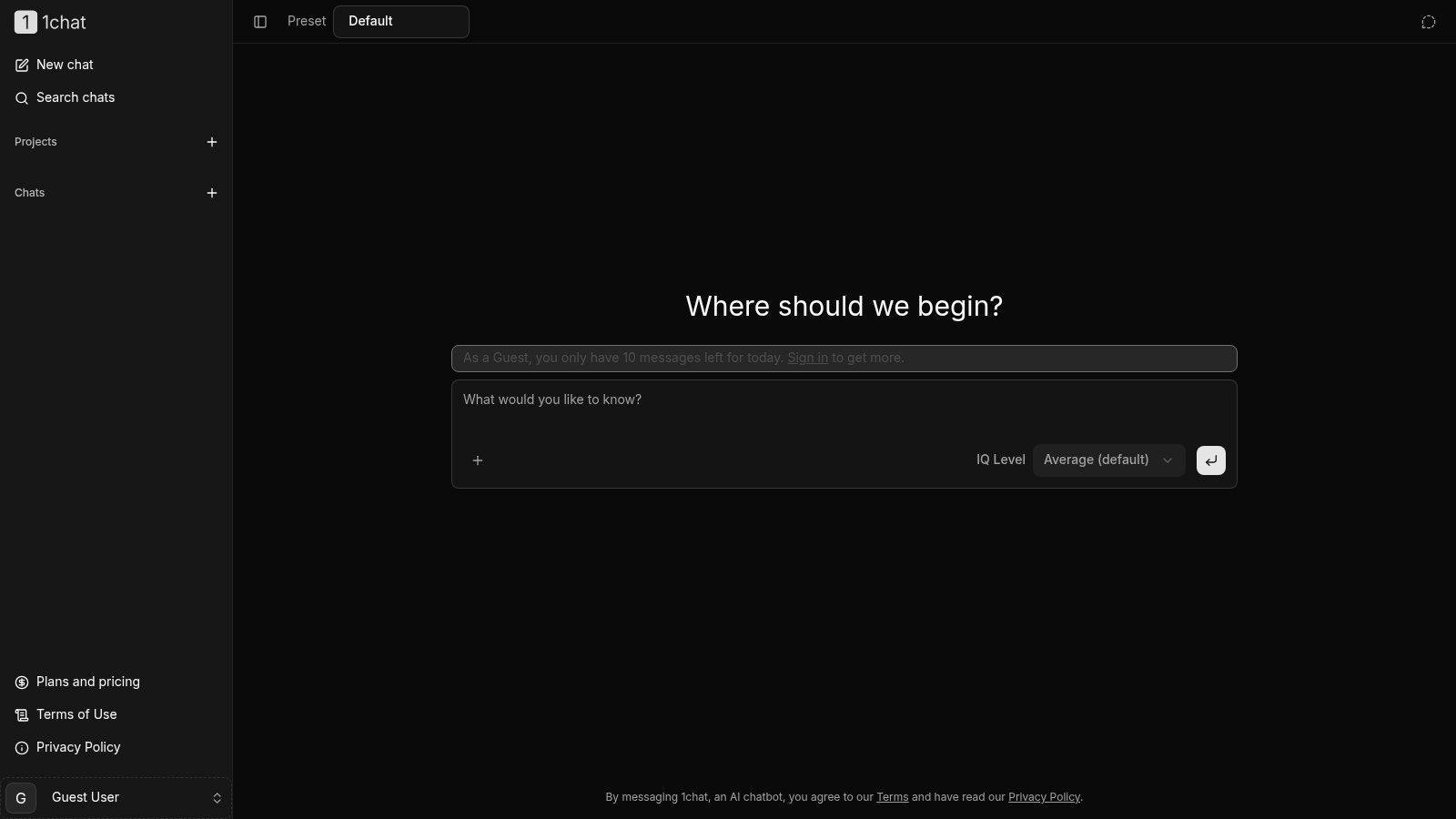
1chat stands out because it isn't trying to be a generic “AI for everyone” homepage. It's aimed at families, students, small teams, and SMBs that want strong AI without giving up control. That positioning matters more than it sounds, because a lot of people don't need another benchmark winner. They need one app they can use across home and work.
What I like most is the practical setup. You can access multiple major models in one interface, upload files, analyze PDFs and documents, generate images, and organize work into chats or projects. For a student, that means fewer tabs. For a small business, it means you can compare outputs without bouncing between services and losing context.
Why it fits families and small teams
Privacy and safety are still under-discussed in most AI comparisons, even though chatbots are increasingly used in sensitive contexts. A mental-health review noted that chatbot apps are often used because they can be accessed “anytime and anyplace,” which is exactly why privacy, safety, and control matter so much for families, students, and smaller organizations handling personal or confidential material in this review of chatbot app use.
1chat leans into that concern. The product presents itself as privacy-first and family-friendly, with clear policy links and built-in safety orientation rather than treating those as afterthoughts. That won't matter to every buyer, but it matters a lot if younger users are involved or if your business wants a cleaner boundary around shared use.
Practical rule: If kids, interns, or non-technical staff will use the app, pick the tool with the clearest controls first and the fanciest model second.
Another useful detail is the adjustable “IQ” setting. In practice, that's a simple way to choose speed or higher-quality responses depending on the task. Fast mode makes sense for casual questions. Higher-effort responses make more sense for document review, writing help, or planning.
What works and what doesn't
A few things make 1chat unusually usable for its niche:
- Multi-model access: You can compare top models in one place instead of managing separate subscriptions and interfaces.
- Real work tools: PDF and document analysis, file upload support, image generation, and chat or project organization are more useful than a flashy demo.
- Lower-friction trial: Guest mode lets people test the app before committing.
There are trade-offs. Guest use is limited to 10 messages per day, so it's enough to test fit, not enough to run your week inside it. Pricing also wasn't visible in the provided product content, so if cost is your deciding factor, you'll want to review the 1chat plans and pricing page directly before standardizing on it.
If your priority is family-friendly use, privacy-first positioning, and one workspace that can stretch from homework to team documents, 1chat is one of the strongest niche picks on this list.
2. OpenAI ChatGPT
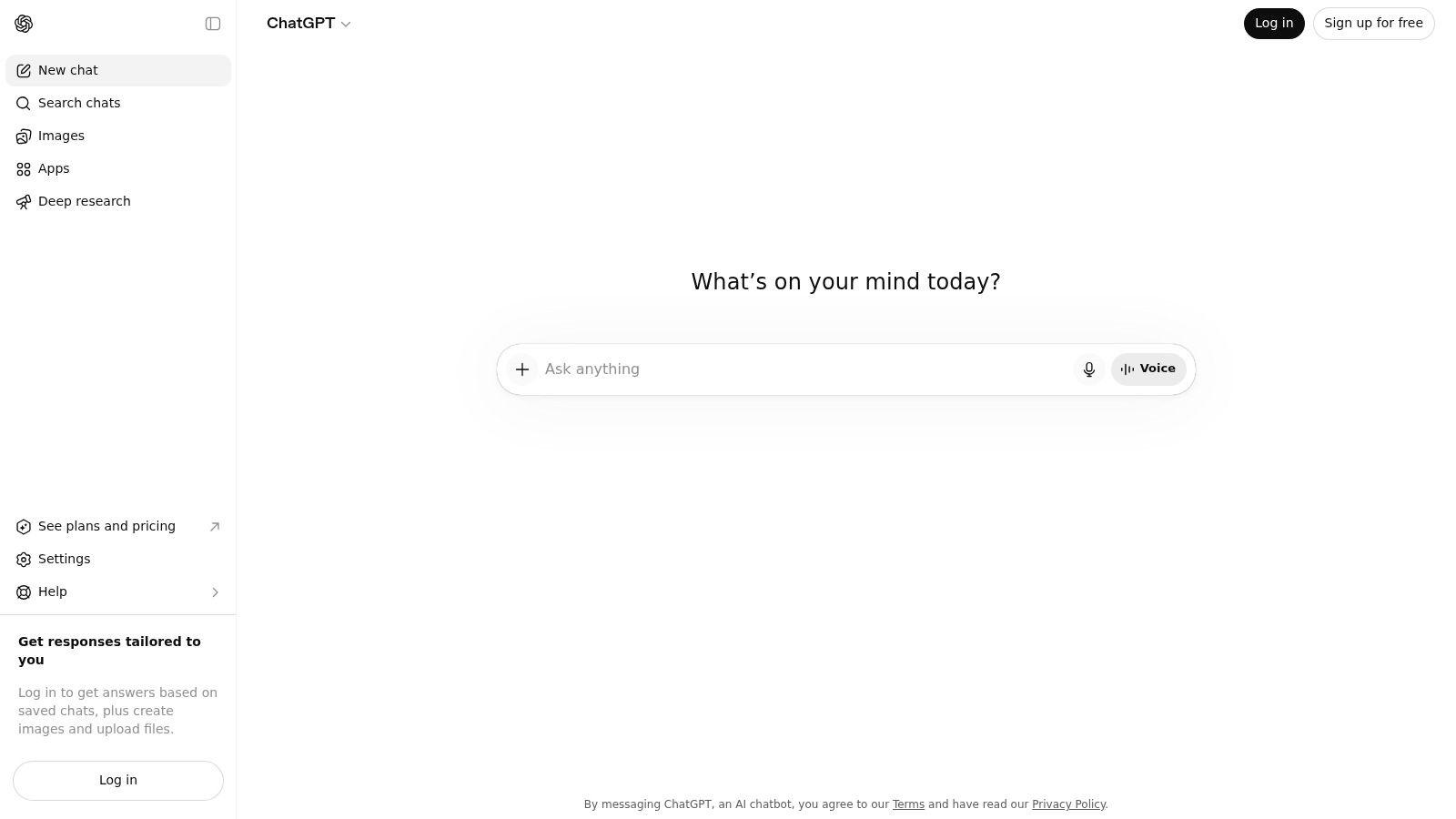
OpenAI ChatGPT is still the default recommendation for a reason. It works well across casual use, education, solo productivity, and team workflows. If someone asks me for the safest all-around answer without any ecosystem preference, ChatGPT is usually where I start.
The core strength is breadth. It handles writing, brainstorming, data analysis, file uploads, vision tasks, and custom GPT-style setups inside one mature product. For students and SMBs, that matters because there's a huge ecosystem of tutorials, prompts, templates, and third-party integrations built around it.
Where ChatGPT wins
A 2026 AI-search adoption survey found that ChatGPT remained the most-used AI chat tool at 36% regular usage, and the same survey found that 38% of respondents use AI chat tools many times per day while 55% use them as a primary or frequent research tool in Orbit Media's AI search adoption survey coverage. In practical terms, that level of repeat usage usually shows up as better product maturity, stronger user habits, and more polished day-to-day workflows.
That maturity is what you feel in the product. Projects, custom assistants, file handling, and business controls are all there, and they're familiar enough that teams can onboard quickly.
For parents comparing options, this guide to AI education platforms for children is worth reading alongside ChatGPT's broader positioning.
If you want one app that almost everyone on your team already recognizes, ChatGPT is still the easiest recommendation.
Trade-offs
The downside is that ChatGPT can become the “default app tax.” Many of its most useful features sit behind paid tiers or usage limits. If your workflow depends on heavy file analysis, advanced tools, or shared team use, you'll likely outgrow the free version quickly.
It's also not the cleanest fit for every family. It's powerful, broad, and well-supported, but some households will prefer something more explicitly designed around safety and control rather than general-purpose capability.
3. Anthropic Claude
Anthropic Claude is the app I usually suggest to people who care more about careful writing than flashy extras. It's especially good for students, researchers, writers, and small teams that spend a lot of time summarizing long material, drafting structured documents, or refining tone.
Claude's personality also matters. It tends to respond in a more measured, organized style, which makes it easier to use for school and professional communication. That doesn't make it “smarter” in every case. It makes it easier to trust for long-form drafting and synthesis.
Best fit
Claude is strongest when the task starts with a lot of text. Upload a draft, a long transcript, or a policy document, and ask for a clearer version, a summary, or a structured outline. It generally handles those jobs well, especially when the goal is clarity over creativity.
I also find Claude easier to use with less prompting. You don't have to fight it as much to get a clean memo, a study guide, or a parent-friendly explanation.
Limits to watch
The trade-off is that Claude feels less broad than ChatGPT or Gemini in everyday consumer use. It's more text-forward, and some users will miss the wider ecosystem, add-ons, or multimodal tooling they've come to expect elsewhere.
Paid tiers also matter here. If you push hard on long-context work or want higher-end model access, the free experience can feel constrained. Claude is excellent at what it does, but it's best when your workflow is mostly reading, writing, and analysis rather than all-purpose digital life.
4. Google Gemini
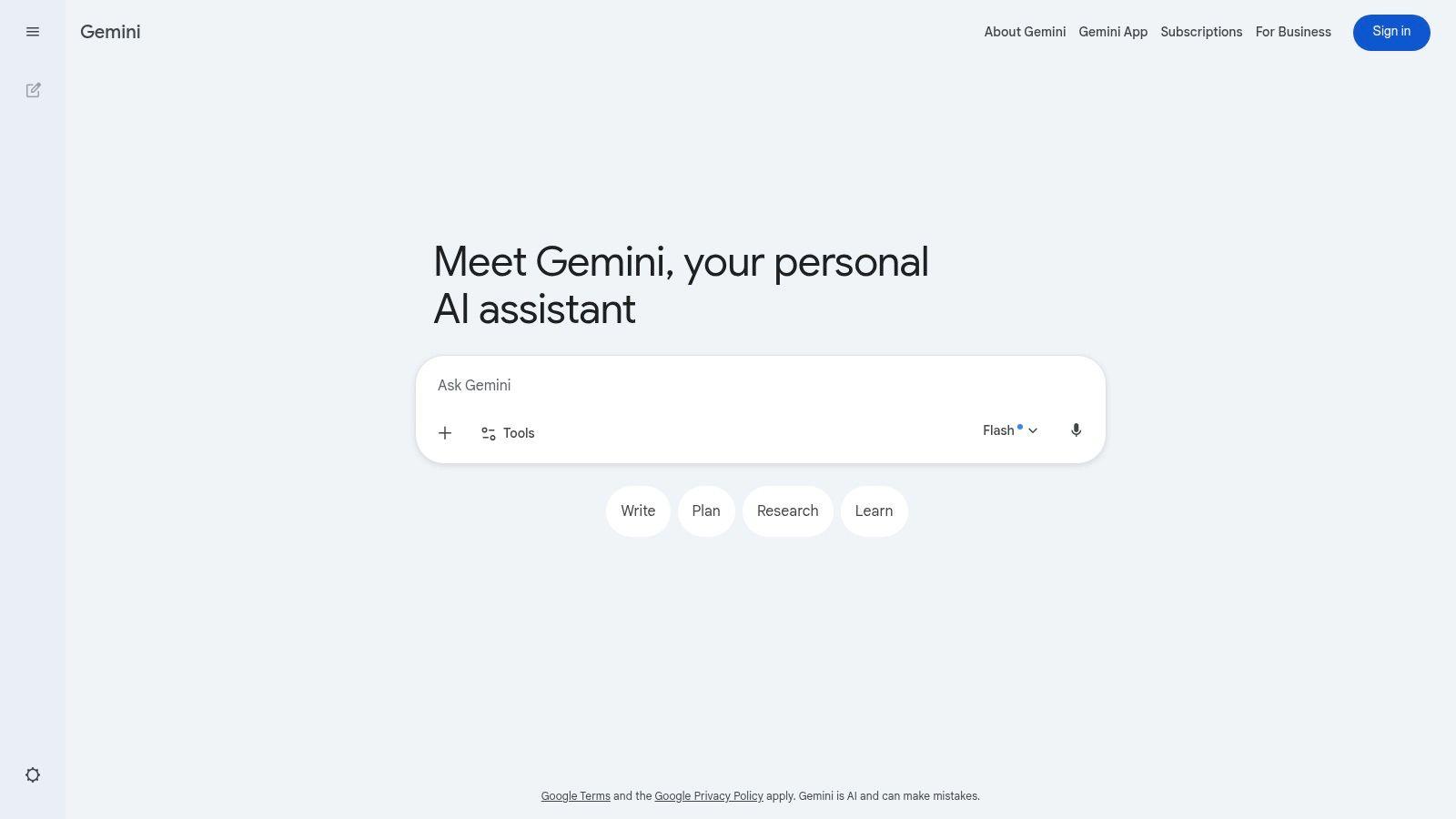
Google Gemini makes the most sense when your life already runs through Google. Gmail, Docs, Drive, Chrome, Android, and Google Workspace all pull the product into real daily use. If that's your stack, Gemini often feels less like “another AI app” and more like an added layer on top of tools you already use.
That integration is the whole case for it. Families using Android and Google accounts will appreciate the convenience. SMBs living in Workspace will care even more, because AI is most valuable when it sits close to your documents, email, and shared files.
Why adoption matters here
Recent roundup coverage still separates winners by use case rather than naming one universal champion, with Gemini often highlighted for Google Workspace users in this comparison of best AI chatbots by workflow fit. That matches what I see in practice. Gemini isn't always the standalone favorite, but it becomes much more attractive when your work already lives in Google.
The same 2026 adoption survey that kept ChatGPT in the top spot also found Gemini was the fastest-growing major platform at 33% regular usage, up from the prior year. That kind of growth suggests Google is turning existing ecosystem reach into repeated use, not just curiosity.
What to be careful about
Gemini's biggest weakness is unevenness. Some features roll out by region, age bracket, or product tier. If you manage a mixed household or a business with different account types, you need to confirm what's available in your setup.
It's also not always the cleanest governance choice for business buyers who need tightly defined admin controls. For Google-first users, Gemini is a practical pick. For everyone else, its advantages shrink fast.
5. Microsoft Copilot
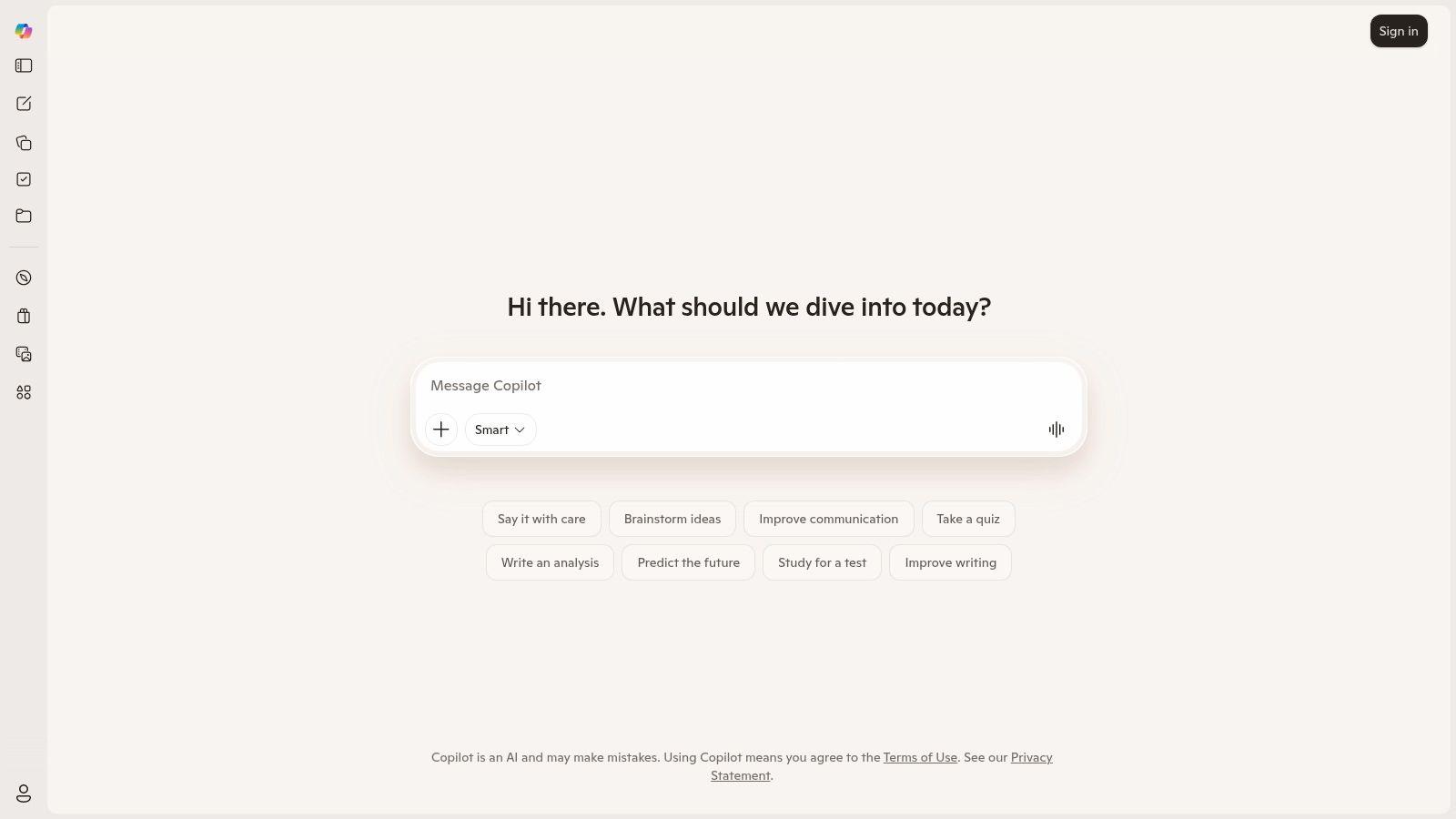
Microsoft Copilot is the obvious choice when your workday starts in Outlook and ends in Word, Excel, or PowerPoint. I wouldn't call it the most exciting app on this list. I would call it one of the most practical for office-heavy teams.
For small businesses, that matters more than novelty. Most SMBs don't need a quirky AI personality. They need help rewriting emails, summarizing meetings, cleaning up spreadsheets, and turning rough notes into presentable decks.
Strongest use case
Copilot earns its place inside Microsoft 365. If your team already pays for Microsoft's ecosystem and lives there all day, Copilot cuts friction in a way standalone chat apps can't. You don't need to export, copy, paste, and re-explain every task.
This is especially useful for businesses handling repeat document work. Independent market reporting has described the chatbot market as still being in steep expansion, with Grand View Research estimating USD 9.56 billion in 2025 and USD 41.24 billion by 2033, implying a 19.6% CAGR from 2026 to 2033. The same market summary notes that chatbots can handle up to 80% of routine questions, which is why so many businesses focus on dependable task handling rather than pure model novelty in Grand View Research's chatbot market analysis.
Where it falls short
Copilot is less compelling if you don't already use Microsoft heavily. Outside that ecosystem, it can feel like a tool looking for a reason to exist. Its best features also tend to sit behind paid tiers, and the naming across consumer and business plans isn't always simple.
Still, for Word, Excel, Outlook, and PowerPoint users, Copilot is often the most immediately useful app on day one.
6. Perplexity AI
Perplexity AI is what I recommend for people who keep saying, “I don't want vibes. I want sources.” It's less of a pure chat companion and more of an answer engine with conversational UX. That distinction matters.
Perplexity shines when your task starts with open-web research. Compare vendors. Check current events. Build a fast brief. Pull together a first-pass overview before you move into deeper analysis elsewhere. It reduces the mess of traditional search for a lot of users.
Best for research-first users
Students like it because citations are built into the experience. Small businesses like it because it's quick to use for market scanning, competitor checks, and fact-finding before writing. If you need to know where an answer came from, Perplexity is often easier to trust than a general chat app with no visible sourcing flow.
That doesn't make it the best all-around AI chat app. It makes it one of the best research companions.
One rule that saves time: Use Perplexity to gather and verify. Use a general LLM to draft, rewrite, or brainstorm from that material.
Trade-offs
Longer research sessions and some premium data access push you toward paid plans. And for many people, Perplexity works best as a second tool, not the only one. It can find and frame information well, but you may still want ChatGPT, Claude, or 1chat nearby for deeper drafting, file work, or collaborative use.
If research accuracy and traceability are your top concerns, Perplexity is easy to justify.
7. Mistral Le Chat
Mistral Le Chat is one of the more interesting alternatives for users who want a modern interface, solid speed, and a less crowded ecosystem. It doesn't have the broad mindshare of ChatGPT or Gemini, but it's usable, fast, and increasingly relevant for multilingual users and budget-conscious teams.
The product also feels focused. You're not getting buried under a giant suite of adjacent services. For some users, that's a relief.
Where it makes sense
Le Chat is a good fit for people who want a straightforward daily driver with room to grow into team or developer workflows later. Mistral's adjacent tooling also gives technical teams a cleaner path if they want to move from casual chat into custom usage.
If your main complaint about larger platforms is bloat, Le Chat is refreshing. It gets you into the work quickly.
Where it's still catching up
The trade-off is ecosystem depth. There are fewer tutorials, fewer mainstream integrations, and less widespread familiarity across non-technical teams. If you're deploying AI across a business with varied skill levels, that can matter more than model quality.
Le Chat is a strong option for people who like leaner products and don't need the biggest platform in the room.
8. xAI Grok
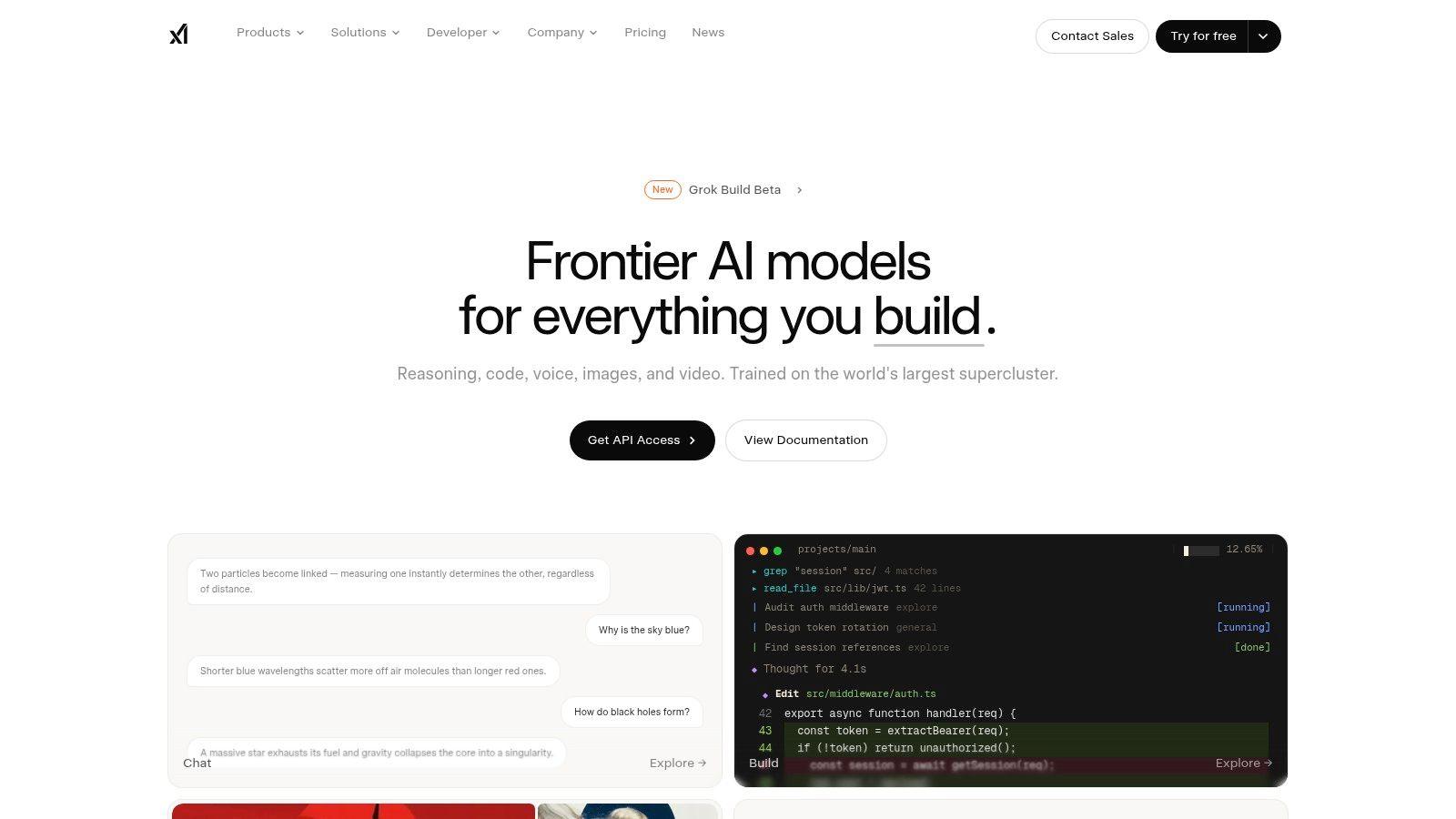
xAI Grok has a distinct personality and a clear use case. It's strongest for people who want an AI assistant tied closely to live web and X context. If your work depends on fast-moving public conversation, trend monitoring, or social media chatter, Grok can be useful.
That said, its strength is also its limitation. A lot of households, students, and small businesses don't need a social-stream-native assistant. They need stable writing, document work, and predictable controls.
Best fit
Grok works best for journalists, marketers, founders, and heavy X users who want quick reads on current discussions and breaking topics. It can feel more connected to the public internet than tools built around slower or more curated search experiences.
Its tone also appeals to users who dislike overly cautious or polished responses. Some people enjoy that. Some teams won't.
What to watch
Access can be confusing because it may depend on X subscriptions or separate xAI plans. Documentation and packaging can lag product changes, which is frustrating if you're trying to make a clean business decision.
For real-time social context, Grok is compelling. For family use or structured team productivity, it's harder to recommend as a primary app.
9. Meta AI
Meta AI wins on distribution. A lot of families already use WhatsApp, Instagram, and Facebook, so Meta AI can show up in places people already spend time. That convenience lowers the barrier to trying AI, especially for casual use.
For households, that matters. The easiest app to use is often the one already sitting inside familiar tools. If a parent wants basic help with planning, recipe ideas, quick explanations, or lightweight creative prompts, Meta AI is simple to reach.
Where it works well
Meta AI is best for casual, everyday interactions. It's approachable, widely available across Meta properties, and easy for mainstream users to test without changing habits much.
That also makes it useful for supervised teen use in family account environments, depending on the setup and region.
Meta AI is the easiest recommendation for “I want something simple and already in the apps I use,” not for “I need a serious work assistant.”
Limits
The business story is weaker. Enterprise controls, team organization, and more advanced document workflows aren't the focus here. Feature availability can also vary by app and region, which creates some unpredictability.
Meta AI is convenient. It just isn't the strongest pick for people who need deeper research, structured collaboration, or business-grade workflow support.
10. You.com
You.com sits in an interesting middle ground between chat and search. It's useful for learners, researchers, and SMBs that want conversational answers with live web context, and it also offers a path into developer and API use.
That combination gives it more flexibility than some people expect. You can start with everyday Q&A and later use it in more custom workflows if your needs grow.
Why some users prefer it
You.com appeals to people who want retrieval and chat together without committing to the biggest consumer AI brands. It can be a practical fit for research-heavy users who still want a conversational interface rather than a classic search page.
Privacy-minded teams may also appreciate that the platform talks more directly about developer-side data handling options than many mainstream consumer tools do.
Downsides
The consumer side can feel less clearly packaged than the giant platforms. Pricing and plan details aren't always as front-and-center as they are with the biggest names, and the ecosystem is smaller.
Still, if you want a hybrid of AI chat, web-backed answers, and a route into custom search workflows, You.com is worth a serious look.
Top 10 AI Chat Apps, Side-by-Side Feature Comparison
| Product | Core features | Quality (★) | Value & Pricing (💰) | Target (👥) | Unique selling points (✨) |
| 🏆 1chat | Multi‑LLM hub; PDF analysis; AI image gen; team org | 4★/5 | 💰 Affordable tiers (see plans page); guest trial | 👥 Families, students, SMBs, small teams | ✨ Privacy‑first, family controls, adjustable "IQ" |
| OpenAI ChatGPT | Vision, file upload, Custom GPTs, projects | 5★/5 | 💰 Free → Pro → Business/Enterprise | 👥 Students, professionals, enterprises | ✨ Largest ecosystem; custom GPTs & extensions |
| Anthropic Claude | Long‑context reasoning; doc uploads; API | 4★/5 | 💰 Pro/API plans for higher limits | 👥 Writers, researchers, SMBs | ✨ Safety‑focused, balanced assistant style |
| Google Gemini | Multimodal (images/video); Workspace integration | 4★/5 | 💰 Bundles (AI Pro/Ultra) with storage perks | 👥 Google Workspace users, families | ✨ Deep Gmail/Docs/Drive integration |
| Microsoft Copilot | Copilot in Word/Excel/Outlook; cross‑platform | 4★/5 | 💰 Copilot Pro / M365 Premium bundles | 👥 Microsoft 365 users, businesses | ✨ Native Office app automation |
| Perplexity AI | Conversational search with citations; research tools | 4★/5 | 💰 Free + Pro for premium sources | 👥 Researchers, students, fast info seekers | ✨ Source‑backed answers & inline citations |
| Mistral Le Chat | Fast multilingual chat; developer tools | 4★/5 | 💰 Competitive Pro & Team pricing | 👥 Budget‑conscious teams, devs | ✨ Lightweight UX; Vibe/Studio dev tooling |
| xAI Grok | Real‑time web + X context; candid style | 3★/5 | 💰 Often tied to X subscriptions / xAI plans | 👥 Trend watchers, social media users | ✨ Live X data integration for instant trends |
| Meta AI | Chat + image/video across Meta apps | 3★/5 | 💰 Free (region‑dependent features) | 👥 Families, casual users on Meta apps | ✨ Broad distribution (WhatsApp/IG/Facebook) |
| You.com (YouChat) | Chat + live web results; developer APIs | 3★/5 | 💰 YouPro subscription; API pricing | 👥 Learners, SMBs, privacy‑minded devs | ✨ Privacy options & search‑backed chat |
Making Your Choice The First Step Is a Single Chat
A parent checking a homework answer on the family iPad, a student trying to turn scattered notes into a clean outline, and a five-person business reviewing a contract draft do not need the same AI app. They need different safeguards, different workflows, and different ways to share information.
That is the practical way to choose.
Families should start with trust and ease of use. Shared devices, younger users, and everyday questions change the standard. A family-friendly app with clearer boundaries usually fits better than a general chatbot that treats family use as a secondary case. For that reason, 1chat stands out for households that want one tool they can keep using without constant second-guessing about context or tone.
Students usually get better results by matching the app to the task. For drafting, rewriting, and explaining difficult material in plain language, ChatGPT and Claude are still strong options. For research, source checking, and quick fact gathering, Perplexity often saves time. In practice, many students use one app to find information and another to shape it into a paper, study guide, or presentation.
Small businesses should look at workflow fit before model rankings. A team already working in Word, Excel, Outlook, and Teams will usually get more day-to-day value from Copilot. A company built around Gmail, Docs, Drive, and Meet should test Gemini first. If the priority is comparing models, reviewing files, keeping conversations organized, and giving a small team tighter privacy controls, 1chat is a serious option.
Daily use matters more than occasional brilliance.
I have seen teams pick the most impressive demo, then abandon it because document upload limits were annoying, the mobile app felt clumsy, or sharing chats with coworkers took too many steps. The better choice is often the app people will open, understand, and reuse. For families, that means fewer surprises. For students, it means faster revision. For SMBs, it means less time switching between tools.
The fastest evaluation method is simple. Run one real task through two or three apps. Use the same class reading, the same customer email, or the same policy document. Then compare the output on clarity, speed, source quality, privacy fit, and how much cleanup work is still left for the person using it.
Start with a real job, not a feature list. A single useful chat usually tells you more than a week of marketing pages. If you need an option aimed at families, students, or small teams, 1chat is an easy place to test first.