The landscape of data analysis is changing, with AI tools becoming indispensable for everyone from small business owners and students to large enterprise teams. The right AI can transform raw numbers into actionable strategies, uncover hidden trends, and automate tedious tasks. But with a crowded market, finding the best ai for data analysis tool for your specific needs, budget, and privacy requirements can feel overwhelming.
This guide cuts through the noise. We have meticulously evaluated 12 of the most powerful and accessible AI platforms to provide a clear, practical resource for your decision-making process. We dive deep into each solution, moving beyond marketing claims to offer an honest assessment of their core capabilities.
Inside this comprehensive roundup, you will discover:
- Detailed analysis of top-tier platforms like OpenAI’s ChatGPT, Microsoft Copilot, Google's Vertex AI, and specialized tools from Databricks and Snowflake.
- Practical use cases tailored for small businesses, teams, students, and even families looking for secure data handling.
- Direct comparisons of features, pricing tiers, and crucial privacy considerations to help you choose wisely.
- An introduction to 1chat as a privacy-first alternative for handling sensitive information.
Our goal is to equip you with the knowledge needed to select the ideal tool confidently. Each entry includes screenshots and direct links, enabling you to explore the platforms that best align with your analytical goals. Whether you need a simple in-browser assistant for quick analysis or a robust platform for complex machine learning models, this curated list will help you make an informed decision. Let's find the perfect AI to unlock your data's potential.
1. OpenAI — ChatGPT
While often seen as a general-purpose AI assistant, ChatGPT has evolved into a formidable tool for on-the-fly data analysis, making it a top contender for the best AI for data analysis, especially for users who need quick insights without a steep learning curve. Its strength lies in its conversational interface, which allows users to upload files like CSVs, spreadsheets, and PDFs and simply ask questions in plain English. This natural language processing capability removes the barrier of complex query languages or coding.
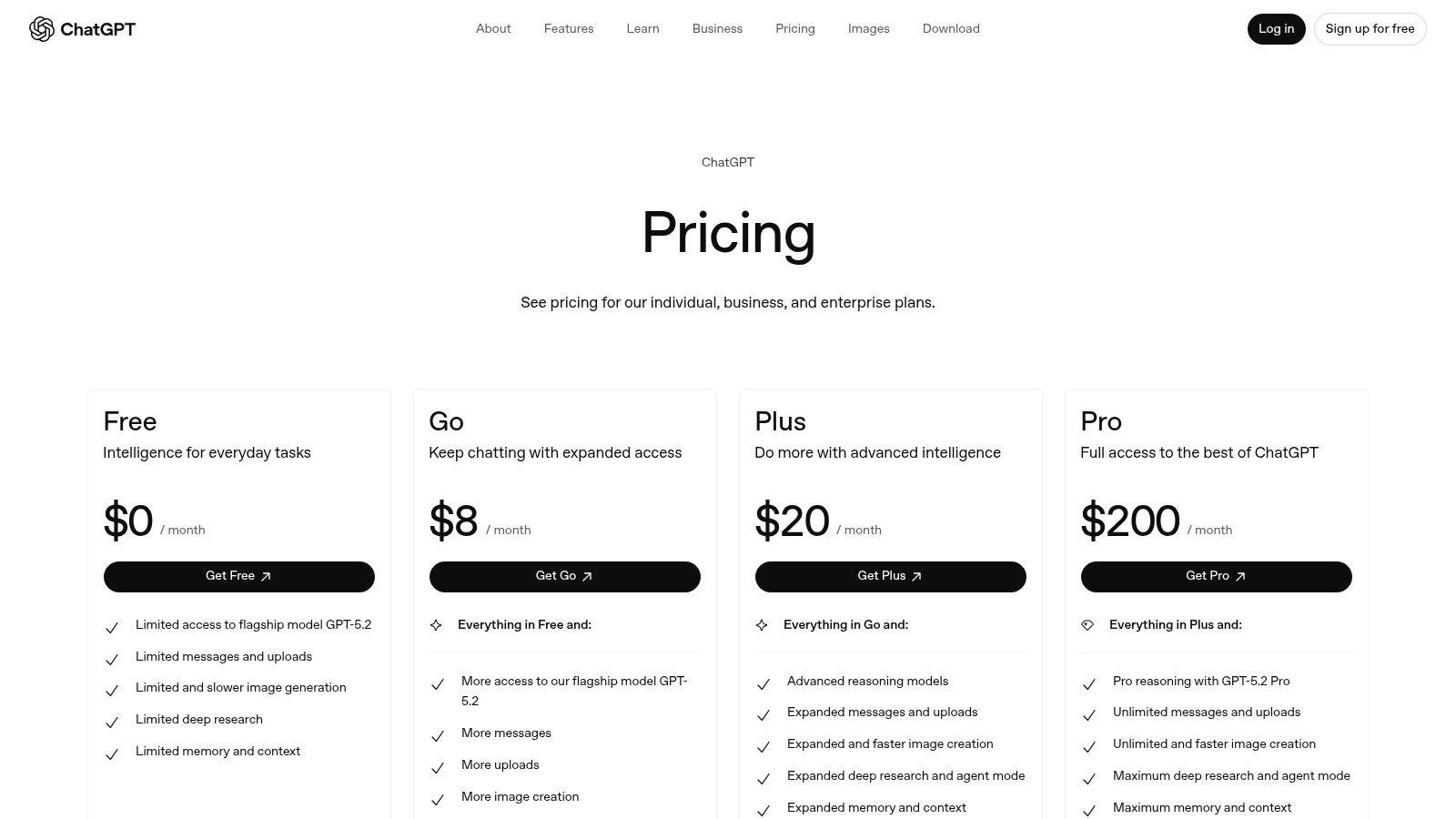
The platform’s in-browser code execution means it can perform calculations, generate charts, and summarize findings instantly. For SMBs and teams, this is invaluable for ad-hoc tasks like analyzing sales data, summarizing customer feedback, or visualizing project metrics without needing dedicated data science software.
Key Features & Considerations
- Best For: Individuals, students, and teams needing fast, conversational data analysis and visualization. It's ideal for those who are not data experts but require quick, actionable insights from their documents and spreadsheets.
- Pricing: A free tier offers basic access. Paid plans (Plus, Team, Enterprise) unlock advanced data analysis features, higher usage limits, and enhanced privacy controls. The Team plan, for instance, ensures your business data is not used for training models by default.
- Onboarding: The user experience is exceptionally intuitive. You can start analyzing a file within seconds of logging in, making it one of the most accessible tools on the market.
- Limitations: While powerful for exploratory analysis, it may not replace dedicated BI tools for heavy automation or complex, multi-source data integrations without using third-party connectors via the GPT store.
Website: https://openai.com/chatgpt/pricing
2. Microsoft — Copilot for Microsoft 365 & Copilot in Power BI
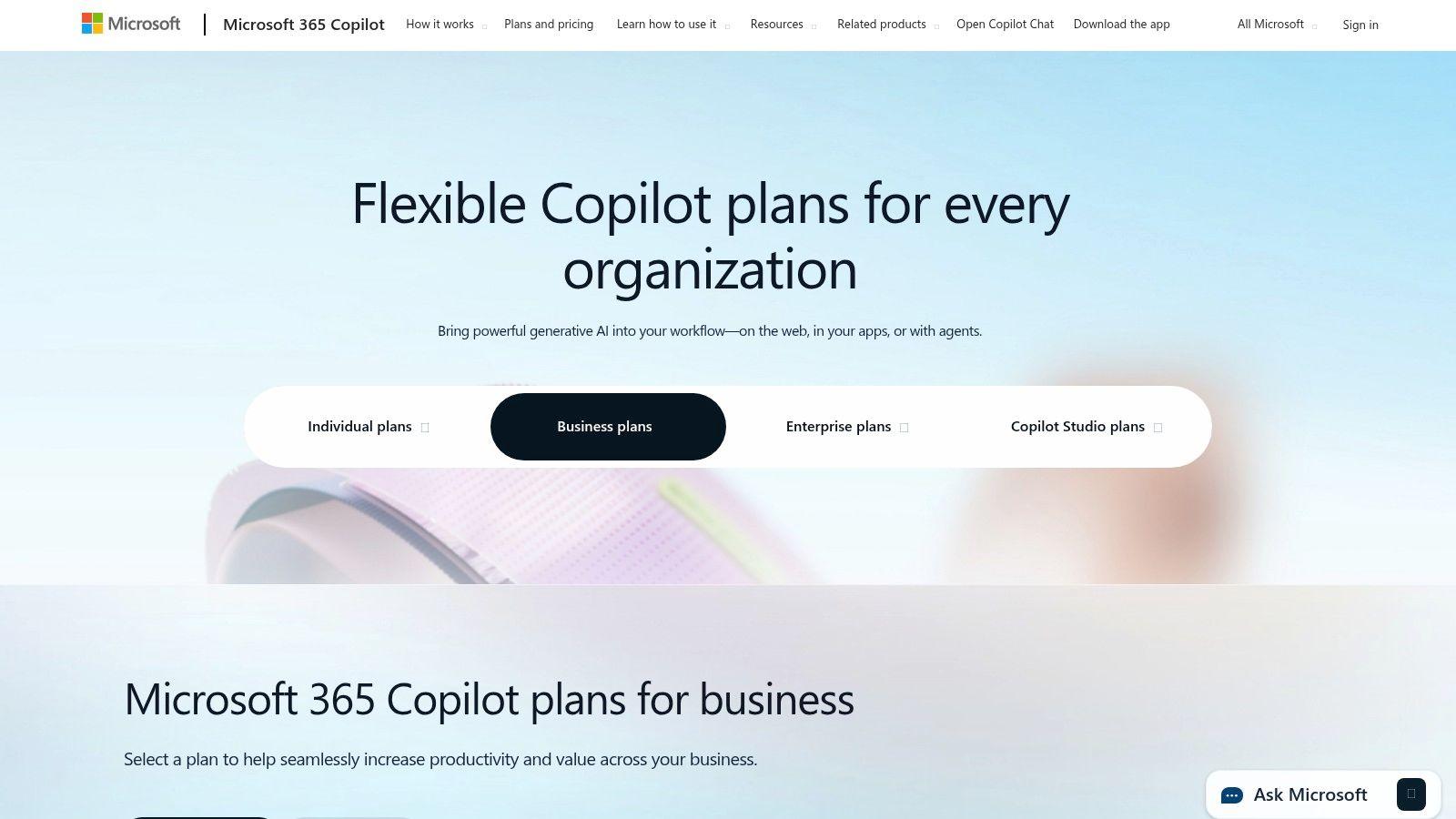
For organizations deeply embedded in the Microsoft ecosystem, Copilot represents a significant leap forward, solidifying its place as one of the best AI for data analysis tools by integrating directly into workflows. Its power lies in being a work-grounded AI, leveraging your organization's data through Microsoft Graph to provide contextually aware insights within apps like Excel, Teams, and Power BI. This allows users to analyze business data using natural language, directly within the applications they use daily.
The integration with Power BI is particularly transformative for data teams. Users can ask Copilot to build entire report pages, summarize vast datasets into narrative insights, or even create and modify complex DAX calculations with simple prompts. This drastically reduces the technical barrier to entry for business intelligence, empowering team members to create sophisticated analytics without extensive training.
Key Features & Considerations
- Best For: Businesses and enterprises already invested in Microsoft 365 and the Power Platform. It is ideal for teams seeking to enhance their existing data workflows with AI-driven insights, report generation, and robust governance.
- Pricing: Copilot for Microsoft 365 is an add-on license for existing Microsoft 365 business plans. Copilot features within Power BI require specific Fabric capacity, which is billed separately, making it a consideration for budget planning.
- Onboarding: Implementation is streamlined for existing Microsoft customers, leveraging familiar admin centers for IT controls, single sign-on (SSO), and compliance settings. User onboarding is intuitive within each application.
- Limitations: The primary value and functionality are unlocked when used within the Microsoft ecosystem. Organizations not using Microsoft 365 or Power BI will find it less practical than standalone tools. Some advanced features are also tied to higher-tier licensing.
Website: https://www.microsoft.com/en-us/microsoft-365-copilot/pricing
3. Google Cloud — Vertex AI
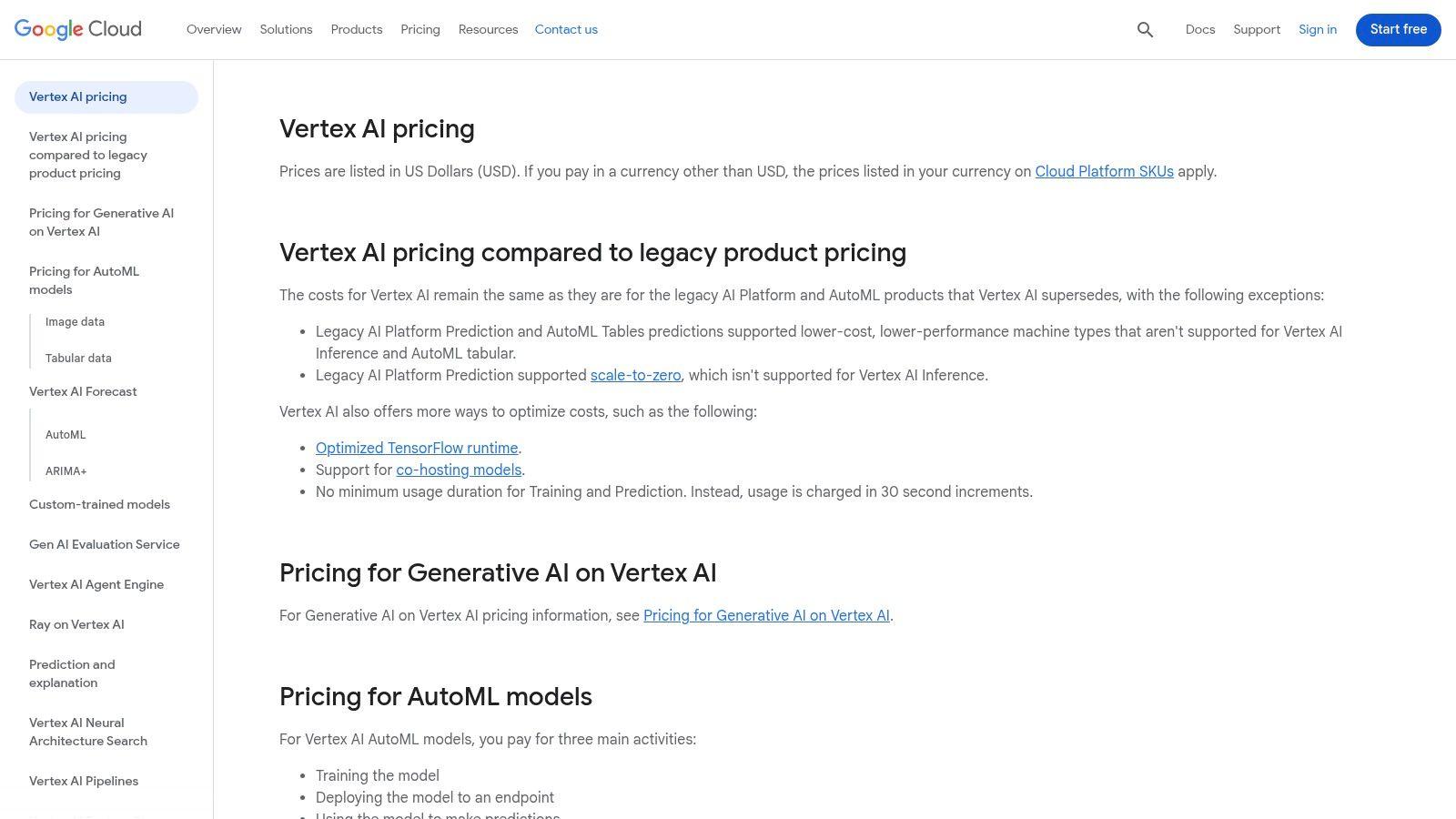
For businesses deeply embedded in the Google Cloud ecosystem, Vertex AI stands out as a powerful, end-to-end platform for creating and deploying production-grade machine learning models. It’s a strong candidate for the best AI for data analysis when workflows are tightly integrated with data warehouses like BigQuery. Vertex AI moves beyond simple conversational analysis, providing the infrastructure to build, train, and manage sophisticated AI agents that can perform complex tasks directly on your enterprise data.
Its Agent Builder allows teams to create grounded, observable agents with memory and session management, perfect for building custom data analysis tools that can take specific actions. This makes it ideal for businesses aiming to automate data-centric processes, from predictive analytics in a sales pipeline to customer churn analysis, leveraging a mature, scalable infrastructure. This approach offers a roadmap for moving from exploratory analysis to full operationalization, a key step when you need to implement AI in your business.
Key Features & Considerations
- Best For: Technically-proficient teams, data scientists, and enterprises needing a scalable, production-ready environment for custom AI model development and agent creation. It is especially powerful for organizations already using Google BigQuery.
- Pricing: Follows a granular, usage-based model with free tiers and initial credits. Costs are spread across multiple services (e.g., model training, prediction, pipelines), requiring careful budget planning and monitoring.
- Onboarding: The platform is comprehensive but comes with a steeper learning curve compared to conversational tools. Familiarity with cloud computing concepts and machine learning workflows is highly beneficial for effective use.
- Limitations: The complexity and multi-SKU pricing model can be challenging for SMBs or users without dedicated cloud expertise. It is less suited for quick, ad-hoc analysis and more for building long-term, integrated AI solutions.
Website: https://cloud.google.com/vertex-ai/pricing
4. Amazon Web Services — Amazon SageMaker
For organizations deeply embedded in the AWS ecosystem, Amazon SageMaker represents a powerful, end-to-end platform to build, train, and deploy machine learning models at scale. It moves beyond simple conversational analysis into a full-fledged MLOps environment, making it a contender for the best AI for data analysis for teams needing production-grade ML solutions. Its strength is its deep integration with AWS data sources like S3, Athena, and Redshift, allowing for seamless data pipelines and robust model management.
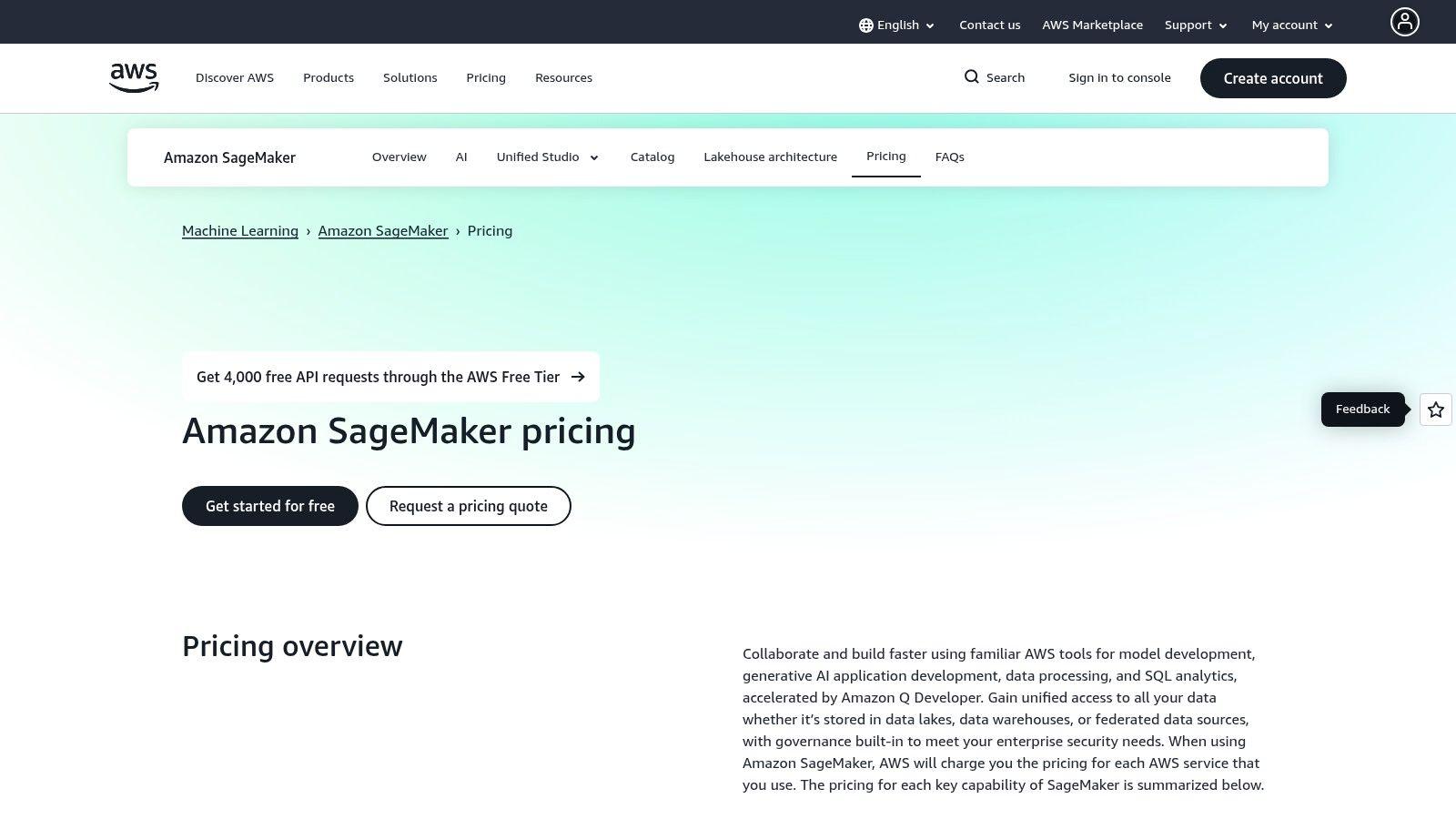
The platform provides a suite of tools like SageMaker Studio for notebooks, Autopilot for automated model creation, and pipelines for orchestrating complex workflows. This comprehensive toolkit enables businesses to move from raw data to predictive analytics within a single, secure environment, leveraging AWS's vast infrastructure for scalability and reliability.
Key Features & Considerations
- Best For: Data science teams, developers, and businesses already utilizing AWS infrastructure that require a scalable, fully managed platform for custom machine learning and predictive analytics. It's ideal for building solutions that go beyond ad-hoc analysis.
- Pricing: Operates on a pay-as-you-go model for various components (notebook instances, training jobs, model hosting). A free tier is available that includes limited monthly usage of SageMaker Studio notebooks and other services.
- Onboarding: The learning curve can be steep for users unfamiliar with the AWS console and cloud infrastructure concepts. However, extensive documentation and tutorials help guide new users through the initial setup and feature exploration.
- Limitations: The highly granular pricing, while offering cost control, can be complex to forecast and manage. Its primary focus on model building and deployment means it isn't designed for the quick, conversational data exploration offered by other tools.
Website: https://aws.amazon.com/sagemaker/pricing
5. Databricks — Lakehouse & Databricks Assistant
Databricks moves beyond simple conversational analysis by integrating its AI-powered Databricks Assistant directly into its Lakehouse Platform, creating a powerful, context-aware environment for technical users. This makes it one of the best AI for data analysis tools for teams already managing complex data engineering, warehousing, and machine learning workflows. The Assistant excels by using your organization's own data schemas, tables, and files from the Unity Catalog to provide highly relevant, in-context assistance.
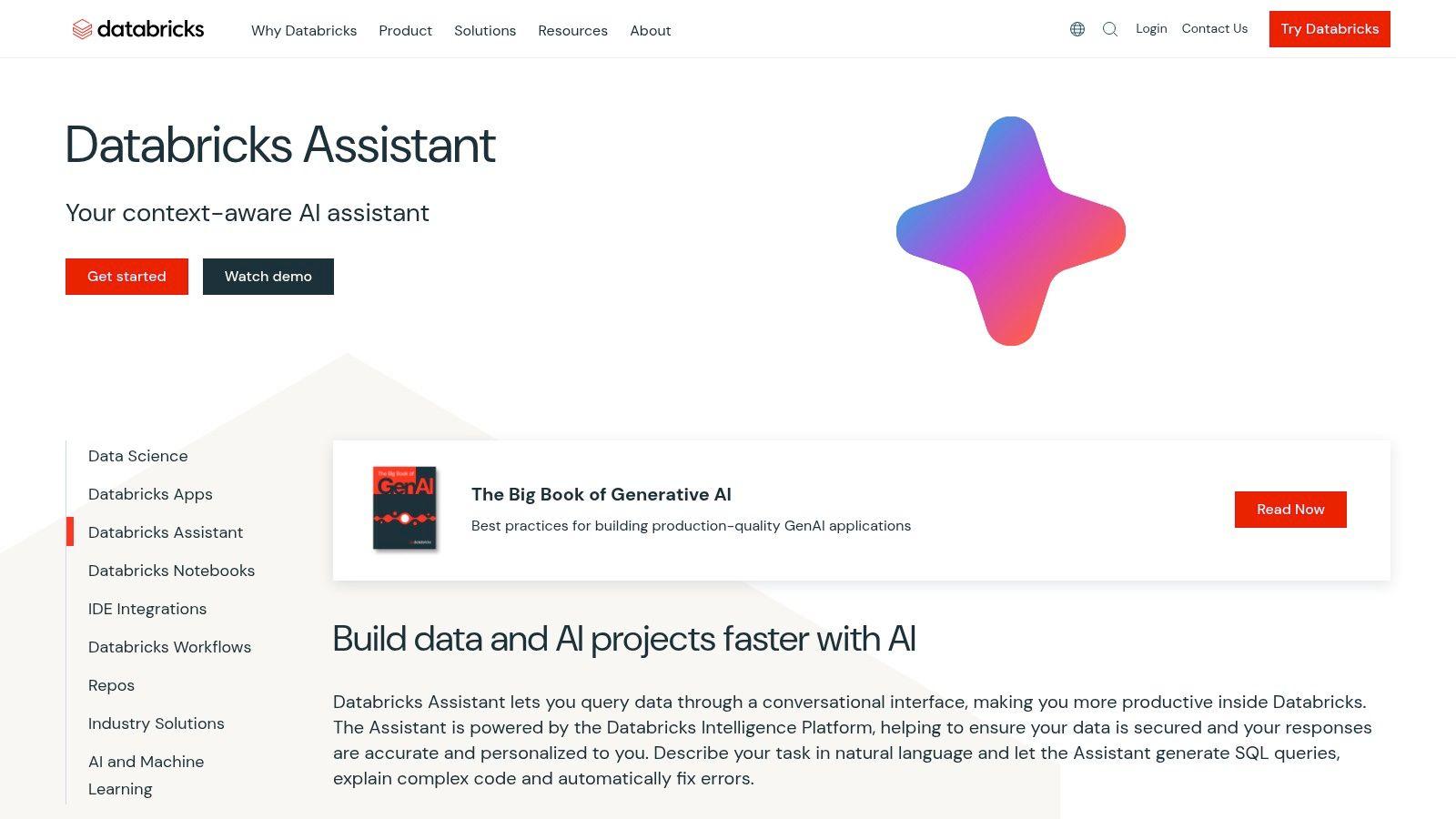
Instead of a separate chat window, the Assistant is embedded within Notebooks and the SQL editor, where it can generate complex SQL or Python code, add comments to explain logic, and help debug errors. This tight integration helps accelerate development for data engineers, scientists, and analysts by leveraging the metadata of their specific data assets to provide accurate and actionable suggestions.
Key Features & Considerations
- Best For: Technical teams (data engineers, scientists, analysts) who operate within the Databricks ecosystem and require an AI assistant that understands their internal data architecture and governance policies.
- Pricing: The Databricks Assistant is available to Databricks customers at no additional cost, though it requires an administrator to enable it within the workspace settings.
- Onboarding: Existing Databricks users will find the Assistant intuitive, as it appears directly in their familiar development environments. New users will face the steeper learning curve of the broader Databricks platform.
- Limitations: Its primary strength is also its main limitation. The Assistant's full power is only accessible within the Databricks platform, making it unsuitable as a standalone tool or for teams not invested in the ecosystem.
Website: https://www.databricks.com/product/databricks-assistant
6. Snowflake — Cortex AI
For businesses already operating within the Snowflake ecosystem, Cortex AI represents a powerful, integrated approach to data analysis. It brings large language models directly to your data, eliminating the need for data movement and complex integrations. This makes it a strong candidate for the best AI for data analysis for organizations prioritizing security, governance, and leveraging existing data infrastructure. Users can interact with their structured and unstructured data using natural language, build custom AI applications, and run advanced functions directly within their Snowflake environment.
Cortex AI allows teams to use simple SQL commands to access LLMs or build sophisticated chat experiences with Cortex Analyst and Cortex Search. This setup is ideal for enterprises that need to maintain strict data governance while empowering business users to ask complex questions of their data without writing intricate code.
Key Features & Considerations
- Best For: Existing Snowflake customers, from SMBs to large enterprises, who want to embed AI and LLM capabilities directly into their data workflows without compromising on security or governance.
- Pricing: Operates on a consumption-based model using Snowflake credits. The token-based billing for AI functions adds another layer to cost management, which requires careful monitoring to control expenses.
- Onboarding: Requires an active Snowflake account. For those already familiar with the Snowflake interface and SQL, the learning curve is relatively gentle. Newcomers will face a steeper onboarding process tied to the broader platform.
- Limitations: The primary barrier to entry is the requirement of a Snowflake account. Some advanced features may be in public preview or limited to specific cloud providers and regions, requiring teams to check availability.
Website: https://www.snowflake.com/en/product/features/cortex
7. Dataiku — Data Science & MLOps Platform
Dataiku establishes itself as a powerful, collaborative platform designed for teams that need to productionize their data science projects, making it a strong candidate for the best AI for data analysis in enterprise environments. It uniquely blends visual, no-code "recipes" with traditional code notebooks (Python, R), allowing data analysts and seasoned data scientists to work together seamlessly. This hybrid approach accelerates everything from data preparation and feature engineering to building and deploying machine learning models.
Unlike lightweight analysis tools, Dataiku is built with governance and MLOps at its core. It provides robust tools for model monitoring, versioning, and access control, ensuring that AI models are not just built but are also managed responsibly in a production setting. This focus makes it ideal for businesses scaling their AI initiatives from experimentation to core business operations.
Key Features & Considerations
- Best For: Cross-functional data teams in SMBs and enterprises that require a single, governed platform for the entire data science lifecycle, from data prep to model deployment and monitoring.
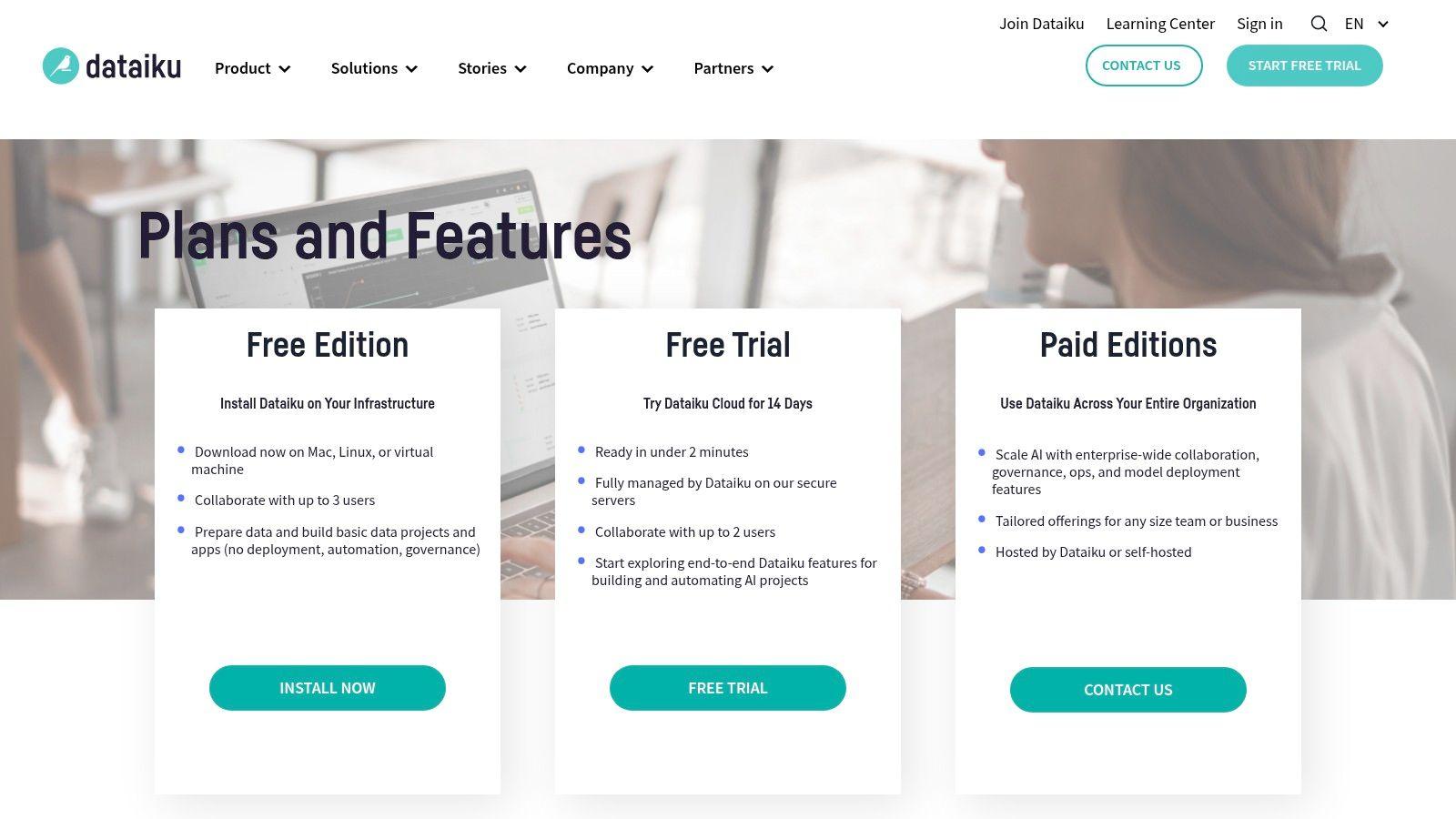
- Pricing: Offers a free edition for small teams and a cloud free trial to get started. Enterprise-level plans are customized and available via their sales team, reflecting its focus on larger, more complex deployments.
- Onboarding: The platform is comprehensive, which can mean a steeper learning curve compared to simpler tools. However, its visual workflows help new users get started on data preparation and AutoML tasks relatively quickly.
- Limitations: The platform's extensive capabilities can feel like overkill for individuals or teams needing simple, ad-hoc analysis. Enterprise pricing can also be a significant investment and may be too complex for smaller businesses without dedicated data teams.
Website: https://www.dataiku.com/product/plans-and-features/
8. Alteryx — Cloud Analytics Platform (Designer Cloud)
Alteryx has long been a favorite in the business intelligence world, and its evolution into a cloud-based analytics platform solidifies its position as a top contender for the best AI for data analysis. It excels at empowering business users with its no-code/low-code, drag-and-drop interface for data preparation, blending, and advanced analytics. This approach democratizes data science, allowing analysts without deep coding skills to build complex workflows.
The platform integrates AI through features like its AI Copilot and automated insights, which guide users through the analytics process, suggest transformations, and uncover hidden patterns automatically. For SMBs and enterprise teams, Alteryx accelerates the entire analytics lifecycle, from raw data ingestion to generating actionable reports and predictive models, all within a unified and governed environment.
Key Features & Considerations
- Best For: Business analysts, data teams, and enterprises seeking a scalable, low-code platform to automate complex data preparation and analytics workflows without relying on specialized coding skills.
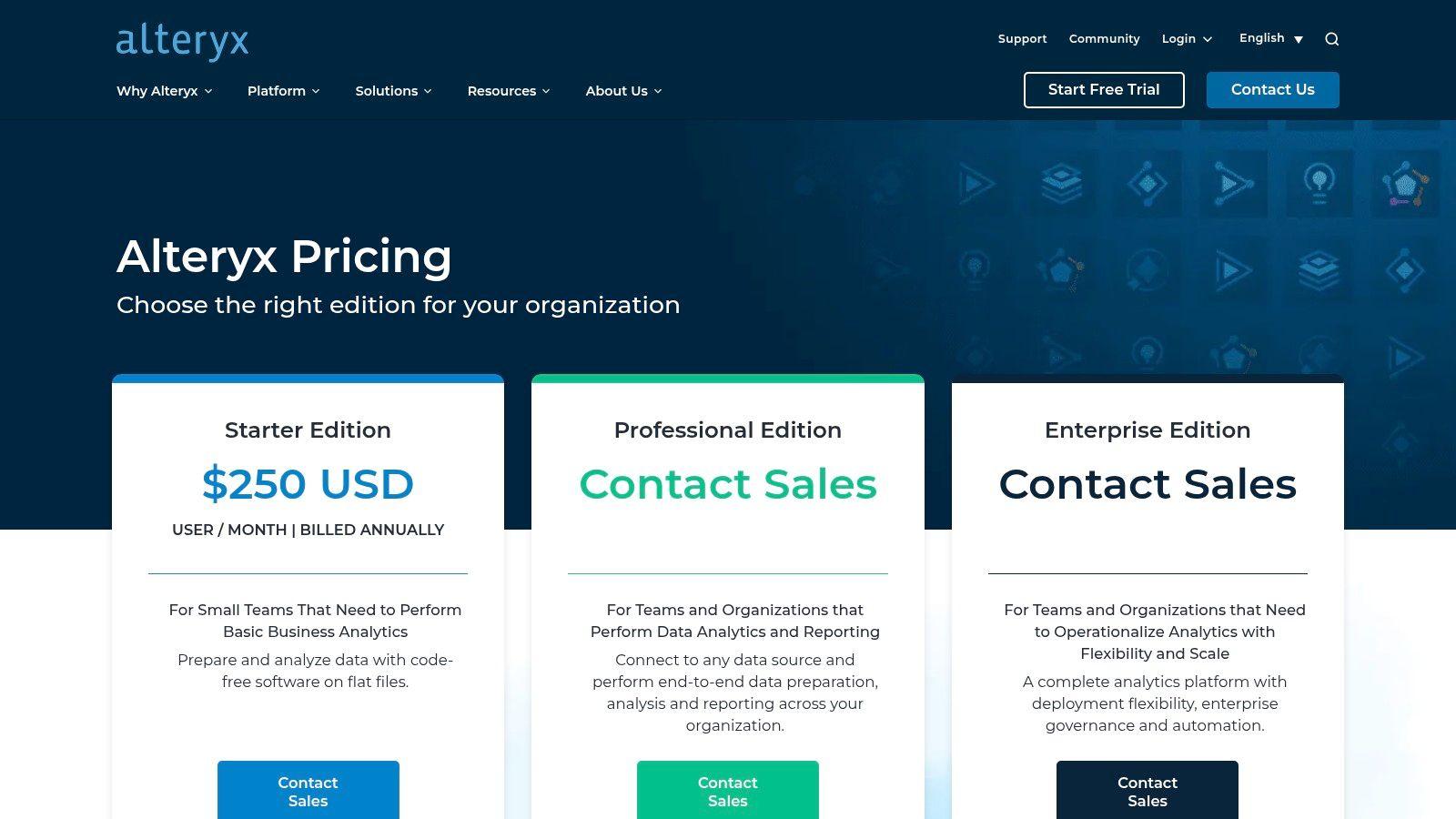
- Pricing: Alteryx offers various editions and products (like Designer Cloud and Designer Desktop) with pricing available upon request or through tailored quotes. A free trial is available to explore the platform’s capabilities.
- Onboarding: The platform has a mature ecosystem with extensive documentation, a vibrant user community, and certification programs, which helps new users get up to speed despite its powerful feature set.
- Limitations: The edition-based pricing can become costly as you scale or require more advanced features. While excellent for analytics and data prep, it is less focused on pure ML model orchestration compared to dedicated MLOps platforms.
Website: https://www.alteryx.com/products/pricing
9. Altair RapidMiner — Converged Data Analytics & AI Platform
Altair RapidMiner provides a unified, end-to-end platform for teams looking to graduate from basic analysis to a more robust, production-ready environment. It is a strong contender for the best AI for data analysis for organizations aiming to modernize legacy analytics stacks with a code-optional, visual workflow builder. This approach allows both data scientists and business analysts to collaborate on everything from data preparation and modeling to deployment and monitoring.
The platform’s converged nature means teams don't have to stitch together multiple tools for different stages of the analytics lifecycle. This integrated experience, combined with its flexible "Altair Units" licensing model, allows companies to access a wide suite of Altair products without being locked into a single software, making it a cost-effective choice for scaling data operations.
Key Features & Considerations
- Best For: Established analytics teams, SMBs, and enterprises seeking to consolidate their data science tools into a single platform with strong model operations (MLOps) capabilities. It's ideal for those who prefer visual pipeline building but still want the option to inject custom code.
- Pricing: Pricing is not publicly listed and operates on a flexible, credit-based system called Altair Units. This requires engaging with their sales team for a custom quote, which may be a barrier for smaller teams looking for transparent, self-service options.
- Onboarding: The platform is comprehensive and powerful, which translates to a steeper learning curve compared to conversational AI tools. It is designed for users with some background in data analytics or data science principles.
- Limitations: The ecosystem is distinct from mainstream, cloud-native stacks like those from AWS, Google, or Microsoft, which could be a consideration for teams already heavily invested in those environments. The lack of transparent pricing makes initial evaluation difficult.
Website: https://altair.com/rapidminer
10. KNIME — Open-Source Analytics + Cloud Hub
KNIME stands out with its powerful, free, and open-source desktop platform, positioning itself as an excellent choice for those seeking the best AI for data analysis without an initial investment. Its visual, node-based workflow builder allows users to connect to over 300 data sources, transform data, and build machine learning models graphically, making complex analysis accessible even without extensive coding knowledge. The recent introduction of K-AI, an AI assistant, further simplifies workflow creation.
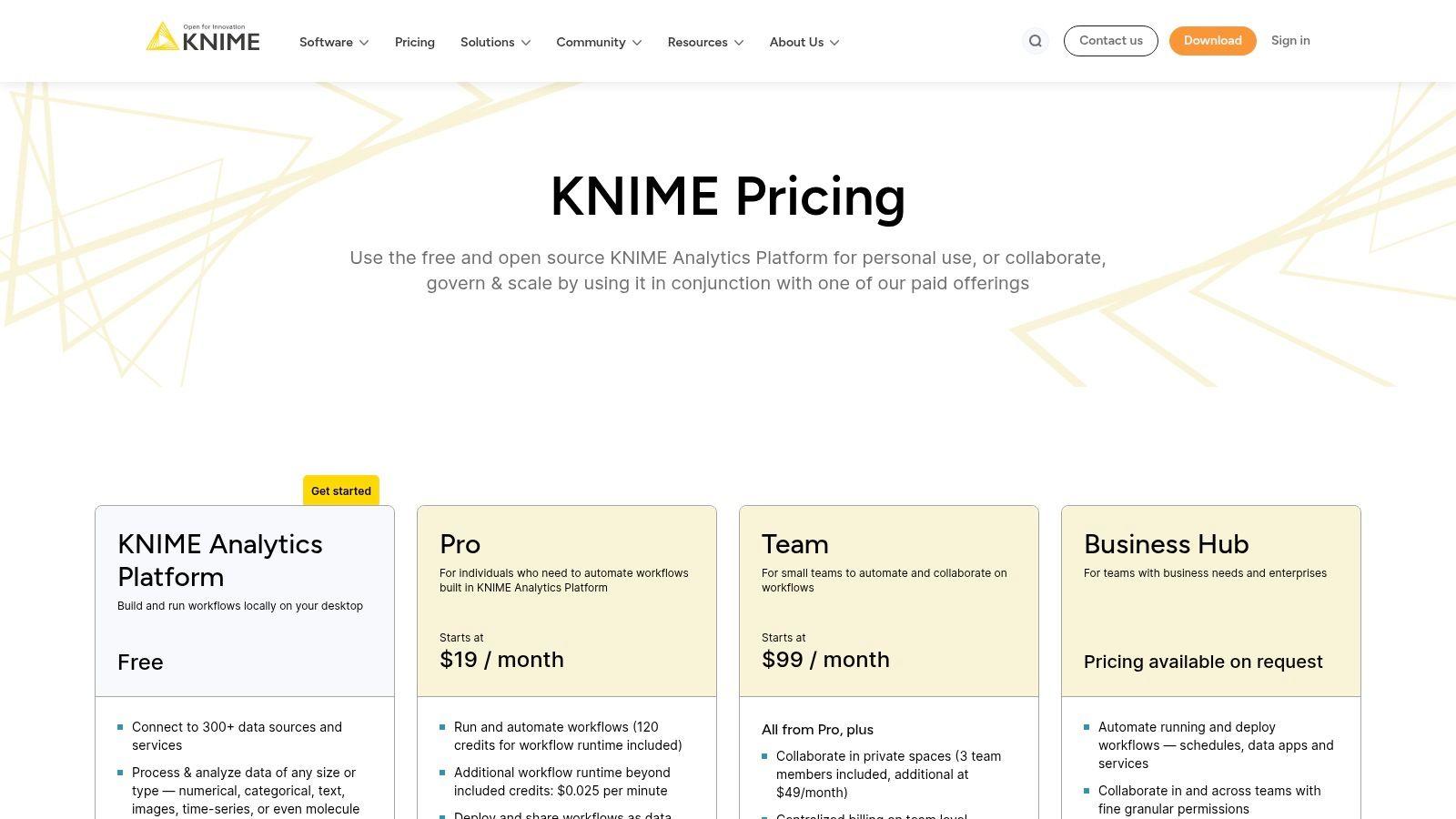
This dual-offering model provides a seamless growth path; users can start for free on the desktop and later transition to paid KNIME Hub plans (Pro, Team, Business) for cloud-based automation, collaboration, and enterprise governance. This scalability makes it a strong contender for students, SMBs, and large enterprises alike, offering a low-risk entry point into sophisticated data science.
Key Features & Considerations
- Best For: Students, researchers, and SMBs needing a robust, free data science tool. It's also ideal for enterprises looking for a scalable, governable analytics platform with a self-hosting option.
- Pricing: The KNIME Analytics Platform (desktop) is completely free. Paid KNIME Hub plans (Pro/Team) are SaaS-based and priced on a runtime credit model for executing workflows in the cloud. A Business Hub plan is available for enterprise governance.
- Onboarding: The visual interface is intuitive for those familiar with flowchart-style logic, but the sheer number of nodes and capabilities can present a learning curve for absolute beginners.
- Limitations: While the desktop tool is powerful, the paid cloud plans may have limitations in accessing on-premise or private network data sources. The runtime credit model, while flexible, can add complexity to budget forecasting.
Website: https://www.knime.com/knime-hub-pricing
11. Tableau (Salesforce) — Tableau with Tableau Pulse/AI
Tableau has long been a leader in business intelligence and data visualization, but its integration of AI through features like Tableau Pulse solidifies its place as one of the best AI for data analysis platforms for organizations prioritizing visual storytelling. Instead of requiring users to hunt for insights, Tableau Pulse proactively surfaces automated analytics and key metrics in plain language, directly within a user's workflow. This makes sophisticated data analysis accessible to business users, not just data scientists.
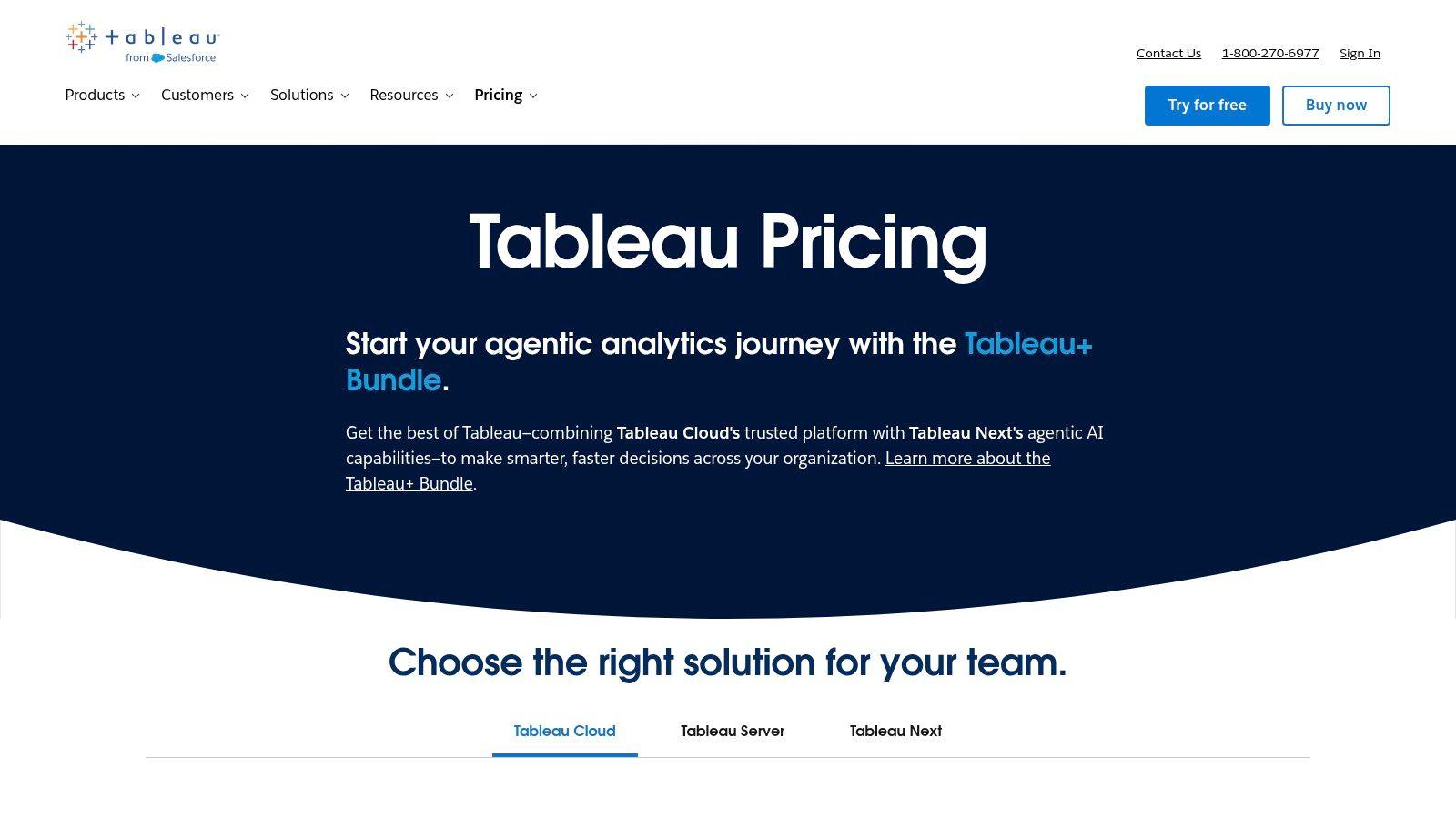
The platform excels at translating complex datasets into interactive and shareable dashboards. For teams and SMBs, this means transforming raw sales, marketing, or operational data into clear visual narratives that drive strategic decisions. Its ability to connect to a vast array of data sources, combined with the power of Salesforce Data Cloud, provides a comprehensive view of business performance. You can explore how such powerful tools are used to create AI-driven reports for deeper business insights.
Key Features & Considerations
- Best For: Businesses and enterprise teams that need a robust, scalable BI platform with best-in-class interactive visualizations and AI-driven insights for non-technical users.
- Pricing: Role-based licensing with distinct tiers for Creators (who build data sources and dashboards), Explorers (who can edit existing dashboards), and Viewers (who interact with dashboards). Pricing is per user, per month, billed annually.
- Onboarding: The user experience is highly visual and intuitive for end-users, though setting up data sources and complex dashboards as a Creator requires a learning curve. Extensive training resources are available.
- Limitations: While excellent for visualization and automated insights, advanced machine learning model creation often requires integration with external tools. Some of the newest AI features are bundled in higher-tier plans or are more deeply integrated within the broader Salesforce ecosystem.
Website: https://www.tableau.com/pricing
12. Microsoft Azure Marketplace — AI + Machine Learning
For organizations already integrated into the Microsoft ecosystem, the Azure Marketplace serves as a powerful hub for discovering and deploying specialized AI and ML solutions. Instead of a single tool, it’s a curated catalog of first-party and third-party applications, making it a contender for the best AI for data analysis by offering unparalleled choice and streamlined procurement. It allows teams to find, test, and deploy everything from advanced MLOps platforms like Dataiku to specialized vector databases directly into their Azure environment.
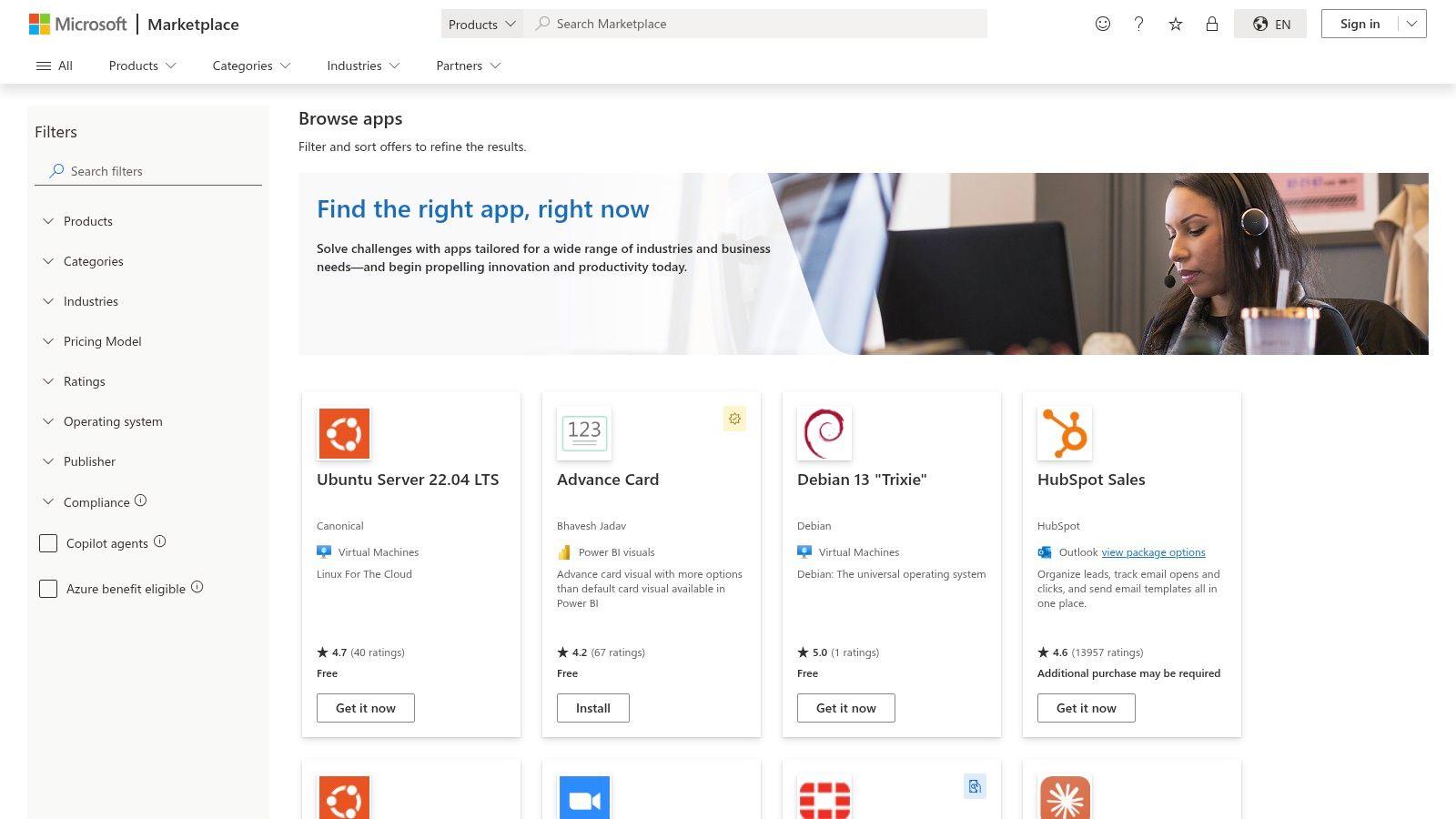
The primary advantage is its seamless integration and consolidated billing. Solutions can be deployed with one click, and costs are added to the existing Azure bill, simplifying vendor management. This model is ideal for enterprise teams that need to quickly spin up new capabilities while adhering to corporate governance and security policies managed through Azure.
Key Features & Considerations
- Best For: Enterprise teams and businesses heavily invested in the Microsoft Azure cloud who need to rapidly procure and deploy vetted, third-party AI and machine learning solutions.
- Pricing: Varies widely by vendor. Options include pay-as-you-go, bring-your-own-license (BYOL), and private enterprise offers. All billing is consolidated through the existing Azure subscription.
- Onboarding: The deployment process is fast and standardized for Azure users. However, onboarding for each individual third-party tool will depend on that specific vendor's process and support.
- Limitations: The quality and pricing transparency of listings can be inconsistent. Its value is maximized for existing Azure customers; organizations on other cloud platforms like AWS or GCP would find it less practical.
Website: https://azuremarketplace.microsoft.com/en-us/marketplace/apps/category/ai-plus-machine-learning
Top 12 AI Tools for Data Analysis — Feature Comparison
| Product | Core features ✨ | UX/Quality ★ | Value / Price 💰 | Target 👥 | Standout 🏆 |
| OpenAI — ChatGPT | In-browser data analysis (files, code, charts), Custom GPTs ✨ | ★★★★☆ fast onboarding, polished UX | 💰 Free + tiered paid; business privacy options | 👥 Consumers, SMBs, teams, builders | 🏆 Large GPT ecosystem & ease of use |
| Microsoft — Copilot (M365 & Power BI) | Copilot chat + Power BI DAX/report edits; Graph grounding ✨ | ★★★★☆ seamless Office integration | 💰 Licensing-dependent; best value in MS estate | 👥 Enterprises on Microsoft 365/Fabric | 🏆 Deep Office & Teams integration |
| Google Cloud — Vertex AI | End-to-end ML, Agent Builder, BigQuery tie-in ✨ | ★★★☆☆ production-grade, cloud expertise needed | 💰 Usage-based + free credits; granular pricing | 👥 ML engineers, data teams, BigQuery users | 🏆 BigQuery integration & agent observability |
| AWS — SageMaker | Studio, Autopilot, Pipelines, Model Registry, MLOps ✨ | ★★★☆☆ highly scalable, complex setup | 💰 Granular resource pricing; scalable costs | 👥 AWS-centric ML teams, enterprises | 🏆 Broad AWS integrations & MLOps tooling |
| Databricks — Lakehouse & Assistant | Lakehouse + Assistant (SQL/Python gen, debug) ✨ | ★★★★☆ context-aware assistant tied to catalog | 💰 Assistant included; workspace pricing applies | 👥 Data engineers, analytics teams on DB | 🏆 Unity Catalog-driven contextual help |
| Snowflake — Cortex AI | Chat/search next to data, LLM functions via SQL ✨ | ★★★☆☆ fast data-to-chat; region/preview limits | 💰 Token-based billing; needs Snowflake credits | 👥 Snowflake customers, analysts | 🏆 Keep AI adjacent to governed data |
| Dataiku | Visual recipes + notebooks, AutoML, MLOps ✨ | ★★★★☆ collaborative for analysts & DS | 💰 Free edition; enterprise via sales | 👥 Hybrid teams (analysts + data scientists) | 🏆 Balanced visual+code with governance |
| Alteryx — Designer Cloud | No-code/low-code prep, AI Copilot, automation ✨ | ★★★★☆ very approachable for analysts | 💰 Edition-based pricing; add-ons for advanced | 👥 Business analysts, SMBs | 🏆 No-code focus & extensive learning resources |
| Altair RapidMiner | Visual pipelines, end‑to‑end ops, Units licensing ✨ | ★★★☆☆ code-optional, legacy modernization fit | 💰 Units licensing; pricing via sales | 👥 Teams modernizing legacy analytics | 🏆 Flexible Units-based licensing |
| KNIME | Graphical workflows, 300+ connectors, K-AI assistant ✨ | ★★★★☆ excellent free desktop & visual UX | 💰 Free + Pro/Team (runtime credits) | 👥 Students, SMBs, analytics teams | 🏆 Open-source with clear upgrade paths |
| Tableau (Salesforce) | BI + Tableau Pulse AI insights, role-based licensing ✨ | ★★★★☆ best-in-class visualization UX | 💰 Role-based (Creator/Explorer/Viewer) | 👥 Business users, analysts, BI teams | 🏆 Leading visualization & dashboards |
| Microsoft Azure Marketplace | Curated AI/ML apps & one-click deploys ✨ | ★★★☆☆ fast procurement; listing quality varies | 💰 Pay-as-you-go & private offers; consolidated billing | 👥 Azure customers, procurement & dev teams | 🏆 Broad catalog + streamlined deployment |
Choosing Your Path: Privacy, Power, and Practicality
Navigating the landscape of AI for data analysis can feel overwhelming, but as we've explored, the journey is about finding the right fit for your unique needs. We've journeyed through the enterprise-grade powerhouses of Google's Vertex AI and AWS's SageMaker, the integrated convenience of Microsoft Copilot, and the specialized data ecosystems of Snowflake and Databricks. We also examined accessible yet powerful platforms like Alteryx and KNIME that democratize data science for a broader audience.
The core takeaway is that the best AI for data analysis is not a one-size-fits-all solution. Your ideal tool is a direct reflection of your specific circumstances, balancing three critical pillars: the technical skill of your team, the scale and complexity of your data, and your non-negotiable requirements for privacy and security.
Key Decision Factors Distilled
Making your final choice requires a clear-eyed assessment of your situation. For large organizations with dedicated data science teams and massive datasets, platforms like Vertex AI, Amazon SageMaker, or the Databricks Lakehouse offer unparalleled scalability and customization. These are the heavyweights, built for complex model training and deep integration into enterprise workflows, but they come with a steep learning curve and significant investment.
For teams already embedded in specific ecosystems, the choice might be simpler. If your organization runs on Microsoft 365, Copilot offers a seamless, integrated experience. Likewise, if your data already lives in Snowflake, leveraging Cortex AI is a logical and powerful extension. These tools reduce friction by meeting you where your data already is.
However, for a significant and growing group of users - SMBs, students, and families - the primary concern shifts from raw computational power to accessibility, ease of use, and, most importantly, data privacy.
The Critical Role of Privacy and Accessibility
When you're a small business analyzing sensitive financial reports, a student researching a proprietary topic, or a family organizing personal documents, the question of who sees your data becomes paramount. Mainstream AI models often use user inputs to train their future iterations. This is an unacceptable risk when dealing with confidential information.
This is precisely where a privacy-first alternative like 1chat carves out its essential role. It’s built on the principle that your data should remain your own. By offering a secure environment to interact with powerful AI models for tasks like PDF analysis or document summarization, 1chat provides the analytical horsepower you need without the privacy trade-offs.
1chat offers a crucial balance: It provides access to sophisticated AI capabilities through a user-friendly, secure interface, making it the ideal choice when your data's confidentiality is as important as the insights you seek.
Your Actionable Next Steps
To move forward, consider this practical checklist:
- Define Your Primary Use Case: Are you performing ad-hoc analysis of a CSV file, building a complex predictive model, or simply trying to summarize a dense report? Be specific.
- Assess Your Team's Skills: Do you have data scientists and engineers on staff, or do you need a no-code, intuitive interface that anyone can use?
- Evaluate Your Data's Sensitivity: Is your data public information, or is it proprietary business strategy, personal financial records, or confidential client information? This will heavily influence your choice.
- Start with a Pilot Project: Before committing to a platform, test it with a small, well-defined project. Use a free trial or a lower-tier plan to see if the workflow and results meet your expectations.
The era of AI-powered data analysis is not just for Fortune 500 companies. It's for the curious student, the agile startup, and the organized family. By carefully weighing power against practicality and prioritizing privacy, you can confidently select the tool that will not only answer your questions but also protect your valuable information. Your journey to deeper insights starts with making an informed, secure, and strategic choice.