The modern professional landscape presents a constant battle against the clock. Between endless emails, mounting tasks, and the pressure to innovate, staying ahead can feel impossible. But what if you could automate the mundane, supercharge your creativity, and reclaim hours of your day? That's the promise of artificial intelligence.
Today's AI is more than just a chatbot; it's a co-pilot for your entire workflow. From drafting perfect emails and summarizing dense reports to managing team projects and customer communications, the right tools can fundamentally change how you work. This guide cuts through the noise to bring you a comprehensive roundup of the best AI productivity tools available right now. We've done the heavy lifting, analyzing everything from foundational models like ChatGPT and Claude to integrated workspace solutions and marketplaces where you can discover the next essential app.
Our goal is to help you find the perfect solution for your specific needs. Whether you're a student looking for a human-like writing assistant, a small business owner aiming to reduce workload, or a family seeking a privacy-first AI for shared tasks, this list has you covered. We've categorized each tool and provided a detailed breakdown, including:
- Key Features: What makes each tool stand out.
- Best For: Clear recommendations for students, families, teams, and SMBs.
- Privacy & Pricing: Critical details to inform your decision.
- Suggested Workflows: Practical ideas to implement these tools immediately.
Each entry includes screenshots and direct links to help you get started without delay. We'll explore everything from AI-powered extensions in the Chrome Web Store to powerful add-ons within Google Workspace and Microsoft 365. Get ready to find the platform that will not only make you more efficient but also unlock new levels of strategic thinking and creativity.
1. 1chat: Best Privacy-First Hub for Teams and Families
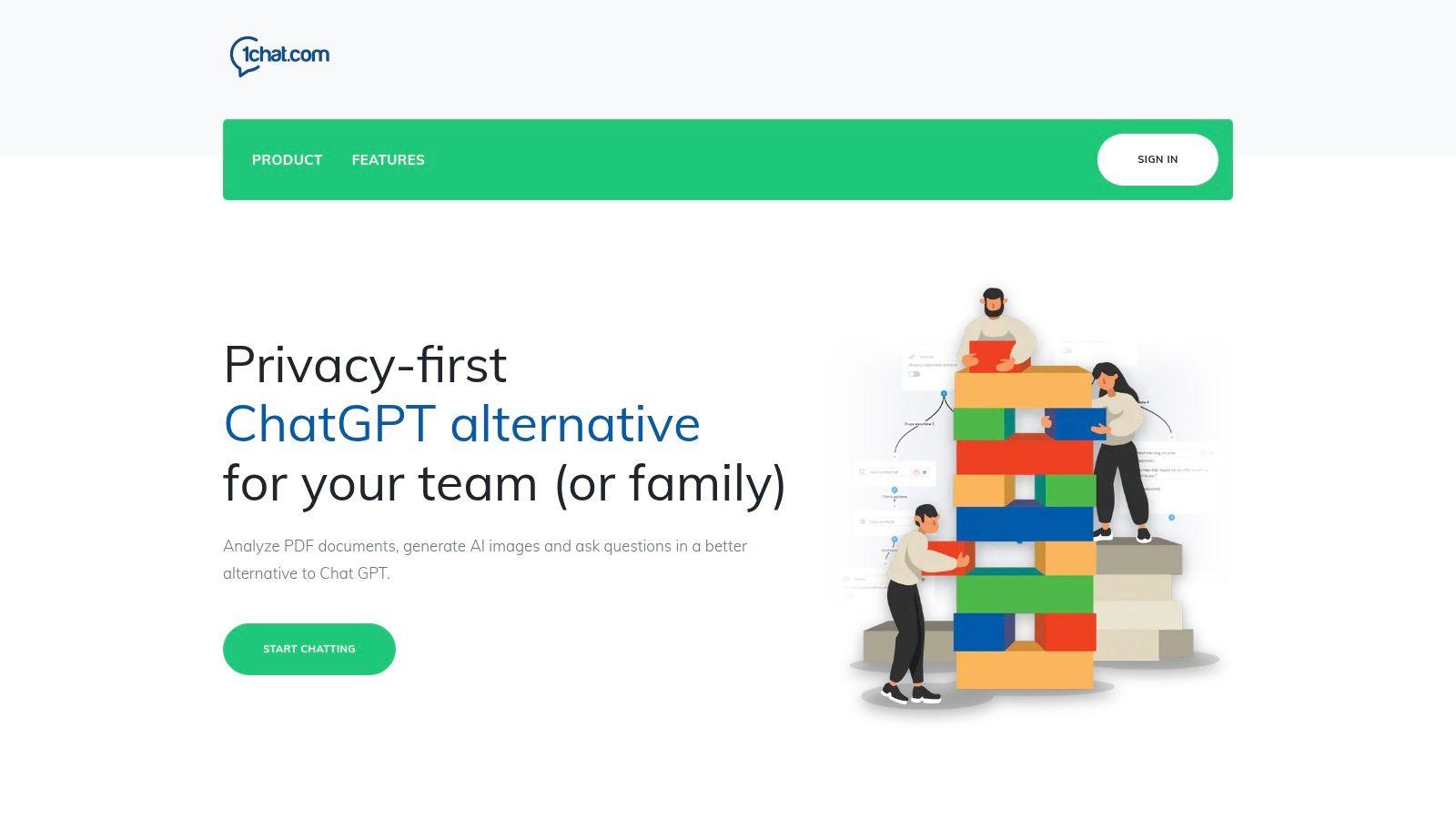
1chat establishes itself as a powerful command center among the best AI productivity tools by uniquely merging advanced AI capabilities with a strong emphasis on privacy and team collaboration. It's not just another AI chatbot; it's an integrated ecosystem designed for small businesses needing to streamline operations and families seeking a safe, controlled AI environment. The platform’s core strength lies in its dual-purpose design, making it a versatile asset for a wide range of users.
Key Features and Strategic Advantages
What truly sets 1chat apart is its multi-model AI access combined with a robust communication hub. Users are not locked into a single AI engine. Instead, they can strategically select the best model for a specific task, whether it's the creative prowess of OpenAI's GPT-5 for marketing copy or the efficiency of Google's Nano Banana for data analysis. This flexibility is a significant productivity booster.
The platform's standout features include:
- Multi-Model AI Engine: Access top-tier language models from Google, OpenAI, and others from a single, unified interface. This allows you to leverage the unique strengths of different AIs for optimal results in content creation, data analysis, and problem-solving.
- Omnichannel Inbox: This is a game-changer for small businesses. It consolidates customer conversations from web chat, email, SMS, and social media into one manageable inbox, enabling teams to provide faster, more organized support.
- Integrated Productivity Suite: Beyond chat, 1chat offers built-in tools for PDF analysis, AI-powered image generation, and SEO content workflows. This reduces the need for multiple, costly subscriptions by centralizing essential business functions.
- Family-Focused Privacy: With content moderation and a secure design, 1chat provides a safer AI tool for students and families. Parents can feel confident allowing their children to use it for homework, research, and creative writing.
Practical Applications and User Experience
For a small business, a typical workflow might involve using the omnichannel inbox to respond to a customer query, then switching to the AI model best suited for drafting a detailed, technical follow-up email. A marketing team could use it to generate social media content, create accompanying AI images, and analyze engagement data all within the same platform.
For families, a student can use 1chat to research a history paper, get assistance structuring an essay, and proofread their work in a moderated environment. The focus on privacy means user data is handled with more care than many mainstream alternatives. The platform is designed to be a versatile solution, scaling from an individual user to a full team with its per-seat pricing model.
| Feature Analysis | Details |
| Best For | SMBs, customer support teams, families, students. |
| Privacy Note | Emphasizes a privacy-first approach, though lacks public third-party security certifications. |
| Pricing | Scalable per-seat model. Requires direct contact for a quote as pricing is not listed publicly. |
| Limitations | The lack of transparent pricing and public testimonials may require potential users to conduct extra due diligence before committing. |
Learn more at 1chat.com
2. OpenAI – ChatGPT
As the platform that brought generative AI into the mainstream, OpenAI's ChatGPT remains one of the best AI productivity tools for its sheer versatility and power. It functions as a highly capable all-purpose assistant, adept at everything from drafting emails and debugging code to analyzing complex datasets and generating creative content. Its intuitive, chat-based interface makes it accessible to everyone, from students to enterprise teams.
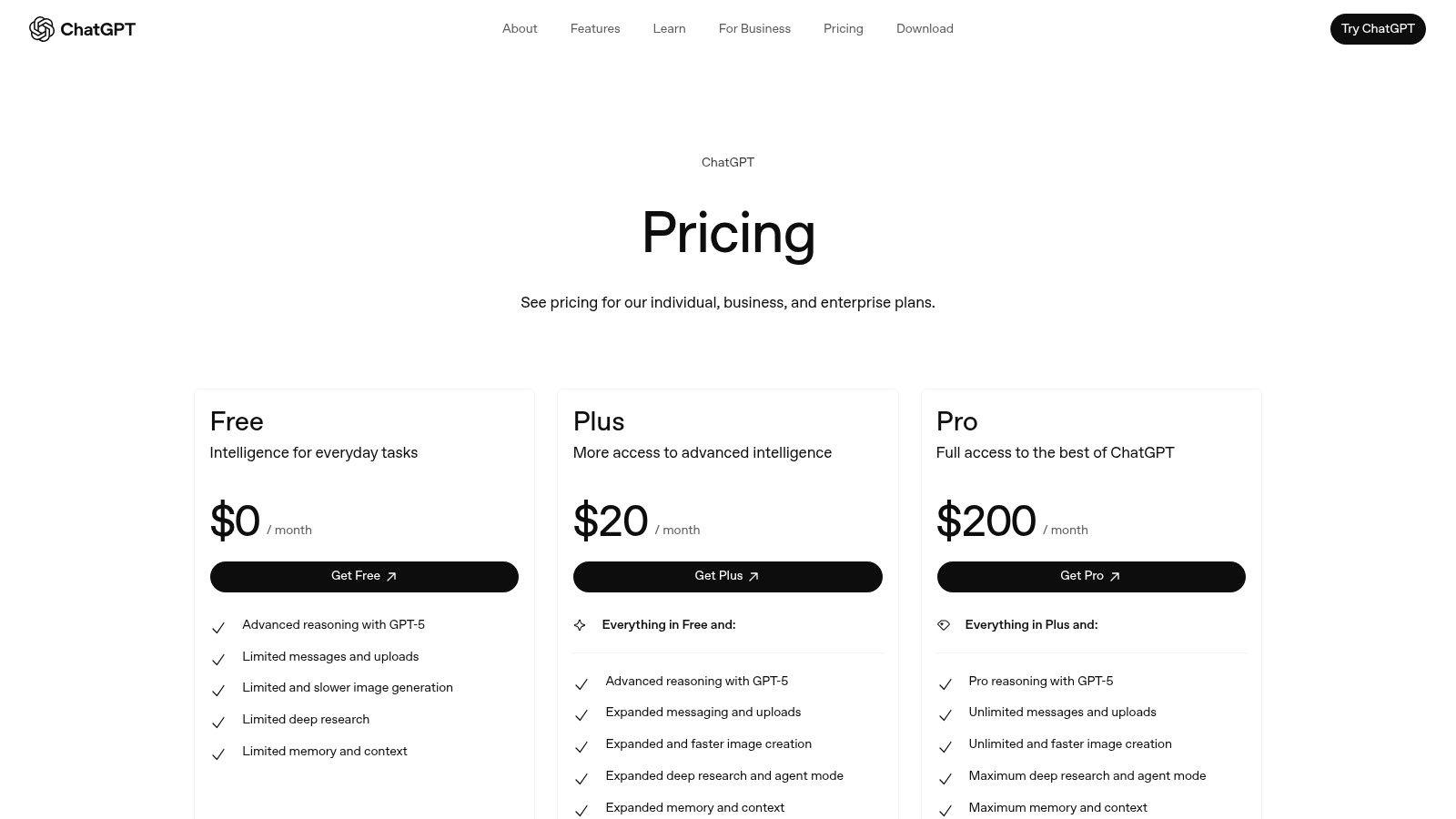
What sets ChatGPT apart is its massive ecosystem. The custom GPT Store allows users to find or create specialized AI agents for specific tasks, while extensive third-party integrations connect it to the software you already use. Business and Enterprise tiers provide critical admin controls, SSO, and enhanced data privacy, ensuring that proprietary information remains secure.
Key Features & User Experience
ChatGPT's interface is clean and straightforward, focusing on the conversation. The user experience is seamless, allowing for file uploads (spreadsheets, documents, images), voice conversations on mobile, and screen sharing for interactive problem-solving. While the free version is powerful, paid tiers unlock access to more advanced models like GPT-4o, higher usage limits, and data analysis tools. If you're looking to improve your writing, you can find helpful resources on how to leverage an AI paragraph writer effectively.
- Pros: Enormous ecosystem of custom GPTs and integrations, advanced multimodal capabilities (voice, vision), strong enterprise-level security and data controls.
- Cons: Higher-tier plans can be costly, and usage limits on the most powerful models can be a constraint for heavy users.
Website: https://openai.com/chatgpt/pricing
3. Microsoft – Copilot and Microsoft 365
For organizations deeply embedded in the Microsoft ecosystem, Copilot represents a powerful evolution in productivity. By integrating advanced AI directly into the Microsoft 365 apps you use daily-Word, Excel, PowerPoint, Outlook, and Teams-it brings contextual assistance right into your workflow. This native integration is its key differentiator, making it one of the best AI productivity tools for businesses standardized on Microsoft solutions who require enterprise-grade security and compliance.
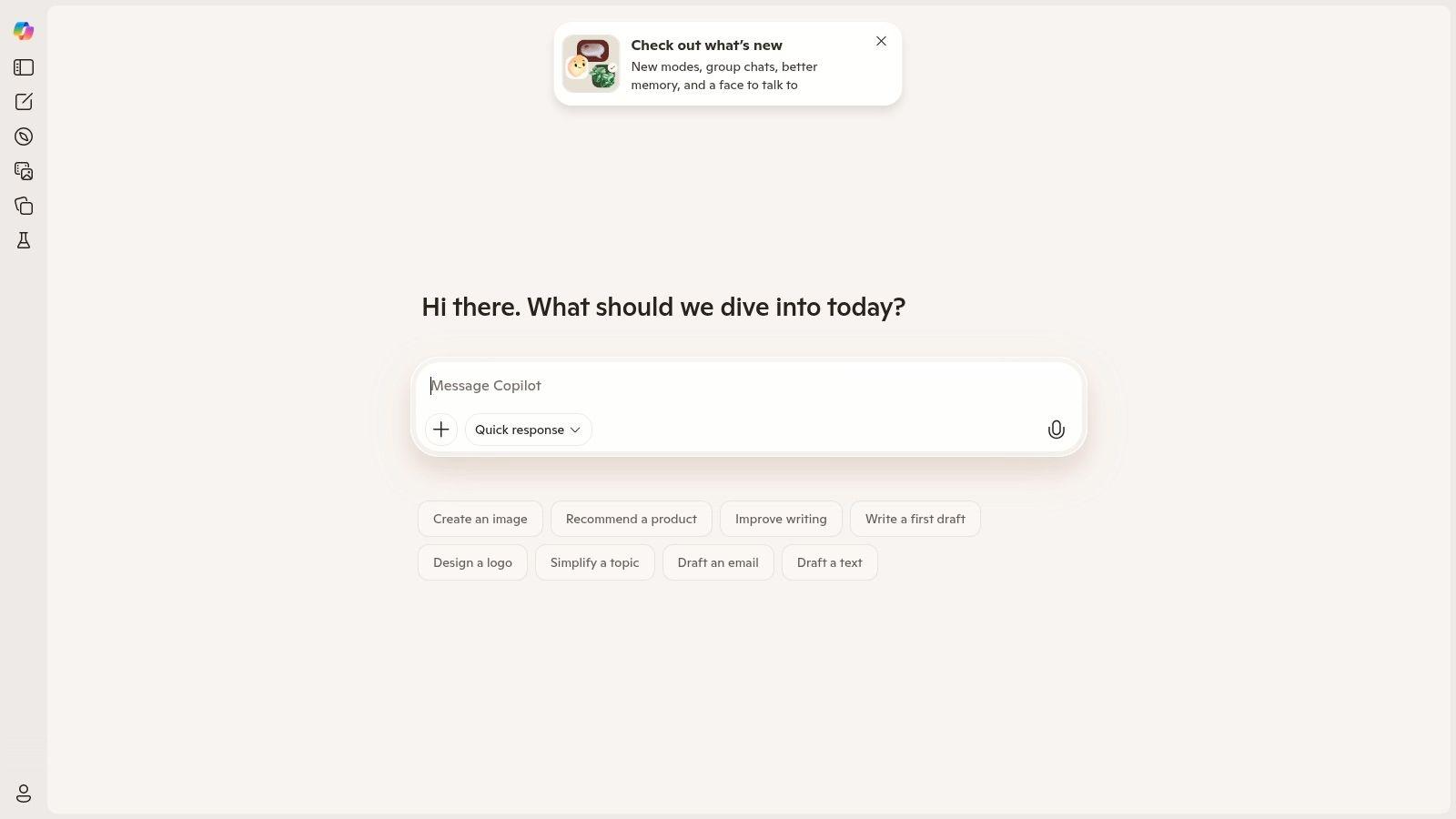
What makes Copilot so effective is its ability to access and reason over your business data, like emails, chats, and documents, all while respecting your organization's security policies. Available through various business and individual tiers, it offers commercial data protection for work accounts, ensuring that your sensitive information remains private. This deep integration allows Copilot to perform tasks like summarizing long email threads in Outlook, generating entire presentations in PowerPoint from a Word document, or analyzing data trends in Excel using natural language prompts.
Key Features & User Experience
Copilot is not a separate application but an assistant that appears contextually within Microsoft 365 apps and the Windows OS itself. The user experience is designed to be seamless, with prompts and suggestions appearing where you need them most. For example, it can help draft documents, generate formulas, or create meeting summaries without forcing you to switch windows. If your team frequently needs to generate summaries and analyses, you can explore guides on using an AI report writer to streamline the process.
- Pros: Unmatched native integration with the Microsoft 365 suite, robust enterprise-grade security, compliance, and data management controls.
- Cons: Pricing and plan names can be confusing and have shifted over time; the best features are locked behind business-tier subscriptions.
Website: https://www.microsoft.com/copilot
4. Google – Gemini in Workspace
For teams deeply embedded in the Google ecosystem, Gemini in Workspace is one of the best AI productivity tools available. It seamlessly integrates powerful generative AI capabilities directly into the apps millions of businesses use daily, such as Gmail, Docs, Sheets, and Meet. This native integration allows users to draft emails, summarize long documents, generate formulas, and create meeting notes without ever leaving their workflow, eliminating the need for context-switching to a separate AI app.
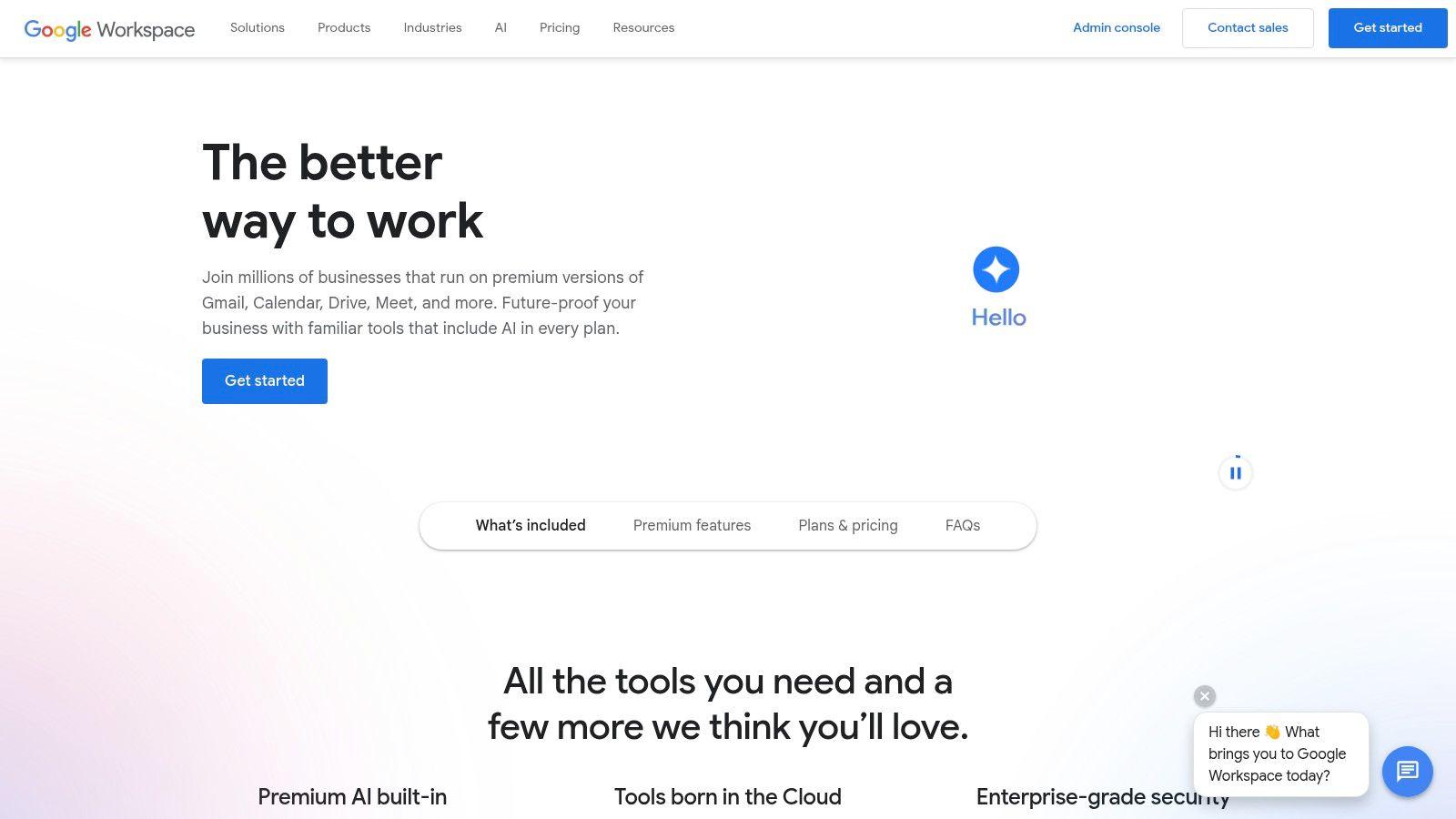
What sets Gemini in Workspace apart is its foundation of enterprise-grade security and administration. Because it operates within the existing Google Workspace environment, it inherits the platform's robust security posture, including compliance certifications like SOC and ISO. This provides a significant advantage for organizations that need to leverage AI while maintaining strict data governance and privacy standards, as all operations are managed through the familiar Workspace admin console.
Key Features & User Experience
The user experience is designed to be frictionless. AI features appear as intuitive prompts and sidebars directly within the applications, such as the "Help me write" button in Docs and Gmail. This makes the powerful features highly accessible even for non-technical users. It can analyze data across different apps, pulling information from a Google Sheet into a presentation in Slides, for instance. Pricing is add-on based, requiring a base Google Workspace subscription before the Gemini tier can be added.
- Pros: Frictionless integration for existing Google Workspace users, strong security posture aligned with Workspace admin tooling, and powerful cross-app context.
- Cons: Some advanced features are still rolling out and may not be universally available, and recent plan and pricing updates have changed feature availability by edition.
Website: https://workspace.google.com/
5. Anthropic – Claude
Anthropic’s Claude has rapidly emerged as a top-tier AI assistant, distinguishing itself with a focus on thoughtful, reliable, and nuanced responses. It excels in tasks that require deep reasoning and comprehension, such as analyzing lengthy documents, summarizing complex research, and engaging in sophisticated dialogue. This makes it one of the best AI productivity tools for professionals in law, research, and finance who need to process dense information accurately.
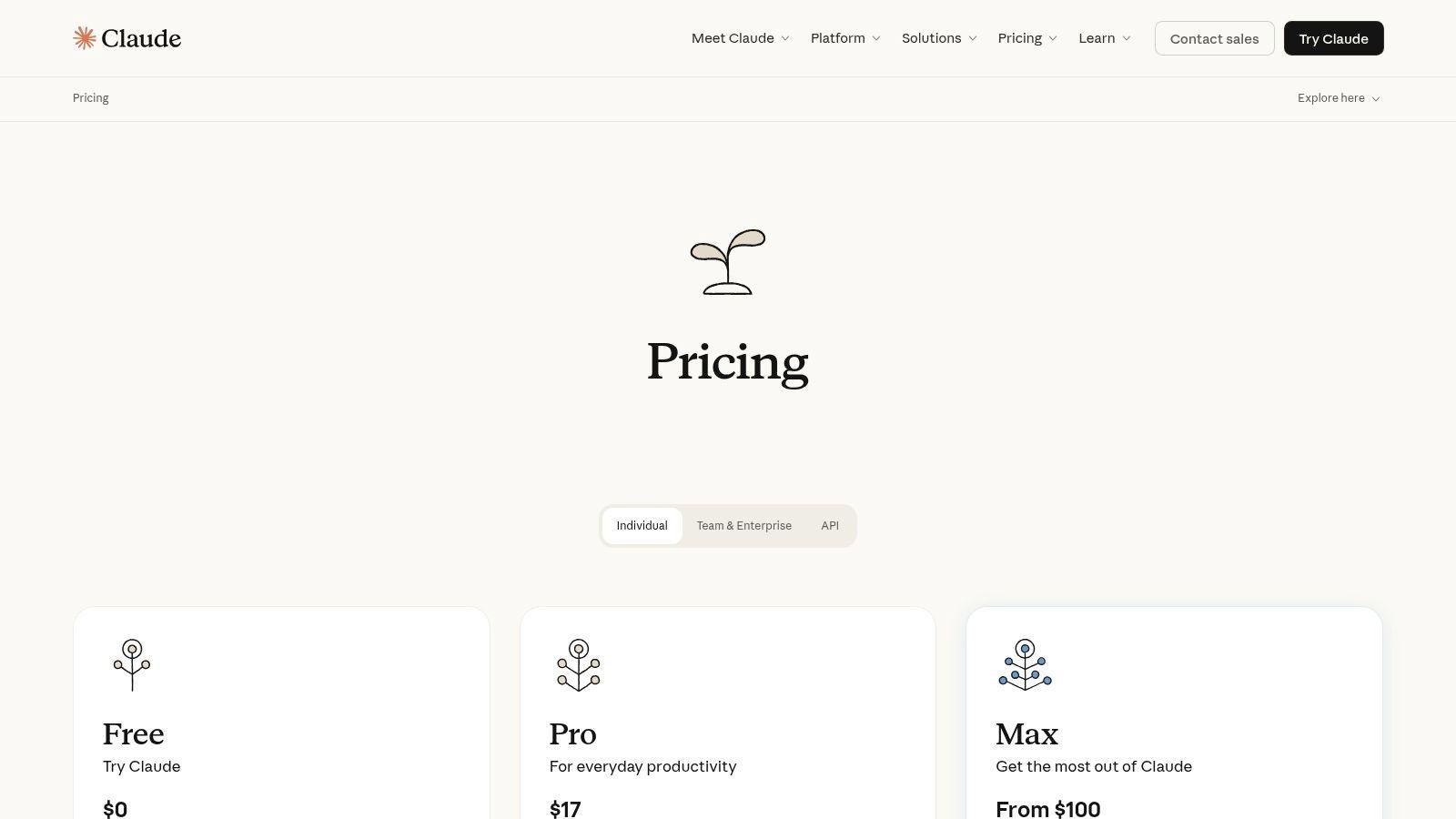
What truly sets Claude apart is its exceptionally large context window, allowing users to input entire books or extensive codebases for analysis in a single prompt. The platform is built with a constitutional AI framework, aiming for safer and more ethical outputs. With dedicated plans for individuals, teams, and enterprise use, Claude offers a scalable solution for users prioritizing reasoning quality and security.
Key Features & User Experience
Claude’s user interface is clean, minimalist, and focused on the conversation, ensuring a distraction-free experience. Available on web, iOS, and Android, it allows for easy file uploads and seamless interaction across devices. While the free version is highly capable, the Pro and Max paid tiers unlock significantly higher usage limits, priority access to the latest models like Claude 3 Opus, and early access to new features, which are essential for power users and business workflows.
- Pros: Exceptional long-context handling for large documents, strong reasoning and analytical capabilities, and a commitment to producing safe, high-quality output.
- Cons: Paid tiers can be costly for individuals with very high usage, and even on paid plans, users may hit occasional usage caps during peak demand.
Website: https://claude.ai/pricing
6. Notion – Notion with AI
Notion has evolved from a connected workspace into a powerful AI-native environment, making it one of the best AI productivity tools for teams that live inside their documents and databases. It embeds artificial intelligence directly into its core components like docs, tasks, and wikis, allowing users to summarize meeting notes, draft content, and extract insights without ever leaving their workflow. This deep integration is ideal for centralizing knowledge and project management in one place.
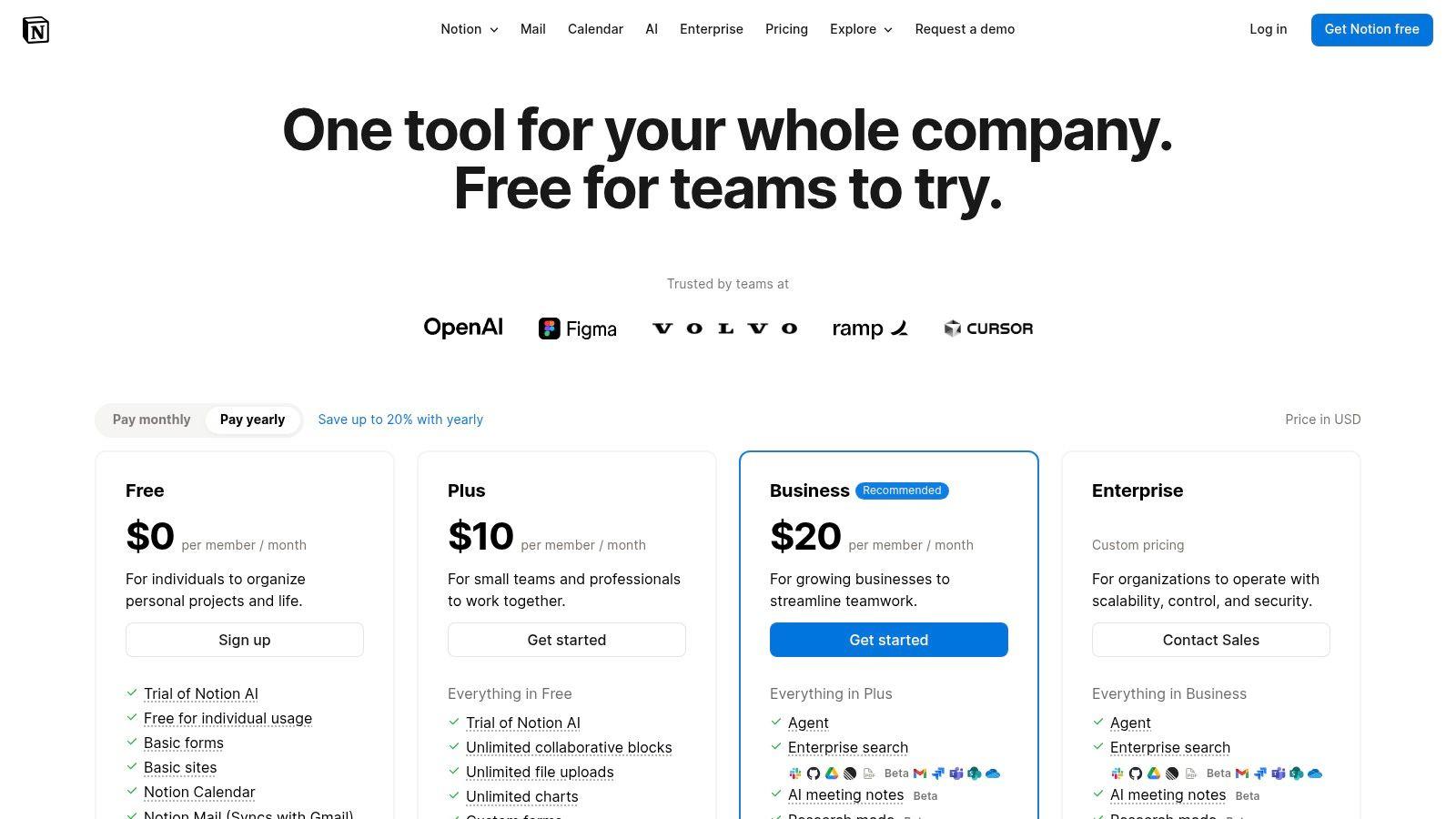
What sets Notion AI apart is its contextual awareness within your team’s workspace. It can pull information from across your wikis, projects, and documents to answer questions, generate action items, and create summaries. With enterprise search, mail and calendar integrations, and customizable AI agents, Notion becomes a single source of truth that actively helps you manage information, not just store it.
Key Features & User Experience
Notion's interface remains flexible and block-based, with AI features seamlessly accessible via a simple command. Users can highlight text to get AI assistance or use AI Blocks to generate entire tables and outlines. The experience is designed to augment existing workflows rather than introduce a new tool. While a free plan exists with limited AI, the full suite of features is a paid add-on or included in the higher-tier Business and Enterprise plans, which also offer critical admin and security controls.
- Pros: Unified workspace centralizes knowledge and reduces app switching, AI is deeply integrated into documents and databases for seamless daily productivity.
- Cons: After 2025 packaging changes, full AI access is primarily on Business/Enterprise plans, and the platform's advanced database features have a steep learning curve.
Website: https://www.notion.com/pricing
7. Product Hunt – Discover AI productivity tools
For those who want to stay on the cutting edge, Product Hunt is an indispensable resource for discovering the best AI productivity tools as they launch. Instead of being a single tool, it’s a community-driven platform where new apps and services are showcased daily. This makes it the perfect place to find innovative solutions before they become mainstream, often with early-adopter deals.
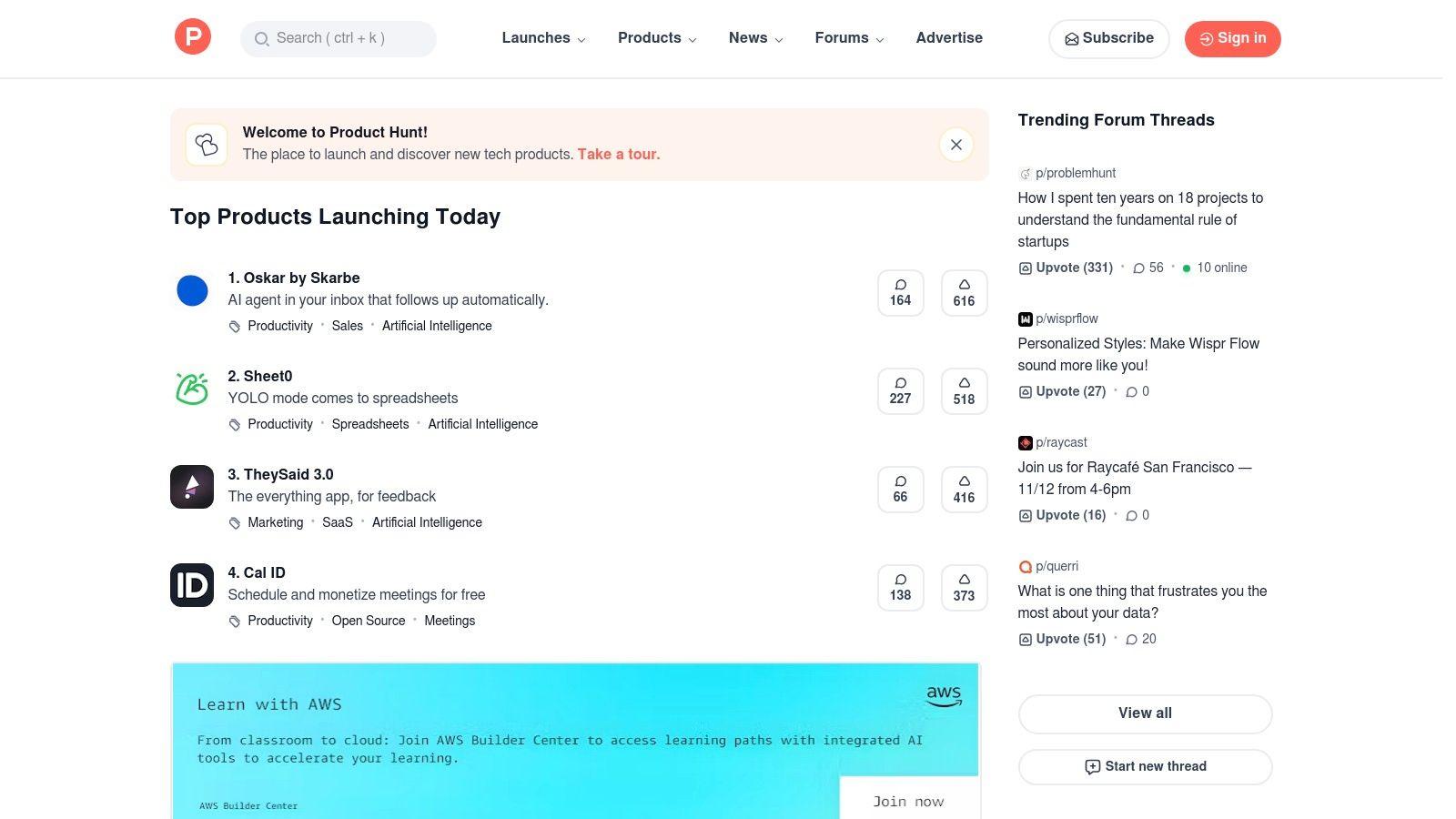
What makes Product Hunt uniquely valuable is its vibrant community. Each product is accompanied by user comments, upvotes, and direct discussions with the creators. This peer-review system provides authentic insights into a tool's real-world application and potential drawbacks, helping you vet emerging technologies effectively. It’s an essential daily or weekly check-in for anyone serious about optimizing their AI toolkit.
Key Features & User Experience
The platform's interface is designed for discovery, with a clean layout featuring daily rankings, curated collections, and powerful search filters. Users can easily browse categories specific to their needs, such as "AI" or "Productivity," and see what's trending. The experience is straightforward: find a tool, read the community feedback, and click through to the product’s official website. While Product Hunt is free to use, it serves as a launchpad, not a marketplace, so purchases are made on third-party sites.
- Pros: Excellent for discovering brand-new AI tools, community feedback provides valuable, unbiased insights, curated collections simplify the search process.
- Cons: Product quality can vary significantly, and it functions purely as a discovery platform, not a place for direct transactions.
Website: https://www.producthunt.com/
8. G2 – Compare and choose AI productivity software
While not an AI tool itself, G2 is an indispensable resource for discovering and evaluating the best AI productivity tools on the market. It serves as a comprehensive B2B software review platform, offering categorized pages, in-depth comparisons, and verified user reviews for everything from AI writing assistants to automated meeting solutions. For anyone tasked with making a purchasing decision, G2 provides the critical side-by-side data needed to compare features and pricing before committing to a trial or subscription.
What makes G2 so valuable is its reliance on real-user feedback. Instead of just marketing copy, you get candid pros and cons, detailed feature ratings, and firsthand accounts from people in similar roles. This unfiltered insight helps you look past the hype and understand how a tool performs in a real-world business environment, making it easier to find the perfect fit for your team's specific needs.
Key Features & User Experience
G2’s platform is built for comparison. Users can easily navigate categories and apply filters to narrow down options based on company size, user satisfaction, and specific features. The side-by-side comparison tables are particularly useful for a quick evaluation of top contenders. While the platform is free for buyers, it's important to note that some vendor content may be sponsored, so considering the full range of reviews is key.
- Pros: Enormous depth of recent, verified user reviews, excellent for snapshotting market leaders and trending tools in any category.
- Cons: Categories can be broad, requiring some digging to find niche solutions, and users should be mindful of sponsored vendor content.
Website: https://www.g2.com/
9. AppSumo – Deals marketplace for AI tools
For those looking to build their arsenal of the best AI productivity tools without breaking the bank, AppSumo is an essential destination. It's not an AI tool itself, but a marketplace offering significant, often lifetime, deals on emerging software, including a vast selection of AI-powered applications. This makes it an ideal platform for cost-conscious entrepreneurs, startups, and small businesses wanting to experiment with new AI solutions for writing, automation, and marketing.
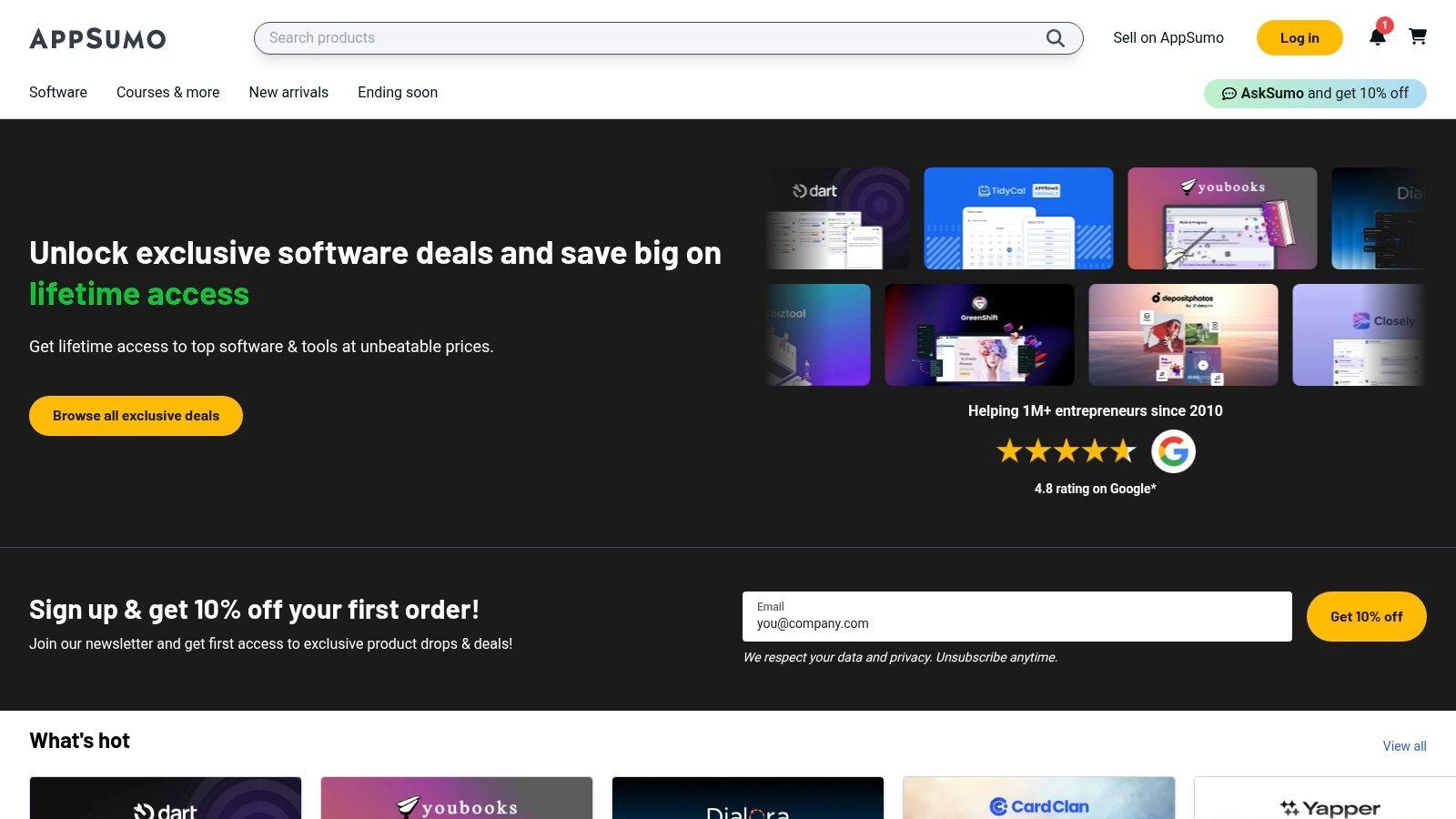
What sets AppSumo apart is the opportunity to acquire powerful tools for a one-time fee instead of a recurring monthly subscription. While this model presents a calculated risk on new vendors, the platform mitigates it with a 60-day money-back guarantee and a vibrant community Q&A section on each deal page. This allows potential buyers to see real user feedback and get their specific questions answered before committing.
Key Features & User Experience
The AppSumo website is designed for discovery, with clear categories and detailed deal pages outlining plan features, limitations, and redemption instructions. The user experience is centered around community validation; the reviews and Q&A sections are invaluable for assessing a tool's real-world performance and stability. For businesses looking to adopt new technology affordably, you can explore a curated list of the best AI tools for small business to identify what to look for.
- Pros: Huge potential for savings with lifetime deals, community reviews provide honest insights and use cases, and a money-back guarantee reduces purchase risk.
- Cons: The long-term viability of vendors offering lifetime deals can be uncertain, and deal-specific feature sets may be less robust than standard subscription tiers.
Website: https://appsumo.com/
10. Chrome Web Store – AI productivity extensions
Instead of a single application, the Chrome Web Store offers an entire ecosystem of the best AI productivity tools delivered as browser extensions. It acts as an official marketplace where you can find and install AI-powered tools that integrate directly into your daily web-based workflows. From AI email assistants and webpage summarizers to research helpers and meeting note-takers, you can add specific AI capabilities to your browser with a single click.
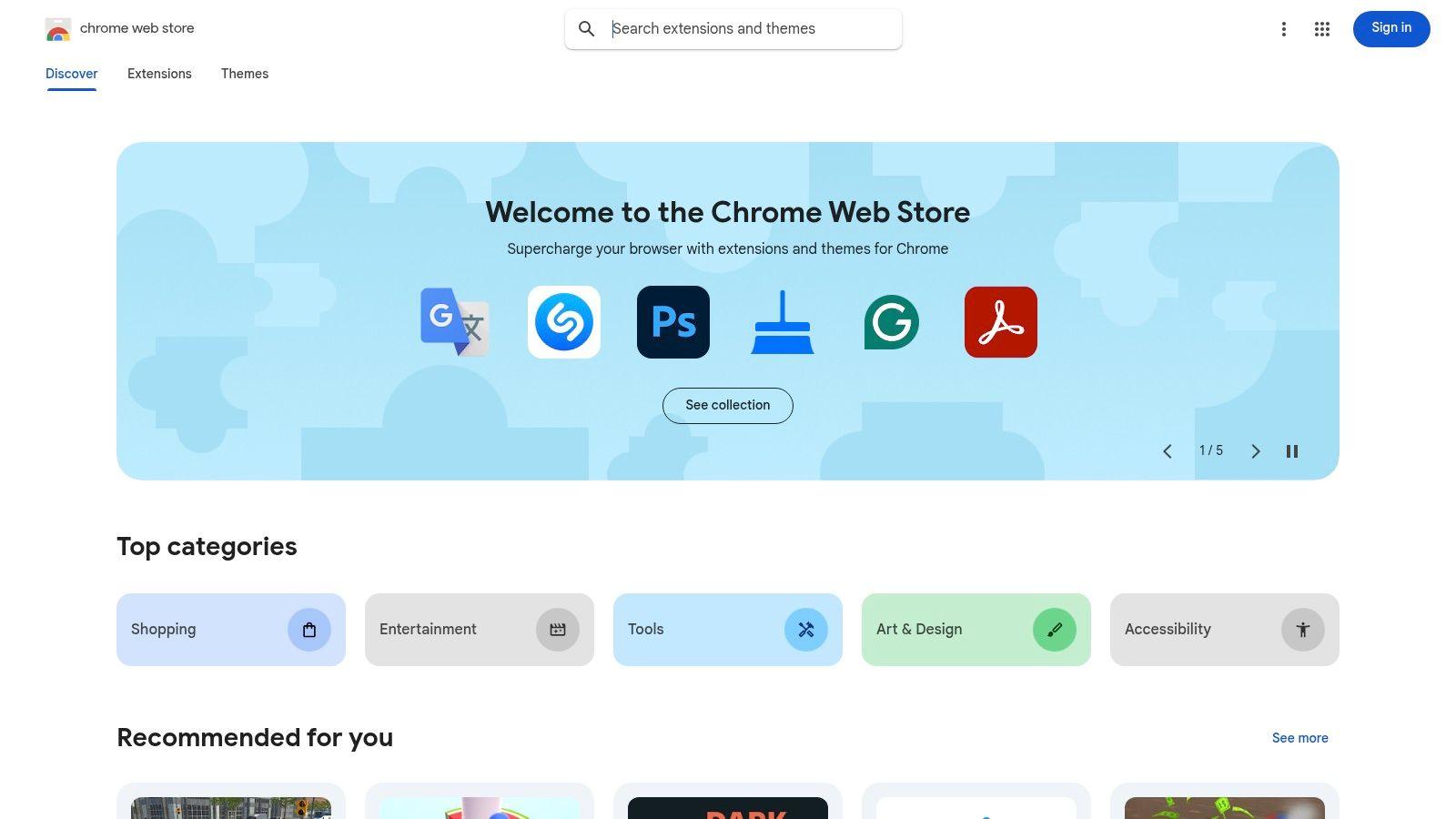
What makes the Chrome Web Store stand out is its ability to let users build a custom, modular AI toolkit. You can pick and choose lightweight solutions for specific pain points rather than committing to a monolithic platform. Google often features curated collections, like "AI-powered extensions," making it easier to discover high-quality tools that enhance productivity without ever leaving your browser.
Key Features & User Experience
The user experience is straightforward: find an extension, read reviews and permission requirements, and click "Add to Chrome." While this ease of access is a major benefit, the quality can vary significantly between extensions. It is crucial to check developer reputation and understand what data the extension can access. Many extensions operate on a freemium model, offering basic functionality for free with advanced features locked behind a subscription to an external service.
- Pros: Massive catalog of extensions that can deliver immediate workflow improvements; many free and freemium options allow low-friction trialing.
- Cons: Quality varies across extensions, so review permissions and developer reputation carefully; some extensions require signing up for external subscriptions to unlock features.
Website: https://chromewebstore.google.com/
11. Google Workspace Marketplace – AI add‑ons for Docs/Sheets/Slides
For teams already embedded in Google's ecosystem, the Workspace Marketplace is one of the best AI productivity tools for enhancing existing workflows without leaving the platform. It offers hundreds of AI-powered add‑ons that integrate directly into Docs, Sheets, and Slides, allowing you to draft content, summarize documents, translate text, analyze complex data, or generate entire presentations from a simple prompt.
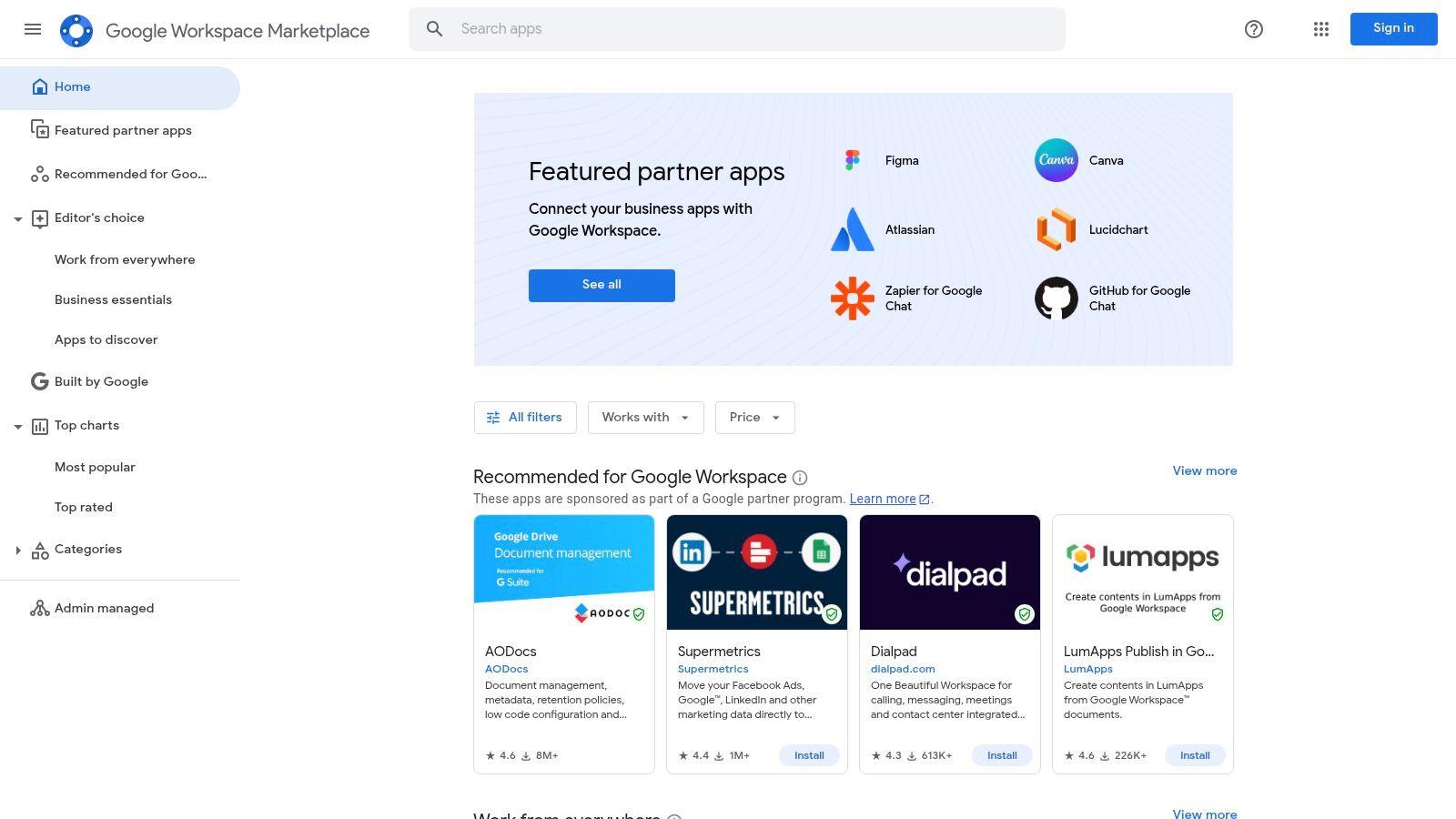
What makes the Marketplace particularly powerful for organizations is its admin-friendly governance. Administrators can approve and deploy specific add‑ons across an entire domain, ensuring security and consistency. Many of these tools are also model-agnostic, supporting various AI engines like Gemini, GPT‑4/4o, and Claude, giving teams flexibility in how they leverage AI within their core productivity suite.
Key Features & User Experience
The user experience is seamless, as these add‑ons typically appear as a sidebar or menu item directly within the Google app you're using. This native integration eliminates the need for constant tab switching. Listings on the Marketplace provide key details like install counts, update recency, and user reviews, helping you vet tools before installation. However, the quality varies significantly, and many powerful add‑ons require separate subscriptions or external API keys to function fully.
- Pros: Native integration avoids context switching for common productivity tasks, Admin‑friendly deployment and governance for organizations, Wide selection of tools for specific use cases.
- Cons: Quality of add‑ons varies greatly, so checking reviews is crucial; some require external API keys or separate subscriptions to unlock full features.
Website: https://workspace.google.com/marketplace
12. Microsoft AppSource – AI add‑ins for Microsoft 365
For businesses deeply embedded in the Microsoft ecosystem, AppSource is the go-to marketplace for integrating some of the best AI productivity tools directly into daily workflows. Instead of a single application, it’s a curated platform offering hundreds of AI-powered add-ins for Outlook, Word, Excel, and Teams. This allows companies to find specialized solutions like email summarizers, workflow automations, and data connectors that leverage existing Microsoft infrastructure and data governance.
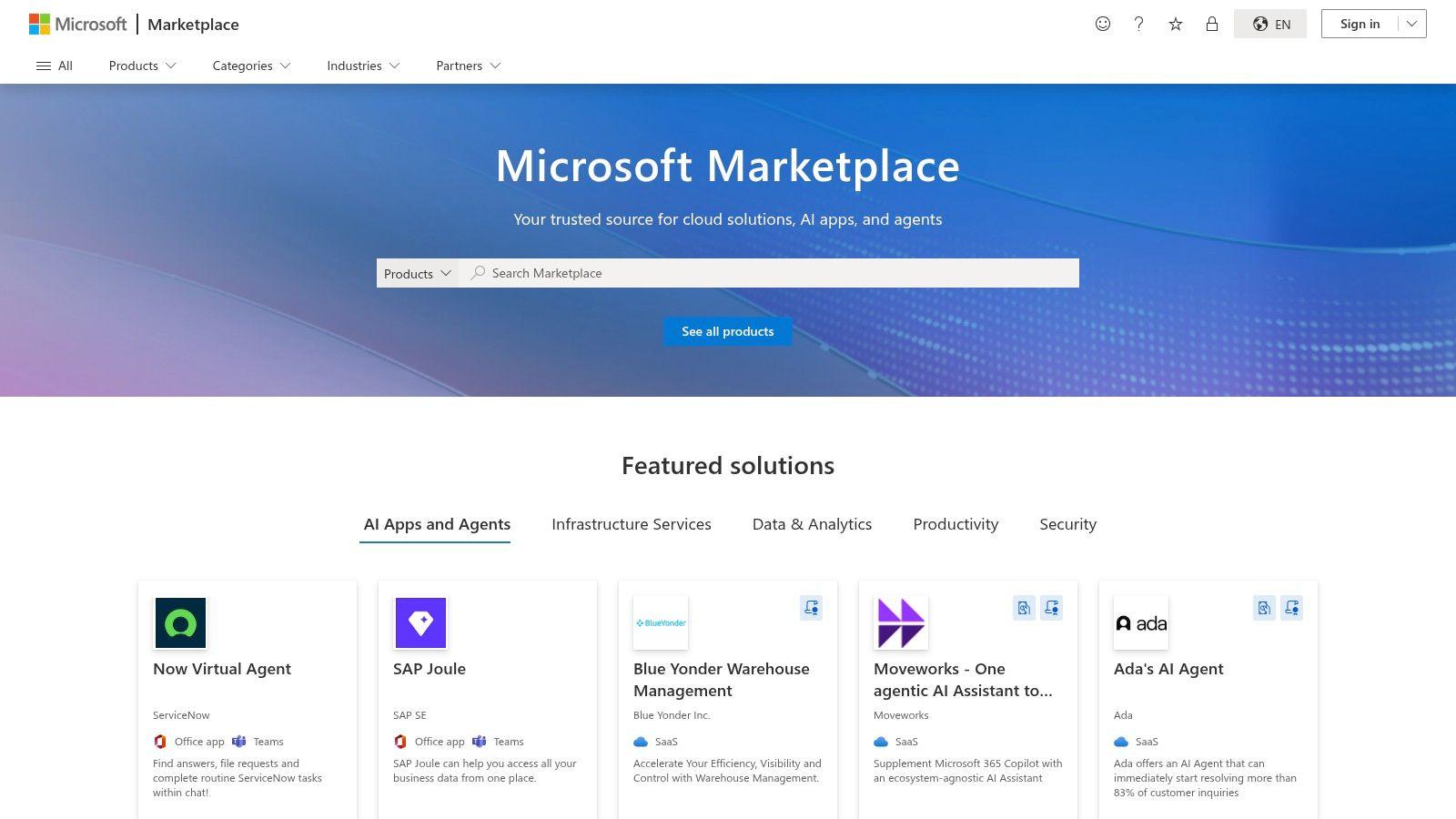
What makes AppSource unique is its enterprise-first approach. Administrators can approve, deploy, and manage add-ins at a tenant level, ensuring compliance and security. Many of these tools connect directly to Azure OpenAI services or internal enterprise data sources, enabling highly contextual and secure AI capabilities without sending sensitive information to third-party servers. It transforms familiar Office applications into powerful, customized AI hubs.
Key Features & User Experience
Navigating AppSource is straightforward, with clear categories for AI and productivity add-ins and detailed pages for each application. The installation process is managed through the Microsoft 365 admin center, allowing for controlled, policy-based rollouts to specific users or groups. The user experience varies by add-in, but most are designed to feel like a native part of the host application, whether it's a new sidebar in Outlook or a function in Excel.
- Pros: Trustworthy distribution with Microsoft compliance and enterprise listings, works directly inside Outlook, Office, and Teams where users already spend time.
- Cons: Feature availability and plugin models have evolved; check current app notes. Some add-ins require separate Azure/OpenAI billing or subscriptions to enable full capabilities.
Website: https://appsource.microsoft.com/
Top 12 AI Productivity Tools — Quick Feature Comparison
| Product | Core features | UX & Quality | Value & Price | Target audience | Unique selling points |
| 1chat 🏆 | Multi‑LLM access, PDF analysis, AI image gen, omni‑channel inbox & automation | ★★★★ — family‑safe & team‑oriented | 💰 Per‑seat tiers (Mini/Omni/Omni Pro); price on request | 👥 Families, students, SMBs & support teams | ✨ Privacy‑first + multi‑LLM & unified customer channels — 🏆 |
| OpenAI – ChatGPT | Custom GPTs, voice, file uploads, broad integrations | ★★★★★ — widely adopted, feature‑rich | 💰 Free → Plus → Business/Enterprise; higher tiers cost more | 👥 Individuals, teams, enterprises | ✨ Massive ecosystem & custom GPTs |
| Microsoft – Copilot & M365 | Copilot in Word/Excel/Teams, enterprise management & security | ★★★★ — native Office experience | 💰 Bundled with M365 tiers / enterprise pricing | 👥 Organizations standardized on M365 | ✨ Deep native Office integration & enterprise controls |
| Google – Gemini in Workspace | Drafting/summarization in Gmail/Docs, NotebookLM ties | ★★★★ — Workspace‑centric UX | 💰 Workspace edition pricing; admin controls | 👥 Google Workspace teams & admins | ✨ Seamless Workspace AI + compliance certifications |
| Anthropic – Claude | Long context windows, coding & research integrations | ★★★★ — strong reasoning, long‑context support | 💰 Pro/Max tiers; higher cost for heavy use | 👥 Research teams, devs, power users | ✨ Long‑context reasoning & safety focus |
| Notion – Notion with AI | Docs, databases, AI agents, meeting notes & enterprise search | ★★★★ — unified workspace UX | 💰 AI mainly on Business/Enterprise plans | 👥 Teams centralizing knowledge & workflows | ✨ AI embedded into docs, databases & agents |
| Product Hunt | Launches, curated collections, community reviews | ★★★ — discovery quality varies | 💰 Free discovery; links to vendor pages | 👥 Makers, early adopters, tool hunters | ✨ Early discovery & community feedback |
| G2 | Verified user reviews, side‑by‑side comparisons, filters | ★★★★ — deep review data | 💰 Free to use; vendor listings & paid features | 👥 B2B buyers researching software | ✨ Verified reviews & comparative insights |
| AppSumo | Curated deals, time‑limited / lifetime offers | ★★★ — deal quality varies | 💰 Discounts/lifetime deals; evaluate vendor risk | 👥 SMBs, solopreneurs, bargain hunters | ✨ Big savings on curated AI tools |
| Chrome Web Store | Browser AI extensions, one‑click installs, reviews | ★★★ — massive catalog, variable quality | 💰 Mostly free/freemium; subscription links vary | 👥 Individual users & browser workflows | ✨ Instant browser add‑ons for AI tasks |
| Google Workspace Marketplace | Workspace add‑ons with admin install & governance | ★★★★ — admin‑friendly deployment | 💰 Varies by add‑on; domain installs possible | 👥 Workspace admins & organizations | ✨ Admin governance + model flexibility |
| Microsoft AppSource | M365 add‑ins, Azure/OpenAI integrations, tenant installs | ★★★★ — enterprise distribution & trust | 💰 Varies; often enterprise billing or Azure costs | 👥 Microsoft admins & enterprises | ✨ Trusted distribution with Microsoft compliance |
How to Choose the Right AI Tool for Your Needs
We've journeyed through a comprehensive landscape of the best AI productivity tools available today. From foundational, all-purpose powerhouses like ChatGPT and privacy-centric team hubs like 1chat, to deeply embedded ecosystem assistants such as Microsoft Copilot and Google Gemini, the options are as diverse as the problems they solve. The sheer volume of choice can feel overwhelming, but the perfect tool for you isn't about finding a single "best" option; it's about identifying the right fit for your specific context.
The key takeaway is that your ideal AI partner depends entirely on your existing workflows, priorities, and unique needs. An individual student's requirements for a research and writing assistant are vastly different from a small business's need for a unified, team-oriented collaboration platform. Your mission now is to move from exploration to implementation.
From Information to Action: A 3-Step Framework
To bridge the gap between knowing what's out there and actually boosting your productivity, follow this simple framework. This process will help you select and integrate the best AI productivity tools with intention and purpose.
- Identify Your Biggest Productivity Bottleneck: Before you test a single tool, pinpoint your most significant time-sink. Is it drafting repetitive emails? Summarizing long meeting transcripts? Managing customer support inquiries? Be specific. Your goal is to solve a real, tangible problem, not just to adopt new technology for its own sake.
- Match the Problem to the Platform: With your bottleneck identified, revisit the categories in this article.
- For integrated business workflows, look to Microsoft Copilot or Google Gemini if your team already lives in those ecosystems. The seamless integration is their superpower.
- For families and teams prioritizing privacy and collaboration, a platform like 1chat offers a secure, all-in-one environment designed for shared use and sensitive data.
- For students and researchers needing deep document analysis, Anthropic's Claude, with its massive context window, is an unparalleled choice for digesting dense academic papers or reports.
- For versatile, creative, and general-purpose tasks, ChatGPT remains a powerful and flexible starting point for almost any use case.
- Start Small and Experiment: Don't try to overhaul your entire workflow at once. Select one tool that directly addresses the bottleneck you identified in step one. Most of the services we've discussed offer free tiers or trial periods. Use them. Create a small pilot project, like using an AI writer to draft your next three blog posts or a meeting summarizer for this week's team call. This low-stakes experimentation allows you to evaluate the tool's real-world impact without a major commitment.
Final Considerations for Successful Adoption
As you begin integrating these solutions, keep a few critical factors in mind. Privacy is paramount, especially for businesses and families. Always review a tool's data handling policies before inputting sensitive information. Furthermore, remember that AI is a co-pilot, not an autopilot. The quality of your output is directly tied to the quality of your input, so invest time in learning how to craft effective prompts.
The journey to enhanced productivity is not a sprint; it's a gradual process of discovery and refinement. The tools listed here represent the cutting edge of what's possible, offering a powerful lever to reclaim your time, automate tedious tasks, and unlock new levels of creativity and efficiency. By thoughtfully selecting and implementing the right AI assistants for your needs, you can shift your focus from manual effort to the strategic, high-impact work that truly drives you forward. The future of work is here, and it’s ready to assist.