You've asked ChatGPT to rewrite a proposal, and the result sounds polished but interchangeable. Your client's priorities have disappeared behind broad promises. Meanwhile, a student in your household needs feedback on an essay, not a replacement essay, and you're unsure whether uploading either document is appropriate.
That's a practical reason to look for a ChatGPT alternative for writing. The right choice might offer better revision tools, fit the apps you already use, or provide a more suitable workspace for family and business tasks. A different chatbot alone won't necessarily fix an unclear brief or remove the need for editing.
The potential benefit is real, but it needs context. A preregistered experiment on professional writing tasks found that AI assistance reduced completion time by approximately 37% and improved independently evaluated quality by roughly 0.45 standard deviations. Those results don't establish which commercial tool is best for your work.
Choose by the job: Compare the draft you can actually use, the corrections it needs, and the information you must disclose to produce it.
The picks below match writing jobs to product capabilities, privacy questions, collaboration needs, and available pricing information. They're recommendations based on the supplied product information, not claims of hands-on benchmark testing. 1chat publishes this guide, so its featured placement should be read alongside the limitations stated below.
1. 1chat
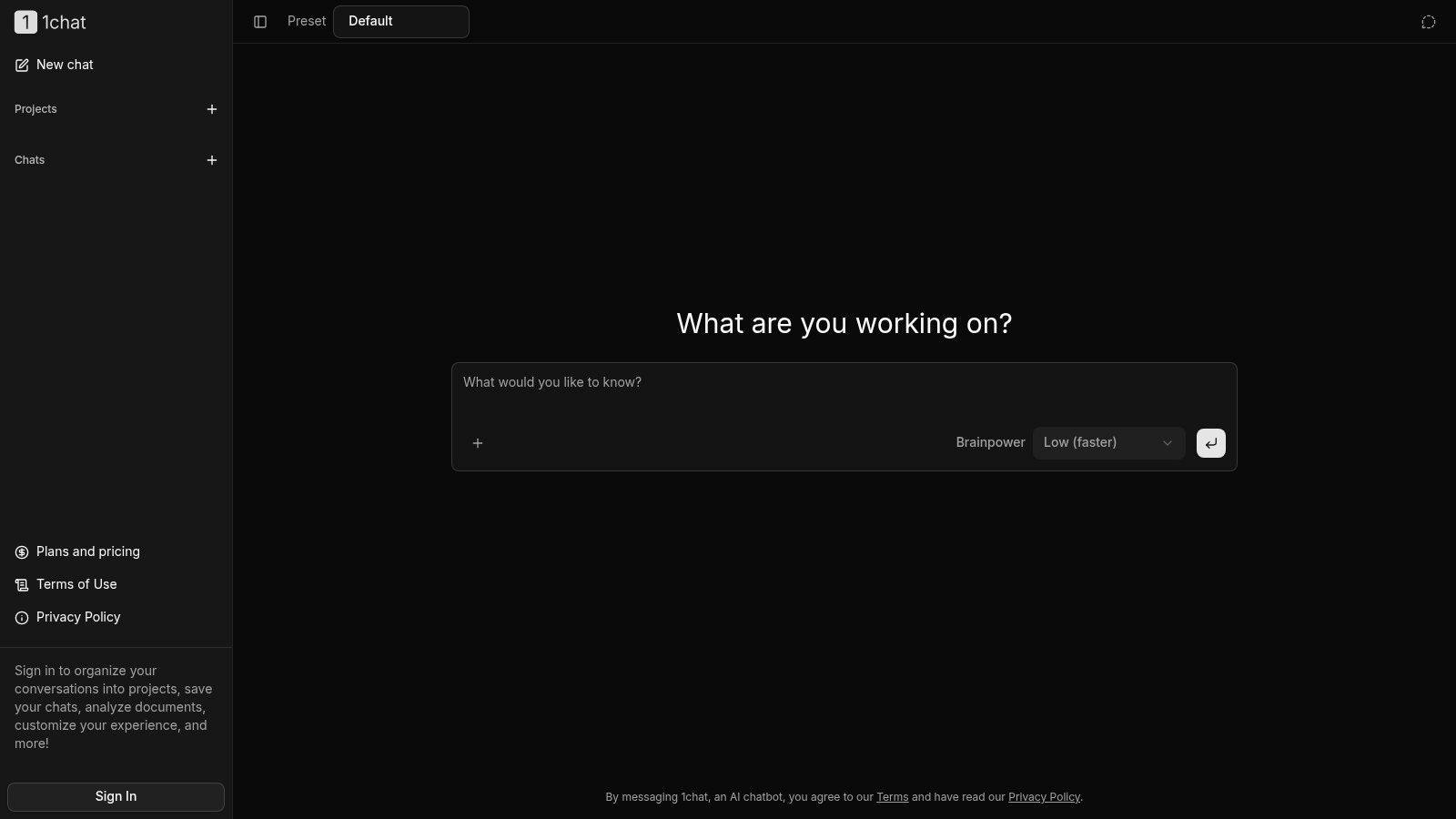
Best fit for families and small businesses seeking a multi-model workspace. 1chat brings multiple leading AI models into a single chat interface, with writing assistance, research help, PDF analysis, and image generation. Adjustable response settings let users choose between faster answers and more capable responses.
For writing, that breadth suits a mixed workload. A business owner might turn approved product notes into an email draft, while a student might request an outline or explanations of suggested edits. These are sensible uses to evaluate, not evidence that every model or response mode will perform equally well.
Useful flexibility, with safeguards to verify
Temporary chats let you try a conversation without adding it to your chat history. Signing in enables saved conversations, projects, document analysis, and a more personalized experience.
That distinction matters for organization, but a temporary chat isn't proof of zero retention. Before uploading a client proposal or school document, verify the applicable data-handling terms.
- Strengths: A single interface for multiple models and everyday writing tasks reduces the need to move between separate services.
- Limitations: The supplied information doesn't name the models or document detailed privacy safeguards, certifications, parental controls, or team permissions.
- Pricing: Specific plan prices weren't provided. Check 1chat's pricing information before assessing affordability or subscription coverage.
1chat is a relevant shortlist option, not an automatic privacy winner. Its family- and team-oriented positioning is useful, but buyers should confirm age suitability, account separation, document retention, and administrative controls before adopting it for sensitive work.
Start with anonymized material. Ask it to produce an outline, revise a paragraph, and explain its changes before trusting it with a complete project.
2. Claude
Choose Claude when you want a conversational drafting and revision partner. It's a general-purpose assistant for brainstorming, outlining, drafting, and working with long documents, rather than a dedicated grammar checker or manuscript-analysis platform.
Claude offers web, desktop, and mobile access, projects, file creation and editing, and supported-plan access to web search and connected apps; its listed Pro pricing is $20 monthly or $17 per month when billed annually. Free access provides a way to evaluate its writing workflow, although both free and paid plans have usage limits.
Ask for diagnosis before replacement prose
For a proposal, ask Claude to identify unsupported promises, unclear reasoning, and missing reader context before requesting a rewrite. That sequence makes it easier to see whether an attractive revision solves the underlying problem.
A repeatable rubric helps. The guide to build a Claude editor with rubrics is a relevant starting point for formalizing editorial instructions.
- Works well as a use case: Iterative drafting where you can discuss structure, tone, and individual passages.
- Needs human judgment: Factual checking, citation verification, and decisions about which edits preserve your meaning.
For teams, projects alone shouldn't be treated as evidence of an approval workflow or shared access policy. Compare those requirements explicitly; the 1chat FAQ provides another place to investigate the featured alternative's setup.
3. Google Gemini
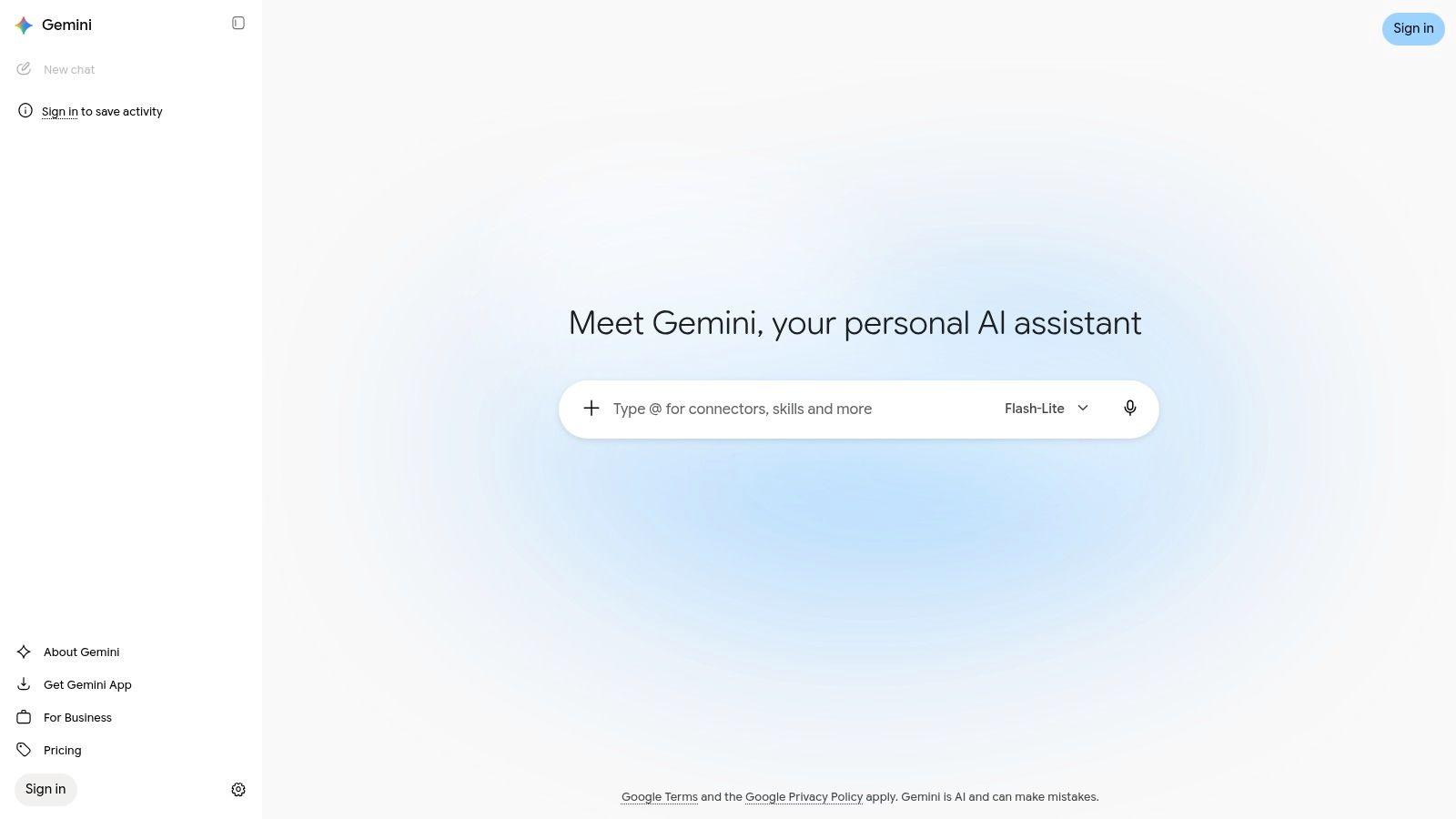
Already working with Google services? Gemini is a natural candidate for everyday drafts, summaries, outlines, and rewrites. Its appeal is convenience, although you should check the capabilities available to your particular account rather than assume every advertised feature is included.
Google Gemini provides web and mobile access, free usage with limits, and paid Google AI plans with increased access and additional capabilities. Features can depend on the plan, location, or account, so the supplied information doesn't support a universal paid-price comparison.
For an everyday writing test, provide approved meeting notes and request a customer update. Specify what's confirmed, what remains undecided, and which details must stay out of the message.
Ask the assistant to separate supplied facts from its own proposed language. A fluent summary is easier to review when you can see what it added.
Convenience isn't source verification
Gemini belongs on a shortlist for students and small businesses that want broad writing assistance without immediately purchasing a specialist product. It's less compelling if your main requirement is detailed sentence-level editing or fiction development.
Review every factual claim and citation. For collaborative use, also confirm which account should hold work documents, who can access generated material, and whether the relevant subscription provides the features your colleagues expect.
4. Microsoft Copilot
A client email doesn't always need a specialist writing platform. Microsoft Copilot is worth considering for routine workplace drafting and rewriting, especially when your team already uses Microsoft products.
Microsoft Copilot offers free general writing assistance across supported interfaces, while Microsoft 365 subscriptions may add AI capabilities within Microsoft apps. Features and limits differ by product and subscription, so don't assume free chat access includes the workplace integrations you want.
The most useful prompting habit is to provide a goal, context, source material, and desired format. For a customer reply, include the approved policy, the specific question, the desired tone, and any promises the assistant must avoid.
- Good starting task: Turn rough internal notes into a clear status update.
- Important review: Check names, commitments, dates, and details derived from supplied documents.
- Buying question: Identify the exact Microsoft product and subscription required for your workflow.
Evaluate the handoff, not just the draft
For a business, the practical test is whether a colleague can review and use the result without awkward copying or unclear document ownership. Existing Microsoft usage may make Copilot convenient, but convenience doesn't establish suitable permissions or data handling.
Pricing wasn't specified in the supplied product notes. Compare the relevant subscription with what you already pay for, rather than treating every Copilot experience as the same product.
5. Grammarly
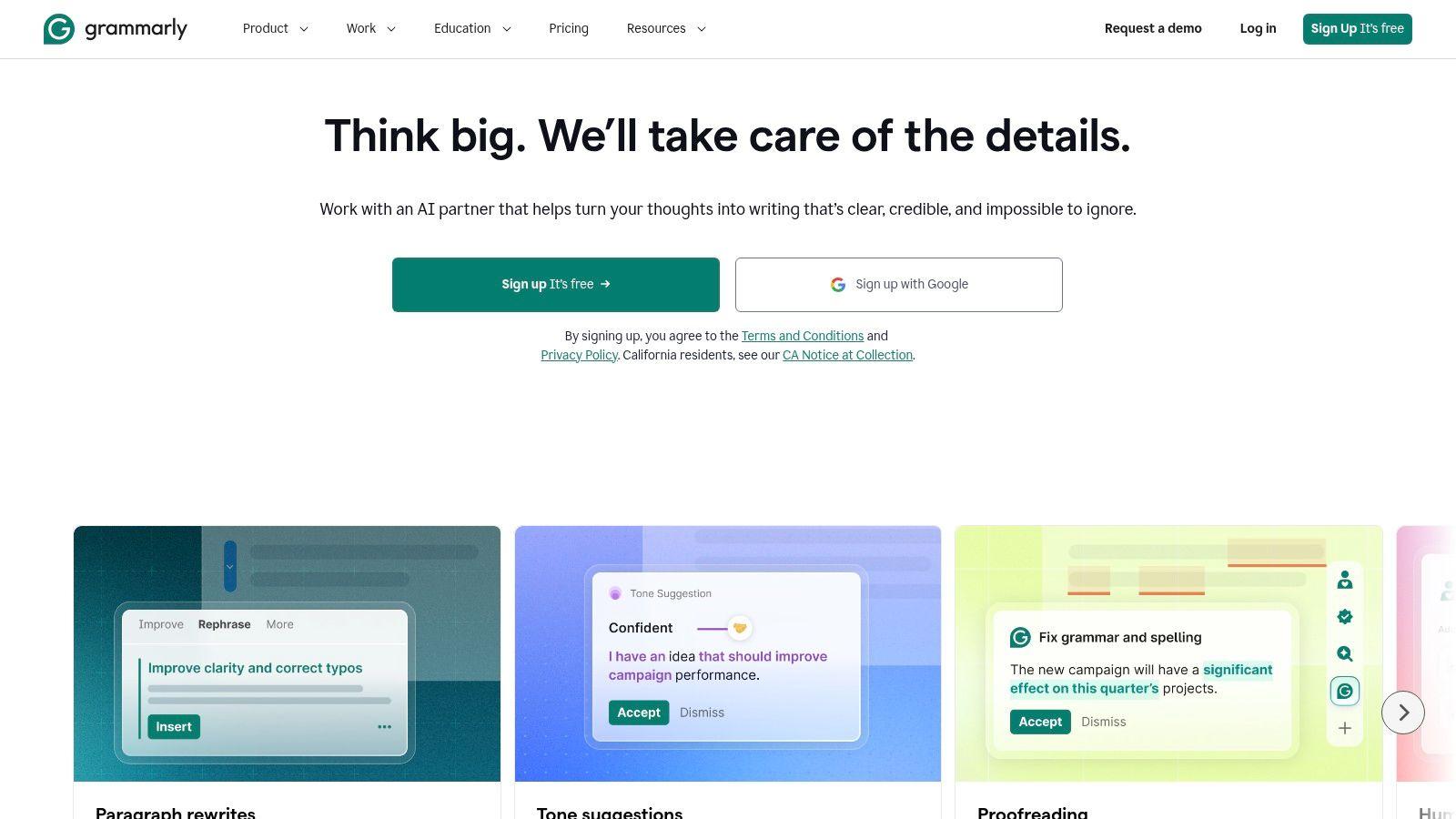
Grammarly makes the most sense when you already have a draft. It combines spelling, grammar, clarity, tone, and rewriting support across apps and websites, with prompt-based generation available alongside editing.
Grammarly's supplied plan information lists 100 generative prompts per month on Free, 2,000 on Pro, and a $12-per-month Pro price. Confirm the billing terms and current inclusions before subscribing.
Its practical advantage is location: you can work on communication where you're already writing rather than move every paragraph into a separate conversation. That makes it a relevant option for emails, proposals, school drafts, and customer-facing text.
Keep control of the meaning
Accept mechanical corrections readily when they're appropriate, but inspect tone and phrasing changes more closely. A smoother sentence isn't necessarily more accurate, and a softened request may no longer express the boundary you intended.
- Best reason to choose it: You want an editing layer more than a brainstorming partner.
- Reason to choose something else: Your main task involves complex research, document synthesis, or developing an argument from scratch.
For students, use suggestions as explanations to evaluate rather than changes to accept automatically. For businesses, review where the writing assistant is active and whether those surfaces include sensitive information.
Grammarly complements a drafting assistant, but don't buy overlapping subscriptions until you know you need both.
6. QuillBot
Sometimes the problem is a stubborn paragraph, not an empty page. QuillBot focuses on paraphrasing and editing existing text, with summarizing and grammar tools that suit targeted revision.
QuillBot's free paraphraser is limited to 125 words at a time, while Premium is listed at $8.33 per month when billed annually; a team plan includes administrative and usage features. That makes the free version useful for testing short passages, though restrictive for a longer editing session.
A good task is to rewrite your own explanation more plainly while preserving specialist terminology. Compare the result with the original and check whether the relationship between ideas has changed.
Academic boundary: Paraphrasing doesn't replace citation, establish originality, or make prohibited assistance acceptable.
Use alternatives to improve your own sentence
For students, the useful learning step is explaining why a suggested version is clearer. If you can't account for the change, reconsider it before putting it into an assignment.
QuillBot is less suited to developing a complex argument from source material than to exploring phrasing. Repeated paraphrasing can also leave prose sounding generic or subtly alter its meaning.
For a business team, administrative features deserve attention, but they don't by themselves establish document privacy or suitable sharing controls. Check those requirements separately, and keep an unchanged original so reviewers can compare important revisions.
7. ProWritingAid
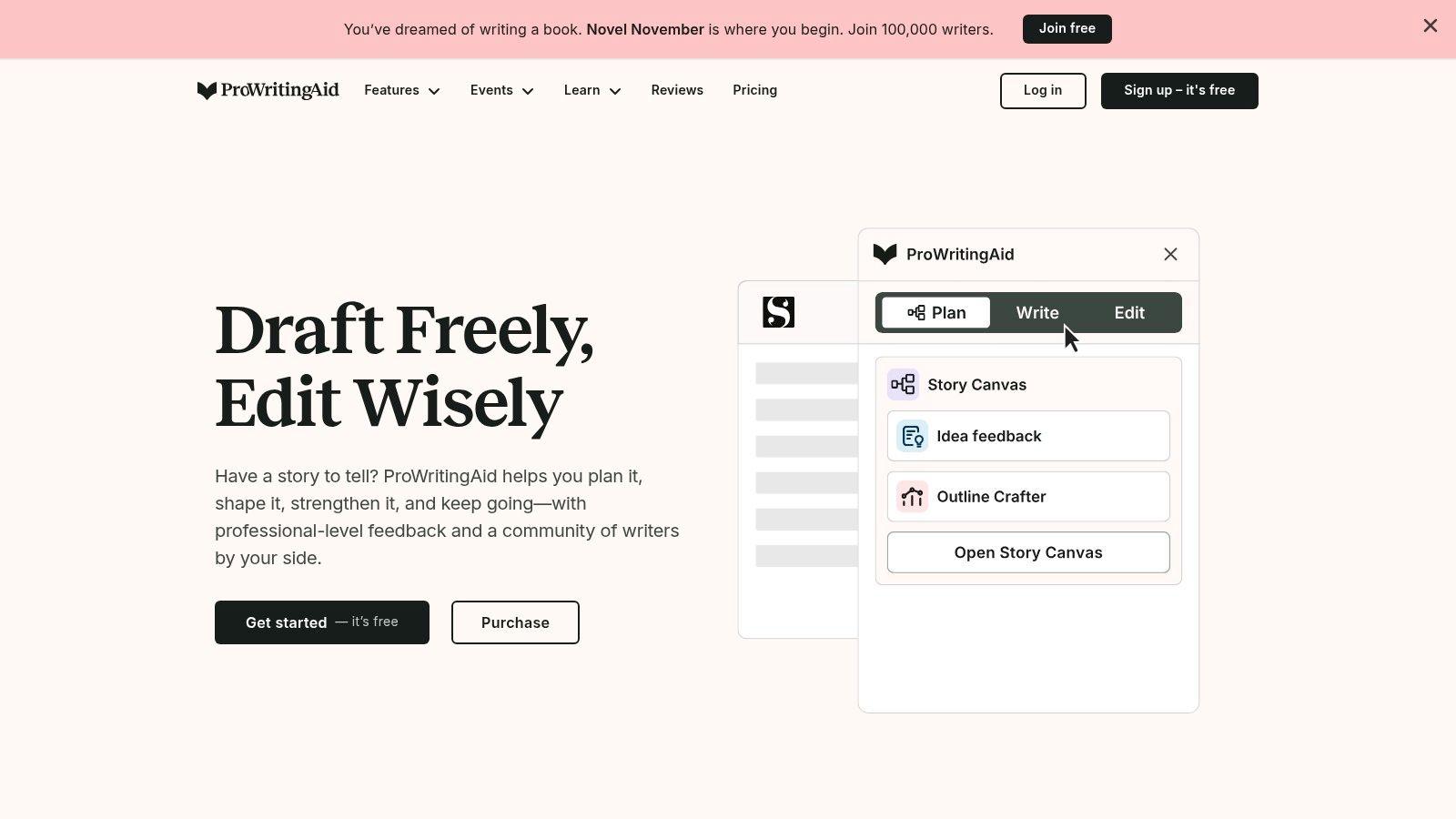
ProWritingAid suits writers who want to understand recurring weaknesses in a draft. Its grammar and style tools are accompanied by reports covering areas such as readability and repetition, plus creative-writing assistance.
ProWritingAid offers a free plan, more than 25 writing-analysis reports on paid plans, and Premium listed at $10 per month when billed annually. Billing options and promotions can complicate comparison, so check the actual checkout terms.
Unlike a general chatbot conversation, a report-based workflow gives you defined areas to inspect. For a long guide or manuscript, that can be useful when you suspect repetition but don't know where to start.
Don't optimize every sentence to a report
Choose an editorial concern, review the relevant passages, and make deliberate changes. Trying to satisfy every suggestion can flatten a distinctive voice, particularly in fiction or conversational nonfiction.
- Strong fit: Writers who want detailed style feedback and are willing to interpret it.
- Additional value: Chapter critique, story-development features, rephrasing, and creative prompts.
- Trade-off: More analysis means more decisions, not necessarily less editorial work.
For a small business publishing occasional emails, that depth may be unnecessary. For an author revising a sustained project, it's a more relevant comparison than asking which chatbot produces the nicest opening paragraph.
The supplied information doesn't establish team collaboration or detailed privacy controls, so verify those before making it a shared editing standard.
8. Jasper
Jasper is the marketing-team pick, not the default recommendation for a student or household. Its focus is repeated, brand-specific content, with campaign workflows, brand-voice features, and business-oriented collaboration options.
Jasper lists Pro at $69 monthly or $59 per month billed yearly, with custom Business pricing. The relevant question is whether its marketing specialization justifies that subscription for your workload.
For example, a campaign team could start with an approved product brief and develop related email, social, and landing-page drafts. The useful comparison is whether reviewers can maintain consistent claims and voice across those assets, not whether Jasper generates them.
Brand voice needs approved facts
A consistent tone won't prevent an unsupported promise. Keep product facts, prohibited claims, and audience requirements separate from style instructions, then review each draft against both.
- Choose it for: Repeated marketing production involving colleagues or multiple brands.
- Skip it for: Occasional proofreading, homework support, or a general-purpose family assistant.
- Verify before purchase: Which collaboration features your plan includes and how your team will approve content.
For broader workflow ideas, the 1chat blog is an additional resource, rather than evidence of Jasper's performance.
Jasper's specialization is its main attraction and its main limitation. If you don't have a repeatable marketing process, begin with a simpler tool before paying for campaign-oriented capabilities.
9. Rytr
Need a product blurb or a rough promotional email rather than a full writing workspace? Rytr is a candidate for light, structured content tasks. Its template-based approach offers a more guided starting point than a blank chat.
Rytr provides more than 40 writing use cases, a free allowance of 10,000 characters per month, and annual-billing prices listed at $7.50 per month for Unlimited and $24.16 for Premium. Its supplied features also include multiple tones and a Chrome extension.
Give it specific material: the product, intended customer, useful distinction, approved facts, and desired action. Without those details, a template can produce text that sounds plausible but says little about your actual offer.
Treat templates as scaffolding
For routine short copy, a structured workflow may be enough. For a nuanced founder letter or evidence-heavy report, it may constrain the work rather than help it.
- Practical advantage: A free entry point for testing recurring short-form tasks.
- Editorial requirement: Replace generic benefits with details you can substantiate.
- Team caveat: Don't infer shared workspaces, permissions, or approval controls from an individual subscription.
Check current limits and inclusions before choosing a paid plan. A low subscription price is useful only if the output saves effort after editing, and if the account arrangements fit the people who'll use it.
10. Sudowrite
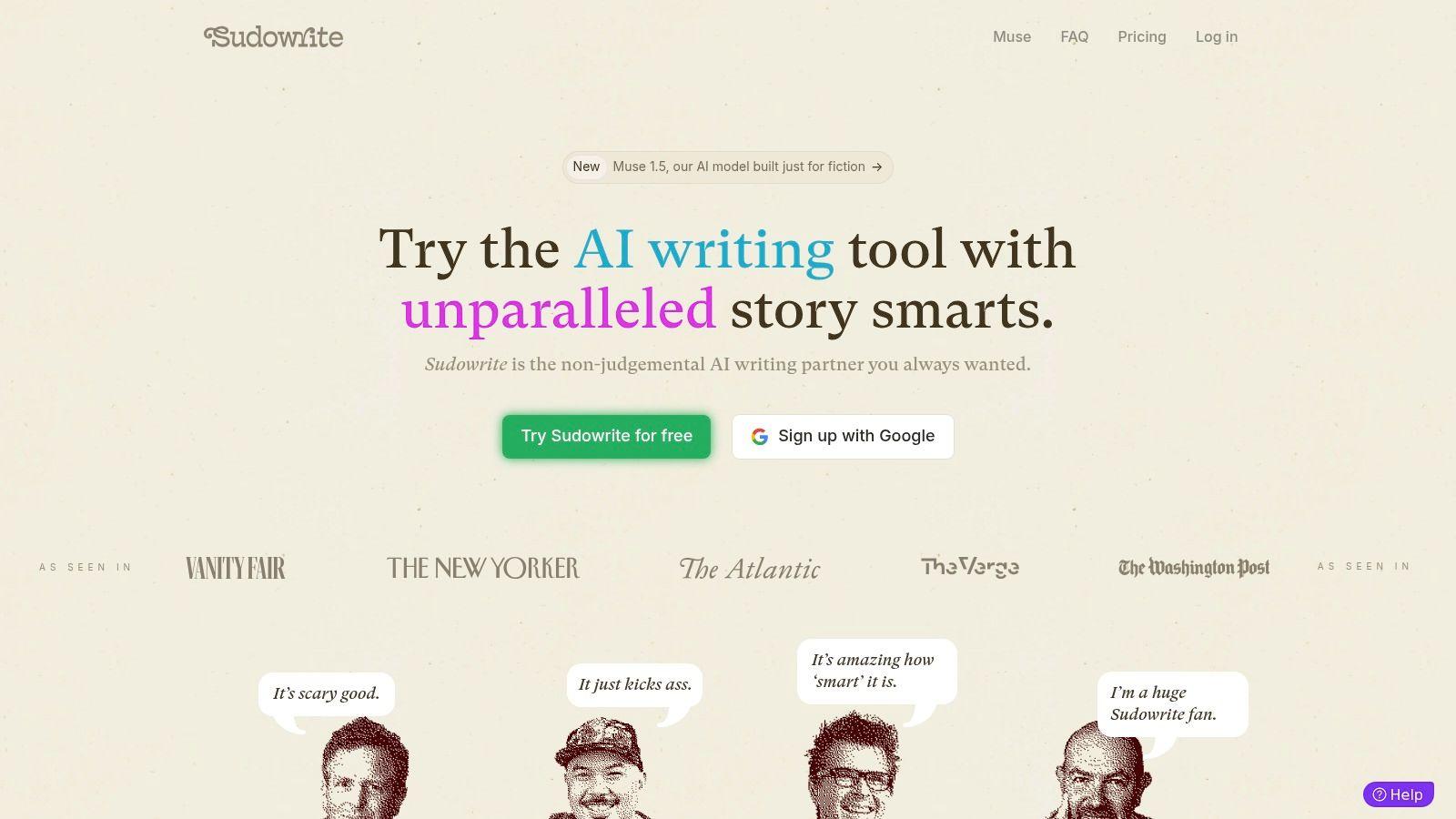
A stalled scene calls for different help than a customer email. Sudowrite is the specialist choice for fiction, with tools for brainstorming, scene development, longer projects, and feedback.
Sudowrite lists Hobby & Student at $10 monthly, Professional at $22, and Max at $44, with credit-based usage and a free trial available without a credit card. Confirm billing terms before subscribing, because credits make task-level usage important to the buying decision.
Its multiple underlying models include models designed for fiction. That's relevant to storytellers, but it isn't a reason to select it for research, business communication, or routine proofreading.
Ask for possibilities, then make the choice
A useful fiction prompt identifies the scene's objective, the character's motivation, and what must remain unresolved. Ask for possible developments rather than accepting a continuation just because it reads smoothly.
Fiction assistance is most useful when the author still decides what the character wants, what the scene changes, and which language belongs in the story.
Sudowrite is worth evaluating if creative development is your recurring task. Occasional writers should test whether they'll use the specialist workflow enough to justify a subscription.
Despite the student plan name, it shouldn't be treated as a general homework recommendation. School policies, authorship expectations, and age suitability still need separate consideration.
Top 10 ChatGPT Alternatives for Writing: Feature Comparison
| Tool | Best for | Key capabilities | Standout | Price / value | Target audience |
| 🏆 1chat | Multi-model AI in one place | Chat, PDF analysis, image generation, writing and research | ✨ Temporary chats, projects and adjustable response settings; privacy-first positioning | 💰 Price not specified | 👥 Families, students and small teams |
| Claude | General-purpose writing | Drafting, revision, long-document work, projects and file creation | ✨ Conversational drafting and support for long documents | 💰 Free plan; Pro $20/mo or $17/mo billed annually | 👥 Writers and general users |
| Google Gemini | Everyday writing and Google workflows | Brainstorming, drafting, summaries and rewrites | ✨ Convenient for users of Google services | 💰 Free access; paid plans available | 👥 Google users and everyday writers |
| Microsoft Copilot | Work writing and Microsoft workflows | Drafting, rewriting and question answering across web and Microsoft products | ✨ Microsoft 365 app integrations on eligible plans | 💰 Free access; some integrations require a paid plan | 👥 Microsoft users and teams |
| Grammarly | Proofreading and polished communication | Grammar, spelling, clarity, tone and text generation | ✨ Writing suggestions across apps and websites | 💰 Free plan; Pro listed at $12/mo | 👥 Students and workplace writers |
| QuillBot | Paraphrasing and short-text editing | Paraphrasing, summarizing and grammar suggestions | ✨ Multiple rewriting modes | 💰 Free plan; Premium $8.33/mo billed annually | 👥 Students and writers revising drafts |
| ProWritingAid | Detailed writing analysis | Grammar, style, readability and creative-writing tools | ✨ 25+ reports on paid plans | 💰 Free plan; Premium $10/mo billed annually | 👥 Authors and editors |
| Jasper | Marketing and brand content | Campaign writing, brand voice and team collaboration | ✨ Brand-focused workflows | 💰 Pro $69/mo or $59/mo billed yearly; Business custom | 👥 Marketing teams and businesses |
| Rytr | Quick, template-based drafts | 40+ use cases, tones and Chrome extension | ✨ Templates for routine content | 💰 Free plan; paid plans from $7.50/mo billed annually | 👥 Individuals and small businesses |
| Sudowrite | Fiction and storytelling | Brainstorming, scene development and long-form creative assistance | ✨ Fiction-focused tools and models | 💰 Plans from $10/mo; credit-based usage | 👥 Fiction writers and storytellers |
How to Pick the Right Writing Assistant
The best ChatGPT alternative for writing is the one that fits your recurring task without creating unacceptable privacy risks or excessive revision work. Don't choose solely because a sample sounds natural. Choose because you can verify, revise, and use the result responsibly.
For students and families, that distinction matters. A survey of UK undergraduates reported that 92% used AI in some form in 2025, while concerns included academic-misconduct accusations and false or biased outputs. Adoption doesn't settle whether a particular use is permitted or educationally useful.
A practical buying checklist
- Match the writing job: Shortlist Claude for conversational drafting, Grammarly for editing, QuillBot for passage-level revision, ProWritingAid for detailed analysis, Jasper for marketing, and Sudowrite for fiction.
- Verify privacy: Check training use, retention, deletion, document handling, and access permissions. A privacy-first description or temporary-chat feature isn't a substitute for clear terms.
- Check collaboration: Confirm separate accounts, project ownership, sharing, administrative controls, and the handoff to a human reviewer. Don't assume saved projects mean live collaboration.
- Compare the actual bill: Review billing cadence, usage limits, credits, required subscriptions, and relevant team features. Include the effort spent correcting output.
- Protect student authorship: Follow school rules, retain drafts, verify sources, and ask for explanations rather than submission-ready work.
For small businesses, shortlist 1chat for mixed everyday tasks and multiple-model access, subject to verifying its safeguards and pricing. Choose Jasper when repeated marketing work is the core requirement, or evaluate Copilot and Gemini when the relevant ecosystem already fits your workflow.
For families, 1chat's positioning makes it a candidate, not a confirmed parental-control solution. Verify age requirements and account separation before involving children. For students, Grammarly and QuillBot are relevant for permitted revision, while Claude and 1chat are candidates for outlining and feedback with active supervision of sources and authorship.
Resources on tools for AI-assisted writing can help you explore workflows, but your own task should decide the purchase. Compare tools using the same anonymized brief and assess factual accuracy, preserved meaning, useful feedback, and remaining editing effort.
Start with 1chat and a specialist matched to your main writing job. Use a non-sensitive draft, request an outline and revision, then ask each tool to explain its edits. Keep the option that produces work you can confidently review, and verify its privacy terms and subscription details before uploading anything confidential.