Choosing an AI alternative starts with a familiar problem. A parent wants a safer chat assistant for homework, or a five-person team needs shared projects and document review without sending sensitive files to a tool nobody has vetted. ChatGPT is the default most reach for first, but the default isn't always the best fit for every household or team.
This roundup sorts ten alternatives by the decisions that matter: privacy posture, family-safety defaults, team features, pricing transparency, and the work each tool handles well. Every entry includes the main trade-offs, the audience it suits, standout capabilities, and a practical migration step from ChatGPT. Shortlist two or three, then test them on your own documents, prompts, and review process.
The market is moving quickly. Private investment in generative AI reached $33.9 billion worldwide in 2024, up from 2023 and more than eight times the level recorded in 2022, according to Stanford's 2025 AI Index economy analysis. That funding supports competing models, interfaces, and specialist products, so choosing an AI alternative is now a workflow decision, not just a model preference.
For broader implementation support, you can find AI implementation guidance before rolling a tool out to a household or team.
1. 1chat
1chat suits families, students, and small teams that want several AI capabilities in one lightweight workspace. It brings conversational AI, PDF analysis, file uploads, image generation, saved chats, and Projects into one service, so users can handle proofreading, document extraction, topic research, and content drafting without managing separate subscriptions.
Its practical fit depends on how a household or team handles sensitive work. Temporary chats support short-lived or private questions, while signed-in users can keep ongoing work in saved conversations and Projects. Parents, students, and colleagues can therefore use the same environment while choosing whether a task should remain temporary or become part of a continuing workspace.
Where 1chat fits best
The adjustable “brainpower” slider gives users a clear speed-versus-depth choice. Faster settings suit routine rewriting and brainstorming. Deeper processing is better for document analysis or complex research, so users do not have to apply the most resource-intensive mode to every prompt.
A multi-model setup makes response comparison easier. Users can test different approaches in one interface rather than switching between separate services. PDF analysis and image generation also make 1chat relevant to school assignments, marketing drafts, internal research, and early visual concepts.
Practical rule: Run the same documents and household or team tasks through 1chat before making it the default. Review its privacy terms, compare file handling, and judge the answers against the standard you already expect from ChatGPT.
The main limitation is pricing transparency on the public product page. Review the current 1chat plans and pricing for available tiers and usage limits before committing. Public materials do not prominently provide independent certifications, awards, or a large set of third-party testimonials, so hands-on testing carries more weight than promotional copy.
Migration step from ChatGPT
Copy one recurring ChatGPT workflow, such as a weekly report, homework review, or PDF briefing. Rebuild it in a 1chat Project, then compare answer quality, document handling, and the effort required to keep the work organized. Decide whether temporary chats or saved conversations better suit the household or team. Before adding other users, consult the 1chat FAQ.
2. Anthropic Claude
Claude is a strong choice for people who care most about writing quality, document reasoning, and conservative safety behavior. It works well for reports, briefs, editing, coding assistance, and multi-file analysis. Its long-context handling is particularly useful when a task depends on several related documents rather than a short prompt.
Anthropic presents Claude around a Constitutional AI approach and safer defaults. That doesn't mean every answer is correct or every family use case is automatically solved, but it gives schools, parents, and professional teams a credible alternative to a general-purpose assistant with a different safety philosophy.
Claude's project organization helps users keep recurring work together. Web and mobile access make it easy to move between a laptop and phone, while business plans add administrative and enterprise controls. Developers can also use API access when a chat interface isn't enough.
The trade-off
Claude can produce polished, human-sounding prose, but individual plans may impose advanced-use caps. Teams that need predictable access, centralized administration, or stronger governance may need a business or enterprise arrangement, and higher-tier purchasing can involve sales conversations rather than simple self-service checkout.
It isn't the obvious pick for someone who wants built-in image, video, or music creation in the same subscription. Its strength is disciplined text work, analysis, and coding support.
Migration step from ChatGPT
Take a difficult ChatGPT task that usually requires several follow-up corrections, such as turning meeting notes and a policy document into a concise brief. Run the same source files through Claude, then compare factual omissions, tone, citation handling, and how much editing remains. For a broader product overview, see Claude's listing on Mallary.ai, then verify current plan limits on the official Claude site.
3. Google Gemini
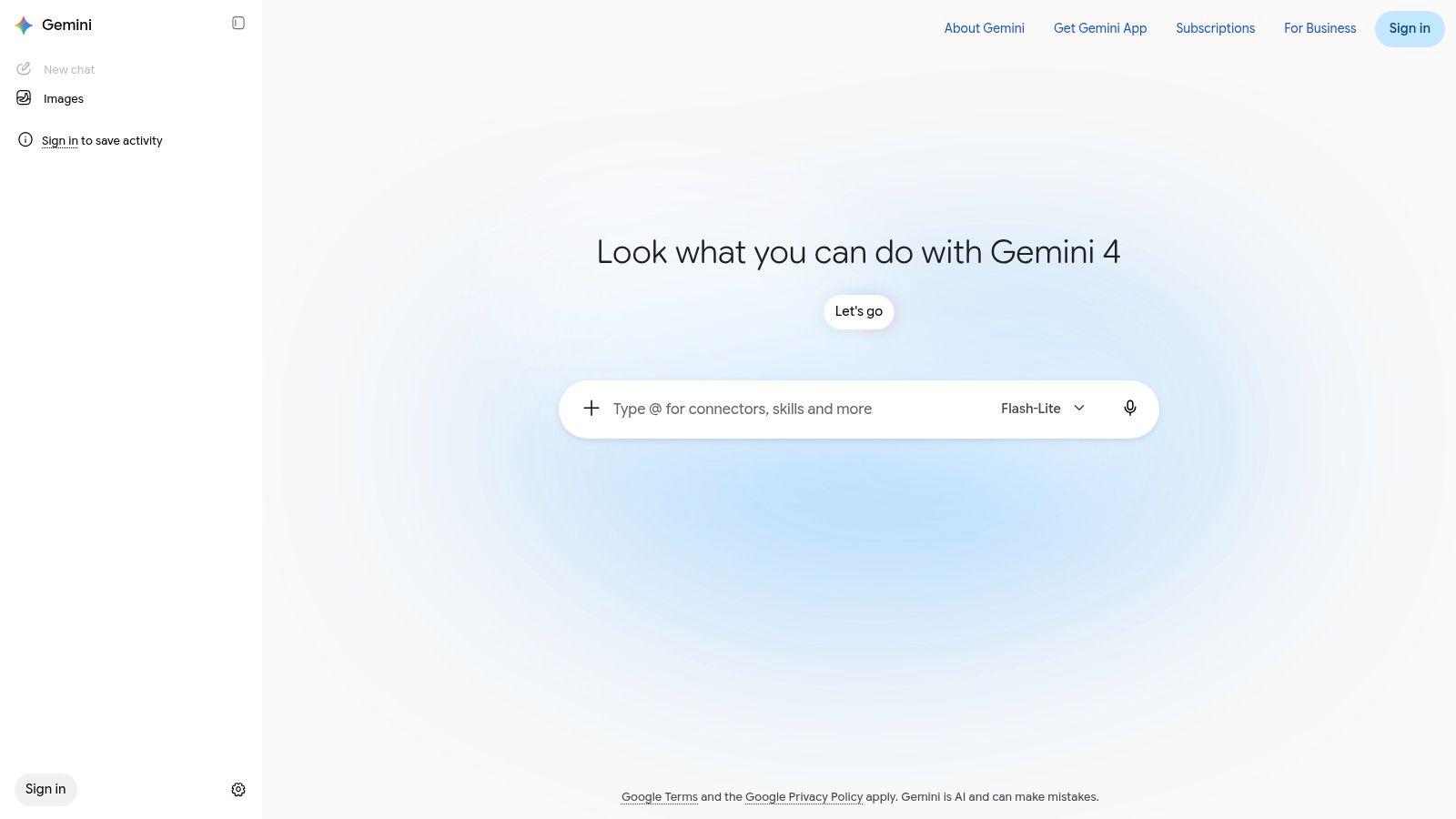
A team that already works in Gmail, Google Docs, Drive, and NotebookLM can often get more value from Gemini than from a separate chat window. Its practical advantage is proximity to the files, email threads, notes, and documents people handle every day.
Google's consumer and business offerings may combine model access with image, music, and video generation, mobile features such as Live voice, Google One storage, and other storage benefits. That bundle changes the buying decision, especially for families, students, and teams already using Google accounts.
What works and what doesn't
Gemini can draft from Gmail context, work inside Docs, inspect Drive material, and support source-grounded exploration in NotebookLM. Users spend less time exporting files into another service. Families and students may prefer that convenience, while teams should still check how account boundaries and data controls fit their workflow.
The main drawback is plan complexity and frequent product changes. For instance, image generation can sit in different tiers depending on whether access comes through Google One or a Workspace plan, so the same feature may appear at different price points. Google AI Plus, Pro, and Ultra names, inclusions, and availability can also vary by country, account, or checkout path. Storage, model access, and creative tools require a close comparison rather than a quick look at the headline tier.
Migration step from ChatGPT
Choose one Google-native task, such as summarizing a Drive folder or drafting a reply from Gmail material. Run it in Gemini without manually uploading the same files elsewhere. Compare data controls, account separation, output quality, and the bundle details shown to you. Visit Google Gemini, then write down the bundle details you were quoted before comparing.
4. Microsoft Copilot
For a company standardized on Microsoft 365, Copilot is usually the most natural alternative to ChatGPT. Its strongest feature is work-grounded assistance inside Word, Excel, PowerPoint, Outlook, and Teams. Employees can ask for help where the work already happens instead of copying business context into a separate chatbot.
Microsoft also offers free Copilot Chat, individual Copilot Pro access, and paid Microsoft 365 options for organizations. SMB bundles can simplify procurement, while enterprise controls connect with identity, compliance, administration, and Entra or SSO environments.
Why teams choose it
Copilot fits organizations that already have established Microsoft permissions and document practices. Admins can approach deployment through familiar tools, and users can work with email, calendars, meetings, spreadsheets, and presentations in a connected environment. That makes it more useful for operational adoption than a standalone assistant that employees must remember to open.
The catch is procurement. Add-on and bundle SKUs can be confusing, and promotions, renewal terms, and regional pricing may change. A low headline price may not describe the full cost once licenses, eligibility, and existing Microsoft subscriptions are considered.
The best Copilot test is not a clever prompt. Ask it to complete a real Word, Excel, Outlook, or Teams task using the permissions your employees actually have.
Migration step from ChatGPT
Pick one repeatable workflow, such as turning a Teams meeting into action items or reviewing an Excel workbook. Define what a correct answer looks like, run the task through Copilot, and check whether permissions expose the right information without exposing too much. Confirm the current SKU and renewal terms directly on Microsoft Copilot before purchasing.
5. Perplexity
Perplexity is built for users who want fast research with visible citations, rather than a general assistant that may answer without making source checking central to the experience. Its answer engine combines model choice, web-aware responses, file uploads, multi-file analysis, and Research and Reasoning modes.
That makes it useful for market scans, competitor research, literature discovery, brief preparation, and early-stage fact gathering. Image and video generation add creative options, while education-focused plans and student or teacher discounts may make it attractive in academic settings.
The important limitation
Citations improve the research workflow, but they don't remove the need to inspect sources. A cited answer can still misread a page, overstate a conclusion, or rely on a source that doesn't support the exact sentence. Teams should treat Perplexity as a research accelerator, not an automatic fact-checker.
Usage limits also vary by plan and can feel opaque. Enterprise options include privacy assurances and per-seat administration, but the premium Max tier is a different purchasing decision from the free or lower-cost experience.
Migration step from ChatGPT
Replace one ChatGPT research prompt with a structured Perplexity test. Ask for a short answer, require source links, open the cited pages, and mark every claim as supported, partly supported, or unsupported. Then save the prompt format that produces the most reliable briefing. For a separate research workflow, use 1chat for research and compare how its document analysis handles your own source material.
6. Poe by Quora
Poe is a practical choice when the main decision is which model to use, not which single vendor to trust. It brings access to several leading model families, community-created bots, and a large bot marketplace inside one web and mobile experience. Developers can also use its API and publish their own bots.
This multi-model approach works well for comparison, experimentation, and prompt testing. A writer might compare Claude-style editing with another model's brainstorming. A developer can test coding behavior across models without opening a separate account for every provider.
Where the model hub gets awkward
Poe uses compute points, and different models consume points at different rates. That gives the platform flexibility, but it can make usage harder to predict than a simple subscription with one stated allowance. Heavy users need to understand how quickly their preferred models consume the balance.
The community ecosystem is another mixed feature. It creates useful specialist bots, but quality, maintenance, privacy, and instructions vary by creator. Don't assume a bot is trustworthy because it appears in search results.
Migration step from ChatGPT
Rebuild one ChatGPT custom workflow as a private Poe bot first. Give it the same instructions, sample inputs, and output format, then compare results across two or three available models. Track not only answer quality, but also point consumption and whether the bot remains consistent after several sessions.
7. You.com
You.com suits users who want web-aware answers with stronger privacy options and developer-oriented integrations. Its research experience combines live sources and source cards with chat, while Private Mode and zero-retention options provide a clearer path for people who don't want every interaction treated like ordinary assistant traffic.
Paid plans can include team workspaces and data controls. Connectors and APIs support agent workflows and integrations with tools such as LangChain and LlamaIndex, which makes You.com more relevant to technical teams than a consumer-only search assistant.
Read the policy before rollout
Privacy controls differ by plan, so buyers should not rely on the product name alone. Confirm whether Private Mode, zero retention, no-training treatment, workspace administration, and connector behavior apply to the exact subscription being considered. A policy page and a checkout screen can matter as much as the chat quality.
For research, source cards are useful because they make checking easier. They still need human review, especially when a question involves changing information, legal interpretation, or sensitive company context.
Migration step from ChatGPT
Move a low-risk research workflow to You.com first. Turn on the strongest available privacy setting, ask the same source-focused questions, and record which controls are active. Then test a team workspace with a non-sensitive document before connecting internal systems.
8. Mistral Le Chat
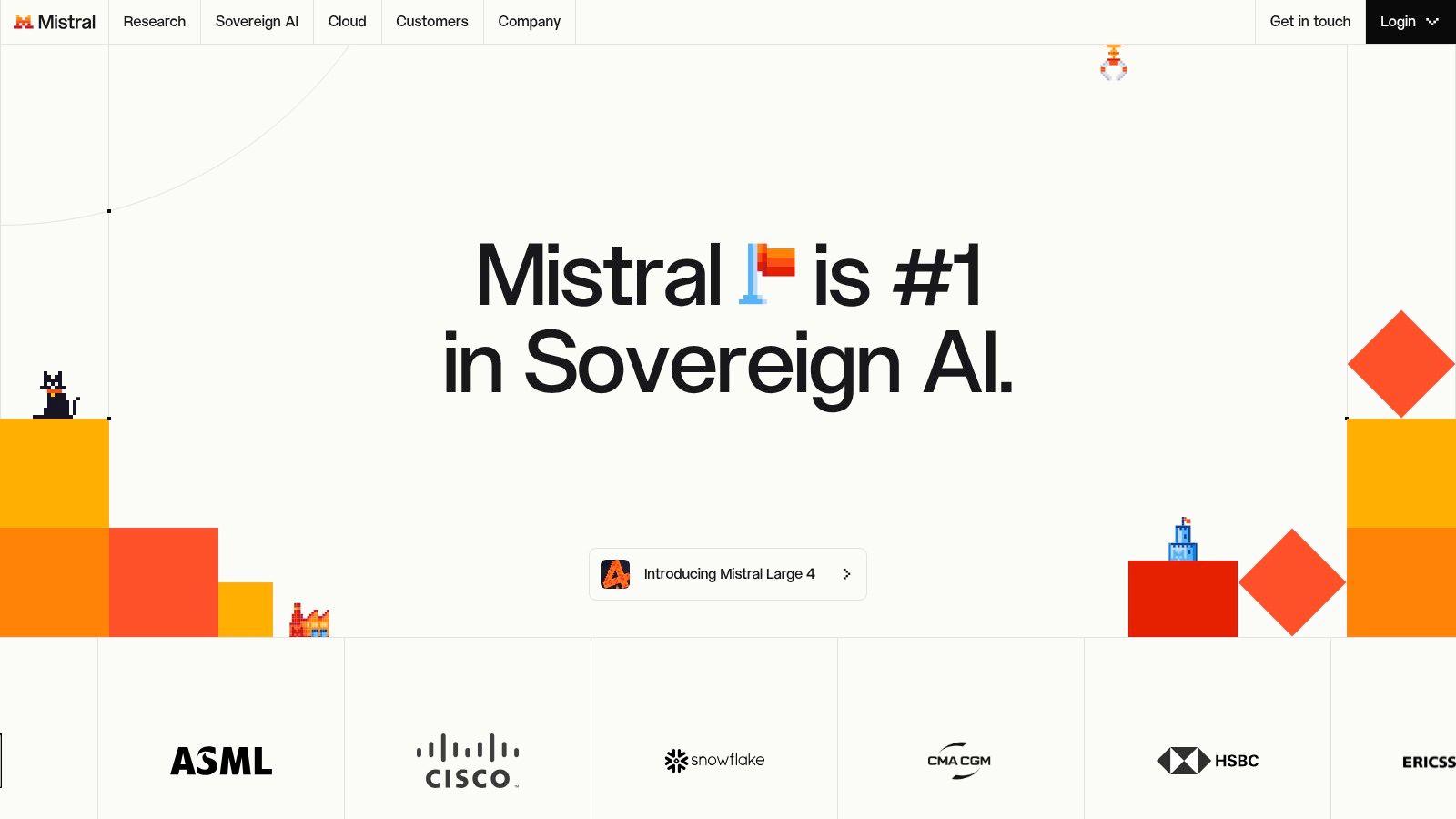
Le Chat is a compelling option for users who value speed, multilingual work, coding, and an EU-based provider. Mistral's assistant supports its modern model family and includes capabilities such as OCR and text-to-speech in the broader model stack. Students and developers may find the price-to-performance balance attractive, especially when fast responses matter more than access to every multimodal feature.
Its developer orientation shows in coding support and the focus on model performance. Teams can consider Free, Pro, Team, and Enterprise paths, while student discounts may improve accessibility for education users.
The trade-off
Mistral's regional position can matter to organizations evaluating data residency or European technology providers, but an EU-based company isn't a substitute for reviewing the actual data terms. Buyers should inspect retention, training use, support, administrator access, and the location of any connected services.
Plan limits may be less transparent than those of larger US competitors. Usage rules and feature access can require careful reading of the current pricing page, especially for teams that expect consistent coding or document volume.
Migration step from ChatGPT
Give Le Chat a multilingual task and a compact coding task from your normal workflow. Compare instruction following, terminology, speed, and the amount of manual correction. If it performs well, test it with a sanitized internal document before considering a broader team rollout.
9. Meta AI
Meta AI is the easiest entry point for people who already use WhatsApp, Instagram, Messenger, or Facebook and want a free assistant inside familiar apps. It supports chat and image or video creation across Meta services and on the web in the US, with optional Meta One access for higher usage or creative benefits in some tools.
For families and students, the low-friction access matters. Users don't necessarily need to learn another standalone workspace, and app-level guardrails can make the experience feel more approachable. WhatsApp's end-to-end encryption applies to WhatsApp chats, but users should still understand how AI interactions are handled within the relevant product.
What to check first
Availability and capabilities can vary by region and account. A feature visible to one family member may not appear for another, and the free experience may be sufficient for occasional questions but less suitable for sustained document-heavy work. Meta AI also isn't the strongest choice for organized team projects, shared document analysis, or formal administration.
The social-app setting creates another consideration. Parents should explain what information children should never enter, even when the assistant is easy to access. A familiar app isn't automatically a private workspace.
Migration step from ChatGPT
Start with a low-risk household task, such as brainstorming a study schedule or generating ideas for a creative project. Keep personal identifiers and school records out of the first test. Compare response quality, image controls, availability, and whether the family can distinguish casual use from information that requires a supervised tool.
10. xAI Grok
Grok is a fit for users who want chat, voice, image and video creation, and developer access connected to the X ecosystem. Paid X Subscription tiers can include Grok Chat, Voice, Imagine, Build, Grok Bot, API access, and team or enterprise capabilities such as pooled usage, SSO, SCIM, and audit logs.
The published tier structure and explicit usage multipliers can make the purchasing path easier to understand than point-based systems. Developers who already use X or Cursor may also value having Grok available alongside their existing workflow.
The trade-off
Grok's community context and content rules differ from those of more safety-focused assistants. That matters for schools, family accounts, public-facing brand work, and organizations with strict content governance. Teams should evaluate moderation behavior with realistic prompts instead of assuming that a general chat product will match their existing standards.
Developer costs also need careful separation. Third-party models used through tools such as Cursor may be billed separately from the Grok subscription, so a team should map every API, IDE, and seat cost before comparing alternatives.
Migration step from ChatGPT
Test Grok with a public-information research task, a voice interaction, and one structured writing prompt. Keep confidential files out of the first evaluation. If the results are promising, review team administration, audit requirements, model access, and separate developer-tool billing before inviting colleagues.
Visit xAI Grok.
Top 10 AI Alternatives, Side-by-Side Comparison
| Product | Core features ✨ | Quality ★ | Value & Price 💰 | Target audience 👥 |
| 🏆 1chat | ✨ Multi‑LLM hub; PDF/file analysis; AI image gen; "brainpower" slider; temp chats & Projects | ★★★★ | 💰 Budget‑friendly for teams/students; tier details on site | 👥 Families, SMBs, students, small teams |
| Anthropic Claude | ✨ Constitutional AI; long‑context chat; coding help; API & projects | ★★★★★ | 💰 Free/Pro/Team; enterprise priced for advanced controls | 👥 Businesses, researchers, educators |
| Google Gemini (AI plans) | ✨ Gemini in Gmail/Docs/Drive; image/music/video gen; NotebookLM integration | ★★★★ | 💰 Bundled with Google One; AI Plus/Pro/Ultra tiers | 👥 Google ecosystem users, creators |
| Microsoft Copilot | ✨ Embedded across 365 apps; SMB bundles; enterprise identity & compliance | ★★★★ | 💰 Add‑on or bundle pricing; enterprise SKUs vary | 👥 Microsoft 365 orgs, enterprises |
| Perplexity | ✨ Cited answers; model choice; file uploads; Research/Reasoning modes | ★★★★ | 💰 Free→Max tiers; Education & Enterprise options | 👥 Researchers, students, teams needing citations |
| Poe by Quora | ✨ Multi‑model hub; bot marketplace; developer API; mobile/web apps | ★★★ | 💰 Point‑based paid tiers; flexible but can be restrictive | 👥 Model testers, creators, developers |
| You.com | ✨ Web‑aware answers; Private Mode/zero‑retention; team workspaces & connectors | ★★★☆ | 💰 Free + paid no‑training plans; verify controls per plan | 👥 Privacy‑conscious users, devs, teams |
| Mistral Le Chat | ✨ Fast multilingual model; strong coding support; OCR & TTS options | ★★★★ | 💰 Competitive pricing; Pro/Team/student discounts | 👥 Developers, students, EU users |
| Meta AI | ✨ Embedded in WhatsApp/IG/Messenger; chat & image/video creation | ★★★ | 💰 Free core access; Meta One adds higher limits | 👥 Families, social‑app users, students |
| xAI Grok (The X Subscription) | ✨ Grok Chat/Voice/Imagine/Build; Grok Bot & API; team/SSO features | ★★★☆ | 💰 The X Subscription tiers with published US pricing | 👥 X users, developers, teams |
Pick Your AI Alternative and Test It First
Start with the decision that matters most. If privacy and family controls come first, shortlist tools that document their data terms clearly. If a team needs shared workspaces, check administrator permissions, retention settings, training use, and data controls before anyone signs up.
The market is broad because organizations are adopting AI at very different depths. Stanford's AI Index reported that 78% of surveyed organizations used AI in 2024, compared with 55% in 2023, while generative AI use in at least one business function rose from 33% to 71% over the same period, as reported in Stanford's summary of organizational adoption. Those figures show demand, but they don't prove that a team has integrated AI well.
Implementation depth is the harder question. McKinsey found that only 21% of organizations using generative AI had redesigned at least one workflow, according to its 2025 State of AI report. Your evaluation should therefore measure the workflow, not just the chatbot.
Use the same three prompts, one document, and one image request with your top two options for a week. Compare:
- Output quality: Does the answer meet your acceptance criteria without repeated prompting?
- Human review: How much checking and rewriting does each task require?
- Organization: Can users find, share, and continue important work?
- Privacy controls: Can administrators and families understand what happens to submitted data?
- Limits: Do usage caps, model switching, file handling, or latency interrupt real work?
- Cost per completed task: Does the subscription produce useful work, or only more chat volume?
The economics of model access are changing quickly. Stanford reported that inference for a model reaching GPT-3.5-level performance on MMLU fell from $20 per million tokens in November 2022 to $0.07 by October 2024, a reduction of more than 280 times, in its analysis of AI inference costs. That makes multi-model routing more credible. Routine prompts can use a smaller, less expensive model, while complex reasoning, long-document analysis, or sensitive outputs can be escalated.
If you want several leading models in one place with PDF analysis, image generation, Projects, and temporary chats, 1chat.com is worth trialing alongside the other options. Check the current Plans & Pricing page before committing, and don't skip a test with the files your family or team uses.
For additional discovery, browse Creem's AI tools listings. Then choose one low-risk workflow, define success before testing, and invite only the users who can give useful feedback. Start with a controlled trial, document what saves time and what creates review work, and expand the tool that earns its place through dependable results rather than familiarity.