Which AI chat should you use if the smartest-sounding answer isn't necessarily the safest place for your documents, your child's questions, or your team's customer information?
Choosing AI chat online means comparing more than writing quality. Plenty of assistants can draft an email or explain a homework problem. The meaningful differences appear when you upload a contract, need a shared workspace, hit a usage limit, or discover that an impressive answer doesn't match its cited source.
Business adoption makes those distinctions harder to ignore. In McKinsey's global survey, 65% of respondents reported that their organizations regularly used generative AI in at least one business function in early 2024. That measures organizational adoption, not proof that every chatbot is suitable for confidential work.
Choose the assistant around the information you'll share and the work you need to finish, not its most impressive demonstration.
For broader discovery, Rankozo's AI chatbot recommendations offer another starting point. But a useful shortlist needs uncomfortable details too: what each service handles poorly, which account settings deserve attention, and whether family-friendly positioning translates into practical boundaries.
The options below suit different combinations of research, writing, documents, schoolwork, and everyday business tasks. None should replace adult guidance, source checking, or a named reviewer for consequential work. The strongest setup is usually a small, deliberate combination rather than a collection of overlapping subscriptions.
1. 1chat
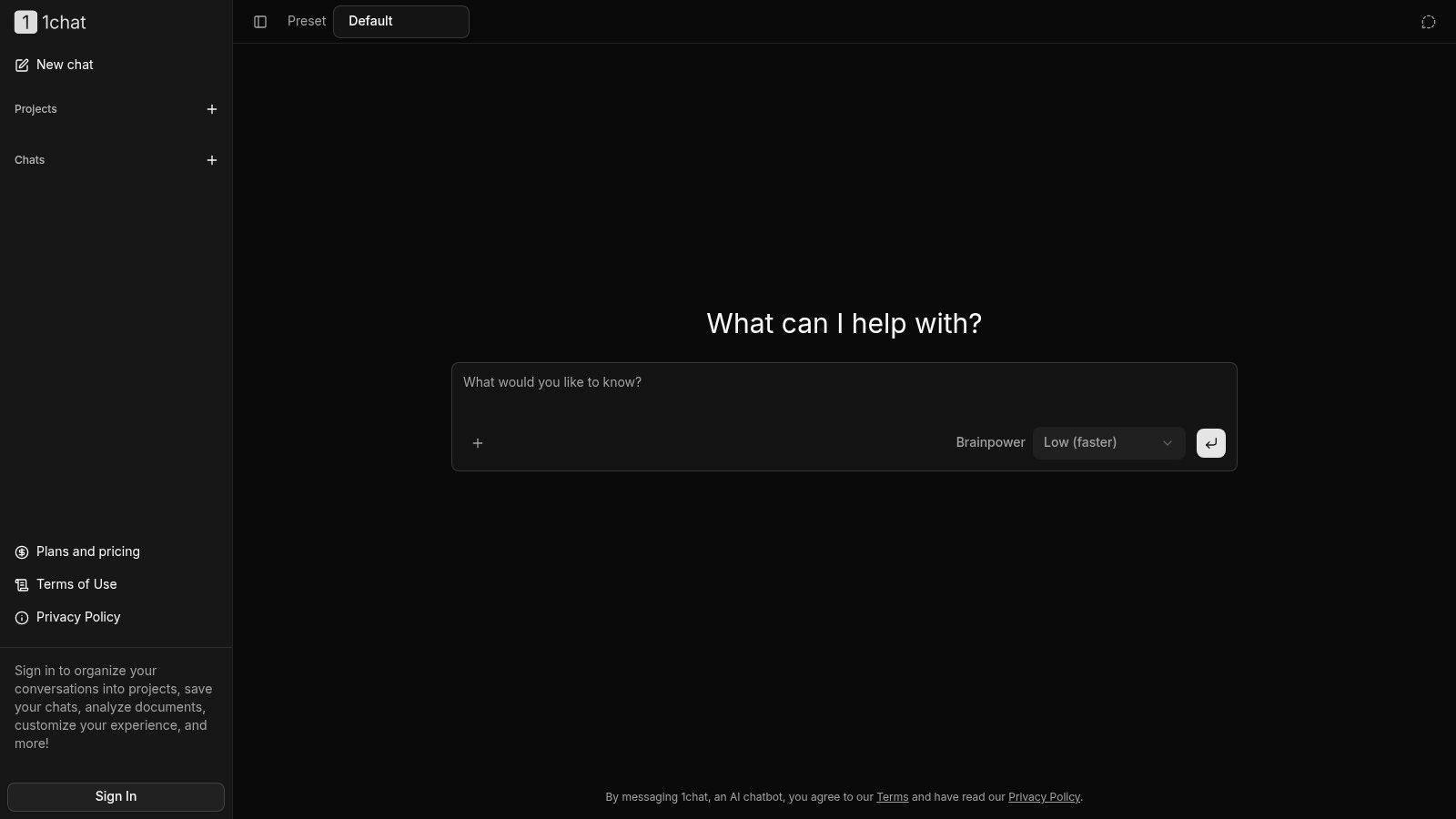
Best for families, students, and small teams that want multiple models without juggling separate interfaces. 1chat combines access to multiple AI models with PDF conversations, image generation, and everyday questions in a single workspace.
That combination fits a practical workflow: ask questions about a course reading, turn the explanation into revision notes, then create an illustration for a presentation. For business writing, comparing answers from different models can expose how one brief gets interpreted differently. Agreement between models doesn't establish accuracy, so a human still checks the output that matters.
Privacy positioning needs practical boundaries
We position 1chat as a privacy-first alternative, but that shouldn't be read as a promise that submitted content is never processed or used. Our terms allow Content to be used to provide, maintain, develop, and improve our Services, comply with law, enforce terms, and keep the Services safe.
A chat started on the main screen doesn't appear in chat history. Signed-in users can save conversations, organize them into projects, analyze documents, and customize their experience, so anything worth revisiting belongs in a signed-in session. Not appearing in history isn't the same as a universal no-retention guarantee.
- What works: Multiple models, PDF analysis, and image creation share a workspace, reducing tool switching.
- Family and team fit: The positioning suits shared everyday needs, but families still need disclosure rules and businesses need upload policies.
- What works poorly: A feature list alone can't settle affordability. The 14-day free trial, which charges nothing if you cancel during it, is the practical way to test model access and plan limits against real tasks before paying.
For students, the right role is explanation, proofreading, and feedback on their own work. For teams, start with public documents and low-risk drafts rather than confidential customer records.
2. ChatGPT
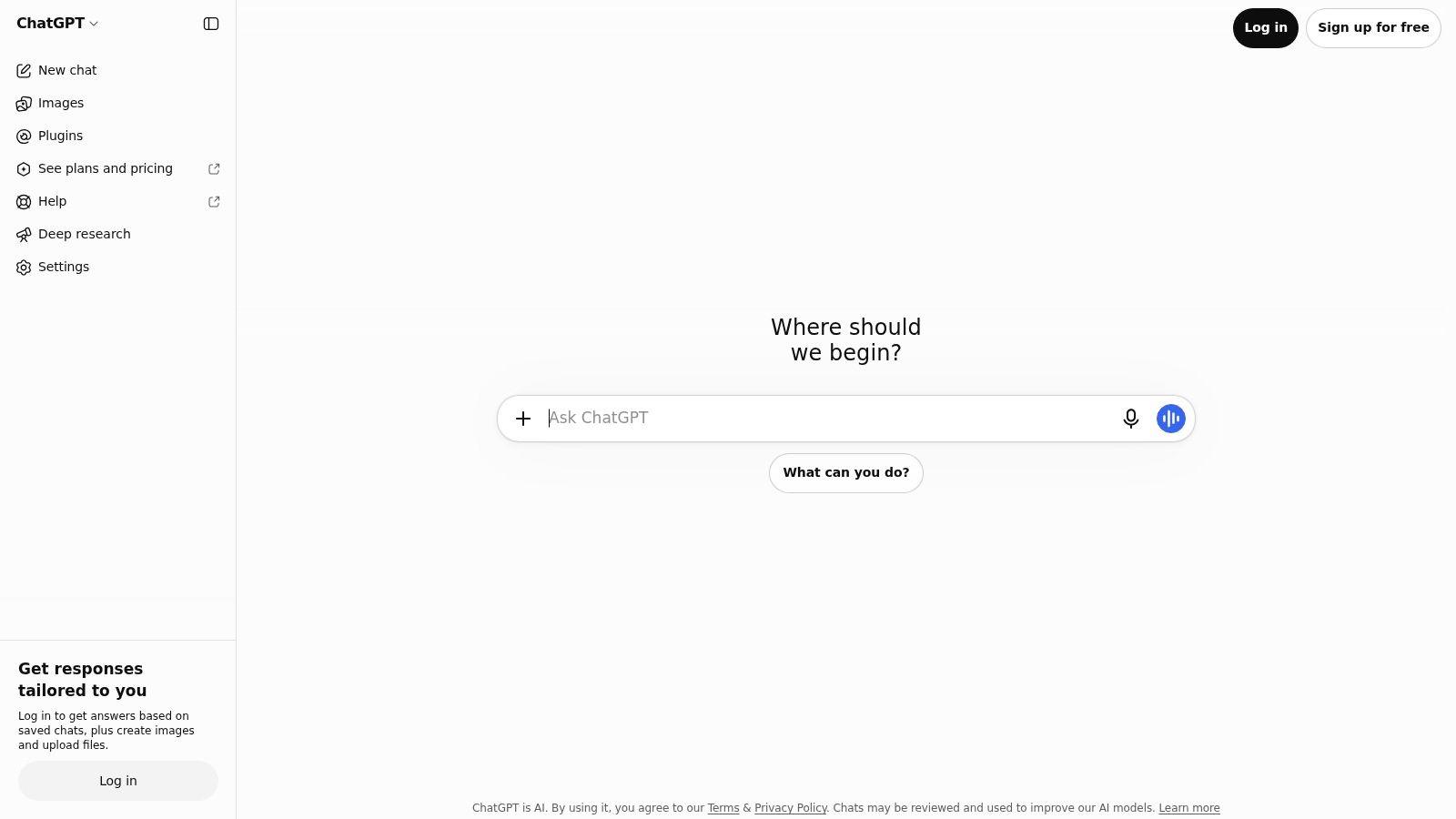
A shop owner might need a supplier-email draft, help interpreting a spreadsheet, and an image concept for a promotion. ChatGPT is a broad generalist for that mixture, with conversational search, file analysis, writing, coding, and creative tools available according to the account and plan.
Projects and custom GPTs can support repeatable tasks, such as applying a house style or maintaining instructions for product descriptions. The useful habit is to supply the actual requirements, then inspect the output against them rather than assuming a saved instruction always produces a compliant result.
- Strongest fit: Individuals and small teams whose tasks change throughout the day.
- Privacy caveat: Review personal-workspace data controls before uploading sensitive material. A business workspace and a personal account shouldn't be treated as interchangeable.
- Weakest fit: Workflows that require uninterrupted access to a particular capability despite usage limits.
Free access makes it straightforward to evaluate ordinary tasks before buying. For comparison, review the alternative pricing page against the capabilities you need, rather than comparing headline subscription labels.
AI Tool Seekers' ChatGPT listing provides another discovery reference. For families, breadth is both the attraction and the complication: set boundaries around personal disclosures, explain that fluent answers can be wrong, and keep homework assistance focused on learning rather than submission-ready work.
3. Claude
Long documents and careful revision are the clearest reasons to consider Claude. Its writing, analysis, coding, Projects, and Artifacts features suit work that develops through several rounds rather than ending with a quick answer.
Say you're revising an employee handbook. Give Claude the policy text, identify the intended audience, and request a list of ambiguities before asking for a rewrite. Separating diagnosis from drafting makes it easier to notice where the assistant has changed meaning instead of merely improving readability.
Where it fits, and where it doesn't
Projects help organize related work, while Artifacts can turn responses into more structured or interactive outputs. Web, desktop, and mobile access are useful conveniences, and team options add centralized billing and administration.
The trade-off is capacity and control, not just prose quality. Free and paid accounts have usage limits, so document-heavy sessions need testing with representative material before a team depends on them. Consumer users should also inspect model-training settings and privacy terms.
Document rule: Ask the assistant to distinguish what the document explicitly says from what it infers.
For students, Claude can help identify weak arguments, explain difficult passages, and suggest revision questions. It's a poor substitute for reading the assigned material or verifying quotations.
For businesses, polished writing is the risk as well as the benefit. A smoother policy or proposal can still contain an unsupported commitment, so keep a subject-matter reviewer responsible for the final version.
4. Google Gemini
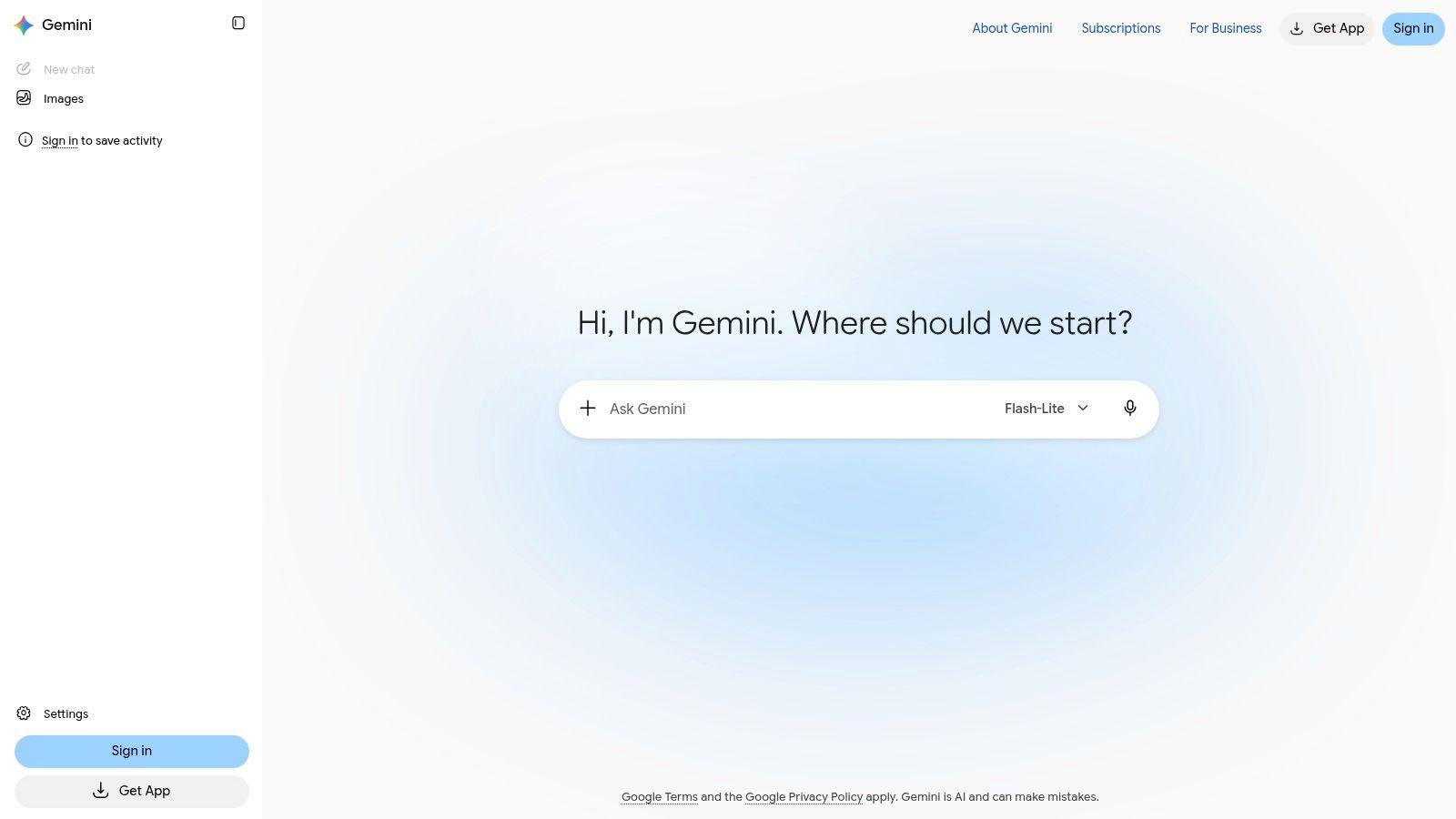
If your school or business already works in Google products, Google Gemini deserves consideration for convenience, not just answer quality. Eligible account connections can reduce the friction of moving between an assistant and existing work.
Gemini offers everyday chat, image generation and editing, and research-oriented features. Deep Research, Gemini Live, Canvas, and Gems expand the experience beyond a text box, although access and limits depend on the account and plan.
- Good use: Build an outline from a permitted brief, explore a topic, or develop presentation material.
- Privacy check: Inspect activity settings, connected-app permissions, and notices before bringing personal or workplace information into a conversation.
- Bad assumption: Owning a Google account doesn't mean every advertised integration is included or appropriate for work data.
Family access isn't a safety policy
A familiar account ecosystem can make an assistant easier to adopt, but it doesn't eliminate the need for supervision. The FOSI/Ipsos online-safety survey found that more than 60% of surveyed children aged 10–17 used generative AI for at least one surveyed task.
Parents should discuss what children mustn't disclose, how to challenge an answer, and when to stop a conversation and ask an adult. Check the applicable age and account requirements before access. Gemini is less suitable when you want a simple, fixed feature package that behaves identically across personal, school, and workplace accounts.
5. Microsoft Copilot
Start with your Microsoft license, not the Copilot name. Microsoft Copilot spans standalone chat and capabilities connected to Microsoft 365, but those aren't interchangeable purchases.
Free web chat can help with questions, brainstorming, web-grounded answers, and image creation. Working inside Word, Excel, PowerPoint, or Outlook, or using organizational information, depends on the relevant subscription and eligibility.
For a small business, the useful comparison is between a standalone drafting assistant and help inside an existing workflow. If employees mainly need public-information research and email drafts, advanced in-app access may be unnecessary. If they need assistance with permitted workplace content, account configuration matters much more.
The team advantage has conditions
Business versions can operate with Microsoft 365 security and compliance controls, depending on the license and setup. That makes Copilot worth investigating for established Microsoft workplaces, but an organization still needs sensible permissions and clear rules about which information employees may use.
- Best fit: Teams already committed to Microsoft 365 that can identify a specific in-app task.
- Family fit: Standalone chat can handle everyday questions, but workplace controls shouldn't be assumed to apply to household accounts.
- Main weakness: Product and licensing distinctions make casual feature comparisons unreliable.
Before buying, write down the exact action you expect: summarize an authorized document, help draft a presentation, or answer from public web sources. Confirm that action belongs to the plan under consideration, then test it with non-sensitive material.
6. Perplexity
Perplexity is most useful when your next step is opening sources. Its answer-engine approach combines web research, follow-up questions, and inline citations, making it easier to inspect the basis of an answer than with an unreferenced response.
For a student researching an unfamiliar subject, ask for primary sources and competing interpretations. For a business comparing suppliers, request evidence for each relevant requirement instead of a sweeping recommendation. File analysis and more advanced research or model access depend on the plan.
A citation is a route to evidence, not a certificate that the answer is correct.
Open the cited page, find the supporting passage, and check whether it matches the claim. A source can be real while the summary overstates it, misses a qualification, or relies on information that no longer applies.
Better discovery, not automatic verification
- What works: Finding source material, exploring current topics, and refining a research question through follow-ups.
- What needs care: Search questions and uploaded documents can still disclose sensitive information.
- What works poorly: Treating the generated synthesis as finished due diligence or submitting it as academic work without checking the underlying material.
A useful research workflow should separate discovery, verification, and drafting. Perplexity fits the discovery stage particularly clearly.
Families can use it to compare explanations together, but children still need help recognizing source quality. Teams should keep a record of the actual evidence supporting consequential claims, not just a saved chat response.
7. Poe
Trying the same brief across different models can reveal which one follows your instructions most closely. Poe makes that kind of experimentation convenient by offering multiple models and bots through a shared interface.
Custom bots and community-created bots broaden the possibilities. They also require a distinction between a model's general capabilities and the instructions, integrations, or behavior of a particular bot.
Flexibility comes with budgeting friction
Poe's paid access uses a points system, with consumption depending on the selected model. That's different from assuming every conversation has the same practical cost, so test the tasks you expect to repeat before deciding whether a subscription fits.
- Best fit: Curious users comparing models for writing styles, reasoning approaches, or instruction following.
- Privacy posture: Check the applicable service and bot disclosures before sharing information. A shared interface isn't sufficient evidence of uniform data handling.
- Family and team caveat: A broad bot catalog calls for a curated shortlist rather than unrestricted exploration.
For a small business, use a fixed evaluation brief: the same redacted source material, audience, constraints, and acceptance criteria. Compare the editing required afterward, not just which response sounds most impressive.
Poe is less appealing when you want predictable access without thinking about points or model-specific consumption. It also won't resolve conflicting answers for you. If models disagree about a consequential fact, consult an authoritative source rather than choosing the more confident explanation.
8. Meta AI
Convenience is Meta AI's main attraction. People already using WhatsApp, Instagram, Facebook, Messenger, or Threads can reach conversational help without installing anything new or building a separate habit, though availability and features vary by app.
Casual tasks suit that setting: everyday questions, brainstorms, image creation, and text or voice interaction. A household might use it to plan dinner or explain an unfamiliar phrase. A business owner might sketch social-post concepts from a public brief.
Convenience should not turn a messaging app into an informal repository for customer records. Review Meta's data practices and the experience inside whichever app you use before sharing anything sensitive.
- What works: Low-risk questions and creative prompts inside apps people already open daily.
- What doesn't: Expecting a consumer assistant to deliver the administration, permissions, and collaboration structure of a workplace product.
- Family boundary: Keep personal identifiers, private conversations, school details, and other people's information out of prompts.
Familiar surroundings can lower caution
An assistant sitting inside a familiar app still produces fallible answers. Children especially may need that spelled out, so it never becomes a private authority on distress, relationships, or decisions that matter.
For practical questions about account use and expectations, read the terms and help pages of whichever assistant you choose, including Meta AI. When weighing services side by side, the 1chat FAQ shows the kind of account, billing, and usage questions worth asking of any provider. Meta AI works well as a supplementary tool, but it is a weak choice for a team that needs a clearly governed document-and-research workspace.
9. DeepSeek
Want another model's attempt at a coding or reasoning problem without beginning with a paid chat subscription? DeepSeek offers free web and app chat for questions, writing, and technical tasks, with separate API options for developers.
A sensible test uses a self-contained problem: explain a function, identify a bug in non-proprietary sample code, or compare possible approaches to a calculation. Give the expected behavior and ask for a way to verify the result.
Keep experimentation separate from confidential work
DeepSeek's privacy policy describes collection and processing of prompts and other user data. Assess those terms against your own requirements rather than assuming that free access, technical capability, or a familiar chat interface implies a particular privacy standard.
- Good starting material: Public text, invented examples, and code you're permitted to share.
- Keep out: Credentials, proprietary source code, identifiable student records, and customer information.
- Check afterward: Execute code in an appropriate test environment and verify factual or mathematical claims independently.
DeepSeek can provide another perspective, but a second answer isn't an independent audit. Different models may repeat the same mistaken premise.
For families and students, use it as an explanation aid with adult guidance and applicable age requirements. For teams, it's a weaker fit when approval depends on established contractual controls or predictable administration that hasn't been confirmed. Judge the service on documented requirements, not assumptions about where a provider is based.
10. You.com
You.com sits between conversational assistance and research-oriented workflows. It combines AI chat, web search, and specialized agents, with options for individuals, teams, enterprises, and developers.
That suits questions requiring a synthesis rather than an isolated fact. Say a small manufacturer wants to compare publicly documented packaging approaches. Ask the assistant to separate technical requirements, supplier claims, and unresolved questions, then inspect the evidence before contacting vendors.
The advantage is a workflow oriented toward finding and organizing information. The limitation is that an agent-generated report can still omit relevant sources or combine claims that don't belong together.
Buy the workflow you can evaluate
- Individual fit: Research-heavy users who want conversational follow-up and source-oriented work.
- Team fit: Organizations prepared to compare plan capabilities, access arrangements, and the handling of uploaded information.
- Main weakness: Consumer chat, team subscriptions, and developer APIs solve different problems and shouldn't be compared as equivalent access.
A useful evaluation asks whether the assistant reduces the work required to reach a defensible answer. McKinsey's survey on capturing AI value emphasizes workflow integration rather than treating adoption alone as business success.
For students, retain source notes and write from an understood argument. For businesses, assign someone to check consequential claims. You.com is less suitable if you only need quick everyday drafting and won't use its research-oriented capabilities enough to justify the added complexity.
AI chat online services at a glance
Scan the table by privacy posture, family and team fit, and each service's distinct strength.
| Service | Free access | Best for | Standout capability |
| 1chat (recommended) | 14-day free trial; cancel during the trial and you are not charged | Families, students, and small businesses | Multiple AI models, PDF analysis, and image generation in one service |
| ChatGPT | Free access available | General-purpose work, research, writing, and coding | Projects and custom GPTs for repeatable tasks |
| Claude | Free access available | Extended writing and document-based work | Projects and Artifacts for organizing tasks and creating interactive outputs |
| Google Gemini | Free access with a Google Account | Everyday tasks and people using Google services | Google app integrations on eligible plans |
| Microsoft Copilot | Free web chat and mobile access | Web research and Microsoft 365 users | Microsoft 365 app integration on eligible plans |
| Perplexity | Free core search and chat | Web research and finding sources | Answers with inline citations |
| Poe | Free plan options; limits vary by plan | Comparing models and exploring bots | Multiple providers' models and bots in one interface |
| Meta AI | Free for everyday use | Quick questions and creative tasks in Meta apps | Available across WhatsApp, Instagram, Facebook, Messenger, and Threads |
| DeepSeek | Free chat through the official website and apps | Writing, coding, and reasoning prompts | Reasoning-focused chat without a paid subscription |
| You.com | Free plan options; limits vary by plan | Research-oriented chat and search | Specialized agents and workflows |
How to Pick and Combine Your AI Chat Stack
Choose around your recurring task. For varied drafting and questions, start with a general assistant. For source discovery, evaluate a research-focused service. For document work, test the assistant on a permitted document containing the kinds of headings, tables, and ambiguities you encounter.
Use free access where available before committing. Compare outputs using the same brief, then account for the time spent correcting them. A persuasive draft that needs extensive factual repair may be less useful than a plainer answer you can verify quickly.
Put boundaries ahead of uploads
Review privacy notices, data-training settings, connected-app permissions, and the terms applying to your particular account. Don't infer business protections from a consumer product name, or assume that a hidden conversation is necessarily unprocessed or unretained.
Small teams also need permission to experiment safely. In OECD research on generative AI and the SME workforce, 10.5% of SMEs reported concern about employees using generative AI secretly. A short permitted-use policy is more constructive than leaving employees to guess.
- For teams: Specify approved tools, permitted uploads, required reviewers, and where to report mistakes.
- For families: Agree on disclosure boundaries and when a child should stop and involve an adult.
- For students: Follow school rules, verify references, and use feedback to improve your own thinking and writing.
Better instructions help too. Guidance on crafting prompts for precise responses can help you define the audience, source material, constraints, and expected output. Good prompting improves direction; it doesn't remove the need for verification.
Keep the combination small
I'd start with a general assistant plus a research tool, then add another service only when a recurring task exposes a clear gap. Don't pay for overlapping capabilities merely because each product occasionally produces an impressive response.
For family use, prioritize understandable boundaries over a family-friendly label. For business use, prioritize a repeatable approval process over unrestricted access. The best assistant is the one people can use responsibly without creating more review work than it saves.
Try 1chat with a non-sensitive PDF, a writing task, and an image prompt to assess whether multiple models in one privacy-focused workspace suit your household or team. We offer a 14-day free trial with no charge if you cancel during the trial, accept all major credit cards plus Apple Pay, Google Pay, Amazon Pay, and Alipay, and let signed-in users organize chats into projects. Start there, compare the results against your actual needs, and keep the setup lean: a general assistant plus a research tool, not a pile of overlapping subscriptions.