The bakery menu board needs to be ready by Friday. A teacher needs a history poster that won't turn invented details into classroom facts. A parent wants a birthday banner with a correctly spelled name. All need an image generator, but they don't need the same model.
The best AI image generation models are best for particular jobs, not every job. A striking illustration isn't necessarily an editable logo. A convincing product scene isn't necessarily an accurate product photograph. And a model that works well through an API may be an awkward choice for someone who just wants to open a browser and make a poster.
Start with the deliverable and the access route:
- Readable posters and menus: Prioritize text rendering, layout control, and easy corrections.
- Product visuals: Prioritize reference fidelity and selective editing. These prompts for lifelike AI product photos can help you specify lighting, materials, and composition.
- Logos and recurring brand assets: Look for editable output and consistent visual controls.
- Classroom and family projects: Favor straightforward hosted tools, then review factual accuracy and disclosure.
The selections below match models to those jobs while distinguishing hosted interfaces, API access, and downloadable weights. Version availability, licenses, and account limits can change, so verify the exact model offered before committing. Don't buy a subscription because its showcase looks impressive. Choose the workflow that lets you finish, correct, and publish your actual work.
1. OpenAI GPT Image 2.5
A bakery owner needs a warmer background for a pastry image while keeping the arrangement intact. OpenAI GPT Image 2.5 is suited to conversational revisions, where the user describes the change in plain language rather than working through a specialized editing interface.
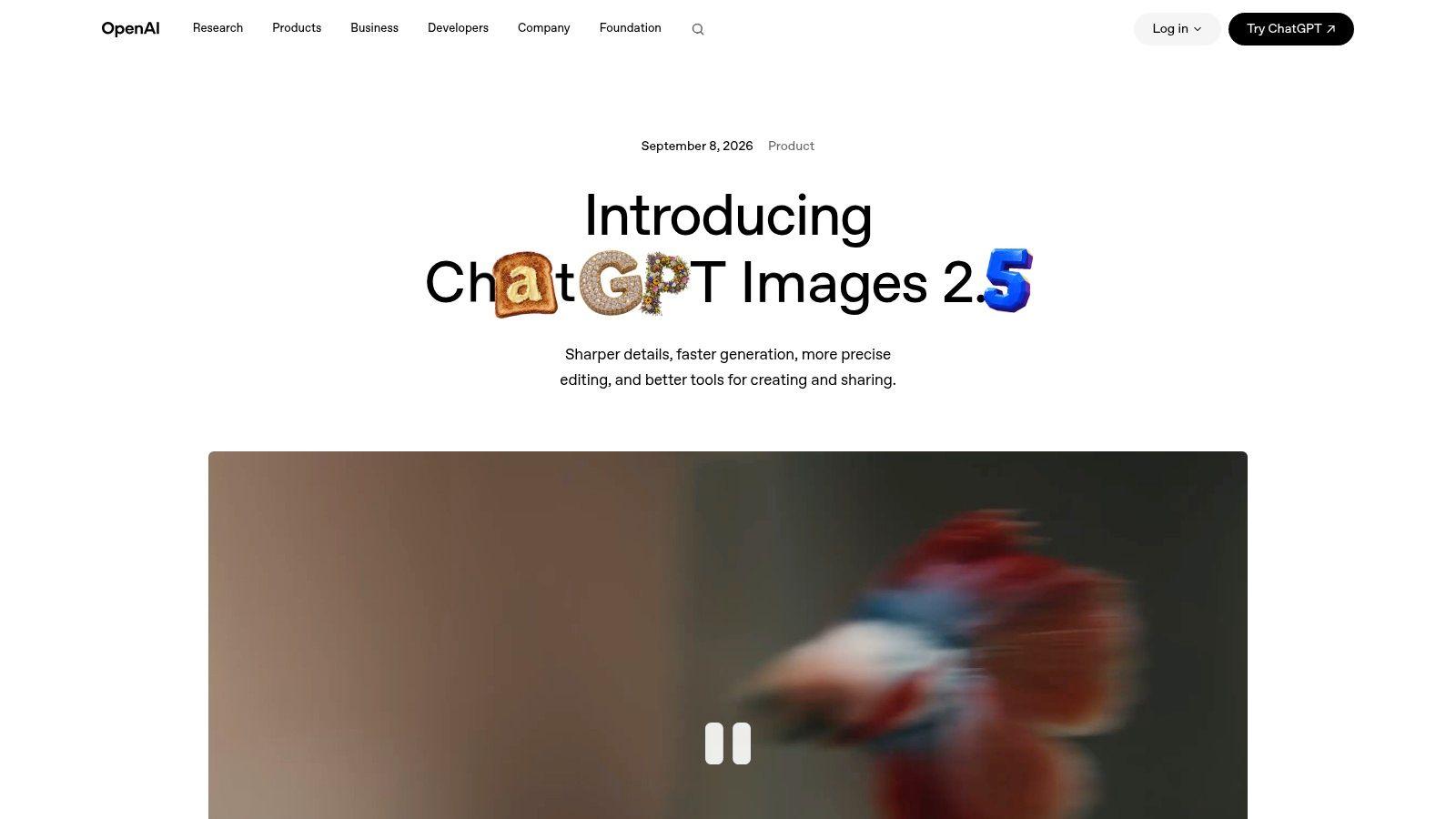
The ChatGPT Images product page describes the named release and its available features. The workflow combines text-to-image generation with editing supplied images, through a hosted chat experience or API rather than downloadable weights.
Where conversational editing helps
Give the model specific preservation instructions: keep the camera angle, packaging, and background; change only the tablecloth. A broad request such as “make it better” leaves more room for unintended changes.
- Strength: Natural-language revisions offer a straightforward starting point for occasional image work.
- Trade-off: Edits can still change details you meant to preserve. Compare each revision with the original.
- Cost consideration: Account for inputs, output quality, image size, and rejected attempts, not only the final export. Access and billing depend on the ChatGPT plan or API route you choose.
For another ChatGPT alternative that can generate AI images, see 1chat's pricing information.
Choose this approach for editable drafts and iterative illustrations. Check product details against the original, and set final typography yourself.
2. Google Gemini 3 Pro Image
A classroom poster needs more than attractive artwork. Labels must match the illustration, relationships must make sense, and historical details need independent checking. Google Gemini 3 Pro Image is worth shortlisting for instruction-heavy educational visuals, particularly if your team already works within Google's developer ecosystem.
Access through Google AI Studio lets developers experiment before building an integration. The hosted developer interface and Gemini API are distinct from downloading a model to operate on your own infrastructure.
For a history project, start with a teacher-approved outline. Ask for an illustration with clearly reserved label areas, then check clothing, architecture, chronology, and symbols against the lesson materials.
A classroom image should illustrate verified information, not become the evidence for it.
Evaluate meaning before appearance
Scientific and instructional graphics deserve stricter review than decorative artwork. SridBench found a substantial gap between current models and expert-created scientific graphics, identifying semantic understanding as a primary bottleneck.
That finding doesn't establish a ranking for this particular model. It supports testing whether an image communicates the right relationships rather than merely looking polished.
The practical trade-off is flexibility versus budgeting clarity. Token-based billing takes more interpretation than a simple subscription allowance, and access can differ between Google products. For general workflow ideas before developing an integration, consult the AI workflow articles, then test the exact access route you intend to use.
3. Midjourney V8.2
Choose Midjourney for visual direction, especially when you need to explore mood, composition, and style before settling on a finished asset. A bakery campaign might benefit from editorial food imagery, a paper-cut illustration direction, or a richly textured seasonal background.
The Midjourney website provides its hosted creative workflow and current subscription information. Verify the available version in the interface rather than assuming every example or tutorial uses the same release.
Midjourney is a service-led choice, not a downloadable-weights option. Its web and Discord workflows suit creative exploration, but they're a different proposition from integrating a conventional image API into an internal production system.
- Good fit: Campaign concepts, decorative illustrations, mood boards, and visually distinctive backgrounds.
- Less suitable: Jobs where exact lettering, editable vector geometry, or faithful product reproduction is the primary acceptance criterion.
- Plan consideration: Check generation modes, usage allowances, and privacy options before uploading unreleased creative material.
Separate art direction from production
Generate the atmosphere first. Add prices, dates, legal copy, and brand typography in a layout tool afterward.
That separation makes corrections manageable: changing a menu price shouldn't require regenerating the entire composition. It also prevents an attractive image from becoming an expensive dead end when a client requests a small wording change.
Midjourney's strongest role is helping you choose a visual direction. Keep a separate production path for precise layout, final copy, and any asset that must remain editable.
4. Adobe Firefly Image 5
A retailer preparing a promotional composite can keep the product photograph intact, generate a setting around it, and refine the edges manually. That workflow makes Firefly a practical option when the finishing work already happens in Adobe tools.
Check Adobe Firefly for the current model picker and account availability. Adobe's own models and partner models may appear in the same environment, but their terms can differ.
Best for production inside Adobe tools
- Strength: Generation can sit alongside conventional editing in an established creative process.
- Constraint: Check subscription access, credits, and release availability for the specific feature.
- Commercial concern: Commercial positioning does not guarantee that every output or intended use is risk-free.
The RIBA AI Report warns that generated outputs may infringe copyright and notes that some providers offer indemnities subject to conditions. Review the applicable terms rather than assuming protection covers every model and plan.
For broader evaluation methods, compare independent AI benchmarks and published reviews before committing to a model. Choose Firefly when its place in an Adobe workflow reduces finishing work, and review rights, accuracy, and composition before using the final image.
5. FLUX.2
A product campaign rarely ends with an attractive image. You also need alternate crops, background changes, and consistent materials across related visuals. FLUX.2 belongs on the shortlist for reference-guided product scenes and production-oriented experimentation.
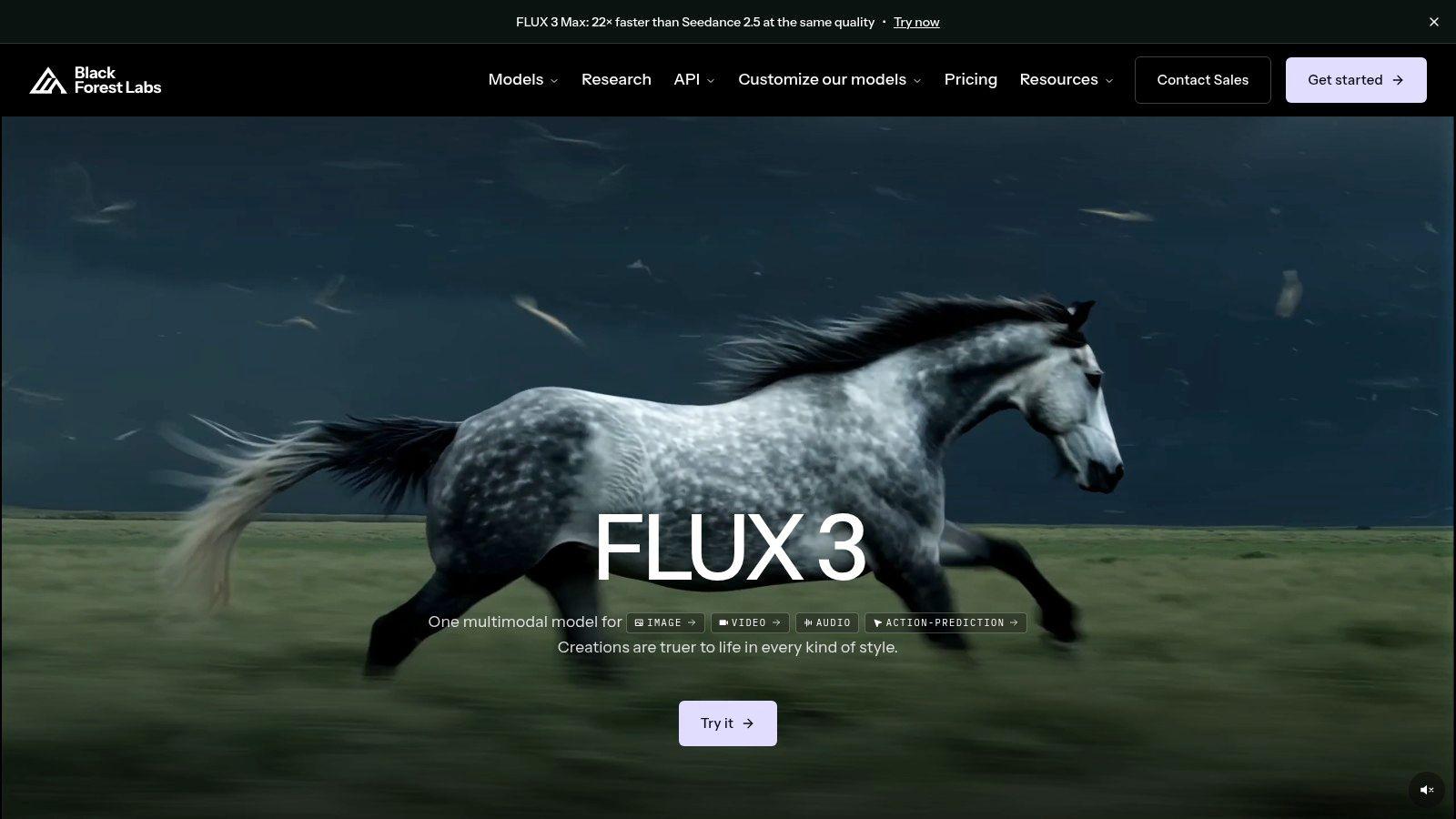
Black Forest Labs offers the official starting point for model variants, generation, editing, and access conditions. Treat FLUX.2 as a family rather than assuming every variant has identical capabilities, pricing, or deployment permissions.
Match the variant to the workload
A developer automating campaign backgrounds has different needs from a designer making occasional hero images. Test the intended variant at the intended output size before estimating production costs.
- Hosted or API route: Suitable when you want generation without maintaining local inference infrastructure.
- Downloadable route: Check the specific checkpoint, hardware requirements, and license. Availability for one variant doesn't establish availability for another.
- Production test: Compare label preservation, reflections, material texture, and behavior during targeted edits.
A visually convincing result can still misrepresent a product. For sales imagery, preserve the genuine product photograph wherever possible and use generation for the environment.
Product rule: If an edit changes what the customer will receive, it isn't merely a background improvement.
FLUX.2 is most useful when you can define what must remain fixed and inspect the result closely. Don't adopt a variant based solely on attractive sample images or assume local operation will automatically cost less.
6. Ideogram 4.0
Posters, birthday banners, and menu concepts are the natural test cases for Ideogram. These jobs expose a weakness that aesthetic comparisons often miss: an image can look finished while containing unusable text.
The Ideogram platform is the starting point for checking current models, hosted access, API availability, and any downloadable release. Confirm the exact release and applicable license before treating open-weight deployment as available for your intended use.
Start with the final approved wording. Specify the headline, supporting copy, hierarchy, and empty space rather than asking vaguely for a professional poster.
Test the text as text
Don't evaluate lettering only at thumbnail size. Read every word, inspect punctuation, and check whether letterforms remain clear in the exported file.
- Best use: Text-led concepts, event artwork, and layouts where wording forms part of the visual design.
- Hosted advantage: You can experiment without setting up inference infrastructure.
- Deployment caution: Downloadable weights, where offered, still require suitable compute and careful license review.
For a bakery menu, I'd generate the decorative composition and retain editable prices in a layout application. Even strong text rendering doesn't make a flattened image convenient to update.
The trade-off is integrated appearance versus editability. Generating lettering within the artwork can produce a cohesive concept, but separate typography gives you dependable corrections, font control, and reusable templates.
Choose Ideogram when text-heavy design is central to the test, not because any generated poster can be published without proofreading.
7. Recraft V4.1
A logo isn't just a small picture. It needs to remain legible on packaging, work against different backgrounds, and survive resizing without becoming a blurry illustration. Recraft is the specialist candidate for editable design assets, particularly when vector output matters.
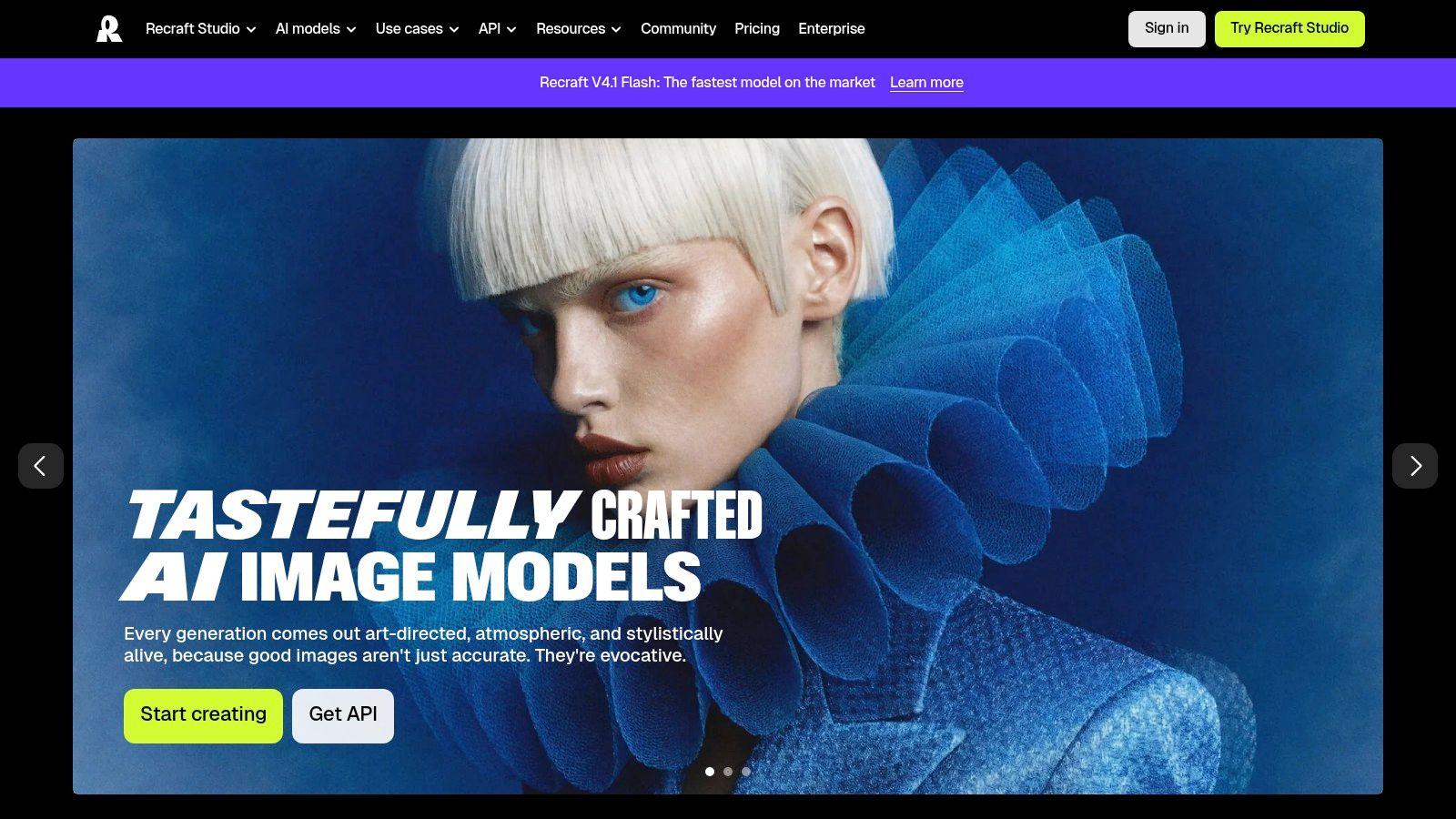
The Recraft website describes its design workspace and available model options. Select the vector-capable workflow deliberately; a raster result won't become clean, editable geometry because it came from a design-oriented service.
Best for logos, icons, and reusable illustrations
For a bakery identity, generate a simple wheat motif or bread icon rather than a complete brand system. Open the resulting SVG in a vector editor and inspect shapes, overlaps, curves, and small-size readability.
- Strength: Editable vector output can reduce the tracing required after concept generation.
- Trade-off: Generated paths may still need simplification and cleanup.
- Rights check: Review commercial-use and ownership conditions for the plan used to create the asset.
Don't confuse an editable file with a cleared trademark. A logo candidate still needs a distinctiveness review before it represents a business.
Recraft is also worth testing for recurring icon families and illustrations where visual consistency matters more than photographic realism. Keep an approved reference sheet and compare each new asset against it.
Choose it for assets you'll maintain, not merely images you'll post once. The value comes from what you can edit and reuse after generation.
8. Stable Diffusion 3.5
Stable Diffusion is the deployment-control option, especially for teams willing to manage infrastructure in exchange for customization. It's a different purchasing decision from opening a hosted image generator and accepting its defaults.
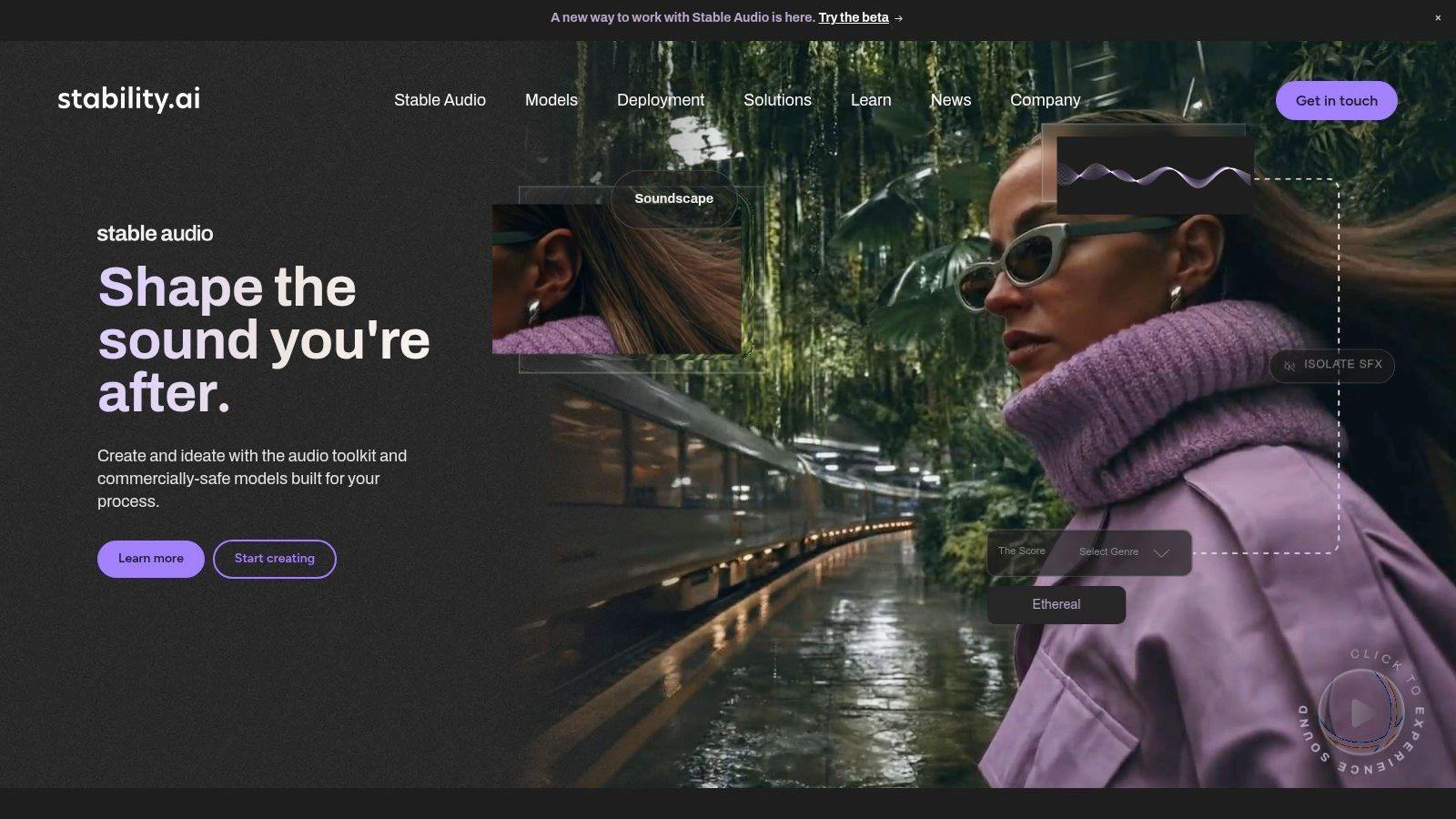
Use Stability AI to verify available checkpoints, inference options, and current license terms. Downloadable models and hosted API access offer different operational responsibilities, even when they belong to the same family.
Best for technically supported customization
A team producing recurring illustrated assets may benefit from controlling its model files, workflow settings, and version history. That control is useful only if someone can maintain the setup and document how approved outputs were made.
- Local responsibility: You manage compute, dependencies, updates, storage, and access controls.
- Hosted responsibility: You evaluate the API's credits, data handling, limits, and service dependencies.
- License responsibility: Review the terms for the exact model and intended commercial activity.
Downloadable weights give you deployment options. They don't remove operating costs or licensing obligations.
For a small business without technical support, a hosted interface may be the more economical choice once setup and maintenance are included. For an engineering-led team, local deployment may justify the effort through control and customization.
Test the complete workflow, including upscaling, editing, exporting, and restoring saved settings. A model that runs successfully isn't yet a dependable production system.
9. Leonardo Phoenix
Repeatable brand assets need more structure than a good prompt. You need a record of the model, style settings, dimensions, references, and edits that produced the approved result. Leonardo Phoenix is worth considering for that controlled creative workflow.
Leonardo.Ai offers hosted generation and API access, rather than a Phoenix model you download for local operation. Its prompt and generation controls make it a candidate for teams creating related illustrations, promotional graphics, and recurring visual concepts.
Preserve the recipe, not just the image
Say a tutoring business wants consistent subject illustrations. Save the approved prompt, reference asset, palette, model selection, and generation settings alongside the exported artwork.
A seed can help reproduce a setup, but it isn't a guarantee of identity across model changes or substantially different prompts.
- Good fit: Repeatable visual directions with documented settings and human review.
- Useful control: API parameters support more structured production than an undocumented sequence of manual generations.
- Limitation: Account features, credits, and available editing tools need checking before building a workflow around them.
For posters containing text, proofread the exported artwork rather than trusting the prompt. For recurring characters, inspect distinguishing details rather than accepting a generally similar appearance.
Choose Phoenix when you'll use the controls consistently. If nobody records the generation recipe, you'll lose much of the practical benefit and spend future sessions trying to recreate an earlier success.
10. Seedream 4.5
A reference-guided edit is often the business task: retain the product, change the setting, and preserve the features that identify it. Seedream is a candidate for workflows built around multiple reference images and targeted changes.
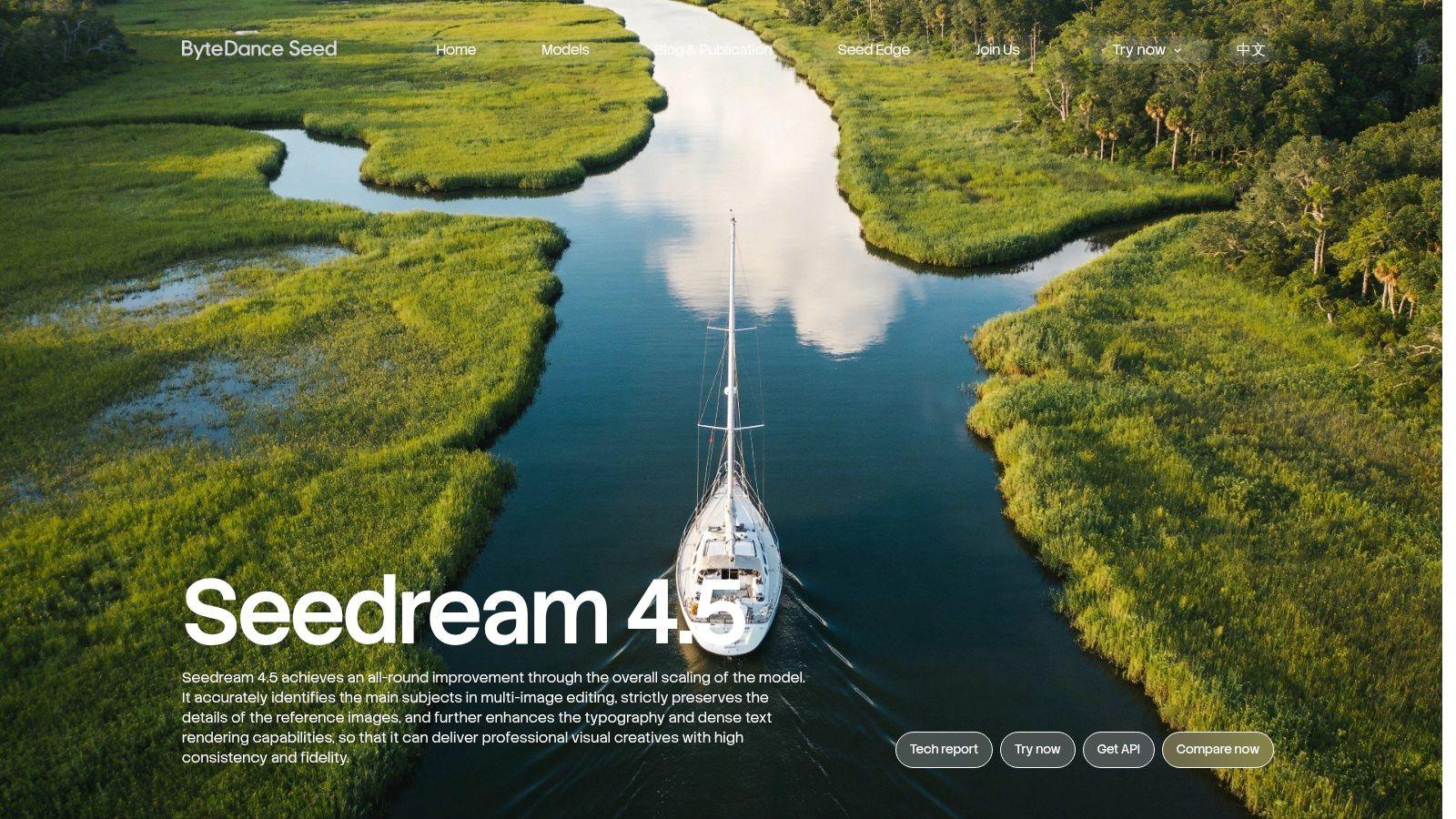
The ByteDance Seedream model page provides the official overview. Access can depend on the platform or provider, so establish the actual hosted or API route before comparing costs and data-handling terms.
Best for reference-led compositions
Give each reference a clear purpose. Identify which image controls the product, which controls the environment, and which supplies the color direction.
Without that hierarchy, a model may combine details you wanted kept separate. A ceramic mug could acquire the reference scene's color or lose a distinctive handle shape.
- Strength: Generation and editing within a reference-guided workflow can reduce tool switching.
- Constraint: Reference fidelity still requires inspection, especially for packaging, proportions, and logos.
- Procurement concern: A third-party provider adds its own pricing, retention, and service terms to the decision.
For sensitive material, evaluate the actual service receiving the upload rather than relying on the model family's reputation. Don't send identifiable children's images, confidential prototypes, or client files merely to run an informal test.
Choose Seedream when references are central to the task. Start with non-sensitive assets and require visible preservation of the details that matter before expanding its role.
How Each Model Is Accessed and Who It Suits
Access determines how much control you have over setup, deployment, and licensing. Hosted tools reduce infrastructure work; downloadable weights offer more deployment flexibility but require suitable hardware and compliance with each model's terms.
| Item | How You Access It | Self-Hosting | Best For |
| OpenAI GPT Image 2.5 | ChatGPT or OpenAI API | Not available | Conversational image generation and editing |
| Google Gemini 3 Pro Image | Google AI Studio or Gemini API | Hosted only | Gemini experimentation and developer workflows |
| Midjourney V8.2 | Web app or Discord subscription | Not available | Art-directed images and creative exploration |
| Adobe Firefly Image 5 | Adobe tools and Firefly services | Hosted only | Creative workflows integrated with Adobe products |
| FLUX.2 | Black Forest Labs platform | Downloadable checkpoints for some variants, subject to their licenses; other variants are hosted only | Image generation and context-aware editing |
| Ideogram 4.0 | Hosted plans or API; weights available for download | Available, subject to license and infrastructure | Text-heavy designs, posters, and brand materials |
| Recraft V4.1 | Recraft Studio | Hosted only | Design assets and editable vector graphics |
| Stable Diffusion 3.5 | Hosted API or downloadable models | Available, subject to terms and infrastructure | Flexible deployment and customizable image generation |
| Leonardo Phoenix | Leonardo.Ai platform or API | Not available | Detailed prompting, image text, and natural-language editing |
| Seedream 4.5 | ByteDance offerings or authorized providers | Hosted only | Reference-guided generation and targeted image edits |
Choose by the job and the access route. For a text-heavy poster, Ideogram offers hosted access and downloadable weights; for a product image guided by references, Seedream is available through hosted offerings or authorized providers. Recraft suits editable vector assets through its studio, while Stable Diffusion 3.5 gives teams willing to manage infrastructure a self-hosting option. Licensing and setup requirements differ, so weigh deployment control against the work of operating a model.
Choosing the Right Model Before You Commit to One
Start with the practical questions: Does the image need readable text? Does it need repeated editing? Who must use it without technical setup? Those answers will narrow the field more effectively than a universal ranking.
For posters, shortlist text-oriented workflows and check the exported lettering. For logos, prioritize editable vector output. For product visuals, compare reference preservation and selective editing; for recurring brand assets, compare saved settings, version control, and the effort needed to reproduce an approved style.
Compare completed work, not impressive samples
Run the same five prompts through two or three shortlisted models. Include a text-heavy poster, a reference-led product scene, a targeted edit, a recurring brand illustration, and a classroom visual that requires factual review.
Keep the source assets and acceptance criteria identical. Record rejected generations, correction time, export limitations, and the usable result, then compare real per-image costs over a month of typical work.
- Licensing: Confirm commercial-use conditions, restrictions, and any applicable indemnification.
- Privacy: Check upload retention, training-use settings, and who can access generated assets.
- Accuracy: Review text, object relationships, product details, and potentially misleading claims.
- Handover: Save prompts, references, settings, originals, and final edited exports.
Keep an origin record
Don't rely on appearance to establish authenticity. In a study of 260 participants, people distinguished AI-generated people from real people correctly only 61% of the time, according to the University of Waterloo study reported by ScienceDaily.
Provenance support also isn't universal: a study of 50 image-generation systems found that only 19 embedded machine-readable marking, according to the empirical provenance study. Metadata can disappear during editing or reposting, so keep your own record rather than treating an absent credential as proof of human authorship.
For classroom materials, identify generated illustrations and verify factual content separately. For advertisements, retain the original product assets and a record of edits. A polished image still needs a responsible publisher.
The right model is the one that produces an acceptable deliverable with manageable correction work, clear terms, and an access route your users can operate. You don't need to standardize every job on the same generator.
Choose a real task you need to finish, prepare its approved copy and reference assets, and compare your shortlist before subscribing. If you prefer a chat-based starting point, we offer AI image generation at 1chat, a privacy-first ChatGPT alternative for small businesses, teams, and families. Start with a non-sensitive draft, review the result carefully, and build your workflow around work you can confidently use.