You're probably here because you need an image now, not after a design course, a stock-photo search, and three rounds of edits.
Maybe you run a small business and need a product promo for social media before lunch. Maybe your child wants a custom coloring page with a dragon, a soccer ball, and your family dog. Maybe you're a student trying to make a class presentation look clear and polished without spending hours in Canva or Photoshop. In each case, the problem is the same. You know what you want to show, but turning that idea into a usable visual takes time, money, or design skills you may not have.
That's where an AI image generator app starts to feel less like a novelty and more like a practical tool. Instead of building every image from scratch, you describe what you need in plain language and the app generates a new image for you. What used to feel like niche software has become a real market category. Grand View Research estimated the AI image generator market at USD 349.6 million in 2023 and projected it to reach USD 1.08 billion by 2030, with North America as the largest market in 2023 and Asia Pacific as the fastest-growing region according to its AI image generator market report.
From Idea to Image Instantly
A bakery owner needs a weekend cupcake promo but doesn't have a photographer on call. A parent wants a bedtime story image featuring their child as a space explorer. A teacher needs a simple illustration for tomorrow's lesson and can't find one that fits.
An AI image generator app solves the same bottleneck in all three situations. It turns a short description into a custom visual in seconds, which means people can make something specific instead of settling for whatever stock image happens to exist.
Why this feels so useful so quickly
The appeal isn't just speed. It's control. You can ask for “a watercolor birthday invitation with jungle animals” or “a clean product mockup on a light background” and get something designed for the task.
If you're new to this, it helps to see examples of how prompts shape results. A practical walkthrough on how to generate stunning AI images can give you a feel for the difference between a vague request and a clear one.
Practical rule: AI image tools work best when you treat them like a creative assistant, not a mind reader.
The shift from novelty to everyday use
The biggest change is that these apps now fit ordinary workflows. Small teams use them to draft campaign visuals. Families use them for crafts and personalized activities. Students use them to explain ideas visually, even when they can't draw.
That doesn't mean every app is equally useful. Some are built for artistic experiments. Others are better for editing, text-heavy graphics, or repeatable outputs. The smartest way to choose one isn't asking, “Can it make cool pictures?” It's asking, “Can it help me finish the actual task in front of me?”
How AI Image Generators Actually Work
Many users use these tools before they understand them, which is fine. But once you know the basic mechanics, your results usually improve.
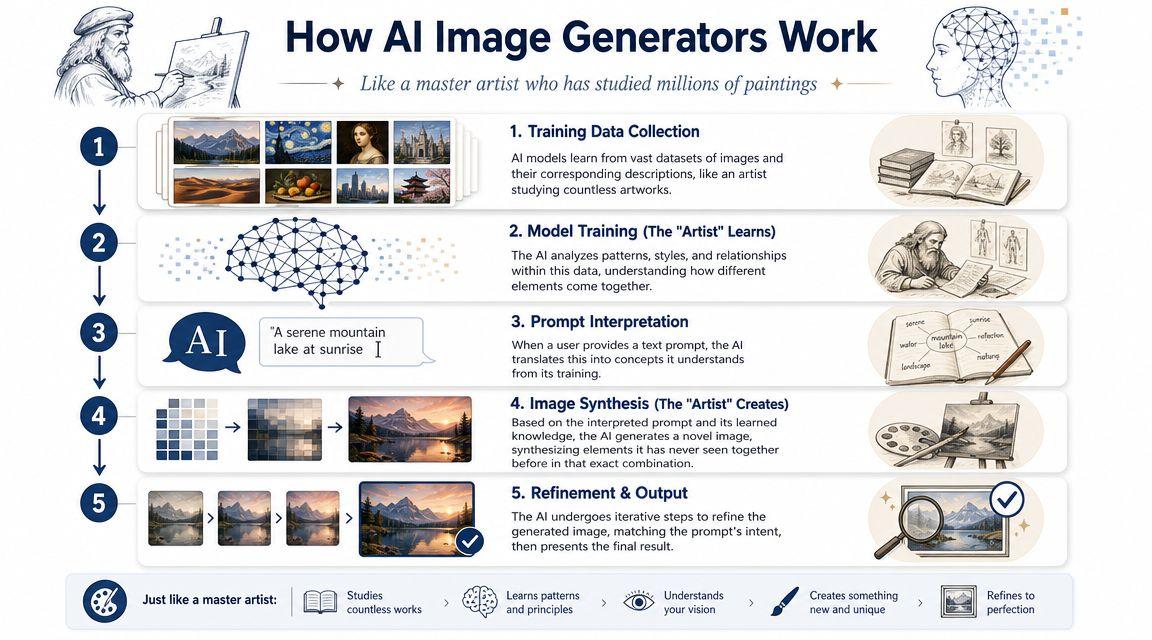
A simple analogy helps. Think of the model like a master artist who has studied an enormous library of images and descriptions. It hasn't memorized one perfect picture waiting for your prompt. Instead, it has learned patterns about what words, objects, styles, colors, and compositions tend to go together.
The three parts that matter most
When you use an AI image generator app, three things shape the outcome:
- Your prompt
This is your instruction. It tells the system what subject, style, mood, angle, or setting you want. - The model
This is the image-generation system doing the work. Different models are trained differently, so they vary in realism, text rendering, editing strength, and style control. - The output
This is the generated image. It may be close on the first try, or it may need refinement.
Google Cloud explains that text-to-image apps convert a prompt into a machine-readable representation and then use a model trained on large text-image datasets to generate visuals, which is what allows tools such as Imagen to create mockups, prototypes, and illustrations quickly through Google Cloud's text-to-image overview.
Why prompt quality changes the result
If you type “make a dog in a park,” you'll get something broad. If you type “a golden retriever sitting in a sunny neighborhood park, children's book illustration style, soft colors, friendly expression,” you're giving the model more useful direction.
That doesn't mean longer is always better. It means clearer is better.
Here's a good mental model:
| Input piece | What it tells the AI |
| Subject | What should appear |
| Style | How it should look |
| Composition | How the scene should be framed |
| Mood or lighting | What atmosphere to create |
Why different apps feel different
Two apps can receive the same prompt and produce very different results. One may make beautiful painterly scenes. Another may follow instructions more precisely. Another may be better at editing an uploaded image rather than generating from scratch.
The app isn't just “making a picture.” It's interpreting language, applying learned visual patterns, and making choices based on the model behind the interface.
That's why many better tools give you more than one button. They let you change style strength, creativity, aspect ratio, or reference-image guidance. Those controls matter because they help you steer the system instead of hoping it guesses right.
Practical Use Cases for Everyone
The reason AI image generation keeps spreading is simple. It solves small, everyday visual problems that used to require either a designer or a compromise.
Gitnux reported that the average cost per AI image generation fell from about USD 0.01 in 2021 to USD 0.001 in 2023, a 90% drop, and described the technology as “nearly free” in 2023 in its AI image generation statistics roundup. That drop helps explain why these tools now show up in small business marketing, family projects, and schoolwork.
Small businesses
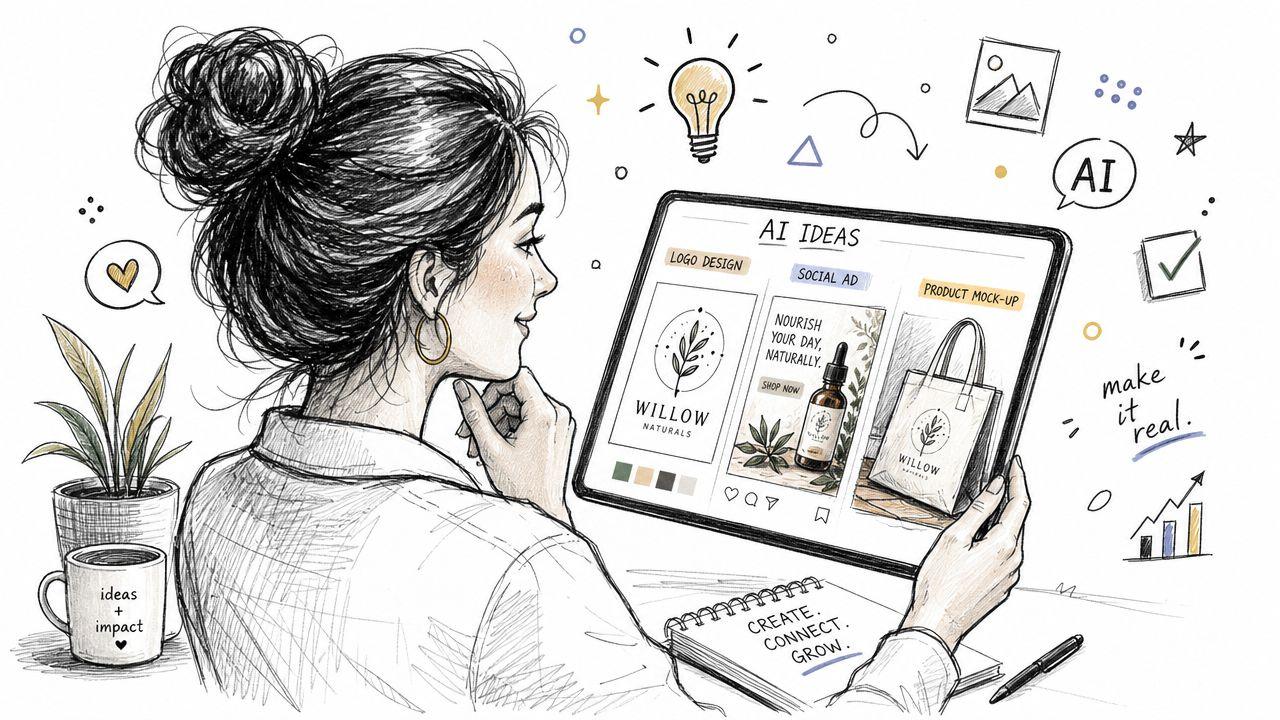
A local shop doesn't need a giant creative department to test ideas anymore. An owner can generate draft visuals for:
- Social posts: Seasonal graphics, sale announcements, or product spotlights.
- Product mockups: Early packaging ideas before printing anything.
- Website banners: Fresh visuals matched to a campaign theme.
The value here isn't perfection on the first try. It's speed during planning. Teams can explore directions before paying for final photography or design work.
Families
For parents, the practical side often matters more than the technology itself. These apps can help create:
- Custom coloring pages: A child's favorite animal, toy, or made-up character.
- Story illustrations: Personalized bedtime scenes featuring family themes.
- Party materials: Invitations, signs, and printable decorations.
Privacy and age-appropriate use matter more in this category than flashy features. If children are involved, adults should choose tools with clear content moderation and avoid uploading sensitive family photos unless they understand how those images are stored and used.
Students
Students often need visuals that explain, not just decorate. An AI image generator app can help with:
- Presentation slides: Clean illustrations for science, history, or literature topics.
- Creative projects: Concept art for stories, games, or class assignments.
- Study aids: Visual representations of terms, settings, or processes.
A good student workflow is to use AI images as support material, not as a replacement for actual understanding. If the image helps explain your idea better, it's useful. If it just fills space, it isn't.
A quick comparison
| Audience | Example Task | Primary Benefit |
| Small businesses | Create a product promo graphic | Faster campaign drafting |
| Families | Make a personalized coloring page | Fun, custom content at home |
| Students | Add an illustration to a class presentation | Clearer visual communication |
What matters most: the best use cases aren't about art for art's sake. They're about removing friction from everyday tasks.
Mastering Your Creative Output
The difference between a disappointing result and a strong one usually isn't luck. It's direction.
Recent coverage from Wirestock and Zapier points to a market where specialized controls matter more, including 4K output, accurate text rendering, and context-aware editing, as discussed in Wirestock's overview of AI image generator capabilities and differences. That changes the user's job. You're no longer just typing requests. You're choosing the right controls for the task.
Build prompts like a creative brief
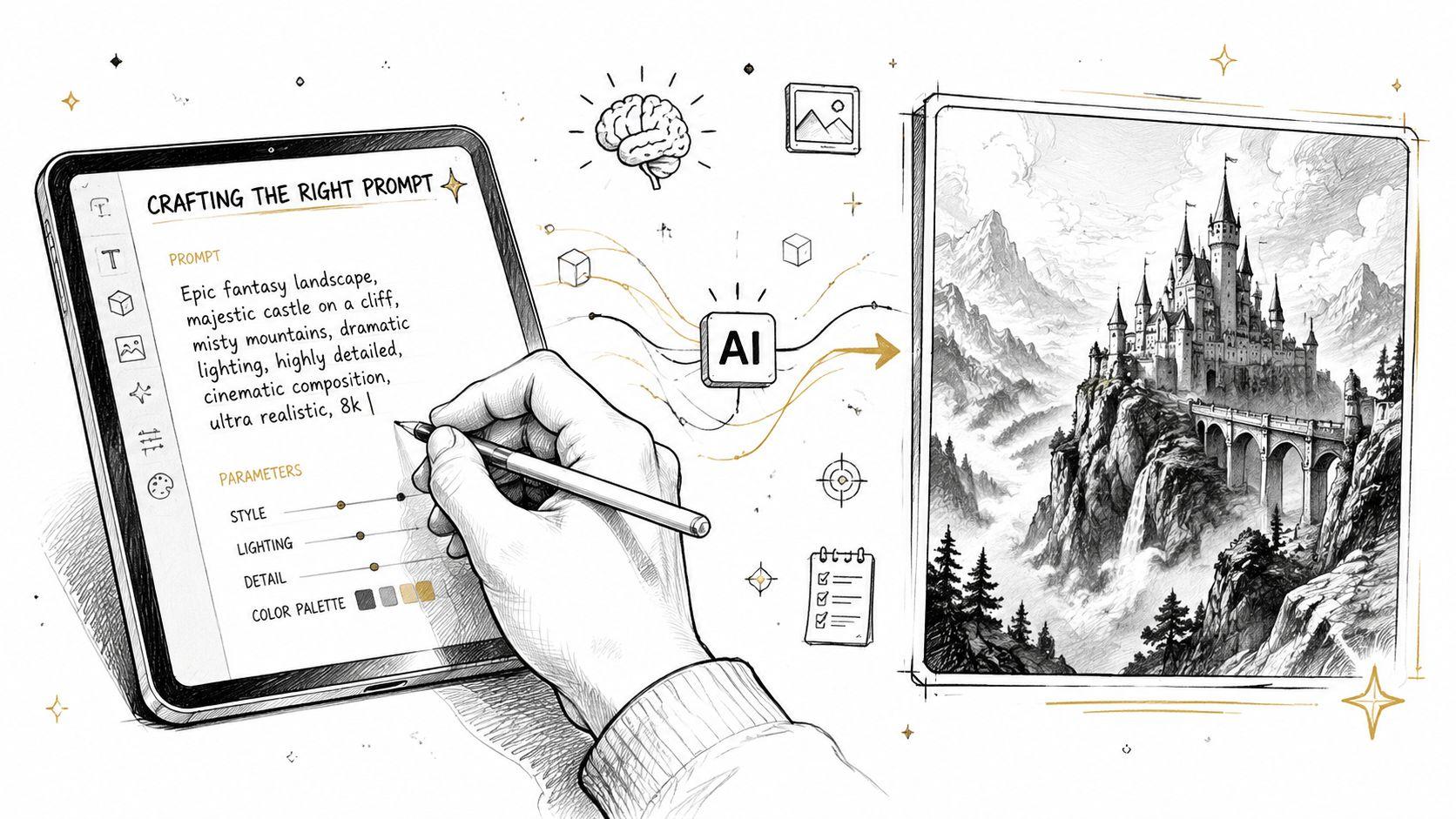
A strong prompt usually includes a few layers:
- Core subject: What the image is about.
- Visual style: Photo-realistic, watercolor, pencil sketch, cartoon, cinematic.
- Scene details: Background, clothing, objects, setting.
- Composition cues: Close-up, wide shot, overhead, portrait orientation.
- Lighting cues: Soft window light, golden hour, studio lighting.
For example, “coffee shop interior” is serviceable. “Cozy coffee shop interior, morning sunlight through large windows, warm wood tones, minimalist design, wide-angle shot” gives the model a much better target.
Use photography language
Many people get better results as soon as they stop writing prompts like search terms and start writing them like a director or photographer.
Try terms such as:
- Low-angle shot for a more dramatic perspective
- Shallow depth of field for a blurred background
- Soft natural light for gentler portraits
- Wide-angle view for room scenes or scenery
These phrases help because many models respond well to visual language commonly used in photography and design.
Learn one advanced move
Negative prompting is one of the simplest ways to improve output. It means telling the model what you don't want. If hands look strange, text is garbled, or the background gets cluttered, you can ask the tool to avoid those issues.
“Don't just describe the image you want. Describe the mistakes you want to prevent.”
That becomes even easier when the app gives you structured controls such as model selection, aspect ratio, guidance strength, or edit tools. If you want a broader sense of what those product controls look like in practice, the 1chat FAQ outlines how an integrated AI workflow can combine chat, documents, and image tasks in one place.
Navigating Privacy and Ethical Issues
Many people slow down here, and they should. Generating images is easy. Knowing what happens to your prompts, uploads, and outputs takes more attention.
The first question to ask is simple: What does the app do with your data? Some tools may retain prompts or uploaded images to improve systems or support account history. Others may offer private generation settings or tighter controls. Before uploading family photos, internal business material, or school-related documents, read the privacy terms in plain language.
Privacy first
A good privacy check includes a few practical questions:
- Prompt handling: Are your prompts stored, reviewed, or reused?
- Image storage: Are generated images public, private, or account-bound?
- Uploads: If you add a source image, can it be deleted later?
- Sharing defaults: Does the app publish outputs unless you change a setting?
If you want a concrete example of how one platform explains this issue, Understanding MartiniArt project privacy is useful because it frames the exact concern many users have around whether generations are private.
Copyright and ownership
Ownership rules around AI-generated images can be complicated, and they vary by platform and jurisdiction. The safest practical approach is to check the app's terms before you use outputs commercially.
For small business owners, that means reading the commercial-use policy before placing an image in ads, packaging, or client work. For students, it means checking whether school rules allow AI-generated visuals in assignments. For families, it means being careful about making realistic images of real people without consent.
Responsible use with kids and teams
Ethics becomes very real when an app can make photorealistic scenes quickly. People can create misleading images, reinforce stereotypes, or generate content that feels harmless but crosses privacy boundaries.
A few habits help:
- Avoid impersonation: Don't create deceptive images of real people.
- Watch stereotypes: Rewrite prompts that reduce people to clichés.
- Use moderation tools: Family-safe filters matter when children are users.
- Set team rules: Shared business accounts should follow clear use guidelines.
For organizations and households that want clearer boundaries, it helps to review service rules directly, such as 1chat usage policies, before rolling AI image features into daily use.
1chat A Safer Way to Create and Collaborate
A bakery owner is updating a menu, a student is finishing a class presentation, and a parent is making a birthday invitation. In each case, the image is only one part of the job. They also need notes, drafts, files, and a place to review everything without sending sensitive details through a pile of separate apps.
Why integrated tools matter
AI image generation works better in real life when it sits inside a broader workflow. A small business may start with a product brief, refine marketing copy, and then create visuals that match the message. A student may upload reading material, summarize the key points, and generate a diagram or slide image from the same conversation. A family may plan a school project, write the text together, and make printable graphics in one place.
That setup saves time, but it also gives people more control.
Switching between disconnected apps often creates small problems that add up. Files get copied into the wrong tool. Prompts lose context. Private documents end up spread across services a team or family has not fully reviewed. An integrated app reduces that sprawl, which is especially helpful for people who care less about flashy image styles and more about keeping work organized and contained.
One workspace for chat, files, and images
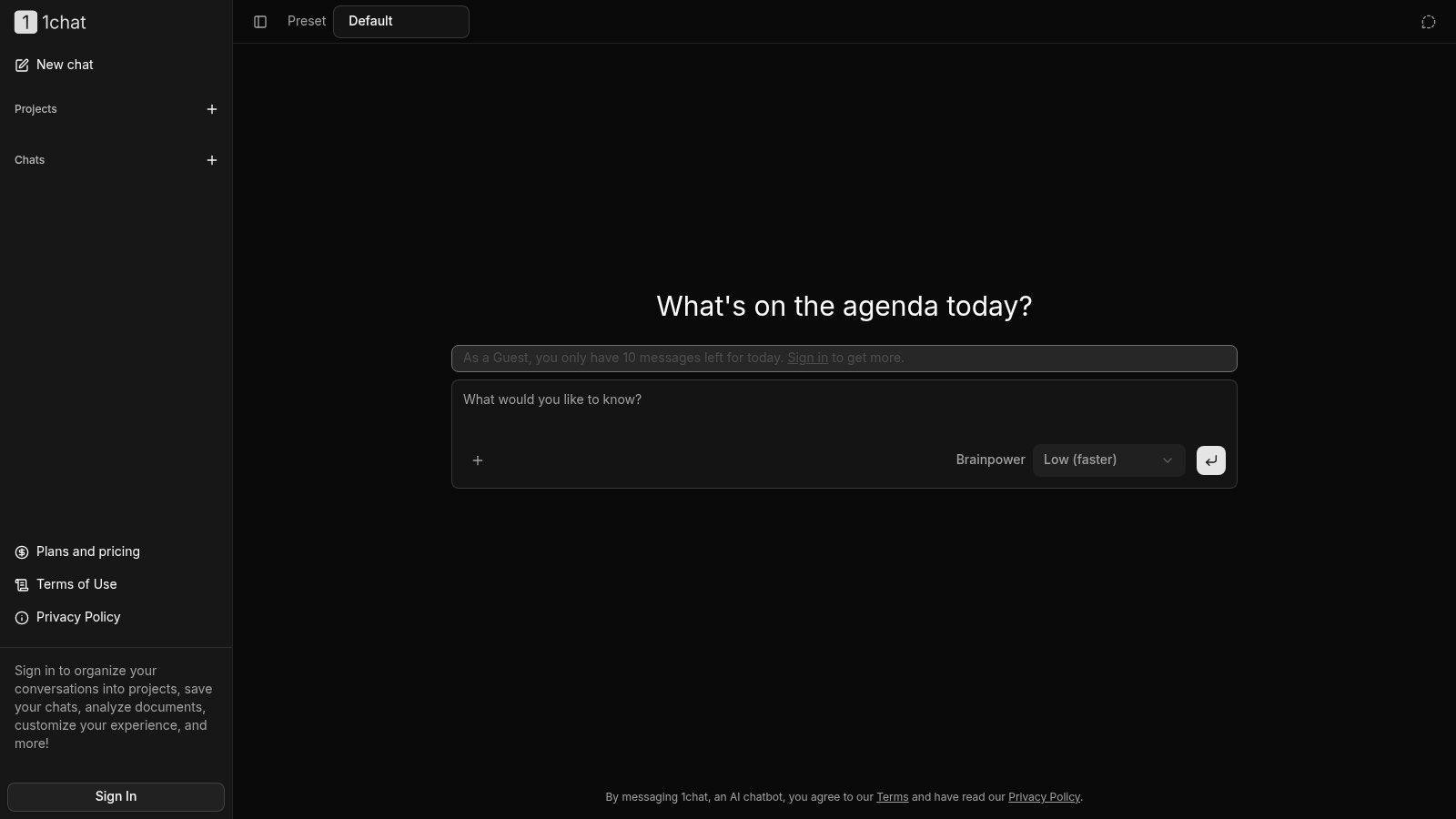
1chat combines chat, document analysis, and AI image generation in a single workspace with a privacy-first focus. For a shop owner, that can mean reviewing a PDF product sheet and creating matching social graphics without jumping across tabs. For a student, it can mean turning class notes into study visuals in the same session. For parents, it can mean a more controlled place to help children create images for school or family projects.
A good AI image app works like a shared desk instead of a pile of sticky notes. The ideas, files, and images stay closer together, which makes collaboration easier and mistakes less likely.
This also helps with narrower tasks. A team creating staff profile images may want a specialized reference such as this guide to the best AI headshot generator, while still choosing a broader app for everyday teamwork, schoolwork, or family use.
For many users, the better choice is not the app that makes the most dramatic demo image. It is the one that helps them create, review, and share with clearer boundaries around privacy and control.
The Future of Everyday Creativity
The next phase of the AI image generator app won't be defined only by prettier images. It will be defined by whether those images are dependable, editable, and safe to use in real life.
One under-discussed issue is multi-view consistency. Tools increasingly promise front, side, and back views of a person or object, but Krea AI's framing of this feature shows why users still have questions about reliability in practical workflows such as documentation, product imagery, or pre-visualization through its multi-angle image generation example. In other words, the future standard isn't just “Can it generate another angle?” It's “Can I effectively use that angle without fixing everything by hand?”
What users will care about more
The biggest shifts are likely to center on three things:
- Control: Better guidance from prompts, references, and settings
- Consistency: More reliable outputs across edits and variations
- Workflow fit: Easier movement from idea to usable asset
That's also why niche needs will matter more. A team creating product shots cares about consistency. A parent cares about safety. A student cares about clarity and ease. Someone comparing portrait tools may even want a narrower resource, such as this guide to the best AI headshot generator, because “best” depends heavily on the job.
AI image generation is becoming part of ordinary creative work. If you understand how it works, guide it clearly, and treat privacy as a first-class decision, it becomes far more than a toy. It becomes a practical visual tool for everyday life.