Customer service leaders don't need more hype around AI, they need tools that reduce load without creating a messy new cost center. The business case is already visible in the market, with 90% of CX leaders reporting positive ROI from AI tools for customer service agents and 79% of support agents saying an AI copilot improved their ability to deliver better service, according to 2025 statistics cited by Pylon from Zendesk-related research (Pylon's 2025 customer support statistics roundup). Adoption is also mainstreaming across the business, since McKinsey reported that 78% of organizations were using AI in at least one function in early 2025, up from 72% in early 2024 (the same 2025 roundup).
That doesn't mean every tool is worth paying for. For SMBs, the question is total cost of ownership, not just the sticker price on a pricing page. Seat licenses, usage-based AI billing, token meters, and the hidden cost of integrations can turn a “simple” rollout into a long, expensive project if you buy the wrong platform.
The list below focuses on the tools support teams compare, then translates the marketing into practical trade-offs. You'll see which platforms make sense for ecommerce, which ones are built for enterprise omnichannel support, and which ones are better at augmenting humans than replacing them. For teams that want a broader overview of conversational support systems, this guide to Conversational AI for support teams is a useful companion.
1. Zendesk Suite with Zendesk AI
Zendesk is often the first serious stop for teams that want a mature helpdesk plus AI without stitching together a dozen point solutions. Its AI stack combines autonomous agents, Copilot for draft replies and summaries, omnichannel inboxes, and a large app ecosystem. The appeal is clear for support managers who care about admin control, analytics, and guardrails more than polished demos.
Where Zendesk earns its keep
Zendesk's strength is breadth. It can handle email, chat, messaging, social, and knowledge base workflows from one place, so it fits teams whose support work is already split across channels. That matters because the platform is not just selling AI features, it is selling a full operating layer for support, and that changes the implementation burden as well as the budget.
The cost conversation is where SMBs need to slow down. The bill is usually a mix of core seats, Copilot, and possible overages tied to automated resolutions, so a base license estimate is not enough. If you only model the sticker price, the quote can look manageable while the rollout costs, admin time, and usage growth push the total higher than expected. For a practical planning lens on adjacent support workflows, the 1chat blog is a useful reference point.
Zendesk works best when you already need a serious helpdesk and want AI layered onto an established service operation. It is a harder fit for teams that only want a lightweight chatbot or a narrow self-serve tool, because you still pay for the broader platform even if you do not use every module.
Practical rule: Zendesk makes sense when the support stack is already central to the business, and when you can justify seats, AI usage, and integration effort as part of one system.
The official product page is Zendesk Suite with Zendesk AI, and the setup is usually easier to defend internally when the team is comparing it against patchwork alternatives rather than a single-purpose bot.
2. Intercom with Fin AI Agent
Intercom is one of the cleanest examples of an outcome-priced AI support tool. Fin AI Agent handles conversations across chat, email, WhatsApp, SMS, and more, while the platform keeps the messenger experience polished for customers at Intercom's site. For teams that want to explain AI spend to stakeholders in simple terms, that outcome framing helps.
Why the billing model matters
Fin's per-resolved-conversation approach is easier to tie to value than a generic seat-only model. If the agent solves a case end-to-end, the cost is easier to justify because the business can connect the spend to an actual resolution. That said, it doesn't magically cap spend, because total cost can still rise with volume once you add seats plus AI outcome fees.
Intercom makes sense when customer conversations happen heavily in-product or through chat-led support flows. It is less appealing when your support operation is mostly a back office email queue with little need for messenger polish. In those cases, you're paying for strengths you may never use.
What to watch before you buy
- Forecast your conversation volume carefully. Outcome billing feels neat until growth starts moving faster than your budget.
- Check how much of your support history can train Fin. AI gets better when it has clean help content and a decent ticket archive.
- Verify the quote. The exact per-resolution rate varies by plan or contract, so don't assume web pricing is enough.
Intercom is strong when the goal is fast customer-facing automation with a good UI. It's weaker when your team needs a customized service desk or a low-cost starter stack.
3. Freshdesk with Freddy AI
Freshdesk is usually where SMBs land when they want AI support without committing to an enterprise rollout. Freddy AI covers copilot-style drafting, autonomous answers, self-service flows, and reporting layers in a package that feels more approachable than heavier suites at Freshdesk's site. It's not the most powerful platform on the market, but it is one of the easier ones to operationalize.
Why smaller teams like it
The rollout curve is gentler. Freshdesk doesn't ask a small support team to redesign everything at once, and that matters because implementation time is often the hidden cost that kills enthusiasm. Modular AI add-ons also let teams start with a narrow use case, then expand after they've seen what the system can do in real workflows.
That modularity helps with budget control, but it also creates pricing sprawl. Core seats are only part of the story, because AI add-ons are separate and some of the stronger features sit behind higher Omnichannel tiers. If you're trying to compare platforms on all-in cost, Freshdesk needs more than a cursory look at the starting plan.
Where it fits best
Freshdesk is a solid fit for teams that want:
- Fast time to value with lighter admin overhead.
- AI-assisted drafting and summaries without a big deployment project.
- Gradual automation instead of a full autonomous-first strategy.
The trade-off is depth. Once your team needs advanced cross-system actions, rich workflow orchestration, or complex service governance, Freshdesk can start to feel like a good starter system rather than the final one.
4. Salesforce Service Cloud with Einstein for Service
Salesforce Service Cloud fits teams that already run customer operations inside a broader Salesforce stack. Einstein for Service and Agentforce connect service AI to the same data and workflow layer, which is useful when support, sales, and success all depend on shared account history at Salesforce Service. That strength comes with a trade-off. The platform can get expensive and difficult to roll out quickly, especially for SMBs that only need a focused service layer.
Understanding the full cost
Salesforce pricing is rarely just a seat count. AI credits, editions, add-ons, and data dependencies all affect the final bill, so SMBs often miss how much setup work is needed before the first automation goes live. If your team already uses Salesforce CRM, that integration can save time and reduce tool sprawl. If not, you may be paying for a platform that is larger than the support problem you need to solve.
The service value is strongest when support depends on rich customer context. Case classification, next-best actions, auto-summaries, and omnichannel routing all become more useful when they draw from the same customer data your sales and success teams already use. That is the main business case for the product, and it is also why implementation tends to involve more planning than lighter helpdesk tools.
For budget planning, it helps to look at adjacent pricing models too, including the internal 1chat pricing page. Comparing seat-based, resolution-based, and other usage-linked models makes it easier for SMBs to see where AI costs can spread beyond the headline subscription. For teams that need a broader view, the company's service page is Salesforce Service Cloud.
For smaller teams, Salesforce is usually a platform decision, not a support-tool decision.
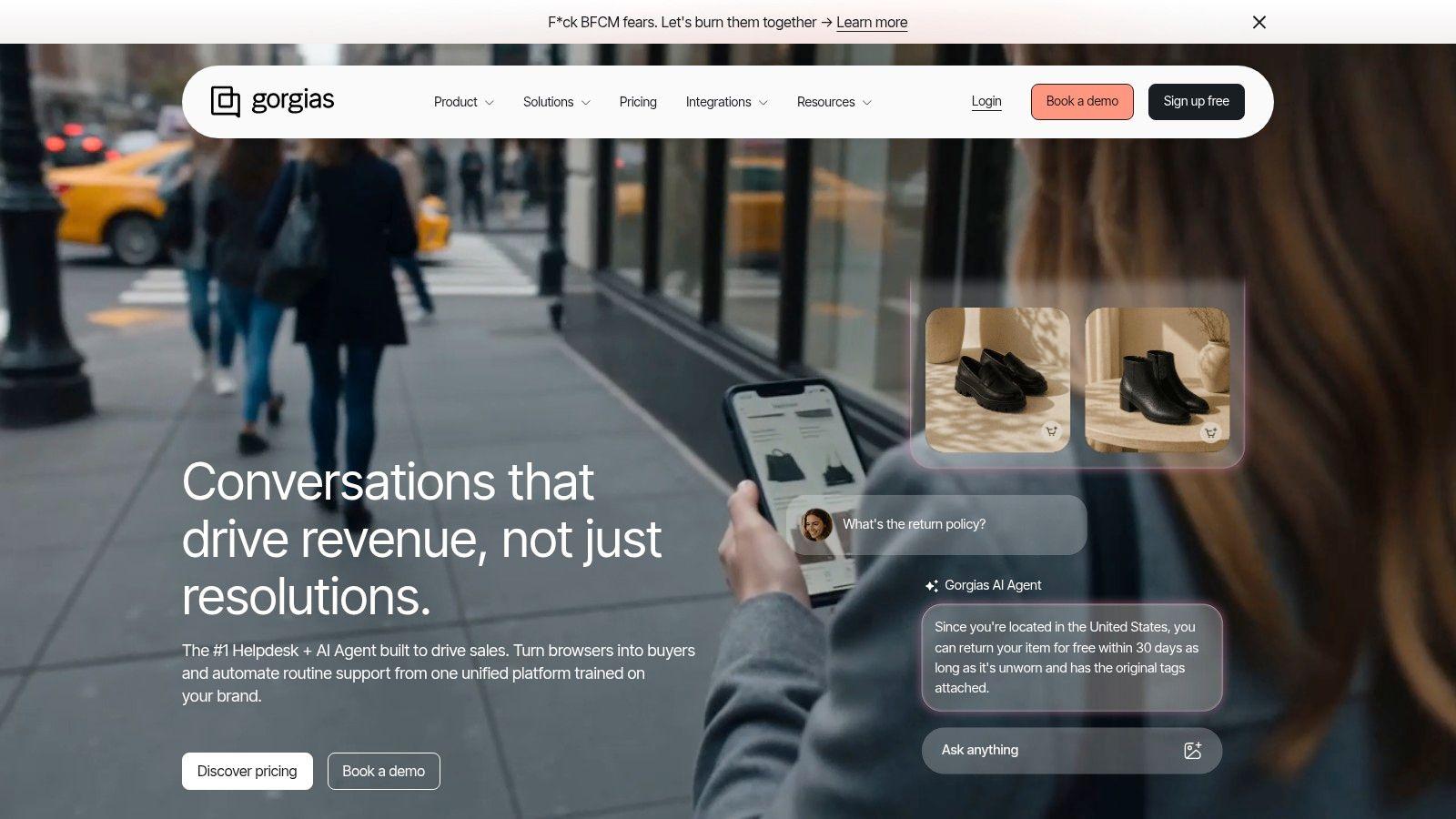
5. Gorgias with Gorgias AI Agent
Gorgias is built for ecommerce operators who want support tied directly to commerce workflows, not generic ticket handling. Its AI Agent can handle repetitive questions around order status, returns, and exchanges, while agents can take commerce-native actions without jumping between tools at Gorgias. That direct connection to Shopify and other commerce platforms is why online retailers often choose it.
Why ecommerce teams like the workflow
The platform's strongest advantage is action. Refunds, exchanges, and edits happen inside the helpdesk, which cuts back-and-forth and keeps support closer to revenue operations. That matters when one team is handling pre-sale questions, post-purchase issues, and order changes.
For SMBs, the question is total cost of ownership. Gorgias pricing is tied to ticket volume, so the bill can rise as the store grows, and AI adds another layer of cost on top of the core plan. Seasonal spikes make that harder to predict. A store with steady volume can model the spend more easily than one that depends on holiday traffic, flash sales, or frequent returns.
Implementation is usually lighter than a full enterprise service platform, but it still has trade-offs. The ecommerce integrations are the selling point, yet every connected system adds setup work, permission checks, and testing before automation can safely go live. If your stack is mostly Shopify and a few adjacent tools, that is manageable. If your support process depends on many external systems, the advantage narrows because the integration work starts to look like a project, not a quick install.
Good fit, bad fit
Gorgias fits best when:
- Your support volume is tightly tied to store activity.
- Your team needs commerce-native actions, not just answers.
- You want a helpdesk that understands ecommerce first.
It fits less well when your support operation spans many non-commerce channels or requires broad enterprise governance. In those cases, the commerce specialization becomes a constraint rather than a strength.
6. Tidio with Lyro AI Agent
For SMBs, the deciding issue is often not feature depth but how quickly a tool can start doing useful work without turning into a service project. Tidio fits that brief well. Lyro AI Agent handles autonomous answers, and the visual flow builder makes it easier to set up website and ecommerce automations at Tidio. The free starter quota also gives teams a low-risk way to test the setup before they commit.
Where the cost story matters
Tidio usually feels approachable at the start, which is why it gets attention from smaller teams. It is relatively easy to install on Shopify, WooCommerce, Wix, and WordPress, so the first layer of implementation does not demand much technical overhead. If you do not have a dedicated systems admin, that lower setup burden can matter more than a long list of advanced features.
The TCO picture changes once Lyro and the flow builder begin carrying real volume. A plan can look inexpensive on paper, then become less predictable as conversations move from human agents to automation. That is the part SMBs need to model carefully, because the spend is no longer just about the base plan, it also depends on how much AI work the team expects the system to handle. For straightforward FAQ deflection, Tidio can stay efficient. For deeper automation across multiple systems, the platform can start to feel constrained.
Where it fits, and where it stretches
Tidio makes the most sense for teams that need a fast webchat rollout with limited technical setup. It also works well if you want to test conversation-based AI before committing to a broader automation program.
- Fast deployment matters more than complex governance.
- You want to test AI on real customer questions.
- Your ecommerce support needs are lightweight, not highly orchestrated.
Once support depends on many connected systems, the implementation trade-offs become clearer. Every extra integration adds setup, permissions, and testing before automation can safely go live. That is manageable for a small store with a simple stack, but it takes more effort as the process becomes more connected.
For a smaller business, that is the key trade-off. Tidio gives you an easier on-ramp, but the value depends on keeping the rollout narrow and the automation scope realistic. A first deployment that covers a few common questions often works better than trying to automate every edge case at once.
7. Ada
Ada fits organizations that want autonomous support to handle actual service work, not just surface answers. Its agentic CX platform spans voice, messaging, email, and social, and its playbook-driven approach is built for multi-step workflows and governed actions at Ada. That combination matters for teams that deal with scale, complex policies, and customer issues that cannot be handed off to a basic chatbot.
Where Ada earns a serious look
Ada targets enterprise-grade automation programs that need security, observability, and deeper integrations. That matters when the support journey includes account changes, refunds, or other actions that need guardrails. The platform is designed for teams that want AI to do more than route tickets or suggest replies.
For SMBs, the key question is total cost of ownership. Pricing is only one part of the bill, because the implementation also brings setup time, integration work, workflow design, testing, and ongoing tuning. A per-seat model can look straightforward, a per-resolution model can scale with usage, and token-based billing can make the AI spend harder to forecast. Ada tends to make sense when the business has enough volume, enough repeatable issues, and enough system maturity to justify that broader investment. Without those pieces, the platform can feel like a large automation program rather than a practical support upgrade.
Best use case
Ada makes the most sense for teams that need autonomous actions, not just response suggestions. It also fits service operations that span multiple channels and require governance, auditability, and clear oversight.
- You need AI to take controlled actions, not only draft replies.
- Your service flows move across several channels.
- Buying decisions depend on governance and observability.
Teams that only need simple automation usually do not need this level of deployment. In those cases, the platform's depth adds implementation overhead without enough payoff. For support leaders comparing tools on TCO, the key is whether Ada will replace enough manual handling to justify the build effort, the integration work, and the operational discipline it requires.
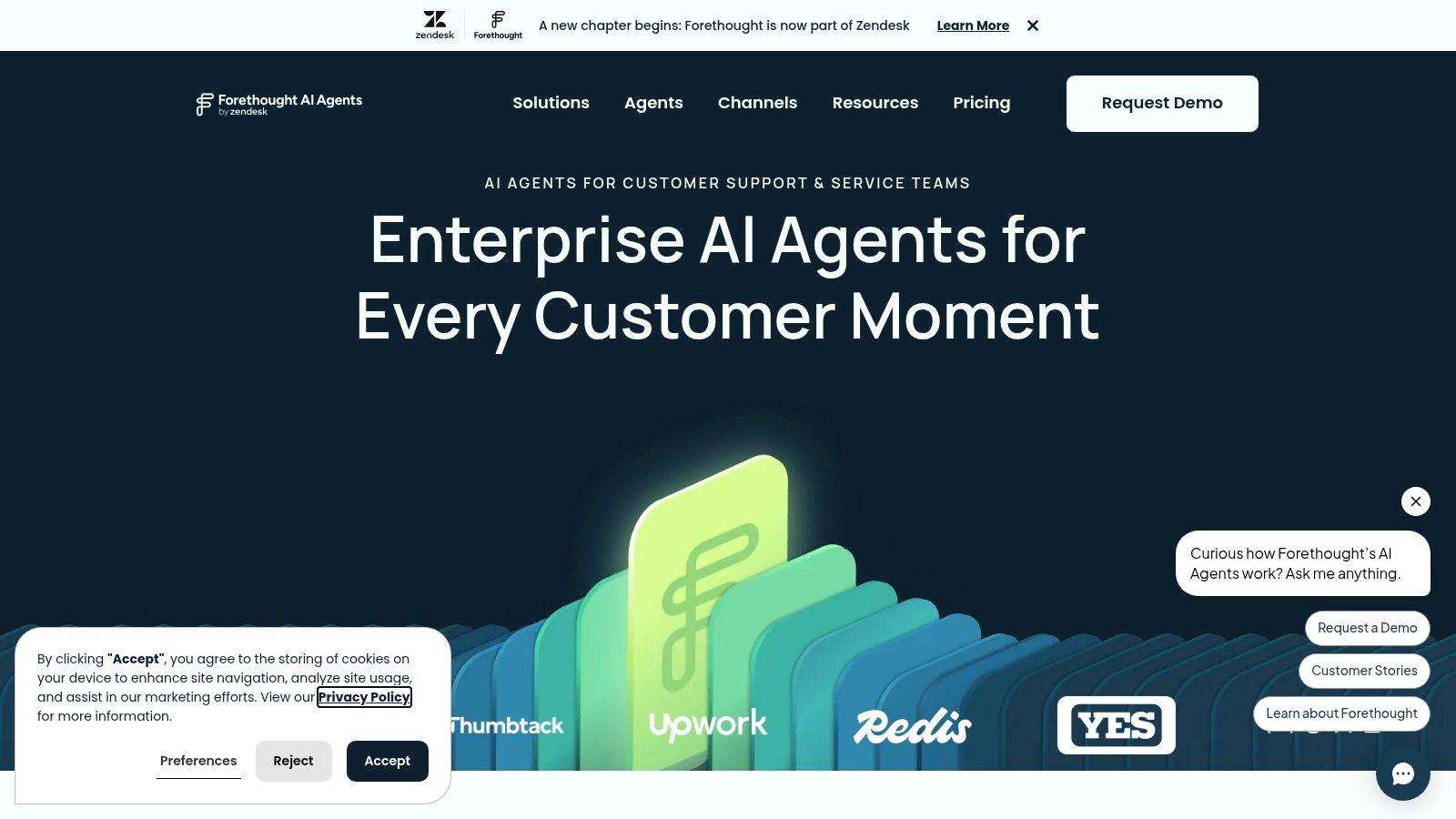
8. Forethought
Forethought is interesting because it behaves more like an AI overlay than a replacement helpdesk. It plugs into the current stack and uses historical support data to automate resolutions across chat, email, voice, SMS, Slack, and API-based workflows at Forethought. That makes it attractive to teams that like their current helpdesk but want AI to do more of the repetitive work.
Why overlays are easier to adopt
The implementation advantage is obvious. If you don't want to rip out your current support system, an overlay can be a cleaner path to AI adoption because it reduces the operational disruption of migration. That's particularly useful for SMBs that have already invested time in a helpdesk and knowledge base.
The trade-off is forecasting. Forethought's outcome-based model is aligned to value, but quote-based pricing means you need a realistic view of expected resolution volume. The system also performs best when the knowledge base is clean and historical tickets are structured enough for the AI to learn from.
For internal planning, the company's research-oriented support framing is useful, and the team's own material is paired here with the internal resource at 1chat research for broader AI tooling context. In practice, the win is not “buying AI.” The win is reducing the amount of manual triage your team has to do every morning.
Practical rule: If your current helpdesk is working, prefer an AI overlay before you consider a full platform migration.
That usually lowers implementation risk and makes budget approval easier.
9. Genesys Cloud CX with Genesys AI
Genesys Cloud CX is built for contact centers that handle voice and digital support in the same operation, and that matters when routing decisions, compliance, and escalation paths have to stay tightly controlled. It combines AI across channels, bots, routing, and workforce engagement, with CX1 to CX4 licensing tiers and AI Experience tokens at Genesys. For SMBs, the product is less about feature count and more about whether the licensing model, admin overhead, and integration work fit the budget without creating hidden TCO problems.
Where the cost pressure shows up
The clearest advantage is operational control. Genesys fits teams that need one system for phone and digital channels, with strong routing logic and contact-center governance. If voice still drives a large part of your support volume, that architecture is hard to ignore.
The catch is how the spend adds up. Seat licenses cover part of the picture, but AI Experience tokens create another layer of usage-based cost, so forecasting has to be done with real ticket and interaction volumes, not rough guesses. That pricing mix can work well for teams that monitor consumption closely, yet it can also become harder to explain to finance if AI adoption grows faster than expected. For SMBs, the issue is rarely whether the platform can do the job, it is whether the ongoing admin, integrations, and usage tracking are worth the bill.
Implementation is another part of TCO that gets underestimated. A platform like this usually needs more configuration than a lighter helpdesk, especially if you want accurate routing, clean handoffs, and reporting that operations can trust. That means setup time, process mapping, and internal ownership matter as much as the software itself.
Who should take a hard look
Genesys makes sense for:
- Contact centers with meaningful voice traffic.
- Teams that want routing, AI, and workforce tools in one platform.
- Organizations that can support more complex administration and budgeting.
It is a tougher fit for very small teams whose support is mostly email and chat. In that environment, the platform can bring more admin than value, and the licensing plus token model may be harder to justify than a simpler AI layer.
10. 1chat, The Privacy-First Alternative
1chat takes a different path from the other tools on this list. It is a privacy-first, family-friendly alternative to ChatGPT that gives users access to multiple LLMs in one interface, along with PDF and document analysis, file uploads, image generation, and project-based organization at 1chat. For SMBs, the appeal is less about feature count and more about having a secure workspace that a small team can share without adding another layer of admin work.
Why it belongs in a customer service comparison
For support teams, 1chat is useful as a controlled AI workspace rather than a helpdesk system. It gives managers a place to analyze support documents, draft replies, organize research, and work through customer-facing content without scattering material across separate tools. In practice, that can reduce friction during policy reviews, FAQ updates, escalation prep, and internal knowledge checks.
It also changes the TCO conversation in a useful way. A lot of customer service software charges by seat, by resolution, or by usage, which makes forecasting harder as volume grows. With 1chat, the question is simpler: does the team need a private multi-model workspace more than it needs ticketing, routing, and case management features? That matters for SMBs because the cheapest-looking tool on a pricing page can become expensive once you factor in integrations, training, and the extra systems needed to make it work inside a support process.
The main limitation is straightforward. Pricing details were not included in the supplied materials, so anyone evaluating it should review the live Plans & Pricing page and privacy documentation before committing. There were also no verified awards, certifications, or third-party testimonials in the source material, so buyers should validate fit directly. A support manager should also check how 1chat fits into existing workflows, since it is easiest to justify when the team already knows how it wants to use AI for internal prep and content work.
Best-fit use case
1chat makes the most sense when a small team wants:
- A privacy-first AI workspace for support-related tasks.
- Multi-LLM access without juggling separate subscriptions.
- Document-heavy workflows such as policy review, FAQ drafting, and internal research.
For teams trying to replace a helpdesk, it is the wrong comparison. For teams trying to reduce workload while keeping AI use controlled and private, it is a practical starting point. The value is strongest when the team wants a lightweight AI layer with clear boundaries, not another full service platform to configure and maintain.
Top 10 AI Customer Service Tools, Feature Comparison
| Solution | Core features (✨) | UX / Quality (★) | Pricing / Value (💰) | Target audience (👥) | Standout (🏆) |
| Zendesk Suite with Zendesk AI | AI agents, Copilot, omnichannel inbox, marketplace ✨ | ★★★★, mature admin & analytics | 💰 Enterprise pricing + per-resolution metering | 👥 Mid‑market → Enterprise support teams | Robust ecosystem & admin tools |
| Intercom with Fin AI Agent | Fin AI resolves conversations, omnichannel, ROI estimator ✨ | ★★★★, strong messenger experience | 💰 Outcome-based (per resolved convo), can scale | 👥 Product-led teams & in‑app support | Clear outcome billing for stakeholders |
| Freshdesk with Freddy AI (Freshworks) | Freddy copilot, autonomous flows, modular add‑ons ✨ | ★★★★, SMB-friendly, easy rollout | 💰 Accessible modular pricing; AI add-ons metered | 👥 Small teams / SMBs | Easy to expand with add‑ons |
| Salesforce Service Cloud (Einstein) | Case mgmt, next‑best actions, Data Cloud AI ✨ | ★★★★, enterprise-grade, complex | 💰 High; edition + AI credits + add‑ons | 👥 Large enterprises on Salesforce | Deep CRM + native AI/data integration |
| Gorgias with Gorgias AI Agent | Commerce actions (refunds/exchanges), Shopify integrations ✨ | ★★★, ecommerce‑optimized UX | 💰 Ticket‑based + AI fees; can spike with growth | 👥 Ecommerce brands (Shopify/BigCommerce) | Commerce-native actions from helpdesk |
| Tidio with Lyro AI Agent | Lyro autonomous answers, visual flow builder, free starter ✨ | ★★★★, quick setup for SMBs | 💰 Low–mid; free 50 Lyro conversations to trial | 👥 Small ecommerce & service sites | Free starter quota + easy flows |
| Ada (Agentic CX Platform) | Playbooks, reasoning engine, omnichannel + voice ✨ | ★★★★, built for scale & security | 💰 Enterprise quoted pricing (higher entry) | 👥 Large scale enterprise CX teams | Multi-step workflows + strong observability |
| Forethought (Solve + autonomous) | AI overlay for existing helpdesks, outcome pricing ✨ | ★★★★, fast to deploy on current stack | 💰 Outcome-based + platform fee; quote required | 👥 Teams wanting AI overlay (any size) | Plug‑in overlay that learns from history |
| Genesys Cloud CX with Genesys AI | CCaaS voice+digital, routing, AI tokens ✨ | ★★★★, contact‑center focused | 💰 Seat licenses + AI tokens; TCO modeling needed | 👥 Contact centers & regulated enterprises | Native voice + digital in one platform |
| 1chat: The Privacy-First Alternative 🏆 | Multi‑LLM aggregator, PDF analysis, AI image gen, private chats, projects ✨ | ★★★★, family‑friendly, adjustable “brainpower” | 💰 SMB/student-friendly (check Plans & Pricing) | 👥 Small teams, families, students | 🏆 Recommended: privacy-first, multi‑LLM in one interface |
How to Choose the Right AI Tool for Your Business
The right AI tools for customer service choice depends less on feature checklists and more on how your team works. Start with your support volume, the systems you already use, and the repetitive requests that eat up the most agent time. If your business is ecommerce-heavy, Gorgias is often the most natural fit because it connects AI directly to order and returns workflows. If your team needs enterprise omnichannel depth, Zendesk, Salesforce, or Genesys are stronger candidates because they bring more mature governance, routing, and analytics.
For SMBs, TCO is where the decision usually gets decided. Seat-based pricing can look predictable, but AI add-ons, resolution-based fees, and token usage can change the monthly bill quickly. Intercom and Forethought can be compelling when outcome billing aligns with value, while Freshdesk and Tidio are often easier to start with if you want a lower-friction deployment and can keep the first use case narrow.
Implementation reality matters just as much as pricing. A tool that requires clean knowledge content, structured ticket history, and multiple integrations will take longer to pay off than its homepage suggests. That's why I'd rather see a support team run a focused pilot on one channel, measure containment and handoff quality, then expand slowly than sign a broad contract and hope the system sorts itself out.
If you're choosing today, be honest about your operating model. Pick a platform that matches your channel mix, your budget, and your tolerance for integration work. Then run a pilot with real support content, real cases, and a real owner on your team, because that's the fastest way to separate a promising demo from a tool your agents will use.
For a broader conversation on customer feedback and service operations, the article on manage customer feedback better is a useful next read.