The world of AI image generation has exploded, offering powerful tools that can turn a simple text prompt into a stunning visual. But with so many options, finding the best AI image generator free for your specific needs can feel overwhelming. Many platforms offer a taste of their capabilities at no cost, but the limitations in usage caps, watermarks, or processing speeds vary wildly. This guide cuts through the noise and gets straight to the point.
We have rigorously tested and analyzed the top free-to-start services to provide you with a clear, practical comparison. Our goal is to help you understand their real-world performance, ideal use cases, and any potential hidden costs before you commit. We've included direct links and sample outputs for each tool, so you can see the results for yourself.
Whether you are a small business owner creating marketing assets, a student visualizing a concept for a project, or a family looking for a safe and fun creative outlet, this resource is designed for you. We will help you navigate the options and select the right tool to start creating immediately without spending a dime upfront. This list simplifies your search by detailing what each platform does best, so you can make an informed choice and unlock your creative potential.
1. 1chat – Best for Integrated Privacy-First Workflows
1chat redefines what a best ai image generator free platform can be by integrating image creation directly into a comprehensive, privacy-first AI workspace. Instead of a standalone tool focused solely on art, 1chat offers a unified environment where you can brainstorm with a multi-LLM chat assistant, analyze documents, and generate visuals without ever leaving the platform. This seamless workflow is its standout feature, making it exceptionally efficient for users who need to research a concept and immediately visualize it.
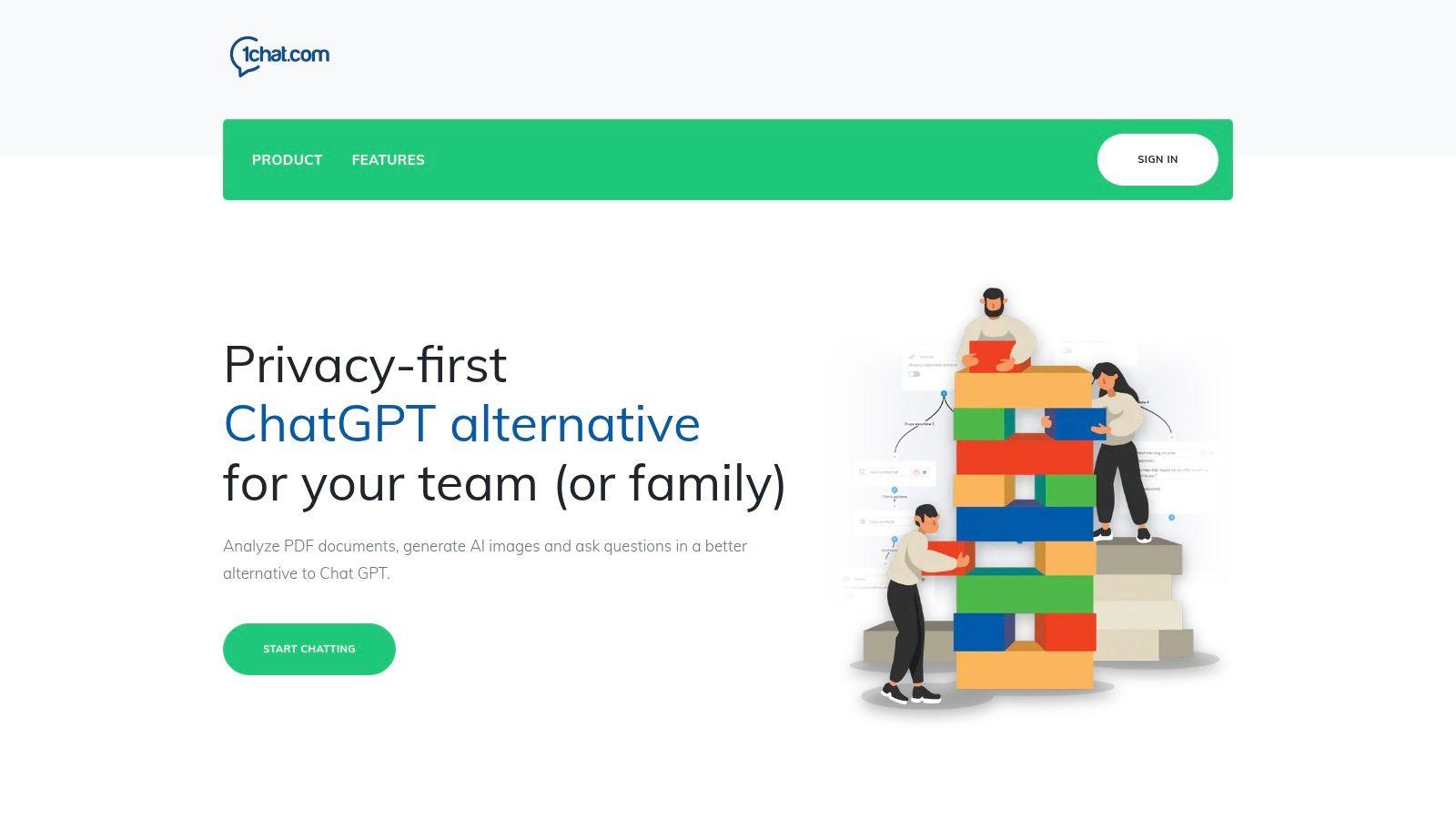
This integrated model is ideal for small businesses, students, and families who prioritize security and productivity. For example, a marketing team can use the chat function to develop a campaign slogan, analyze competitor PDFs for insights, and then generate corresponding ad visuals all within one secure, collaborative project space. The emphasis on data privacy ensures that sensitive business ideas or family projects remain confidential.
Key Strengths and Use Cases
- Integrated Workspace: The ability to generate images directly within a chat and research flow is a massive time-saver. You can refine your text prompts based on AI-powered chat conversations, ensuring your final image aligns perfectly with your project goals.
- Privacy-First Design: Unlike many free tools that may use your data for training, 1chat is built for users cautious about data sharing. This makes it a safe choice for proprietary business content or family-friendly creative sessions.
- Multi-LLM Access: You aren't locked into a single AI engine. This flexibility allows you to leverage the best model for your specific task, whether it's creative writing, technical analysis, or visual creation. As one of the top free ChatGPT alternatives, it offers a robust text and image generation experience. Find out more by exploring the best free ChatGPT alternatives on 1chat.com.
While it may not offer the granular, artist-centric controls of specialized image platforms, 1chat excels as an all-in-one productivity solution. It’s the superior choice for users who value an efficient, secure, and integrated workflow over niche artistic customization. Access is available through their website with a generous free tier for individuals and affordable plans for teams.
2. OpenAI ChatGPT
OpenAI ChatGPT integrates the powerful DALL·E model directly into its familiar chat interface, making it one of the most accessible and best free AI image generators available. Its primary advantage is convenience; users can generate images, refine concepts, and brainstorm ideas within a single conversational thread. The model excels at understanding natural language and can often interpret complex or nuanced prompts with impressive accuracy, making the creative process feel more like a dialogue than a command-line input.
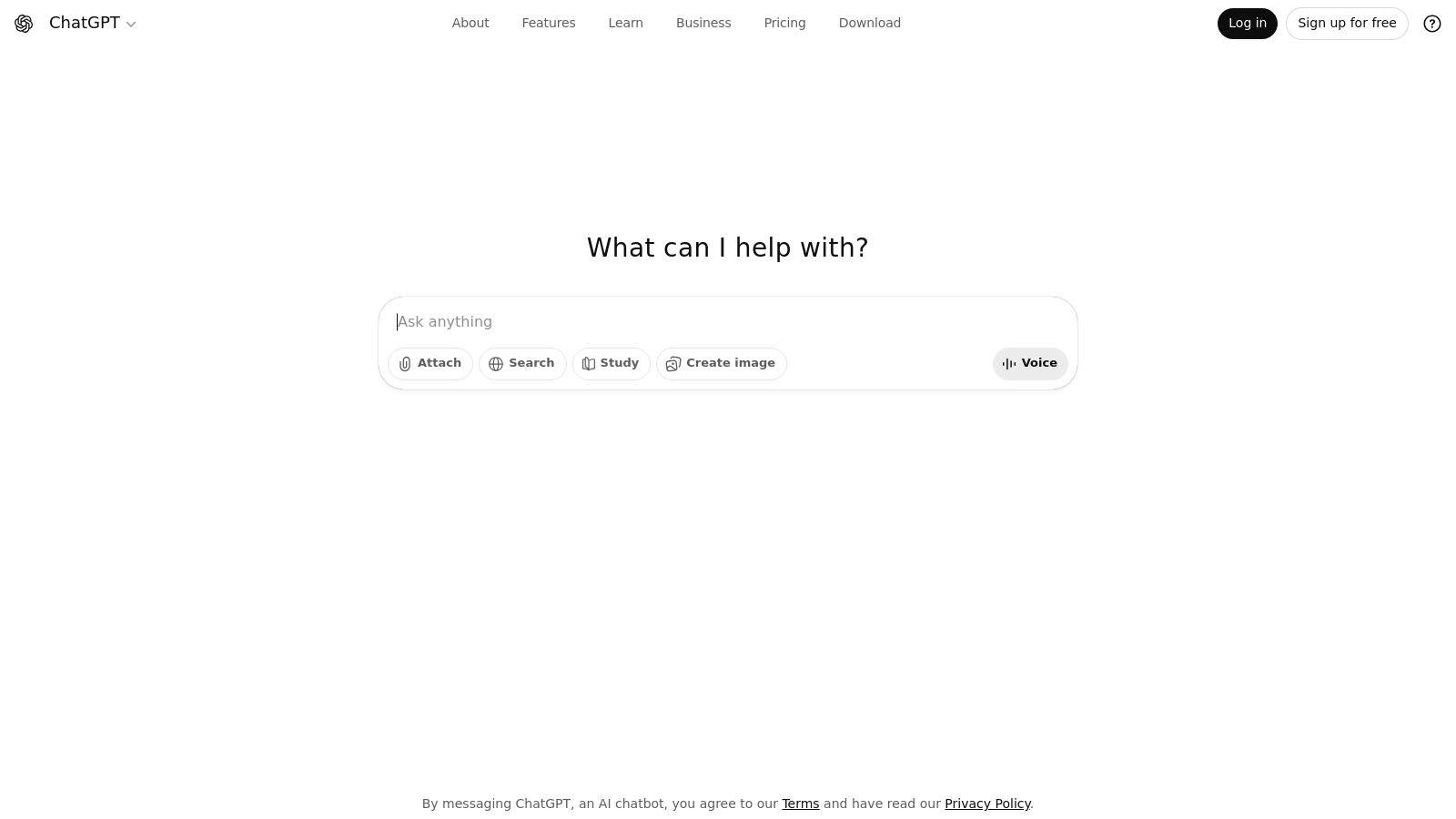
This makes it an excellent starting point for students creating project visuals or small businesses needing quick design mockups. The recent GPT-4o update has significantly improved its ability to render text and bind specific attributes to objects in a scene. While the free tier has a daily generation limit that can be quickly exhausted, it provides a fantastic, no-cost entry into high-quality AI image creation.
Key Features & User Experience
| Feature | Description |
| User Interface | Simple, chat-based interaction. No separate app needed. |
| Output Quality | High-quality, coherent images ideal for general purposes. |
| Usage Limits | Free tier includes a limited daily allowance of generations. |
| Upgrade Path | Paid plans (Plus, Team) offer significantly higher usage caps. |
Website: https://chatgpt.com
Its integration into a broader suite of tools also makes it a powerful asset; you can discover more about its role in our guide to the best AI productivity tools.
3. Microsoft Designer / Bing Image Creator (Copilot)
Microsoft’s powerful DALL·E and GPT-4o-driven image generator is deeply integrated into its ecosystem, available through Bing Image Creator, the standalone Designer app, and directly within Copilot. This makes it an incredibly convenient and one of the best free AI image generator options for users embedded in the Windows and Microsoft 365 environments. Its standout feature is a generous free tier that provides daily "boosts" for fast image creation, a significant advantage over competitors with stricter limits.
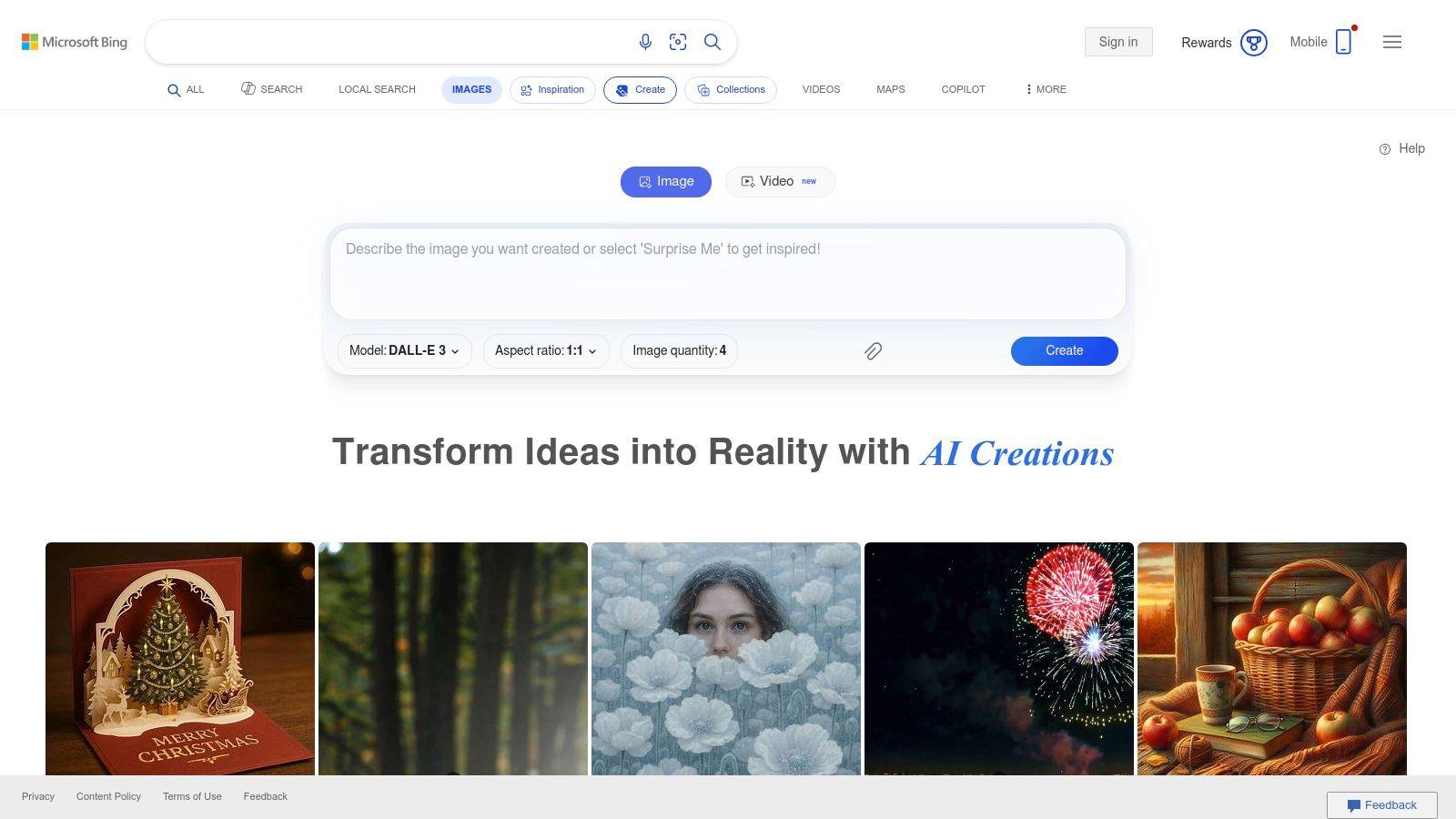
The seamless integration allows users to generate visuals directly in their browser sidebar or within a design workflow, making it perfect for students creating presentations or businesses needing quick social media graphics. While generation can slow down after the daily boosts are used, the accessibility and quality provided at no cost make it a top-tier choice for casual and frequent users alike.
Key Features & User Experience
| Feature | Description |
| User Interface | Integrated into Bing search, Copilot chat, and a dedicated Designer app. |
| Output Quality | High-quality images powered by OpenAI's latest models. |
| Usage Limits | Free tier includes 15 daily "boosts" for fast generation. |
| Upgrade Path | Copilot Pro subscription increases the daily boost allowance. |
Website: https://bing.com/create
The tool’s integration across various Microsoft products showcases its utility, and you can explore more on how to use AI for business.
4. Adobe Firefly
Adobe Firefly is the creative giant’s answer to generative AI, designed from the ground up to be commercially safe and seamlessly integrated into professional workflows. Its standout feature is its training data, which consists of Adobe Stock images, openly licensed work, and public domain content, ensuring generated assets are free of copyright entanglements. This makes it a top-tier choice for businesses, designers, and marketers who require brand-safe visuals for commercial use.
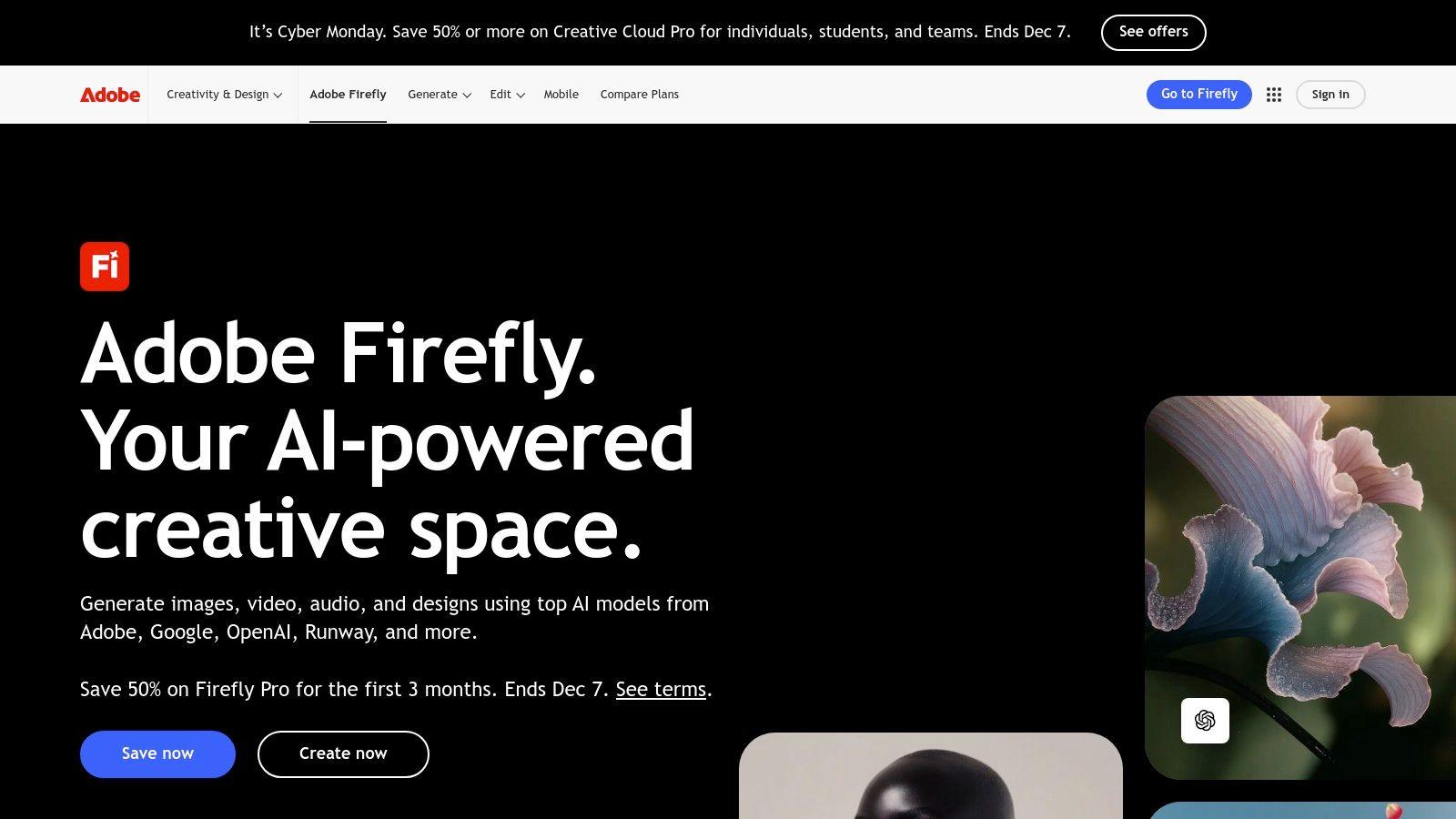
While it offers a powerful standalone web interface, Firefly truly shines when used within Adobe Creative Cloud apps like Photoshop and Express. The free plan provides a monthly allotment of "generative credits," which are used for features like text-to-image, Generative Fill, and text effects. While the credit system can be limiting, it offers a risk-free way for professionals and students to explore one of the best AI image generator free options available for creative projects.
Key Features & User Experience
| Feature | Description |
| User Interface | Clean, intuitive web interface and deep integration with Photoshop and Express. |
| Output Quality | High-quality, commercially viable images with powerful style controls. |
| Usage Limits | Free tier includes a set number of monthly generative credits. |
| Upgrade Path | Paid Creative Cloud plans offer more credits and faster processing. |
Website: https://www.adobe.com/sensei/generative-ai/firefly.html
5. Leonardo.ai
Leonardo.ai is a creative-focused platform that has quickly become a favorite among designers, artists, and indie game developers. It stands out by offering a powerful suite of tools that go beyond simple text-to-image generation, providing a robust free tier that makes it an excellent choice for creators who need more control over their final output. The platform operates on a daily token system, allowing users to experiment with various models, training, and upscaling features without an initial investment.
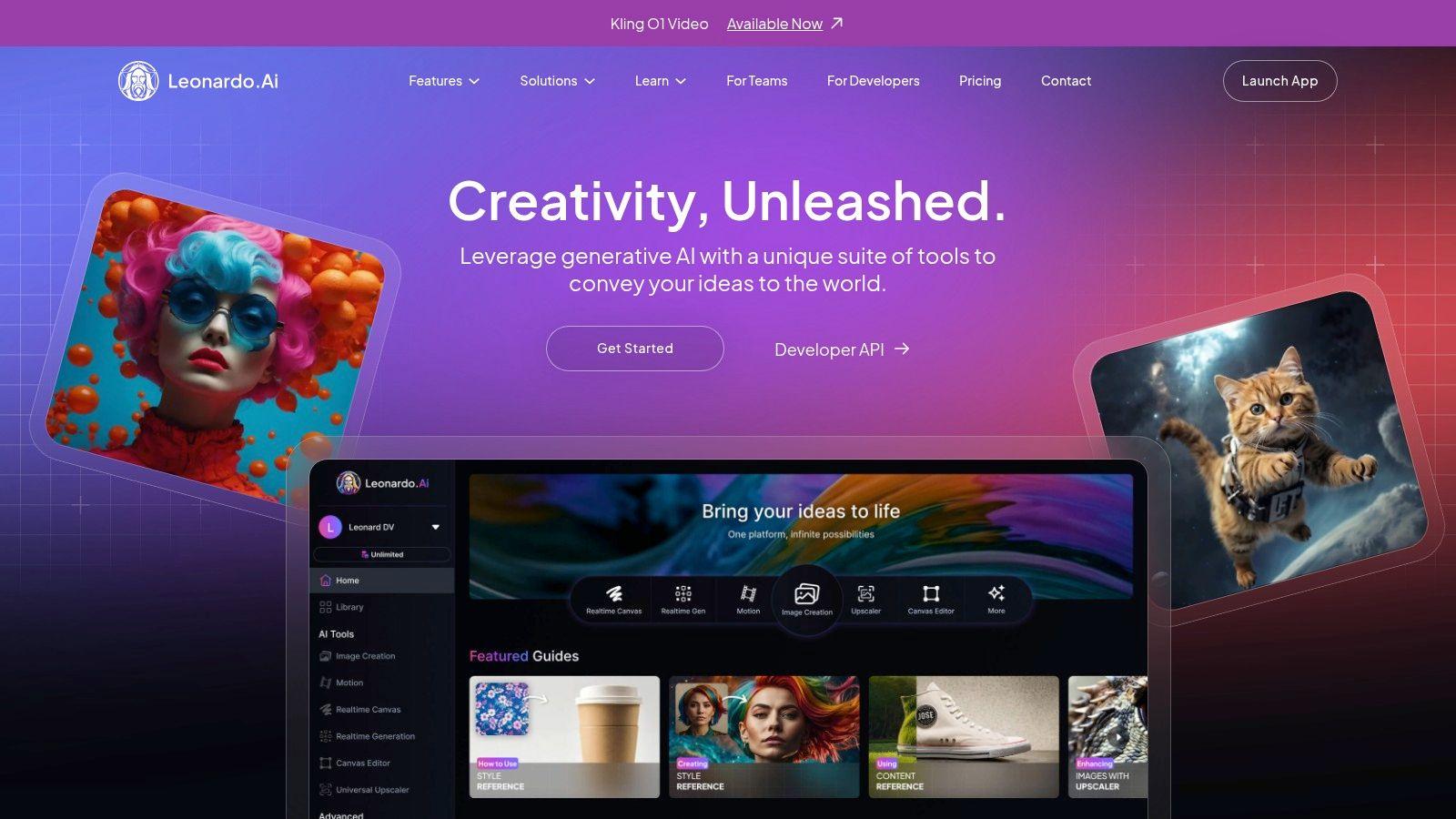
This makes Leonardo.ai one of the best free AI image generator options for those looking to build specific visual styles or assets for a project. Its community-driven approach, featuring a library of pre-trained models and presets, allows users to achieve stunning results quickly. While the token system can be a bit complex to manage at first, it offers a great balance between free access and professional-grade creative control for students and small businesses.
Key Features & User Experience
| Feature | Description |
| User Interface | Feature-rich dashboard with fine-tuned controls and community model feeds. |
| Output Quality | High-quality, artistic outputs with strong community presets and upscaling. |
| Usage Limits | Free tier provides a daily refresh of "Fast" generation tokens. |
| Upgrade Path | Paid plans offer larger monthly token allowances and advanced features. |
Website: https://leonardo.ai
6. Ideogram
Ideogram has carved out a niche as one of the best free AI image generators, particularly for its exceptional ability to render text and logos within images. While many models struggle with typography, Ideogram consistently produces coherent, well-formed lettering, making it a go-to tool for creators needing posters, social media graphics, or branded content. Its focus on this specific strength provides a reliable solution for tasks that often require post-generation editing with other platforms.
This makes it invaluable for small businesses creating promotional materials or individuals designing custom memes and invitations. The platform operates on a transparent credit system, offering a generous number of "slow" generations per day on its free plan. While these free generations are processed in a lower-priority queue, the quality remains high. For users needing faster results, Ideogram provides clear, affordable upgrade paths for priority generation credits.
Key Features & User Experience
| Feature | Description |
| User Interface | Clean, gallery-focused interface with straightforward prompt input. |
| Output Quality | Exceptional for typography and in-image text; great overall quality. |
| Usage Limits | Generous free daily allowance of "slow" credits (approx. 100 images). |
| Upgrade Path | Paid plans offer faster "priority" generations and more features. |
Website: https://ideogram.ai
7. Playground (playground.com)
Playground positions itself as a creative image workspace, offering its proprietary Playground v3 model alongside access to others like OpenAI's 4o. Its standout feature is transparency; the platform provides exceptionally clear free plan limits and a flexible, à la carte credit system. This makes it a great free AI image generator for users who want to understand exactly what they get and how to manage their usage effectively without committing to a subscription.
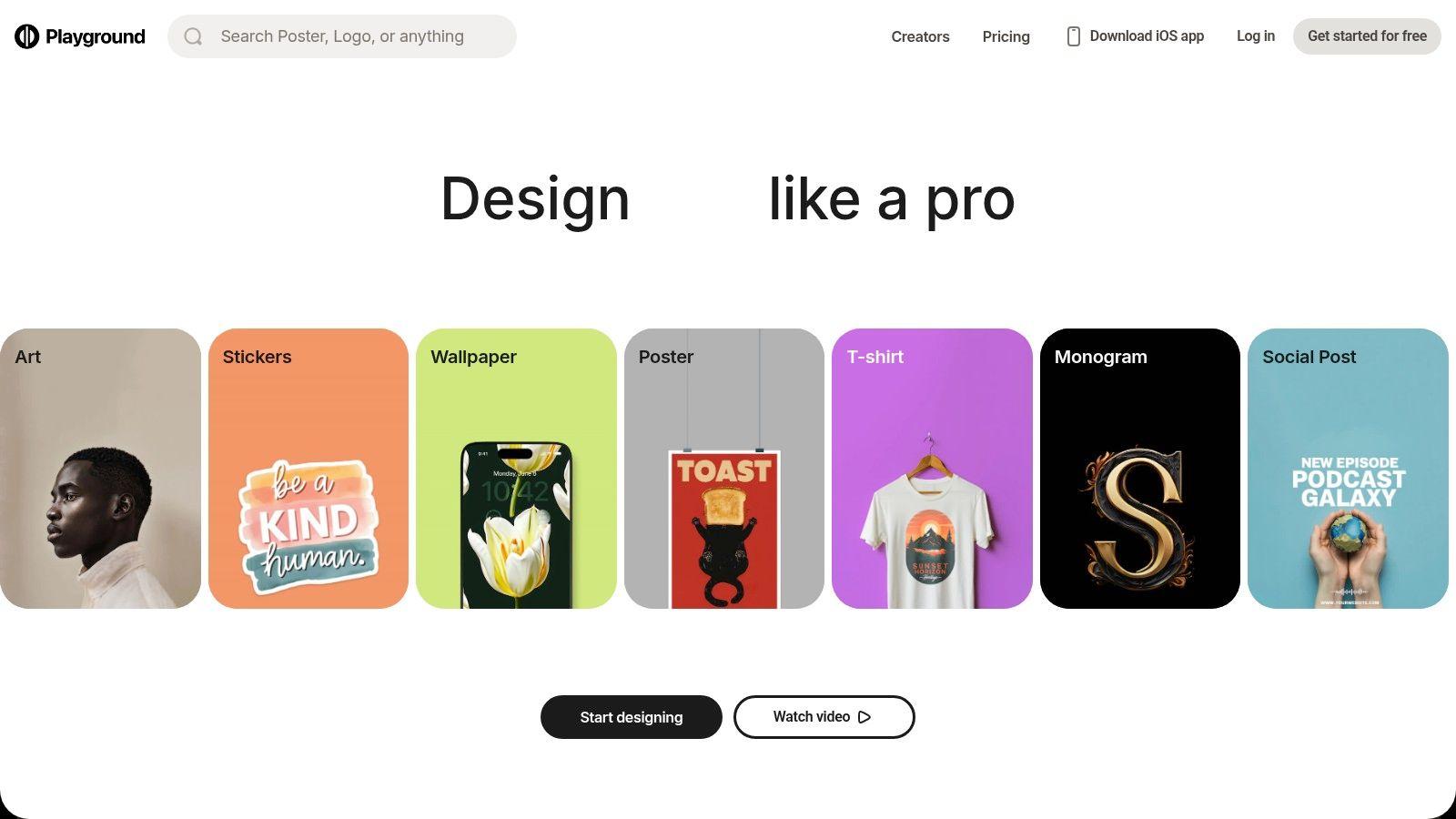
The platform is ideal for creators who need occasional access to premium features or higher-quality models without a monthly fee. Its web-based canvas includes useful tools for editing, upscaling, and background removal, although many of the more advanced features require paid credits. While the free tier is modest, the ability to buy day passes or small credit packs provides a "pay-as-you-go" flexibility that is rare in this space, making it a practical choice for project-based work.
Key Features & User Experience
| Feature | Description |
| User Interface | Web-based canvas with integrated editing and model selection. |
| Output Quality | Varies by model; Playground v3 offers good quality for free. |
| Usage Limits | Clear daily limits on the free plan, with detailed credit costs per model. |
| Upgrade Path | Paid subscriptions, à la carte credit purchases, and day passes are available. |
Website: https://playground.com
8. NightCafe
NightCafe stands out in the AI art space with its strong community focus and gamified approach to creation. As one of the long-running platforms, it provides a reliable and engaging experience, making it a contender for the best free AI image generator for those who enjoy social interaction. Users receive a daily top-up of free credits, and can earn more by participating in community challenges, maintaining daily streaks, and engaging with other creators, which encourages consistent use and skill development.
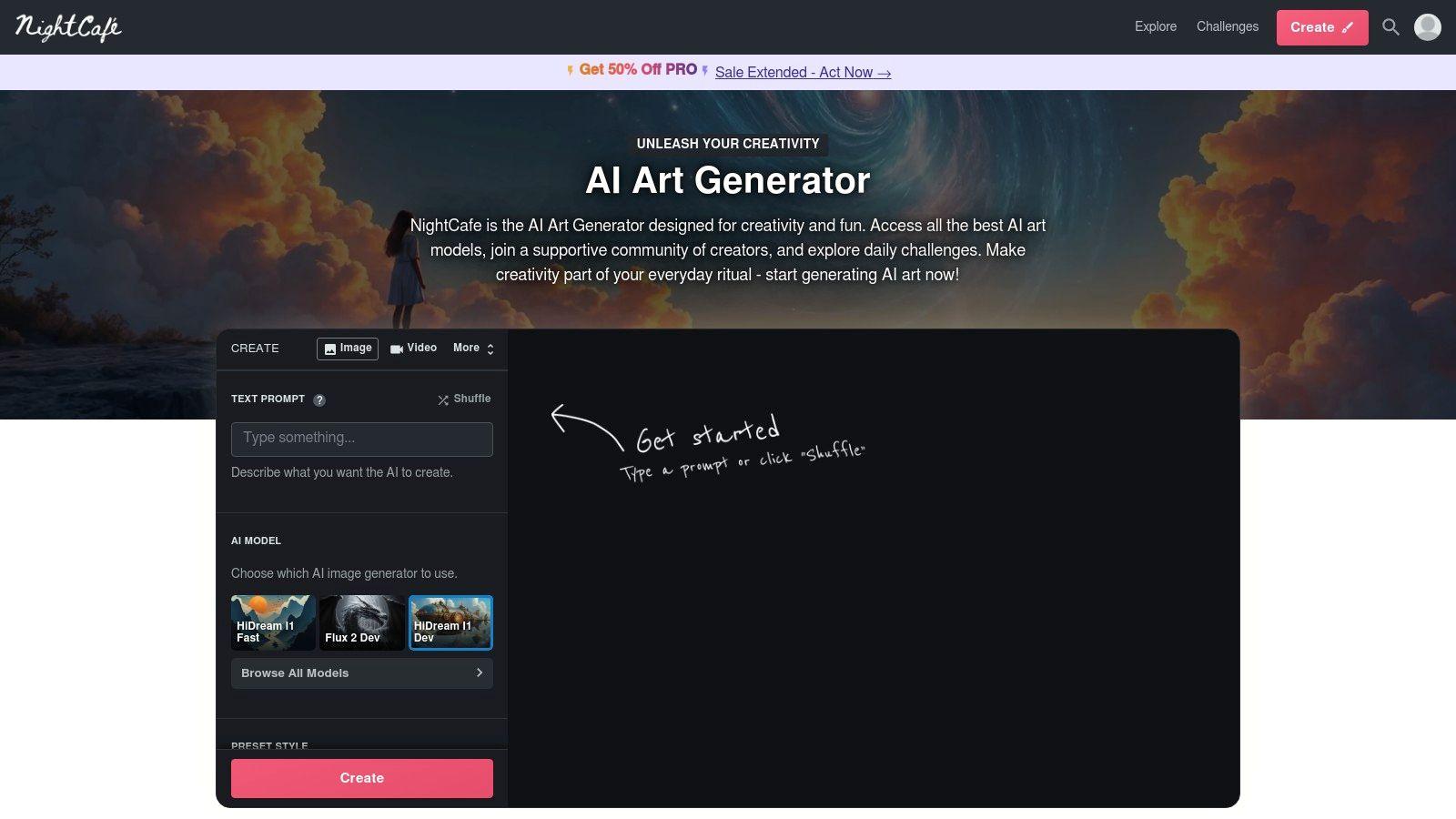
This system makes NightCafe ideal for hobbyists and students who want to explore different AI models, including various Stable Diffusion versions, without a financial commitment. The platform’s interface is beginner-friendly, guiding users through the creation process while offering advanced options for more experienced artists. While the free credit system is predictable, users should note that more powerful or proprietary models often require a higher credit cost per generation.
Key Features & User Experience
| Feature | Description |
| User Interface | Community-focused and easy to navigate, with clear creation workflows. |
| Output Quality | Varies by the chosen model; offers access to standard and high-quality options. |
| Usage Limits | Daily free credits are provided, with multiple gamified options to earn more. |
| Upgrade Path | PRO plans offer more monthly credits and access to premium features. |
Website: https://nightcafe.studio
9. Canva (Magic Media)
Canva's Magic Media integrates a powerful AI image generator directly into its world-class design suite, making it a one-stop shop for creating finished graphics. This platform excels by embedding AI generation within a practical workflow; you can create an image from a text prompt and immediately place it into a social media template, presentation, or marketing asset. It is arguably the best free AI image generator for users who need to produce polished, ready-to-publish content without switching between multiple tools.
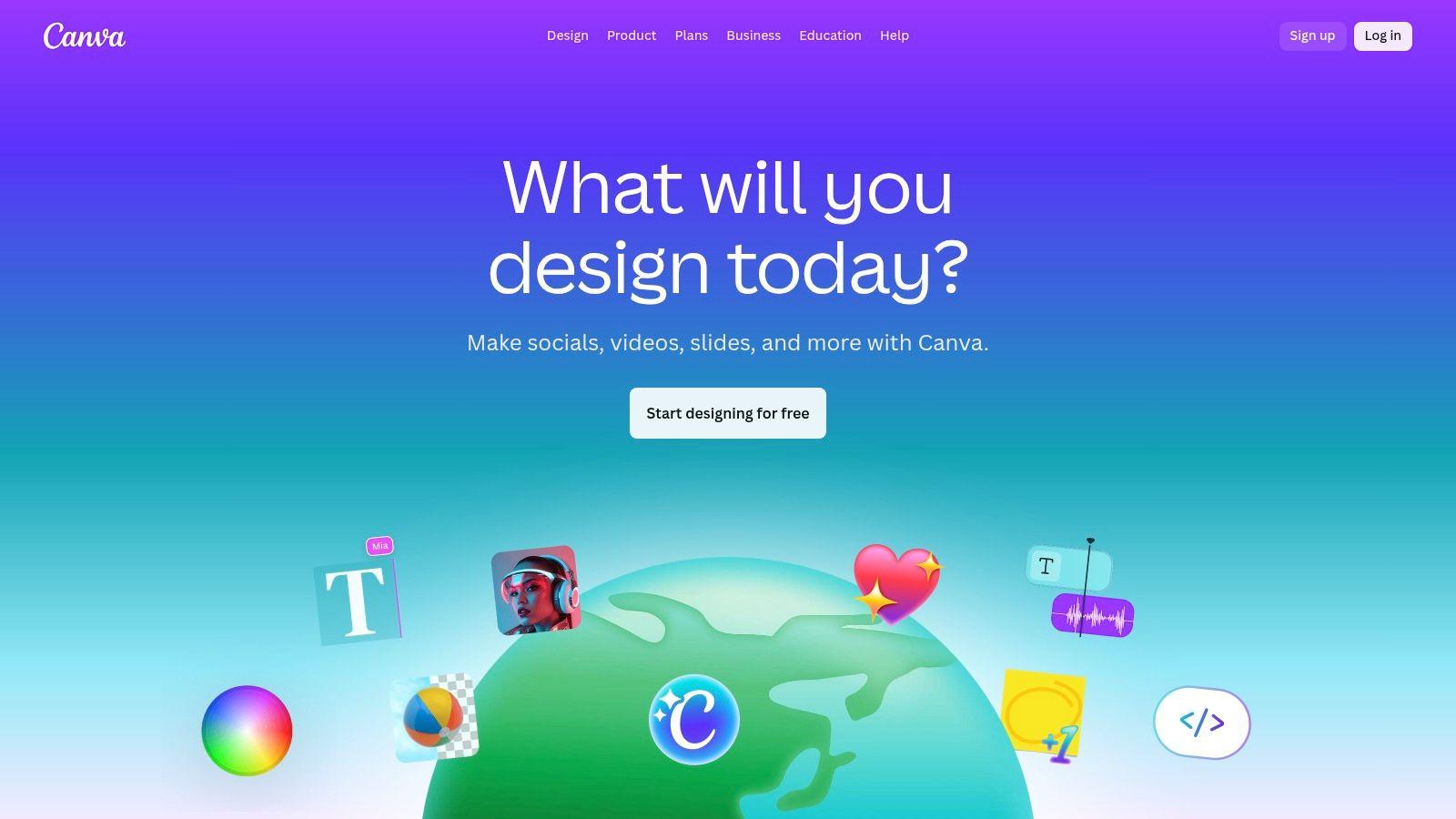
This makes it perfect for small businesses, marketers, and students who need to move quickly from concept to final design. The addition of tools like Magic Edit and Magic Expand allows for effortless post-generation tweaks right on the canvas. While the free plan offers a limited number of "credits" for AI features, it provides more than enough to experience the streamlined power of an all-in-one design and generation platform.
Key Features & User Experience
| Feature | Description |
| User Interface | Fully integrated into Canva’s intuitive drag-and-drop design editor. |
| Output Quality | Good quality, highly suitable for social media, blogs, and presentations. |
| Usage Limits | Free plan includes a limited number of lifetime credits for Magic Media. |
| Upgrade Path | Paid Canva Pro and Teams plans offer significantly more monthly credits. |
Website: https://www.canva.com
10. Picsart
Picsart is a versatile, mobile-first design platform that embeds powerful AI tools directly into its user-friendly photo and video editor. It stands out by integrating AI image generation into a complete creative suite, allowing users to create visuals and then immediately refine them with templates, filters, and text. This makes it a fantastic all-in-one solution for social media content creators, students, and small businesses who need to produce polished assets quickly without switching between multiple apps.
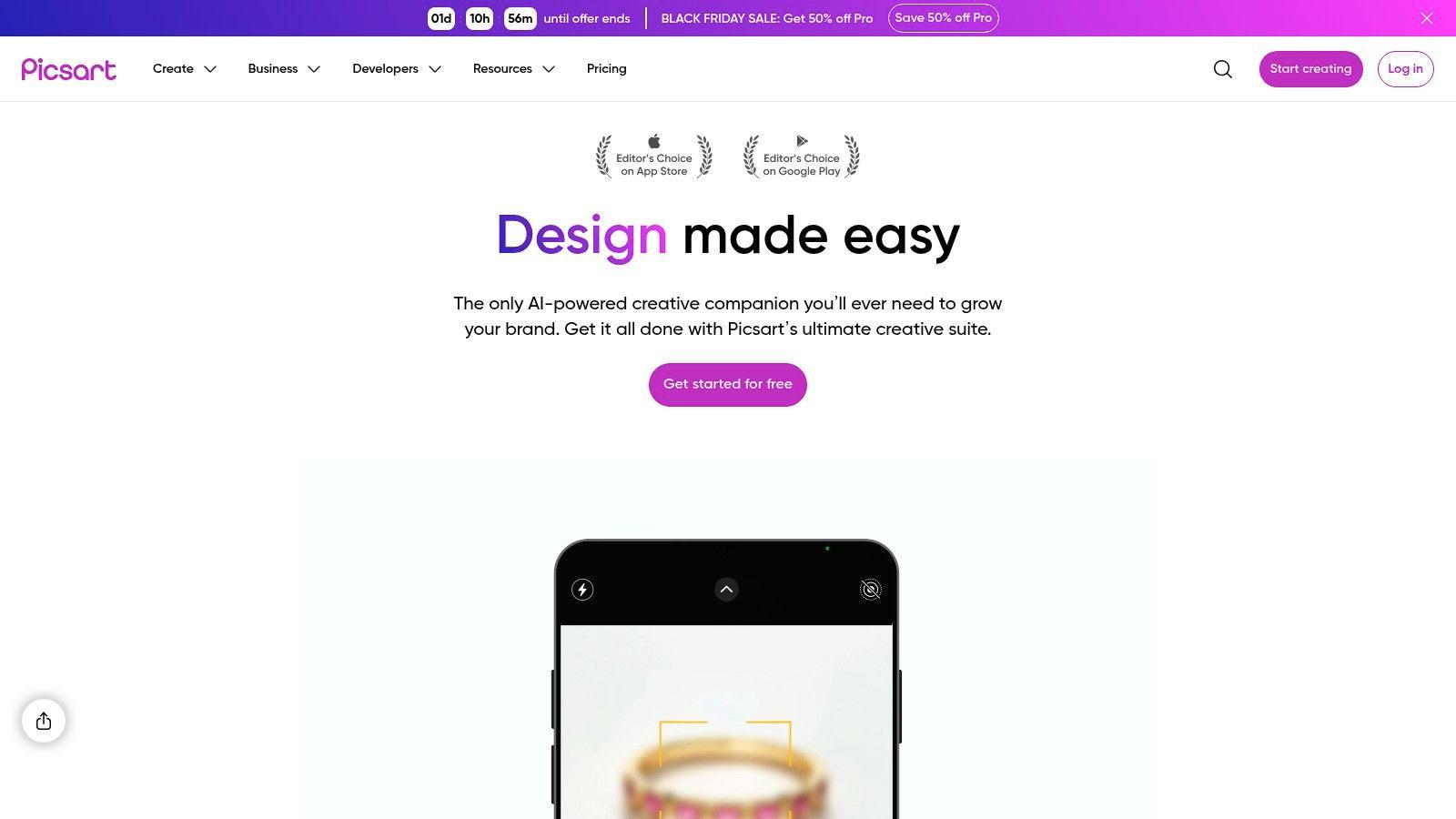
The platform is one of the best free AI image generator options for those who value an integrated workflow. Its free plan provides a weekly allowance of credits that can be used across its suite of AI tools, not just for image generation but also for object removal, background replacement, and enhancement. While the free credits are limited, they offer a consistent, recurring way to access premium features without a subscription, ideal for casual or low-volume creative tasks.
Key Features & User Experience
| Feature | Description |
| User Interface | Intuitive mobile and web apps with a full suite of editing tools. |
| Output Quality | Good quality, highly suitable for social media and design mockups. |
| Usage Limits | Free tier offers a weekly credit allowance for all AI tools. |
| Upgrade Path | Paid plans provide larger monthly credit bundles and access to premium assets. |
Website: https://picsart.com
11. Fotor
Fotor stands out by integrating a capable AI image generator directly into a comprehensive online photo editing and design suite. This all-in-one approach makes it an excellent choice for users who need to not only create an image but also immediately edit, enhance, or incorporate it into a larger design, like a social media post or a marketing graphic. The platform is designed for efficiency, allowing a seamless transition from generation to final design without switching tools.
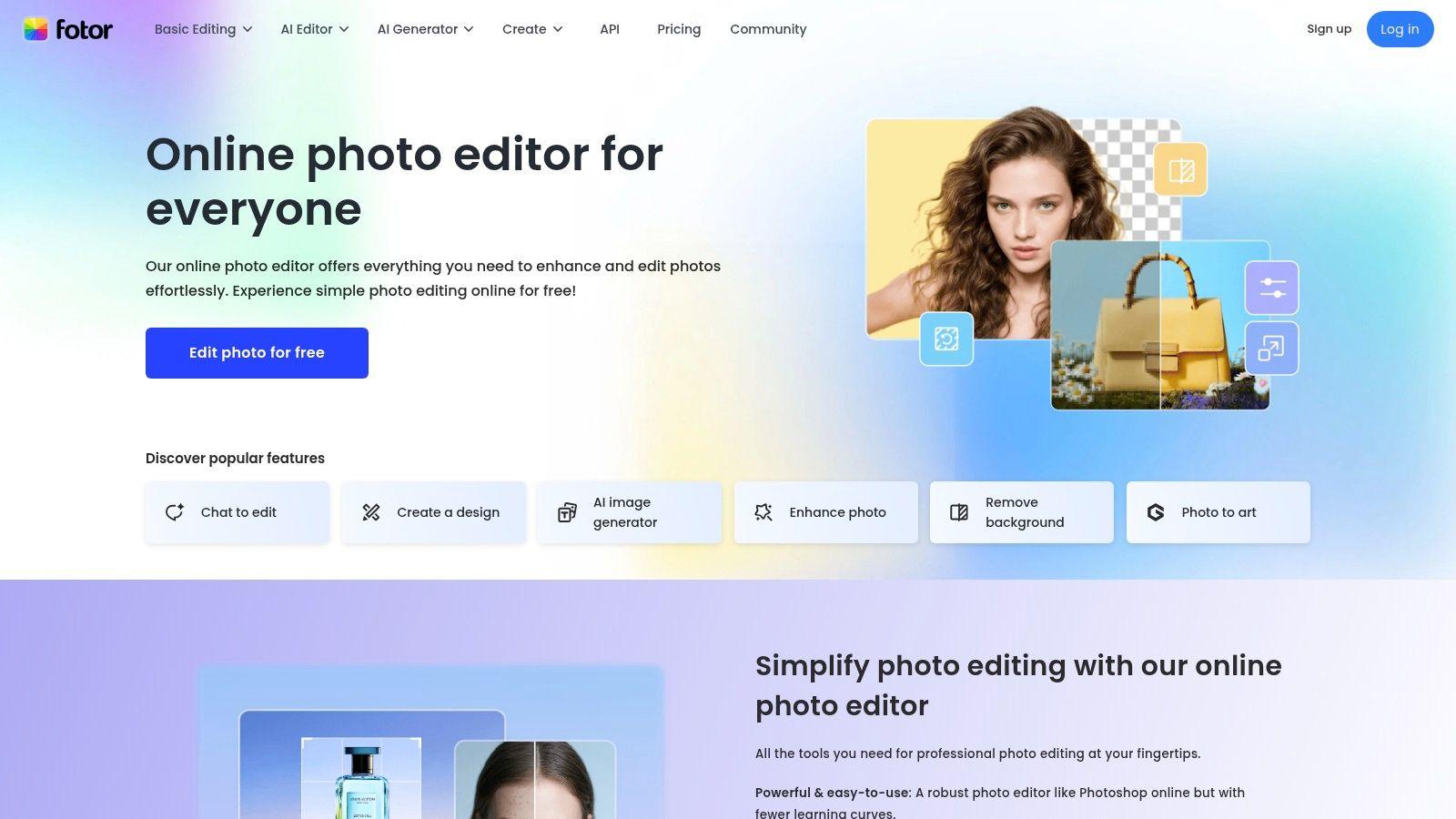
While the free tier provides a great introduction, it comes with limitations, including a small number of credits and watermarked downloads. This makes the free version best suited for testing concepts or personal projects where a watermark isn't a concern. For small businesses or students needing quick, polished visuals, Fotor's streamlined workflow offers a significant advantage over standalone generators, making it a powerful contender for the best free AI image generator when a full design toolkit is needed.
Key Features & User Experience
| Feature | Description |
| User Interface | Intuitive, design-focused interface combining generation and editing tools. |
| Output Quality | Good quality images suitable for web content and social media. |
| Usage Limits | Free tier includes limited credits and watermarked exports. |
| Upgrade Path | Pro/Pro+ subscriptions remove watermarks and increase credits. |
Website: https://www.fotor.com
12. Hugging Face Spaces
Hugging Face Spaces is less of a single tool and more of a vast, open playground for AI enthusiasts. It serves as a directory of community-hosted machine learning apps, offering countless free text-to-image demos for models like Stable Diffusion, SDXL, and various specialized tools for tasks like outpainting or style transfer. This makes it an invaluable resource for users who want to experiment with cutting-edge open models without any software installation or commitment to a specific platform.
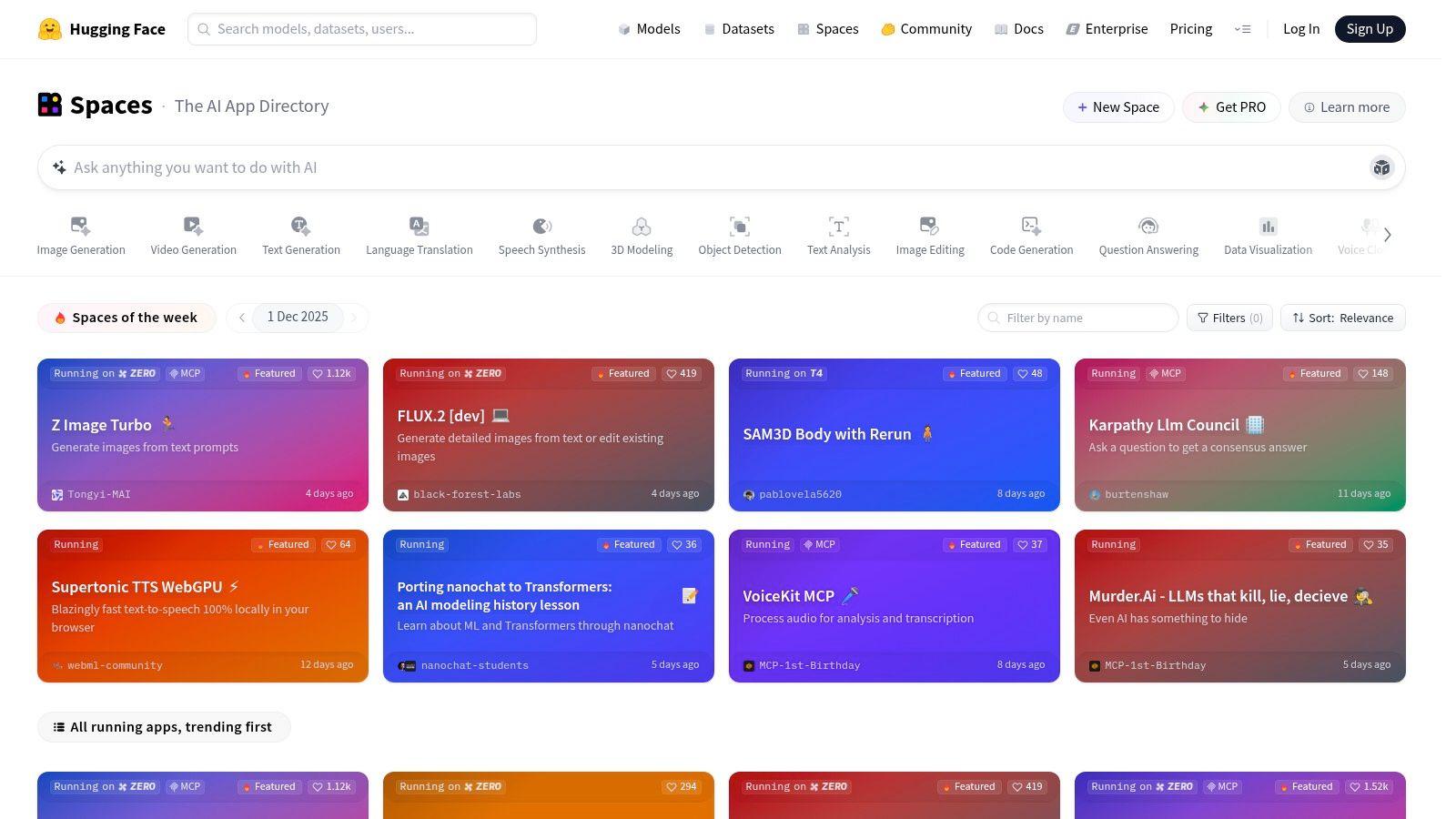
The platform is perfect for students, developers, or hobbyists looking to compare different models side-by-side or test specific workflows. While individual demos (called Spaces) can sometimes be slow, paused by their owners, or have usage queues, the sheer variety makes it one of the best free AI image generator resources for learning and exploration. Users should always check the licensing terms of each individual Space, as they can vary significantly.
Key Features & User Experience
| Feature | Description |
| User Interface | Varies by demo; typically basic but functional interfaces. |
| Output Quality | Wide-ranging, from experimental to professional, depending on the hosted model. |
| Usage Limits | Free to browse and use, but individual demos may have rate limits or queues. |
| Upgrade Path | No direct upgrade path; it is a hub for community-hosted demos. |
Website: https://huggingface.co/spaces
Best Free AI Image Generators: 12-Tool Comparison
| Product | Core features ✨ | Target 👥 | UX/Quality ★ | Price/Value 💰 |
| 1chat – AI Assistant and ChatGPT Alternative 🏆 | ✨ Multi‑LLM chat, PDF/doc analysis, built‑in image gen, privacy‑first | 👥 SMBs, small teams, families, privacy‑minded users | ★★★★☆ Streamlined workspace & collaboration | 💰 Free tier + paid team plans |
| OpenAI ChatGPT | ✨ Native chat→image (DALL·E / GPT‑4o), prompt refinement, safety metadata | 👥 Casual users, designers, general-purpose creators | ★★★★★ Strong text/image quality & onboarding | 💰 Free limited images; Plus/Team paid |
| Microsoft Designer / Bing Image Creator | ✨ DALL·E/GPT‑4o powered, Edge/Copilot integration, daily fast boosts | 👥 Windows/Edge users, casual creators | ★★★★☆ Generous fast quota; integrated ecosystem | 💰 Free basic; Copilot Pro for more boosts |
| Adobe Firefly | ✨ Generative Fill/Expand, Photoshop/Express integration, enterprise licensing | 👥 Professionals, brands, enterprise workflows | ★★★★☆ Enterprise-grade safety & controls | 💰 Credit model; paid plans for higher quotas |
| Leonardo.ai | ✨ Presets, community models, upscaling, personal model training | 👥 Designers, indie creators, asset builders | ★★★★☆ Creator-focused tools & presets | 💰 Robust free tier + paid tokens/subs |
| Ideogram | ✨ High-fidelity text/logo rendering, transparent credit pricing | 👥 Users needing accurate in-image text/logos | ★★★★☆ Excellent typography/text fidelity | 💰 Free slow credits; paid priority credits |
| Playground (playground.com) | ✨ Multiple models (Playground v3, OpenAI 4o), web canvas & edits | 👥 Tinkerers, pros who need model flexibility | ★★★☆☆ Clear quotas; modest free tier | 💰 Free + day passes / credit packs |
| NightCafe | ✨ Credit system, gamified earning (streaks/challenges), multiple models | 👥 Hobbyists, community creators | ★★★☆☆ Predictable daily free path; active community | 💰 Daily free credits + paid PRO options |
| Canva (Magic Media) | ✨ Text-to-image inside full design suite; Magic Edit/Erase/Expand | 👥 Non-designers, marketers, teams | ★★★★☆ Templates + easy finished assets | 💰 Free limited AI; Pro/Teams paid |
| Picsart | ✨ Mobile-first editor + AI tools, templates, weekly credits | 👥 Social content creators, mobile users | ★★★☆☆ Strong mobile UX; social templates | 💰 Weekly free credits; paid bundles |
| Fotor | ✨ Photo editor + generator, upscaler, batch tools | 👥 Casual editors, social/marketing users | ★★★☆☆ Simple UI; free watermarked exports | 💰 Free w/ watermarks; Pro removes limits |
| Hugging Face Spaces | ✨ Community-hosted demos (SD, SDXL, outpainting) & open models | 👥 Researchers, devs, experimenters | ★★★☆☆ Great for testing; variable perf/availability | 💰 Mostly free (varies by Space) |
Choosing the Best Free Tool for Your Creative Vision
Navigating the landscape of free AI image generators reveals a powerful and accessible new frontier for creativity. As we've explored, the market isn't a one-size-fits-all solution. The best ai image generator free for you is the one that aligns perfectly with your specific project, workflow, and creative goals. Your ideal tool depends entirely on what you value most: commercial safety, artistic control, ease of use, or seamless integration.
Recapping the Top Contenders
We've covered a wide array of options, each with distinct strengths. Let's briefly recap the standout choices for different user needs:
- For General Use and Simplicity: Microsoft Designer (Copilot) is an undeniable leader. Its integration with the Microsoft ecosystem and generous free credits make it an excellent starting point for students, families, and professionals who need quick, high-quality images without a steep learning curve.
- For Commercial Safety: Adobe Firefly stands in a class of its own. Trained exclusively on Adobe's licensed stock library, it provides peace of mind for businesses and professional designers who need commercially viable assets without worrying about copyright infringement.
- For Artistic Control and Community: Leonardo.ai and Playground offer a much deeper level of creative customisation. With their fine-tuned models, advanced settings, and active communities, they are perfect for artists, illustrators, and hobbyists looking to develop a unique visual style.
- For Integrated Workflows: For those who need more than just an image generator, a tool like 1chat presents a compelling alternative. By embedding image creation within a broader AI chat and research assistant, it streamlines the process for SMBs and students, moving from concept to visual asset in a single, efficient workspace.
Actionable Steps to Find Your Perfect Match
The theoretical best is meaningless until you find what works for you. The journey from inspiration to creation is now shorter than ever. The key is to take decisive, experimental steps.
- Identify Your Primary Use Case: Are you creating marketing materials for your small business, generating concept art for a personal project, or finding a fun, safe tool for family activities? Your answer will immediately narrow down the list.
- Test at Least Three Tools: Choose one "all-rounder" like Microsoft Designer, one "specialist" like Adobe Firefly or Leonardo.ai, and one "integrated" solution. Spend an hour with each, using the same set of prompts to directly compare their output quality, style, and user interface.
- Evaluate the Credit System: Pay close attention to the usage limits. Does the tool offer a daily refresh of credits, or a one-time allotment? A generous daily model is often better for consistent, low-volume use, which is a key factor when looking for the best free AI image generator experience.
The era of digital art being reserved for a select few with expensive software and years of training is over. Armed with the insights from this guide, you now have a curated map to the most innovative and accessible creative tools available today. Start experimenting, refine your prompts, and unlock a new dimension of visual expression. The only remaining limit is the scope of your own imagination.