
The allure of powerful AI like ChatGPT is undeniable, but relying on cloud-based services comes with significant trade-offs: data privacy concerns, recurring subscription costs, and a complete dependence on internet connectivity. Running a large language model (LLM) locally, directly on your own computer, puts you back in control. This approach guarantees that your sensitive information-whether it's proprietary business data, personal family conversations, or academic research-never leaves your machine. It's a one-time hardware investment versus an endless cycle of fees, offering a powerful, private, and offline-capable AI assistant tailored to your specific needs.
This guide is designed to help you navigate the world of local AI and find the best local LLM setup for you. We will bypass the technical jargon and focus on practical, actionable information. Whether you're a small business owner looking to automate tasks, a student needing a research and writing partner, or a family seeking a safe AI tool for learning and creativity, this list has a solution. We'll explore a curated selection of the most effective and user-friendly platforms and tools available today.
Each entry provides a clear breakdown of what the tool does best, its ideal use cases, and its potential limitations. You will find:
- Quick-start descriptions to understand each option at a glance.
- Strengths and weaknesses for an honest, balanced view.
- Hardware and OS requirements to see if it works with your setup.
- Privacy and licensing notes for safe and legal use.
We’ll cover everything from simple, one-click installers like Ollama and LM Studio to more advanced frameworks like llama.cpp for those who want maximum control. Our goal is to equip you with the knowledge to choose, install, and start using a powerful local AI with confidence.
1. Ollama: The Easiest Way to Get Started with Local LLMs
Ollama isn't a single local LLM but a powerful, open-source platform that makes running various large language models on your own hardware astonishingly simple. It bundles model weights, configurations, and data into a single package managed through a command-line interface, abstracting away the complex setup process that often discourages newcomers. This focus on accessibility is its standout feature, making it the best local LLM entry point for students, developers, and small businesses alike.
Key Features & User Experience
The user experience is defined by simplicity. After a quick installation, running a powerful model like Llama 3 is as easy as typing ollama run llama3 into your terminal. Ollama handles downloading the model from its library, setting it up, and providing an immediate chat interface. This ease of use extends to its API, allowing developers to integrate local models into their applications with minimal friction. The platform is entirely free and open-source, with a growing library of popular models available for immediate use.
Hardware Requirements & Use Cases
Ollama’s hardware requirements vary based on the model you run. Smaller models (like a 3B parameter version) can run with as little as 4GB of RAM, while larger, more capable models (70B+) will require 64GB of RAM and a dedicated GPU for optimal performance.
- For Students & Families: Use smaller models on a standard laptop for homework help, creative writing, or as a private, offline alternative to commercial chatbots.
- For SMBs & Developers: Leverage the API to build internal tools, RAG (Retrieval-Augmented Generation) applications, or prototypes without incurring API costs or sending sensitive data to third parties.
Website: ollama.com
2. LM Studio: The User-Friendly Desktop App for Local AI
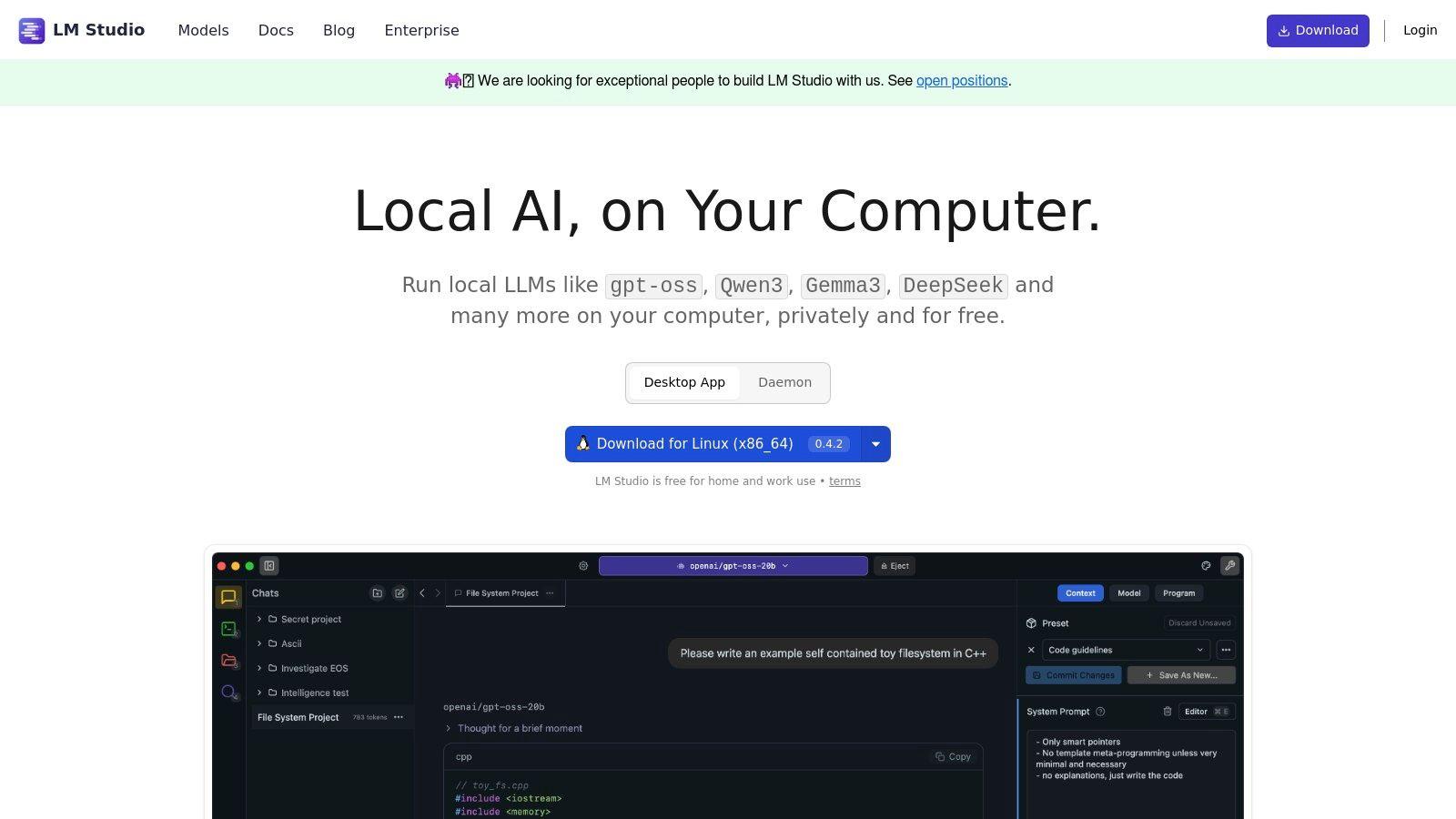
LM Studio is a polished desktop application designed to discover, download, and run local LLMs with a graphical user interface. It serves as an excellent hub for users who prefer a more visual and less command-line-driven experience. The platform excels at making the vast world of open-source models accessible, allowing users to browse, manage, and chat with different LLMs in a self-contained, private environment on Windows, macOS, or Linux. Its integrated server makes it a strong contender for the best local llm tool for developers and small teams.
Key Features & User Experience
The experience is centered around a user-friendly GUI. You can search for models directly from Hugging Face, download them with a click, and start a chat session in a familiar interface. LM Studio also provides a built-in, OpenAI-compatible local server, allowing you to easily connect your applications or scripts to any running model. While the core application is free, LM Studio offers paid "Team" and "Enterprise" tiers that add collaboration features like access control and SSO without ever sending your model data to the cloud.
Hardware Requirements & Use Cases
Hardware needs are model-dependent. Laptops with at least 8GB of RAM can run smaller models, especially those with Apple Silicon (M1/M2/M3) chips, which benefit from specific optimizations. For larger models (30B+), a system with 32GB+ of RAM and a modern GPU is recommended for responsive performance.
- For Students & Families: A great way to experiment with different AI personalities and capabilities for homework, coding practice, or creative projects in a secure, offline app.
- For SMBs & Developers: Use the local API to power internal applications and prototypes. The Team plan is ideal for small groups needing private, on-device AI workflows with basic user management.
Website: lmstudio.ai
3. GPT4All (Nomic): The Privacy-First Desktop Chat App
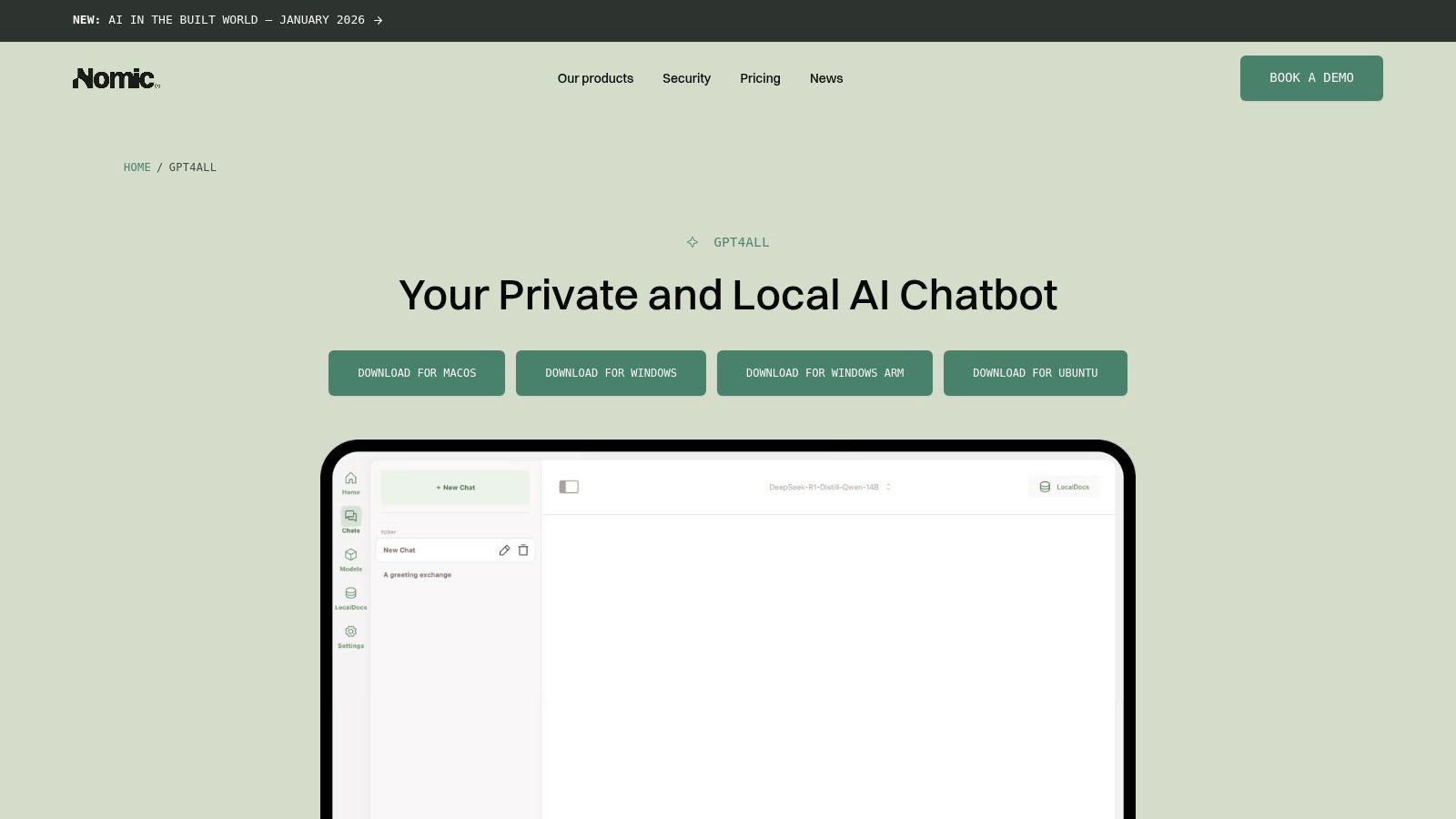
GPT4All is an open-source, free-to-use desktop application that provides a user-friendly graphical interface for running local LLMs. Developed by Nomic AI, its mission is to enable anyone to run powerful AI models on their consumer-grade hardware while ensuring complete privacy. It stands out by offering a polished, all-in-one experience that requires no command-line interaction, making it one of the best local LLM solutions for non-technical users.
Key Features & User Experience
The experience feels much like a standard desktop chat application. Users can browse a curated catalog of popular open-source models directly within the app, download their chosen model with a single click, and start chatting immediately. A key differentiator is its built-in LocalDocs feature, which allows you to point GPT4All to a folder of your documents. The application then indexes this data locally, enabling you to ask questions and get answers based on your private information without it ever leaving your computer.
Hardware Requirements & Use Cases
GPT4All is optimized to run on a wide range of hardware, including systems without a dedicated GPU. For smooth performance, a modern CPU and at least 8GB of RAM are recommended, though more is needed for larger models. Its CPU-based inference makes it highly accessible.
- For Students & Families: Use it as a secure homework helper or creative tool on a family computer. The LocalDocs feature is perfect for students to query research papers or class notes without an internet connection.
- For SMBs & Developers: An excellent tool for securely analyzing internal documents, reports, or codebases. It serves as a great entry point for building proof-of-concept RAG systems before committing to more complex, developer-focused frameworks.
Website: nomic.ai/gpt4all
4. Hugging Face Model Hub: The Definitive Library for Local LLMs
While not a runtime environment itself, Hugging Face is the indispensable digital library where nearly every local LLM journey begins. It's an open-source platform hosting the world's largest collection of AI models, datasets, and tools. For anyone serious about running the best local LLM, this hub is the primary source for discovering, comparing, and downloading the model files needed for platforms like Ollama or LM Studio. Its core strength is its vast, community-driven catalog.
Key Features & User Experience
The platform is designed like a massive, searchable database. Users can filter models by task, license, language, and file size, making it easy to find a suitable model for any hardware. Each model has a "model card" that details its architecture, training data, intended use, and limitations. Downloading is straightforward, either directly from the website or via their command-line tools. The site is entirely free for accessing and downloading open-weight models, though it also offers paid compute services.
Hardware Requirements & Use Cases
Hardware needs are not dictated by Hugging Face but by the models you download from it. The platform hosts everything from tiny 1B parameter models that run on a Raspberry Pi to massive 100B+ models requiring enterprise-grade GPUs.
- For Students & Families: A great place to explore different models. You can find specialized models for tasks like translation or summarization and learn the fundamentals of natural language processing by reading the detailed model cards.
- For SMBs & Developers: The essential first stop for any project. Find models with permissive licenses (like Apache 2.0 or MIT) for commercial use and download specific GGUF quantizations optimized for your team’s hardware.
Website: huggingface.co
5. Text Generation WebUI (oobabooga): The Power User's Local LLM Playground
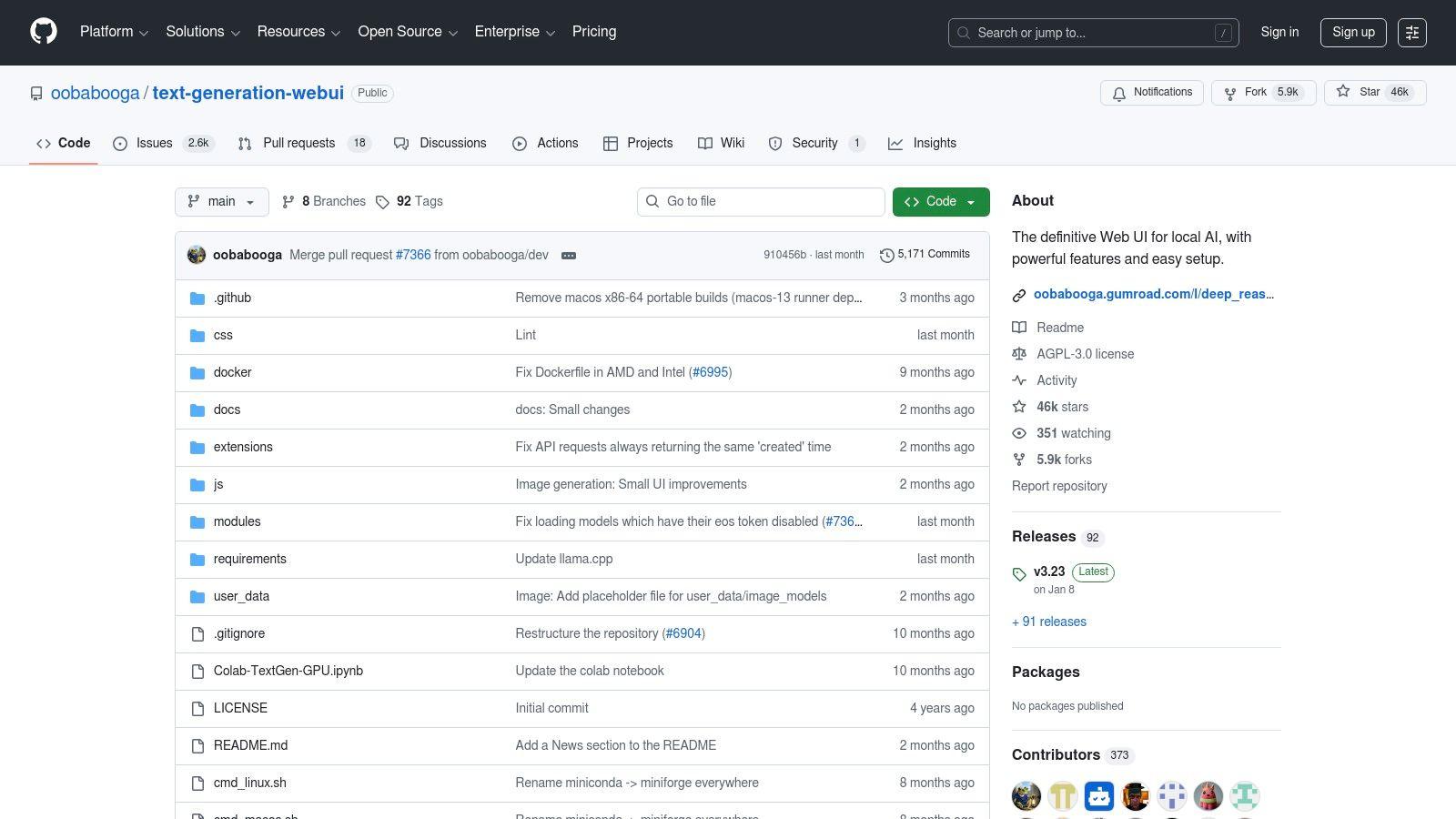
Text Generation WebUI, often known by its creator's GitHub handle "oobabooga," is a comprehensive and highly flexible Gradio-based web interface for running local LLMs. It’s the swiss-army knife for enthusiasts who want maximum control over their models, supporting a vast array of model formats and loading backends like llama.cpp, ExLlamaV2, and Transformers. This extensibility makes it one of the best local llm tools for those who enjoy tinkering and fine-tuning every aspect of model performance.
Key Features & User Experience
The user experience is geared toward power users, presenting a dashboard with extensive options for adjusting generation parameters. One-click installers simplify the initial setup, but its true power lies in its deep customization. It features an OpenAI-compatible API, a rich extensions ecosystem for adding new capabilities, and built-in multimodal support for interacting with images. This free and open-source platform is more complex than simpler tools, but it rewards users with unparalleled control over their local AI environment.
Hardware Requirements & Use Cases
Hardware needs are entirely dependent on the model and backend you choose. Small models can run on CPU with sufficient RAM (8GB+), but a dedicated NVIDIA or AMD GPU is strongly recommended for a responsive experience with larger models (13B+).
- For Students & Tinkerers: Experiment with different models and parameters to deeply understand how LLMs work. Use its RAG features with PDF uploads for advanced research assistance on a gaming PC.
- For SMBs & Developers: Create highly customized internal applications using the flexible API. Test various model backends to find the optimal balance of speed and quality for specific business tasks without data privacy concerns.
Website: https://github.com/oobabooga/text-generation-webui
6. KoboldCpp (by KoboldAI)
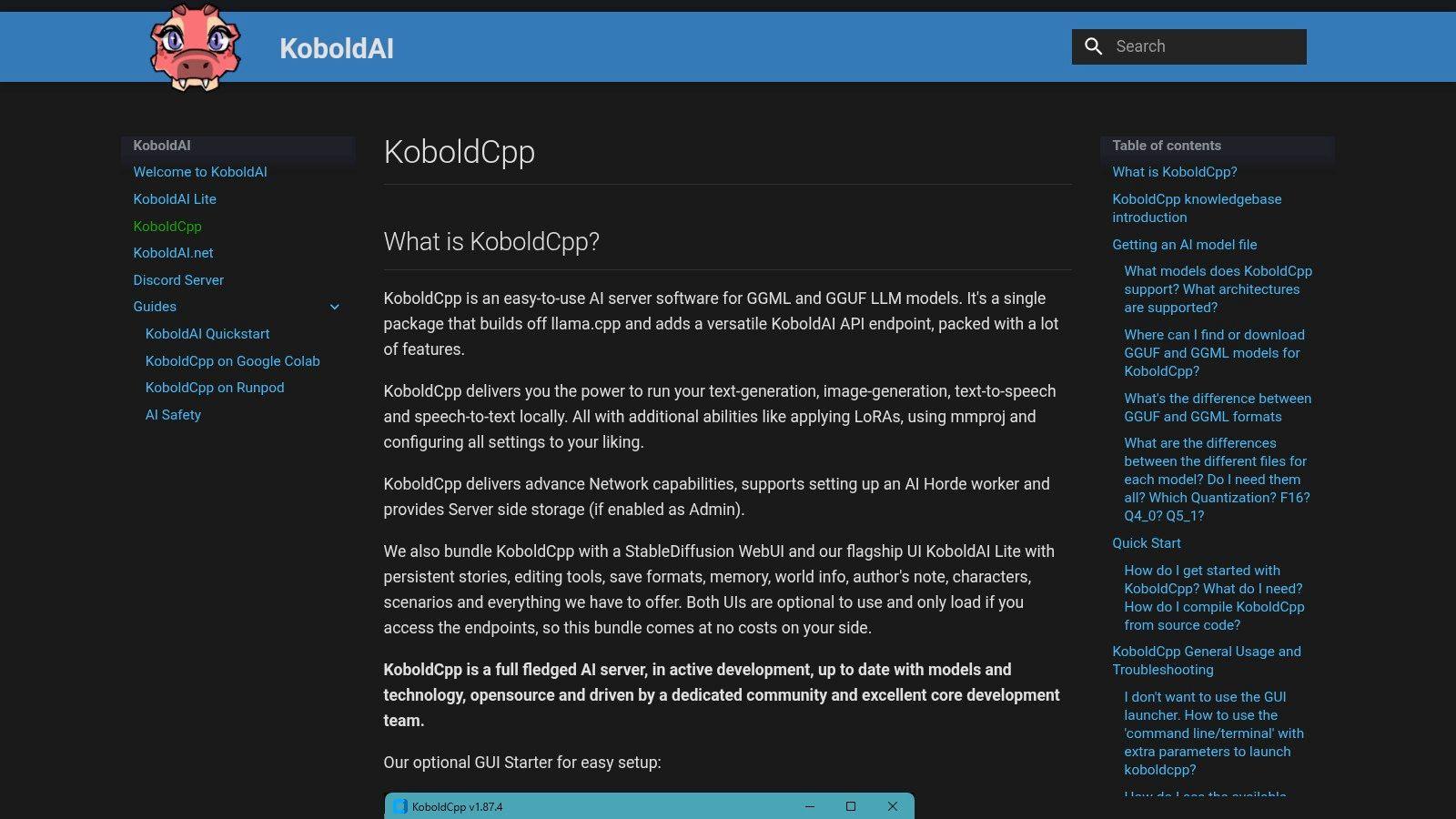
KoboldCpp is a high-performance, single-file executable that provides a powerful way to run local LLMs, particularly for creative writing and role-playing scenarios. It is built on the highly optimized llama.cpp and specializes in running GGUF-format models with remarkable speed on both CPU and GPU. It stands out by bundling a lightweight web interface and a KoboldAI-compatible API, making it a favorite among hobbyists and storytellers looking for a fast, no-fuss local LLM server.
Key Features & User Experience
The primary appeal of KoboldCpp is its simplicity and power. Users download a single executable file, point it to a GGUF model, and launch it. This action starts a local server with a simple but effective user interface accessible through a web browser. It offers fine-grained control over model parameters, supports streaming text, and can handle long contexts, which is essential for cohesive storytelling. It’s entirely free and open-source, offering a robust solution without the overhead of more complex frameworks.
Hardware Requirements & Use Cases
Hardware needs scale with model size, but KoboldCpp is highly efficient. Small models can run on systems with 8GB of RAM using just the CPU, while larger models benefit significantly from a dedicated GPU with at least 8GB of VRAM. Its efficient use of resources makes it one of the best local LLM options for older hardware.
- For Students & Families: Ideal for creative writing projects, interactive fiction, and exploring character dialogue in a private, offline setting. It’s a great tool for building storytelling skills.
- For SMBs & Developers: The API compatibility (including an OpenAI-style endpoint) allows for easy integration into custom applications, especially those focused on generating long-form narrative content or specialized chatbots.
Website: koboldai.com/KoboldCpp
7. MLC LLM (and WebLLM): Native Performance on Any Device
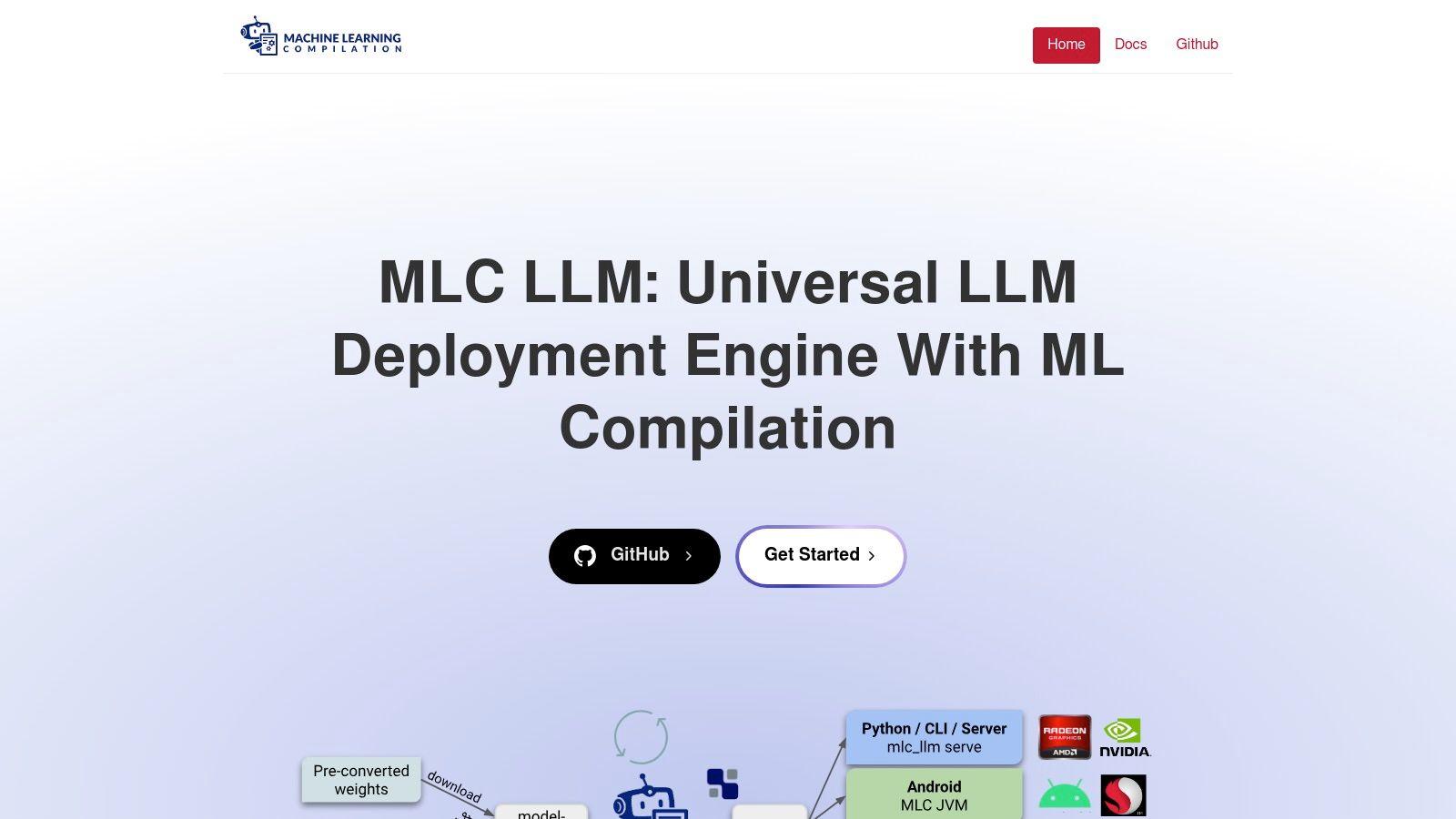
MLC LLM (Machine Learning Compilation) is a high-performance, universal deployment engine that enables running LLMs natively across a vast range of hardware, including desktops, mobile phones (iOS/Android), and even directly within a web browser via its WebLLM project. It’s not a simple chat app but a sophisticated open-source solution for developers who need to embed a local LLM directly into their products. Its unique compiler-driven approach optimizes models for specific hardware, delivering impressive performance on devices where local inference was previously impractical.
Key Features & User Experience
The experience is developer-centric, focusing on providing powerful SDKs (Python/JS) and OpenAI-compatible APIs to integrate local models into applications. The standout feature is WebLLM, which leverages WebGPU to run models entirely on the client-side within a browser, ensuring total data privacy and offline capability for web apps. While this requires more technical setup than consumer-focused tools, the power it provides for creating truly private, edge-first AI applications is unmatched. The project is entirely free and open-source.
Hardware Requirements & Use Cases
Hardware needs are uniquely flexible; MLC LLM can compile models to run on everything from high-end NVIDIA GPUs to the processors inside modern smartphones. Performance will scale with the hardware, but its main strength is enabling access on low-power devices.
- For Students & Developers: Experiment with building fully private web tools or mobile apps that use local LLMs for text generation or summarization without needing a server.
- For SMBs & Enterprises: Deploy custom, fine-tuned models to a fleet of devices (mobile or desktop) for internal use, ensuring sensitive company data never leaves the user's hardware. This is a powerful solution for edge computing AI.
Website: llm.mlc.ai
8. Jan: The Polished, Privacy-First ChatGPT Alternative
Jan is a free, open-source desktop application that provides a sleek, user-friendly interface for running local LLMs entirely offline. It’s designed to be a private and accessible alternative to cloud-based services like ChatGPT, bundling the model, a local server, and a clean chat UI into a single, cohesive package. Jan stands out as one of the best local LLM solutions for non-technical users who want the power of AI without complex setup or privacy compromises.
Key Features & User Experience
The user experience is Jan's main strength; it feels like a native, polished desktop app. After installation, you can download models from its curated hub directly within the application, making the process straightforward. It also includes a built-in, OpenAI-compatible local server, so developers can point their existing applications to localhost to leverage local models instantly. The entire platform is designed for offline use, ensuring no data ever leaves your machine.
Hardware Requirements & Use Cases
Hardware needs depend on the models you choose to run. Smaller models can function on laptops with 8GB of RAM, but more powerful models like Llama 3 8B or Mixtral perform best with at least 16-32GB of RAM and a dedicated GPU.
- For Students & Families: Use Jan on a personal computer for homework assistance, brainstorming essays, or creative writing, all in a completely private environment.
- For SMBs & Developers: The local API is perfect for developing and testing AI-powered features for internal tools or customer-facing applications without paying for API calls or risking data exposure.
Website: jan.ai
9. LocalAI: The Self-Hosted OpenAI API Replacement
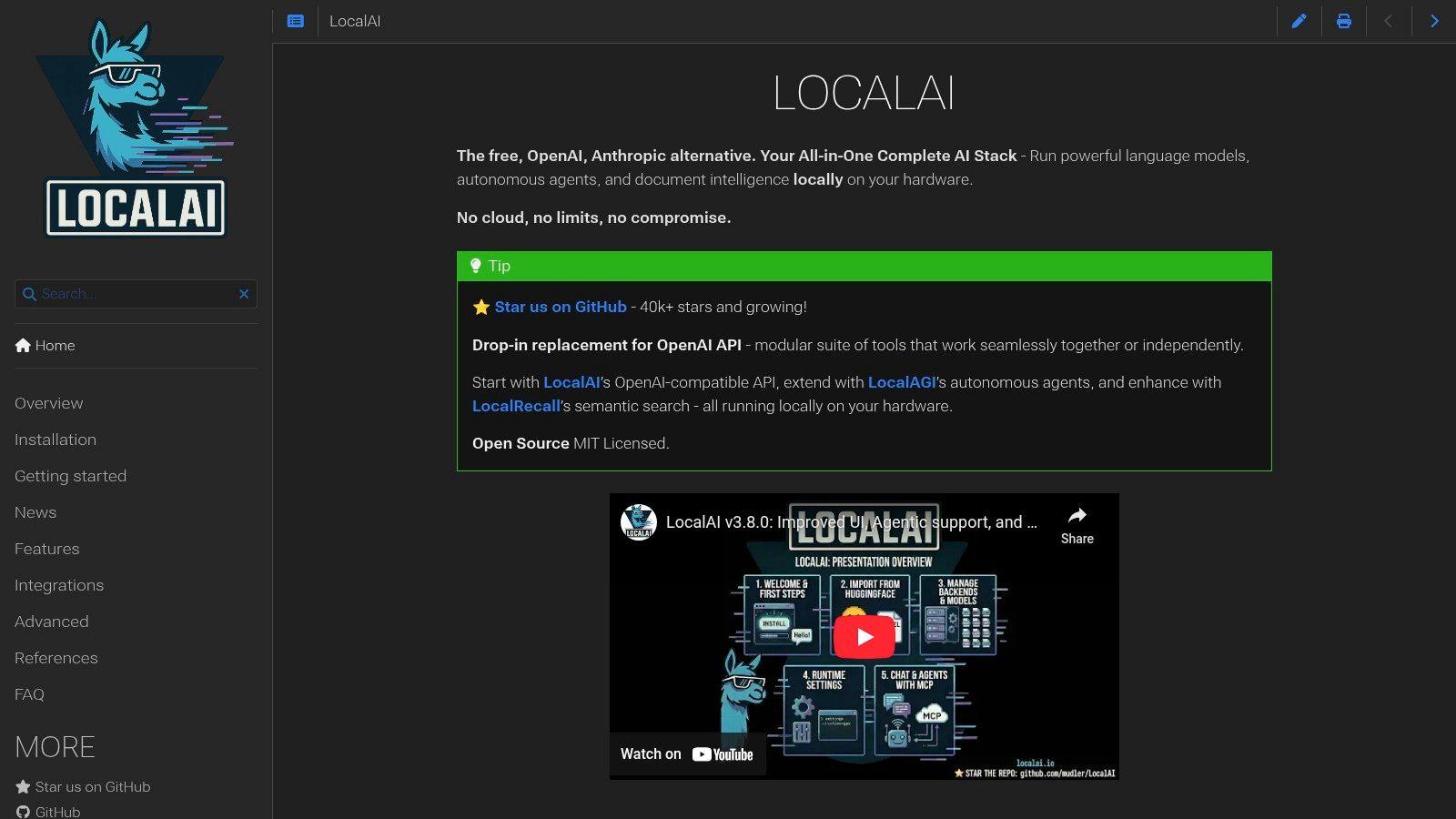
LocalAI is a powerful, self-hosted platform designed to be a drop-in replacement for the OpenAI API. It allows businesses and developers to run a wide array of large language and multimodal models locally or on-premise using consumer-grade hardware. Its API-first approach means any tool or application built to work with OpenAI's services can be re-routed to your own private AI infrastructure with minimal code changes, making it a top contender for the best local LLM solution for custom integrations.
Key Features & User Experience
The primary draw of LocalAI is its seamless API compatibility. It supports numerous model backends like llama.cpp, vLLM, and MLX, offering flexibility in performance and hardware optimization. While it requires more initial setup than a simple desktop app, often involving Docker, its command-line installer and optional WebUI simplify model management. The experience is geared towards a technical user who wants granular control over their deployment and aims to integrate local AI into a broader ecosystem of internal tools.
Hardware Requirements & Use Cases
Hardware needs are entirely dependent on the models you choose to serve. Small models can run on systems with 8GB of RAM, but running larger, more powerful models for a team will necessitate a dedicated server with a powerful GPU and at least 32-64GB of RAM. The platform itself is free and open-source.
- For Students & Hobbyists: Experiment with building AI-powered applications by pointing existing open-source projects to your LocalAI endpoint instead of a paid cloud service.
- For SMBs & Developers: Create a private, internal AI service for your team. This is ideal for building a custom AI chatbot for small business needs, powering RAG systems with sensitive company documents, or automating internal workflows without data privacy concerns.
Website: localai.io
10. llama.cpp: The Bedrock of High-Performance Inference
While many tools on this list offer a user-friendly interface, llama.cpp is the foundational C/C++ engine that powers them. It is a highly optimized, performance-oriented runtime designed for running quantized GGUF models with incredible efficiency on a vast range of hardware, from powerful servers to everyday laptops. For developers and power users who crave maximum performance and fine-grained control, llama.cpp is the definitive tool and the best local llm engine for building custom applications.
Key Features & User Experience
The user experience is command-line-centric, prioritizing raw power over a polished GUI. After compiling the project, users can run models directly from their terminal, tweak performance parameters, and utilize a suite of tools for quantizing, testing, and benchmarking. Its strength lies in its highly optimized code and extensive hardware support, including backends for Apple Metal, NVIDIA CUDA, and Vulkan. This ensures you get the absolute best performance your hardware can deliver. The project is completely free, open-source, and has a massive, active community driving continuous improvements.
Hardware Requirements & Use Cases
Hardware needs are flexible due to llama.cpp’s quantization support. A 7B model can run serviceably on a system with 8GB of RAM using just the CPU, while GPU offloading via its multiple backends significantly accelerates performance for those with dedicated graphics cards.
- For Students & Hobbyists: An excellent way to learn the low-level mechanics of LLMs. Experiment with running models on Raspberry Pi, older laptops, or even mobile devices.
- For SMBs & Developers: The ideal choice for embedding high-performance LLM inference directly into applications. Build custom tools, back-end services, or commercial products with full control over the inference process.
Website: github.com/ggerganov/llama.cpp
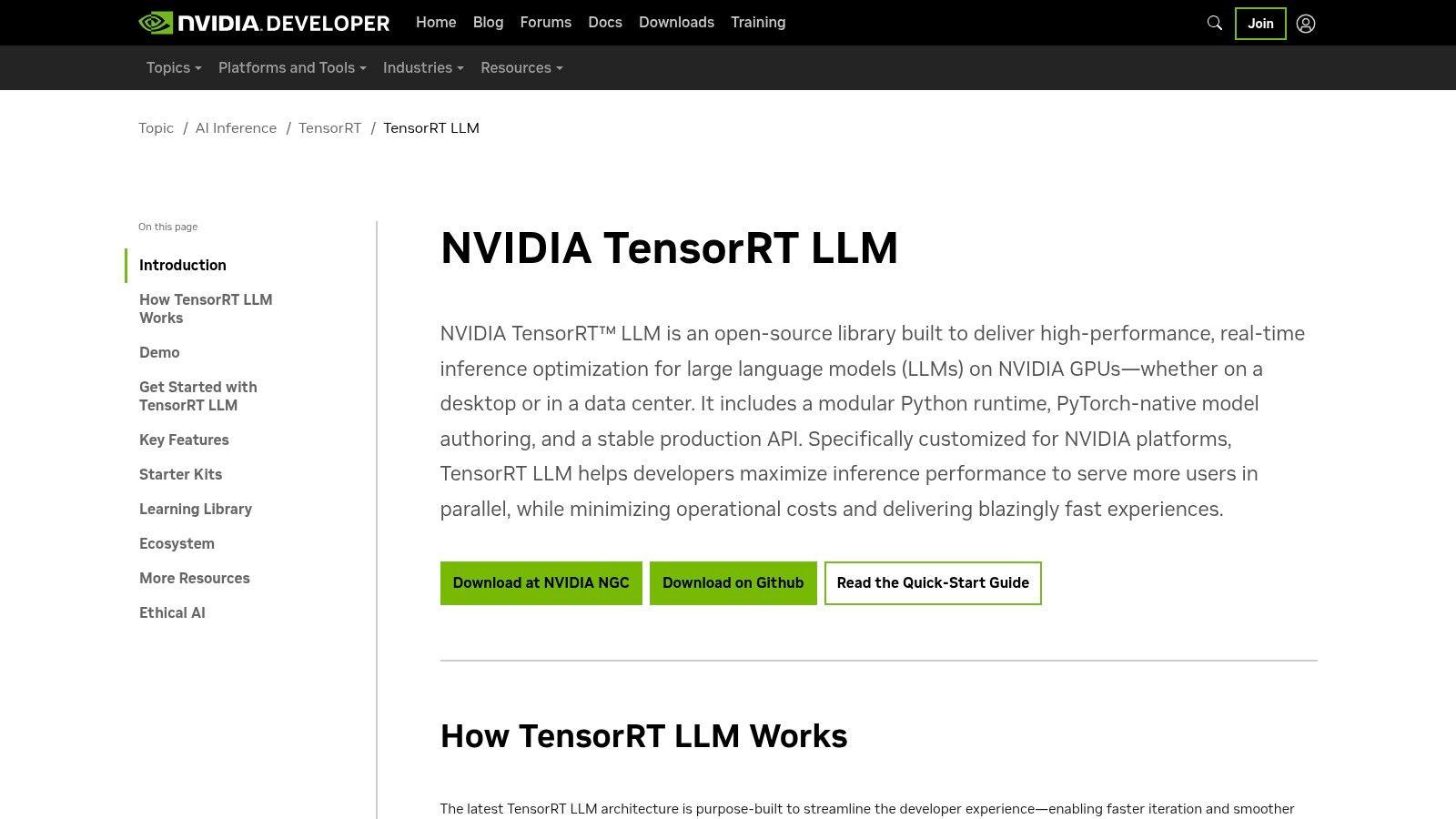
11. NVIDIA TensorRT-LLM: The Performance Engine for Production-Grade AI
NVIDIA TensorRT-LLM is not an out-of-the-box chat application but an open-source library for optimizing and serving large language models at peak performance on NVIDIA GPUs. It's an indispensable tool for developers and businesses that need to squeeze every ounce of efficiency from their hardware, focusing on maximum throughput and minimal latency. This makes it a top-tier choice for production environments where speed and scale are critical, rather than for casual desktop use.
Key Features & User Experience
The experience is developer-centric, revolving around a powerful Python API and pre-built containers available on NVIDIA's NGC catalog. Its core strength lies in advanced optimization techniques like in-flight batching, paged-attention, and aggressive quantization (FP8, INT4). While it demands more engineering effort than simple launchers, the performance gains are substantial. The library is entirely free, but the real investment is in the time required to integrate it and the necessity of owning compatible NVIDIA hardware.
Hardware Requirements & Use Cases
TensorRT-LLM is built exclusively for NVIDIA GPUs, with the best results seen on modern RTX and enterprise-grade hardware (like A100s or H100s). Sufficient VRAM is crucial, with requirements scaling directly with model size.
- For Students & Researchers: A powerful tool for those studying AI performance optimization or needing to run large-scale experiments on university-provided hardware clusters.
- For SMBs & Developers: Ideal for building high-throughput, production-ready services. Use it to power internal applications, customer-facing AI features, or RAG systems where responsiveness under load is non-negotiable.
Website: developer.nvidia.com/tensorrt-llm
12. Puget Systems – AI Workstations
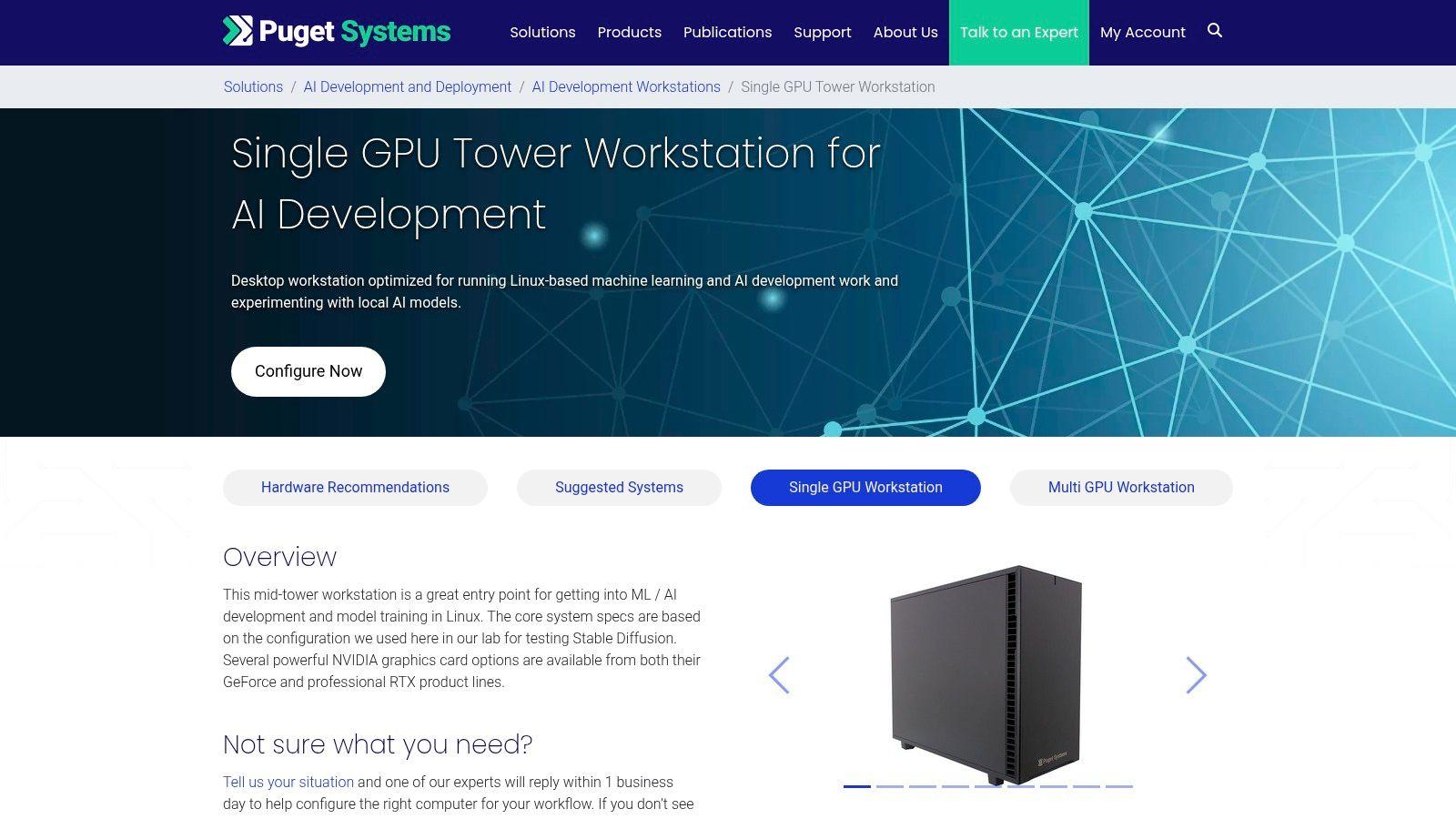
For those who want to skip the complexities of building a custom PC, Puget Systems offers pre-configured and tested hardware solutions specifically for AI and machine learning. Instead of providing a model or software, this US-based system integrator sells high-performance workstations designed to handle the demanding resource needs of local LLMs. Their service is ideal for professionals, SMBs, or research teams who need a reliable, turnkey hardware platform that works out of the box for serious local AI development.
Key Features & User Experience
The core offering is professionally built hardware with expert support. Customers can work with consultants to select the right components, including powerful NVIDIA GPUs (from GeForce to RTX professional cards), appropriate cooling, and power supplies validated for sustained ML workloads. This removes the guesswork and potential for component incompatibility, a common frustration for DIY builders. The experience is consultative, focused on matching a system to your specific AI goals, a significant advantage for those investing heavily in local LLM infrastructure.
Hardware Requirements & Use Cases
As a hardware provider, Puget Systems is the solution to hardware requirements. Their systems are built to order, representing a significant upfront investment compared to building your own PC. However, the cost includes assembly, rigorous testing, and dedicated support, providing immense value for commercial use. Lead times and component availability can vary.
- For Students & Families: This is likely overkill; building a consumer-grade PC or using a service like Ollama on existing hardware is more practical for educational and home use.
- For SMBs & Developers: An excellent choice for teams needing a dedicated, powerful, and reliable machine for fine-tuning models, running complex RAG pipelines, or serving multiple local LLM instances without the hassle of a DIY build.
Website: pugetsystems.com
Top 12 Local LLMs — Feature Comparison
| Product | Core features | Quality ★ | Value / Price 💰 | Target 👥 | Unique selling points ✨ / 🏆 |
| Ollama | One-command model pulls, local chat + localhost REST API, GUI drag‑drop | ★★★★☆ | 💰 Free core, paid cloud add‑ons | 👥 Families, SMBs, privacy-first users | ✨ Very low-friction local setup, offline by default, 🏆 easy model library |
| LM Studio | Desktop hub, OpenAI-compatible API, SSO & SDKs | ★★★★☆ | 💰 Freemium (team features paid) | 👥 Small teams, enterprises testing on-device workflows | ✨ Enterprise SSO & SDKs, team access controls, 🏆 cross-platform performance |
| GPT4All (Nomic) | Free desktop chat, LocalDocs (RAG), model catalog | ★★★★☆ | 💰 Free | 👥 Families, students, SMBs (entry-level) | ✨ LocalDocs for on-device RAG, very privacy-focused, 🏆 easiest free entry |
| Hugging Face Model Hub | Massive model catalog, filters, downloads & GGUF repos | ★★★★★ | 💰 Free to browse (licenses vary) | 👥 Developers, researchers, model hunters | ✨ Largest community hub & model discovery, 🏆 unparalleled breadth |
| Text Generation WebUI | Extensible web UI, many backends, extensions, multimodal | ★★★★☆ | 💰 Open-source (time cost) | 👥 Tinkerers, advanced users, devs | ✨ Extensions ecosystem, tool-calling & image gen, 🏆 highly flexible |
| KoboldCpp (KoboldAI) | Single-file GGML/GGUF server, KoboldAI UI, TTS/STT utilities | ★★★★☆ | 💰 Free / open-source | 👥 Creative writers, role‑players | ✨ Lightweight executable, LoRA & streaming support, 🏆 fast spin‑up |
| MLC LLM / WebLLM | Compiler-driven on-device inference (desktop/mobile/browser), SDKs | ★★★★☆ | 💰 Free (engineering cost) | 👥 Developers needing edge & mobile inference | ✨ True edge + WebGPU browser inference, 🏆 mobile & in‑browser deployments |
| Jan | Offline desktop app, OpenAI-compatible local API, clean UI | ★★★★☆ | 💰 Free / open-source | 👥 Families, students, consumer users | ✨ 100% offline simple UI, model picker/store roadmap, 🏆 privacy-first UX |
| LocalAI | Drop-in OpenAI-compatible REST API, multiple backends, WebUI | ★★★★☆ | 💰 Free/self-host (infra cost) | 👥 SMBs, internal dev teams, product integrations | ✨ API-first local deployment, semantic memory & agent tools, 🏆 production-ready API |
| llama.cpp | High-performance C/C++ inference engine, GGUF tooling, multi-backend | ★★★★★ | 💰 Free / open-source | 👥 Developers, performance engineers | ✨ Optimized kernels & GPU backends, GGUF tooling, 🏆 foundational runtime for local LLMs |
| NVIDIA TensorRT-LLM | GPU inference optimizations, advanced quantization, multi-GPU | ★★★★★ | 💰 High (best with NVIDIA GPUs) | 👥 Enterprises, GPU-heavy production teams | ✨ FP8/FP4/INT quantization & throughput optimizations, 🏆 top-tier latency & scale on NVIDIA |
| Puget Systems – AI Workstations | Pre-configured ML workstations, NVIDIA GPU options, support | ★★★★☆ | 💰 $$$ (premium hardware) | 👥 Teams wanting turnkey hardware | ✨ Tested turnkey configs + US-based support, 🏆 ready-to-run AI workstations |
Making Your Choice: From Local Power to Aggregated Simplicity
Navigating the landscape of local large language models can feel like charting unknown territory. We've journeyed through a comprehensive list of tools, from user-friendly interfaces like LM Studio and GPT4All to powerful, developer-centric frameworks such as llama.cpp and NVIDIA's TensorRT-LLM. Each option presents a unique trade-off between ease of use, performance, and flexibility, underscoring a central truth: the best local LLM setup is not a one-size-fits-all solution. It's the one that aligns perfectly with your specific needs, technical comfort level, and available hardware.
The core benefit linking all these tools is the promise of data sovereignty. By running models on your own machine, you reclaim control over your information, a critical advantage for small businesses handling sensitive client data, families safeguarding their privacy, or students working on proprietary research. This autonomy is the driving force behind the local AI movement.
Key Takeaways and Actionable Next Steps
To distill our findings, consider this simplified decision-making framework. Your choice will likely be guided by your primary goal and technical expertise.
- For Beginners and Casual Users: If you're a student, a family, or an individual user looking for a straightforward entry point, start with Ollama, LM Studio, or Jan. These applications offer a polished, intuitive experience that abstracts away most of the command-line complexity, allowing you to download and run models in just a few clicks. Your next step is to simply download one, pick a popular 7B model like Llama 3 or Mistral, and start experimenting.
- For Power Users and Tinkerers: If you enjoy customizing your experience and want more control over model parameters and performance, tools like Text Generation WebUI (oobabooga) and KoboldCpp are excellent choices. They provide a deeper level of configuration without requiring you to compile code from scratch. Your path forward involves exploring their settings, testing different model loaders, and fine-tuning the user interface to match your workflow.
- For Developers and Businesses: When performance, integration, and scalability are paramount, the more technical solutions are the answer. LocalAI offers a drop-in, API-compatible replacement for OpenAI, making it ideal for businesses looking to adapt existing applications. For absolute peak performance on specific hardware, llama.cpp (for CPUs) and NVIDIA TensorRT-LLM (for NVIDIA GPUs) provide the most optimized inference engines. Your next step is to review their documentation, assess your hardware, and begin prototyping an integration into your business's software stack.
The Privacy-First Alternative: When Local Is Still Too Much
While running a local LLM offers unparalleled privacy, it’s not without its challenges. The hardware requirements, setup time, and ongoing maintenance can be a significant barrier. This is where a hybrid approach, like the one offered by 1chat, becomes a compelling alternative.
1chat acts as a privacy-first aggregator, providing access to a wide range of powerful models without requiring you to host them. It's designed for teams, families, and businesses that prioritize data security but may not have the resources or desire to manage their own local AI infrastructure. You get the benefit of model diversity and performance without the technical overhead, making it an excellent compromise.
Ultimately, whether you choose the hands-on control of a dedicated tool like Ollama or the managed simplicity of an aggregator, you are taking a proactive step toward a more secure and personalized AI future. The journey to finding the best local LLM solution is one of exploration and experimentation. Use this guide as your map, start with the tool that best fits your profile, and embrace the power of running artificial intelligence on your own terms.