At 4:47 p.m., an operations manager is switching between three Slack threads, an overflowing inbox, and a client deck that still needs a conclusion. At home, a parent is helping a student turn scattered notes into a book report while dinner cools on the table. The work isn't difficult because every task requires deep expertise. It's difficult because dozens of small tasks keep interrupting the one decision that matters.
AI is useful when you treat it as a delegated first-draft layer. It can summarize a conversation, organize messy notes, suggest an outline, turn bullet points into readable prose, or create a starting list of questions. You still decide what matters, what sounds right, what is accurate, and what gets sent.
The honest promise is simple. AI doesn't create extra hours. It compresses the low-value minutes between meaningful ones. The teams that benefit most don't ask a chatbot to run the entire business. They assign it narrow jobs, review the result, and turn successful prompts into repeatable workflows for coworkers or family members.
The Real Productivity Promise of AI
The best use of AI isn't “do everything for me.” It's “remove the repetitive layer from this specific task so I can finish the judgment-heavy layer faster.”
That distinction changes how you work. Instead of pasting an entire project into a chatbot and asking for a solution, isolate the part that consumes attention without requiring much judgment. Ask AI to summarize the source material, identify open questions, draft a structure, or rewrite a passage for a defined audience. Then take control of the parts where context and responsibility matter.
Delegate the mechanical layer
A practical division of labor looks like this:
- AI handles intake: Summarize long threads, extract action items, group requests, and identify missing information.
- AI creates a first pass: Draft an email, meeting recap, project outline, study guide, or household plan.
- A person checks the substance: Confirm facts, remove invented details, adjust priorities, and make the tone appropriate.
- The owner makes the decision: Approve the recommendation, send the message, assign the work, or change the plan.
This approach works because most work contains both mechanical and judgment-heavy components. Writing a client reply may involve gathering context, arranging three points, and choosing a tactful response. AI can help with the first two. The account owner must decide whether the response protects the relationship and reflects the actual commitment.
Practical rule: Give AI the part of a workflow that is repetitive, text-heavy, and easy to inspect. Keep accountability with the person who understands the consequences.
That rule applies beyond offices. A family can use AI to turn known dietary preferences into a meal plan, but a parent still checks allergies and schedules. A student can request practice questions from lecture notes, but the student must answer them without assistance to discover what they understand.
The rest of this guide focuses on that operating model: match AI to the right task, use a repeatable prompt loop, protect sensitive information, and document what works. It also takes a firm position on tool sprawl. More chatbots usually create more places to search, more settings to understand, and more training friction. A small, trusted stack paired with clear habits beats a collection of disconnected subscriptions.
Where AI Actually Moves the Needle
AI produces its strongest gains when the task has a clear pattern and a large amount of repetitive language. The foundational evidence comes from a 2023 study of 5,179 customer support agents, where access to a generative AI assistant increased productivity by 14% on average, measured by issues resolved per hour. The gain was uneven: novice and low-skilled workers improved by 34%, while experienced and highly skilled workers saw minimal impact. The NBER study supports a useful operating principle: AI often helps people who are still building speed more than experts who already work near their personal ceiling.
That makes AI a strong fit for onboarding, support replies, internal knowledge lookup, routine drafting, and document summaries. It doesn't mean complex work has no value. It means you should separate the messy intake and formatting work from strategy, nuanced client communication, high-risk decisions, and final approval.
Microsoft's research on real-world workplaces points in the same direction. Copilot users created and edited 10% more documents, read 11% fewer emails, and spent 4% less time interacting with email after adoption, according to its 2024 workplace research report. The report also describes a large study in which productivity rose by 21.2% among users who used the system more than 100 times over a 20-week post-adoption period. These results describe measurable changes in everyday work, not a promise that every task becomes dramatically faster.
Match the task to the tool
Use the table as a prioritization guide, not a guarantee. “Typical AI lift” describes the likely usefulness of AI assistance based on task structure, not a fixed result for every person or company.
| Task Type | Typical AI Lift | Best Use Case |
| Email replies | High for routine messages | Create a concise first draft from approved facts |
| Meeting notes | High | Turn notes or a transcript into decisions and owners |
| Code scaffolding | Mixed | Generate a small, reviewable starting change |
| Data analysis | Mixed | Explain patterns, prepare questions, and draft summaries |
| Creative ideation | Variable | Expand options, challenge assumptions, and organize themes |
The common mistake is expecting AI to halve the time required for a complicated deliverable. In practice, it may halve the time spent cleaning up intake, drafting an outline, or formatting a first pass while leaving the difficult decision untouched.
For additional research and practical examples, explore 1chat's AI research resources. The key is to route high-volume, lower-stakes work through AI while preserving human control over accuracy, context, and consequences.
A Repeatable Workflow You Can Run Today
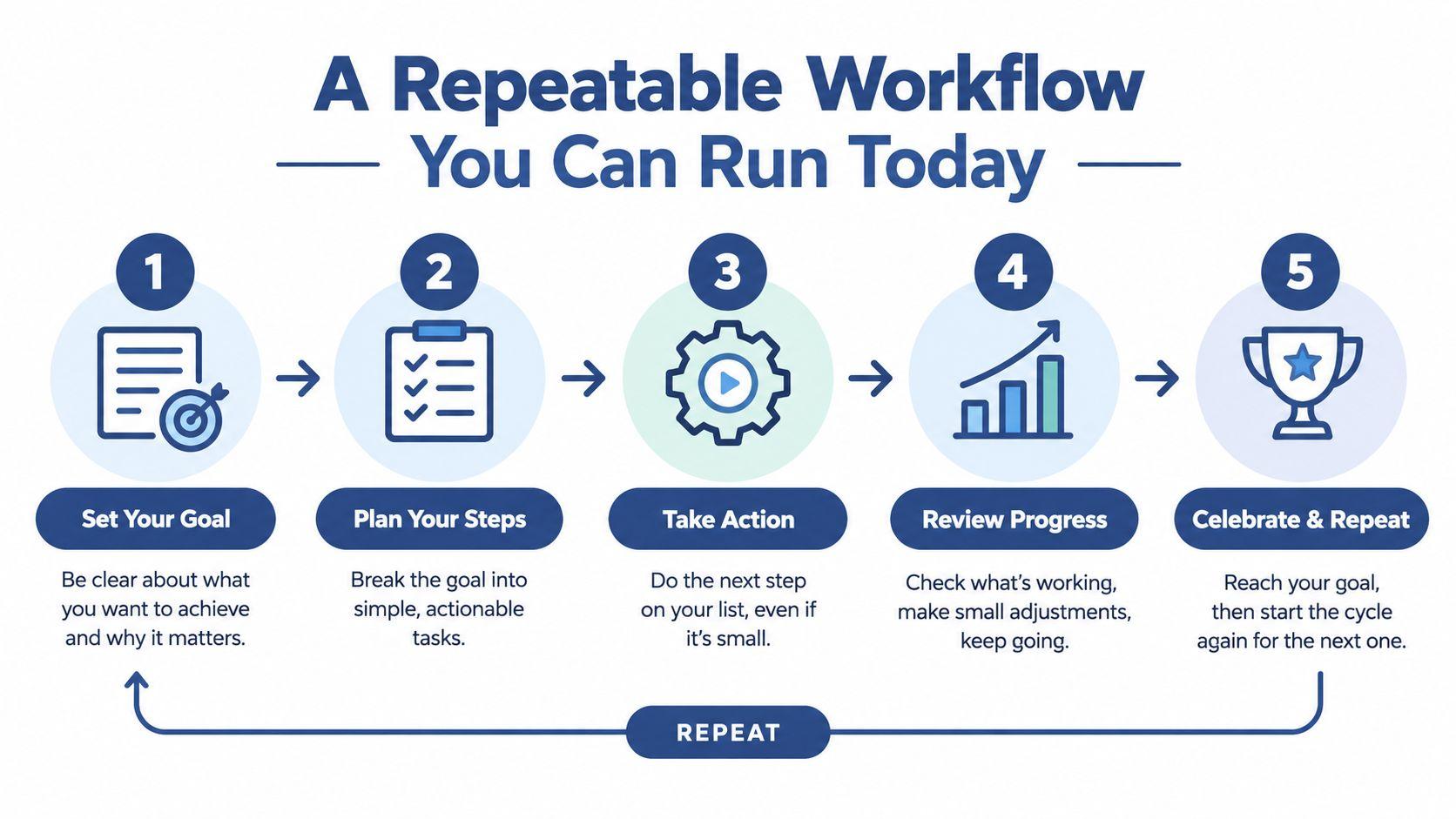
Productivity improves when AI becomes a small loop instead of an improvisation. Save this four-step process in your notes app and use it for writing, summaries, planning, and research support.
- Define the task in one sentence. Include the audience, format, and length. “Write something about the launch” is weak. “Draft a 120-word internal update for the sales team explaining the launch date, customer impact, and next action” gives the system a target.
- Build the prompt around four elements. State the role, provide relevant context, add constraints, and include a worked example when tone matters. Constraints such as “use bullet points,” “don't invent missing details,” or “flag uncertainty” prevent a polished but unusable answer.
- Generate, then inspect. Read for factual errors, missing context, inappropriate confidence, and tone. Don't edit every sentence immediately. First decide whether the output solved the original task.
- Refine with one tight instruction. Try “tighten to 120 words,” “make the request more direct,” “add one risk,” or “separate decisions from open questions.” Specific feedback produces a more useful second pass than “make it better.”
Three prompts worth saving
Client reply draft
Draft a professional reply to [client or customer type] about [issue]. The audience needs [desired outcome]. Use these verified facts: [facts]. Keep it to [length]. Don't promise anything not listed. Flag any missing information before drafting.
Swap the audience, issue, facts, and length. Keep the instruction about unsupported promises.
Meeting summary
Turn these notes into a one-page summary with four headings: decisions, action items with owners, unresolved questions, and risks. Use only the information provided. If an owner or deadline is missing, write “not assigned.” Notes: [paste redacted notes].
This structure keeps a summary from becoming a vague transcript.
Family chore plan
Create a weekly chore list for [household members] using these constraints: [school, work, accessibility, or schedule constraints]. Balance the workload, avoid assigning [excluded tasks], and format the result as a simple table. Ask one clarification question if the schedule is incomplete.
For team-wide automation, a more advanced AI agent workflow for teams can help you think through ownership, triggers, approvals, and handoffs. You don't need an agent for every task. Start with a workflow that already repeats.
Protect the inputs. Redact names, account numbers, private student details, customer identifiers, and family information before using a public chatbot. Route sensitive material through a privacy-respecting workspace such as 1chat, which supports organized conversations, saved chats, and document analysis. Its product and workflow information can help you evaluate whether those features fit your process.
Before sending the result, run this 60-second check:
- Task check: Does the output answer the one-sentence request?
- Fact check: Can you verify the important claims in five seconds?
- Privacy check: Would you be comfortable if the recipient saw the prompt and source material?
- Ownership check: Has a person approved the decision and any promises?
The best workflow is boring enough to survive a busy Monday.
Role-Specific Playbooks for SMBs, Teams, Families, and Students
The same assistant behaves differently depending on the workflow around it. A small-business owner needs triage and response speed. A team lead needs consistent reporting. A family needs boundaries. A student needs practice, not an essay substitute.
| Role | Daily Trigger | Example Prompt | Human Review Step | Privacy Guardrail |
| SMB owner | Monday inbox review | “Group these redacted requests by urgent, waiting, delegate, and archive. Draft replies for the first group.” | Check priorities and approve every commitment | Remove customer names, contact details, and financial information |
| Team lead | Weekly standup | “Turn these updates into decisions, owners, blockers, and risk flags. Mark missing information.” | Confirm owners, dates, and risk level | Exclude customer PII and confidential contract details |
| Family | Weekly planning | “Build a meal and chore plan from these schedules and preferences.” | Check allergies, transportation, and fairness | Set rules for what children may paste into the chat |
| Student | After a lecture | “Create flashcards and practice questions from these notes, then quiz me on the weakest topics.” | Student answers independently and checks course materials | Don't paste private records or restricted assessment content |
The SMB Monday triage
Set aside a short planning block at the start of the week. Paste a redacted inbox export into a privacy-first assistant and request four groups: urgent response, waiting for information, delegate, and archive. Generate drafts only for messages that use known facts and approved language.
The owner still decides what is urgent. AI can classify and draft, but it can't know which customer relationship or cash-flow issue deserves priority unless you provide that business context.
The team standup digest
Ask each person for three raw updates: completed work, next action, and blocker. AI can turn those fragments into a one-page digest with risk flags, but the team lead must verify ownership and remove false certainty. A digest is useful only when someone acts on it.
Teams exploring broader workflow automation may find AI automation for agent productivity useful for thinking about repeatable triggers and handoffs. Keep the first implementation narrow. One reliable digest is more valuable than an elaborate system nobody maintains.
The family and student loops
A family can keep one weekly planning thread for meals, errands, and chores. Parents should define what children may enter, especially names, school identifiers, medical information, or private family issues. The assistant can organize options, but adults remain responsible for safety and final decisions.
Students should use AI as a study partner. Feed in lecture notes, request a flashcard draft and practice questions, answer without assistance, then ask for a quiz focused on missed concepts. That process builds retrieval practice instead of outsourcing the work that proves whether learning occurred.
Choosing the Right AI Stack Without Tool Sprawl
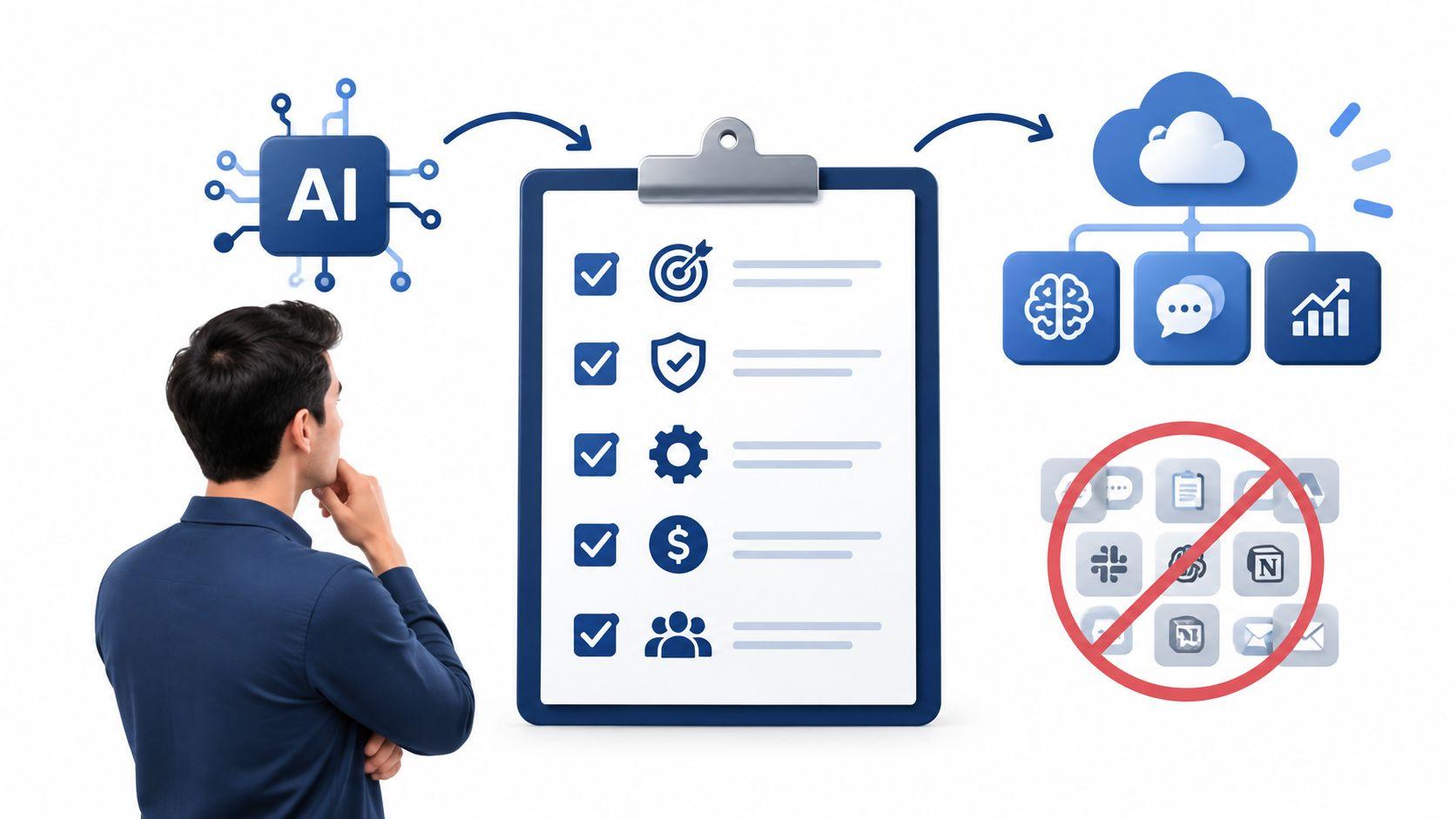
Collecting AI subscriptions feels productive because every new tool promises a cleaner workflow. In practice, each tool adds another login, interface, data policy, prompt library, and place where work can disappear.
The training gap matters here. In the 2026 evidence summarized by Alice Labs, 15.9% of U.S. workers reported employer-provided AI training while 39% were already using AI at work, a 23-point mismatch between usage and enablement. The same source reports an economy-wide efficiency gain estimated by the ECB at closer to 3.8%, and describes an analysis in which using more than three AI tools simultaneously can cause productivity collapse. Review the Alice Labs productivity report for the source's full framing.
The recommendation is straightforward. Start with three slots:
- A general assistant for drafting, summarizing, reasoning, and ideation.
- A workspace-integrated helper for tasks inside the tools your team already uses.
- A privacy-first option for customer, financial, student, or family material.
Map every recurring task to one primary tool. If two tools handle the same job, keep the one that produces an acceptable result with less copying and fewer decisions.
Audit the stack before adding another tool
Ask these questions:
- Replacement: Does this remove a manual step that happens every week?
- Integration: Does it work where the source data already lives?
- Privacy: Can you explain its data handling to a customer, parent, or manager?
- Ownership: Who maintains the prompts and reviews the output?
- Measurement: What single result will tell you whether it earns its place?
Run a two-week review. Retire tools that don't save time, improve quality, or make a sensitive workflow safer. For teams evaluating a dedicated workspace, compare capabilities and limits on 1chat's pricing page, then test one real workflow rather than judging a demo.
Name saved prompts consistently, such as ROLE_TASK_AUDIENCE_VERSION. Examples include OPS_WEEKLY_DIGEST_INTERNAL_V1 and FAMILY_MEAL_PLAN_WEEKLY_V1. Searchability is a productivity feature. If nobody can find the approved prompt, the team will recreate it badly.
Troubleshooting Bottlenecks and Review Bottlenecks
AI output isn't always the main problem. The review queue is often where the workflow breaks.
Faros' 2025 study of more than 10,000 developers across 1,255 teams found AI coding assistants were associated with 21% more tasks completed and 98% more pull requests merged, but also 91% longer pull request review time, 9% more bugs per developer, and 154% larger average pull request size. The Faros engineering analysis shows why local speed can create a system bottleneck when review and quality assurance can't keep up.
Use three controls:
- Reduce the review surface: Generate smaller drafts and smaller code changes. Any draft longer than 500 words should be split into sections before editing.
- Limit review passes: Use two passes maximum. First check facts and completeness. Second check tone, formatting, and usability.
- Capture recurring corrections: Keep a shared corrections document. Turn the five most common fixes into a reusable prompt prefix.
| Symptom | Likely Cause | Remedy |
| Outputs feel generic | Context or audience is missing | Add a specific reader, goal, example, and constraint |
| Review takes longer than drafting | The output is too large | Ask for a smaller section or structured bullets |
| Errors repeat | Corrections stay in private notes | Add the correction to a shared prompt prefix |
| Team stopped using it | The workflow has no owner | Assign one person to maintain the template |
| More output creates more delays | Approval capacity is limited | Reduce volume and prioritize reviewable work |
Don't measure only how much AI produces. Measure how much approved work reaches the next step.
Turning Individual Speed Into Shared Results
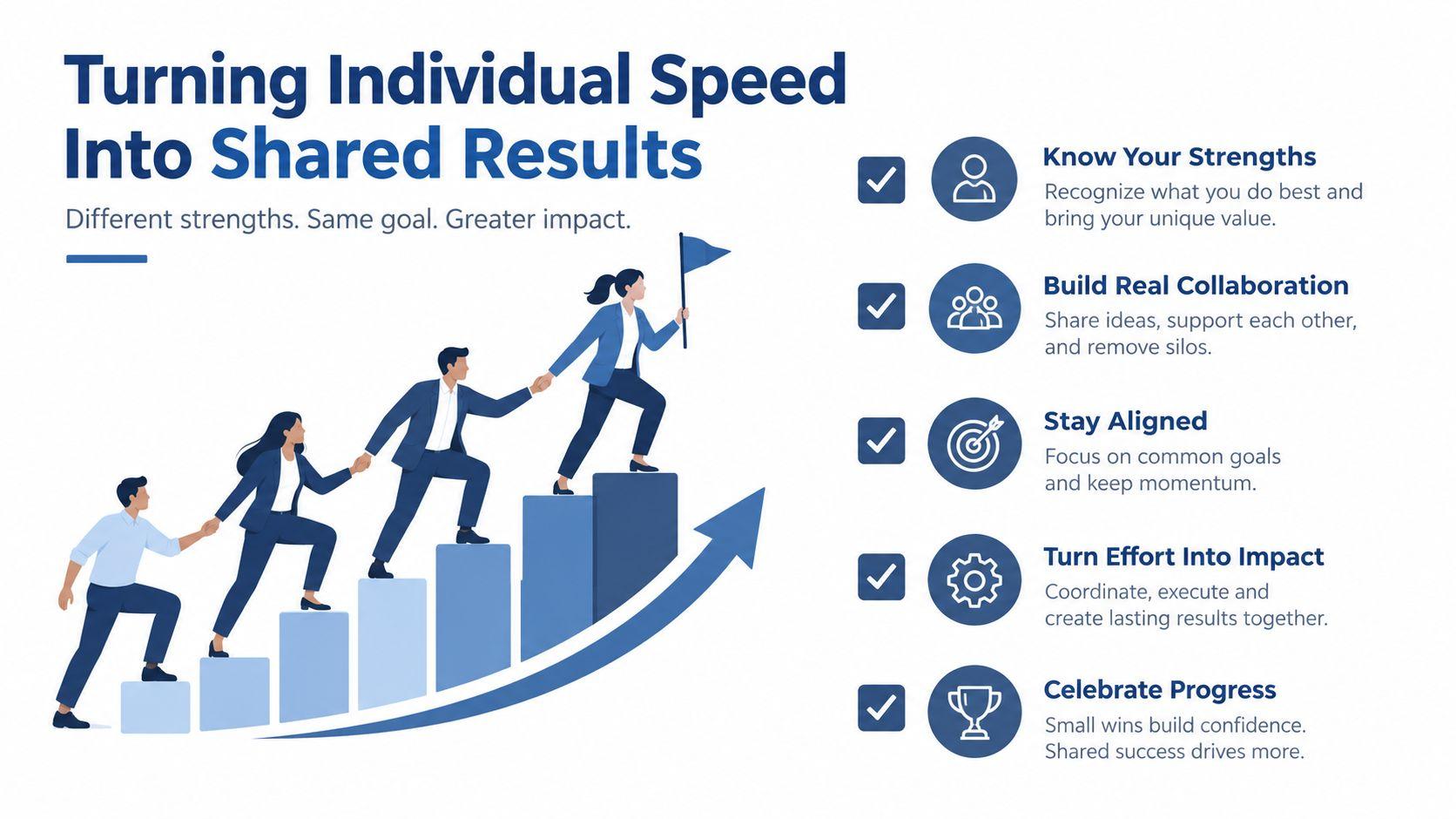
One person becoming faster is useful, but it isn't a company workflow. Shared productivity starts when that person's prompt becomes a documented process with an owner, an approval rule, and a visible result.
For each recurring task, record four things:
- Task name: Describe the repeated job in plain language.
- Prompt: Save the approved version with examples and constraints.
- Human review: Name who checks facts, tone, privacy, and decisions.
- Output metric: Track one result, such as time saved, errors caught, or items shipped.
A weekly review keeps the library alive. Ask which prompts saved work, which corrections repeated, and which tasks should be removed from the system. A family can use the same approach for meal planning or homework support. The workflow doesn't need corporate software. A shared document and a named owner are enough to begin.
A 14-day starter plan
- Days 1 to 3: Choose three recurring workflows, such as inbox triage, meeting summaries, and study planning.
- Days 4 to 7: Draft shared prompts, define privacy boundaries, and assign a reviewer for each workflow.
- Days 8 to 10: Pilot the workflows with one team, department, or family routine.
- Days 11 to 14: Record time saved, errors caught, or items shipped. Keep the workflows that help and revise or remove the rest.
The aim isn't to create AI power users. It's to create dependable habits that don't rely on one enthusiastic employee or one parent doing everything manually.
Individual speed is a useful signal. Shared output is the result that matters.
Start today by choosing one repetitive workflow, writing its task sentence, and testing the four-step loop with redacted information. Save the prompt only after a person has reviewed the result, then invite one coworker or family member to run the same process. Over the next two weeks, keep the workflows that produce approved work with less friction, and retire everything that merely adds another tool to manage.