You hear it. A dusty guitar stab in a film soundtrack, a strange vocal in a YouTube rip, a breakbeat buried in a DJ set, or a perfect two-second chord from a forgotten B-side. It sounds like the center of your next track. Then the essential work starts.
First, you need to identify what you're hearing. Then you need to find a usable version of it, decide whether you're studying it, flipping it, or replacing it, and make sure you can release the result without walking into a rights problem. That's where most “song sample finder” roundups fall short. They treat discovery, sourcing, and clearance like the same job when they're not.
Sampling has always been bigger than one genre. The Amen Break alone, taken from The Winstons' 1969 recording, has appeared in over 5,000 documented songs across hip-hop, jungle, and drum and bass, and it's widely recognized as the most sampled song of all time, as noted in The Forty Five's history of famous music samples. That lineage matters, but a modern producer also needs a practical toolkit.
The tools below are organized the way producers work. Identification first. Sourcing next. Legal clearance after that. Creative integration last. Some are for research, some are for digging, some are for building tracks fast, and some are only useful if you're handling rights correctly.
1. WhoSampled
A common studio moment goes like this. You hear a snare, horn stab, or vocal phrase in a finished record and need to know where it came from before you waste an hour chasing the wrong source. At the identification stage of the sampling workflow, WhoSampled is usually the fastest way to get that answer.
WhoSampled is a research tool first. It helps trace relationships between released songs, including samples, remixes, covers, and interpolations, through its song and artist database on WhoSampled. That makes it useful when the job is reference work. Find the original record, hear how another producer flipped it, then decide whether you want to hunt down the same source, clear it properly, or build your own replay.
Best for identification and sample genealogy
WhoSampled earns its place here because it answers very specific pre-production questions.
- Track sample lineage fast: Search a record and see what it borrowed, what borrowed from it, and how those relationships connect.
- Check the musical detail: Side-by-side comparisons help when you want to hear whether the producer lifted a phrase directly, pitched it, chopped it, or replayed the idea.
- Build better references: It is one of the fastest ways to turn a vague influence into a concrete listening list before a session starts.
The trade-off is just as clear. WhoSampled tells you what likely happened in a released track. It does not give you the audio, and it does not give you permission to use anything. If a sample is headed toward release, treat WhoSampled as the research pass, then confirm your usage plan against actual rights and platform terms. For that side of the process, keep your usage and legal policy checks in one place.
Its mobile app is also useful for note-taking away from the desk. The WhoSampled app on Google Play makes sense if you hear something in a store, set, or rideshare and want to tag it before the idea disappears.
My rule is simple: use WhoSampled to identify the family tree of a sample. Then move to sourcing and clearance with different tools.
2. Tracklib
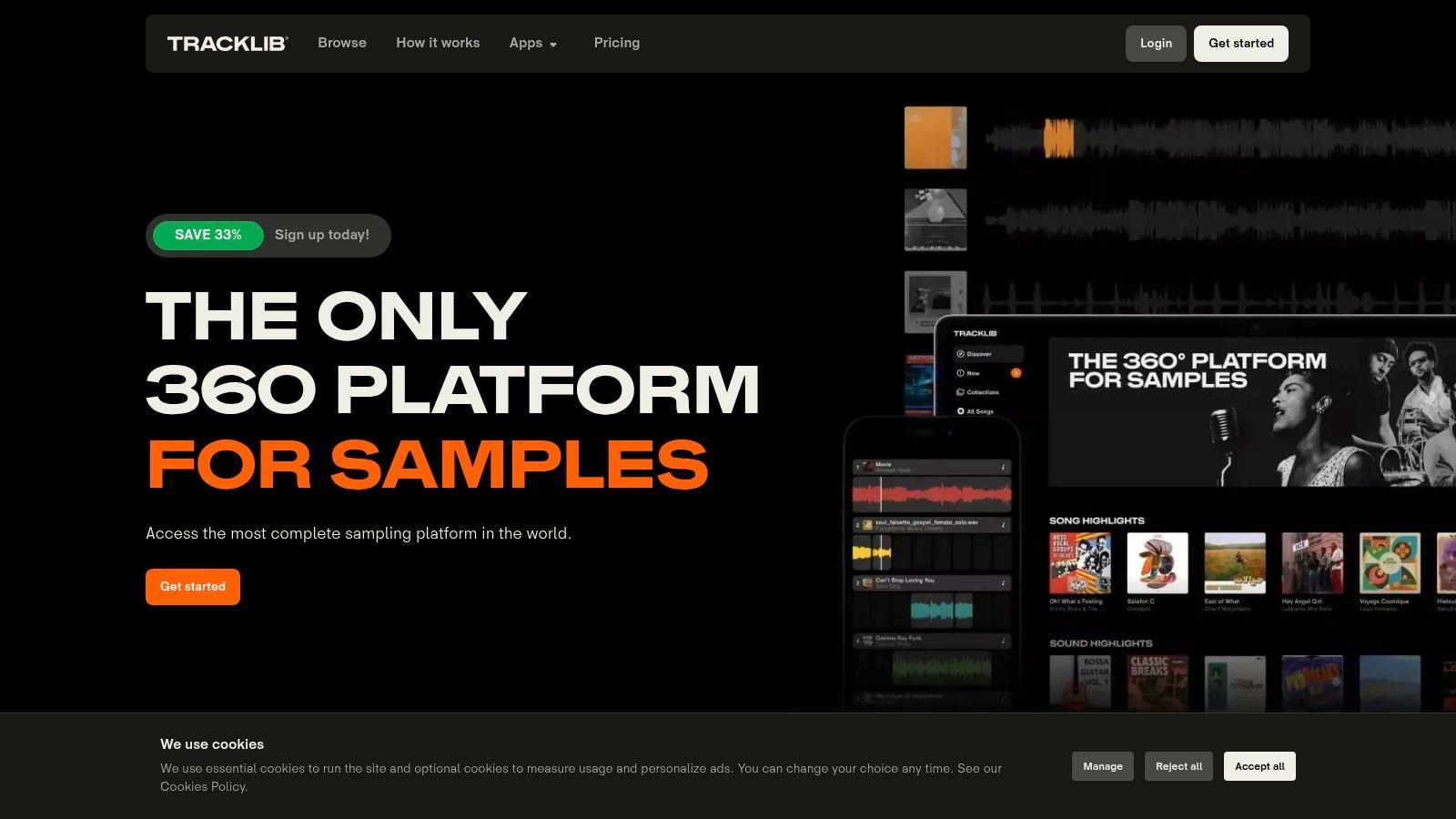
You found the loop. It is perfect. Now the essential question starts. Can you clear it fast enough to keep the release on schedule?
That is the job Tracklib handles better than most tools in this guide. In the sampling workflow, it sits between identification and release. After you confirm what you want to sample, Tracklib gives you a practical path to source original recordings and license them without starting from a cold email chain to multiple rights holders.
Best for legal sampling from original songs
Tracklib works well when the sample is the point of the production, not just a placeholder. If I know the record itself carries the emotion, texture, or cultural reference the track needs, I would rather start with a platform built around licensable songs than spend hours chopping something I may not be able to release.
A few parts of the workflow stand out:
- Source from real recordings: You are digging through actual songs, not only royalty-free packs or construction-kit fragments.
- Clear while you build: Licensing is part of the process, which saves time compared with finding a sample first and chasing permission later.
- Set expectations early: The platform makes you deal with terms, usage tiers, and reporting up front, which is better than discovering limits after the master is done.
That last point constitutes the primary value. Tracklib does not remove legal responsibility. It makes it easier to handle early, while arrangement decisions are still flexible. If you need a reminder to check what a tool or platform allows around release and usage, keep your usage and release policy checks in one place.
There is a trade-off. Tracklib is not the fastest option if you only need disposable raw material for sketching ideas. For that, a broad royalty-free catalog is usually quicker. Tracklib makes sense when you want the character of an existing record and you want a cleaner route from crate-digging to clearance.
Use it for the sourcing and legal-clearance stages. Then do the creative integration in your DAW, with the confidence that the sample choice was not a legal time bomb.
3. Splice Sounds
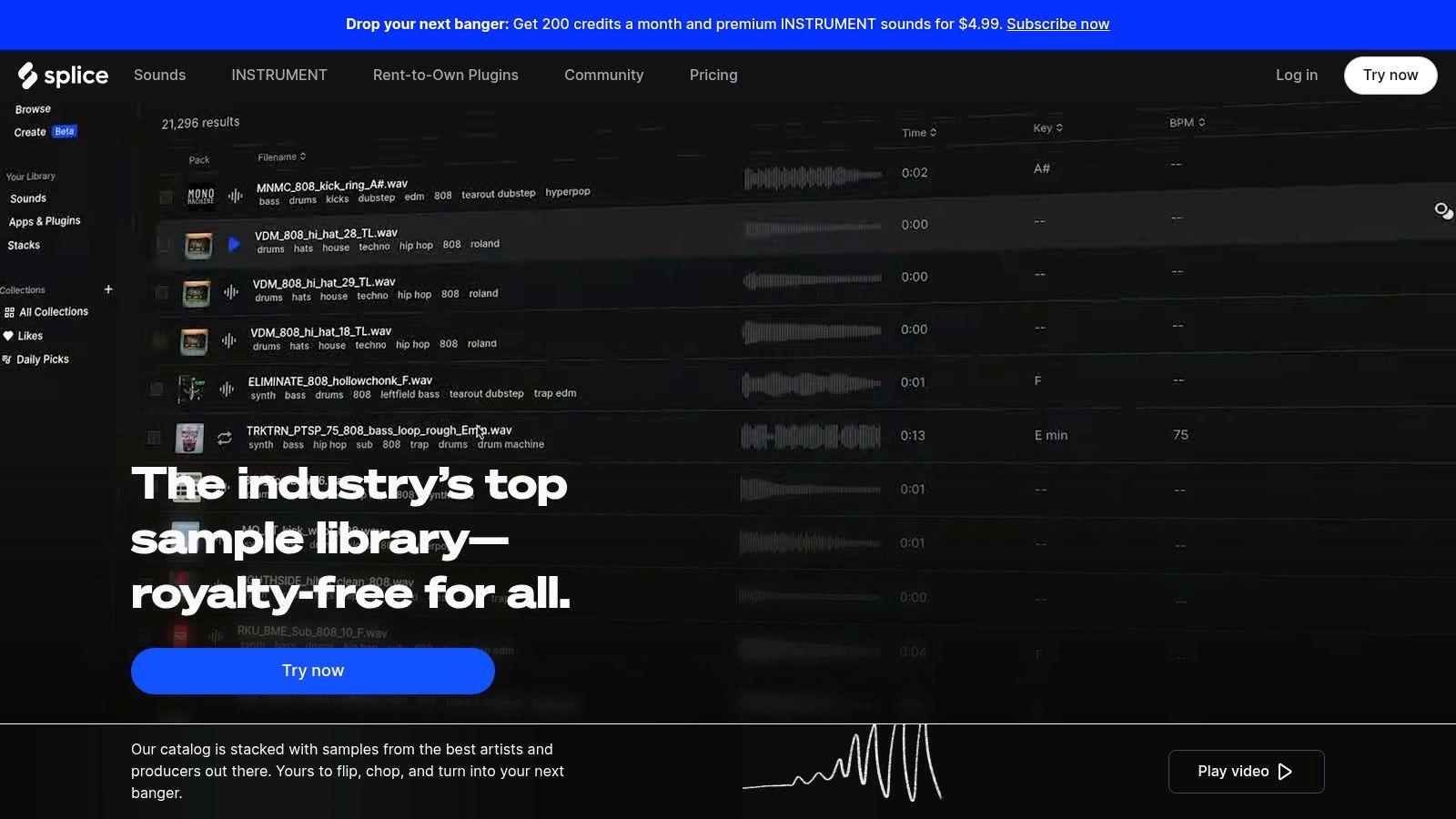
Splice is what I use when I don't need the history of a sample. I need a sound that fits the track today. That's a different job, and Splice is built for speed.
In market terms, it's the benchmark platform. The global music sample marketplace was valued at $1.8 billion in 2025 and is projected to reach $4.6 billion by 2034, with web-based platforms holding 67.3% of market revenue in 2025. In that market, Splice holds an estimated 22% platform share, with a library of more than 5 million samples and about 6 million active users, according to Market Intelo's music sample marketplace report.
Best for sourcing royalty-free sounds fast
Splice works well when your workflow sounds like this: drag in a drum loop, search for a warmer snare, replace the bass one-shot, then build a whole melodic layer around the first idea. It's less about lineage and more about momentum.
A few strengths stand out:
- Similarity search: Great when you already have a reference sound and want near-neighbors.
- Search with Sound: Useful for matching a sample to audio or MIDI you've already started.
- Broad catalog depth: If you work across genres, it's hard not to find something usable.
The downside is also familiar. Subscription structure and feature access can feel uneven depending on the plan, and some producers never love credit-based ecosystems. But if the goal is to move from blank session to workable arrangement quickly, Splice is still one of the fastest options in the stack.
Good sample selection beats endless plugin rescue. Splice is strongest when you already know the lane and need the right raw material.
4. Loopcloud
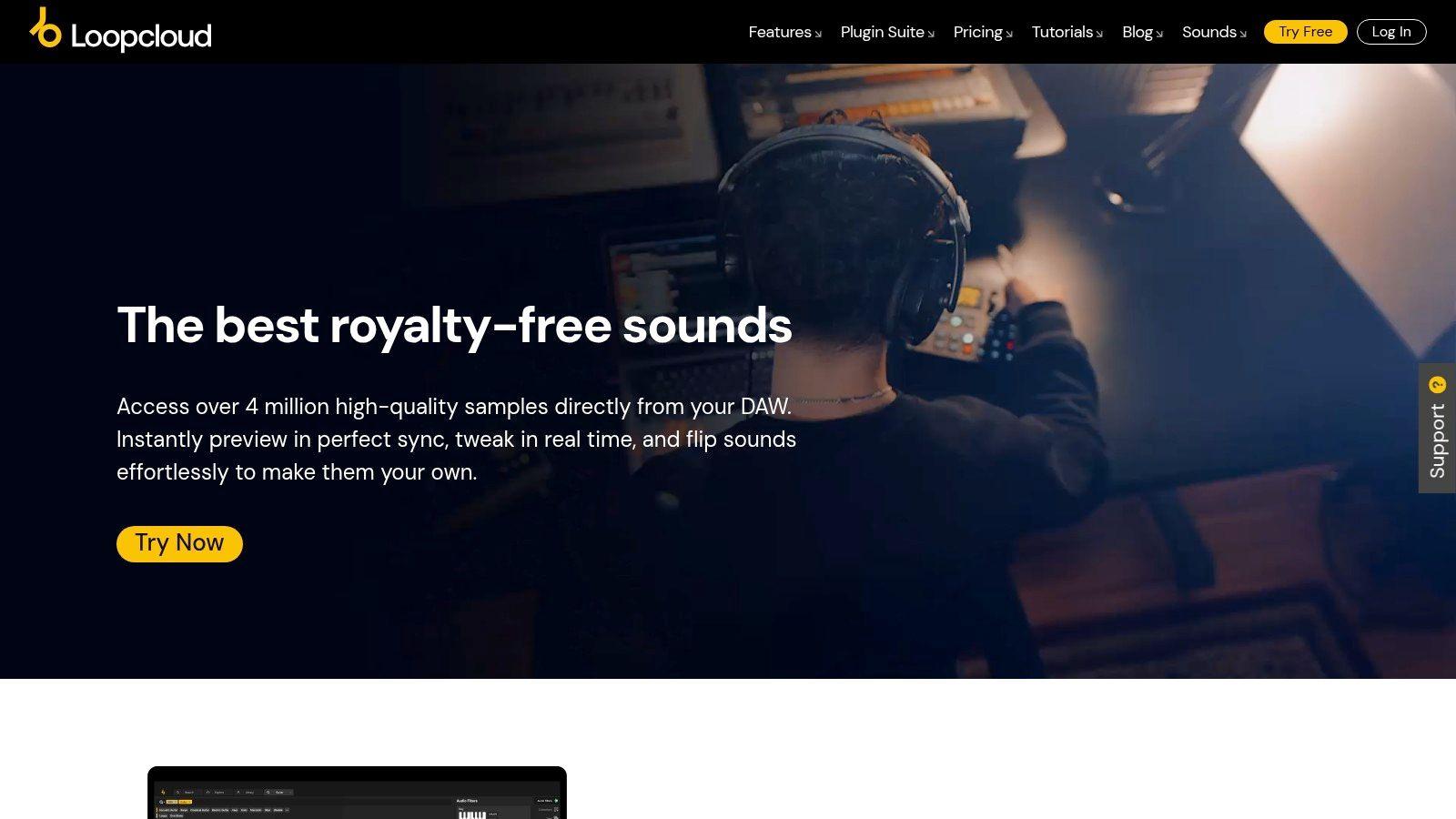
Loopcloud sits in a useful middle ground between marketplace and arrangement tool. A lot of sample libraries help you find sounds. Fewer help you hear whether those sounds belong together before you commit.
That's why Loopcloud works best for producers who build from loops, tonal fragments, and rhythmic layers instead of just hunting isolated one-shots. Its matching tools and in-app editing make it easier to audition combinations that share harmonic and rhythmic logic.
Best for musical matching before you buy in
Loopcloud earns its place when you want cohesion, not just variety. Its local-library analysis is part of that advantage. You can compare what's in the store against what's already on your drive, then test-fit pieces in a more musical way than standard folder browsing allows.
What it does well:
- Find Similar behavior: Good for replacing one loop with another that keeps the same role.
- Harmonic and rhythmic matching: Useful when your arrangement is already moving and you don't want to break the groove.
- In-app editor: Handy for trying small arrangements before importing everything into the DAW.
The credit system takes a minute to get used to. Some producers hate abstract points models on principle. Fair enough. But if your bottleneck is “I've got sounds, but they don't lock together,” Loopcloud is more practical than a raw sample dump.
5. Sononym
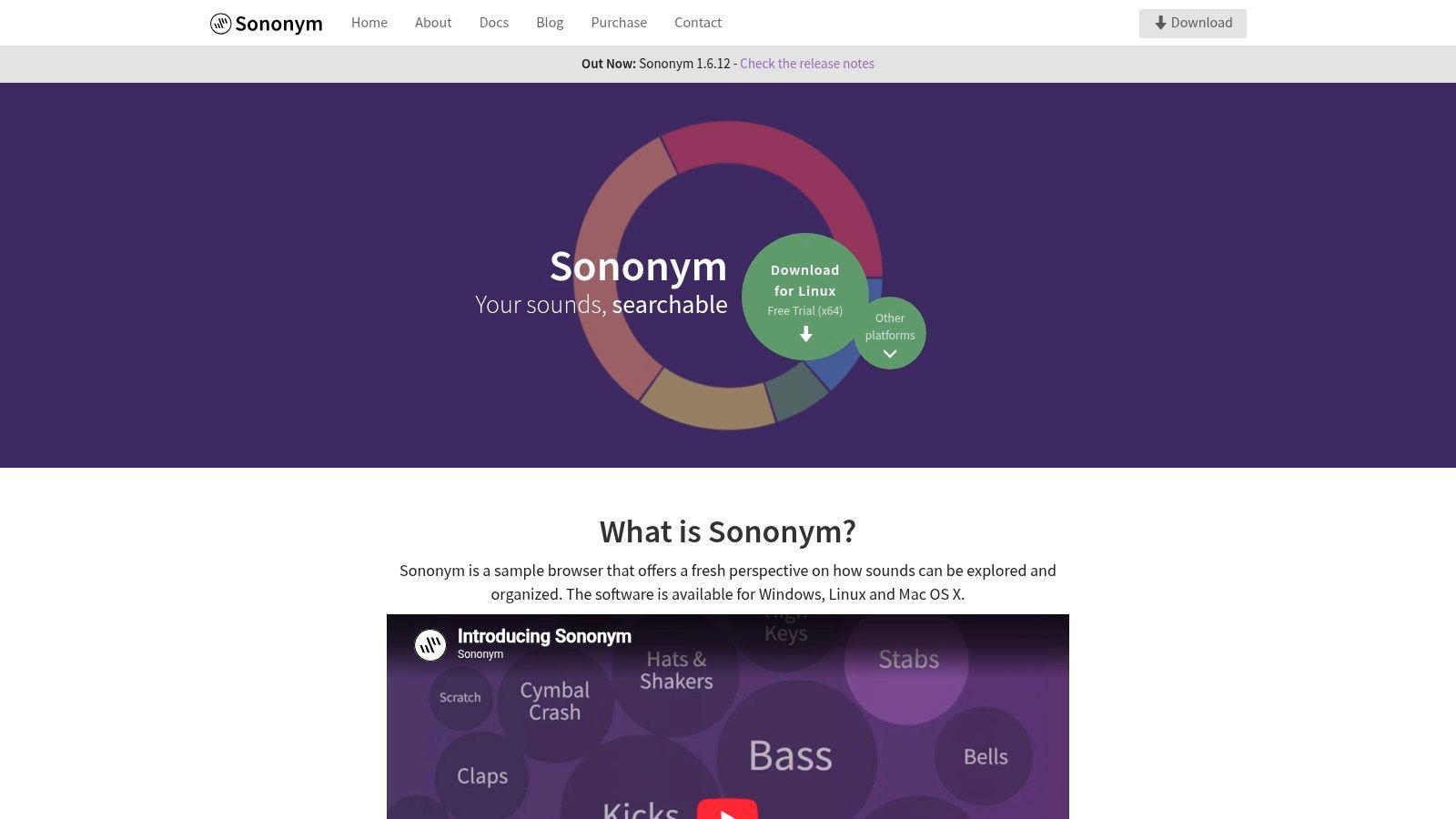
Sononym is for the producer who already owns too many samples and can't find any of them. That's not a joke. A lot of people don't need another marketplace. They need a better way to mine the drives they already have.
Sononym shines. It's a local sample browser focused on similarity, filtering, and retrieval. If you've ever thought “I know I have a kick like this somewhere” or “find me a texture with this same grit but less low-mid junk,” Sononym is the right kind of nerdy.
Best for searching your own library
The big advantage is independence. No subscription treadmill, no cloud catalog as the center of the experience, just better search across local folders.
Here's where it fits:
- Recover forgotten sounds: Old sample packs become usable again when search is based on character, not folder names.
- Find variants fast: Excellent for “same family, different tone” decisions.
- Work offline: Ideal if your best material lives on external drives and private folders.
For producers doing a lot of sample management, research matters almost as much as sound choice. The 1chat research workspace is useful for cataloging references, source notes, and workflow decisions around libraries like this.
Sononym doesn't solve licensing, and it doesn't include an online store. That's the trade. It's not where you go to buy sounds. It's where you go to stop wasting the sounds you already bought.
6. XLN Audio XO
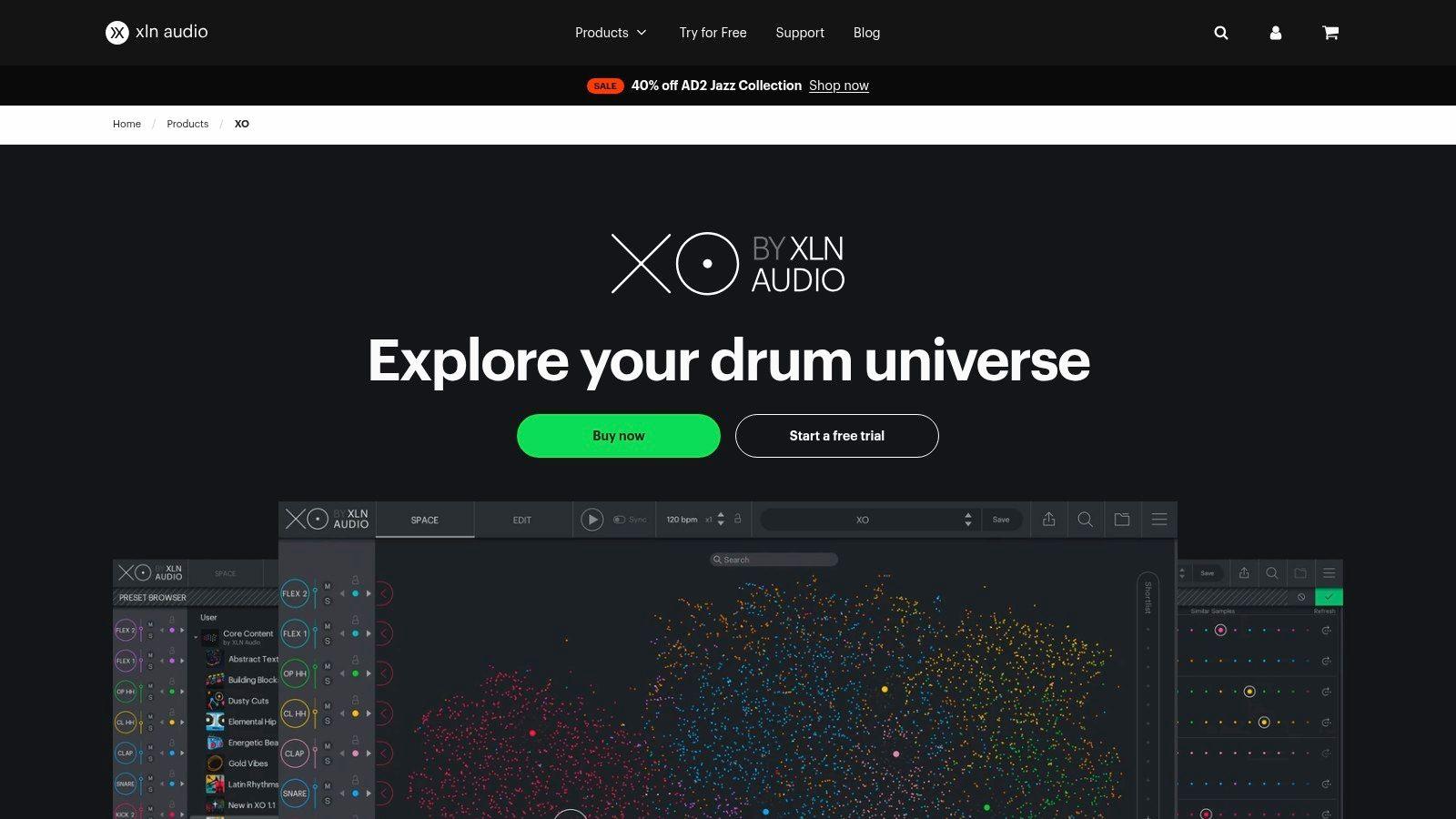
XO is specialized, and that's why it works. It doesn't try to be an all-purpose song sample finder. It's a drum brain. If your sessions start with percussion, this is one of the fastest ways to build a coherent kit from a huge pile of one-shots.
The visual “galaxy” approach sounds gimmicky until you use it for ten minutes. Then it clicks. Similar sounds cluster together, and replacing a snare without breaking the vibe becomes much faster than list-based browsing.
Best for drum replacement and kit building
XO is strongest in beat-driven genres where tiny changes in drum character matter more than people admit.
- Build sonically matched kits: Great for keeping kicks, snares, hats, and percussion in the same neighborhood.
- Swap without derailing the groove: The Similarity List is useful when a sound almost works but not quite.
- Sketch ideas quickly: The built-in sequencer helps test a kit immediately.
Don't use XO if you need melodic sample discovery. Use it when your drums are slowing you down.
That focus is also the limitation. If you need vocals, textures, or long-form loops, use something else. But for one-shot percussion selection, XO is one of the most efficient tools on this list.
7. Sample Focus
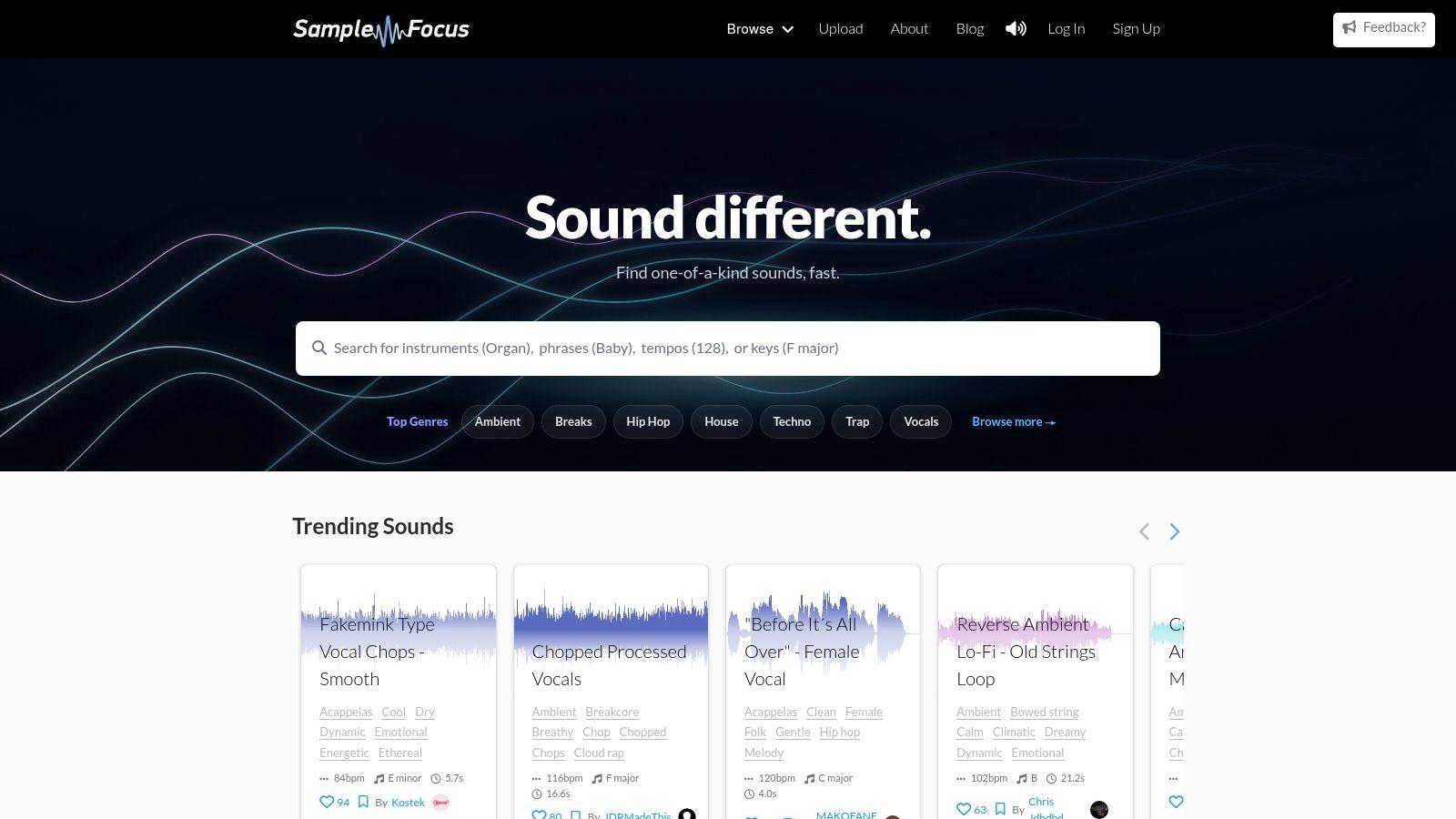
A beat is 90% there, but it still feels generic. The drums hit, the chords work, and the mix is clean. What's missing is the imperfect detail: a strange vocal chop, a room tone recording, a worn-out percussion hit, something with actual texture. That's the job Sample Focus handles better than the bigger, cleaner libraries.
In the workflow of this guide, Sample Focus fits the sourcing stage. Use it after you know the kind of sample you need, but before you start worrying about clearance or final arrangement. It's especially useful when Tracklib feels too rights-focused and curated, and when Splice or Loopcloud feel too pack-driven.
Best for unusual source material and human-sounding texture
The value here is not polish. It's character.
Sample Focus is built around user uploads, tags, and searchable categories, so it tends to surface sounds that feel less standardized than what you get from major subscription catalogs. That cuts both ways. You can find inspiring material fast, especially for lo-fi, experimental, ambient, horror, and left-field hip-hop. You also have to audition more carefully because recording quality, tagging accuracy, and edit points vary.
What it does well:
- Find odd textures fast: Useful for foley, vocal fragments, noise beds, found sound, and imperfect one-shots.
- Break out of pack habits: Good choice when your sessions keep landing on the same polished sample aesthetic.
- Support idea-first digging: Search by sound type, mood, or musical traits, then pull a few strange options into the DAW and test them in context.
The trade-off is consistency. Sample Focus rewards producers who know how to clean, trim, pitch, and process rough material. If you want drag-and-drop samples that are mix-ready on arrival, other libraries are faster. If you know how to shape raw material, the rough edges are the point.
I use Sample Focus for color, not for the foundation of a track. It works best once the arrangement already tells you what's missing. Then you go hunting for the one imperfect sound that gives the record identity.
8. ACRCloud
A producer hears a fragment in a user upload, DJ mix, or archived clip and wants the system to identify it automatically. That is the job ACRCloud is built for.
ACRCloud sits on the identification side of the workflow. It is not a digging platform like WhoSampled, and it is not a licensing marketplace like Tracklib. It is recognition infrastructure for apps, platforms, rights tools, and internal music databases that need fingerprinting and content matching built in.
That distinction matters. If you are making beats, this usually is not the tool you open first. If you are building a product that needs to recognize audio at scale, it belongs on the shortlist.
Best for product-level identification
ACRCloud is a strong fit for teams that need recognition inside the product itself:
- Audio fingerprinting in an app: Useful when users upload clips and expect fast song identification.
- Catalog matching: Helpful for platforms checking submitted audio against reference material.
- Custom workflows: Better suited than consumer apps when you need API access, automation, and control over how recognition fits into your pipeline.
The trade-off is obvious. ACRCloud gives developers flexibility, but it asks for technical setup, database planning, and clear expectations about what counts as a match. Short, noisy, heavily processed, or layered samples are harder than clean commercial recordings. That matters if your use case involves chopped sample flips instead of full-track recognition.
For the sampling workflow, ACRCloud belongs at the very first stage: identification. It helps answer, "What is this audio?" After that, you still need other tools for sourcing, clearance, and actual creative use.
9. Shazam
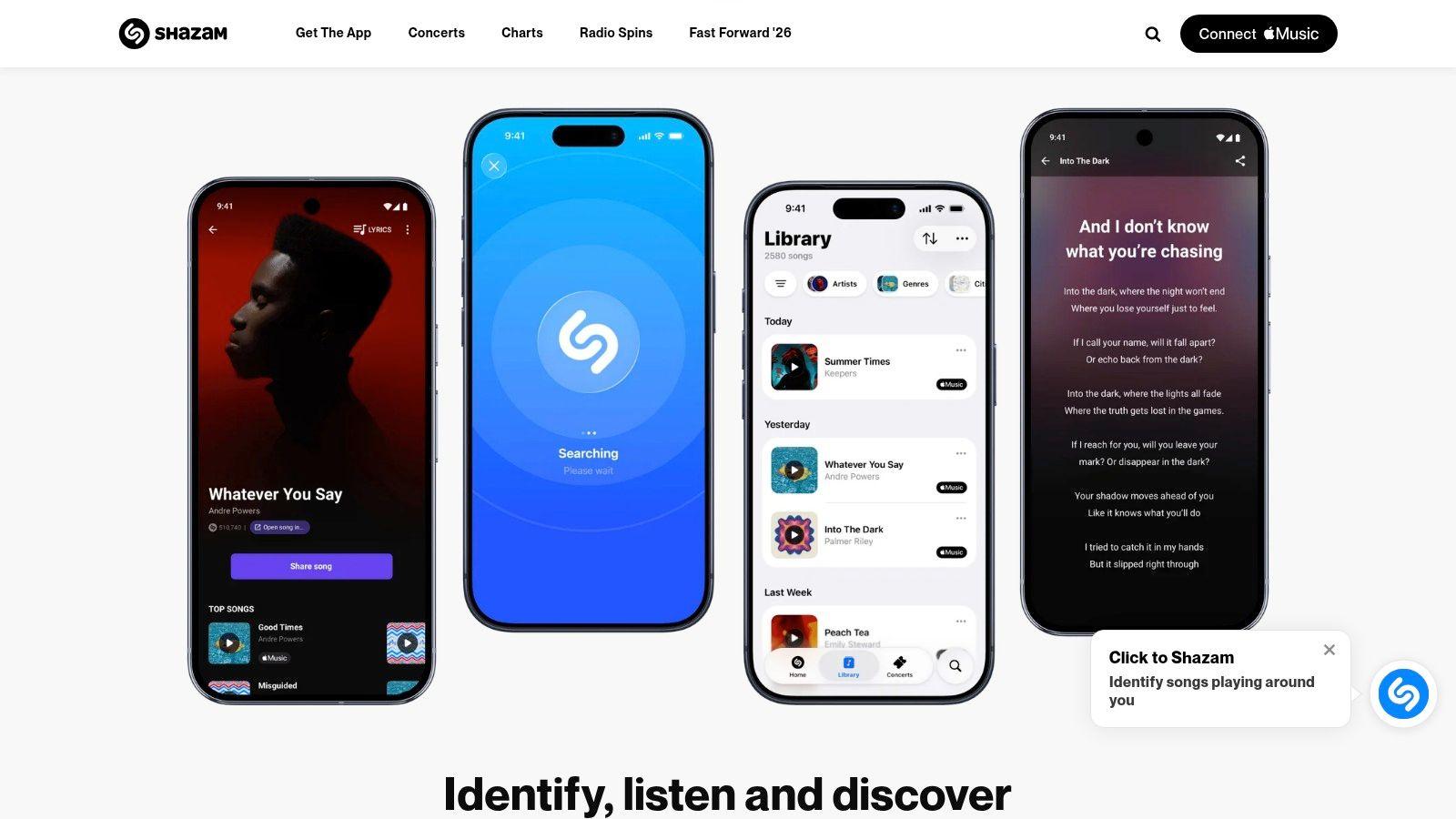
Shazam is still the fastest first move when you hear a full track in the wild and don't know its name. Club, cafe, livestream, radio rip, random IG clip. Open app, identify song, keep moving.
It's not a sample-lineage tool, and it won't tell you the exact bar where the producer lifted a phrase. But as an intake tool, it's hard to beat because it removes the first layer of ignorance fast.
Best for field identification
I use Shazam as a front-end step. It answers “what is this song?” Then other tools answer “what's inside this song?” That distinction is important.
Where it works best:
- Live environments: Quick identification while audio is playing.
- Mainstream catalog: Usually strong on widely distributed music.
- Mobile workflow: Easy to save, revisit, and send into streaming platforms.
The limitation is obvious. If the source is obscure, heavily manipulated, non-commercial, or just a tiny chopped fragment, Shazam may not help much. But for whole-song recognition, it remains one of the cleanest starting points in the stack.
Use Shazam to name the record. Use WhoSampled to understand the record.
10. AudioTag
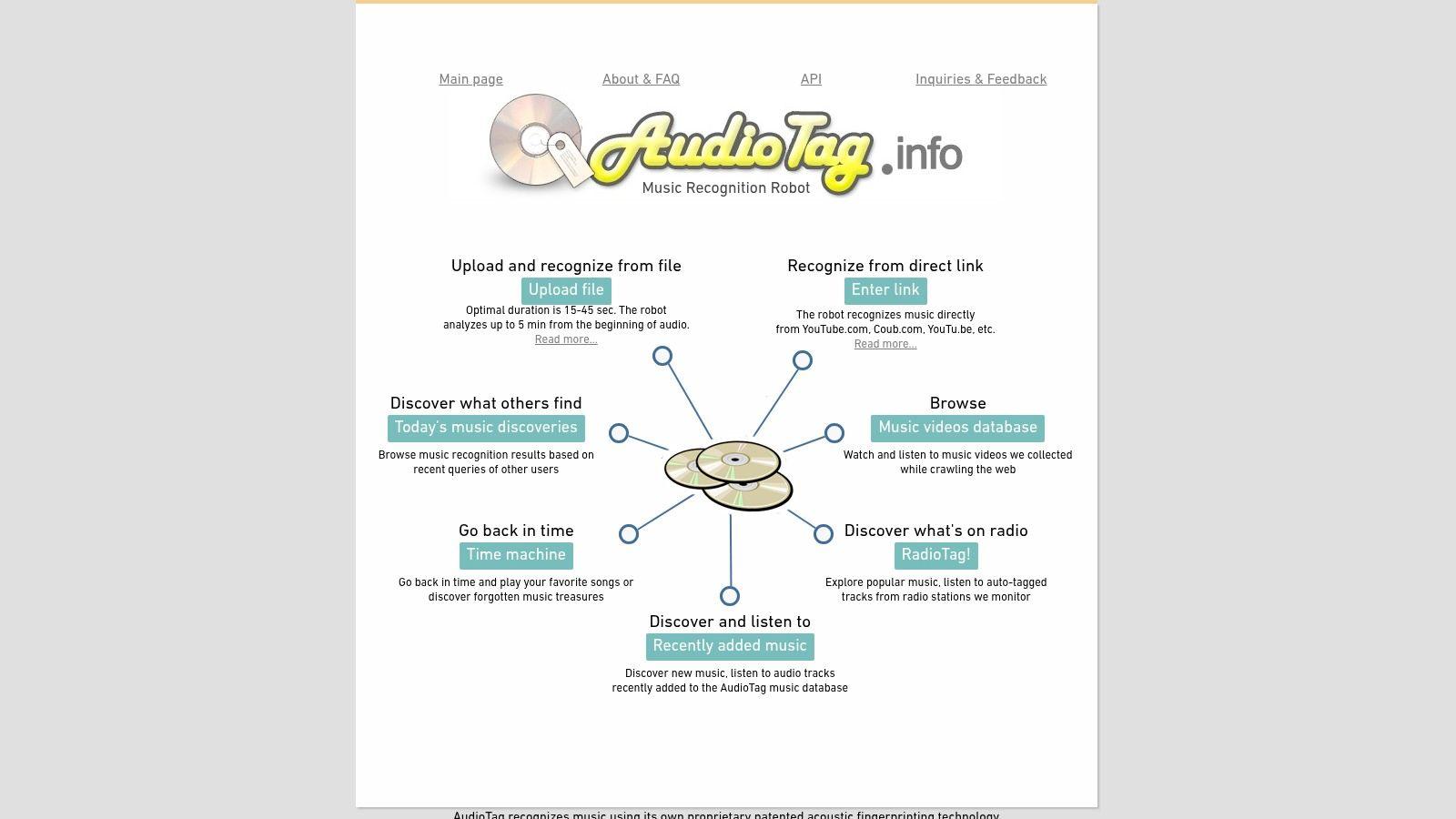
AudioTag is the no-install utility I keep around for ugly files. Short clip on a drive, video rip, bounced stem, messy source file from a friend. Instead of pointing your phone at a speaker, you upload the audio or link and let the service try to identify it.
That file-based workflow makes it a useful complement to mobile recognition apps. It's less about convenience in the moment and more about “I've got a fragment. Can this be named at all?”
Best for file uploads and rough identification attempts
AudioTag is helpful in a narrow but common scenario. You're not hearing the track live. You already have the clip, and you want to test whether recognition works before deeper digging.
Its practical strengths:
- Browser-based workflow: No need to install anything.
- Handles uploaded clips: Better suited than live-recognition tools for file hunting.
- Useful as a second opinion: Good after Shazam misses or when the source lives in a video export.
The trade-off is that recognition depends heavily on clip quality, length, and how mainstream the source is. For very short, noisy, or heavily chopped material, results can be hit or miss. Still, in a real-world identification chain, AudioTag earns its place.
Top 10 Song Sample Finder Comparison
| Tool | Core focus & key features | UX & Quality (★) | Value & Pricing (💰) | Audience & USP (👥 / ✨ / 🏆) |
| WhoSampled | Community‑moderated database of samples, covers, timing notes, streaming integrations | ★★★★, reliable for released tracks | 💰 Free, high research value | 👥 Researchers/DJs; ✨ Now Playing stream lookup; 🏆 Best for sample lineage |
| Tracklib | Catalog of original songs with streamlined licensing for commercial sampling | ★★★★, clear workflows & guidance | 💰 Paid/subscription; revenue‑reporting licensing | 👥 Producers releasing samples; ✨ fee‑free license option; 🏆 Easiest legal clearance path |
| Splice Sounds | Large royalty‑free library, AI search, "Search with Sound", DAW integrations | ★★★★, fast discovery, AI assists | 💰 Subscription/credits; tiered access | 👥 Beatmakers/modern producers; ✨ AI search & "Create" loops; 🏆 Broad catalog + DAW support |
| Loopcloud | AI find‑similar, analyzes local libs + store, in‑app editor, DAW sync | ★★★★, cohesive workflow & auditioning | 💰 Free trial + subscription/credits | 👥 Producers building arrangements; ✨ Local+store analysis & 8‑track editor; 🏆 DAW sync |
| Sononym | Desktop ML similarity search for local sample libraries (Win/Mac/Linux) | ★★★★, powerful filters for large libs | 💰 One‑time purchase, long‑term value | 👥 Sample librarians/producers; ✨ Local‑only deep search; 🏆 No subscription |
| XLN Audio XO | Drum‑focused browser with visual "galaxy", kit builder, sequencer | ★★★★½, extremely fast drum workflows | 💰 Paid plugin (varied pricing) | 👥 Beatmakers/percussion designers; ✨ XO Space clustering; 🏆 Rapid drum palette selection |
| Sample Focus | Community‑tagged royalty‑free sounds, credits/download system | ★★★, great for niche/character sounds | 💰 Credits model; free limited access | 👥 Sound designers/foley artists; ✨ Strong tagging & contributor incentives |
| ACRCloud | Enterprise audio fingerprinting, APIs/SDKs, broadcast monitoring | ★★★★★, industrial accuracy & scale | 💰 Commercial tiers (usage‑based) | 👥 Developers/companies; ✨ Rich APIs & metadata; 🏆 Enterprise‑grade recognition |
| Shazam (Apple) | Mobile music recognition with streaming links and match history | ★★★★, fast, widely accurate on mainstream catalog | 💰 Free consumer app | 👥 Casual users/DJs; ✨ Ubiquitous mobile ID; 🏆 Quick field recognition |
| AudioTag | Browser upload fingerprinting service & API for clip identification | ★★★, simple web uploads for messy clips | 💰 Free to use (basic) | 👥 Researchers/creatives with clip files; ✨ No‑install browser workflow |
Build Your Sonic Palette Intelligently
A useful sampling session usually starts the same way. There is a riff on your phone, a drum break buried in an old edit, or a melody stuck in your head from a record you cannot name. The fastest way through that moment is to treat sampling as a workflow, not a pile of apps.
Start with identification. Shazam is still the quickest tool when the audio is clear and the song is part of the mainstream catalog. AudioTag helps when you have a rough file, a screen recording, or a short clip that needs browser-based matching. If the source is buried inside a video file, RenderIO video audio separation is a practical extra step before recognition or chopping.
Then move to sourcing. WhoSampled is for research, context, and sample lineage. It answers, “what is this connected to?” Tracklib is for producers who want to flip real songs and handle licensing inside the same workflow. Splice, Loopcloud, and Sample Focus cover the royalty-free side, but they do different jobs. Splice is the speed play for broad, polished catalogs. Loopcloud is better when you want to audition loops against your session and shape them before committing. Sample Focus is where I go when a track needs an odd texture, a field recording, or something less standardized.
The next stage is clearance. During clearance, bad assumptions become expensive. WhoSampled can show that a phrase has a sampling history, but it does not clear anything. Splice gives royalty-free material, but it will not teach you the provenance of a famous record. Tracklib sits in the middle because it connects creative digging with an actual licensing path. If a release matters, that distinction matters.
Creative integration is its own problem. Large libraries slow people down unless the browser fits the task. Sononym is the fix for messy local folders and forgotten one-shots because its similarity search helps surface usable material you already own. XO is narrower, but excellent at one thing. Building drum palettes fast. That makes it stronger in beat construction than general sample research.
There is also a real shift in taste. The reference earlier to the YouTube discussion around unsampled songs points to something producers already feel in practice. More artists want source material that feels less pre-referenced and less obvious. That does not mean classic records stopped working. It means the bar is higher, and the best results often come from combining one identifiable source with less familiar royalty-free or self-curated material.
My stack stays simple because each tool has a job. Shazam or AudioTag for naming. WhoSampled for lineage. Tracklib for licensable song-based sampling. Splice and Loopcloud for fast building blocks. Sononym and XO for making a large local library usable again. Sample Focus for left-field details. ACRCloud only makes sense if you are building a product, archive, or recognition workflow at scale.
Choose the tool by stage: Identification, Sourcing, Legal Clearance, then Creative Integration. That keeps momentum intact and lowers the chance of finishing a great track built on a sample you cannot release.