
Your team probably already has a communication system. It just doesn't feel like one. Decisions live in email threads, quick questions land in text messages, files sit in shared drives with unclear names, and someone always says, “I thought we already agreed on that.”
That mess gets expensive in time and attention. The shift to flexible work made it obvious that old habits can't keep up, and the broader market has followed. One projection puts the global team communication tools market at about $150 billion by 2033, up from an estimated $50 billion in 2025, with growth tied to remote work, integrated platforms, and built-in generative AI features such as summaries and translation (Data Insights Market analysis).
The practical fix isn't “more communication.” It's a better home for communication. Good team communication tools give your team one place for conversations, files, and decisions, so people stop hunting through five apps to figure out what happened. They also make it easier to evaluate team productivity software as part of the same workflow, instead of treating communication and execution as separate problems.
If you're choosing a platform right now, don't start with the vendor logo. Start with how your team operates. A chat-heavy sales floor needs something different from an async product team, a student project group, or a family trying to coordinate schedules without chaos.
1. Slack
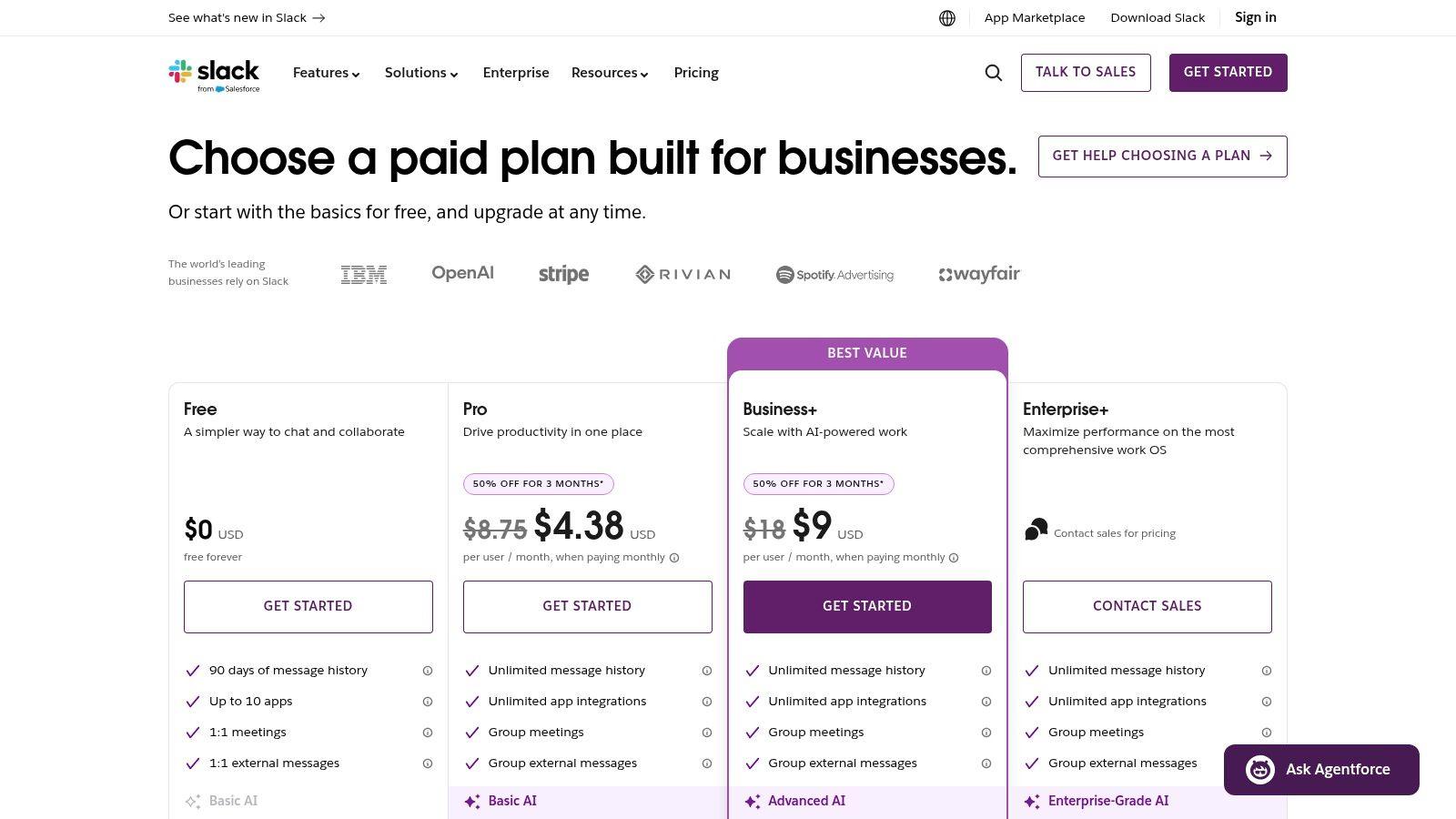
Slack is still the easiest recommendation when a team wants a modern, channel-based messenger that people will enjoy using. The interface is polished, search is strong, and teams generally understand the model quickly: channels for shared work, DMs for direct conversations, threads for side discussions, and huddles when typing stops being efficient.
Its biggest strength is the ecosystem. Slack connects with a huge range of business apps, and that matters more in practice than marketing pages admit. If your team already lives in Jira, GitHub, Notion, Google Drive, or HubSpot, Slack can become the place where updates surface instead of another tab people ignore.
Where Slack works best
Slack fits SMBs, agencies, startups, and cross-functional teams that need fast coordination. It's also a good default when you want outside collaboration through Slack Connect and don't want to manage a heavier suite.
- Best for fast-moving work: Product launches, client delivery, support handoffs, and daily coordination feel natural in channels.
- Best for integration-heavy stacks: Slack is strongest when you expect your communication layer to pull in alerts, approvals, and workflow actions.
- Best for user adoption: People usually need less coaching in Slack than in more enterprise-shaped tools.
Practical rule: If your team struggles to name channels clearly or keeps replying in-channel instead of in-thread, Slack can get noisy fast.
The trade-off is discipline. Slack doesn't force structure. That's great when your team is nimble, but it also means channels sprawl, important decisions get buried in threads, and paid plans can become expensive as the team grows. Slack AI features can help with summaries and recaps on paid tiers, but they don't replace a communication policy.
For smaller teams that want a calmer or more privacy-first AI workspace, it's worth comparing Slack with 1chat before you commit.
Use Slack if you want the safest all-around pick and you're willing to manage norms around naming, threads, and notifications. Start with fewer channels than you think you need.
Visit Slack pricing and plans.
2. Microsoft Teams
If your company already runs on Outlook, Word, Excel, SharePoint, and OneDrive, Microsoft Teams usually wins by default. That's not because it's the most elegant chat app. It's because it removes friction across the rest of the Microsoft stack.
Teams combines persistent chat, channels, meetings, file collaboration, and calling in one place. For many organizations, that means fewer separate vendors, simpler identity management, and tighter compliance controls through Microsoft's admin layer.
Why Teams keeps winning in large organizations
Microsoft Teams has become the standard in many enterprise environments. One usage roundup reports roughly 48% market share in 2026, with more than 320 million daily active users and 500 million monthly active users, alongside use in more than 8 million companies in the United States and over 400,000 educational institutions worldwide (Microsoft Teams statistics overview).
Those numbers line up with what many admins already know from experience. Teams is often the communication tool people inherit, but it stays because it connects naturally to the files, calendars, and permissions the organization already depends on.
- Best for Microsoft-first companies: Teams makes the most sense when your files already live in SharePoint and OneDrive.
- Best for governance-heavy environments: Access control, retention, and identity settings are broader than what many SMB chat tools offer.
- Best for organizations reducing app sprawl: Chat, meetings, and calling under one roof can simplify procurement and support.
Teams can feel heavy if all you want is chat. The admin side can also overwhelm small businesses without dedicated IT help, especially once guest access, external sharing, and channel permissions enter the picture.
For companies standardizing on Microsoft, Teams is hard to beat. For small teams that only need quick messaging, it can be more platform than product. If that's your setup, it helps to review practical advice on using Microsoft Teams for UK businesses.
Visit Microsoft Teams business options.
3. Google Chat
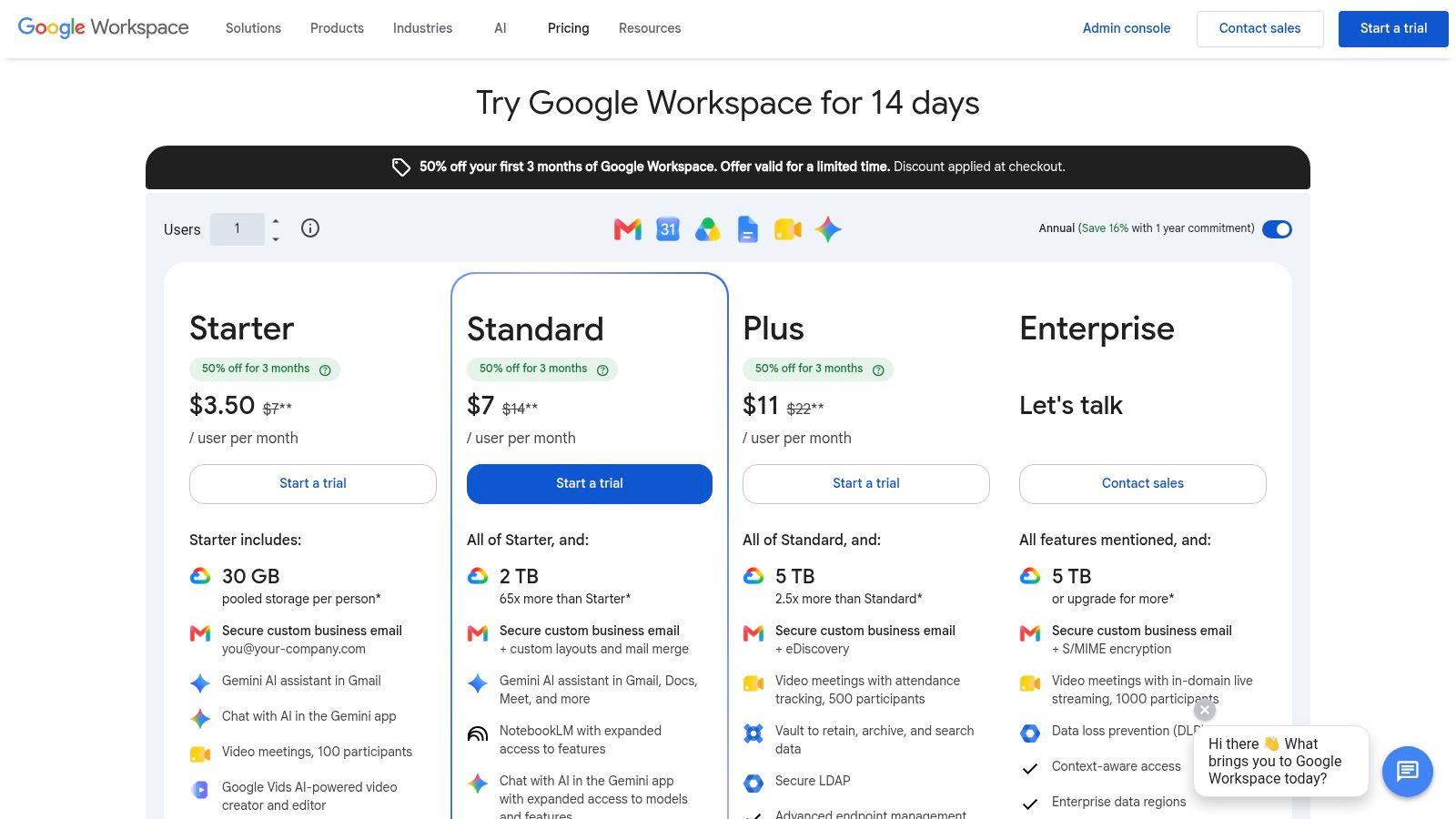
Google Chat is what I recommend when a team already works inside Gmail and Drive and wants the least disruptive path to better communication. It won't impress people who love advanced chat workflows, but that's also part of its value. It stays out of the way.
Spaces handle topic-based collaboration, Meet covers video, and Drive remains the file layer. For schools, nonprofits, student groups, and small businesses that already pay for Google Workspace, Google Chat often feels like the “good enough” option that becomes the permanent option.
The low-friction choice
Google Chat works well when your main goal is coordination, not chat culture. Teams that don't want to train people on a whole new interface usually adapt quickly because Chat sits inside tools they already open all day.
That simplicity matters more than feature checklists suggest. The broader market for team communication tools is projected to grow from $5.3 billion in 2024 to $12.1 billion by 2033, driven by AI integration and remote work, according to one market analysis shared on LinkedIn (global market growth analysis). In that environment, a lot of buyers don't want the most powerful chat app. They want the least disruptive one.
The best communication platform for a non-technical team is often the one nobody has to be taught twice.
The downside is depth. Google Chat has fewer advanced chat niceties than Slack and less conversation structure than Zulip. If your team depends on lots of app integrations or complex channel conventions, it may feel thin after the honeymoon period.
Still, for lean teams, student collaborations, and family or school-adjacent setups that already rely on Google, Chat is easy to justify. If budget sensitivity is part of the decision, compare it with 1chat pricing.
Visit Google Workspace pricing.
4. Zoom Team Chat
Zoom Team Chat makes sense when meetings are already the center of your working day. In those environments, the best chat tool often isn't the one with the richest messaging model. It's the one that gets people from message to meeting, and back again, with the least friction.
That's where Zoom's approach is smart. Team Chat sits inside the broader Zoom Workplace experience, alongside meetings, whiteboards, clips, mail, calendar, and optional phone. If your team already says “send me a Zoom” by instinct, adding chat in the same ecosystem is a practical move.
Best when Zoom is already your meeting layer
A recent usage summary notes that Teams leads adoption among major vendors, but Zoom was described as the most-used vendor in the communication space as of July 2026, reflecting demand for specialized video workflows (vendor usage and adoption summary). This is why Zoom Team Chat deserves a serious look. Some teams still organize work around video first, not chat first.
- Best for meeting-centric organizations: Training teams, client-facing businesses, and distributed service teams often benefit from the quick handoff between chat and calls.
- Best for one-vendor simplicity: If you want meetings, chat, whiteboards, and clips bundled together, Zoom is a cleaner package than stitching together separate tools.
- Best for mixed synchronous work: Zoom handles live communication naturally, especially when collaboration happens in scheduled sessions.
The weakness is packaging. Zoom's product lineup can be confusing, and Team Chat is strongest when paired with other Zoom services. If you don't use Zoom Meetings or Phone, the chat product alone isn't as compelling as Slack, Twist, or Zulip in their specialties.
Visit Zoom Team Chat.
5. Mattermost
Mattermost is the tool I bring up when a team says, “We like Slack's model, but we need tighter control over where data lives.” It gives you channels, threads, calls, screen sharing, and integrations, but its primary value lies in deployment choice. You can self-host it, run it in controlled environments, or use managed options with more isolation than typical SaaS chat.
For regulated organizations, technical teams, and companies with strict procurement rules, that changes the conversation. Instead of adapting your policy to the vendor, you can shape the deployment around your policy.
Strong fit for control-heavy environments
Mattermost works best when privacy, internal hosting, and operational control matter more than slick UX. It's especially good for engineering-led teams that don't mind a little more setup in exchange for more ownership.
- Best for self-hosting: If your organization won't put sensitive communication in a standard multi-tenant SaaS tool, Mattermost belongs on the shortlist.
- Best for technical admins: Teams with internal infrastructure capability can get much more out of it than teams expecting turnkey simplicity.
- Best for plugin-friendly workflows: Developer-oriented environments often appreciate the extensibility.
The trade-off is effort. Mattermost asks more from your admins than Slack or Google Chat. Some advanced controls also live in commercial tiers, so open source doesn't automatically mean free in the ways buyers hope.
Use Mattermost when governance and deployment flexibility outrank convenience. If your top concern is employee adoption above all else, you may need a stronger rollout plan.
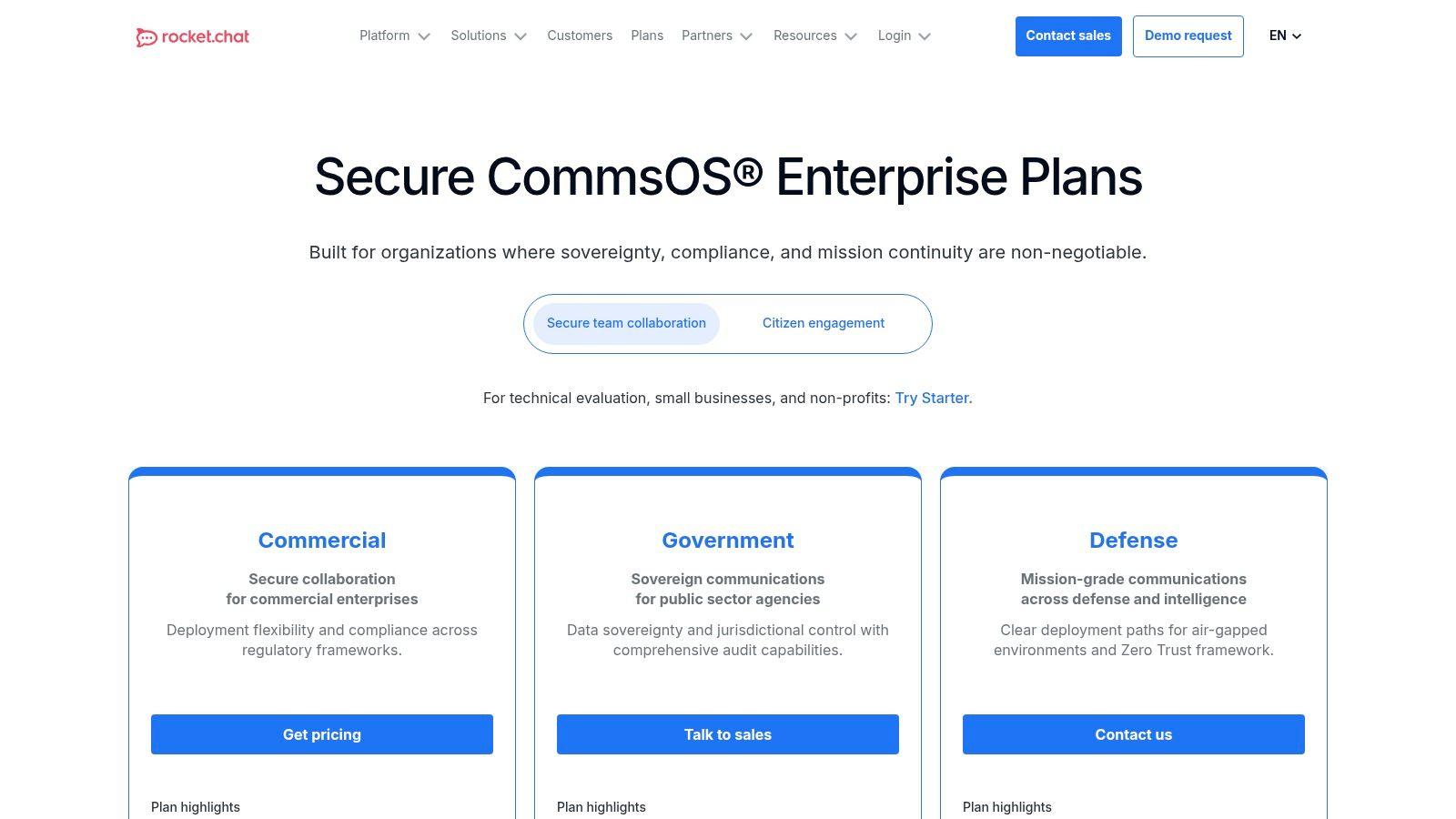
Visit Mattermost pricing.
6. Element
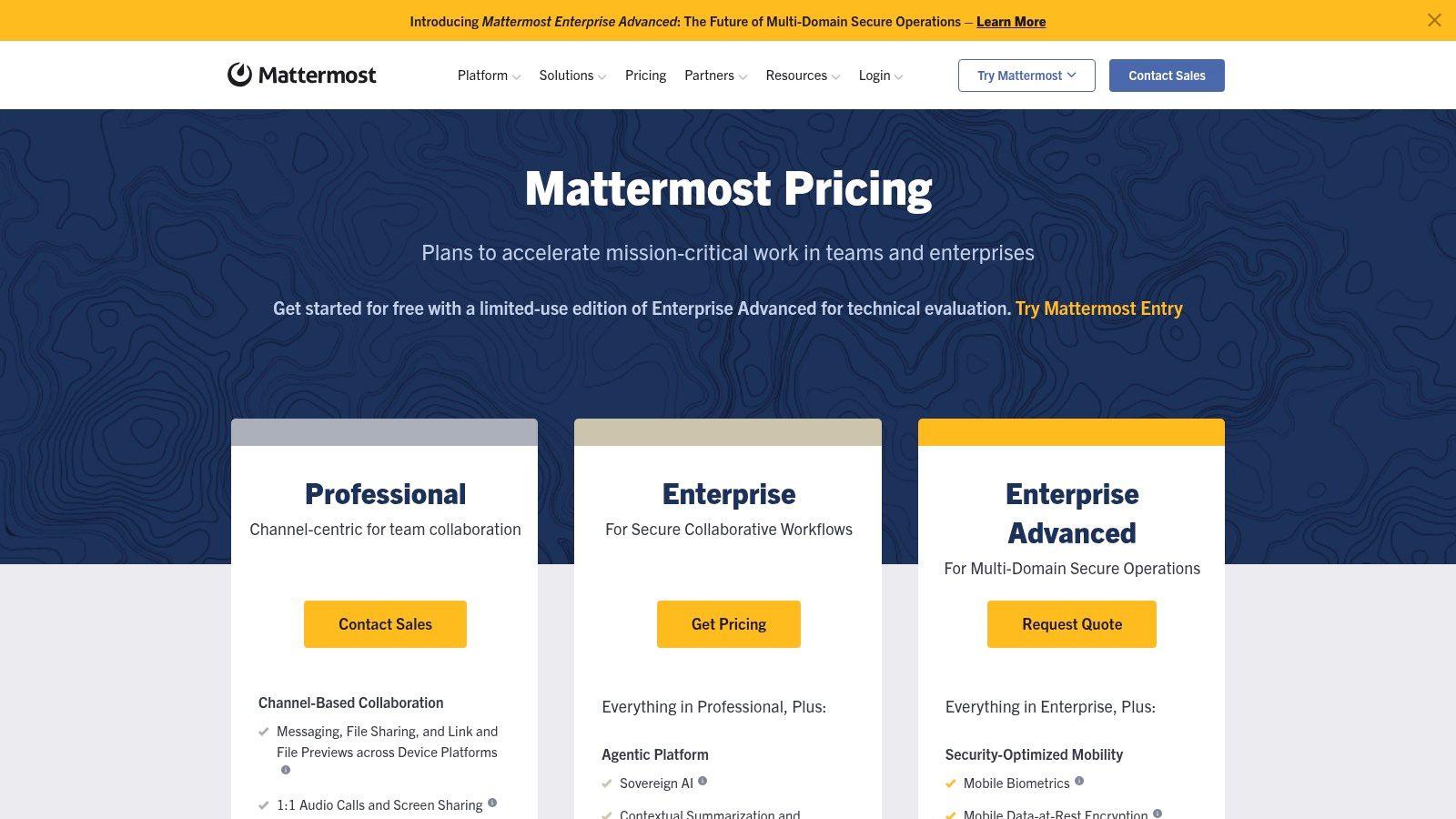
Element is the privacy-first answer for organizations that don't want vendor lock-in to define their communication future. Because it's built on Matrix, it supports federation across organizations and gives teams a path to own more of their infrastructure and data model.
That matters for governments, security-conscious nonprofits, research groups, and companies with sovereignty requirements. It also matters for any team that has been burned by betting too hard on a closed vendor ecosystem.
Why Element is different
Most chat apps ask you to trust one company's product roadmap and hosting model. Element asks a different question: how much of your communication system do you want to control?
End-to-end encryption by default is a major reason teams choose it, but the bigger strategic advantage is openness. Cross-organization federation can be useful when multiple groups need to communicate without collapsing into one vendor-owned workspace. Air-gapped and sovereign deployments make it even more relevant in sensitive environments.
Open standards don't make a tool easier to run. They do make it easier to avoid being trapped later.
Element is not the smoothest option for mainstream SMBs. Out-of-the-box integrations are thinner than Slack or Teams, pricing often requires a sales conversation, and onboarding is easier when someone on the team already understands why Matrix matters.
For privacy-first organizations, though, that trade-off is reasonable. Element isn't trying to be the easiest team communication tool. It's trying to be the most independent one.
Visit Element pricing.
7. Rocket.Chat
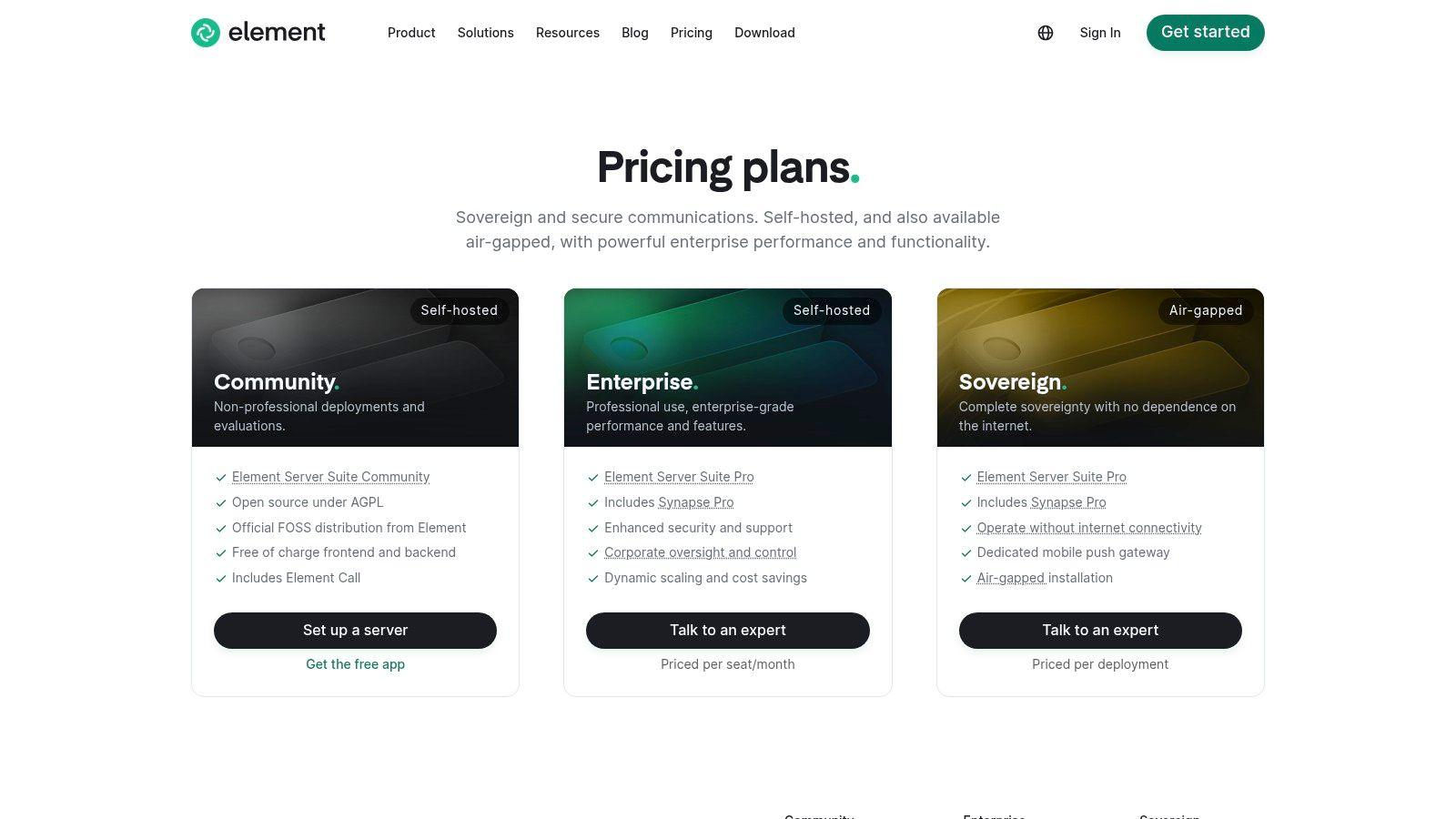
Rocket.Chat sits in a useful middle ground. It's more customizable and sovereignty-friendly than mainstream SaaS chat, but for many teams it feels a bit more approachable than a fully standards-driven option like Element. That makes it a practical self-hosting candidate for organizations that want control without rebuilding their communication model from scratch.
Channels, DMs, threads, guest access, role-based admin, and compliance-oriented features cover the basics well. Community and commercial editions give buyers more than one path in.
A good compromise between flexibility and familiarity
Rocket.Chat is a strong option for municipalities, public sector teams, internal IT groups, and companies with data residency concerns. It also makes sense for organizations that want to start small with community deployments and expand controls later.
- Best for data sovereignty: Teams that need to decide where communication data lives should look here.
- Best for customization: Admins can shape roles, workflows, and deployment models more than they can in typical SaaS messengers.
- Best for guest access in controlled environments: External access is useful, but only when permissions are designed carefully.
The caution is simple. Self-hosting remains self-hosting. Even when the app feels familiar, updates, backups, integrations, and access policies still require real ownership from your team. Some of the strongest governance features are also tied to paid plans.
Rocket.Chat is worth considering when you want open-core flexibility and stronger control, but don't want to go all the way into a more specialized ecosystem.
Visit Rocket.Chat plans.
8. Zulip
Zulip fixes a problem that most chat apps still tolerate: conversations becoming unreadable over time. Every message in Zulip belongs to a topic inside a stream, which sounds like a small UI choice until you've used it for a few weeks. Then you realize how much chaos that structure prevents.
For engineering teams, research groups, open-source communities, and distributed organizations, Zulip is one of the best-designed async communication tools available. It rewards teams that think in discussions rather than interruptions.
Why async teams love it
A common gap in the market is practical guidance for fractional or highly asynchronous teams. One framework roundup points out that daily stand-ups are often impractical in those environments, while implementation details for async stand-ups, decision documentation, and schedule mapping are usually missing from mainstream tool advice (fractional team communication frameworks). Zulip is one of the few tools whose structure supports that style of work.
- Best for topic discipline: Conversations stay organized because the product requires more structure up front.
- Best for catch-up: People can return after hours or days away and still understand what changed.
- Best for technical teams: Keyboard navigation, search, bots, and open-source roots make it especially attractive to developers and researchers.
The cost of that clarity is habit change. Teams used to classic chat may resist topic-based posting at first. If they never adapt, they'll use Zulip badly and blame the product. Successful adoption depends on a short onboarding period and a clear example set by team leads.
If your team is drowning in messy threads and constant pings, Zulip deserves more attention than it usually gets.
Visit Zulip plans.
9. Twist
Twist is what I suggest when a team is tired of “urgent by default” communication. It was built for async work, and you can feel that immediately. Threads aren't an afterthought. They are the product.
That makes Twist a strong fit for remote teams, writing-heavy teams, education-adjacent groups, and anyone trying to protect deep work. If Slack rewards responsiveness, Twist rewards clarity.
Calm is the product
Twist doesn't try to win by adding every possible real-time feature. It wins when a team wants decisions documented, conversations easy to revisit, and notifications less invasive.
The hardest part of communication isn't sending messages; it's keeping them useful after the moment passes. Twist creates a calmer archive than most chat-first tools, which is why some remote teams stick with it despite the smaller ecosystem.
The main limitation is obvious. If your team relies on spontaneous huddles, heavy meeting culture, or fast operational handoffs, Twist can feel too slow. It's not trying to be a unified communications suite, and that's both its strength and its ceiling.
Use Twist when your problem is distraction, not lack of connectivity. It's one of the few tools where “less chat” is part of the value proposition.
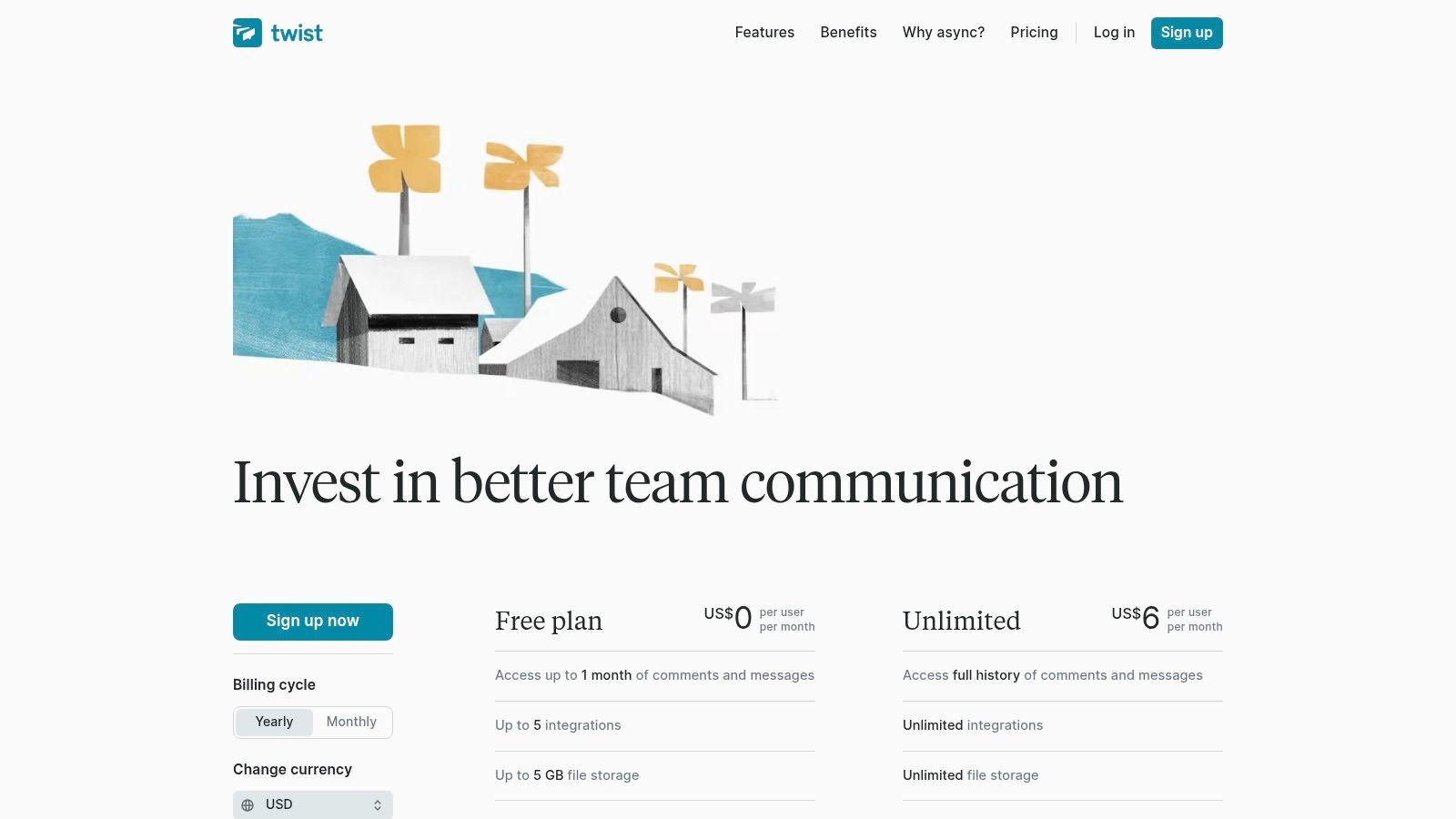
Visit Twist pricing.
10. Cisco Webex App
Cisco Webex App is rarely the trendy pick, but it's often the sensible one for organizations that need messaging, meetings, calling, devices, and governance under one enterprise umbrella. Persistent spaces, calling features, telephony options, and Control Hub give it a more operational feel than many chat-first products.
That makes Webex especially relevant in regulated industries, healthcare-adjacent environments, larger service organizations, and companies already standardized on Cisco hardware or networking.
Better for operations than hype
Webex is strongest when communication isn't just team chat. It's also desk phones, conference rooms, external calling, meeting rooms, and admin policy. In those settings, Cisco's ecosystem becomes an advantage.
There's also a broader ROI question many buyers still miss. One guide points out that teams often lack a data-driven framework for proving the business impact of communication tools, even when they track things like read rates, response time, and platform adoption (ROI gap in team communication tools). Webex is the kind of product where that matters. It may be more stack than an SMB needs, but if you're replacing multiple communications layers, the evaluation should be broader than “which chat app is nicest to use.”
Buy Webex when you want one communications backbone. Don't buy it just because you need internal messaging.
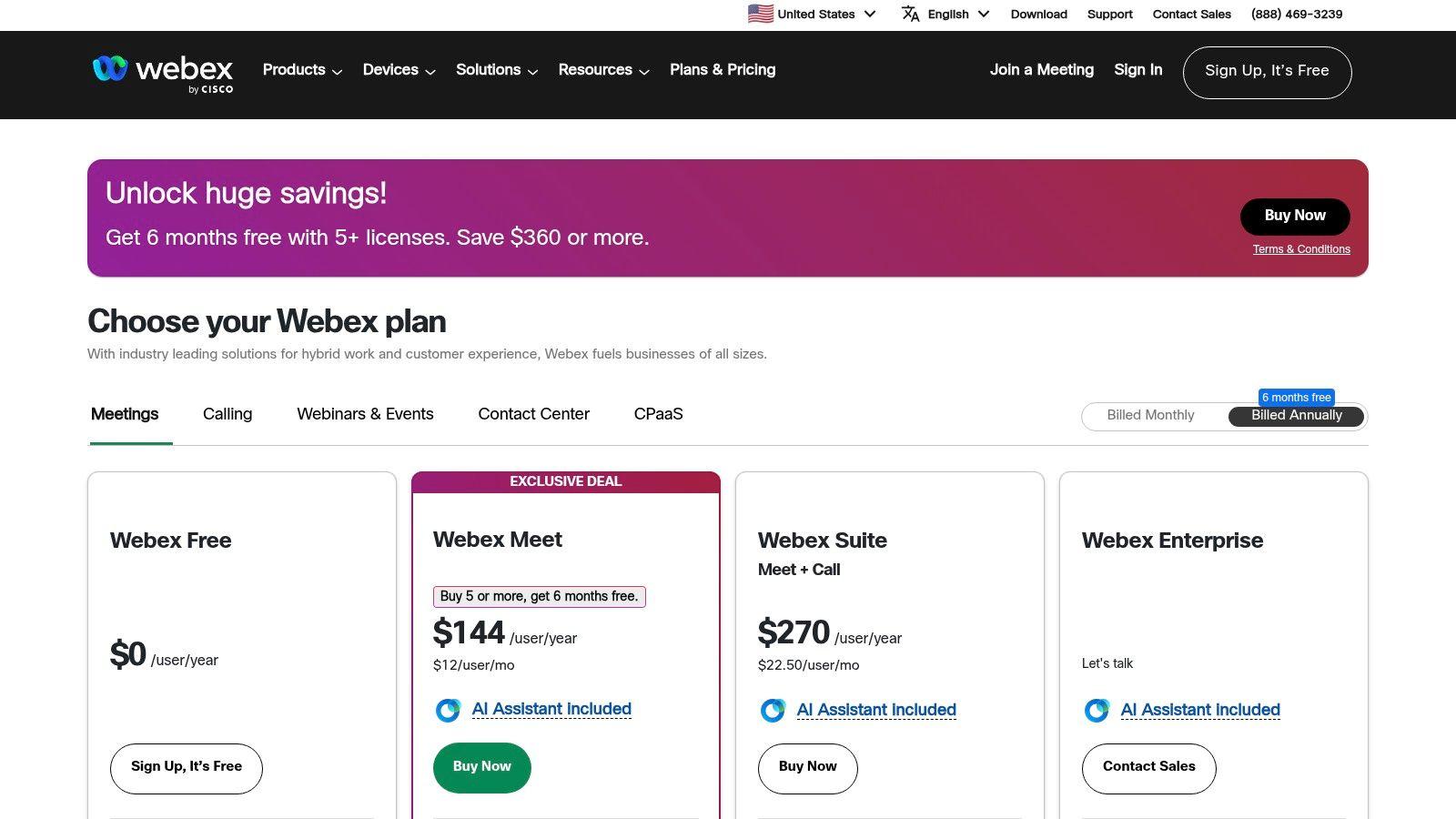
Pricing can be less transparent than SMB buyers prefer, and some teams will find it oversized if chat is the only requirement. If you're exploring communication strategy more broadly, the 1chat blog on AI and team workflows is a useful companion read for smaller organizations.
Visit Cisco Webex features and pricing.
Top 10 Team Communication Tools, Feature Comparison
| Product | Core features | UX & Quality (★) | Value & Pricing (💰) | Target audience (👥) | Unique selling points (✨/🏆) |
| Slack | Channels & DMs, Huddles (A/V), shared canvases; 2.6k+ integrations; workflow builder | ★★★★☆, polished, searchable | 💰 Free + tiered paid; cost scales with seats | 👥 SMBs, product & integration-heavy teams | ✨ Best-in-class UX; 🏆 largest app ecosystem |
| Microsoft Teams | Persistent chat & channels; Meetings; OneDrive/SharePoint files; Entra ID security | ★★★☆☆, comprehensive, heavy | 💰 Often included in M365; Premium/Phone add‑ons | 👥 Microsoft-first orgs, enterprises | ✨ Deep Office integration; 🏆 strong compliance/governance |
| Google Chat (Workspace) | Spaces + Gmail; Meet video; Drive file storage; Workspace admin controls | ★★★☆☆, lightweight, familiar | 💰 Included in Workspace plans; low overhead | 👥 Google Workspace users, small teams | ✨ Seamless Gmail/Drive/Meet coupling |
| Zoom Team Chat | Persistent channels tied to Meetings; Whiteboards, Clips; AI Companion | ★★★☆☆, smooth meeting↔chat flow | 💰 Part of Zoom Workplace bundles; best value if using Zoom | 👥 Teams centered on Zoom meetings | ✨ Unified meetings + chat + whiteboard |
| Mattermost | Channels/threads; group & 1:1 calls; AD/LDAP/SSO; audit & DLP; self‑host/single‑tenant | ★★★☆☆, enterprise, hands‑on ops | 💰 Open‑source + Enterprise licensing; ops cost for self‑host | 👥 Regulated orgs, on‑prem/air‑gapped teams | ✨ Strong data control & on‑prem options; 🏆 privacy-focused |
| Element (Matrix) | E2EE by default; federation; self‑host via Synapse Pro; enterprise controls | ★★★☆☆, privacy-first, fewer integrations | 💰 Quoted per seat/deployment; self‑host option | 👥 Privacy-first orgs, gov, federated teams | ✨ Open standard/no vendor lock-in; 🏆 E2EE + federation |
| Rocket.Chat | Channels/DMs with threads & guest access; role-based admin, audit; self‑host/commercial plans | ★★★☆☆, customizable, admin-heavy | 💰 Community free; paid Starter/Enterprise; self‑host ops cost | 👥 Teams needing data sovereignty, gov | ✨ Highly customizable; 🏆 active community & gov references |
| Zulip | Topic-based threading (streams/topics); powerful keyboard nav & search; integrations | ★★★★☆, excellent for async work | 💰 Cloud & self‑host options; competitive pricing | 👥 Async/distributed teams, engineers | ✨ Best-in-class conversation organization; 🏆 reduces noise |
| Twist (Doist) | Thread-first channels; inbox for async; mobile/desktop apps; Doist integrations | ★★★★☆, calm, low‑distraction | 💰 Paid plans; fewer real‑time meeting features | 👥 Remote teams, deep‑work groups, education | ✨ Async-first workflow; 🏆 promotes focused work |
| Cisco Webex App | Persistent spaces + Meetings & Calling; device ecosystem; Control Hub governance | ★★★☆☆, enterprise-grade, hardware-centric | 💰 Pricing varies by bundle/partner; flexible licensing | 👥 Regulated industries, Cisco-standardized orgs | ✨ PSTN/telephony depth & hardware; 🏆 enterprise compliance |
Unify Your Communication, Empower Your Team
The right communication platform does more than replace email. It changes how your team works together when nobody is in the same room, and sometimes even when they are. It sets the tone for speed, clarity, accountability, and interruption.
That's why there isn't one universal winner. Slack is the easiest all-purpose recommendation for many SMBs because the UX is strong and the integration ecosystem is mature. Microsoft Teams is the practical choice for organizations already invested in Microsoft 365. Google Chat is the least disruptive option for Workspace-heavy teams. Zoom Team Chat works when meetings are the center of your workflow.
Then there are the tools that solve more specific problems. Mattermost and Rocket.Chat are strong picks when hosting control and sovereignty matter. Element is the better choice when open standards, federation, and encryption are strategic requirements, not nice extras. Zulip and Twist both serve async teams well, but in different ways. Zulip adds structure through topics, while Twist lowers the pressure to respond constantly. Webex belongs on the shortlist when messaging is only one part of a larger communications and calling setup.
The practical mistake I see most often is choosing by popularity alone. Popular tools are usually popular for a reason, but your team still has to live inside the decision. A sales team handling urgent handoffs, a student project team, a distributed software group, and a family coordinating schedules don't need the same communication habits. They shouldn't be pushed into the same tool category either.
A better buying process is simple. Shortlist two products that match how your team already works. Run a small pilot with a real channel structure, a few integrations, and one clear communication policy. Test how the tool handles search, file sharing, notifications, outside collaboration, and decision tracking after the first burst of enthusiasm wears off.
Also pay attention to what fails. If a platform needs constant training just to keep channels readable, that's a warning. If it handles privacy well but nobody wants to use it, that's also a warning. Good team communication tools don't just centralize messages. They make the right behavior easier than the wrong behavior.
For most small and midsize organizations, the goal isn't to find the perfect platform on paper. It's to find the one your team will use consistently, with enough structure to reduce chaos and enough flexibility to support the way you already work. If you're planning a broader stack decision that includes calling, meetings, and governance, this guide to unified communications planning is a useful next step.
Pick the tool that makes collaboration feel lighter. Then set the rules that keep it that way.