Your essay is finished, but the conclusion doesn't quite follow the argument. A parent reviewing a family budget letter has a different problem: the facts are right, but the tone sounds defensive. Meanwhile, a shop owner keeps rewriting a product description that still doesn't explain why anyone should buy.
All three need writing help online, but they don't need the same tool. A proofreader can catch a misplaced apostrophe without fixing a weak argument. A rewriting assistant can smooth a sentence while altering its meaning. A chatbot can help develop an outline, but it can also introduce claims you never intended to make.
Choose the job before choosing the subscription. Start by identifying what's slowing you down: spelling, sentence clarity, tone, structure, a blank page, or uncertainty about uploading sensitive material.
- For students: Look for explanations that help you revise your own work, not just replacement paragraphs.
- For families: Separate convenience from privacy, especially when documents contain children's information or financial details.
- For small businesses: Match the tool to your existing workflow before adding another paid account.
The options below cover dedicated editors, sentence rewriters, general assistants, document integrations, and marketing platforms. Each has a useful role and a clear limitation. Pricing is described by access model rather than unsupported dollar amounts, and privacy features shouldn't be mistaken for blanket confidentiality guarantees.
1. 1chat
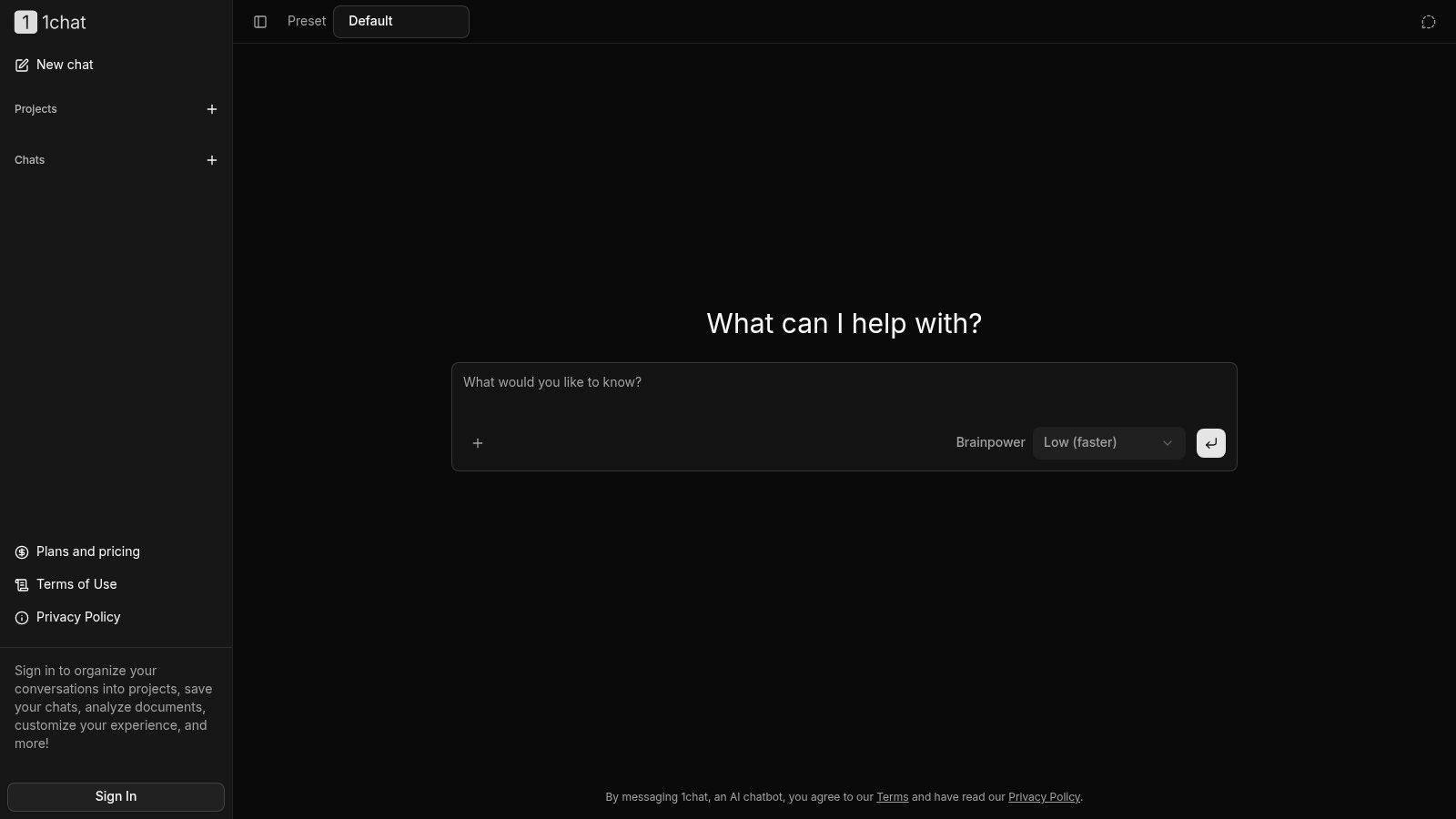
Best for families, students, and small teams that want a shared starting point for conversational writing help. 1chat groups several AI models in one service and adds PDF chat, document analysis, and image generation. The practical job is mixed-context writing: read a source, ask questions about it, then turn the result into a draft or revision plan. That fits a family comparing documents, a student checking reasoning, or a small team standardizing product copy.
Start with material you already have. A student can paste an outline and ask which claim needs evidence, why a paragraph feels disconnected, and what questions to answer before rewriting. A shop owner can upload approved product details and ask for a clearer description that stays inside those facts. Signed-in users can save chats, organize conversations into projects, analyze documents, and customize the workspace, so ongoing work stays findable.
What the privacy features actually mean
1chat presents itself as a privacy-first, family-friendly option for individuals and small teams. Treat that as a reason to inspect the terms, not as permission to paste anything sensitive. Before uploading a school file, household budget, client note, or product roadmap, remove account numbers, student identifiers, and confidential details that do not need to be in the prompt.
- What works: Moving between discussion, document questions, and revision without treating every task as a fresh writing assignment.
- What needs scrutiny: Plan limits, model behavior, retention terms, and any service credits purchased in advance, since some services can be paid for before use.
- Where it fails: Access to multiple models can produce multiple plausible answers. It cannot tell you which one is accurate, so names, dates, citations, and promises still need checking.
For schoolwork, use it as a coach that explains edits while the student keeps authorship and final wording. 1chat's services cannot be used for academic dishonesty. A strong prompt asks what is unclear, what evidence is missing, and how to revise; a weak one asks for finished prose to submit.
2. Grammarly
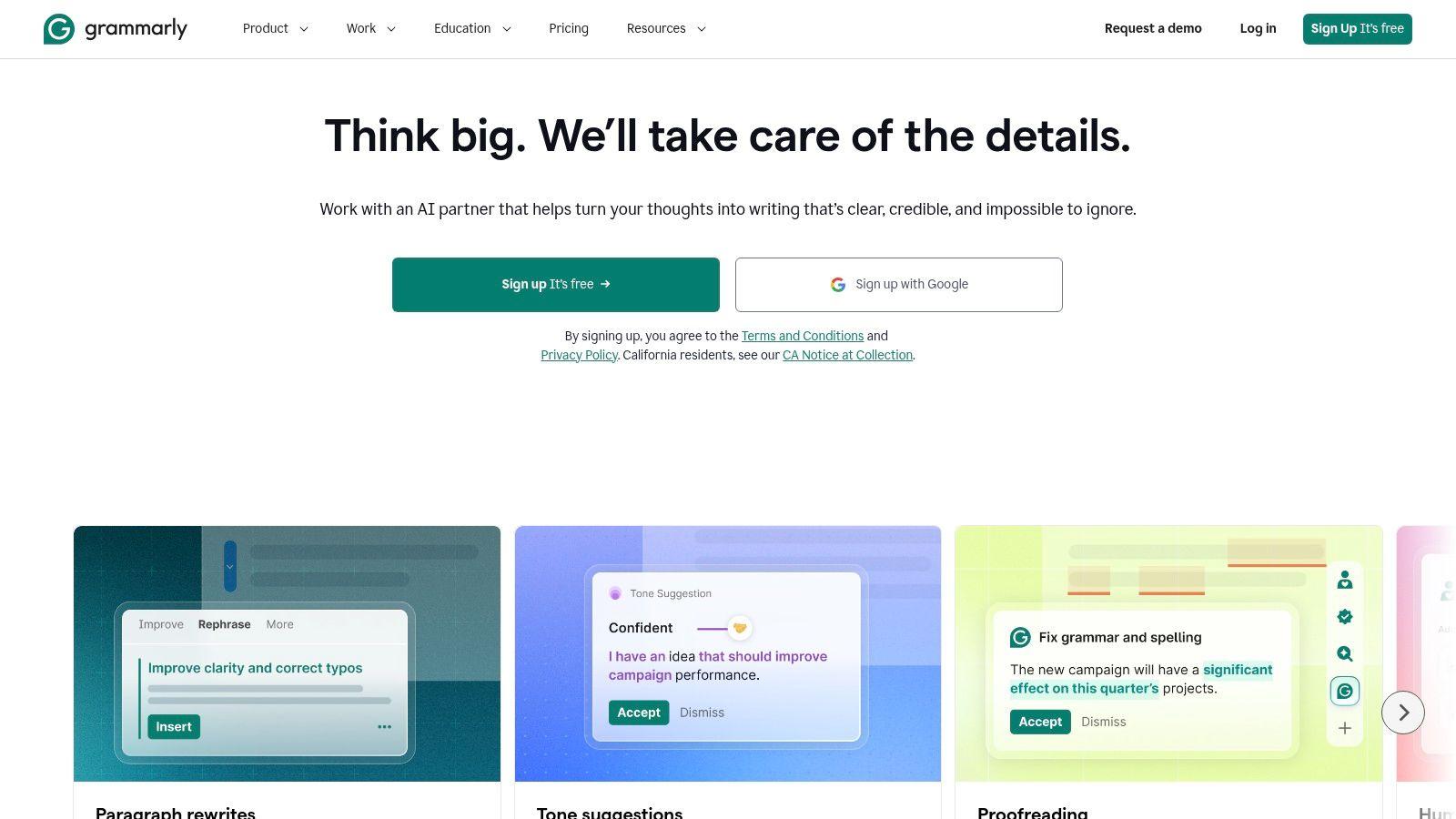
A customer email is almost ready to send. You don't need a new draft, just help catching errors and spotting language that sounds sharper than intended. That's the practical role of Grammarly: everyday proofreading and sentence-level feedback while you write.
Its spelling, grammar, tone, and clarity features suit emails, assignments, and work documents. Basic correction is available through a free tier, while broader rewriting and advanced feedback require paid access. Start with the basic support before deciding whether the extra suggestions solve a recurring problem.
Editorial rule: Accept a correction because you understand it, not because the interface marks it as an improvement.
That distinction matters with tone. A suggestion that softens a customer-service reply may be helpful, but the same change could weaken a firm payment deadline. Likewise, a more formal sentence isn't automatically better for a friendly family message.
Best used as a final editing layer
Draft the message yourself, check its purpose, then review Grammarly's suggestions individually. Pay particular attention to changes involving obligations, dates, qualifications, and promises, because small wording changes can alter what you're committing to.
Choose it when errors and awkward phrasing are the bottleneck. Don't choose it expecting a reliable assessment of evidence, argument quality, or whether an assignment complies with classroom rules. It also doesn't replace fact-checking.
For a small business, agree on a house style before accepting tone recommendations across the team. Otherwise, staff can produce individually polished messages that sound as though they came from different companies.
3. ProWritingAid
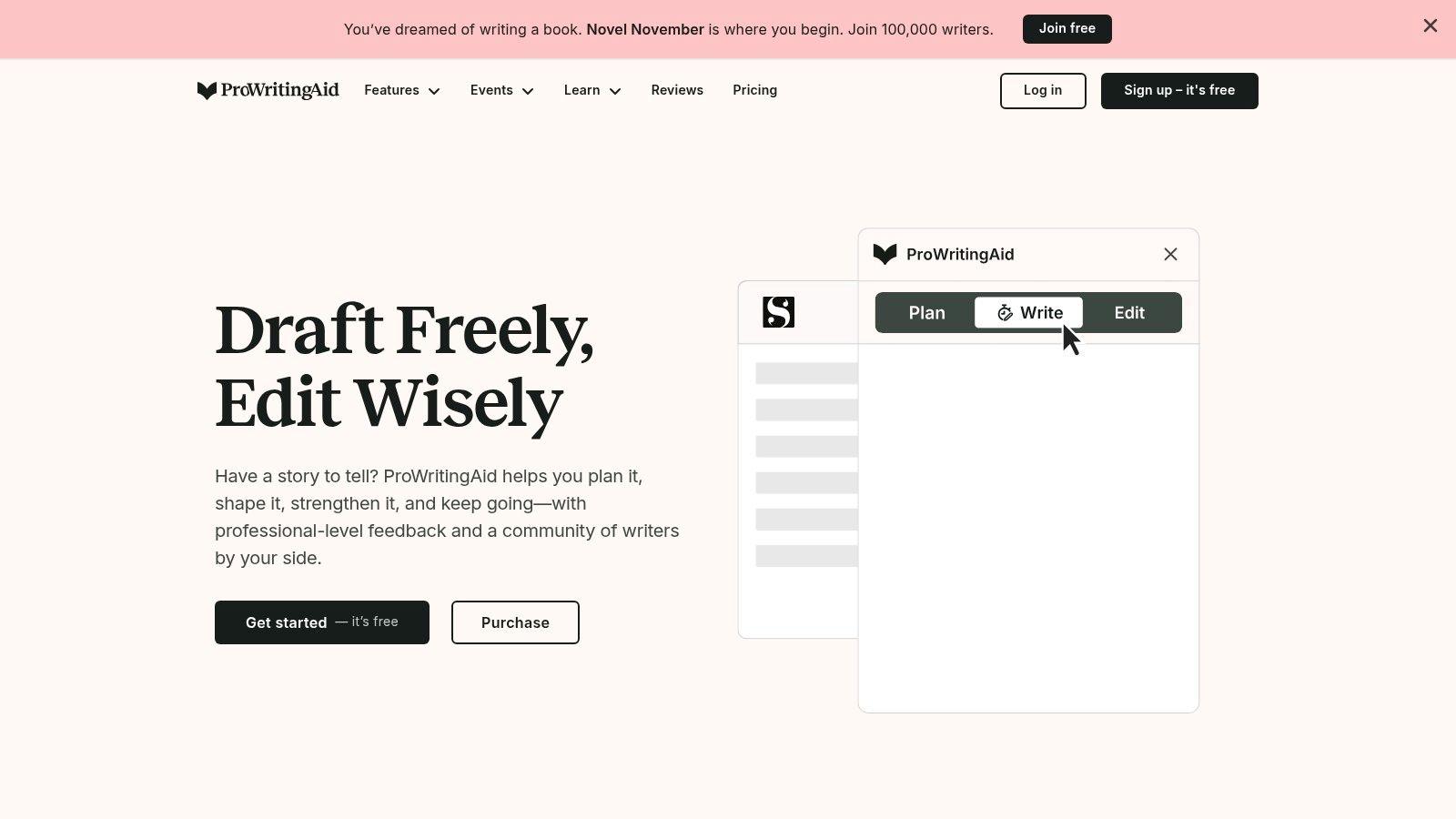
ProWritingAid is better suited to diagnosing writing habits than rushing through a short email. Its reports examine readability, repetition, sentence structure, and style, alongside spelling, grammar, and punctuation. That makes ProWritingAid a useful candidate for essays, reports, manuscripts, and other longer drafts.
The trade-off is attention. A detailed report can help you notice repeated sentence openings or overused words, but it can also distract you from the document's main weakness. If the argument needs restructuring, fixing every highlighted phrase first is wasted effort.
Review patterns, not every flag
Work through the draft in passes. Start with organization and missing information, examine recurring style problems next, and leave punctuation cleanup until the wording is stable.
- For a college essay: Check whether repeated phrasing reflects a genuine habit or necessary subject terminology.
- For a business report: Simplify dense explanations without removing qualifications that decision-makers need.
- For fiction: Preserve deliberate repetition, character voice, and unusual rhythm when they serve the story.
A free plan lets you explore editing reports, while some editing and AI features have usage restrictions. Don't pay for analytical depth unless you'll use it: an occasional short-message writer may find the reports excessive.
Applying every recommendation can make prose less natural. Keep a record of suggestions you reject and why, so you develop an editorial preference rather than chase a perfect-looking dashboard. For broader guidance alongside tool-based editing, the writing and AI articles on our blog provide a separate reading resource.
4. QuillBot
You understand the source material, but your summary still follows its sentence structure too closely. QuillBot offers paraphrasing, summarizing, grammar, citation, and translation tools, making it a focused option for exploring alternative wording and condensing material.
The important distinction is between expressing an understood idea differently and disguising copied work. A paraphraser can change the surface of a passage without changing your dependence on the original source. Attribution still matters, and generated citation details need checking against the actual publication.
A safer paraphrasing workflow
Read the original, put it aside, and write what you think it means. Then use a rewriting tool to compare phrasing, not to manufacture comprehension.
- Check the claim: Has the rewrite turned a possibility into a certainty?
- Check the scope: Does a statement about a particular group now sound universal?
- Check attribution: Can readers still identify where the underlying idea came from?
This is a relevant student use case: in an April 2025 Duke study of 104 students, 52% said they used AI weekly to paraphrase or summarize their writing, according to the Duke teaching center's account.
The free tier is useful for trying the core workflow, but limits and paid-plan availability deserve checking before you commit. For workplace writing, QuillBot can help shorten a rambling update, provided you compare the result against the original decisions and actions.
Its main failure point is nuance. A fluent rewrite can lose uncertainty, emphasis, or a technical distinction while still sounding completely plausible.
5. Hemingway Editor
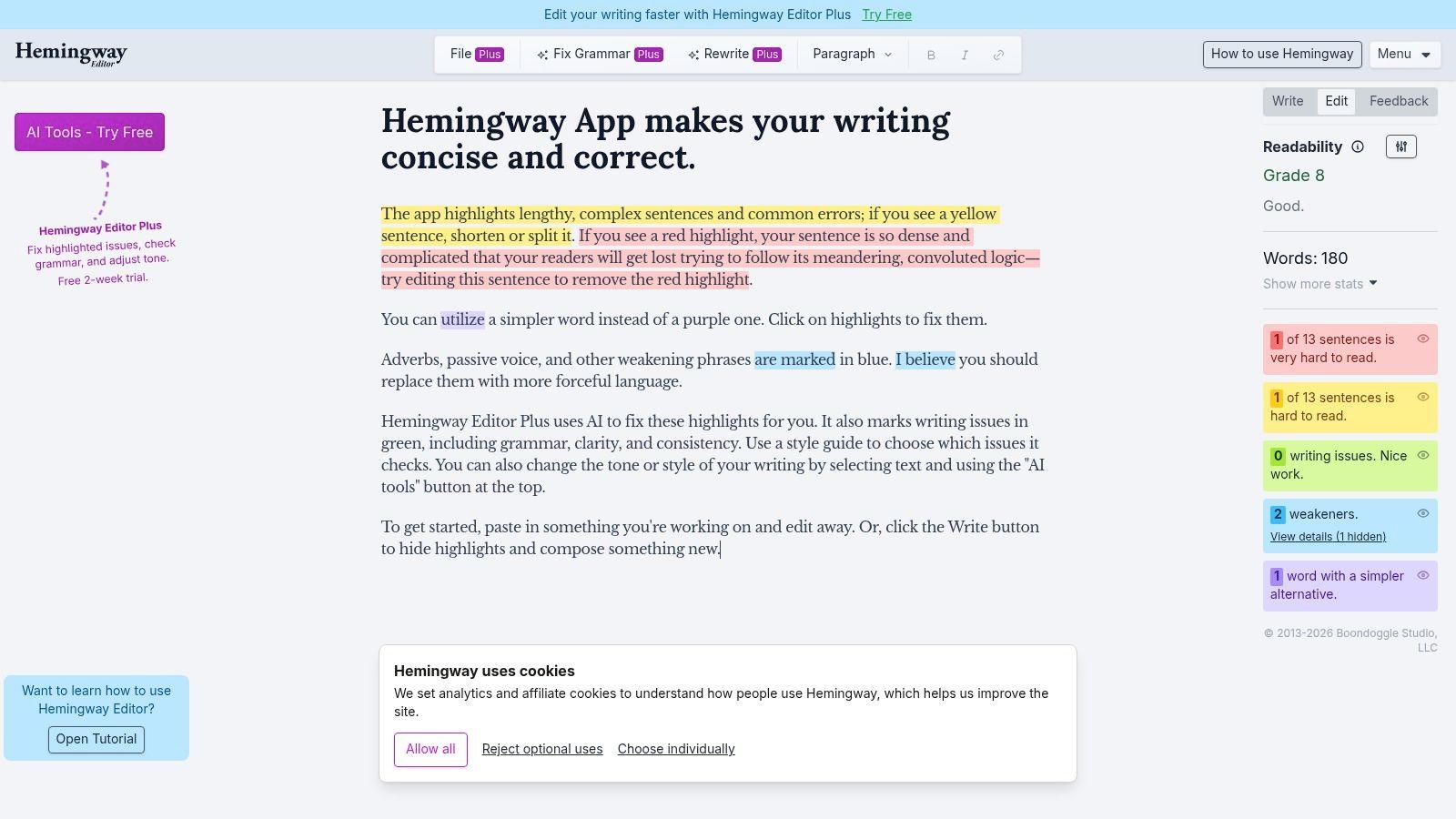
Hemingway Editor is for making an existing draft easier to read. The Hemingway Editor highlights difficult sentences, passive voice, and wording patterns that can obscure a message. It's particularly useful when a product page or parent-facing notice sounds more complicated than the subject requires.
Say a shop's returns explanation buries the required action inside a long paragraph. Rather than asking for a complete rewrite, identify the action, move it forward, and split the conditions into separate sentences. The editor's highlights help you inspect the problem, but you decide what the reader needs.
A shorter sentence is only an improvement if it preserves the information the reader needs.
The basic online editor is free. Editor Plus adds AI rewriting and grammar features, along with controls for adjustments such as tone and length; paid features and usage limits should be checked against the current offering.
Don't write to the score
Readability scores are guides, not universal measures of writing quality. A technical explanation may need specialist vocabulary, and a carefully qualified sentence may be more accurate than a simpler alternative.
Choose Hemingway when clarity is the job. Choose something broader when you need brainstorming, document discussion, or help developing an argument.
Its limitation becomes obvious when writers chase every highlight. Removing all passive constructions or shortening every complex sentence can produce blunt, repetitive prose. Review the marked passages in context, read the revised paragraph aloud, and keep complexity when it contributes meaning rather than merely adding weight.
6. Wordtune
Wordtune fits a familiar problem: you know what you mean, but the sentence won't cooperate. It offers sentence and paragraph rewrites, tone adjustments, summaries, and contextual writing suggestions without requiring you to replace an entire document.
That narrower focus can be an advantage. For a delicate email, compare alternatives for the difficult sentence while leaving the surrounding message intact. For an essay, test whether a transition expresses the relationship you intended between paragraphs.
- Useful for: Rephrasing a blunt request, untangling an awkward sentence, or finding a more natural expression.
- Less useful for: Deciding whether your argument is valid or your evidence supports the conclusion.
- Main risk: A polished alternative can sound generic or shift the emphasis away from your intended point.
Its free plan includes grammar support and limited rewriting, while paid access supports heavier use. Check current allowances rather than assuming a free account will cover a long revision session.
Preserve language that belongs to you
Be especially careful when revising multilingual writing. A Delft study on multilingual writing assistants found that performance varies substantially between languages and that experience in one language can affect later choices in another.
That finding doesn't establish Wordtune's quality in a particular language. It does support a practical rule: judge the actual suggestion, not the tool's general fluency.
Keep culturally specific phrasing when it conveys the right meaning. Ask whether an unfamiliar expression is incorrect or merely less conventional to the assistant, and seek a fluent human reader when the distinction matters.
7. ChatGPT
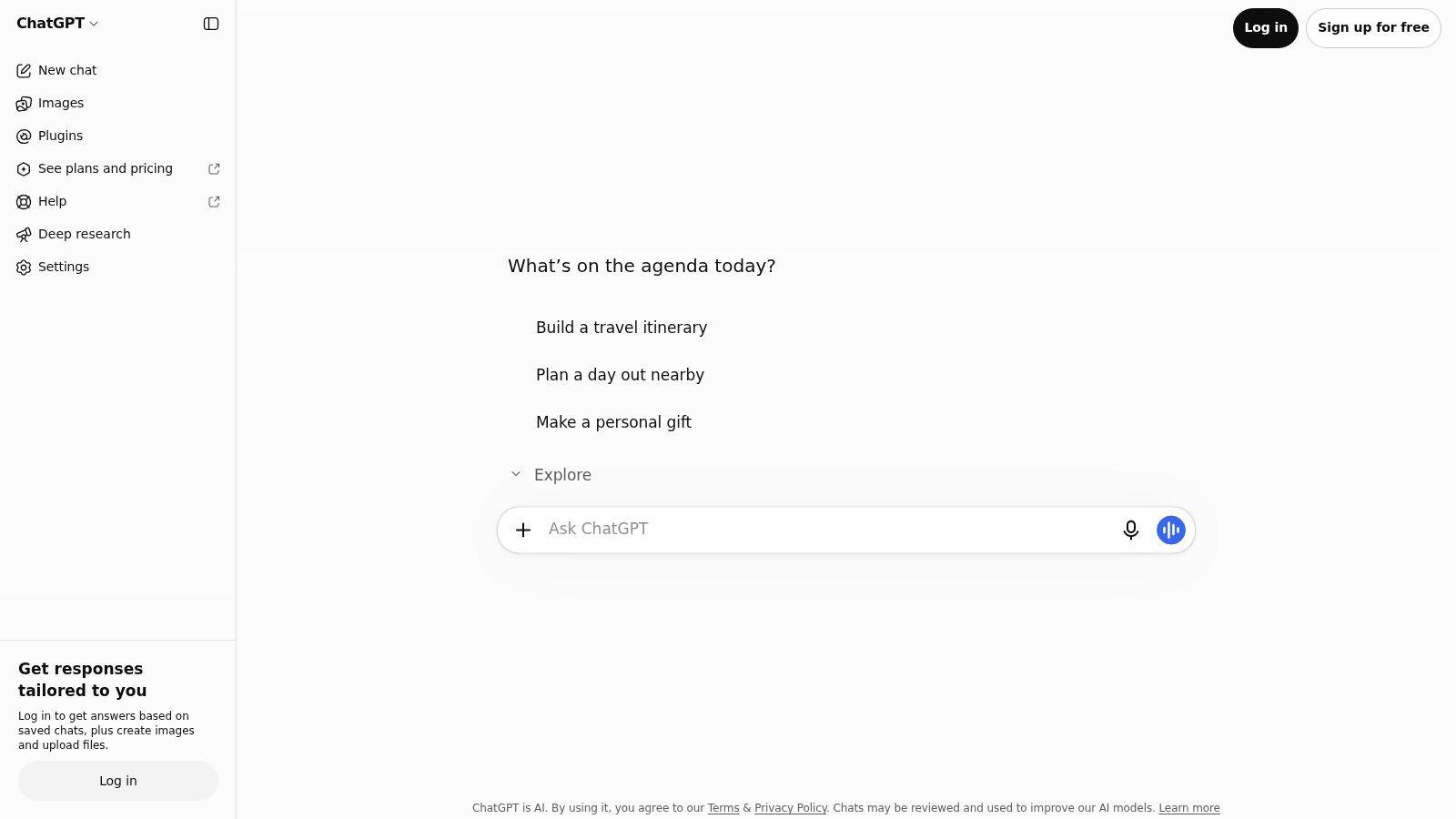
ChatGPT is a conversational assistant, not a dedicated proofreader. Use ChatGPT when you need to discuss an idea, explore an outline, or ask follow-up questions about a draft. Its flexibility is the advantage, and the need to direct and verify it is the cost.
A vague request for improvement invites broad rewriting. A more useful instruction identifies the audience, the document's purpose, what must remain unchanged, and the kind of feedback you want.
Ask for the weakest reasoning and missing evidence before asking for smoother prose.
Make feedback actionable
A Praxis study of asynchronous tutoring comments found that 53.3% of tutor comments directly elicited revisions. That study concerned tutoring, not chatbot performance, but it offers a useful standard for evaluating feedback: can you identify the problem and act on it?
Request comments tied to specific passages, explanations of why they matter, and revision options rather than silent replacement text. Verify every factual addition and open every proposed citation before using it.
A free plan is available, while paid access expands model and tool availability. Don't upgrade merely to avoid giving clearer instructions. Better access doesn't remove the need for source checking.
For ongoing reading, use the research resource separately from your draft review. Small businesses adapting finished material for different channels can also consult a writer's guide to cross-platform distribution, but distribution should follow editorial approval, not replace it.
8. Gemini in Google Docs
For a team already drafting and commenting in Google Docs, moving text into a separate assistant creates extra handling. Gemini in Google Docs is worth considering when keeping revision inside the shared document is the priority. It can help draft, rephrase, shorten, expand, summarize, and adjust formality within Google Docs.
Eligible access can also let it reference Google files for context. That's useful for preparing a draft from existing materials, but it doesn't mean every statement in those materials is current, approved, or suitable for the new audience.
Keep collaboration separate from approval
Say a small business is preparing a service announcement from internal notes. Ask for a draft based on approved information, then have the responsible person verify the offer, exclusions, and wording before anyone publishes it.
- Workflow advantage: Writers can review suggested changes where colleagues already comment and edit.
- Access limitation: Availability depends on eligible plans or experimental access, account type, and language.
- Editorial limitation: Summaries and rewrites still need comparison with the underlying documents.
AI-assisted editing is already part of student workflows: in fall 2025, 799 University of Michigan undergraduates, 63% of respondents, reported using AI in their writing and editing process, according to the university's survey results.
That doesn't establish permission for any particular assignment. Students should check course instructions before using integrated assistance, even when it appears inside a familiar document editor.
Choose this option for workflow fit, not automatic trust. Keeping the draft in one place reduces copying between tools, but it doesn't eliminate the need to review sources, meaning, or access permissions.
9. Microsoft Word with Copilot

A long report needs an executive summary, but the person reviewing it also needs to know what was left out. Microsoft Word with Copilot suits Word-centered drafting, revision, and document comprehension. Within Microsoft Word, Copilot can help start text, rewrite passages, and summarize longer documents.
The practical attraction is working where the document already lives. Eligible work context can also inform assistance, although access depends on the subscription or license and the organization's settings.
Treat a summary as a navigation aid
Use a generated summary to locate important sections, then read those sections yourself. Before forwarding the result, compare it with the source for exceptions, responsibilities, deadlines, and unresolved questions.
- For a manager: Check that a summary hasn't converted a proposed decision into an approved one.
- For a student: Confirm that a condensed explanation retains the author's qualifications and counterarguments.
- For an administrator: Confirm organizational approval before enabling workflows involving confidential documents.
Copilot's strength is convenience within Word, not exemption from editorial review. A rewrite that sounds more professional can still remove a necessary qualification or introduce an unsupported connection.
Check existing entitlement before buying another writing subscription. Eligible access and feature availability vary, so confirm what your account includes rather than assuming every Copilot-branded feature is available.
This option is less compelling when your work rarely touches Word or when you only need occasional sentence correction. In that situation, a focused editor may be easier to learn and more closely matched to the task.
10. Jasper
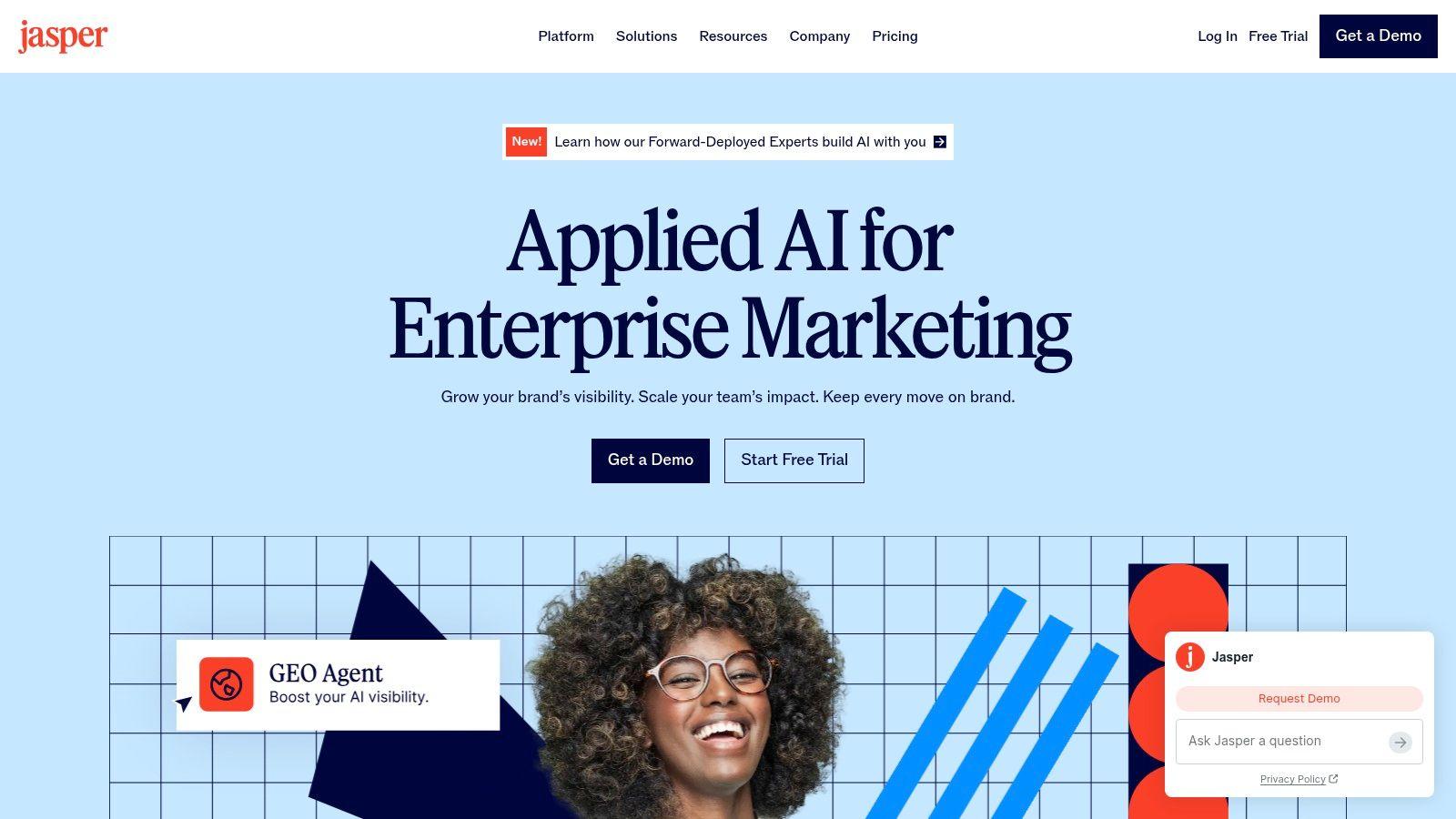
Jasper belongs on the shortlist for repeatable marketing work, not routine homework correction. Jasper combines content creation and editing with brand-voice settings, knowledge settings, marketing workflows, and team-oriented capabilities.
A small business producing product pages, campaign emails, and promotional copy faces a different problem from a student polishing an essay. The business needs consistent terminology and tone across materials, plus a process for checking claims before publication. Jasper's specialization fits that recurring production work.
Brand settings need editorial ownership
Give someone responsibility for maintaining approved product information, preferred terminology, and examples of the right voice. Without that ownership, a team can generate consistent-sounding copy from outdated or incomplete instructions.
- What works: Reusing a defined brand voice across related marketing deliverables.
- What costs more attention: Configuring the workspace, maintaining reference material, and reviewing output across contributors.
- Where it fails: Brand consistency can make an unsupported promise sound polished without making it accurate.
Pro is paid, and Business pricing is custom. Evaluate the workload before choosing a specialized platform: a sole trader writing occasional announcements may not need its broader marketing and governance features.
When comparing subscriptions, put recurring tasks beside total spending rather than comparing feature lists alone. The pricing page offers another point for checking current terms, but the decision should depend on what your team will use.
Choose Jasper when marketing production is a sustained operational need. Keep human approval for prices, product capabilities, regulated claims, and customer promises, regardless of how closely generated copy matches the brand.
Free plans, core focus, and best-fit readers for each writing help option
| Item | Free Plan | Core Focus | Best For |
| 1chat | Some services can be prepaid with service credits | Multiple AI models, chat, PDF analysis, image generation, and saved project chats for signed-in users | Families, students, and small teams seeking a privacy-first chat workspace |
| Grammarly | Basic writing support plus a limited set of AI prompts | Grammar, spelling, tone, and writing feedback | Everyday writing and editing |
| ProWritingAid | Free editing reports; some features have daily limits | Detailed style, readability, and structure analysis | Long-form writers reviewing essays, reports, or manuscripts |
| QuillBot | Core tools available; paraphrasing works in shorter passages | Paraphrasing, summarizing, grammar, citations, and translation | Students and writers rephrasing or condensing text |
| Hemingway Editor | Free online readability editor | Clarity, readability, and concise writing | Writers polishing an existing draft |
| Wordtune | Limited rewrites, grammar checks, and summaries | Rewriting and tone adjustment | Writers looking for alternative phrasing |
| ChatGPT | Free plan available | Conversational brainstorming, drafting, and revision | Flexible writing help across many tasks |
| Gemini in Google Docs | Access depends on eligible plan or experiment | AI writing assistance inside Google Docs | Google Docs users drafting and collaborating |
| Microsoft Word with Copilot | Requires eligible subscription or license | Drafting, rewriting, and summarizing in Word | School and workplace users with eligible access |
| Jasper | Pro is paid; Business pricing is custom | Marketing content, brand voice, and team workflows | Marketing teams creating consistent business content |
Read the access column as a constraint first, then choose by the job each tool handles.
Match the Tool to the Job, Then Protect What You Paste
A student polishing one essay and a marketing team producing weekly campaigns need different kinds of writing help online. The best choice solves your current bottleneck without creating a larger review burden. Start with the smallest tool that does the job, then add broader capabilities only when you can name the recurring task they will handle.
For error checking, Grammarly handles everyday correction, while ProWritingAid suits writers who want to inspect recurring patterns across longer work. If the draft is accurate but difficult to read, Hemingway offers a more focused clarity pass.
- For phrasing: Use Wordtune or QuillBot to compare alternatives, then check meaning against your original.
- For brainstorming and outlining: Use a conversational assistant with clear boundaries about audience, evidence, and authorship.
- For shared documents: Pick the assistant integrated into the editor your team already uses.
- For ongoing marketing: Evaluate brand controls and editorial ownership before paying for specialized production features.
Whatever you choose, keep responsibility for facts, citations, and meaning. Open cited material, compare summaries with originals, and reject revisions that add claims you cannot support. School rules apply whether the assistance comes from a chatbot, a paraphraser, or a familiar document editor.
Students need guidance on using these tools well, beyond getting access. A study of Turkish university EFL students indexed by ERIC identified concerns about plagiarism and academic integrity alongside limited understanding of how AI works. Ask for explanations rather than finished text, preserve earlier drafts, and document assistance when your institution requires it.
Privacy is a separate decision from writing quality. Remove unnecessary personal information before pasting text, use placeholders for names and account details, and confirm organizational approval before uploading sensitive work. Where a tool offers temporary chats, treat them as a convenience rather than a guarantee of confidentiality.
Before subscribing, run one representative, nonsensitive draft through the tool and judge whether it catches relevant problems, preserves your voice, and explains changes clearly enough to help you improve on the next draft. Then check current pricing, cancellation terms, usage limits, and any prepaid service credits directly on the provider's site.
Try a coaching-first workflow with us: bring a nonsensitive paragraph to 1chat and ask for unclear passages, explanations, and revision options rather than a replacement draft. For families and small teams, our multiple-model chat and PDF analysis are worth evaluating together, and signed-in users can save their work and organize conversations into projects. Our services cannot be used for academic dishonesty, and some services can be prepaid with service credits, so review the current terms before choosing how to pay.