You open a free AI chat to finish one job fast. A student needs help finding usable sources for a paper. A parent wants homework help without steering a child into unsafe or chaotic replies. A small team wants to summarize PDFs, draft customer responses, and avoid pasting sensitive information into a black-box tool.
Those needs sound similar until the trade-offs show up.
Free AI tools vary in ways that matter in actual use. Some are strong at research and citations but strict on daily limits. Some feel fast and polished but use your prompts to improve the product unless you change the settings. Some are great for casual conversation and weak at factual work. Others give broad model access, like 1chat's overview of AI chat models, but make more sense for people comparing workflows rather than chasing the highest free message cap.
The result is a crowded market with a simple label, free, hiding very different limits. Message caps, slower response times, weaker privacy controls, fewer file uploads, and model switching restrictions are common. Flaex.ai's guide on free AI makes a useful point here: free access often works best as a trial of fit, not a guarantee of unlimited use.
If you want the model background before picking a tool, this guide to best LLM models helps clarify why one chatbot feels better at coding, another at writing, and another at research. For this roundup, the better starting point is simpler. Match the tool to the job, then check the hidden cost of "free" before you commit.
1. 1chat
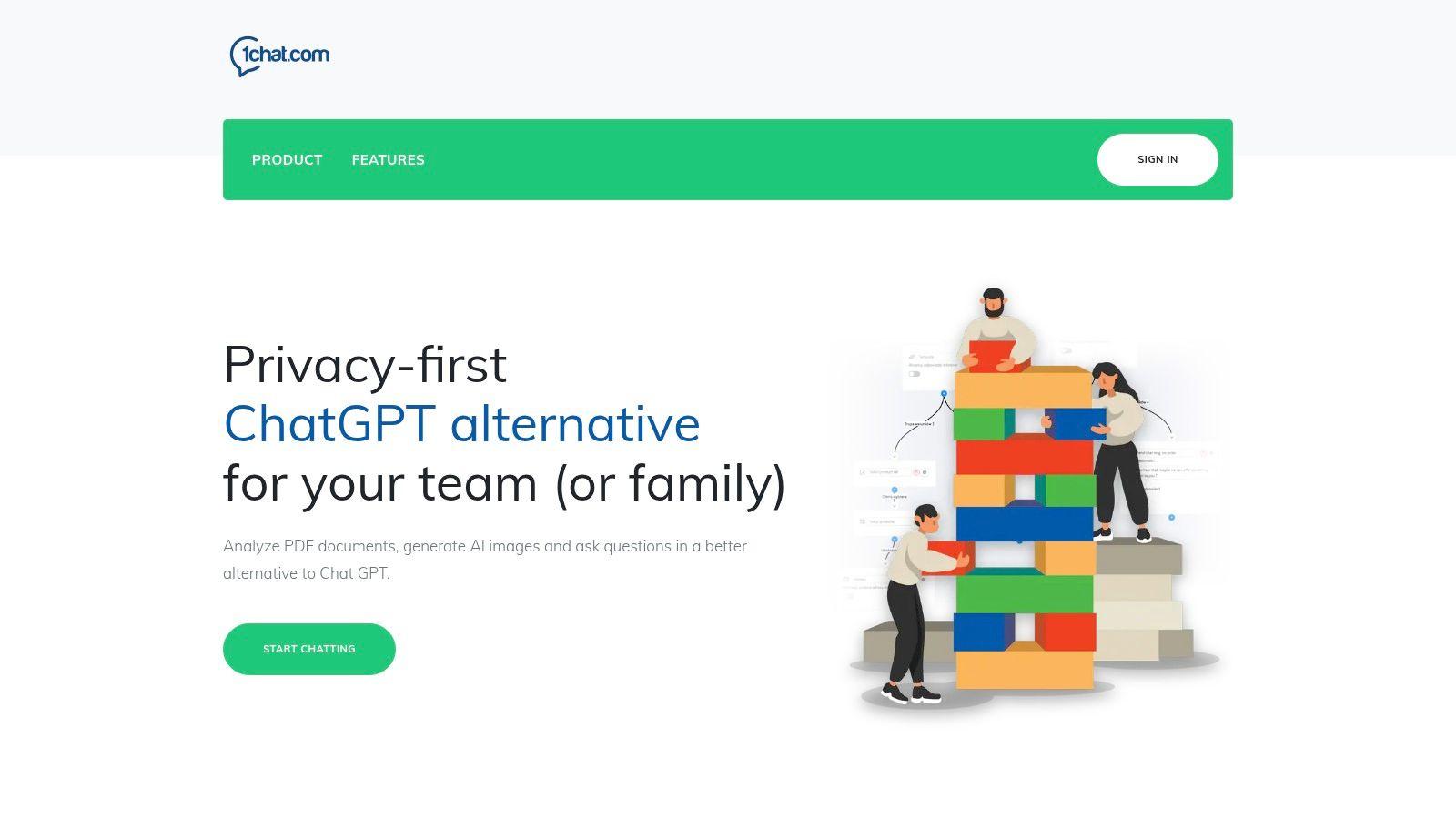
1chat makes the most sense when “free” isn't your only filter. It's for people who care about where the conversation goes after they hit send. That matters more than most buyers realize, especially for family use, schoolwork, and small teams handling customer or document data.
The strongest part of 1chat's pitch is that it doesn't behave like a single-purpose chatbot. You can chat with multiple LLMs in one place, analyze PDFs, generate AI images, and use it as a writing helper. For a student, that means one workspace for reading, asking, drafting, and revising. For a small business, that means fewer tabs and fewer disconnected tools.
What makes it more interesting for teams is the business layer. The platform includes an omni-channel inbox for website chat, Facebook Messenger, email, SMS, voice, and video, all tied into a shared conversation stream. That's not a casual feature add-on. It changes the product from “chatbot” to “team workspace with AI inside it.”
Where it fits best
If you're comparing ai chat for free options purely on prompt count, 1chat won't be the easiest one to benchmark from the public site. But if you need one platform that can support families, students, and SMB workflows, it solves a broader set of problems than most consumer bots.
A few practical fits stand out:
- For families: Safer defaults and a family-friendly positioning are more useful than raw model access if kids will use the tool regularly.
- For students: PDF analysis, writing help, and step-by-step explanations reduce the need to juggle separate study tools.
- For SMBs: Shared inboxes, routing, automation, dashboards, and API options make it more operational than a standard free chatbot.
- For mixed-use households or teams: Multi-model access gives you flexibility when one model is better at writing and another is better at reasoning or creative output.
Practical rule: If you need both AI answers and team coordination, a plain chatbot usually stops being enough very quickly.
There's also a broader reason this category matters. Research summaries on free AI chat options point to a clear gap around team privacy and security. One summary notes that many free platforms highlight privacy in marketing, but don't clearly explain team-level handling, segregation, or compliance details, while 67% of SMBs cite data security as a primary concern when adopting AI tools in enterprise AI adoption studies, as discussed in Overchat's roundup of free AI chat options.
What to watch before you commit
1chat has real strengths, but the trade-offs are also real. Public pricing isn't itemized on the site, so if you want exact per-seat cost, you'll need to contact sales. The site also doesn't publicly surface customer testimonials, third-party certifications, or the kind of proof points a compliance-heavy buyer may want before rollout.
That doesn't make it a bad choice. It just means you should evaluate it like a business tool, not like a toy chatbot.
For model context, 1chat also has a helpful overview of AI chat models. And if you're exploring the wider zero-cost options first, Flaex.ai's guide on free AI is a useful companion read.
2. ChatGPT
You need an answer fast, not a setup project. A student wants help outlining a paper, a parent wants a safe way to ask basic questions at home, or a freelancer needs to turn rough notes into a client-ready draft before lunch. ChatGPT remains one of the easiest free places to start because it usually gets you from blank page to usable output in minutes.
Its biggest advantage is familiarity. There are more prompt examples, tutorials, and community-made GPTs around ChatGPT than almost any other tool in this category. That wider ecosystem matters in practice. If something goes wrong, or you want a better prompt for research, coding, or writing, it is usually easy to find a working example and adapt it.
Where ChatGPT fits best
ChatGPT is a strong match for users who want one free assistant that covers a lot of ground reasonably well.
The free tier is especially useful for:
- Writing and rewriting: Emails, outlines, summaries, resumes, and rough first drafts.
- School and study support: Explaining concepts, generating practice questions, and helping structure research tasks.
- Light file and image work: Uploads make it more useful than a text-only chatbot for quick analysis.
- Trying specialized workflows: Community GPTs are handy when you want to test a narrow use case without building your own system.
The trade-off is predictability. Free usage limits can appear right when you are in the middle of a task, and the experience can shift as model access changes. For occasional use, that is manageable. For daily work, especially anything client-facing or deadline-driven, those limits can become the deciding factor.
Privacy also deserves a hard look. ChatGPT is convenient, but convenience is not the same as the right fit for sensitive material. I would not treat a free consumer chatbot as the default place for confidential client documents, family information, or school records unless the account settings, retention rules, and organizational policies are clear.
That is why ChatGPT works best as a broad starting point, not an automatic final choice. If your priority is cited research, stronger privacy boundaries, family-safe conversations, or a more stable free experience, it is smart to compare a few options before settling. This roundup of best free ChatGPT alternatives is a useful next step if you already know your main use case.
3. Microsoft Copilot
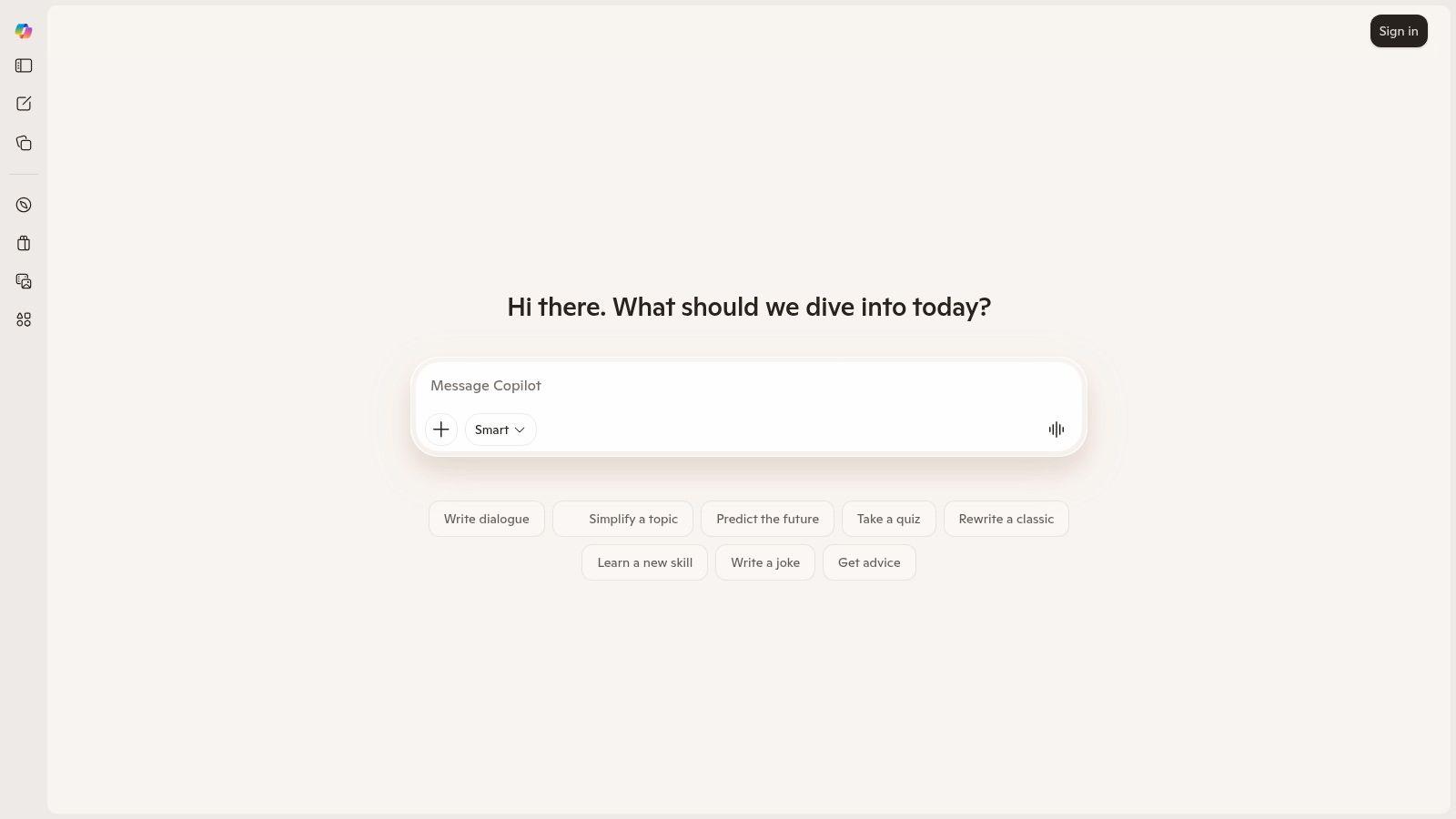
Copilot works best when your life already runs through Microsoft products. If you use Windows, Edge, Outlook, or Microsoft 365, the appeal is less about novelty and more about convenience. The AI is where you already are.
That's the fundamental trade-off with Copilot. On the open web, it feels like a solid general assistant with web-grounded answers, writing help, and image generation. Inside the broader Microsoft environment, it can feel more integrated and more useful. Those are not the same experience, and buyers should expect that difference.
Best use cases
Copilot is a good fit for:
- Windows households: Easy access matters when family members won't learn a new workflow.
- Web-grounded questions: It's often a practical pick when you want current answers tied to web results.
- Page summaries in Edge: This is one of its more useful everyday features.
- People who may later upgrade into Microsoft 365: The path is straightforward.
The downside is feature fragmentation. Some capabilities feel polished in one Microsoft surface and less polished in another. If you want a single, consistent AI workspace, that can be frustrating.
For casual users, though, Copilot is easy to recommend. You can try it quickly, and for everyday summarizing, drafting, and online lookup, it does the job without much ceremony.
4. Google Gemini
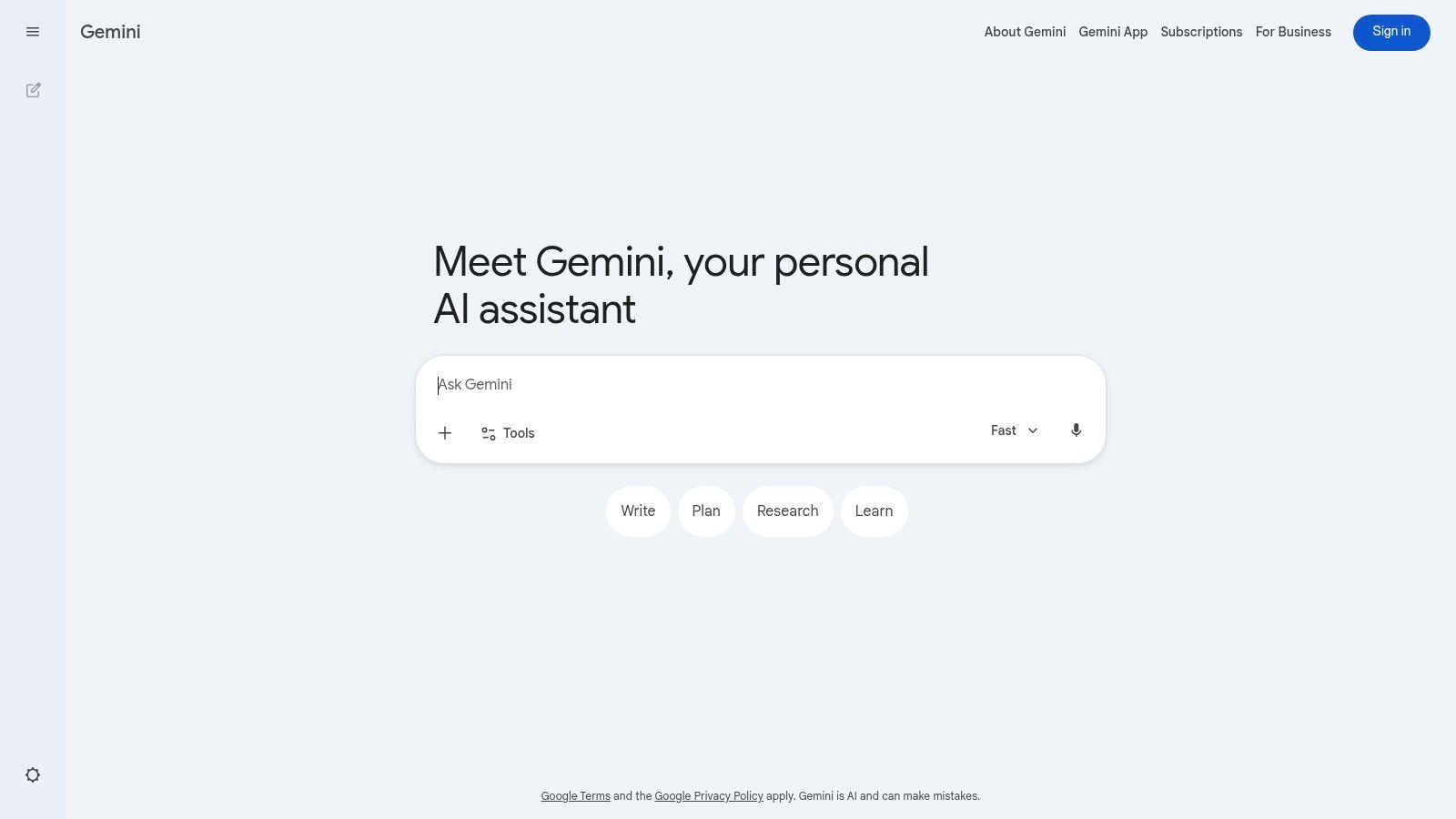
Gemini makes the most sense if Google is already your workspace. Gmail, Docs, Drive, Android, and Chrome users don't need another platform as much as they need a capable assistant that sits close to those habits.
The free plan is useful, but you need to be realistic about usage ceilings and account restrictions. Some features vary by model, and some work or school accounts won't expose the same options unless an admin enables them. That's not a dealbreaker. It just means Gemini is smoother for personal accounts than for every institutional setup.
Why students and Google-heavy users like it
Gemini is easy to use for brainstorming, rewriting, learning support, and mobile voice interactions. The mobile experience is especially convenient when you're moving between text, speech, and photos.
For students, Google alignment can be a real advantage. Draft in Docs, store source material in Drive, and move between browser and phone without changing tools. That workflow convenience often matters more than benchmark talk.
A separate adoption summary says 78% of U.S. college students were using tools like NoteGPT's free AI chat for research, proofreading, and essay writing by 2025, based on EdTech surveys discussed in NoteGPT's AI chat overview. That doesn't make Gemini the only student option, but it does show how normal AI-assisted study has become.
If your main concern is schoolwork support rather than general chat, this guide on AI chat for students is a helpful next read.
5. Perplexity
Perplexity is what I'd hand to someone who says, “I don't just want an answer. I want to see where it came from.” That's the whole product advantage. It behaves more like an AI research assistant than a classic chatbot.
For research-heavy users, that distinction matters immediately. Perplexity's answers are built around citations and web results, so you spend less time asking, “Can I trust this?” and more time checking the underlying sources.
Best for research, not for everything
Perplexity is especially strong for:
- Students writing papers: Source trails matter.
- SMB research tasks: Competitor scans, market questions, fast backgrounding.
- People who hate black-box answers: The citation-first style reduces guesswork.
- Organizing findings: Threads and Collections make light research more manageable.
The free tier includes core functionality plus limited Pro searches and a small daily file-upload allowance. For light use, that's enough. For deep research sessions, you can hit the wall quickly.
If your question starts with “what's the evidence,” Perplexity is usually a better first stop than a general-purpose chatbot.
The weakness is creativity and conversational warmth. It's fine there, but that's not why you use it. You use it because you need traceable answers fast.
6. Claude
Claude is the tool many people settle into after the novelty phase. It doesn't always have the biggest ecosystem or the loudest product rollouts, but it's often the one people trust for cleaner writing and calmer reasoning.
That reputation is well earned in everyday use. Claude tends to be strong at long-form drafting, nuanced rewrites, document analysis, and answers that feel less rushed. If you write a lot, that tone difference becomes obvious.
Where Claude feels strongest
Claude shines in a few recurring scenarios:
- Long-form writing: Essays, reports, blog drafts, and structured memos.
- Reasoning-heavy prompts: It often handles layered instructions cleanly.
- Document work: Uploads and analysis are useful when you're reviewing material rather than just chatting.
- Cross-device usage: Web, mobile, and desktop access make it easy to stay in one flow.
The free plan uses session-based limits, so heavy use can force pauses. That's the main friction. Claude feels premium in output style, but the free volume isn't ideal for nonstop use.
If you're a student or solo creator, that may be completely fine. If you're a team trying to make it a shared daily workhorse, the limits start pushing you toward a paid plan or a multi-tool setup.
7. Poe
Poe is for people who don't want to marry one model. It's less a single chatbot and more a model playground with a practical interface. If you're curious, comparative, or picky about output style, that's a huge advantage.
The best thing about Poe is speed of experimentation. You can try different leading models and user-made bots without maintaining a stack of separate accounts and tabs. For prompt tinkerers, that's refreshing.
Who should actually use Poe
Poe is a smart choice for:
- Model shoppers: You want to feel the differences between systems.
- Writers and creators: Different bots can suit outlining, drafting, coding, or roleplay.
- People who like niche assistants: The custom bot ecosystem is active.
- Cross-device users: The app support is good enough to make casual use easy.
The trade-off is limits layered on limits. Free users face lower message and compute allowances, and some of the more interesting bots or larger context windows sit behind subscriptions.
That means Poe is excellent for exploration and not always ideal for stable daily production. If your workflow depends on predictability, going direct to one main tool can feel simpler.
8. Character.AI
Character.AI is not where you go for rigorous research. It is where you go when engagement matters more than precision. That can be a strength, not a flaw, if you use it for the right things.
For creative writing, language practice, roleplay, and low-pressure conversation, Character.AI can be more compelling than a traditional assistant. The persona layer changes how people interact with it. Kids, teens, and creative users often find it more inviting than a blank productivity bot.
Best for creative interaction
Character.AI is particularly good for:
- Creative writing prompts: Persona-driven back-and-forth can stimulate ideas.
- Language practice: Conversations feel more dynamic than flashcards or worksheets.
- Learning companions: Some users engage more with character-based teaching styles.
- Casual entertainment: This is one of the strongest free AI use cases if fun matters.
The downside is factual reliability. Community-made characters vary wildly in quality, and the platform isn't built around source-grounded answers. Treat it like a creative partner, not a research authority.
For families, that means supervision and expectation-setting matter. It can be a useful tool, but only if adults understand what it is and what it isn't.
9. HuggingChat
HuggingChat appeals to a different kind of user. It's not trying to feel like the most polished mainstream assistant. It's trying to give you access to open models, open tooling, and a path toward more control.
That matters if privacy, transparency, or technical flexibility are high on your list. In a market where many free tools abstract away everything, HuggingChat gives technical users a closer look at the model layer and a cleaner path to self-hosting.
Why technical users keep coming back
HuggingChat works well for:
- Testing open models: You can compare model behavior without building your own interface first.
- Privacy-minded experimentation: Open tooling is easier to inspect and adapt.
- Teams considering self-hosting: The transition path is part of the value.
- Developers and builders: Community Spaces and assistants make it easy to prototype.
Its weakness is polish under load. Reliability and throughput can vary, especially compared with the biggest commercial clouds. Output quality also depends heavily on the model you pick.
Still, if your priority is control over convenience, HuggingChat deserves a spot on the shortlist. It's one of the better answers to the question, “What if I want ai chat for free without committing to a giant closed ecosystem?”
10. Meta AI
You're already in WhatsApp or Instagram, a question comes up, and the fastest option is the AI sitting inside the app you already have open. That is Meta AI's real advantage. It saves a step.
For casual use, that matters more than feature depth. Meta has put AI inside Facebook, Messenger, Instagram, and WhatsApp, so families, group chats, and everyday users can try it without signing up for another service or teaching less technical relatives a new interface.
Best for everyday chats inside Meta apps
Meta AI makes sense for:
- Quick answers in active chats: Trip ideas, recipe substitutions, short explanations, caption help.
- Households that want low-friction access: People can use it where they already message each other.
- Light visual tasks: Image-related prompts and simple multimodal interactions are convenient.
- Social-first use: It fits chats, sharing, and casual back-and-forth better than structured work.
The trade-off is privacy clarity. If a student is collecting sources, a parent wants safer boundaries for kids, or a small team is discussing anything sensitive, I would pick a dedicated tool with clearer controls and fewer social-platform assumptions. Free AI is rarely just about capability. It is also about where the conversation lives and what data habits come with that choice.
Meta's other strength is distribution. As noted earlier, major AI products have pushed consumer expectations upward, and Meta's response has been straightforward: put AI in front of users where they already spend time. That makes it easy to reach, but it does not automatically make it the right fit for higher-stakes work.
Use Meta AI for convenience. Use something else when source quality, privacy, or workflow reliability matters more than speed.
Top 10 Free AI Chat Tools, Comparison
| Product | Core Features ✨ | Experience ★ | Price / Value 💰 | Target 👥 | Standout / USP 🏆 |
| 🏆 1chat | ✨ Multi‑LLM access, PDF analyzer, AI image gen, omni‑channel inbox | ★★★★☆ Family‑friendly, team collaboration, fast setup | 💰 Seat‑based (Mini/Pro), quote required; Mini automation cap (5k/mo) | 👥 SMBs, teams, families, students | 🏆 Privacy‑first + unified multi‑LLM & omni‑channel workflow |
| ChatGPT (OpenAI) | ✨ Web search, file/image uploads, in‑chat image gen, GPTs | ★★★★☆ Strong multimodal & ecosystem | 💰 Free tier with limits; paid upgrades available | 👥 Students, general users, small teams | ✨ Large GPT ecosystem and fast onboarding |
| Microsoft Copilot (Free) | ✨ Web‑grounded answers, writing aid, image gen, Edge integration | ★★★☆☆ Good, feature varies by platform | 💰 Free consumer; advanced tools via Microsoft 365 | 👥 Windows‑centric SMBs, families | ✨ Tight Microsoft 365 / Edge integration |
| Google Gemini (free plan) | ✨ Brainstorming, model choice per chat, mobile text/voice/photos | ★★★★☆ Flexible modes, wide device support | 💰 Free plan; paid upgrades for higher limits | 👥 Google ecosystem users, students | ✨ Deep Gmail/Drive/Docs alignment |
| Perplexity (Free) | ✨ Source‑cited answers, limited Pro searches, file uploads | ★★★★☆ Excellent for concise research with citations | 💰 Free with daily limits; Pro for volume | 👥 Students, researchers, SMBs needing sources | ✨ Clear citations for research workflows |
| Claude (Anthropic), Free | ✨ Long‑form writing, image understanding, apps | ★★★★☆ Strong clarity, safety, reasoning | 💰 Free session caps; paid tiers for heavy use | 👥 Writers, analysts, teams | ✨ Safety‑focused long‑form reasoning |
| Poe (by Quora) | ✨ Access multiple LLMs/bots in one UI, cross‑device apps | ★★★☆☆ Variable by model; easy model switching | 💰 Free with limits; subscriptions for higher limits | 👥 Explorers, model testers, creators | ✨ One interface to try many models quickly |
| Character.AI | ✨ Millions of user characters, voice on mobile, safety center | ★★★☆☆ Highly engaging; quality varies by character | 💰 Free core; paid tiers for extras | 👥 Families, teens, creative learners | ✨ Persona‑driven roleplay & language practice |
| HuggingChat (Hugging Face) | ✨ Open models (Llama, Mixtral, Gemma), self‑hostable UI | ★★★☆☆ Open‑source transparency; throughput varies | 💰 Free; self‑host options for control | 👥 Developers, privacy‑minded users | ✨ Open‑source + easy path to self‑host |
| Meta AI (Meta) | ✨ Text/image gen, file understanding, embedded in Meta apps | ★★★☆☆ Fast multimodal; rolling feature changes | 💰 Free in apps; in‑app usage | 👥 Social app users, casual Q&A | ✨ Embedded across Instagram/Facebook/Messenger/WhatsApp |
Making Your Choice & Maximizing Free AI
You need three different things before lunch. A cited source for a class assignment, help rewriting a messy email, and a safe chatbot your kid can poke at without wandering into questionable roleplay. No single free AI tool handles all three equally well, and that is where people waste time. The smart move is to match the job to the tool, then keep an eye on the limits and data trade-offs attached to the free tier.
Focus on the objective rather than the hype surrounding specific models. Perplexity is ideal for research backed by sources. ChatGPT remains a useful standard for everyday drafting and creative thinking. Copilot and Gemini are more logical choices if your documents, emails, and calendars are already within Microsoft or Google ecosystems, as the primary benefit is reduced context switching.
Claude tends to do well on long drafts, careful summaries, and cleaner writing tone. Poe is useful for testing several models without opening five tabs. Character.AI works for creative play and language practice, but it is a poor choice for factual research. HuggingChat suits technical users who want open models or a path toward more control. And 1chat is a reasonable pick for households or small groups that want one place for chat, document handling, and a more privacy-conscious setup.
Free access always has a catch.
Sometimes it is a daily message cap. Sometimes advanced features appear for a week and then slide behind a paid plan. Sometimes the limit is less obvious, like slower responses at peak hours or weaker model access after a few prompts. Venice.ai's analysis of freemium friction at venice.ai makes a fair point here. Free AI products often explain upgrade paths better than they explain the practical ceilings of the free plan.
That is why I usually recommend a two-tool or three-tool setup instead of trying to force one assistant into every role.
A workable setup looks like this:
- Use ChatGPT or Claude for drafting, rewriting, and summarizing.
- Use Perplexity for research trails, citations, and quick fact checking.
- Use Gemini or Copilot if your work already happens in Google Workspace or Microsoft 365.
- Use Character.AI for entertainment, practice, or storytelling, not for reliable answers.
- Use 1chat if shared family use, PDF workflows, image generation, and lightweight team chat matter more than chasing the latest model release.
The market will keep getting more crowded, as noted earlier. More free tiers will show up. More tools will borrow the same language about credits, speed, and premium access. That makes hands-on testing more useful than feature grids alone.
Choose based on the next job you need done. Avoid pasting sensitive data into any free tool unless you have checked the privacy settings and retention policy. Test the actual limits in a normal week of use, not just in a five-minute trial. If a chatbot starts slowing you down, switch. Flexibility is still the biggest advantage of using free AI well.
If you're also thinking about how these tools fit into publishing and discoverability, this guide on content strategy for LLMs adds useful context.