
Embarking on academic research today means dealing with a rapidly evolving world of artificial intelligence. From drafting a literature review to analyzing complex data sets and generating citations, AI has become an essential partner for students, faculty, and professional researchers. But with a dizzying array of options, which tools actually deliver on their promises? This guide cuts through the noise, providing a detailed breakdown of the 12 best AI tools for academic research.
This is not just another surface-level list. We go deep into each platform, evaluating its core functions and practical applications. You will find a thorough analysis of tools like Perplexity, SciSpace, and Consensus, complete with screenshots and direct links to get you started immediately. We examine their specific strengths, practical use cases, limitations, and pricing to help you build a powerful, efficient, and ethically sound research workflow.
We'll cover everything from AI-powered search engines that find supporting or conflicting evidence to visual mapping tools that reveal hidden connections between papers. This article provides a clear, actionable resource to help you select the right software for your specific needs. Whether you're an undergrad tackling your first term paper or a seasoned academic managing a large-scale project, these tools are designed to save you time, deepen your insights, and improve the way you approach scholarship.
1. 1chat
1chat distinguishes itself as a premier, well-rounded AI tool for academic research by consolidating multi-model AI access with robust document analysis and collaborative features. Unlike single-model platforms, 1chat allows researchers to select the most appropriate large language model (LLM) for a specific task, whether it's drafting a literature review, generating hypotheses, or debugging code. This model-agnostic approach ensures you can always use the best engine for the job, from OpenAI’s GPT-5 to Google’s Nano Banana, all within a single interface.
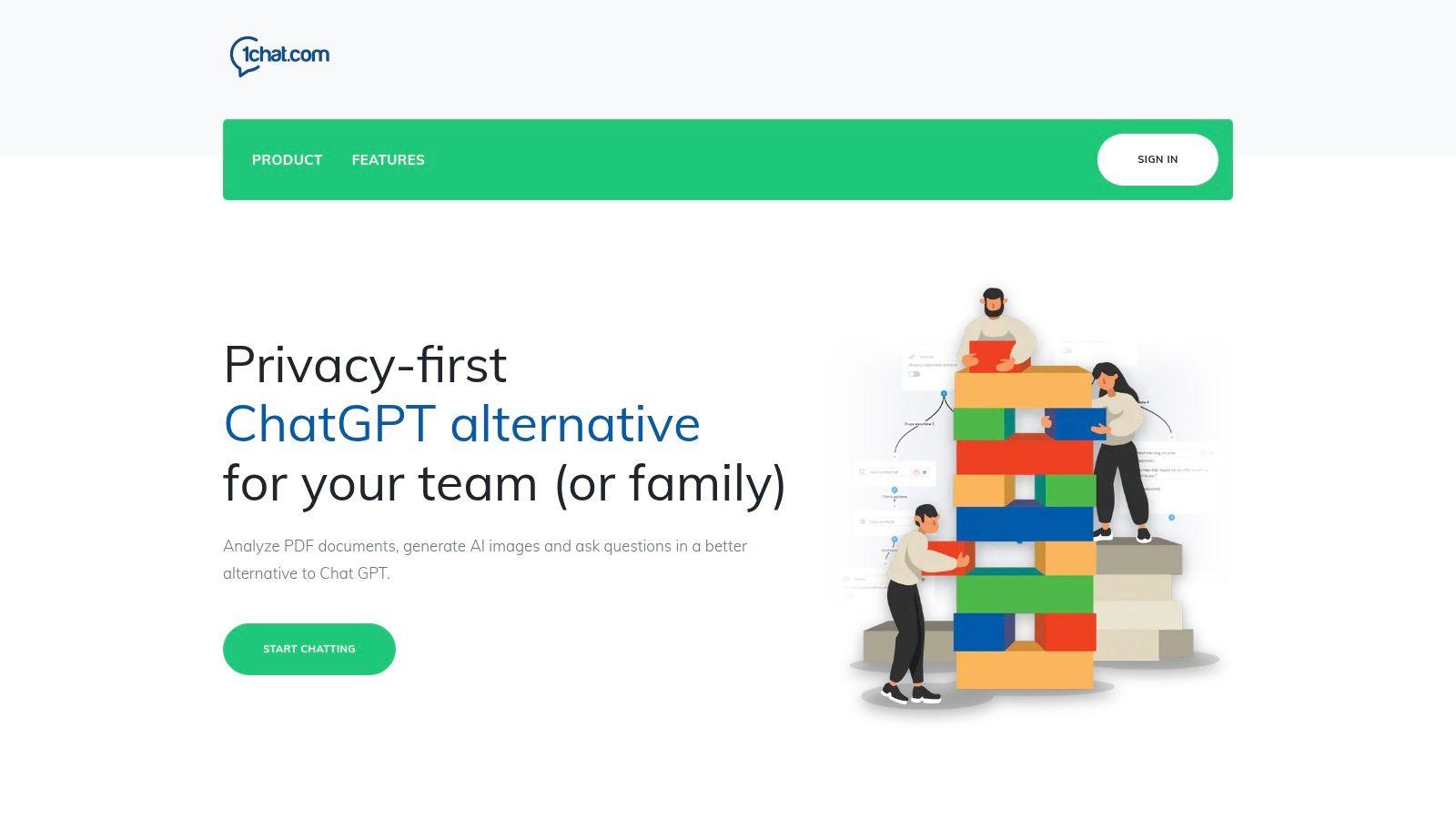
Its strength lies in its integrated, privacy-first design. Researchers can directly upload and analyze PDFs, making it exceptionally useful for summarizing dense academic papers or extracting key data points without switching between applications. The platform is explicitly built for collaboration, offering shared chat histories, team dashboards, and task management. This makes it an ideal choice for research teams needing a unified space to manage projects, share findings, and maintain a coherent workflow.
“Being able to switch between different AI models in one place is a game-changer. For one project, I might need the creative writing strength of one model, but for data analysis, I need another. 1chat eliminates the need for multiple subscriptions and fragmented workflows.”
Key Strengths & Use Cases
1chat is particularly effective for multifaceted academic work. Its PDF analysis function helps you quickly digest and synthesize information from scholarly articles, saving hours on literature reviews. For instance, a graduate student can upload a dozen papers and ask the AI to identify common themes, methodological approaches, or gaps in the existing research. The platform's multi-model access also allows for nuanced query testing, a critical component when refining research questions or exploring complex theoretical concepts.
Pricing & Access
Pricing is structured on a per-seat, monthly subscription model with three main tiers: Mini, Omni, and Omni Pro. While specific costs require a direct inquiry or trial, this model allows small labs or individual student researchers to start with an affordable plan and scale up as their needs grow. Advanced features like API integration or expanded communication channels (voice/video) are reserved for higher tiers. You can get started by visiting the website and signing up through its "Start Now" onboarding process.
Website: https://1chat.com
2. Perplexity
Perplexity operates as an “answer engine,” distinguishing itself from creative chatbots by prioritizing verifiable, source-grounded information. This makes it one of the best AI tools for academic research, especially during the initial exploratory phase. Instead of just generating text, it answers questions with summaries directly linked to a bibliography of sources, allowing you to quickly validate claims and build a preliminary reading list.
The platform is designed for deep research. You can upload documents like PDFs or datasets and ask specific questions about the content. Its "Spaces" feature helps organize your research projects, keeping sources and conversations tidy. The interface is clean and straightforward, focusing on the query-and-answer flow with citations.
Ideal User and Practical Applications
This tool is a strong fit for undergraduates getting started on a literature review, graduate students needing a quick overview of an unfamiliar topic, and even seasoned researchers wanting to find seminal papers in a new subfield.
- Literature Reconnaissance: Ask "What are the key debates surrounding the use of CRISPR-Cas9 in human germline editing?" Perplexity will return a summarized answer with numbered citations linking directly to academic papers and articles.
- Building a Reading List: Follow up with "List the top 10 most cited papers on this topic from the last five years."
- Study Mode: The Education Pro plan includes a "Study Mode" which can generate flashcards and quizzes from uploaded materials, perfect for exam preparation.
Pricing and Privacy Considerations
Perplexity offers a capable free tier, but its most powerful features are on paid plans. The Pro and Education Pro plans (the latter offering a discount) increase usage limits for advanced AI models and file uploads. For institutions, the Enterprise tier provides administrative controls and data privacy assurances that align with requirements like FERPA. While the AI summaries are a fantastic starting point, always remember to consult the primary sources to avoid misinterpretation.
Privacy-First Alternative: When handling sensitive or unpublished data, a local model like 1chat offers a more secure environment. Use it for analyzing proprietary datasets or drafting sections of a manuscript before it’s public, ensuring your intellectual property remains private.
Website: https://www.perplexity.ai
3. Consensus
Consensus is an evidence-focused AI search engine designed to answer research questions by synthesizing findings directly from peer-reviewed scientific literature. It cuts through the noise of general web search results to provide answers grounded in published studies. By asking a direct question, users receive concise, evidence-based summaries that cite their sources, making it one of the best AI tools for academic research when building an evidence-based argument.
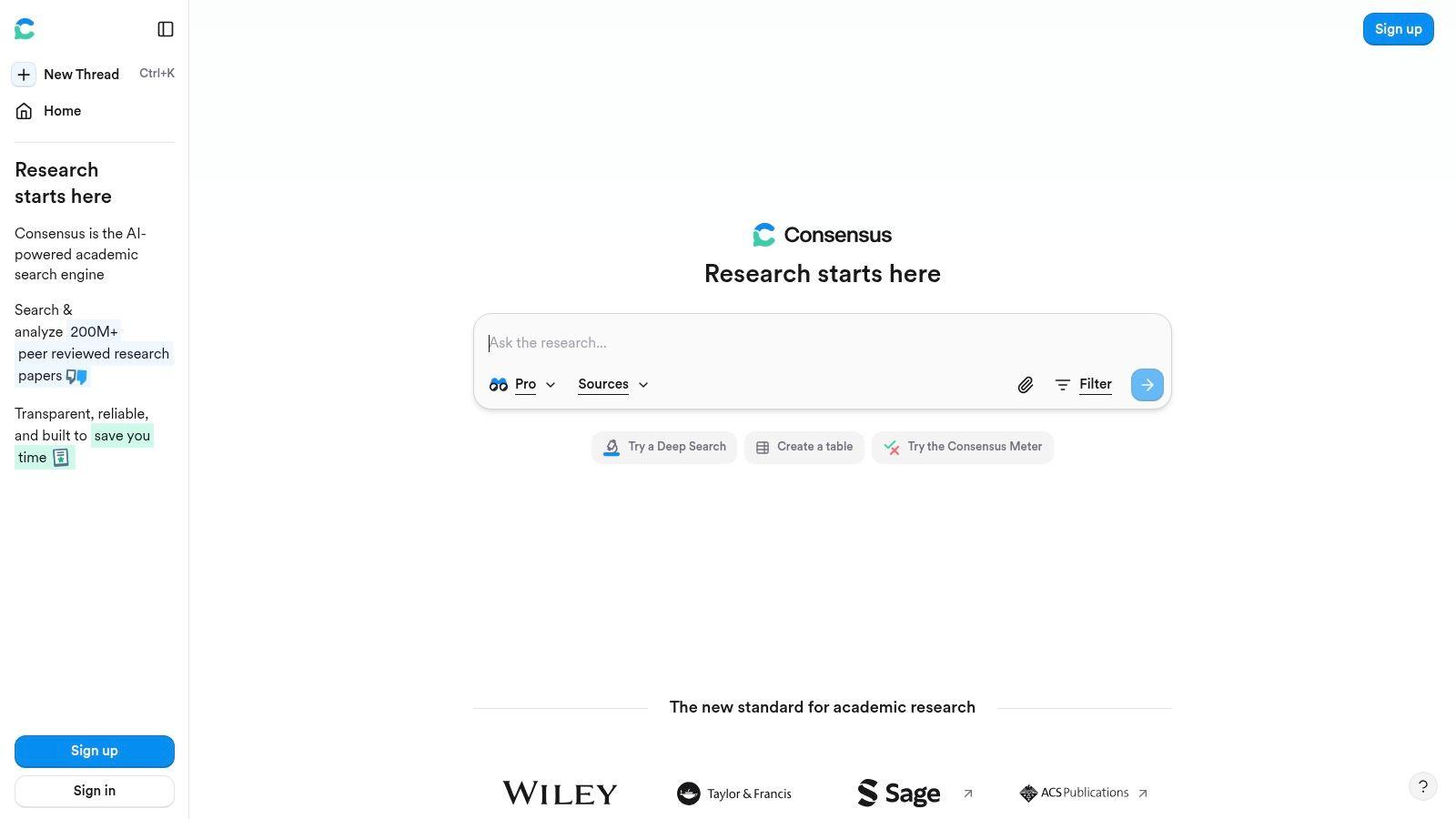
The platform’s strength is its “Study Snapshot” feature, which presents key metadata like methodology, sample size, and study duration at a glance. This helps you quickly assess the quality and relevance of a paper without having to read it in full. The "Ask Paper" feature also allows you to chat with uploaded PDFs, extracting specific details on demand. This approach helps sharpen analytical abilities and improve research skills.
Ideal User and Practical Applications
Consensus is excellent for graduate students, public health professionals, and any researcher needing to quickly gauge the scientific consensus on a specific topic. It’s particularly useful for meta-analyses or systematic reviews.
- Evidence Synthesis: Ask "Does mindfulness meditation reduce symptoms of anxiety?" Consensus will aggregate findings from multiple studies, often displaying whether the results are positive, negative, or neutral.
- Methodological Vetting: Use the Study Snapshot to filter for randomized controlled trials or studies with large sample sizes to prioritize high-quality evidence.
- Targeted Data Extraction: With the Pro plan, you can use the AI to create a synthesis of the top 10 papers on your query, summarizing key takeaways into a single paragraph.
Pricing and Privacy Considerations
Consensus provides a free tier with a limited number of searches and access to basic features. The Premium plan unlocks unlimited searches, advanced analysis features like the AI-powered synthesis, and credits for GPT-4 powered features. For teams, an Enterprise plan offers API access and centralized billing. While Consensus focuses on published data, its PDF analysis feature involves uploading documents, which may be a concern for pre-publication work.
Privacy-First Alternative: For analyzing unpublished manuscripts or sensitive patient data for a systematic review, a private AI like 1chat is a safer choice. It processes all data locally, ensuring your confidential research remains completely off the grid and protected.
Website: https://consensus.app
4. SciSpace (AI Research Copilot)
SciSpace positions itself as an end-to-end research environment designed to minimize context-switching. It combines a powerful PDF reader with writing and literature review aids, making it one of the best AI tools for academic research that require a cohesive workflow. You can upload papers and directly ask questions, extract key data points, or have complex concepts explained in simpler terms.
The platform integrates these reading capabilities with a dedicated literature review workspace. Here, you can generate tables comparing methodologies, findings, and limitations across multiple papers. Its built-in writing assistants help paraphrase sentences or format citations, consolidating the entire process from initial reading to first draft within a single interface.
Ideal User and Practical Applications
SciSpace is well-suited for graduate students and researchers managing multiple papers for a literature review. Its all-in-one nature is also beneficial for anyone looking to reduce the friction between reading, understanding, and writing.
- Integrated Literature Review: Upload a dozen PDFs on a topic and use the copilot to ask, "Create a table comparing the sample sizes, methodologies, and key findings of these papers."
- Focused Reading: When facing a dense paper, you can highlight a paragraph and ask the AI to "explain this section like I'm a first-year undergraduate."
- Drafting Assistance: While taking notes, use the built-in paraphraser to rephrase a sentence to avoid plagiarism or find a clearer way to express an idea. The tool can also generate citations on the fly.
Pricing and Privacy Considerations
SciSpace operates on a freemium model with a generous free tier for basic use. The Premium and Teams plans unlock higher limits on file uploads, copilot questions, and access to more advanced features. While effective, the AI-generated summaries and data extractions can sometimes miss nuance, so verifying with the original text is critical. The platform’s convenience is a significant plus, but its effectiveness can vary depending on individual research habits.
Privacy-First Alternative: For drafting a thesis chapter or analyzing sensitive, unpublished results, 1chat provides a secure, local environment. This ensures your intellectual property and confidential research data are never processed on external servers, maintaining complete privacy before publication.
Website: https://www.scispace.com
5. Semantic Scholar
Semantic Scholar, developed by the Allen Institute for AI (AI2), is a free, AI-powered academic search engine designed to help researchers quickly navigate and understand scientific literature. It stands out by injecting AI directly into the discovery process, offering features that go beyond a simple keyword search. The most prominent feature is the automatically generated one-sentence "TLDR" summary for millions of papers, which allows for rapid screening of search results.
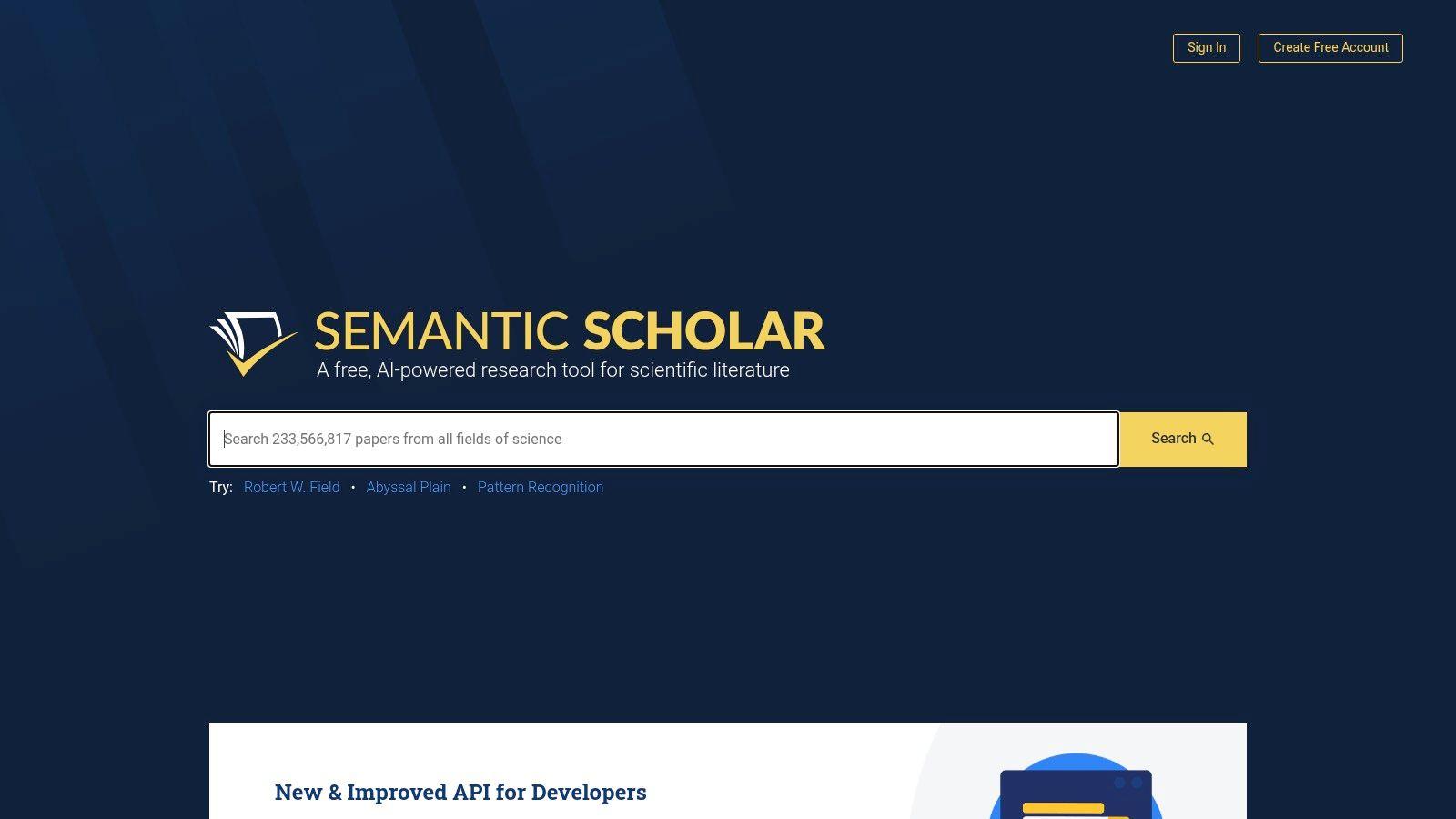
The platform’s "Semantic Reader" further augments the research experience by providing in-context definitions, background information on cited works, and symbol explanations without forcing you to leave the document. By integrating with institutional access systems like GetFTR and LibKey, it also helps you find the full-text PDF more easily, closing the loop from discovery to reading. These tools make it one of the best AI tools for academic research for anyone needing to efficiently triage a large volume of papers.
Ideal User and Practical Applications
This tool is invaluable for researchers at all levels, from students building an initial bibliography to faculty staying current in their field. It excels at accelerating the literature review process.
- Rapid Literature Triage: When searching for a topic, use the "TLDR" summaries to quickly decide if a paper is relevant enough to open, saving hours of skimming abstracts.
- Deepen Comprehension: Inside the Semantic Reader, click on a citation to see an AI-generated summary of the cited paper’s context and findings, helping you understand its influence without opening another tab.
- Trace Scholarly Impact: Use the platform to view a paper’s citation graph, identifying highly influential works and tracking how a concept has evolved over time.
Pricing and Privacy Considerations
Semantic Scholar is completely free for all users. It is funded by AI2, a non-profit research institute, with the goal of accelerating scientific progress. While a free service, you should still be mindful of your search history being collected for service improvement. The platform itself doesn't handle sensitive, unpublished data.
Privacy-First Alternative: For tasks like summarizing your own unpublished drafts or analyzing proprietary research notes, a local tool like 1chat is a better choice. It keeps your intellectual property secure on your own machine, preventing accidental exposure before publication.
Website: https://www.semanticscholar.org
6. scite
scite moves beyond simple citation counts by analyzing how a paper is cited. It uses AI to classify citations as supporting, contrasting, or simply mentioning a source. This function makes it one of the best AI tools for academic research because it helps you quickly gauge the academic conversation around a paper and identify potential controversies or retractions. Instead of just seeing that a paper has 100 citations, you can see if 20 of those citations challenge its findings.
The platform's "Smart Citations" show the context of each citation, allowing you to read the exact sentence where the citation was made. This saves hours of manual checking. scite also includes a research assistant for answering questions based on its vast library of full-text articles, and its dashboards help visualize the citation landscape for specific topics, authors, or journals.
Ideal User and Practical Applications
scite is perfect for graduate students, postdocs, and faculty who need to perform a rigorous evaluation of sources. It helps anyone looking to quickly understand the critical reception of a paper without reading every citing article.
- Vetting Key Sources: Before heavily relying on a foundational paper, check its scite report. A high number of contrasting citations may signal that its findings are contested.
- Finding Nuanced Debates: Search for a topic and filter for "contrasting" citations to immediately find papers that disagree, giving you a ready-made "for and against" structure for a literature review.
- Checking for Retractions: scite prominently flags papers that have been retracted or have received an expression of concern, a critical step in maintaining academic integrity. By understanding this context, you can better determine what is a credible source.
Pricing and Privacy Considerations
scite offers a limited free version for basic lookups. The full feature set, including the Assistant, advanced search filters, and unlimited reports, requires a paid Premium subscription, with discounts available for students. Institutional licenses provide campus-wide access. While scite's analysis is powerful, its coverage can be less complete for older articles or disciplines outside of the biomedical and natural sciences.
Privacy-First Alternative: For analyzing a private collection of PDFs or drafting a literature review with unpublished notes, a local AI like 1chat is a better choice. It keeps your preliminary research and intellectual property secure on your own machine, away from third-party servers.
Website: https://scite.ai
7. Connected Papers
Connected Papers moves beyond keyword searches to offer a visual map of the academic landscape. You provide a single “seed paper,” and the platform generates an interactive graph of dozens of related articles. This unique approach uses co-citation and bibliographic coupling to find papers that share references, revealing intellectual connections that simple text matching would miss. It’s one of the best AI tools for academic research when you need to understand a field’s structure, not just find documents.
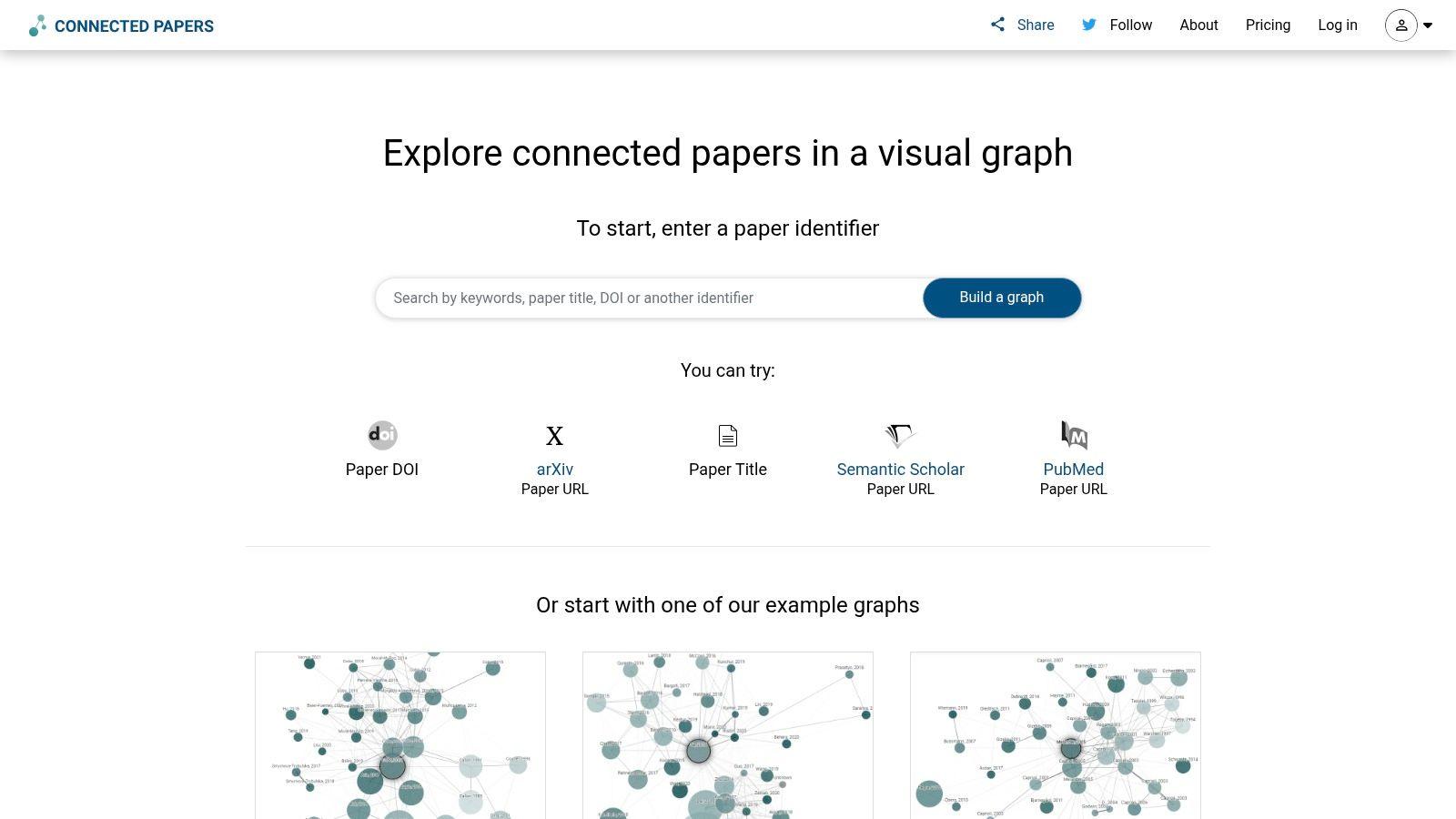
The platform’s strength lies in its visualization. Papers are clustered by similarity, with seminal works often appearing as central nodes. You can switch between views to see "Prior Works" (foundational papers) and "Derivative Works" (more recent studies that build on the originals), helping you trace a research lineage.
Ideal User and Practical Applications
This tool is perfect for graduate students defining the scope of their thesis and researchers entering a new discipline. It helps you quickly situate a paper within its broader academic conversation, a key step when you need to write a literature review.
- Discovering Research Niches: After finding a compelling paper, generate a graph to see who else is working on similar problems and identify adjacent subfields.
- Finding Seminal Works: Look for papers in the "Prior Works" view or those with many connections in the main graph to identify foundational studies.
- Tracing an Idea's Evolution: Use the "Derivative Works" view to follow how a concept or methodology has been developed over time.
Pricing and Privacy Considerations
Connected Papers offers a free tier with a limited number of graphs per month. Paid Academic and Pro plans provide unlimited graphs, history saving, and export features. Since it primarily works with publicly available metadata from sources like Semantic Scholar, it does not require you to upload your own sensitive files. The main limitation is the reliance on having a good seed paper to start; its discovery power is only as good as your initial entry point.
Privacy-First Alternative: For tasks involving your own research data, like finding thematic links within a private folder of PDFs, a secure tool like 1chat is necessary. You can use it to summarize and connect ideas from your unpublished work without exposing it to a public service.
Website: https://www.connectedpapers.com
8. Litmaps
Litmaps offers a visual approach to literature discovery, positioning itself as an interactive mapping tool rather than a simple search engine. It generates dynamic, network-style maps of academic papers based on citations and keyword connections. This allows researchers to see how a field has evolved, identify seminal works, and discover adjacent research streams in a way that linear lists cannot. Its core strength lies in making the research landscape visible and interactive.
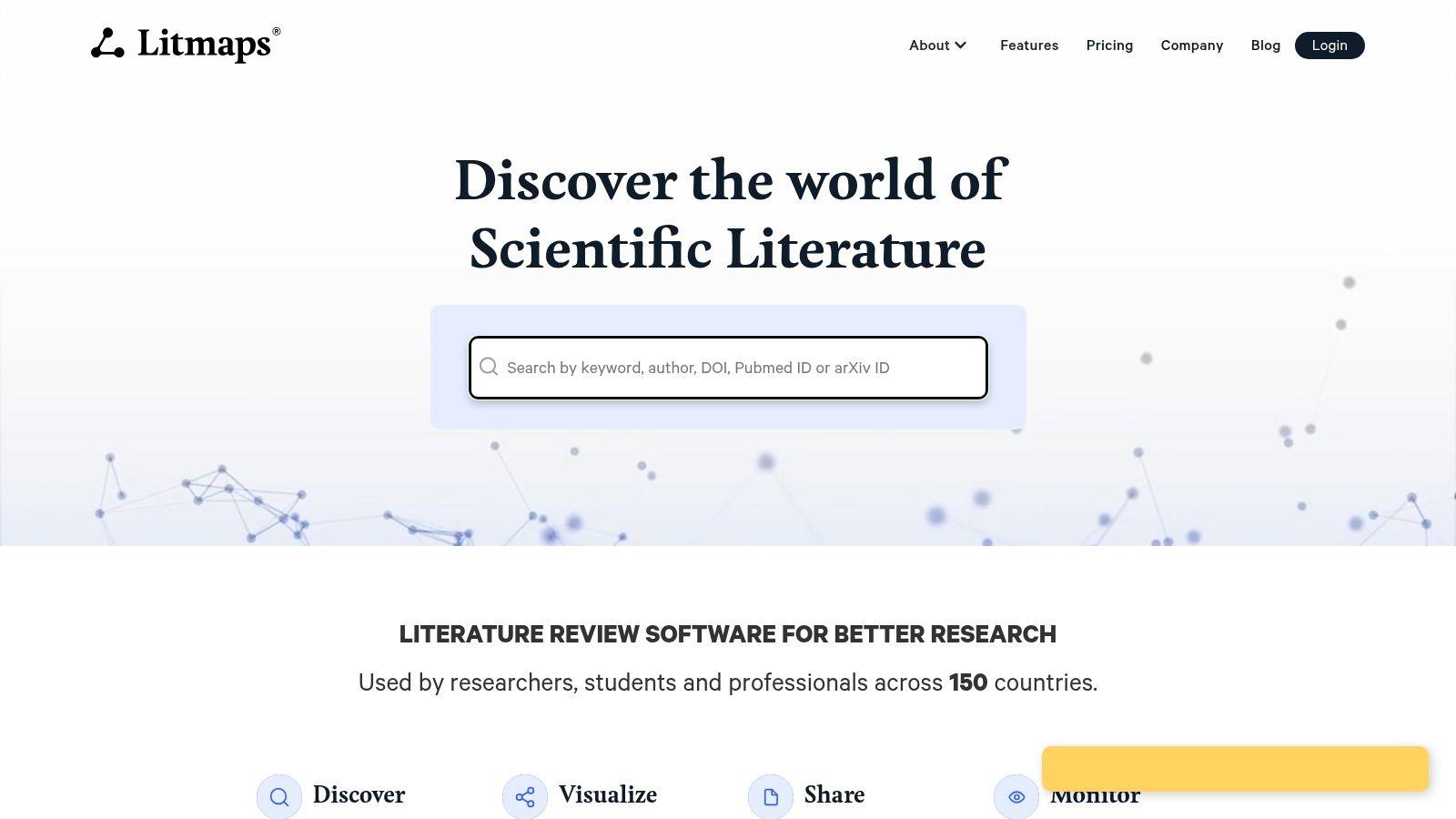
The platform is built around the concept of a "Seed Map," where you start with one or more key papers. Litmaps then charts the most relevant connected literature. Its most compelling feature is the automated alert system, which notifies you when new, relevant papers are published, effectively turning your literature search into a living, evolving map that keeps you current.
Ideal User and Practical Applications
Litmaps is especially useful for PhD students tracking the state-of-the-art in their field, researchers conducting systematic or living reviews, and anyone needing to maintain long-term awareness of a specific research topic.
- Tracking a Field: Create a map from a few foundational papers in your niche. Litmaps will automatically find and suggest new articles that cite or are cited by your core set, keeping you updated.
- Discovering Seminal Works: The visual map highlights papers with high connectivity, making it easy to spot influential articles that bridge different research clusters.
- Filling Literature Gaps: Explore the "empty spaces" in the map to find under-researched connections between topics, which can be a source of novel research questions.
Pricing and Privacy Considerations
The free tier offers a taste of the platform but is limited in the number of articles and maps you can create. The Pro plan is affordably priced and unlocks unlimited maps and articles, along with the powerful automated monitoring features. Litmaps also provides discounts for students, educators, and researchers in Lower and Middle-Income Countries (LMICs), as well as team and institutional options. The quality of a map is highly dependent on the initial "seed" papers, so a thoughtful start is critical for good results.
Privacy-First Alternative: While Litmaps searches public databases, if you are formulating a research proposal based on proprietary or sensitive preliminary findings, use a local model like 1chat to draft your initial ideas. This keeps your novel concepts and unpublished data securely offline before you begin searching the public academic record.
Website: https://www.litmaps.com
9. ResearchRabbit
ResearchRabbit transforms the often-tedious process of literature discovery into a dynamic, visual exploration. Instead of a linear search, it presents research as an interconnected network, allowing you to visually map connections between papers, authors, and topics. This graphical approach helps uncover seminal works and related studies you might otherwise miss, making it one of the best AI tools for academic research, particularly for building a comprehensive literature review.
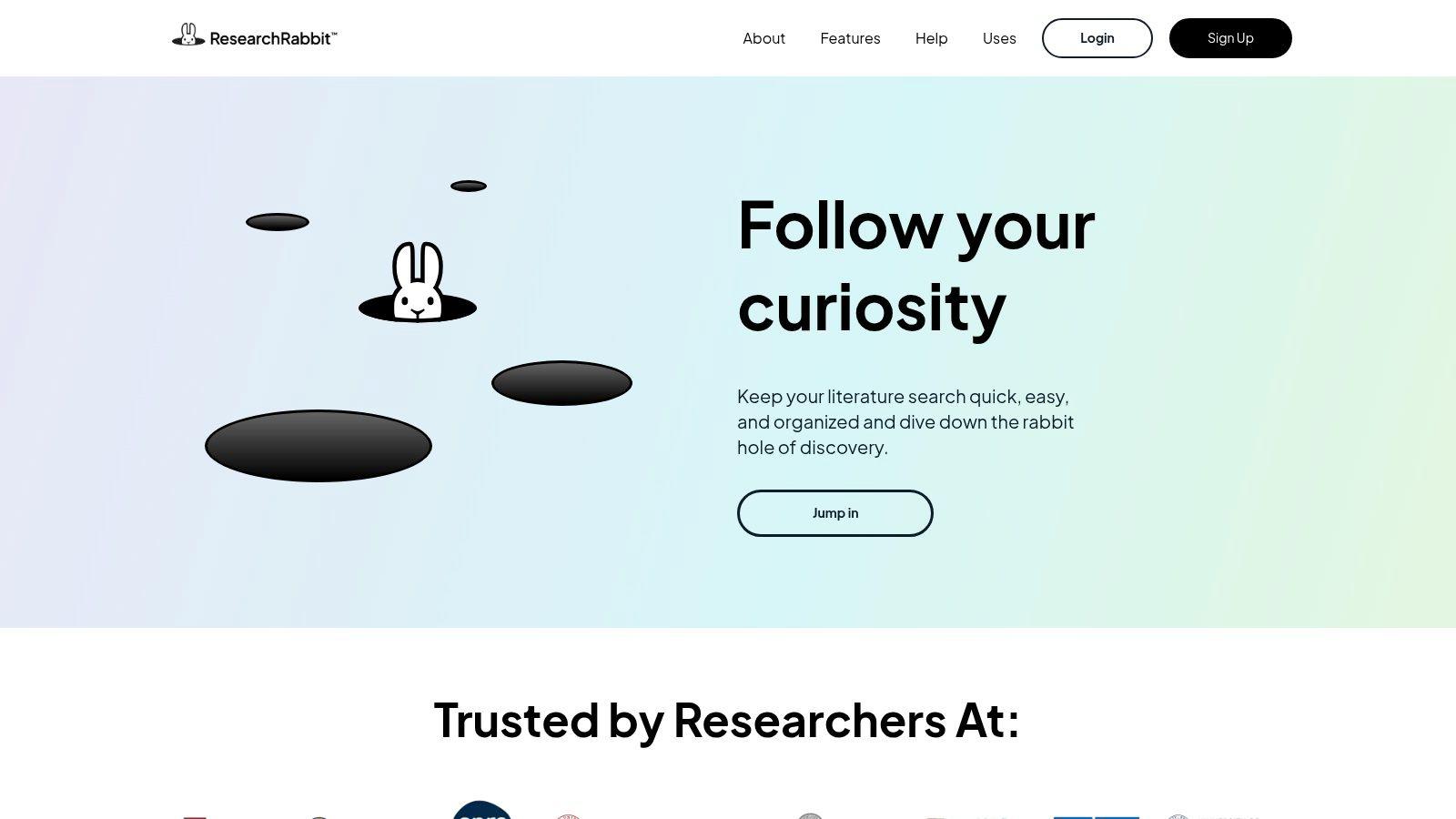
The platform is built for discovery and collaboration. You start by adding a few "seed papers" to a collection, and ResearchRabbit instantly suggests related articles, which you can add with a single click. It also syncs directly with Zotero, ensuring your reference library and your discovery map remain aligned. Its shared collections feature simplifies teamwork for research groups and student projects.
Ideal User and Practical Applications
ResearchRabbit is perfect for graduate students mapping out a new field, research teams collaborating on a literature review, and any academic who prefers visual learning. Its intuitive interface lowers the barrier to entry for deep literature exploration.
- Mapping a Research Field: Add a foundational paper to a new collection. ResearchRabbit will generate a graph of "Similar Work," "Earlier Work," and "Later Work," allowing you to trace the evolution of an idea.
- Collaborative Literature Review: Create a shared collection with your research group. Team members can add relevant papers, and everyone can see the evolving map and access the articles.
- Staying Current: Set up alerts for specific authors or collections. The platform will email you when new, relevant papers are published, automating the process of keeping up with the latest research.
Pricing and Privacy Considerations
A significant advantage is ResearchRabbit's powerful free tier, which offers unlimited collections and searches, making it accessible to all students and researchers. For very large projects requiring more "seed papers" and advanced controls, a premium tier is available. While excellent for discovery, it is best paired with a dedicated reference manager like Zotero for citation workflows. The focus is on metadata and connections, not content analysis of uploaded files.
Privacy-First Alternative: ResearchRabbit manages public metadata, not sensitive unpublished drafts. For analyzing your own confidential research notes or drafting manuscripts before publication, a local LLM like 1chat is a better choice. It keeps your intellectual property secure on your own device.
Website: https://www.researchrabbit.ai
10. Zotero
While not an AI tool itself, Zotero is the foundational backbone for any serious academic workflow, making it a critical component in a list of the best AI tools for academic research. As an open-source reference manager, it excels at organizing sources, notes, and documents. Its true power for AI integration comes from a mature plugin ecosystem that allows you to connect powerful AI-driven features directly into your organized research library.
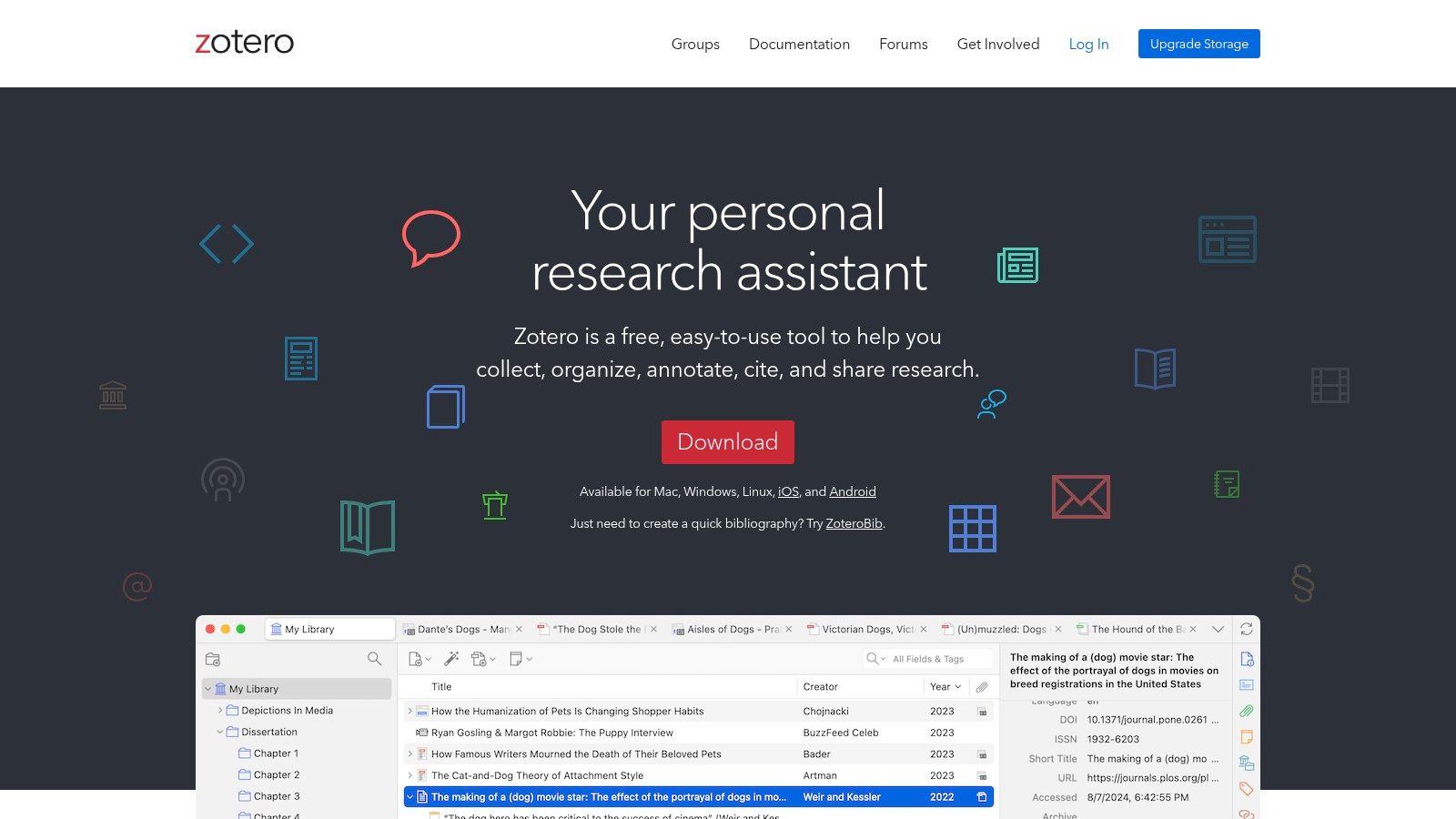
The platform provides desktop and web libraries that sync, along with group libraries for collaborative projects. With its robust citation plugins for Word and Google Docs, it simplifies the entire process from gathering sources to writing the final manuscript. You can annotate PDFs directly within the app and create rich-text notes linked to your references, keeping all your thoughts organized in one place.
Ideal User and Practical Applications
Zotero is indispensable for everyone in academia, from undergraduates learning to cite sources to research teams managing massive collaborative bibliographies. Its open-source nature and extensibility make it a permanent fixture on a researcher's computer.
- Centralized Research Hub: Use Zotero to collect sources from databases, websites, and PDFs with a single click using its browser connector. All your metadata is saved and organized automatically.
- AI-Powered Summaries: Install community-built plugins (like Zotero GPT) to select papers in your library and generate summaries, extract key concepts, or ask questions without leaving the Zotero interface.
- Collaborative Bibliographies: Create a group library for a class project or a lab, allowing all members to share, access, and annotate the same set of references in real-time.
Pricing and Privacy Considerations
The core Zotero application is completely free and open source. It includes 300 MB of free cloud storage for syncing files like PDFs across your devices. For more space, paid storage plans are available and are very reasonably priced. Because it's an open-source, non-commercial tool, Zotero is a privacy-respecting choice. However, when using third-party AI plugins, be aware that your data (like paper titles or abstracts) may be sent to external services like OpenAI.
Privacy-First Alternative: For tasks requiring strict confidentiality, such as analyzing pre-publication manuscripts or grant proposals stored in your Zotero library, use 1chat. You can copy-paste text from your Zotero notes or attached PDFs into 1chat to perform analysis locally, ensuring no sensitive intellectual property ever leaves your machine.
Website: https://www.zotero.org
11. R Discovery (Researcher.Life)
R Discovery takes a mobile-first approach to academic paper discovery, delivering a personalized feed of relevant literature directly to your phone. It functions like a news feed for research, using AI to learn your interests and push new, relevant papers to you. This design encourages continuous engagement and helps researchers stay current in their field, making it one of the best AI tools for academic research for on-the-go consumption.
The platform's strength lies in its convenience and integration. Its "Ask R Discovery" feature allows for in-app, Q&A-style interactions to get quick summaries of papers. A standout capability is its integration with institutional libraries via GetFTR, which helps users legally access full-text versions of paywalled articles using their existing subscriptions, bridging the gap between discovery and reading.
Ideal User and Practical Applications
This tool is perfect for graduate students and busy faculty who want to keep up with literature during their commute or in between tasks. Its user-friendly, mobile-centric design also makes it a great on-ramp for undergraduates new to academic reading.
- Staying Current: Set up alerts for keywords like "nanoparticle drug delivery." The app will send you notifications and add relevant new publications to your personalized feed.
- Quick Paper Vetting: Use the "Ask R Discovery" feature to ask, "What was the primary conclusion of this paper on mitochondrial dysfunction?" to decide if it's worth a full read.
- Accessing Full Text: Find a promising paper and use the integrated library login to immediately download the PDF to your device for offline reading.
Pricing and Privacy Considerations
R Discovery offers a free tier with core features, but premium capabilities like unlimited "Ask R Discovery" queries and advanced filtering are part of the Premium plan, available via an in-app purchase. The ability to authenticate with your institution is a key benefit, but be aware that this shares your activity with your library's systems. While excellent for discovery, desktop power users might find the mobile-first interface limiting for intensive work sessions.
Privacy-First Alternative: When you need to draft notes or summarize sensitive findings from papers you've downloaded, 1chat provides a secure, local environment. This keeps your early-stage analysis and intellectual exploration completely private before you're ready to share your insights.
Website: https://researcher.life/products/r-discovery
12. Scholarcy
Scholarcy is a specialized AI-powered article summarizer designed for the rapid triage of academic papers, reports, and book chapters. It goes beyond simple summarization by breaking down documents into a structured, skimmable "flashcard" format. The tool automatically extracts key information like the abstract, highlights, study methods, results, and even tables and figures, making it an excellent tool for quickly assessing a paper's relevance.
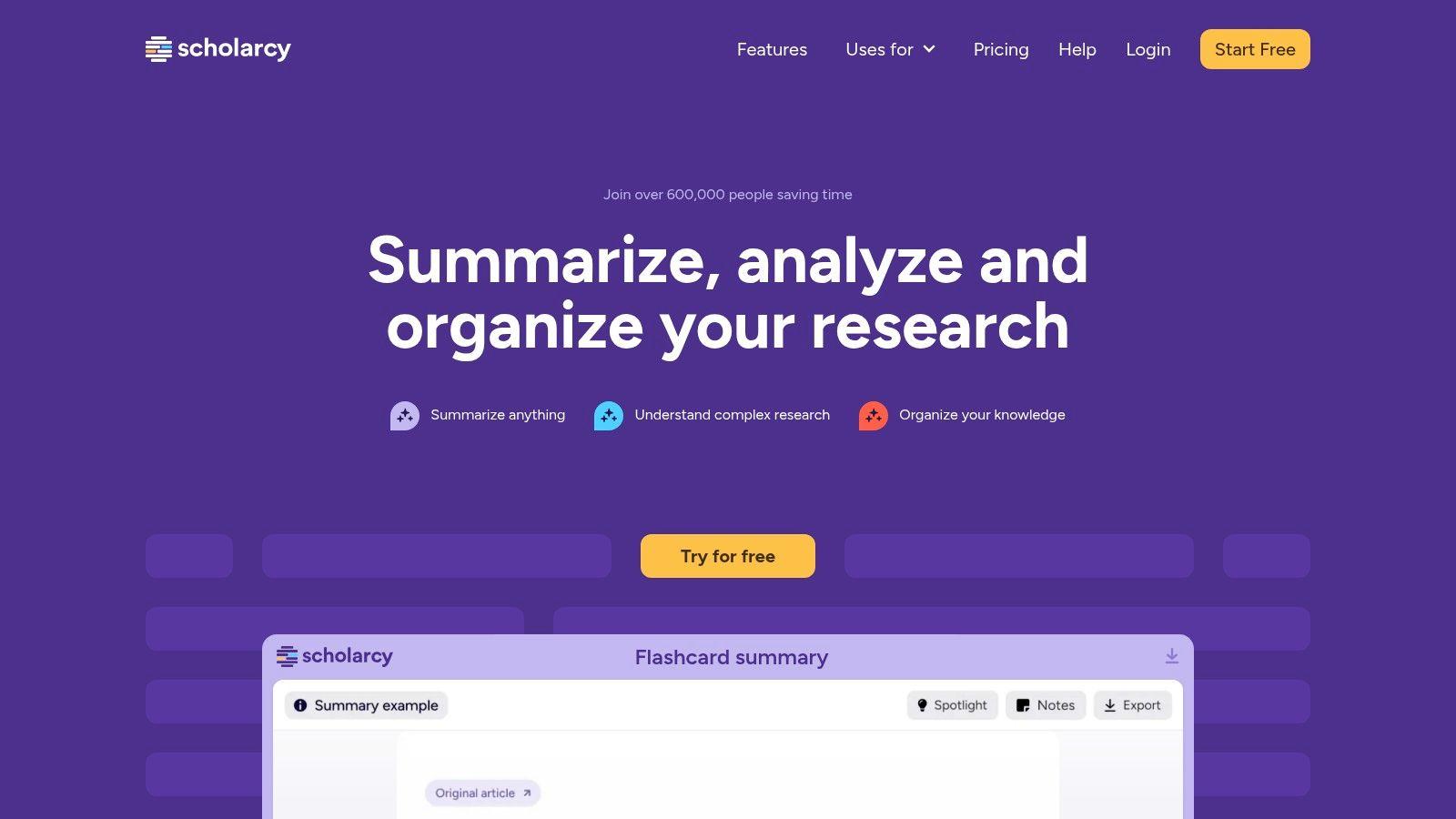
Its main strength lies in speed and organization. You can upload a PDF or use its browser extension to process a web article, and in seconds, you get a digestible overview. For larger projects, the "Literature Matrix" feature can generate a comparative table of summaries, helping you spot patterns and gaps across multiple papers. This makes Scholarcy one of the best AI tools for academic research when you have a large volume of reading material to get through.
Ideal User and Practical Applications
This tool is invaluable for graduate students managing extensive reading lists, researchers needing to stay current with new publications, and educators preparing teaching materials. It’s built for anyone who needs to quickly grasp the core of a paper without reading it from start to finish.
- Rapid Literature Triage: When faced with 20 potentially relevant papers, use Scholarcy to generate flashcards for each. You can then quickly decide which five are worth a deep read.
- Creating a Literature Matrix: Process a dozen papers on a single topic and export the results as a Literature Matrix. This gives you a high-level, sortable spreadsheet of their hypotheses, methods, and findings.
- Building Study Aids: Undergraduates can turn dense readings into summary flashcards, complete with highlights and definitions, for more effective exam prep.
Pricing and Privacy Considerations
Scholarcy offers a free browser extension and a limited number of free flashcards. The paid subscription unlocks unlimited flashcard generation, a personal library for storing summaries, and advanced export options (including to Word, Excel, and reference managers). A key limitation is that it requires full-text access; it cannot process articles behind a paywall unless you provide the PDF. As with any summarizer, the AI's output is an interpretation and should be verified against the original text.
Privacy-First Alternative: For summarizing sensitive, pre-publication manuscripts or internal lab reports, 1chat provides a secure, local environment. You can paste text directly into 1chat to generate summaries without uploading the full document to a cloud service, keeping your intellectual property confidential.
Website: https://www.scholarcy.com
Top 12 AI Tools for Academic Research — Feature Comparison
| Product | Core features | UX/Quality (★) | Value & Pricing (💰) | Target audience (👥) | Unique strength (✨) |
| 1chat 🏆 | Multi-LLM chat, PDF analysis, AI image gen, omni-channel inbox, automation | ★★★★★ | 💰 Tiered per-seat (Mini / Omni / Omni Pro) | 👥 Small & midsize teams, families, students | ✨ All-in-one multi‑LLM + unified customer inbox & team workflows |
| Perplexity | Source-grounded answers, citations, Study Mode, file uploads | ★★★★☆ | 💰 Free + Pro; edu discounts | 👥 Students, researchers, knowledge workers | ✨ Fast, citation-backed answers for research triage |
| Consensus | Synthesizes peer‑reviewed literature, study metadata, API | ★★★★☆ | 💰 Freemium; paid for higher quotas | 👥 Evidence-focused researchers, clinicians | ✨ Evidence-first literature syntheses with study snapshots |
| SciSpace (AI Research Copilot) | Chat with PDFs, extraction, literature review workspace, writing tools | ★★★★☆ | 💰 Freemium + credits / paid tiers | 👥 Graduate students, researchers, writers | ✨ End-to-end PDF copilot for reading + drafting |
| Semantic Scholar | TLDRs, Semantic Reader, institutional integrations | ★★★★☆ | 💰 Free | 👥 Students, researchers, librarians | ✨ Fast screening with TLDRs and reader overlays |
| scite | Smart Citations (support/contrast/mention), dashboards, connector | ★★★★☆ | 💰 Freemium; advanced paid plans | 👥 Researchers, editors, meta‑researchers | ✨ Citation stance analysis to vet claims quickly |
| Connected Papers | Interactive graph maps, prior/derivative views, export | ★★★★☆ | 💰 Free + paid graph quotas | 👥 Researchers exploring research neighborhoods | ✨ Visual discovery of related work & clusters |
| Litmaps | Evolving maps, automated alerts, classroom/lab options | ★★★★☆ | 💰 Free limits; affordable Pro + academic discounts | 👥 Labs, living reviews, long‑term monitors | ✨ Automated map updates & alerting for ongoing fields |
| ResearchRabbit | Visual maps, author networks, shared collections, Zotero sync | ★★★★☆ | 💰 Very capable free tier; premium for large projects | 👥 Students, collaborative research teams | ✨ Strong free collaboration + visual discovery |
| Zotero | Desktop/web libraries, group libraries, plugins, annotations | ★★★★☆ | 💰 Free core; paid cloud storage beyond 300 MB | 👥 Academics, classes, reference managers | ✨ Mature, privacy‑respecting reference hub with plugins |
| R Discovery (Researcher.Life) | Mobile feed, personalized recommendations, Q&A assistant | ★★★★☆ | 💰 Free app; in‑app purchases for premium features | 👥 Mobile readers, students, on‑the‑go researchers | ✨ Mobile-first personalized discovery + library auth |
| Scholarcy | Summary flashcards, literature matrix, bulk export, browser ext | ★★★☆☆ | 💰 Paid plans; requires PDFs for paywalled items | 👥 Students, instructors, rapid triage users | ✨ Fast flashcard/summarization for teaching & review |
Building Your AI-Powered Research Stack
Navigating the expansive world of AI tools can feel like an academic project in itself. We've explored a dozen powerful options, from versatile platforms like 1chat and Perplexity to specialized discovery engines like Litmaps and Consensus. The core message is not to adopt every tool, but to thoughtfully construct a personal "research stack" that aligns with your specific workflow, discipline, and research stage. The objective isn't to replace your critical thinking; it's to automate the administrative and repetitive tasks that consume your time, so you can dedicate your mental energy to analysis, synthesis, and genuine discovery.
The journey to finding the best AI tools for academic research for your needs begins with self-assessment. Pinpoint the most significant friction in your current process. Are you spending countless hours sifting through irrelevant papers? Do you struggle to get a quick, accurate summary of a dense article? Is citation management a constant source of frustration? Your answers will guide your first steps.
Crafting Your Personal Toolkit
Think of the tools in this article as modules you can combine. You don't need all of them, but a strategic combination can create a powerful, integrated system.
- For the Explorer Phase (Literature Discovery): If your primary challenge is finding foundational papers or exploring the connections between different research areas, start with a visual-first tool. Connected Papers or Litmaps can provide an immediate map of a field. Pair this with ResearchRabbit to build collections and receive ongoing recommendations, creating a dynamic discovery system.
- For the Triage Phase (Summarization & Vetting): Once you have a pile of potential papers, the next hurdle is figuring out which ones are worth reading. This is where tools like Scholarcy and SciSpace excel. They can generate structured summaries and extract key information, helping you quickly vet dozens of articles. For a privacy-focused approach, the PDF analysis feature in 1chat allows you to "converse" with your documents without uploading them to a third-party server.
- For the Deep-Dive Phase (Analysis & Citation): When you're ready to dig in, verification and context are critical. Scite helps you see how a paper has been cited, pointing you to supporting or conflicting evidence. Consensus directly answers your research questions with findings from published papers. As you synthesize information, a robust reference manager is non-negotiable. Zotero, with its browser connectors and community plugins, remains an essential part of any modern academic's stack.
Principles for Effective AI Integration
As you begin to integrate these assistants into your work, keep a few guiding principles in mind. First, start small. Choose one or two tools that address your most immediate bottleneck. Master them, understand their limitations, and only then consider adding another. Trying to learn five new platforms at once is a recipe for overwhelm.
Second, always verify. AI tools are powerful but imperfect. They can misinterpret data, miss nuance, or "hallucinate" information. Use their outputs as a starting point, not a final answer. Always go back to the source material to confirm key findings, especially before including them in your own work. Maintain your academic integrity by treating AI-generated summaries and analyses as suggestions to be investigated, not facts to be copied.
Finally, embrace flexibility. Your needs will change as your project progresses from a broad literature review to detailed data analysis and final manuscript preparation. The perfect tool for one stage may be less useful for another. Be prepared to adapt your stack, swapping tools in and out as your focus shifts. By viewing these AIs as specialized assistants rather than a single magic solution, you can assemble a truly effective support system. This thoughtful, strategic approach is how you move from just using AI to building a research process that is faster, deeper, and ultimately more impactful.