The landscape of AI-powered creativity is exploding. From drafting blog posts and designing social media graphics to producing training videos and analyzing research, the right tools can save you hours and unlock new possibilities. But with so many options, how do you choose the perfect fit for your small business, classroom, or family project? This guide cuts through the noise.
This article is a comprehensive resource designed to help you select the best AI tools for content creation based on your specific needs. We move beyond generic feature lists to provide a practical, in-depth analysis of 12 leading platforms. You won't find any marketing fluff here, just an honest assessment to guide your decision-making process.
For each tool, we provide:
- Real-world use cases for businesses, students, and families.
- An honest look at pros, cons, and limitations.
- Clear breakdowns of pricing tiers and privacy considerations.
- Direct links and screenshots to see the tools in action.
Whether you're a college student seeking a research assistant, a small business aiming to streamline marketing workflows, or a family looking for a safe and creative AI companion, this list will help you find the right assistant to bring your ideas to life. We've done the heavy lifting and research so you can confidently choose the platform that aligns with your goals, budget, and creative vision. Let’s dive into the top contenders.
1. 1chat
1chat distinguishes itself as a premier choice among AI tools for content creation by uniquely blending advanced AI capabilities with a strong emphasis on privacy and team collaboration. It serves as a comprehensive hub, providing access to multiple leading Large Language Models (LLMs), including models from OpenAI, Google, and ByteDance, all from a single, intuitive interface. This multi-model approach allows users to select the best AI for specific tasks, ensuring higher quality and more nuanced outputs for everything from marketing copy to academic research.
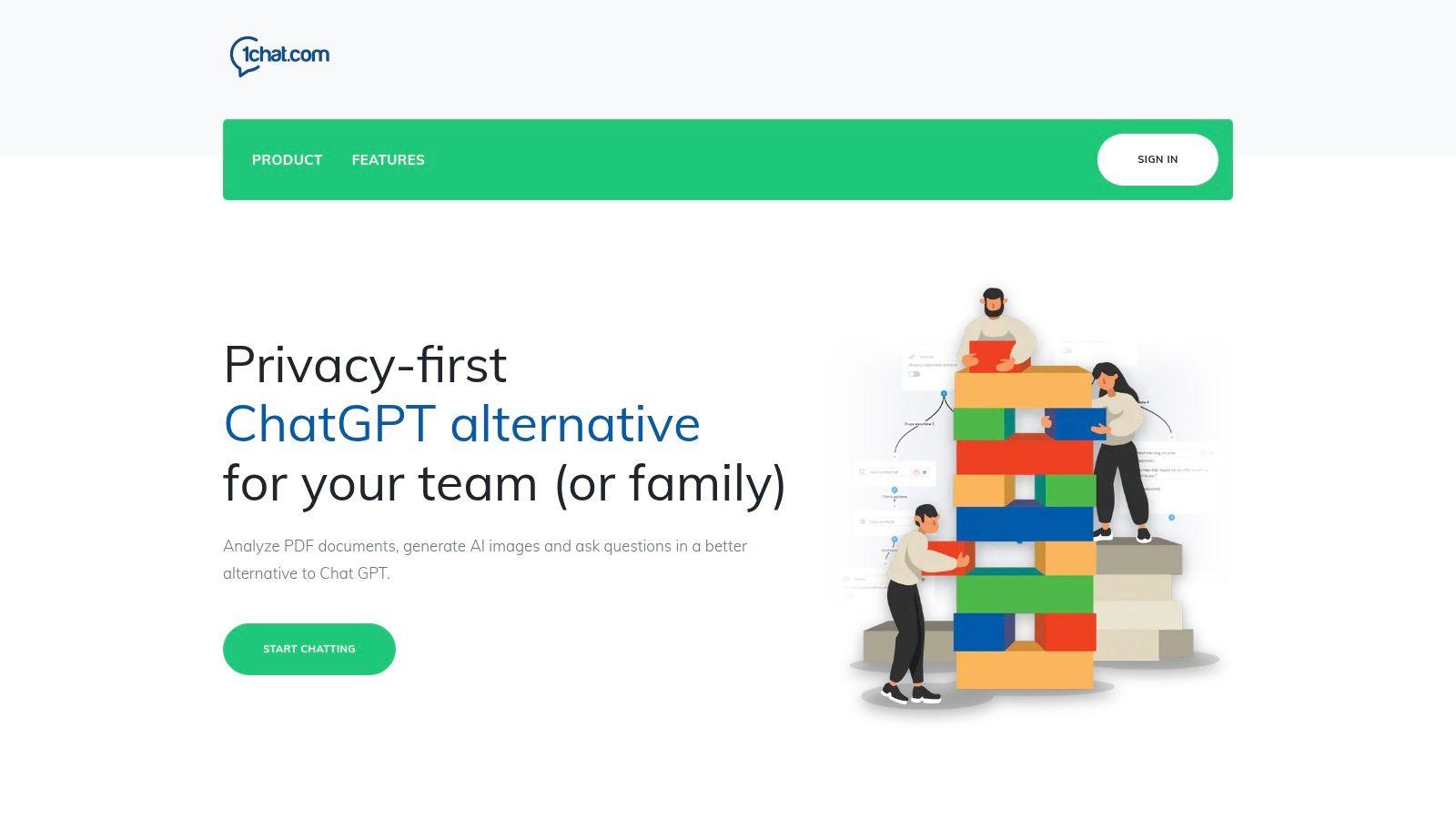
The platform is engineered for versatility, catering effectively to small businesses, families, and students alike. Beyond standard text generation, its toolset includes PDF analysis for research summaries, AI image generation for creative projects, and specialized assistance for homework and SEO. This makes it a powerful, all-in-one solution that consolidates multiple content needs into one subscription. For those interested in refining AI-generated text to sound more natural, 1chat offers guidance on how to humanize AI content on their blog.
Standout Features and Use Cases
One of 1chat's most compelling advantages is its omni-channel communication inbox designed for teams. It unifies customer conversations from various sources like a website chat widget, Facebook Messenger, SMS, and email into a single, manageable stream. This feature, combined with intelligent routing and automation, empowers small businesses to streamline customer service and sales workflows efficiently.
| Feature Highlights | Best For |
| Multi-LLM Access | Content creators needing versatile, high-quality outputs. |
| Omni-channel Inbox | Small businesses managing customer communications. |
| Privacy-First Design | Families, students, and educators seeking a safe AI environment. |
| Built-in Creative Tools | Users needing integrated PDF analysis and image generation. |
Pricing and Access
1chat operates on a seat-based monthly billing model, making it scalable for growing teams. While specific per-seat pricing is not publicly listed, it offers two main tiers:
- Mini: A single-station plan ideal for individual users or solopreneurs, with automation capped at 5,000 conversations per month.
- Omni Pro: Expands on the Mini plan by adding voice and video channels, API integration for custom solutions, and other advanced business features.
The lack of transparent pricing may require a direct inquiry for larger teams, but the structure is designed to provide an affordable, team-oriented alternative to consumer-only AI assistants.
Pros:
- Access multiple top-tier LLMs from a single platform.
- Privacy-first and family-friendly controls make it suitable for educational use.
- Integrated omni-channel inbox streamlines team communication and workflows.
- Includes a robust suite of tools beyond text generation, like PDF analysis and image creation.
Cons:
- No public, transparent per-seat pricing, which can make budgeting difficult for larger teams.
- Limited visible third-party awards or customer testimonials on the website.
2. Adobe Firefly (Adobe)
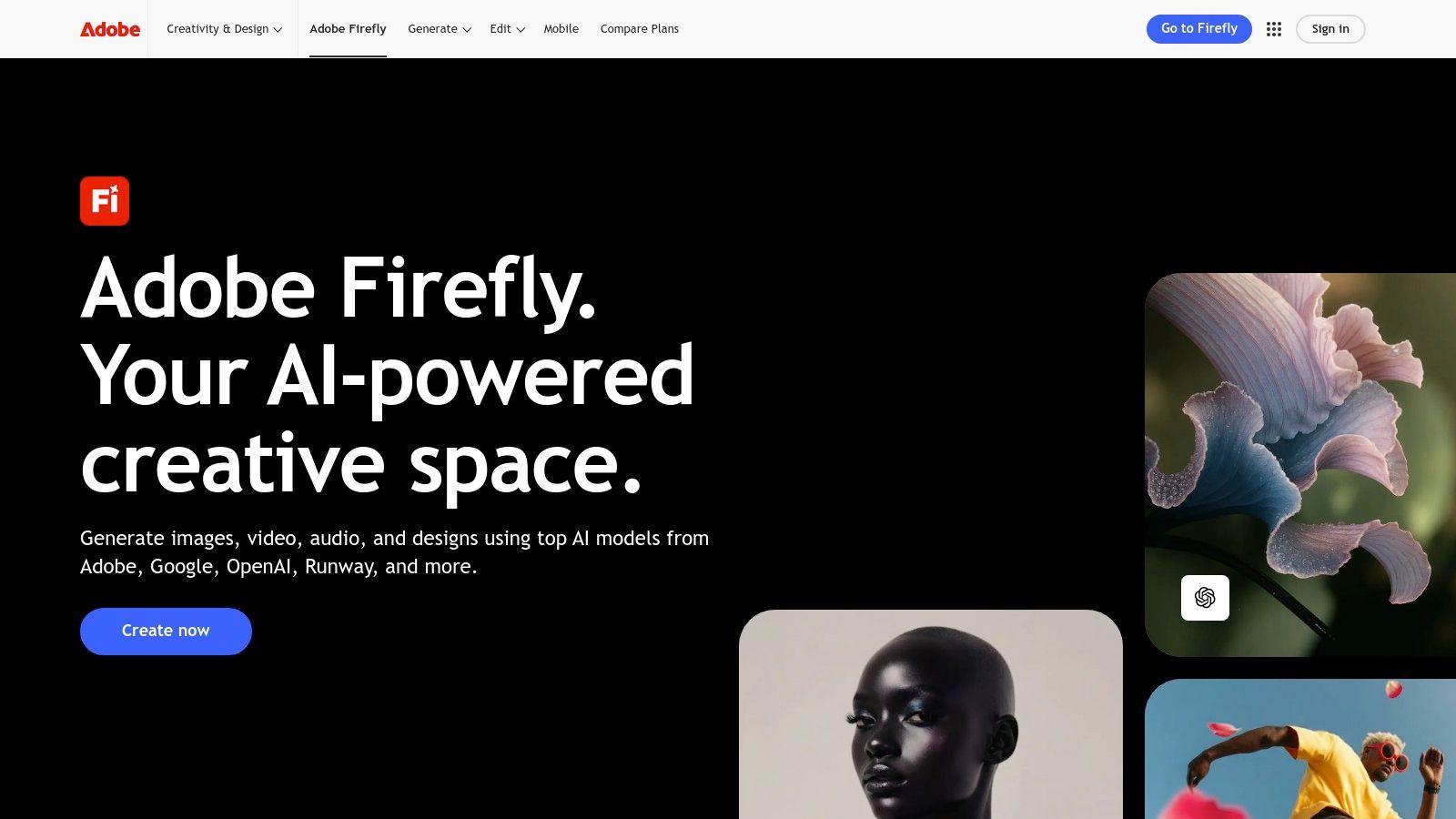
Adobe Firefly stands out as a suite of generative AI tools for content creation, deeply embedded within the Adobe Creative Cloud ecosystem. This makes it an incredibly practical choice for small businesses, marketers, and students already familiar with applications like Photoshop and Adobe Express. Its core strength lies in producing commercially safe, brand-aligned visuals without leaving your existing creative workflows.
The platform offers powerful features like Generative Fill, which seamlessly adds, removes, or extends content in your images, and a robust text-to-image generator. Because Firefly is trained on Adobe Stock’s licensed content and public domain images, the outputs are designed to be safe for commercial use, a critical consideration for businesses. This focus on ethical and safe AI distinguishes it from many competitors.
Key Features and Use Cases
- For Marketers & SMBs: Quickly create on-brand social media graphics, website banners, or product mockups using Generative Fill in Photoshop or Adobe Express. Use text-to-image to visualize campaign concepts without costly photoshoots.
- For Students & Educators: Generate unique illustrations for presentations, reports, or school projects. The integration with Express makes it easy to build compelling visual aids.
- Commercial Safety: Adobe provides content credentials with assets, offering transparency about their AI-generated origin and ensuring they are safe for business use.
Pricing and Access
Adobe Firefly operates on a credit-based system. Free plans include a monthly allotment of "generative credits," while paid Creative Cloud subscriptions (starting around $9.99/month for specific apps) offer a higher monthly credit allowance and access to premium features. This model helps manage costs and prevents unexpected billing. The system can feel a bit complex initially, and advanced video features may require higher-tier plans. To explore more on this topic, find our complete review of the best free AI image generators.
3. Canva (Magic Studio + Pro/Business plans)
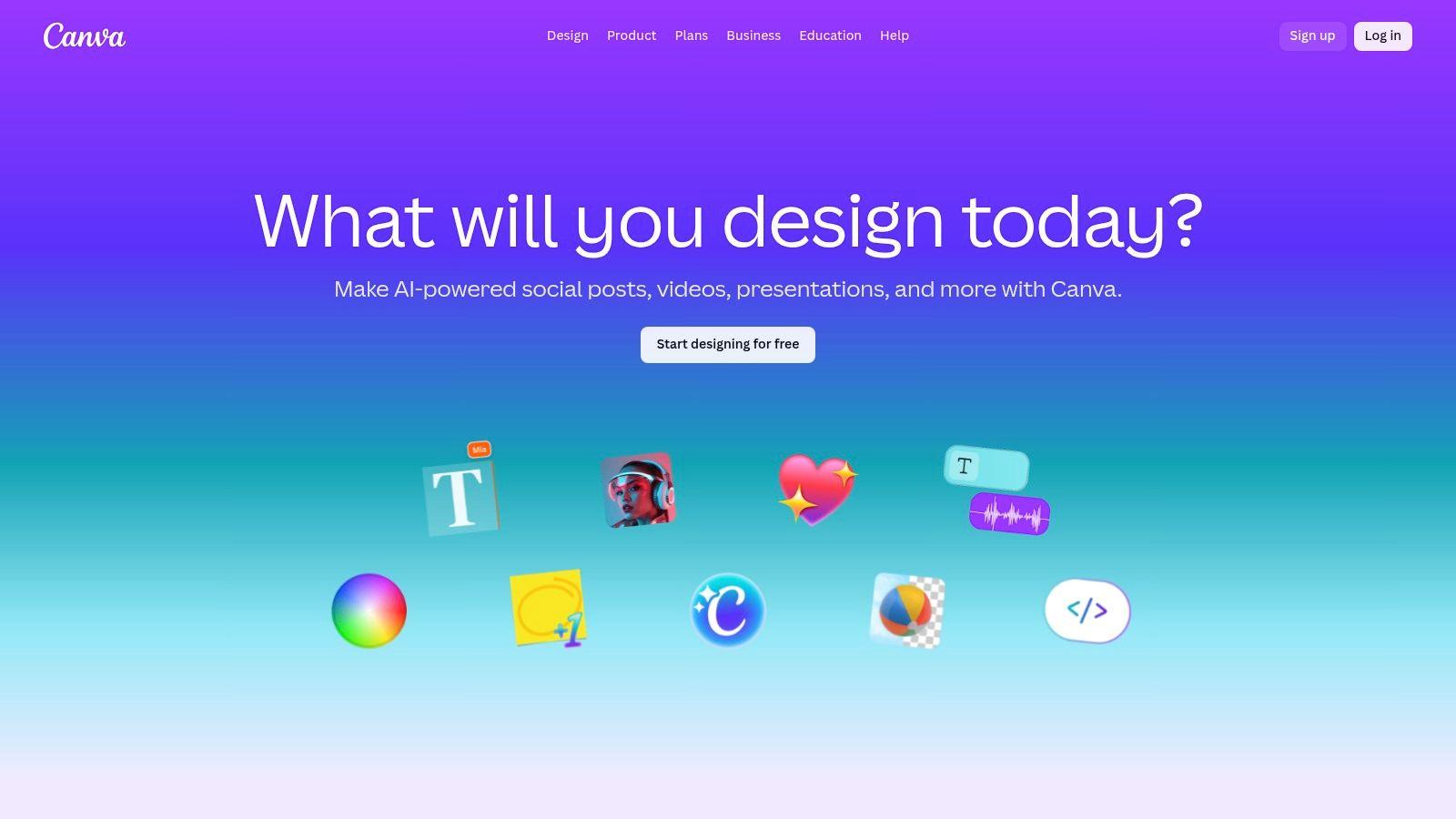
Canva has evolved from a simple template editor into a comprehensive visual communication platform, with its Magic Studio suite bringing powerful AI tools for content creation directly into its famously user-friendly interface. It excels as an all-in-one solution for small businesses, families, and students who need to produce high-quality designs quickly without a steep learning curve. The platform's strength lies in integrating AI-powered features like Magic Media (text-to-image/video) and Magic Expand directly within its vast library of templates and stock assets.
This template-first approach makes Canva an incredibly efficient tool. Instead of starting from a blank canvas, users can select a professionally designed template and use AI to customize it with unique visuals, rewrite text, or adapt it to different formats. This workflow dramatically reduces the time it takes to create everything from social media posts to school presentations, making it a go-to for users who are not professional designers.
Key Features and Use Cases
- For Marketers & SMBs: Instantly generate custom product photos or ad visuals using Magic Media. Use Brand Kits to ensure all AI-assisted creations remain consistent with company colors and fonts, and collaborate with team members in real-time.
- For Students & Families: Create engaging presentations, book reports, or family event invitations by generating unique illustrations or expanding backgrounds on photos. The web-based platform is accessible and requires no software installation, perfect for school or home use.
- All-in-One Workflow: Move from ideation to a finished, publish-ready design within a single browser tab. The massive template and stock media libraries supplement the AI tools, providing a complete creative ecosystem.
Pricing and Access
Canva offers a robust free plan with limited access to Magic Studio features and a monthly credit allowance. The Pro plan (around $14.99/month per person) provides a much larger pool of AI credits, access to the full template and stock library, and Brand Kits. The Canva for Teams plan offers even higher usage limits and advanced collaboration tools. While its pricing structure has faced some criticism for recent changes, its accessibility and rich feature set make it a top contender. Explore the full suite of tools at Canva's website.
4. Jasper
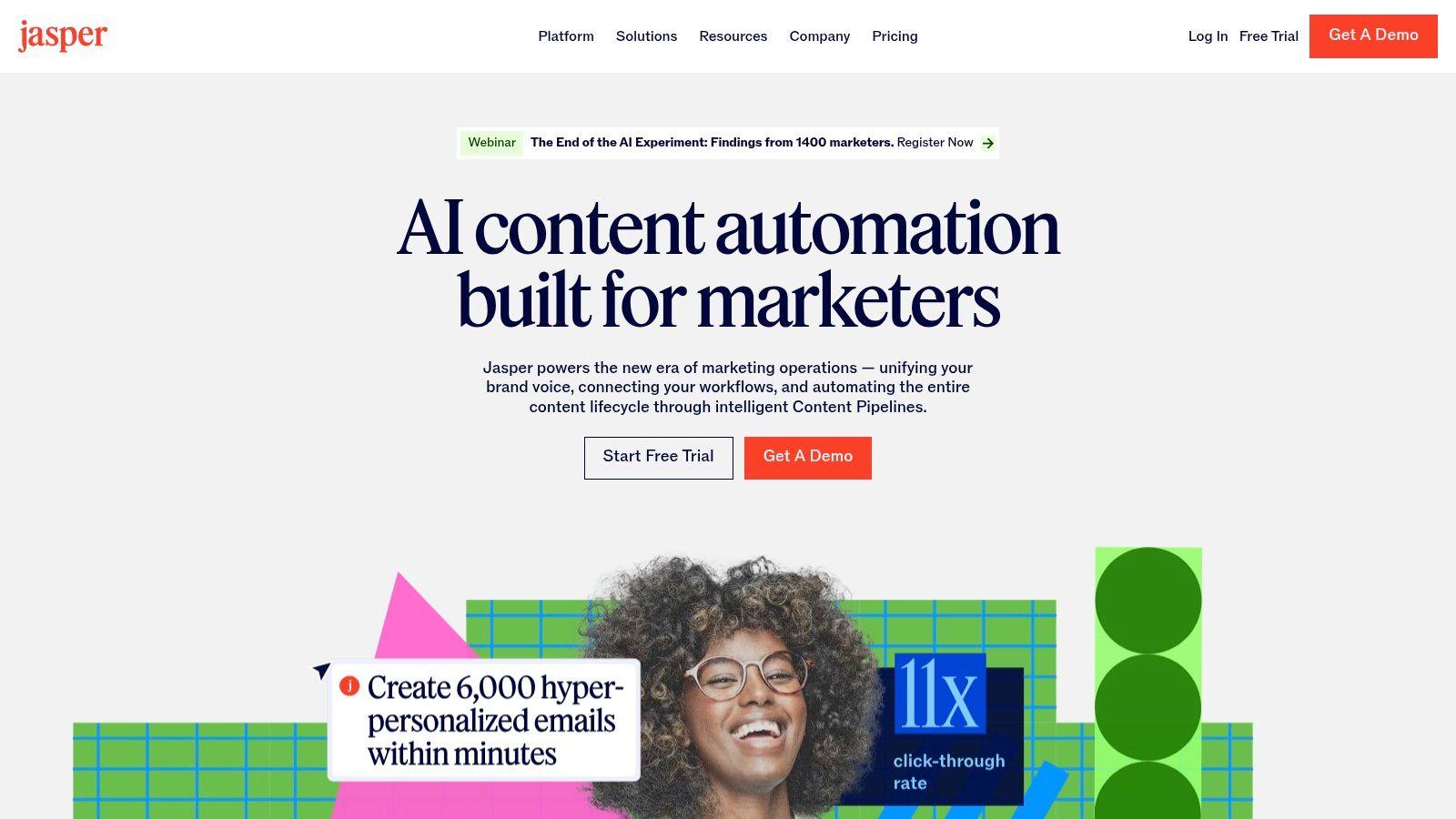
Jasper is a comprehensive AI content platform designed specifically for marketing and business teams aiming to create on-brand content at scale. It excels in environments where brand consistency, voice, and accuracy are paramount, making it one of the most powerful ai tools for content creation for SMBs and enterprise-level marketing departments. Its core strength is its suite of governance and collaboration tools that streamline workflows across entire campaigns.
The platform moves beyond simple text generation with features like Brand Voice, which analyzes your style guides and existing content to ensure every output sounds like your brand. The Canvas workspace offers a long-form editor for creating everything from blog posts to detailed ad campaigns, integrating research and AI generation into a single, cohesive workflow. This focus on creating a complete marketing content engine sets it apart from more general-purpose AI writers.
Key Features and Use Cases
- For Marketing Teams: Develop multi-channel campaigns using Jasper's purpose-built "Agents" and templates for social media, ads, emails, and blog posts. Use the Knowledge base to ensure content is factually accurate and aligned with your product details.
- For SMBs: Quickly generate website copy, product descriptions, and marketing materials that maintain a consistent brand voice. Collaborate with team members, manage approvals, and track content creation in one place.
- Brand Governance: Create a custom Brand Voice by uploading documents, scanning your website, or providing style guides. This ensures all AI-generated content, from a single tweet to a full-length article, is perfectly on-brand. For tips on maintaining originality, find our guide on how to paraphrase without plagiarizing.
Pricing and Access
Jasper offers a 7-day free trial to test its features. Paid plans are structured per seat, starting with the Creator plan for individuals and scaling up to Pro and Business tiers for teams. The Pro tier (around $59/seat/month) unlocks key collaboration features and multiple brand voices. While the per-seat model can become costly for larger organizations, the real value and advanced governance features are most prominent in the Business and Enterprise plans, which are available with custom pricing.
5. Copy.ai
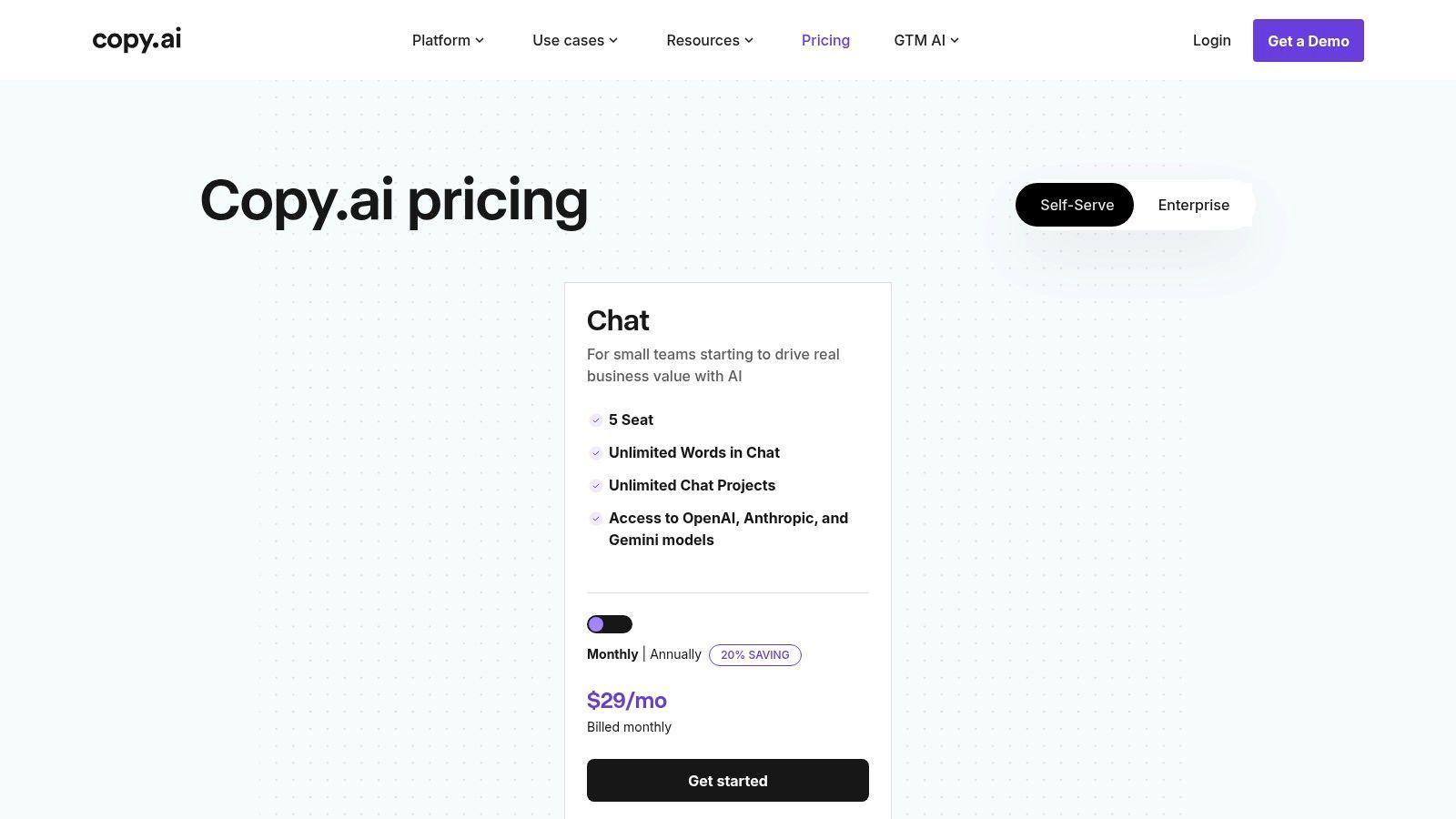
Copy.ai positions itself as a practical AI writing and workflow platform tailored for small teams. It excels at streamlining go-to-market tasks, making it a strong choice for businesses needing to draft blog posts, email campaigns, and sales copy efficiently. Its key differentiator is providing access to multiple leading Large Language Models (LLMs) within a single, cost-effective interface, allowing users to choose the best engine for each specific task.
This platform serves as an excellent entry point for small shops looking to leverage diverse AI tools for content creation without committing to multiple subscriptions. By integrating with models from OpenAI, Anthropic, and Google, Copy.ai ensures users are not locked into one provider’s ecosystem. This flexibility is crucial for adapting to different content needs, from creative brainstorming to analytical writing, all within one unified dashboard.
Key Features and Use Cases
- For Marketers & SMBs: Use the chat interface to quickly draft social media posts, ad copy, and initial blog outlines. The multi-model access lets you test which AI produces the most on-brand voice for your marketing materials.
- For Students & Families: A great tool for generating ideas for essays, proofreading homework, or creating outlines for projects. The unlimited word count on the Pro plan makes it suitable for extensive research and writing tasks.
- Workflow Automation: The "Agents" tier allows you to build automated content pipelines, such as generating personalized sales emails or summarizing research, which can significantly boost team productivity.
Pricing and Access
Copy.ai offers a free plan with a word limit, making it accessible for individuals to test. The paid Pro plan, starting at $36/month (billed annually), provides unlimited words in the chat, more workflow credits, and team seats. For advanced automation, the Agents tier is required at a higher price point. While the low entry cost is a major plus, some users have noted potential billing confusion, so it is wise to review subscription terms carefully before starting a trial.
6. Superhuman Suite (formerly Grammarly)
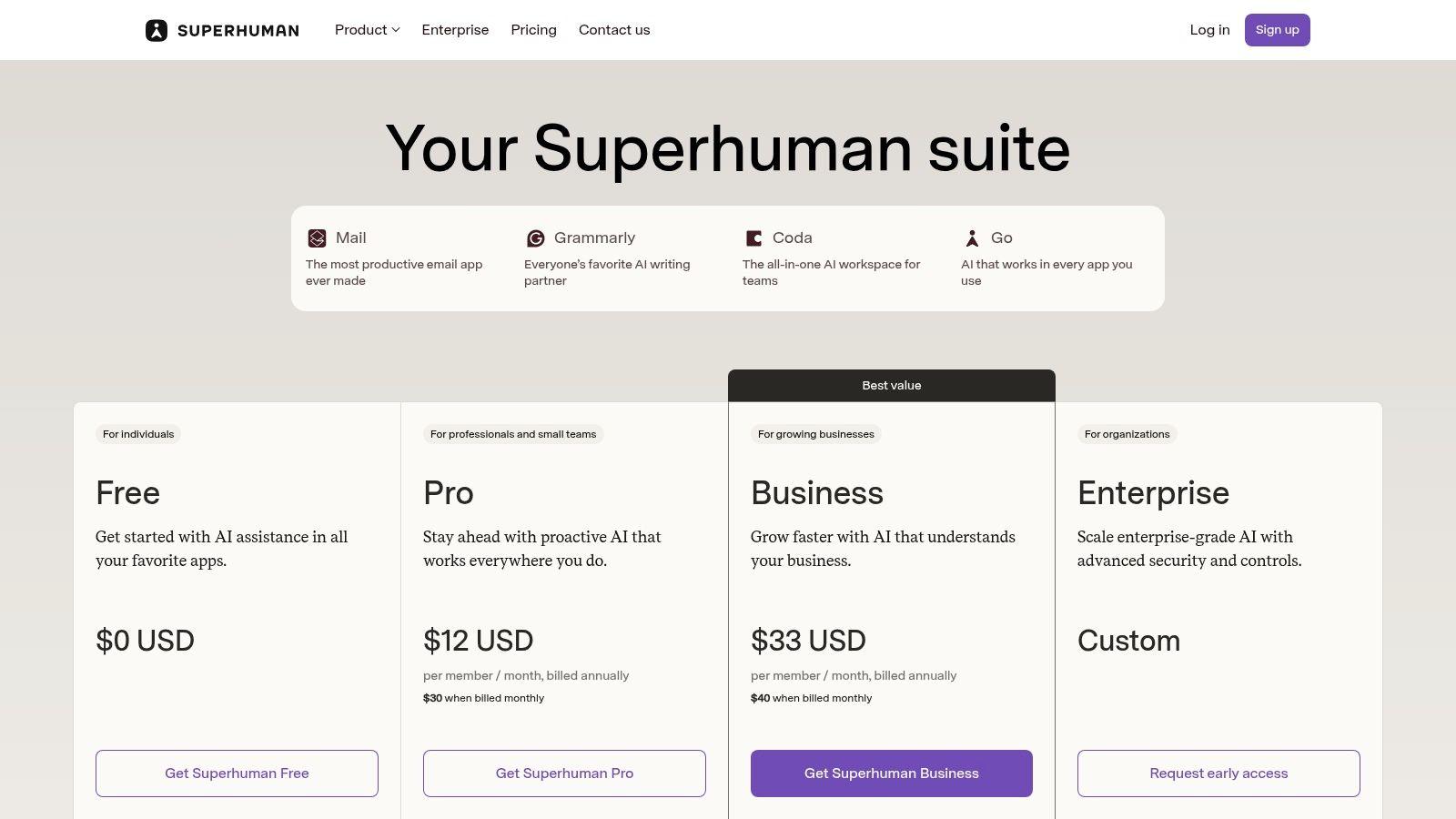
The Superhuman Suite emerges from Grammarly's recent rebrand, combining its renowned AI-powered writing assistance with Coda's collaborative documents and the new Superhuman Go cross-app AI assistant. This integrated approach makes it one of the most practical AI tools for content creation for students, professionals, and SMBs who want to streamline writing, documentation, and general productivity without juggling multiple subscriptions. It excels at providing real-time writing support directly within the apps you already use.
Its core value is bundling three distinct functions into one cohesive offering: world-class grammar, clarity, and tone adjustments; a powerful workspace for creating documents and wikis; and a proactive AI that operates across your digital environment. This consolidation is ideal for teams aiming to standardize writing quality and improve workflow efficiency, from drafting emails to publishing official documentation.
Key Features and Use Cases
- For Students & Educators: Utilize advanced plagiarism and AI-text detection to ensure academic integrity. Refine essays and reports for clarity, tone, and correctness, and use translations (19 languages) for language studies.
- For Marketers & SMBs: Maintain brand consistency with on-brand writing support across all communications. Use the Coda workspace to build project plans, wikis, and client-facing documents with built-in automations.
- For General Productivity: The 'Go' assistant (in beta) works across applications and browser tabs, helping summarize content, draft replies, and find information without constant context switching.
Pricing and Access
The Superhuman Suite offers a robust free plan with basic writing suggestions, perfect for individual use. Paid plans start with the Pro tier (around $15/month per user) which unlocks advanced features like plagiarism detection, full-sentence rewrites, and the complete Coda and Superhuman Go functionalities. While the rebrand is new and features may evolve, its pricing structure offers a compelling value proposition by replacing several individual tool subscriptions. Higher-tier plans add administrative controls and enhanced security features for larger teams.
7. Notion (with Notion AI on Business/Enterprise)
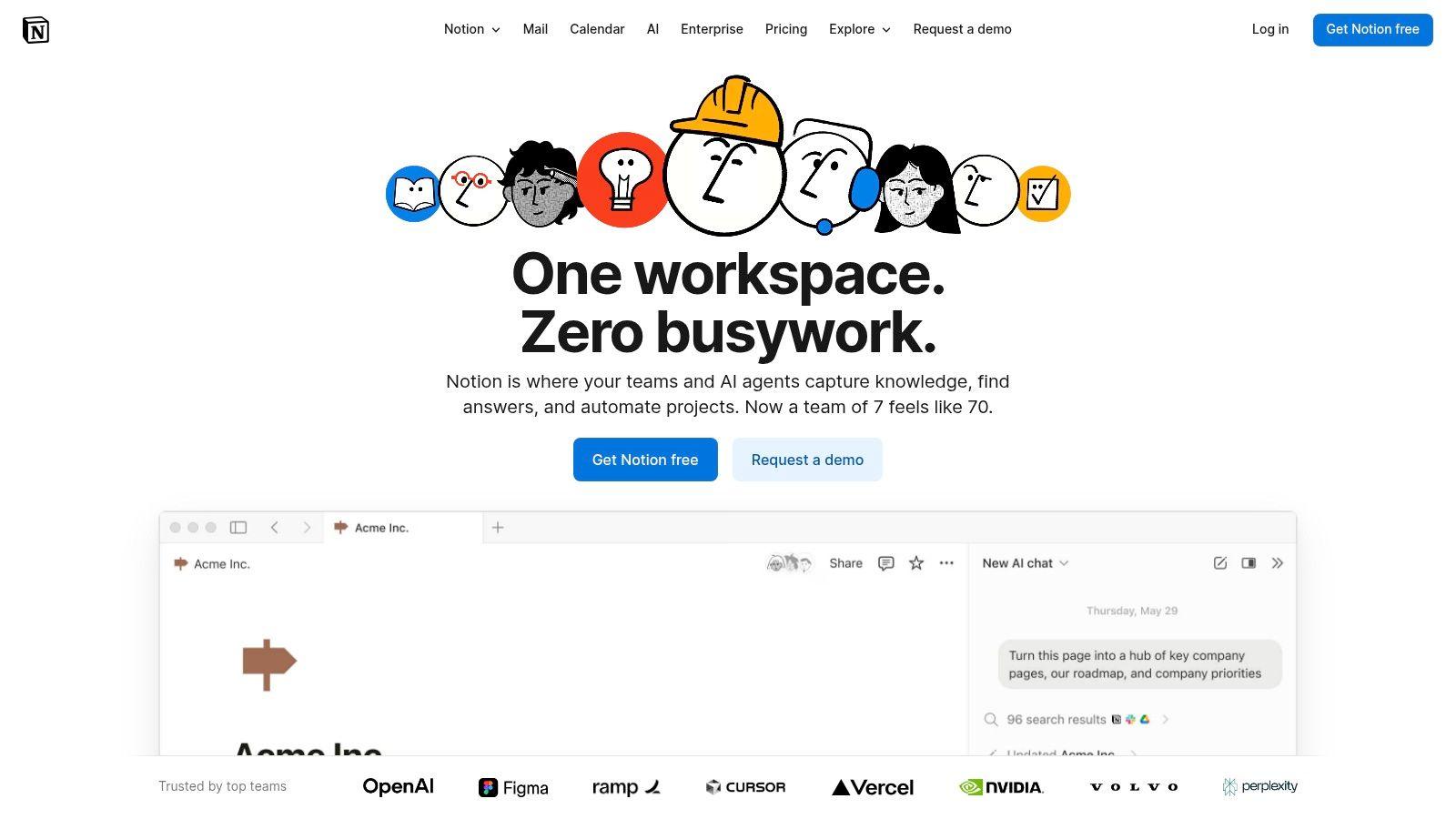
Notion has evolved from a unified workspace into a powerful hub for team-based content pipelines, integrating its AI capabilities directly into its docs, wikis, and databases. This makes it an exceptional tool for businesses, teams, and students who need to manage the entire content lifecycle, from ideation and briefs to drafting and approvals, all within a single, collaborative environment. Its core advantage is keeping content, tasks, and AI assistance in one place.
The platform's AI features are designed to augment existing workflows. You can use it to draft blog posts, summarize lengthy research documents, translate content, or even autofill database properties based on context. For content teams, this means AI can help generate first drafts from a brief, create action items from meeting notes, or populate content calendars automatically, streamlining operations and reducing manual data entry.
Key Features and Use Cases
- For Marketers & SMBs: Manage a complete content pipeline by creating a brief, using AI to generate a draft in the same document, and then assigning it for review. Use Autofill in databases to automatically tag content or summarize project notes.
- For Students & Educators: Organize research notes, use AI to summarize key articles, and draft essays or reports within your class workspace. The collaborative features are ideal for group projects and sharing feedback.
- Centralized Workflow: Notion's primary strength is its ability to keep everything connected. An AI-generated draft lives next to its corresponding task, brief, and comments, eliminating the need to switch between multiple apps.
Pricing and Access
While Notion offers free and personal plans, its full suite of AI tools is most accessible on the paid tiers. The AI Add-on is available for all plans (including Free) for an additional monthly fee per user. Some advanced features like Enterprise Search are exclusive to higher-tier plans. It’s a versatile system that scales from solo creators to large organizations, but fully leveraging it as one of the top AI tools for content creation requires a paid subscription. Visit Notion.
8. Descript
Descript revolutionizes video and audio editing by transforming it into a text-based workflow, making it one of the most intuitive AI tools for content creation available. Instead of navigating complex timelines, users edit a transcript, and the corresponding media is edited automatically. This approach significantly lowers the barrier to entry for small businesses, podcasters, and educators who need to produce high-quality content without a professional video editing background.
The platform’s core strength is its suite of powerful AI features designed for speed and simplicity. Studio Sound enhances audio quality with a single click, removing background noise and echo to produce professional-grade sound. Its Overdub feature allows users to create a clone of their own voice, making it easy to correct mistakes or add new lines without re-recording. This combination of text-based editing and AI-powered enhancements makes Descript an indispensable asset for anyone creating spoken-word content.
Key Features and Use Cases
- For Podcasters & Course Creators: Edit long-form audio and video by simply deleting text from the transcript. Use Studio Sound to improve audio quality and automatically remove filler words like "um" and "uh" to save hours of manual work.
- For Marketers & Social Media Teams: Quickly repurpose webinars or long videos into short, engaging social media clips. The automatic transcription and captioning tools ensure content is accessible and optimized for various platforms.
- For Students & Educators: Transcribe lectures or interviews for research and create polished video presentations without needing advanced editing skills. The intuitive interface makes it easy to assemble projects quickly.
Pricing and Access
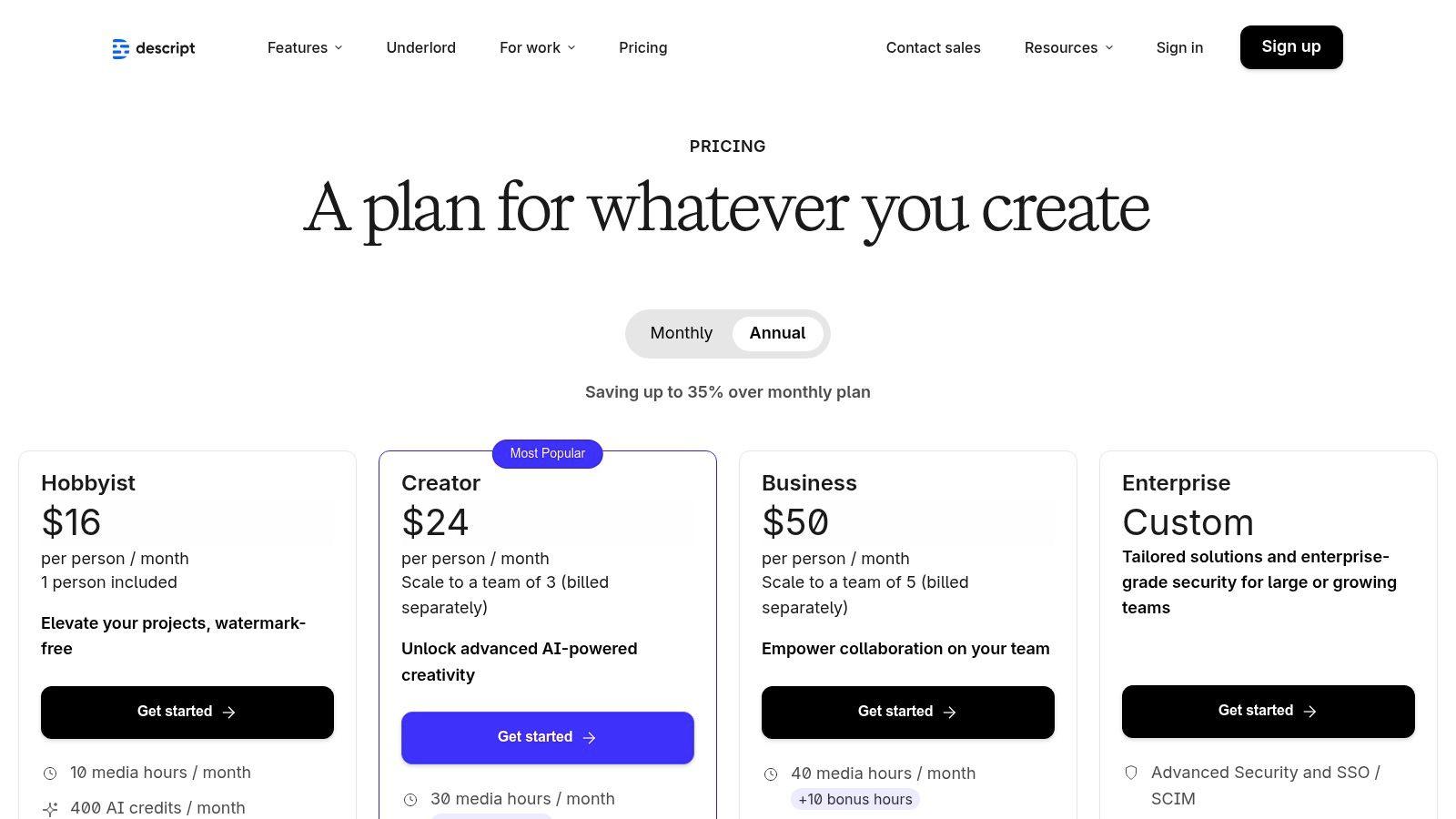
Descript offers a free plan that includes one hour of transcription per month, making it accessible for trying out the platform. Paid plans start with the Creator tier at around $12 per month (billed annually), which provides more transcription hours and access to key features like filler word removal. Higher-tier plans unlock unlimited Overdub use and more advanced collaboration tools. While the usage caps on transcription and AI features can be a limitation for heavy users, the plans offer strong value for individuals and small teams.
9. Runway
Runway has established itself as a pioneering platform for AI video generation, offering a comprehensive suite of tools for creators moving beyond static images. It's an ideal choice for marketers, filmmakers, and students aiming to explore the cutting edge of text-to-video and advanced visual manipulation. The platform's strength is its combination of powerful generative models with a built-in video editor, creating a seamless workflow from concept to final cut.
The platform provides access to multiple frontier models for both video and image generation, allowing users to experiment with different creative outputs in one place. Features like Gen-2 (text-to-video and image-to-video) and an array of AI Magic Tools for editing make it one of the most versatile ai tools for content creation focused on motion. This integrated approach saves significant time for anyone producing dynamic visual content.
Key Features and Use Cases
- For Marketers & SMBs: Quickly generate short video clips for social media ads or product promotions using text-to-video. Use Image to Video to animate existing brand assets for more engaging content.
- For Students & Educators: Create compelling visual aids for presentations, short films for school projects, or animated storyboards to explain complex concepts without needing advanced video editing skills.
- AI Magic Tools: Go beyond generation with tools like Frame Interpolation for slow-motion effects, Inpainting to remove objects from video, and AI Training to create custom models.
Pricing and Access
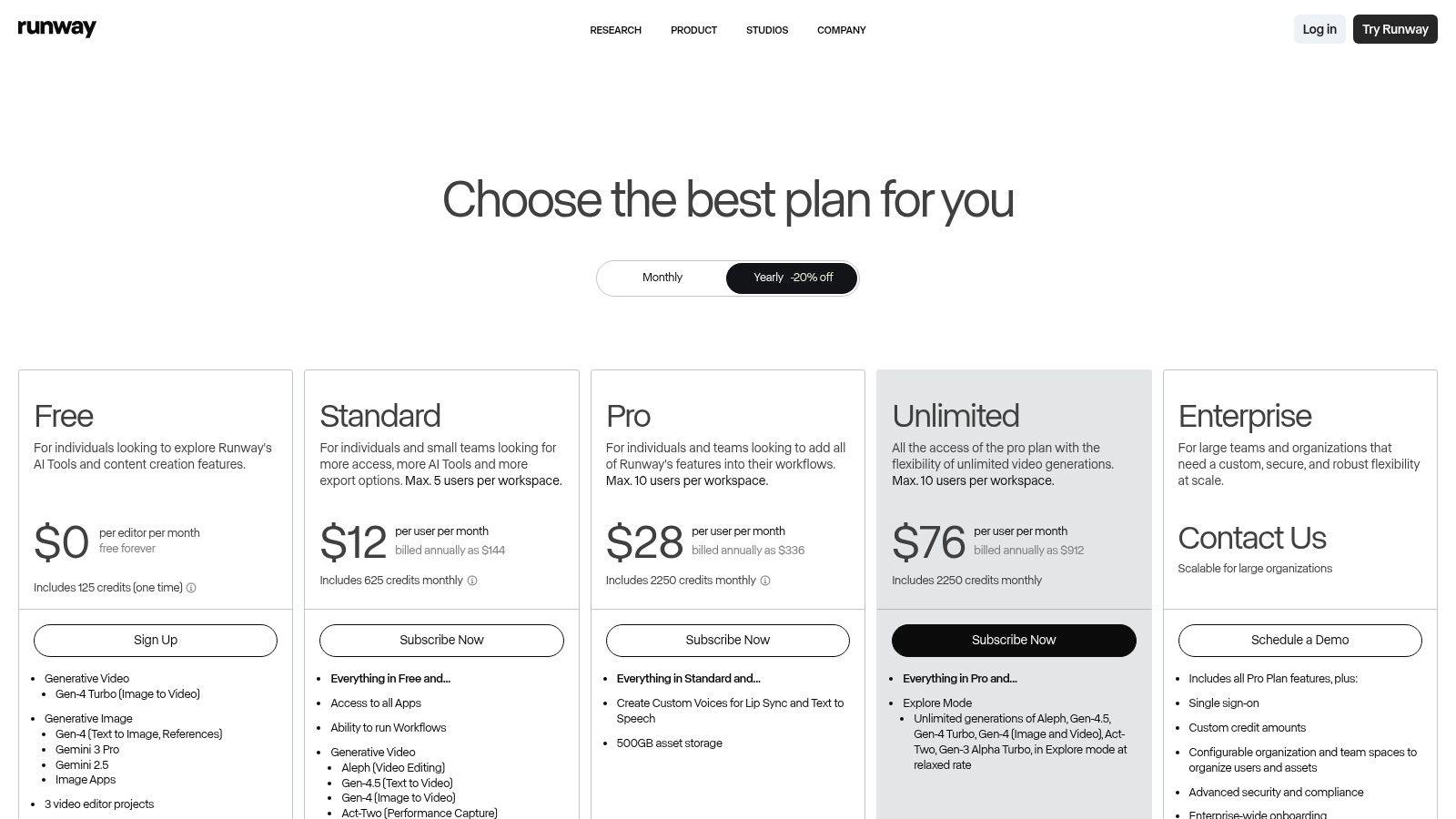
Runway uses a credit-based system, which provides flexibility but requires some management. A free plan offers a starting allotment of credits to test the platform. Paid plans, like the Standard tier starting at $12 per user/month (billed annually), provide a larger monthly credit allowance and access to more features. While the transparent credit tables help forecast costs, it's important to note that generating high-quality video can consume credits rapidly, making it crucial to plan usage accordingly. You can learn more at runwayml.com.
10. Synthesia
Synthesia is a leading AI video generation platform that transforms text scripts into professional-quality videos featuring realistic AI presenters. This tool is a game-changer for businesses and educators looking to create engaging training modules, marketing explainers, or onboarding materials without the high costs and logistical challenges of traditional video production. Its primary strength is speed and scalability, allowing users to produce polished videos in minutes.
The platform eliminates the need for cameras, microphones, or on-screen talent. You simply type or paste your script, choose from over 160 diverse AI avatars, select a voice in one of 130+ languages, and customize the scene with your branding and assets. This makes it one of the most efficient AI tools for content creation when video is the required medium, democratizing video production for teams of any size.
Key Features and Use Cases
- For Marketers & SMBs: Quickly create product demo videos, social media ads, and personalized sales outreach messages. The ability to localize content with AI-powered dubbing makes it ideal for global campaigns.
- For Students & Educators: Develop engaging e-learning modules, instructional guides, and presentation videos. Students can create dynamic video reports without needing to be on camera.
- Corporate Training: Build consistent, easily updatable training content for employee onboarding, compliance, and skill development. The platform’s collaboration features streamline review and approval processes.
Pricing and Access
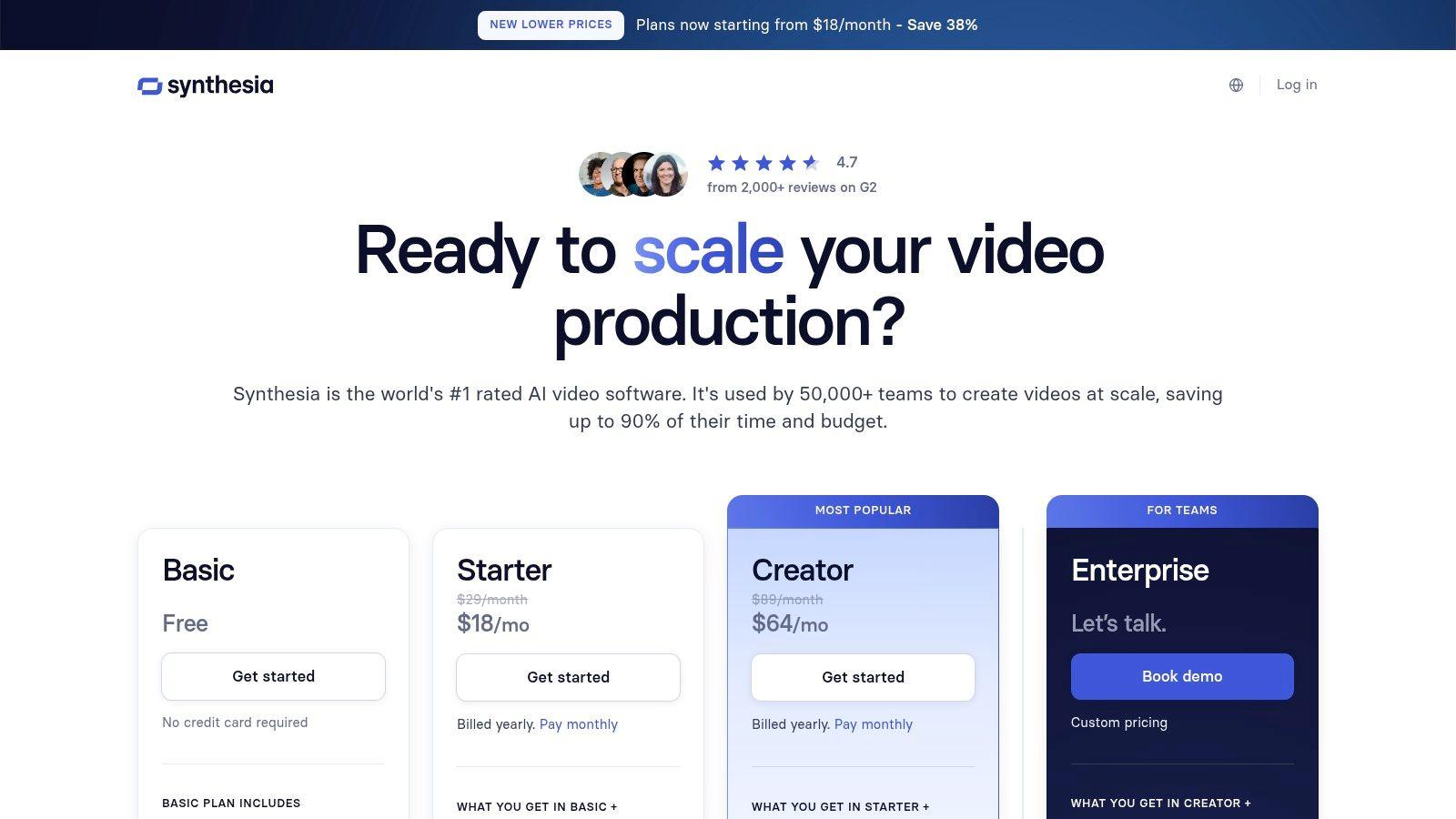
Synthesia’s pricing starts with a Personal plan at around $22 per month (billed annually), which includes 10 minutes of video per month. Business plans offer more features like custom avatars, team collaboration, and increased video credits, with custom pricing based on specific needs. While the avatar quality is impressive, it may not suit every brand's aesthetic. The credit-based system on lower tiers can also be a limitation for high-volume video producers. You can explore options on the official Synthesia website.
11. Midjourney
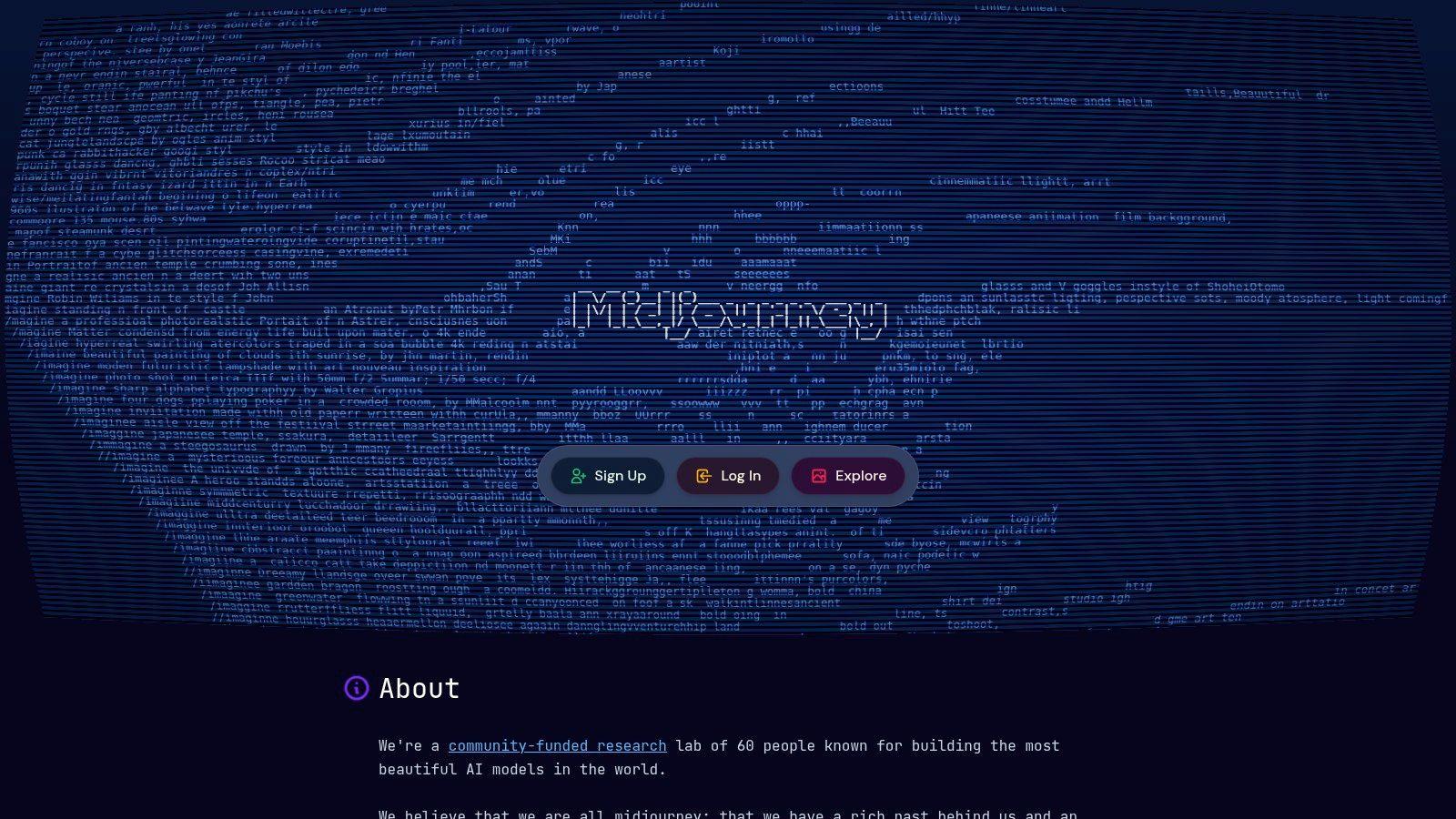
Midjourney is a highly acclaimed AI image generator celebrated for its exceptional artistic and photorealistic output quality. It operates primarily through a Discord server, creating a unique, community-driven environment where users can share prompts and creations. This platform is a top choice among artists, designers, and marketers seeking high-fidelity visuals for everything from concept art to sophisticated social media campaigns.
Its core strength is the stunning, often hyper-detailed aesthetic it produces, which sets a high benchmark in the AI art space. While the Discord-based interface can present a learning curve for newcomers, the vibrant community and constant stream of examples provide an invaluable resource for mastering prompt engineering and discovering new creative styles. Midjourney stands out as one of the best AI tools for content creation when visual quality is the absolute priority.
Key Features and Use Cases
- For Marketers & SMBs: Generate stunning, unique visuals for ad campaigns, website heroes, or product concept art without the expense of a professional photoshoot. The artistic quality helps brands create a distinctive and memorable visual identity.
- For Students & Creatives: Create detailed illustrations for artistic projects, design portfolios, or presentations. It is an excellent tool for visualizing complex concepts or generating character designs and storyboards.
- Active Community: The Discord server provides a live feed of creations and prompts from other users, offering endless inspiration and a practical way to learn how to craft better image descriptions.
Pricing and Access
Midjourney is a subscription-based service with several tiers, starting around $10/month for the Basic Plan, which provides a limited amount of "Fast" GPU time. Higher-priced plans (Standard, Pro, and Mega) offer more Fast GPU hours and include unlimited "Relax" mode generations, where image creation is slower but doesn't consume your priority time. A key drawback is the Discord-centric workflow, which some teams may find less intuitive than a standard web app. You can explore plans on the Midjourney website.
12. Kapwing
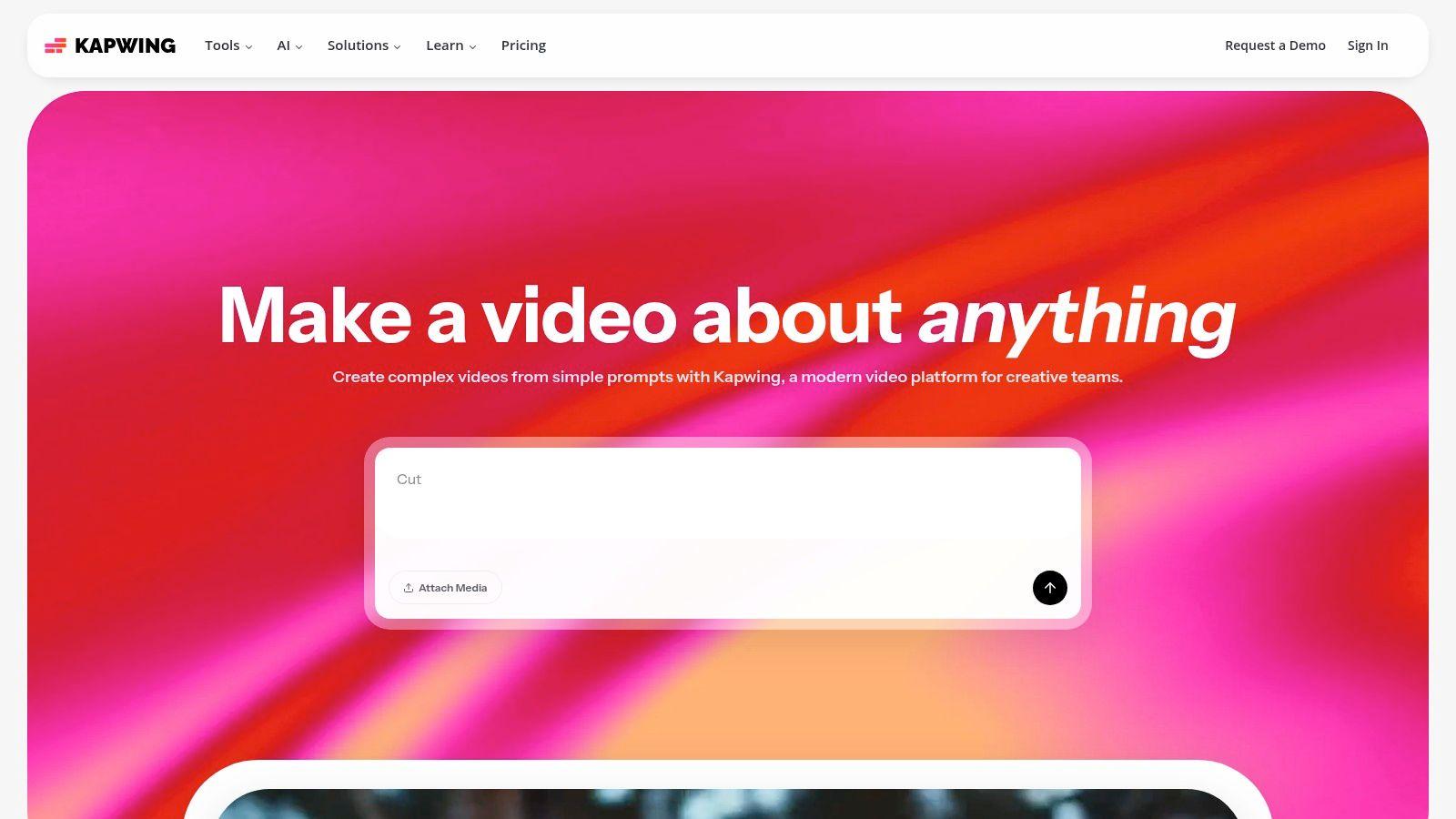
Kapwing is an intuitive, browser-based video editor that excels at simplifying the creation of short-form content, making it an excellent AI tool for content creation for teams without professional video editing experience. Its strength lies in a suite of AI-powered features designed to automate tedious tasks like subtitling, translation, and repurposing content across different social media platforms. The entire workflow is web-based, eliminating the need for powerful hardware or complex software installations.
The platform is built around speed and collaboration. With features like the AI-powered Repurpose Studio, users can upload a long-form video and have the AI automatically identify engaging clips, reformat them for vertical formats like TikTok or Reels, and add dynamic captions. This drastically reduces the time needed to populate a multi-channel social media calendar, making it ideal for busy marketers and small businesses.
Key Features and Use Cases
- For Marketers & SMBs: Instantly generate accurate subtitles for promotional videos with AI auto-subtitling, then translate and dub them into multiple languages to reach a global audience. Use the Repurpose Studio to efficiently turn a single webinar into dozens of social media clips.
- For Students & Educators: Quickly create engaging video presentations with text-to-speech voiceovers and dynamic subtitles. The user-friendly interface lowers the barrier to entry for creating polished video projects for class.
- Shared Workspaces: Teams can collaborate on video projects in real-time, share brand kits (logos, fonts, colors), and provide feedback directly within the editor, streamlining the review process.
Pricing and Access
Kapwing offers a free plan that is useful for trying out the platform, but it includes watermarks and has export length limitations. Paid plans, like the Pro plan starting around $16 per month (billed annually), remove watermarks, increase export limits to 4K quality, and provide a monthly allowance of AI credits. These credits are used for AI features like auto-subtitling and translation, which can be a constraint for users with heavy daily production needs. You can explore the platform at Kapwing.com.
Top 12 AI Content Creation Tools — Feature Comparison
| Product | Core features | Unique selling points ✨ | UX / Quality (★) | Target audience 👥 | Pricing / Value 💰 |
| 1chat 🏆 | Multi‑LLM chat, omni‑channel inbox, PDF analysis, AI image gen, team automation | Privacy‑first & family‑friendly controls; seat‑based team tools; fast setup | ★★★★☆ | SMBs, teams, families, educators | 💰 Seat/month tiers (Mini, Omni Pro); per‑seat billing (pricing not public) |
| Adobe Firefly (Adobe) | Text‑to‑image/video/audio, Generative Fill, Photoshop/Express integration | Commercially safe outputs; deep Adobe workflow integration ✨ | ★★★★☆ | Designers, SMB marketers, Adobe users | 💰 Credit‑based AI usage; paid plans |
| Canva (Magic Studio) | Template editor, AI image/video (Magic), brand kits, collaboration | Massive templates & stock library; easy for non‑designers ✨ | ★★★★☆ | Non‑designers, educators, small teams | 💰 Free tier; Pro / Business plans |
| Jasper | Long‑form canvas, Brand Voices, marketing Agents, API/governance | Built for brand governance and campaign workflows ✨ | ★★★★☆ | Marketing teams, SMBs | 💰 Per‑seat plans; best value at Business/Enterprise |
| Copy.ai | Chat & workflows, multi‑model access, automation studio | Low‑cost entry; unlimited words chat; multi‑model flexibility ✨ | ★★★☆☆ | Small teams, startups | 💰 Affordable entry tiers; advanced Agents cost more |
| Superhuman Suite (Grammarly) | Grammar/tone, plagiarism check, Coda docs, Go assistant | All‑in‑one writing + docs + cross‑app assistant ✨ | ★★★★☆ | Students, writers, SMBs | 💰 Free plan + Pro; bundled pricing |
| Notion (with Notion AI) | Docs/wiki/databases, AI drafting, summarizing, real‑time collab | Unified content → tasks → approvals workspace ✨ | ★★★★☆ | Teams, enterprises, schools | 💰 AI features on Business/Enterprise tiers |
| Descript | Text‑based audio/video editing, overdub, transcription, Studio Sound | Fast podcast/video repurposing; overdub voice cloning ✨ | ★★★★☆ | Podcasters, course creators, social teams | 💰 Plan caps on transcription/AI; tiered pricing |
| Runway | Generative video/image (multiple models), upscaling, TTS | Access to frontier models; transparent credit rates ✨ | ★★★★☆ | Video creators, marketers, educators | 💰 Credit‑based; per‑model rates |
| Synthesia | Script‑to‑video, 100+ AI avatars, dubbing, multilingual | Rapid training/onboarding videos without filming ✨ | ★★★★☆ | L&D, marketing, educators | 💰 Minutes/credit allowances; team plans |
| Midjourney | AI image generation (Discord/web), Fast & Relax modes | Industry‑leading image aesthetics & strong community ✨ | ★★★★★ | Artists, designers, creators | 💰 Subscription tiers; Fast GPU minutes |
| Kapwing | Web video editor, auto‑subtitles, TTS, repurpose studio | Fast social repurposing and web‑based ease ✨ | ★★★★☆ | Small teams, schools, social creators | 💰 Free (watermark limits); Pro/Business annual plans |
Making Your Choice: Integrating AI into Your Creative Workflow
The landscape of ai tools for content creation is no longer a futuristic concept; it is a present-day reality, offering a powerful toolkit to small businesses, students, and families. As we've explored, the options are vast and varied, ranging from comprehensive text generators like 1chat and Jasper to specialized visual powerhouses such as Adobe Firefly and Midjourney. The sheer number of choices can feel overwhelming, but the central takeaway is this: the perfect tool is not a one-size-fits-all solution, but the one that aligns precisely with your unique goals, workflow, and resources.
Your journey into AI-assisted creation shouldn't start with choosing a tool. It should start with a clear-eyed assessment of your needs. Before you commit to a subscription, take a moment to pinpoint your biggest creative bottlenecks and most repetitive tasks. By identifying your primary pain points first, you can navigate this expansive market with purpose and clarity.
How to Choose the Right AI Tool for You
Selecting from the diverse array of ai tools for content creation requires a strategic approach. Consider these critical factors to guide your decision-making process and ensure you invest in a solution that delivers real value.
- Define Your Primary Use Case: Are you a student needing a reliable partner for research and essay drafting? A tool like 1chat, with its multi-LLM support and human-like text generation, could be ideal. Is your small business focused on creating engaging social media video content? Then a platform like Descript or Kapwing will offer a more direct and impactful solution than a text-focused AI. Be specific about the job you need to be done.
- Assess Your Existing Workflow and Integrations: The most effective tools are those that blend seamlessly into your current processes. If your team lives and breathes within the Adobe Creative Cloud, integrating Adobe Firefly is a logical, friction-free step. Similarly, if your entire company knowledge base is built in Notion, activating Notion AI is far more efficient than trying to export content to an external platform. Look for tools that enhance, not disrupt, your established systems.
- Consider Your Budget and Scalability: Your budget is a practical and crucial constraint. Free tiers and trials are excellent for experimentation, but you must evaluate the long-term cost. Platforms like Canva offer incredible value in their Pro plans, bundling AI features with a vast library of design assets. For businesses, consider tools like Copy.ai or Jasper that offer team plans and can scale as your content needs grow. For families or students, affordability and privacy, as offered by a platform like 1chat, may be the most important financial considerations.
- Evaluate the Learning Curve: How much time can you realistically dedicate to learning new software? Tools like Canva and Kapwing are celebrated for their intuitive, user-friendly interfaces, allowing you to get started in minutes. In contrast, mastering the art of prompt engineering for Midjourney or navigating the advanced video editing features in Runway requires a greater time investment. Be honest about your team's technical comfort level and capacity for training.
Your Next Steps into the AI-Powered Future
The revolution in AI-powered creativity is not about replacing human ingenuity; it's about augmenting it. These tools are co-pilots, designed to handle the tedious, accelerate the mundane, and unlock new avenues for ideation. By automating first drafts, generating visual concepts, or transcribing hours of audio in seconds, you free up invaluable time and mental energy. This newfound capacity allows you to focus on the strategic, high-level work that truly matters: refining your message, connecting with your audience, and bringing your unique vision to life.
Don't be afraid to experiment. Sign up for the free trials. Test the same prompt across different platforms to compare their outputs. By strategically integrating the right ai tools for content creation into your daily routine, you can not only boost your productivity but also elevate the quality and impact of your work. The future of content is here, and it's more accessible, efficient, and creative than ever before.