
Struggling to keep up with homework, research papers, and complex math problems? You're not alone. The academic workload can feel overwhelming for students, and finding reliable help is often a challenge for parents and teams. An AI homework helper can be a powerful ally, offering instant support for everything from drafting essays and solving equations to analyzing research articles and preparing for exams. But with so many options available, choosing the right tool is key to getting effective, ethical, and affordable assistance.
This guide cuts through the noise to bring you a detailed comparison of the best AI homework helper platforms available today. We'll move beyond generic lists and provide a practical look at what each tool actually does. Inside, you'll find an honest evaluation of seven top contenders, including Khan Academy's Khanmigo, Perplexity, and the privacy-focused 1chat, which offers unique features for families and teams.
We will explore specific use cases, from using Photomath to get step-by-step solutions for tricky algebra problems to leveraging Wolfram|Alpha Pro for advanced calculus computations. For each platform, you'll find:
- Real-world examples and screenshots showing the tool in action.
- A clear breakdown of core features, including strengths and limitations.
- Guidance on academic integrity and avoiding plagiarism.
- Direct links to get you started immediately.
Our goal is to give you the actionable information needed to select the perfect AI assistant for your specific academic needs, whether you're a high school student writing an essay, a college student tackling dense research, or a family looking for a safe, collaborative learning tool. Let's find the right fit for you.
1. 1chat
1chat distinguishes itself as a premier, multi-functional platform that goes well beyond basic question-and-answer interactions. It’s built on a foundation of privacy and collaboration, making it an excellent choice for families, student groups, and teams that require powerful AI tools within a secure, managed environment. Instead of locking you into a single AI engine, 1chat provides access to a suite of top-tier large language models (LLMs) like OpenAI’s GPT-5, Google’s Nano Banana, and ByteDance’s Seedream, all within one unified interface.
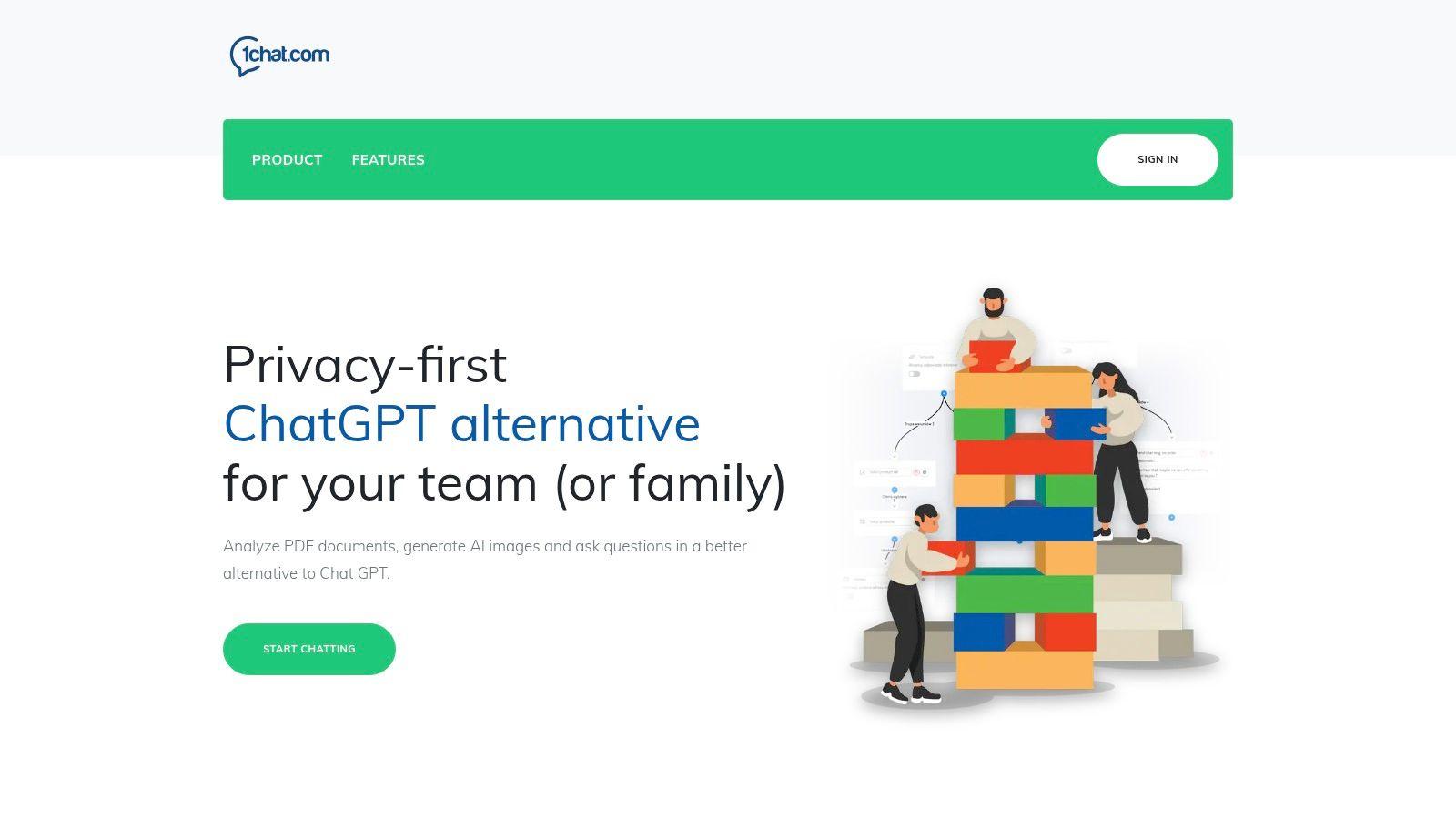
This multi-model approach is a significant advantage. Students can select the best AI for a specific task; for instance, using one model for creative brainstorming for an English essay and another for logical, step-by-step solutions for a calculus problem. This flexibility makes 1chat a uniquely capable and best ai homework helper for a wide range of academic subjects. The family-oriented design also provides parents with peace of mind, offering a safer alternative to wide-open AI platforms.
Key Features and Academic Applications
1chat is packed with features that directly support academic work and content creation. Its practical tools are designed to assist with the entire learning process, from initial research to final submission.
- Multi-LLM Access: Students aren't limited by the strengths and weaknesses of a single AI. They can switch between models to get different perspectives, tones, and analytical approaches for their homework, which is great for critical thinking and refining arguments.
- PDF Document Analysis: This is a standout feature for research-heavy assignments. Students can upload academic papers, textbook chapters, or historical documents and ask direct questions. For example, a user could upload a 50-page scientific study and ask, "Summarize the methodology section in five bullet points," or "What was the primary conclusion of this research?"
- Step-by-Step Learning Support: Rather than just giving answers, 1chat can be prompted to provide guided, instructional help. A student struggling with an algebra equation can ask for a step-by-step breakdown, helping them understand the process instead of just copying the solution.
- Integrated Writing and Creative Tools: The platform includes an AI writing assistant for drafting essays, creating outlines, and proofreading for grammar and style. It also features an AI image generator, which can be used to create custom visuals for presentations, projects, or simply to spark creative ideas.
Practical Tip: When using the PDF analysis tool, start with broad questions like "What are the key themes of this document?" before moving to specific queries. This helps the AI build context and provide more accurate, detailed answers for your subsequent questions.
Who is 1chat Best For?
The platform's structure makes it a strong fit for several groups. It’s ideal for families seeking a privacy-first AI tool for their children's homework, ensuring a safer online environment. College students will find the advanced research and writing features invaluable for term papers and complex assignments. For a deeper look into its educational benefits, 1chat provides an excellent overview of how AI chat can be used by students for effective and ethical learning.
Pricing and Access
1chat operates on a per-seat monthly subscription model with tiered plans named Mini, Pro, and Omni Pro. The Mini plan is a great entry point for individual students or small families. However, 1chat does not publish its pricing publicly. Prospective users need to contact their sales team for a custom quote, which allows them to tailor a plan to specific needs but requires an extra step before purchase.
Website: https://1chat.com
2. Khan Academy — Khanmigo (AI tutor)
For families and students seeking an AI homework helper built on a foundation of educational expertise and safety, Khanmigo by Khan Academy is a standout choice. Unlike many AI tools that provide instant answers, Khanmigo functions as a true Socratic tutor. It guides students through problems step-by-step, asking probing questions to help them arrive at the solution on their own. This approach is designed to build deep understanding and critical thinking skills rather than just completing an assignment.
This AI tutor is integrated directly into Khan Academy’s trusted, standards-aligned content library. This means the guidance a student receives is directly connected to the videos, articles, and practice exercises available on the platform, creating a cohesive learning experience across subjects like math, science, and humanities.
What Makes Khanmigo a Top AI Homework Helper?
Khanmigo's strength lies in its pedagogical approach. It's not a shortcut machine; it’s a learning partner. For example, if a student is stuck on an algebra problem, Khanmigo won't just solve for x. It will ask, "What’s the first step you think we should take?" or "Have you tried combining the like terms yet?" This dialogue-based process makes it an exceptional tool for reinforcing classroom concepts.
Parents also get valuable oversight. The family plan includes a dashboard where parents can view their child's chat history and receive moderation alerts, ensuring conversations remain productive and safe. This makes it a responsible choice for younger learners.
Features, Pricing, and Access
Accessing Khanmigo requires a Khan Academy account. It operates on a nonprofit donation model to keep it accessible.
- Pricing: A donation of $4 per month (or $44 annually) is suggested for individuals and families. This gives access to Khanmigo for one user account.
- Teacher Access: In the U.S., K-12 teachers can access Khanmigo for free, along with tools for lesson planning and grading assistance.
- Integration: Khanmigo is embedded within the Khan Academy website and apps, so no separate software is needed.
Practical Tip: Use Khanmigo as a pre-homework tool. Before starting a challenging assignment, have your student engage with Khanmigo on a related practice problem within Khan Academy. This builds their confidence and activates the knowledge they need to work independently.
Key Pros & Cons
| Pros | Cons |
| Strong academic integrity guardrails to prevent cheating. | Nudges students to think, so it is not a direct answer generator. |
| Low-cost, nonprofit pricing with free access for US teachers. | Requires an active internet connection and Khan Academy account. |
| Parental controls and chat history for safe, supervised learning. | Primarily focused on Khan Academy's curriculum. |
| Socratic method promotes genuine understanding and skill development. | May be slower for students looking for a quick fact check. |
Website: https://www.khanacademy.org
3. Photomath
For students who find themselves staring at a complex math equation with no idea where to begin, Photomath offers an immediate and visual solution. Acquired by Google, this mobile app acts as a powerful pocket calculator and tutor rolled into one. Its core function is brilliantly simple: point your phone’s camera at a math problem, whether handwritten or printed, and the app instantly recognizes it and prepares a detailed solution. This makes it an indispensable tool for visual learners who benefit from seeing a problem worked out.
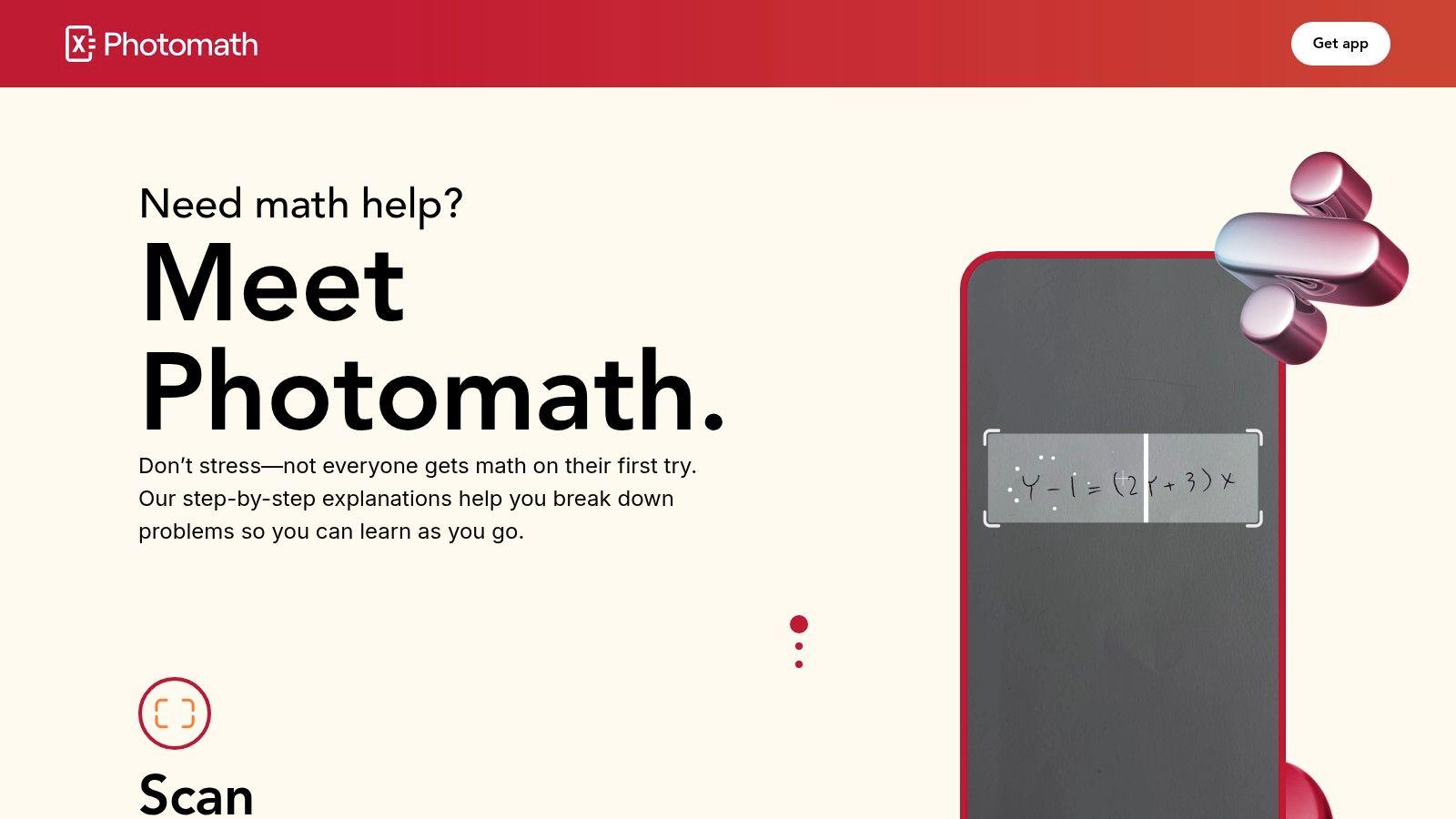
Unlike a standard calculator that just gives a final number, Photomath breaks down each problem into animated, step-by-step instructions. This approach helps demystify complex processes, from basic arithmetic and algebra to advanced calculus and trigonometry. It often provides multiple solution methods, giving students different perspectives on how to tackle a single problem.
What Makes Photomath a Top AI Homework Helper?
Photomath’s strength is its ability to bridge the gap between a static problem on a page and the dynamic thinking required to solve it. When a student is stuck, seeing the exact steps laid out in a clear, animated sequence can be the breakthrough they need. The app doesn't just provide an answer; it shows the how and why behind it, reinforcing the logic taught in the classroom. This makes it an excellent AI homework helper for checking work or getting unstuck on a particularly tricky exercise.
The app's Optical Character Recognition (OCR) is impressively accurate with both printed text and legible handwriting, reducing the friction of manually entering complex equations. While its focus is solely on math, its depth within that subject is remarkable, covering a curriculum broad enough for middle school, high school, and even some college-level courses. While Photomath excels at standard math, for more specialized quantitative fields like chemistry, you may need a different tool. You can find an organic chemistry solver for those specific needs.
Features, Pricing, and Access
Photomath is a mobile-first app available for both iOS and Android. Its core functionality is free to use.
- Pricing: The free version provides problem scanning and step-by-step solutions. Photomath Plus is a subscription that unlocks deeper, expert-verified explanations, animated tutorials, and solutions for select textbook problems. Pricing for Plus is typically around $9.99 per month or $59.99 annually.
- Accessibility: As a mobile app, it's available anywhere with a smartphone, making it perfect for on-the-go homework help.
- Subject Coverage: Covers a wide range of math topics, including arithmetic, algebra, geometry, trigonometry, statistics, and calculus.
Practical Tip: Use Photomath to reverse-engineer your understanding. If you get a problem wrong on your homework, scan it with the app. Instead of just correcting your final answer, follow the app's steps backward to pinpoint exactly where your logic went astray. This turns a simple mistake into a valuable learning moment.
Key Pros & Cons
| Pros | Cons |
| Excellent for visual learners with animated, step-by-step guides. | Primarily focused on math, so not useful for other subjects. |
| Instant problem recognition via camera for fast help. | Deeper explanations and textbook solutions are behind a paywall. |
| Supports a wide range of math levels, from basic to advanced. | Can be used as a shortcut, so parental guidance is recommended. |
| Free version is highly functional for core needs. | Requires a smartphone and is less practical for desktop-based work. |
Website: https://photomath.com
4. Microsoft Math Solver
For students and families needing a dedicated, no-cost tool for mathematics, Microsoft Math Solver is a powerful and accessible option. This free web and mobile platform is engineered specifically to tackle a wide range of math problems, from basic arithmetic to advanced calculus. It stands out by providing not just the final answer, but a detailed, step-by-step breakdown of the solution process, making it an excellent resource for practice and understanding difficult concepts.
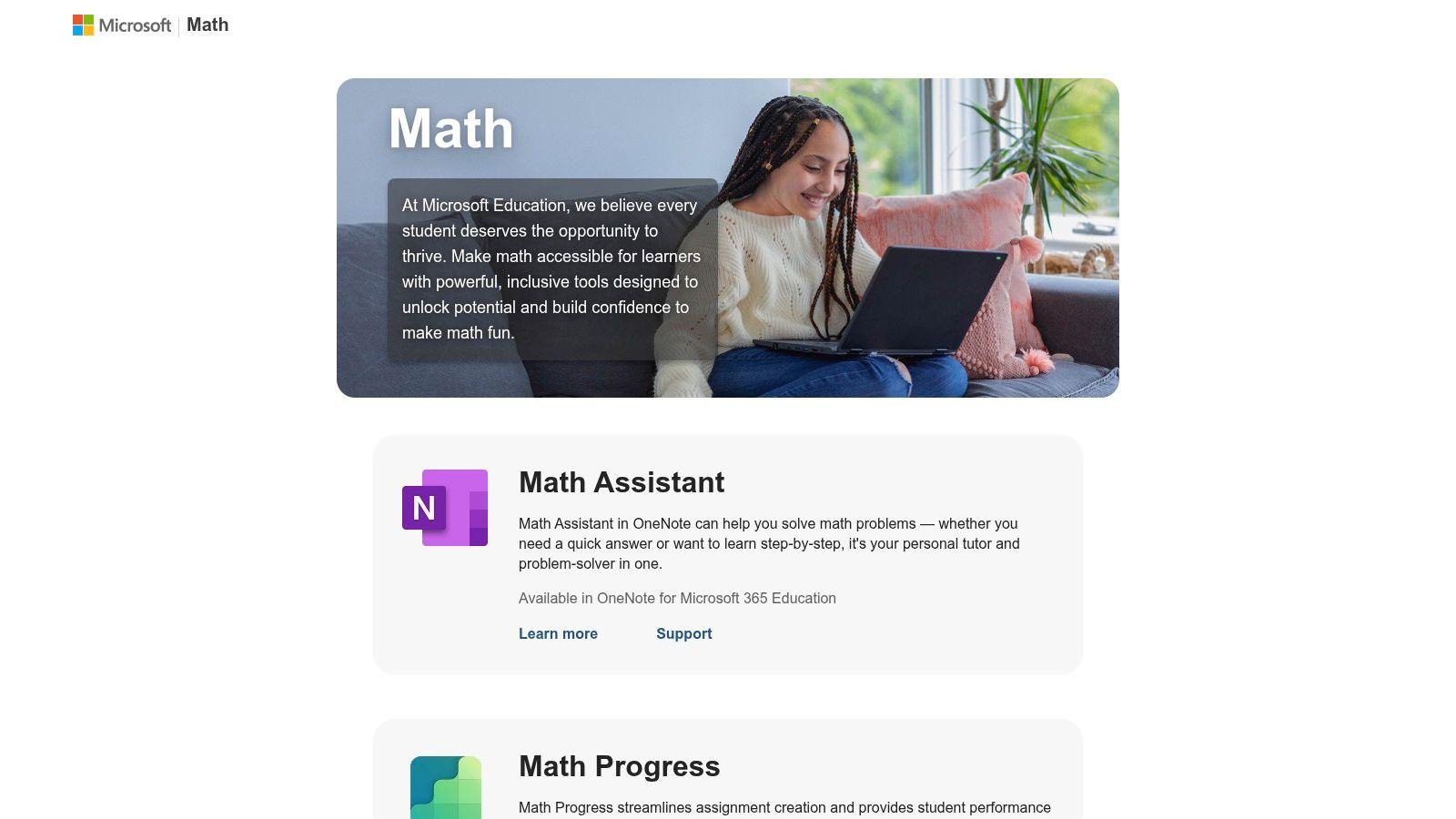
Unlike general-purpose AI assistants, its sole focus on mathematics allows for a high degree of accuracy and detailed explanations. The tool also links to relevant learning resources, such as video tutorials and worksheets, to help students build a stronger foundation in areas where they struggle. This makes it a great supplementary tool for reinforcing what's taught in the classroom.
What Makes Microsoft Math Solver a Top AI Homework Helper?
The platform's key strength is its versatility in problem input and its clear, instructional output. A student can type a complex equation, sketch it out on a touchscreen, or even snap a picture of a problem in their textbook. The AI then parses the problem and generates a complete walkthrough, showing each logical step required to arrive at the solution. This is invaluable for identifying exactly where a student went wrong in their own attempt.
This focus on process over simple answers makes it a respectable best ai homework helper for genuine learning. Instead of just getting the homework done, students can use the explanations to study for tests and master the underlying methods. It covers arithmetic, algebra, geometry, trigonometry, and calculus, providing broad support across the math curriculum.
Features, Pricing, and Access
Microsoft Math Solver is straightforward and completely free, with no ads or hidden costs.
- Pricing: Free. There are no subscriptions or fees required to use the full functionality of the platform.
- Accessibility: Available as a web-based tool accessible from any browser. Mobile app availability has varied, so checking your device's app store is recommended, but the web version is consistently reliable.
- Input Methods: Supports typed equations, a digital drawing pad for sketching problems, and image recognition to solve problems from a photo.
Practical Tip: Use the "scan" feature on a phone or tablet to quickly check answers on a completed worksheet. Don't just look at the final answer; have your student compare their step-by-step work against the app's explanation to find any mistakes in their process. This turns checking homework into an active review session.
Key Pros & Cons
| Pros | Cons |
| Completely free with no ads or subscription requirements. | Purely math-focused; not a general helper for writing or research. |
| Detailed, step-by-step explanations for a wide range of math topics. | Mobile app availability can be inconsistent across regions/stores. |
| Multiple input methods (type, sketch, scan) for user convenience. | Relies on a stable internet connection for processing problems. |
| Links to related practice problems and video tutorials. | Does not offer parental controls or progress tracking features. |
Website: https://math.microsoft.com
5. Wolfram|Alpha Pro
For students tackling complex math, science, and engineering coursework, Wolfram|Alpha Pro is not just an AI homework helper; it's a computational knowledge engine. Unlike conversational AIs that interpret and rephrase information, Wolfram|Alpha computes exact answers from curated data using a massive library of algorithms. This makes it an exceptionally reliable tool for quantitative subjects where precision is non-negotiable, serving as a powerful calculator and problem-solver for AP and college-level STEM work.
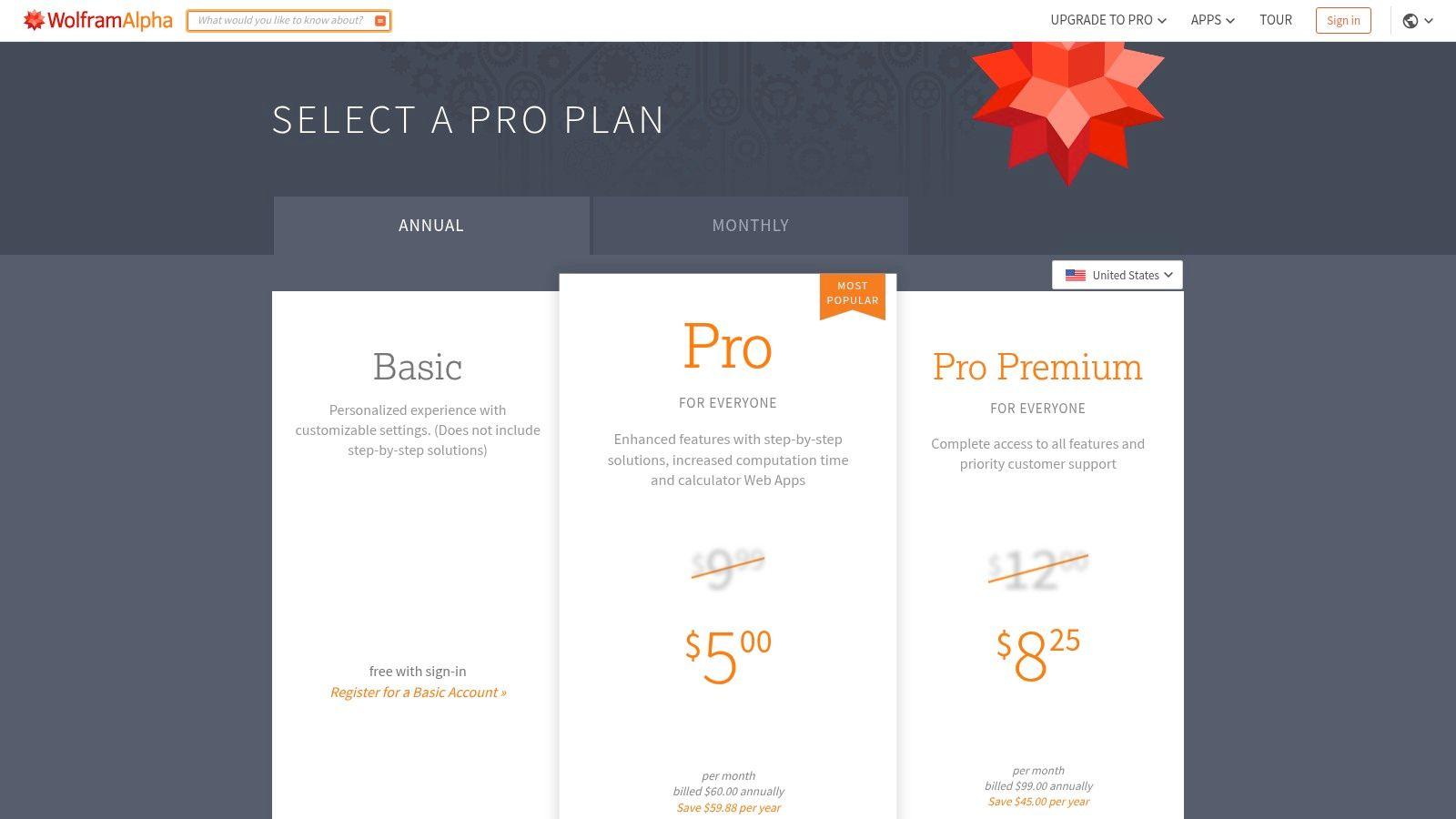
The Pro version elevates the experience from a simple answer-finder to a genuine learning aid. It provides step-by-step solutions that break down how it arrived at a result, allowing students to understand the underlying methodology. This is crucial for learning formulas and problem-solving techniques in subjects like calculus, physics, and statistics.
What Makes Wolfram|Alpha Pro a Top AI Homework Helper?
Wolfram|Alpha Pro's main strength is its computational accuracy. When a student enters a derivative, integral, or chemical equation, the system doesn't guess or paraphrase; it calculates. The Pro subscription unlocks the "how" behind the "what," with detailed, step-by-step guides that show the work. This feature is invaluable for checking homework and studying for exams because it bridges the gap between seeing the correct answer and knowing how to get there.
The platform's versatility extends beyond math. A student can analyze a financial model, get detailed nutritional information for a meal, or solve a complex physics problem. Pro users can upload files (like datasets) and images (like photos of a math problem) for analysis, adding a layer of practical convenience that sets it apart from many other tools. The interface is more technical and data-driven than a chatbot, which appeals to students who prefer direct, factual results.
Features, Pricing, and Access
Wolfram|Alpha Pro is a subscription-based service that unlocks the engine's most powerful educational features.
- Pricing: Pro plans start at $5 per month (billed annually). There are also Pro Premium plans with even more computation time and features for advanced users.
- Step-by-Step Solutions: The core feature of Pro, offering detailed breakdowns for problems in algebra, calculus, chemistry, and more, complete with hints.
- File and Image Input: Pro users can upload data files, images, and audio for direct analysis, a significant advantage for lab work and complex assignments.
- Enhanced Results: Subscribers get extended computation time for difficult problems and access to interactive, customizable charts and graphs.
Practical Tip: Use the step-by-step feature to reverse-engineer your mistakes. After attempting a problem on your own, enter it into Wolfram|Alpha Pro and compare its solution path to yours. Pinpoint exactly where you went wrong, whether it was a calculation error or a conceptual misunderstanding.
Key Pros & Cons
| Pros | Cons |
| Highest computational reliability for quantitative subjects. | Interface is more technical and has a learning curve. |
| Deep feature set useful for advanced STEM coursework. | Best features require the paid Pro subscription. |
| Step-by-step solutions build true procedural understanding. | Not designed for essay writing or humanities-based questions. |
| Supports file and image uploads for versatile problem-solving. | Can feel less intuitive than a simple conversational chatbot. |
Website: https://www.wolframalpha.com/pro/pricing
6. Perplexity
For high school and college students whose homework involves deep research, Perplexity stands out as a powerful "answer engine." It’s designed to provide conversational answers backed by verifiable sources, making it an ideal tool for writing essays, preparing for debates, or understanding complex topics. Unlike many general-purpose chatbots, Perplexity’s core function is to synthesize information from the web and present it with direct citations, bridging the gap between a search engine and an AI assistant.
This focus on citation makes it a responsible choice for academic work. Students can quickly gather background information, find primary sources, and see where the AI's information originated. This helps build research skills and reduces the risk of accidentally including unverified or "hallucinated" AI claims in an assignment.
What Makes Perplexity a Top AI Homework Helper?
Perplexity excels at research and comprehension. Instead of just giving an answer, it provides a well-organized summary with numbered, clickable sources. A student researching the causes of the French Revolution, for instance, will receive a detailed overview that links directly to historical websites, academic articles, and encyclopedia entries. This allows them to dig deeper into any specific point.
The platform's "Focus" feature allows users to narrow their search to specific domains like academic papers, YouTube, or Reddit, which is useful for finding different types of information. For more in-depth projects, the paid "Pro" mode can conduct deeper research, ask clarifying questions, and generate comprehensive reports, making it a serious research partner. Understanding how to structure your questions is key; good prompt engineering can yield better, more relevant sources.
Features, Pricing, and Access
Perplexity is accessible via its website and mobile apps, with a generous free tier that is sufficient for most daily homework tasks.
- Pricing: The free version offers a strong set of features. Perplexity Pro is available for $20 per month or $200 annually, offering more "Pro Search" credits, file uploads (like PDFs and text files), and access to more powerful AI models.
- Source Curation: Every answer includes a list of sources used to generate the response, which students can review for credibility.
- Interface: The user experience is clean and straightforward, focusing on the conversation and the sources, minimizing distractions.
Practical Tip: Use Perplexity to create an annotated bibliography. After asking a research question, review the sources it provides. Ask it to summarize each source and explain its relevance to your topic. This workflow accelerates the initial research phase of a paper.
Key Pros & Cons
| Pros | Cons |
| Source-backed answers reduce unverified claims. | Features and limits on paid plans can change; verify before paying. |
| Excellent for research, topic overviews, and finding sources. | Not designed for step-by-step math problem-solving. |
| Free version is very capable for most homework needs. | Pro search quality can vary depending on the topic's complexity. |
| Focus modes help narrow down searches to specific platforms. | Its conversational style is best for research, not creative writing. |
Website: https://www.perplexity.ai
7. Brainly
Brainly positions itself as a knowledge-sharing community powered by a blend of peer-to-peer help, expert verification, and AI assistance. This multi-faceted approach makes it a useful resource for students who want quick, crowd-sourced answers and also need deeper, AI-driven explanations for complex topics. It is particularly effective for middle school through early college students who benefit from seeing how their peers approach a problem.
Unlike single-function AI chatbots, Brainly integrates its AI Tutor within a massive, searchable database of questions and answers. Students can scan a math problem or type in a question and instantly see solutions provided by other students, verified experts, and the AI. This structure provides multiple pathways to understanding, from a quick check to a detailed, step-by-step tutorial.
What Makes Brainly a Top AI Homework Helper?
Brainly's core advantage is its hybrid model. If a student is stuck, they can first search the community answers. If those aren't clear enough, they can turn to the AI Tutor for a more structured, conversational explanation. The "Scan-to-solve" feature is especially practical for math and science, allowing students to use their phone’s camera to get immediate help on word problems and equations, not just from the AI but also from a library of similar, solved problems.
The platform's strength as an AI homework helper comes from this context. The AI doesn’t operate in a vacuum; its explanations are supplemented by millions of existing answers, many of which are "Expert-verified." This adds a layer of reliability that is often missing from purely user-generated content, giving students more confidence in the answers they receive.
Features, Pricing, and Access
Brainly operates on a freemium model, providing basic access for free with subscriptions unlocking more powerful features.
- Pricing: A free plan offers limited access to AI features and community answers (with ads). Brainly Plus starts at around $2.50/month ($29.99 billed annually) and provides unlimited, ad-free access to all answers and the AI Tutor. Brainly Tutor adds on-demand access to live human tutors for personalized help.
- AI Tutor: Provides step-by-step guidance and conceptual explanations.
- Scan-to-Solve: Use your device's camera to get instant solutions for math problems.
- Textbook Solutions: Find expert-verified explanations for problems in popular textbooks.
Practical Tip: When using Brainly, encourage students to look for the "Expert-verified" checkmark on answers. For maximum learning, have them first try to understand the community answer, then engage the AI Tutor on the same problem to compare explanations and deepen their comprehension.
Key Pros & Cons
| Pros | Cons |
| Multisubject coverage with a large, searchable answer database. | Community answer quality can be inconsistent; verified answers are best. |
| Flexible access with a free tier and optional paid upgrades. | Free version has ads and limits on viewing answers. |
| AI Tutor is paired with community help, offering multiple perspectives. | Some advanced features and human tutoring require a subscription. |
| "Scan-to-solve" is highly effective for quick math problem help. | Can be used for quick answers rather than genuine learning if not supervised. |
Website: https://brainly.com
Top 7 AI Homework Helpers Comparison
| Tool | Implementation complexity 🔄 | Resource requirements ⚡ | Expected outcomes 📊 | Ideal use cases 💡 | Key advantages ⭐ |
| 1chat | Medium — multi-LLM and omni-channel setup, routing and automation | Moderate–High — per-seat plans, integrations, support overhead | Versatile: customer support + content generation; model-dependent quality | Small–midsize teams, families, omni-channel customer communications, student aid | Multi-LLM selector, privacy-first, PDF analysis, omni-channel hub |
| Khan Academy — Khanmigo | Low — runs inside Khan Academy with built-in tools | Low — nonprofit pricing; account and internet required | Guided learning with focus on understanding and academic integrity | K–12 tutoring, classroom use, teacher/parent monitoring | Socratic tutoring, curriculum-aligned, strong safety guardrails |
| Photomath | Low — mobile-first OCR and solver app; minimal setup | Low — smartphone required; premium features behind subscription | Clear animated, step-by-step math solutions from photos | Quick homework help for arithmetic through calculus | Camera OCR, animated steps, multiple solution methods |
| Microsoft Math Solver | Low — web/mobile tool with simple UI | Minimal — free, web access; device and internet needed | Reliable step-by-step math explanations across many topics | Free student/family math practice and problem solving | Completely free, broad coverage, multiple input modes |
| Wolfram | Alpha Pro | Medium–High — technical interface and feature learning curve | Moderate — paid Pro tier for step-by-step, uploads, extended compute | High-precision computational results for STEM and advanced queries | AP/college STEM coursework, technical projects, research |
| Perplexity | Low — conversational research interface; optional paid features | Low — web access; paid for advanced ingestion and limits | Source-backed answers and organized references for research | Research, essays, reading comprehension, sourcing for older students | Inline citations, linked sources, research-first answers |
| Brainly | Low — community Q&A plus AI tutor; simple onboarding | Low–Moderate — free tier; subscriptions/human tutors for premium | Fast multi-subject answers with variable quality; verified options improve reliability | Middle school to early college learners needing quick help | Multisubject coverage, expert-verified answers, AI + human tutor options |
Choosing Your AI Study Partner: A Final Guide
We’ve explored a powerful lineup of AI tools, each designed to assist with different aspects of academic life. From the complex problem-solving abilities of Wolfram|Alpha Pro to the intuitive photo-scanning math help from Photomath and Microsoft Math Solver, the right support is available. We've seen how community-driven platforms like Brainly offer peer-to-peer assistance, while specialized tutors like Khanmigo provide structured, Socratic-style learning. For deep research and clear citations, Perplexity stands out.
The central theme is clear: the best AI homework helper isn't a one-size-fits-all solution. Instead, it’s about finding the right tool, or combination of tools, that aligns with your specific academic needs, learning style, and ethical considerations. The goal is to use these assistants to build understanding, not to bypass the learning process.
Matching the Tool to the Task
Making the right choice comes down to identifying your primary need. Your decision-making process should be guided by what you want to accomplish.
- For Comprehensive, Privacy-First Family & Team Use: If your priority is a secure, collaborative environment for a family or small group, 1chat is a standout option. Its focus on privacy, team-based access, and versatile features for writing and research make it an excellent, all-around academic hub. It’s particularly suited for families who want a single, safe platform for multiple users.
- For Structured Learning & Conceptual Understanding: Khanmigo is designed for students who want a tutor, not just an answer machine. It guides you through problems, making it ideal for building a deep, foundational knowledge in subjects like math and science.
- For Quick, Step-by-Step Math Solutions: When you’re stuck on a specific math problem and need to see the process, Photomath and Microsoft Math Solver are your go-to options. They excel at breaking down equations from a simple photo.
- For Advanced STEM & Data Analysis: College students and those in higher-level high school courses will find Wolfram|Alpha Pro indispensable. Its computational power is perfect for tackling complex calculus, physics, and chemistry problems.
- For Research with Reliable Sources: If your main challenge is writing research papers and avoiding misinformation, Perplexity is the ideal assistant. Its ability to cite sources directly within its answers gives you a credible starting point for any project.
Final Thoughts on Ethical AI Use
As you integrate these tools into your study routine, remember that they are supplements, not replacements, for your own critical thinking. The most successful students use AI not for the final answer, but for the process. They use it to brainstorm ideas, check their math, rephrase a confusing sentence, or find credible sources.
Key Takeaway: The ultimate goal is to use an AI homework helper to become a more capable, confident, and independent learner. The technology should empower your education, not diminish it.
Think of these platforms as expert study partners available 24/7. They can help you overcome a frustrating roadblock on a late-night assignment, clarify a concept before a big exam, or organize your thoughts for a major essay. By choosing wisely and using these tools responsibly, you can turn academic challenges into opportunities for growth. The right AI assistant will not only help you get your homework done but will also help you understand it on a deeper level.