
Is ChatGPT still the right AI for you?
That question matters more now than it did when AI chat tools first broke into the mainstream. Back then, users often compared one chatbot against another on writing quality alone. That’s no longer enough. A parent choosing an AI for homework help has different priorities than a marketing lead managing approvals, or an operations team trying to cut response time across customer channels.
The bigger gap in most roundups is simple. They treat every buyer like a solo power user. In practice, people now care about privacy, team workflows, safer outputs for students, document handling, and whether a tool fits the software they already use. If you run a small business, the best alternative to ChatGPT might be the one that keeps team conversations organized and doesn’t force everyone into separate subscriptions. If you have kids or students at home, safety filters and data handling may matter more than flashy model names. If you do research, citations and live web grounding probably come first.
That’s why this guide uses a more practical lens. Instead of listing features in isolation, it compares the tools that keep coming up in real client conversations and day-to-day testing. Some are better for writing. Some are better for research. Some are better for enterprises locked into a software ecosystem. And a few are more interesting because they combine multiple models, collaboration, and privacy in a way the mainstream lists usually skip.
If you’re looking for the best alternative to ChatGPT in 2026, start with your use case, not the hype. The right choice depends on who’s using it, what kind of work you need done, and how much risk you’re willing to accept around privacy and workflow sprawl.
1. 1chat
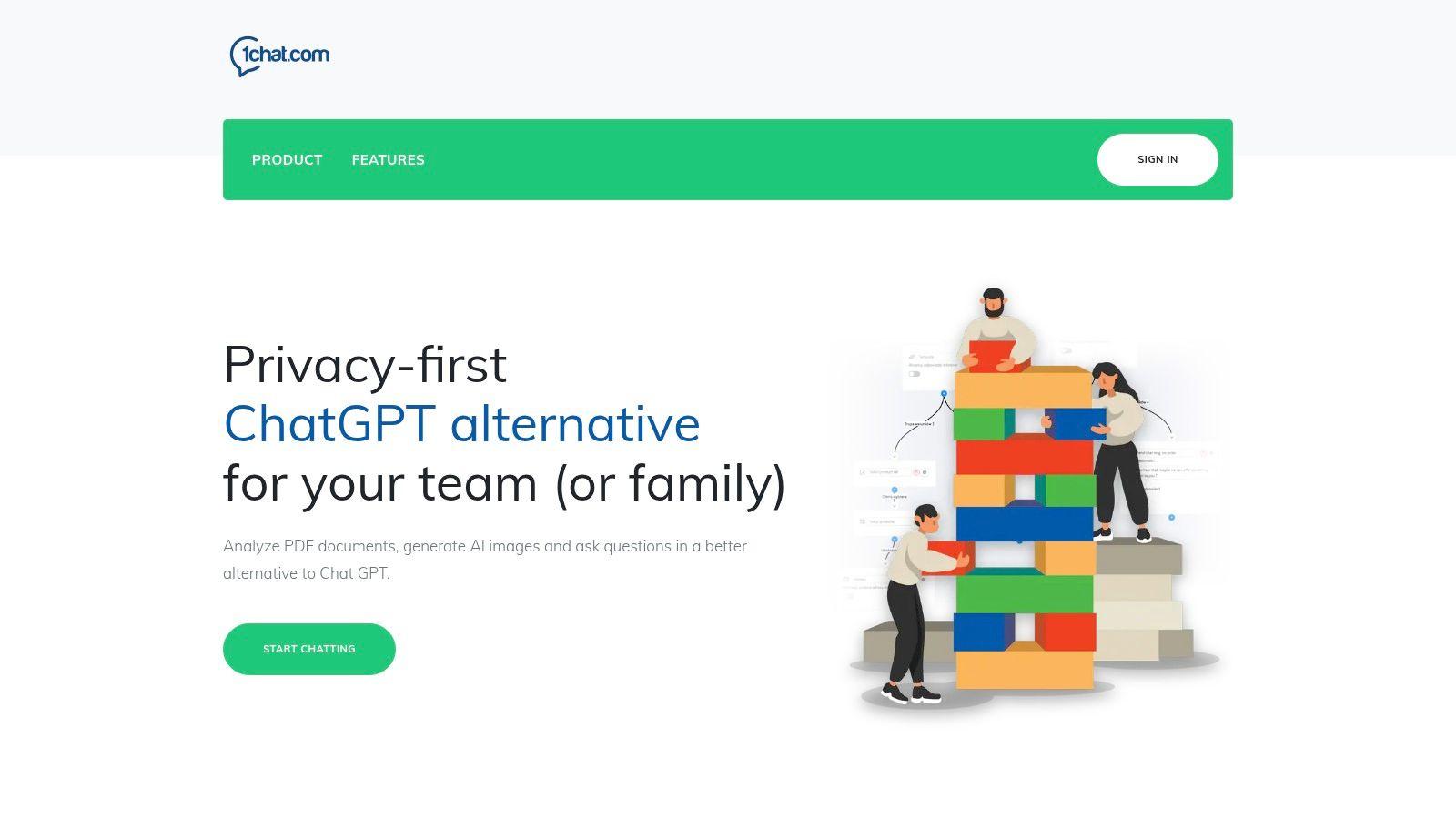
What do you pick if ChatGPT works fine for one person, but falls apart once a family or team needs shared access, privacy controls, and a cleaner workflow?
1chat earns a place on this list because it addresses a different buying decision. Instead of centering everything on one model, it combines several AI models with shared communication and workflow tools. That matters for households juggling schoolwork and document help, and for small businesses that want AI closer to daily operations rather than sitting in a separate tab.
The practical value is consolidation. You can use it for writing, PDF analysis, image generation, homework support, and guided explanations, while also keeping customer and team conversations in one view. For teams already thinking about how conversational AI fits real business workflows, that setup is easier to justify than stacking separate tools for each task.
Why it stands out
Its strongest angle is structure. Businesses can handle website chat, Facebook Messenger, email, SMS, phone, and video calls in one conversation stream. Families get a platform positioned around privacy-first, family-friendly use, which is still less common than it should be in this category.
I usually recommend this type of setup when more than one person needs AI for different jobs. A shared, multi-model system is often easier to manage than a patchwork of individual subscriptions and inboxes.
Real trade-offs
The limits are real.
- Pricing is not fully public: plans are listed by tier, but exact pricing is not clearly published, so buyers may need a demo or sales conversation.
- Entry-level plans look narrower: smaller teams may be fine, but busier operations should confirm conversation limits and station access before committing.
- Due diligence matters: cautious buyers should ask for references, test support quality, and run a live workflow trial before rollout.
For the right buyer, 1chat is less about chasing the latest model and more about reducing tool sprawl. If privacy, shared access, and team coordination matter as much as raw model quality, it deserves a close look.
2. Claude
Claude is the tool I recommend most often to people who say, “I need something calmer, cleaner, and more dependable than ChatGPT for serious work.”
Anthropic has built a strong reputation around safer outputs, structured reasoning, and long-form writing quality. For many professionals, that combination matters more than novelty. Claude tends to be especially useful when the task is messy: long documents, nuanced summaries, coding help, research notes, policy drafts, or high-stakes internal writing.
According to Zapier’s comparison of ChatGPT alternatives, Claude supports up to 200,000 tokens of context and is recommended over ChatGPT for developers and analysts because of its strong long-document handling and safety orientation in Zapier’s Claude coverage.
Where Claude feels strongest
Claude is usually at its best when the input is large and the assignment has structure.
Think of these use cases:
- Long document review: Drop in contracts, research material, or meeting transcripts and ask for issue spotting or executive summaries.
- Writing that needs restraint: Internal memos, educational content, and polished drafts often come out more measured than what many users get elsewhere.
- Analytical workflows: It’s a strong fit if your team already understands conversational AI in business workflows and wants an assistant that can follow context without constant re-prompting.
Claude also tends to feel less chaotic for teams that value tone control. That’s not a flashy benefit, but it’s a real one.
Claude is one of the few tools I’d trust for first-draft analysis on a long, dense brief without expecting immediate collapse halfway through.
Where it can frustrate
Claude isn’t perfect. Usage limits can pinch heavy users, especially if you work with large files every day. Some connectors and tool access have also shifted over time, which can affect teams that want a stable package.
The other trade-off is fit. Claude is excellent for careful writing and reasoning, but that doesn’t automatically make it the best alternative to ChatGPT for every buyer. If your main need is live research with citations, Perplexity is usually stronger. If your main need is tight integration with business communications, a broader platform may make more sense.
Still, for professionals, students, and small teams who want a privacy-minded assistant that handles depth well, Claude remains near the top of the list.
3. Google Gemini
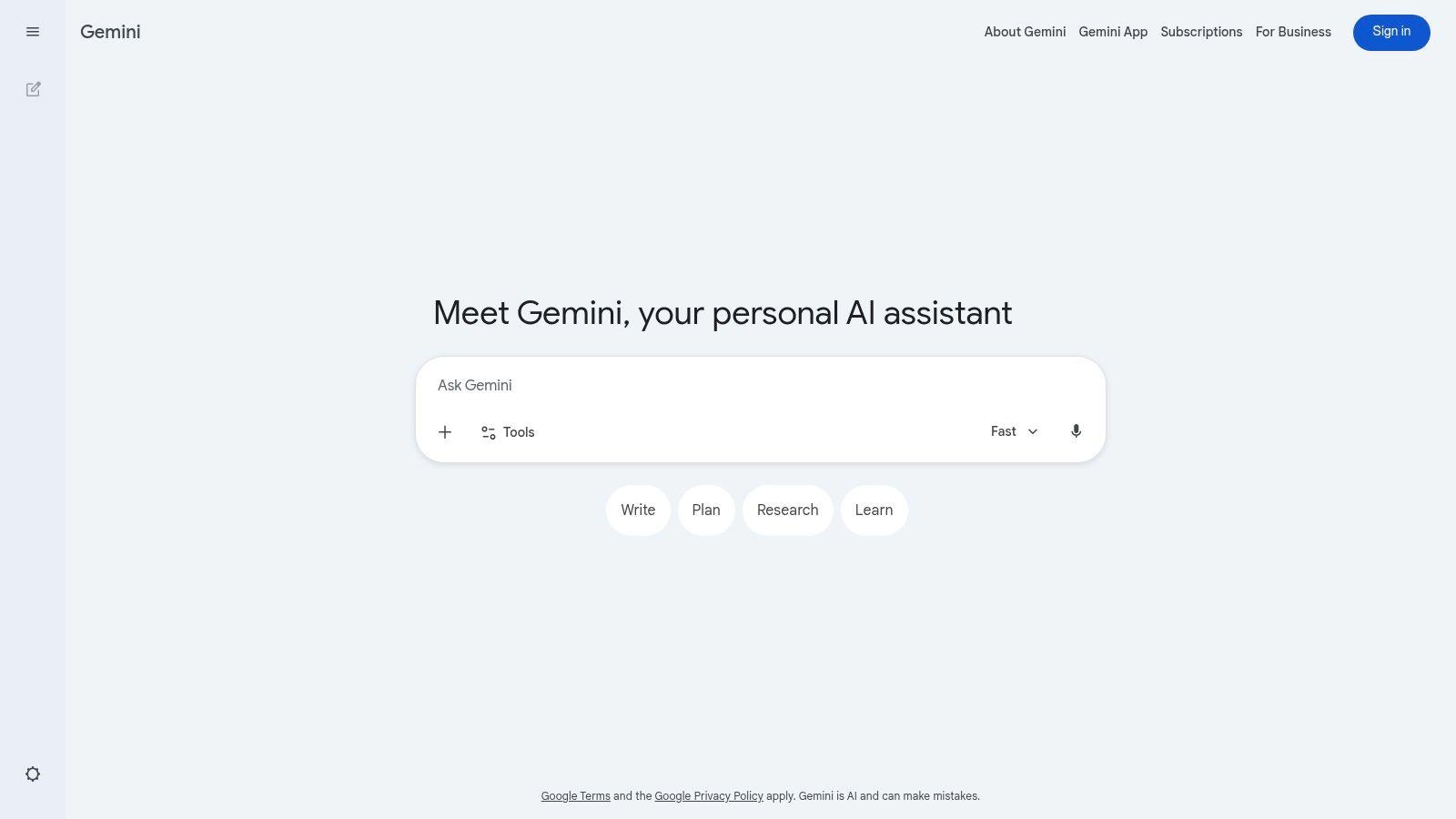
Gemini makes the most sense when your digital life already runs through Google. If your team lives in Gmail, Docs, Sheets, Drive, and Meet, Gemini can feel less like “another AI app” and more like an an extension of the tools you already open every day.
That ecosystem advantage is its biggest strength. Instead of copying material in and out of a standalone chatbot, you can work closer to the source document, inbox, or spreadsheet. For small businesses and school-heavy households, that convenience can be enough to justify choosing it over a more capable but less integrated rival.
Best fit for Google-centric workflows
Gemini is practical for:
- Email and document assistance: Drafting in Gmail or rewriting in Docs is simpler when AI is close to the work.
- Student support: For families using Google accounts across schoolwork, shared docs, and class materials, Gemini can be easier to adopt than a separate platform. That’s especially true for people exploring AI chat tools for students.
- Developer and product teams: Google’s model lineup also appeals to builders who want lighter API options through Flash variants.
One thing I’d stress from real use is that Gemini’s value depends heavily on where you work. Inside Google’s ecosystem, it’s convenient. Outside it, the experience is less distinctive.
What to watch before committing
The biggest weakness isn’t raw capability. It’s packaging. Google has changed consumer plan names and bundles over time, and that can make buying decisions harder than they should be. Some features and storage benefits also vary by plan.
That makes Gemini easy to underestimate in testing. You may like the product but still struggle to figure out which tier gives your team what it needs.
It also isn’t my first pick for privacy-first family use or for deep, citation-heavy research. Gemini is better seen as a productivity layer for people who already trust Google with their workflow.
If you’re choosing based on pure convenience inside Docs and Gmail, it deserves a serious look. If you want the best alternative to ChatGPT for safer household use or more explicit multi-model flexibility, other tools on this list are stronger.
4. Microsoft Copilot
Copilot is the most obvious pick for companies that already standardized on Microsoft 365. In that environment, the question often isn’t “Which chatbot is smartest?” It’s “Which one can work inside Word, Excel, Outlook, Teams, and Windows without creating governance problems?”
That’s where Copilot earns its place.
It’s less exciting as a consumer toy than some rivals, but for business use, that’s often a benefit. Employees can stay in familiar apps, admins can manage access centrally, and the AI can pull context from the Microsoft stack rather than forcing people into separate browser tabs all day.
Why enterprises keep choosing it
Copilot works best when the surrounding environment is already Microsoft.
- Word and PowerPoint users: Drafting reports or slide outlines inside the app reduces context switching.
- Excel-heavy teams: Data interpretation is more useful when it happens next to the spreadsheet, not in a detached chat box.
- Outlook and Teams workflows: Summaries, follow-ups, and meeting support fit naturally into the workday.
For organizations with governance requirements, Microsoft’s enterprise posture is a major advantage. A lot of buyers don’t want the “best” standalone model. They want the least disruptive deployment.
If your company already pays for Microsoft 365, Copilot is often the shortest path from AI experimentation to staff usage.
Where Copilot falls short
Copilot is harder to justify if you aren’t already deep in Microsoft’s world. Outside that environment, the value drops fast. It also comes with licensing complexity. Add-ons, annual terms, and eligibility rules can make procurement feel heavier than it should.
For smaller teams, there’s another issue. Copilot is strong inside the Microsoft stack, but it doesn’t solve the broader need for flexible model access, family-safe AI use, or multi-channel team communication. It’s a productivity extension, not an all-purpose alternative.
That distinction matters. If your business wants AI directly inside office apps, Copilot is a smart fit. If you’re trying to support a mixed environment with students, marketers, customer service, and shared household use, it may feel too narrow.
As a result, Copilot is one of the best ChatGPT alternatives for Microsoft-based organizations, but not the most adaptable choice on this list.
5. Perplexity AI
Perplexity is the tool I reach for when the first priority is, “Show me where this came from.”
That sounds basic, but it changes the whole experience. Instead of acting like a pure generator, Perplexity behaves more like a research engine with conversational output. For students, analysts, product teams, and anyone validating claims, that’s often more useful than a chatbot that writes elegantly but can’t support its own answer.
DataCamp’s roundup describes Perplexity as a top research-oriented alternative, notes pricing in the $10 to $20 per month premium range, and reports that its factual accuracy reached 95% versus ChatGPT’s 82% on TriviaQA in DataCamp’s Perplexity comparison.
Why researchers like it
Perplexity’s strength is speed with attribution. Ask a market question, trend question, product question, or academic starting-point question, and you get a source-linked response rather than a polished guess.
That makes it useful for:
- Students and researchers: Fast orientation on a topic before diving into primary materials.
- Small business market analysis: Competitor scans, trend snapshots, and quick evidence gathering.
- Prompt refinement: If you want cleaner instructions for another model, learning prompt engineering basics helps you use Perplexity more effectively as a research front end.
Its enterprise options also make it more team-friendly than many people assume. This isn’t just a solo study tool anymore.
Trade-offs you feel quickly
Perplexity is not the best writing environment on this list. It can summarize and organize well, but for long creative drafting or voice-sensitive marketing content, Claude or a dedicated writing suite often feels better.
The other limit is workflow style. Perplexity shines when you need answers anchored to the live web. If your work is mostly internal documents, customer communications, or heavy editing, the value is less dramatic.
Still, for people searching for the best alternative to ChatGPT for trustworthy research, Perplexity is one of the clearest answers available. It narrows a problem many users are tired of dealing with: good-sounding text that needs too much fact checking afterward.
6. Mistral Le Chat
Mistral’s Le Chat is easy to overlook if you only follow the biggest consumer AI brands. That would be a mistake.
Its appeal is straightforward. It offers a privacy-conscious, multilingual assistant with strong speed, a growing business orientation, and a European posture that some teams actively prefer. For companies that want an alternative to the dominant US AI stack, Mistral is often one of the first names worth testing.
Where Le Chat earns attention
Le Chat feels especially practical in multilingual environments and privacy-sensitive organizations.
The feature set is broad enough to matter: document uploads, web search, code execution, agents, connectors, and team or enterprise options. That means it isn’t just a lightweight chat app for casual use. It can support serious workflows, particularly for teams that want more control and a cleaner admin path.
I’d pay attention to Mistral in cases like these:
- European or GDPR-conscious businesses
- Teams working across multiple languages
- Buyers who want a fast assistant without defaulting to US incumbents
The speed is part of the appeal. Fast answers don’t automatically mean better answers, but they do improve day-to-day usability.
Where it still trails
Mistral’s biggest challenge is ecosystem gravity. Claude, Google, Microsoft, and Perplexity all benefit from stronger mainstream familiarity and broader connector ecosystems in many markets.
That doesn’t make Le Chat weak. It just means buyers may have to do more of their own evaluation. Some plan details also vary by region, which can complicate rollout for international teams.
Le Chat is not the most obvious answer for families, and it doesn’t have the same broad consumer mindshare as some rivals. But if your shortlist is shaped by privacy, language coverage, and speed, it deserves a place.
For teams that want a serious, modern assistant without defaulting to the biggest US platforms, Mistral is one of the more credible options available right now.
7. Poe by Quora
Poe solves a real problem that many buyers don’t identify clearly at first. They don’t want one model. They want optionality.
That’s the main reason people keep recommending it. Poe puts many leading models in a single interface, which makes it useful for users who like to compare outputs, switch between strengths, or avoid locking into one vendor too early.
For curious users, students, and mixed-need households, that flexibility is a genuine advantage.
Why Poe can be a smart middle ground
Poe works well when your needs change from day to day.
One prompt may need a strong writing model. The next may need a different reasoning style. The next may need image generation or a quick experiment with another provider’s system. Poe makes that type of switching easier than managing separate accounts across multiple tools.
That can help with:
- Families sharing one AI environment
- Students comparing outputs across models
- Small teams experimenting before standardizing
- Power users who don’t want to commit too early
The creator ecosystem also gives the platform more range than a plain wrapper around other models.
The biggest practical benefit of Poe is reduced switching cost. You can compare model behavior quickly instead of debating it abstractly.
What makes it less clean than it looks
The trade-off is complexity. Poe’s points system and model-specific usage can feel confusing at first, especially for less technical users. Heavy use of certain premium models may require extra purchases, which reduces the simplicity advantage.
That matters because many people choose aggregator tools to avoid subscription sprawl. If the credit logic becomes hard to follow, some of that benefit disappears.
Poe also isn’t the same as a business workflow system. It gives broad model access, but it doesn’t replace dedicated team communication infrastructure, deep office-suite integration, or specialized research tools.
Still, if your priority is testing many models from one place, Poe remains one of the more convenient options around. It’s especially appealing for people who haven’t decided what “best alternative to ChatGPT” means for them yet and want room to explore.
8. Jasper
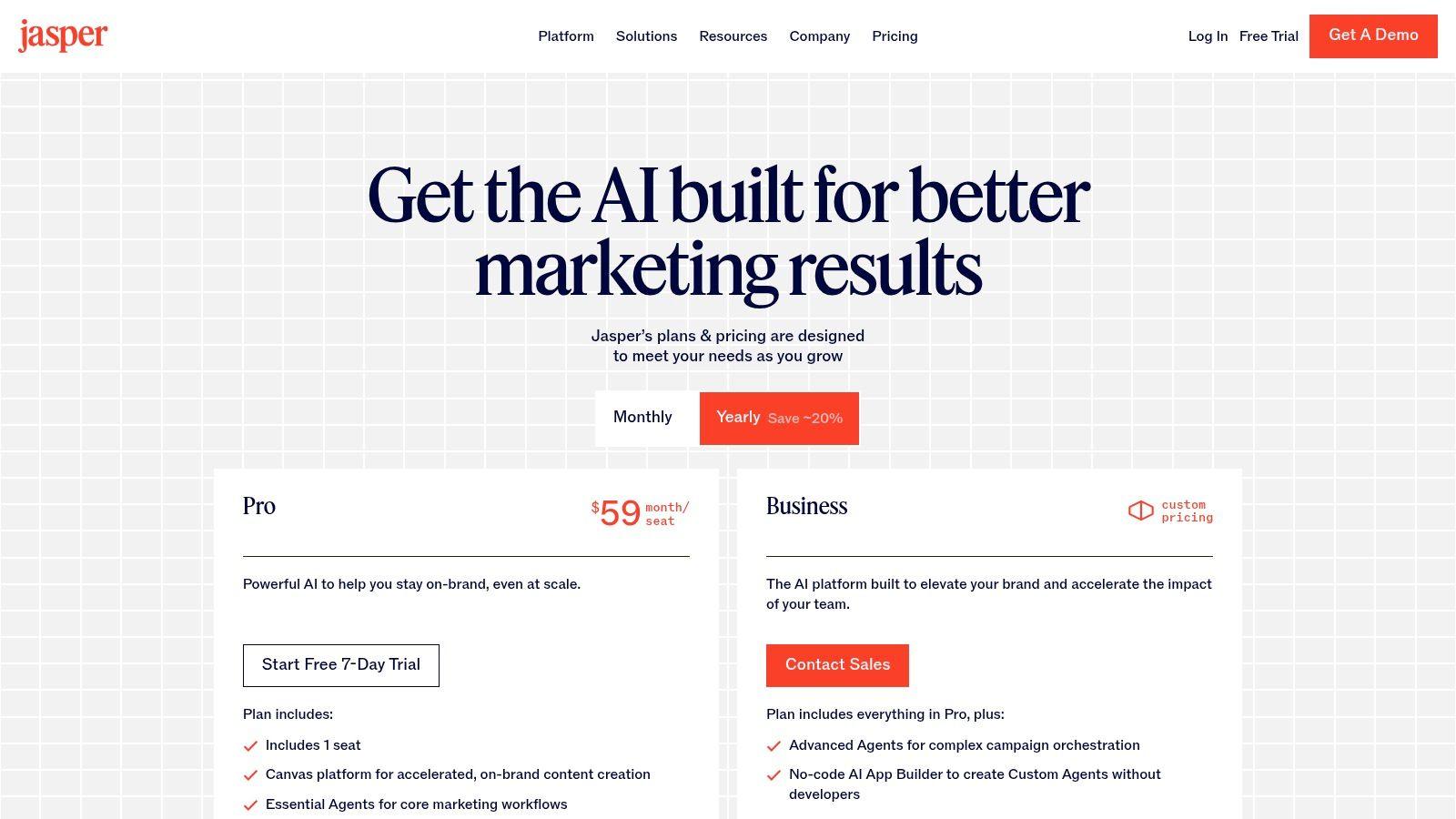
Jasper isn’t trying to be your general-purpose AI companion. It’s a marketing machine.
That distinction is why it still matters. If your team’s problem is producing campaign assets, staying on brand, moving content through approvals, and reducing review cycles, Jasper can be a better fit than a general chatbot with better public hype.
Best for teams that care about brand control
Jasper’s strongest feature isn’t raw generation. It’s structure.
Marketing teams get value from tools like:
- Brand voice controls: Keep tone more consistent across blog posts, landing pages, emails, and ads.
- Workflow support: Assignments, statuses, and collaboration reduce the “who owns this draft?” problem.
- Campaign orientation: The product is built around content operations, not just one-off prompts.
That makes Jasper especially useful for SMB marketing teams and in-house content groups that need repeatable output, not experimental prompting sessions.
If I’m advising a company with several contributors touching the same campaign, Jasper is often easier to operationalize than a blank chat window.
Why some buyers should skip it
Jasper is usually too specialized for solo users who just want a cheaper chatbot. It’s also not the best pick for citation-heavy research or fact-sensitive Q&A. Perplexity is stronger there, and Claude often feels better for nuanced non-marketing writing.
Cost can also become a sticking point. Purpose-built marketing platforms often justify themselves through process improvements, but that value is easiest to see when more than one teammate is involved.
So Jasper makes sense when your pain is content consistency, approvals, and campaign throughput. If your pain is homework help, internal analysis, or general business AI support, there are better options.
In short, Jasper isn’t the best alternative to ChatGPT for everyone. For marketing teams with real workflow discipline, though, it can be a better business tool than a generalist assistant.
9. Writesonic
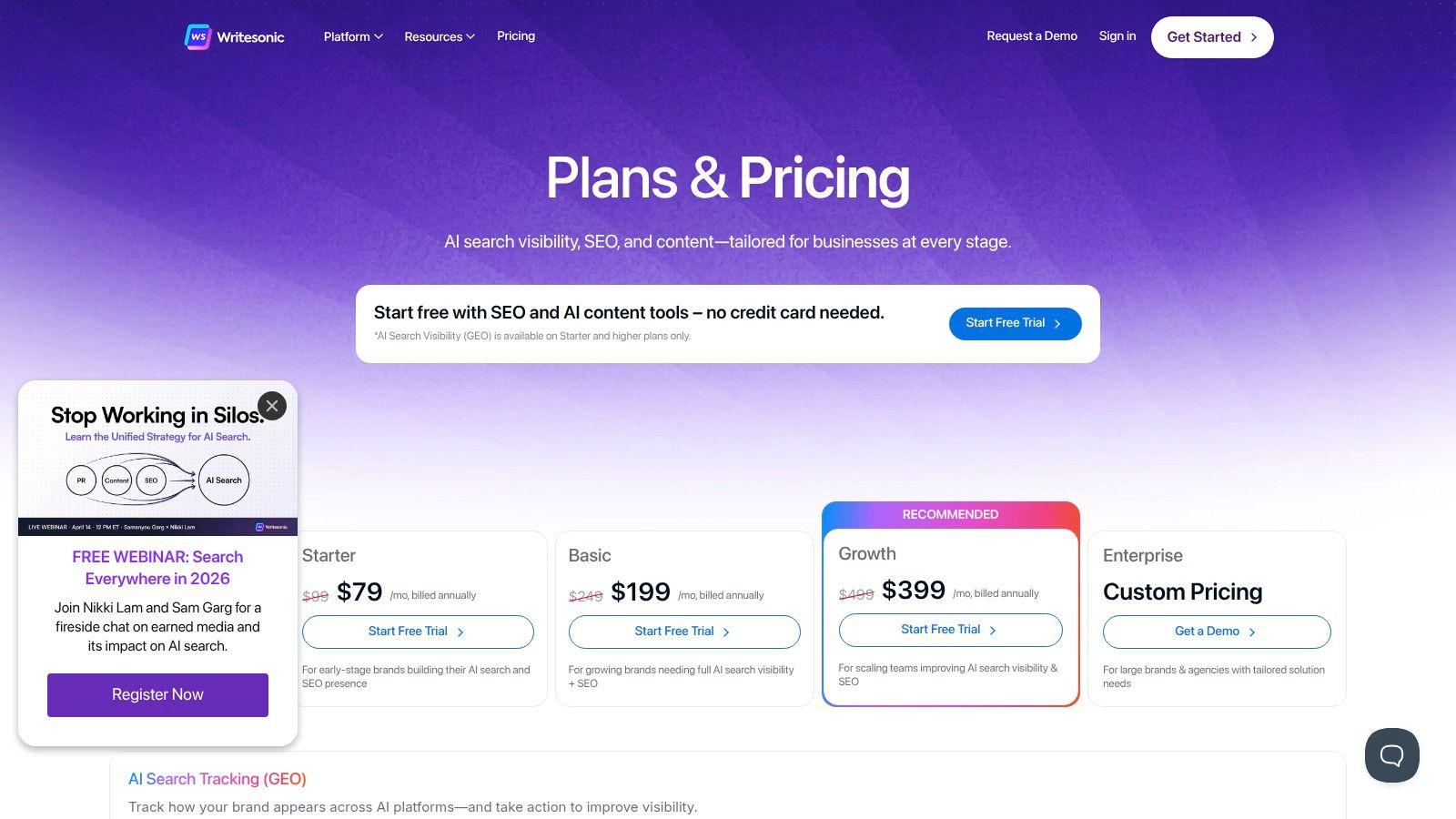
Writesonic sits in the practical middle of the market. It’s broader than a pure chatbot, less enterprise-heavy than some suites, and often attractive to teams that want to compress writing and SEO work into one platform.
That positioning makes sense for small businesses. A lot of SMBs don’t want to assemble a stack of separate tools for ideation, article drafting, optimization, and publishing support. They want one place that gets them most of the way there.
Where Writesonic is useful
Writesonic is strongest when content production is the main job.
It can help with:
- Long-form article drafting
- SEO-oriented content workflows
- Brand voice support
- Publishing and site content operations
For a lean team running blogs, landing pages, and educational content, that can reduce tool sprawl. It’s also approachable enough for non-specialists, which matters in small companies where one person may handle content, SEO, and basic website updates.
The appeal is less about brilliance and more about coverage. It gives teams a decent amount of content workflow in one system.
Where human review still matters
Writesonic still needs editing. That’s true of nearly every AI writing product, but it’s especially important here because the output can sound polished before it’s strong. Tone consistency, accuracy, and differentiation still require a human pass.
I’d be careful using it for high-stakes expert content without a domain reviewer. It’s better for throughput than for subtle judgment.
It’s also not the top choice if your main need is deep research, family-safe tutoring, or enterprise app integration. Writesonic is a content platform.
That said, if you’re a small business owner or marketer trying to publish more without building a complicated stack, Writesonic can be a sensible pick. It’s one of the more straightforward options for teams that value speed and structure over model experimentation.
10. Pi
Pi is the easiest recommendation on this list for people who don’t want an “AI productivity system” at all. They want a gentle, conversational assistant that feels supportive and easy to talk to.
That may sound minor compared with coding, research, or enterprise integration, but it fills a real need. Many users, especially families and students, don’t want a dense tool with workspaces, connectors, or model switching. They want something approachable.
Why Pi works for families and students
Pi’s best quality is tone. It’s conversational, coach-like, and generally low-friction to use.
That makes it well suited for:
- Study support and planning
- Brainstorming
- Routine encouragement
- Low-pressure conversations for non-technical users
For households introducing AI to younger or less technical users, interface simplicity matters. Pi feels less like software and more like a guided conversation.
This is also where many “best ChatGPT alternative” articles miss the mark. They focus on benchmarks and power-user features while ignoring whether a tool feels safe and understandable for everyday family use.
Where Pi runs out of runway
Pi is not the tool I’d choose for serious coding, document-heavy analysis, or team operations. It has fewer built-in research and workflow features than the stronger professional tools on this list.
So the recommendation is narrow, but clear. If you want a companion-style assistant for planning, study help, and lighter personal use, Pi is easy to like. If you want deep business utility, look elsewhere.
Its value isn’t that it beats every competitor on capability. It’s that it lowers the barrier to entry for people who need AI to feel human, calm, and manageable.
Top 10 ChatGPT Alternatives Comparison
| Product | Key features ✨ | Target audience 👥 | Quality & Value ★ / 💰 |
| 1chat 🏆 | Multi‑LLM (advanced models), PDF analysis, AI image gen, true omni‑channel team inbox, privacy‑first | SMBs & teams, families, students, marketers | ★★★★☆ · 💰 Tiered per‑seat (Mini/Omni/Omni Pro); demo/custom pricing |
| Claude (Anthropic) | Safety‑focused writing, coding tools, memory & workspace support | Writers, students, SMBs seeking safe outputs | ★★★★☆ · 💰 Free/Pro/Max + team plans |
| Google Gemini | Native Workspace integration, Flash models, API access | Google Workspace users, devs, broad consumers | ★★★★☆ · 💰 Consumer subs / API per‑token pricing |
| Microsoft Copilot | In‑app assistance across M365, Graph grounding, admin controls | Enterprises & SMBs on Microsoft 365 | ★★★★☆ · 💰 Requires eligible M365 subs; add‑ons possible |
| Perplexity AI | Live web‑grounded answers with inline citations, research tools | Students, researchers, knowledge teams | ★★★★☆ · 💰 Free + Pro/Enterprise for higher limits |
| Mistral (Le Chat) | Fast multilingual chat, doc uploads, GDPR‑aligned privacy | EU users, cost‑conscious teams, multilingual needs | ★★★★☆ · 💰 Free/Pro/Team/Enterprise tiers |
| Poe by Quora | Single UI for many LLMs, optional compute points, APIs | Families, curious users, teams wanting model variety | ★★★☆☆ · 💰 Subscription + optional compute credits |
| Jasper | Brand voice enforcement, SEO & campaign workflows, approvals | Marketing teams, agencies, content ops | ★★★★☆ · 💰 Higher‑priced marketing suite |
| Writesonic | Long‑form + SEO optimization, publishing workflows | SMBs & content teams needing volume content | ★★★★☆ · 💰 Competitive pricing vs agencies |
| Pi (Inflection) | Empathetic coaching tone, simple planning, privacy controls | Families, students, casual users seeking coach‑style AI | ★★★☆☆ · 💰 Freemium / privacy‑focused terms |
Beyond the Hype Your Next Step in AI
What matters more to you: the model that wins benchmark debates, or the one your family, staff, or department will still use well after the trial month ends?
That question usually leads to a better decision than comparing brand names alone. In real deployments, the strongest model is not always the strongest product. Fit matters more. I have seen teams buy an impressive AI subscription, then abandon it because permissions were messy, pricing expanded too fast, or less technical users never got comfortable with it.
A practical comparison framework works better here. Rate each option on five criteria: privacy, collaboration, family-friendliness, pricing, and performance on the tasks you run. That lens changes the outcome. A parent choosing one shared assistant for home use is solving a different problem than an operations manager standardizing tools for a ten-person company, or an IT leader reviewing data handling and admin control.
The trade-offs are usually clear once you evaluate the tools this way. Copilot makes sense when Microsoft 365 is already the center of work. Gemini becomes easier to justify for teams living in Google Workspace. Perplexity is often the right pick for research-heavy work where citation quality matters every day. Claude remains a strong option for long-form drafting, document analysis, and careful reasoning.
Privacy-first shared tools deserve more attention than they usually get. Families and small businesses often want the same basics: clear data boundaries, support for multiple users, predictable billing, and an interface that does not require constant supervision or training.
1chat belongs in that conversation, as noted earlier. It is relevant for buyers who want one environment for mixed household or team use instead of a collection of separate AI subscriptions. The right way to assess it is straightforward. Check how accounts are organized, how sharing works, what controls exist for admins or parents, and whether the pricing still makes sense once more than one person is using it.
One tool rarely wins every category.
A family may accept less model depth if the product is easier to share and safer for younger users. A small business may choose stronger collaboration and privacy controls over access to every top model. An enterprise team may still land on Copilot, Gemini, or Claude because procurement requirements, compliance review, and ecosystem fit carry more weight than anything else.
Run a live test before you commit. Pick two finalists and give them the same real tasks: summarizing a long document, answering a research question, drafting an email, handling a spreadsheet or uploaded file, and producing something useful for the least technical person on the account. Compare the results, then compare the management overhead. That second part is where many AI buying decisions are won or lost.