You’re probably here because you’ve had the same thought a lot of fans have during a random episode: “I could totally make a weird Quahog side character.”
That instinct makes sense. Family Guy has one of those styles that looks simple at first, but the characters stick in your head because the design and personality work together. A guy in a plain shirt becomes memorable because of his head shape, his awkward pause before speaking, the one dumb hill he’ll die on, and the exact way he annoys everyone around him.
Creating a character in that world is more fun when you build the whole package. Not just the face. Not just the outfit. You want the voice in your head, the dumb job, the rivalry, the catchphrase, and the kind of joke that only this person could trigger.
Your Idea for a Quahog Resident
You’re halfway through an episode, a random townsperson appears for five seconds, and your brain immediately fills in the rest. He probably works a weirdly specific job. He probably has one petty obsession. He probably says one line that tells you exactly why everyone in Quahog avoids him.
That instinct is useful.
A strong Quahog resident usually starts as a small, clear idea that can grow in two directions at once. One direction is visual. You can picture the haircut, the posture, the outfit, or the one prop they always carry. The other direction is narrative. You can hear how they talk, what they complain about, what secret grudge they hold, and what catchphrase they repeat until it becomes funny because of how seriously they say it.
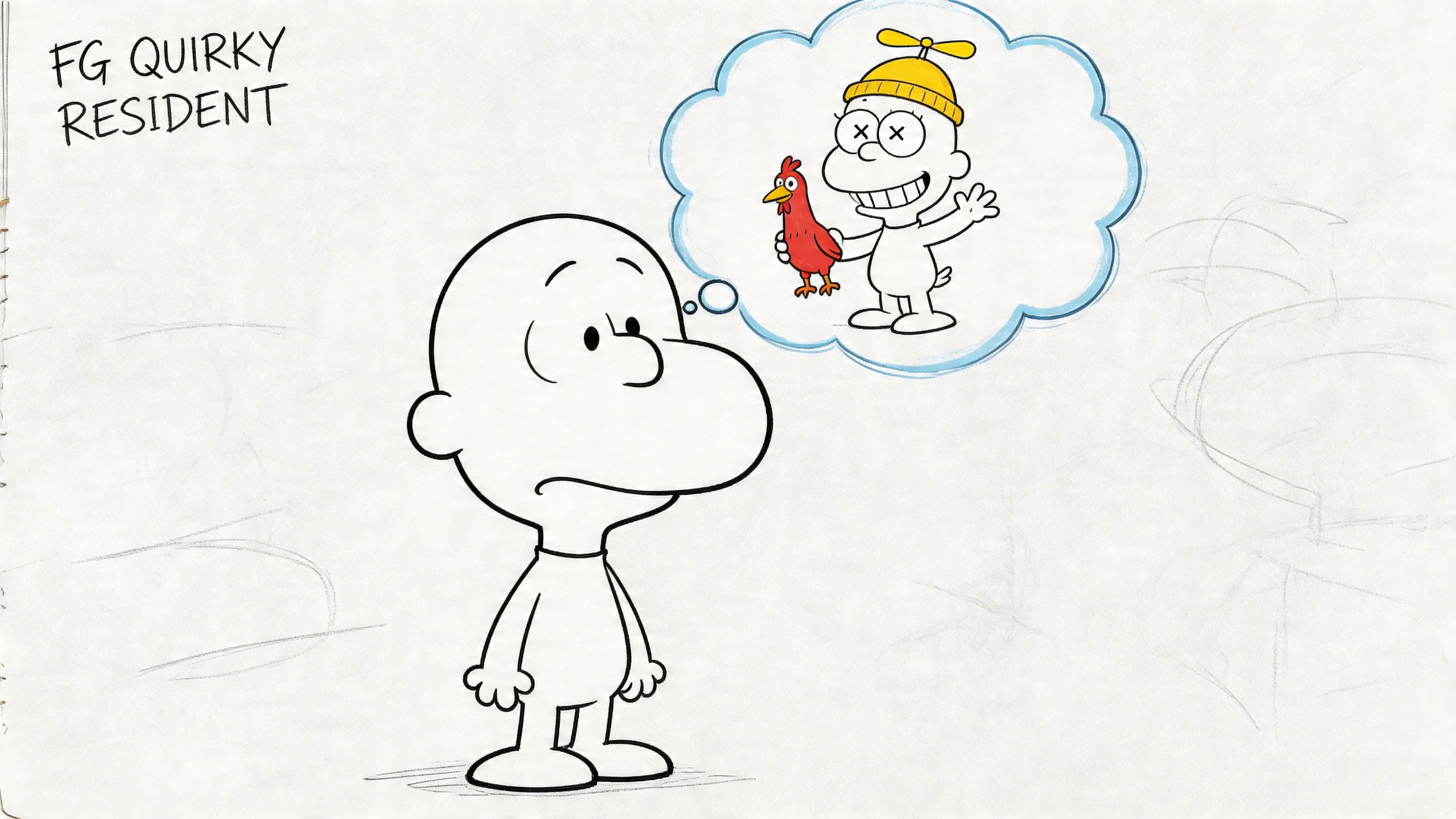
Quahog works like a cartoon version of a real hometown. That means your idea does not need to be huge at first. A substitute teacher who acts like every attendance check is a courtroom trial is enough. A pet groomer who speaks in pirate slang is enough. A mall security guard who treats the food court like a war zone is enough.
Start with one clear sentence
Skip the urge to design everything at once. Start with a character seed that explains who this person is and why they are funny.
Character seed: “He’s a painfully polite sandwich shop owner who treats every lunch order like a life-or-death military mission.”
That sentence already gives you a lot to work with. You can hear the dialogue. You can guess the facial expression. You can picture stiff posture, intense eye contact, and a catchphrase like, “We do not fold under condiment pressure.”
If writing character ideas feels tricky, use one of these formulas:
- Ordinary role plus one ridiculous flaw
“A dentist who panics at the sight of teeth.” - Calm look plus chaotic habit
“A sweet grandma who starts neighborhood feuds over lawn ornaments.” - Tiny problem plus oversized ambition
“A middle school student who believes he’s Quahog’s greatest investigative journalist.”
Build from daily life, then add the twist
A lot of fans get stuck because they jump straight to the gag. Start with the person first.
Ask these questions:
- Where do they spend most of their time
- Who do they annoy without meaning to, or with great enthusiasm
- What do they want every day
- What normal situation brings out their weirdest behavior
That process works like building a cartoon house on a real foundation. If the base feels believable, the joke has somewhere to land.
For example, “a woman who loves community theater too much” is still vague. “A city clerk who sneaks Shakespearean monologues into routine parking ticket conversations” is much stronger. Now you have a job, a setting, a voice pattern, and a repeatable joke engine.
Give them one memorable social function
Family Guy side characters often stick because they disrupt scenes in a specific way. Your character might be the person who slows everything down, overreacts, misunderstands basic social cues, or turns tiny inconveniences into personal crusades.
Pick one role they play in other people’s lives:
- the neighbor who always escalates
- the employee who takes rules too seriously
- the classmate with confidence far above skill level
- the local business owner with one bizarre personal code
- the town official who treats every minor issue like a historic crisis
This helps artists and non-artists alike. If you draw by hand, that role will guide expression and pose choices later. If you plan to use family-friendly AI image tools, it also gives you concrete prompt material instead of a foggy idea like “make a funny Family Guy person.”
Practical rule: If your character can walk into a grocery store, school, town hall, or The Drunken Clam and immediately create a very specific kind of problem, you have a solid starting point.
Deconstructing the Family Guy Art Style
A Family Guy character usually looks simple at first glance. That simplicity is the trick. The design has to read fast, feel consistent, and leave room for the personality to do the heavy lifting.
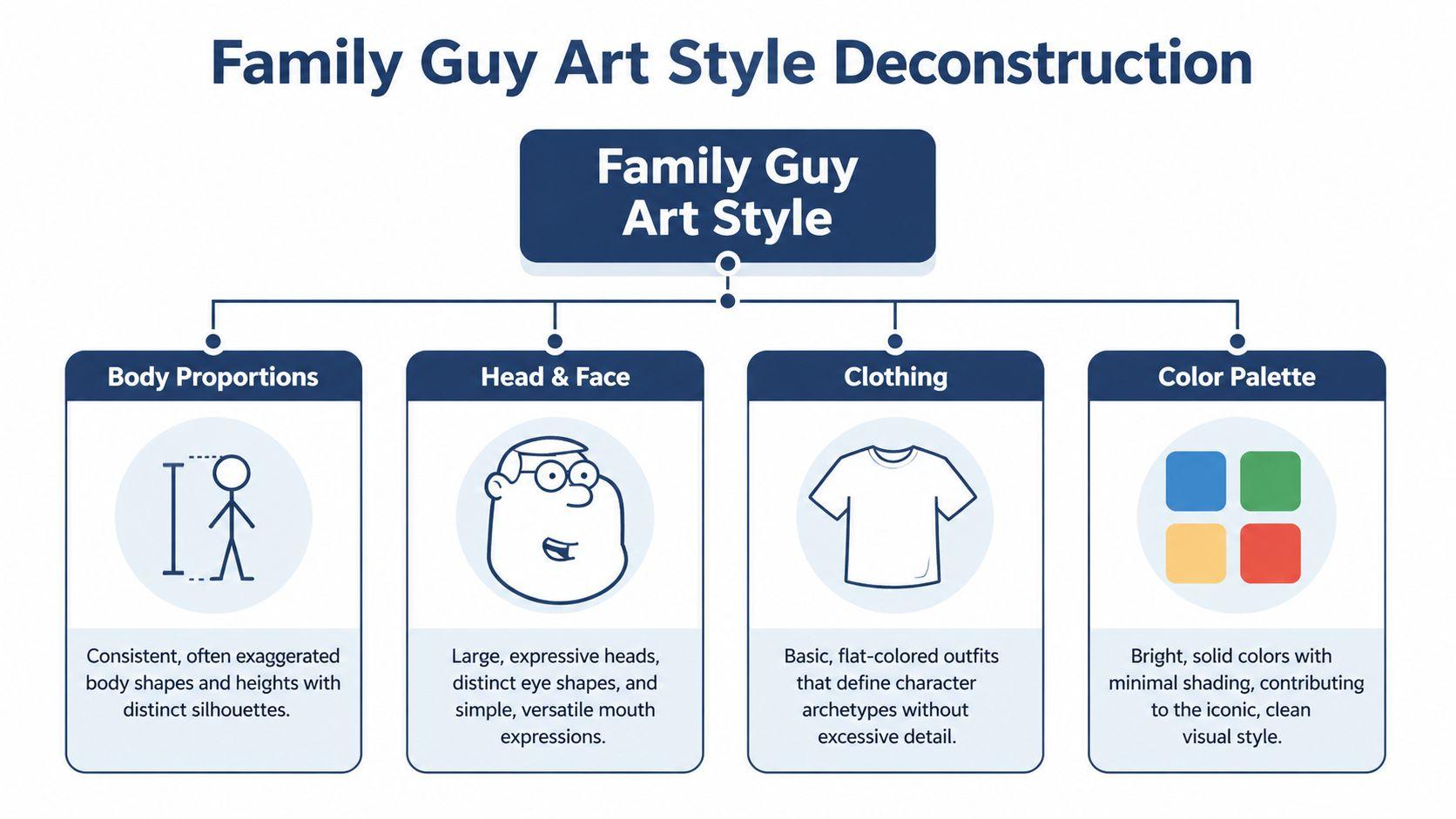
If you are sketching by hand, or describing a character to an AI image tool, focus on repeatable shapes first. The style works like a visual shortcut system. A bigger head, a clean outline, and a face built from a few clear symbols will usually get you closer than adding more detail.
That matters for non-artists too. If your prompt sounds too stiff or robotic, these tips on how to make AI-generated descriptions sound more natural can help you describe the character in a way that feels more like a real Quahog resident.
Body proportions
Start with the body as one easy shape. A bean, a rounded rectangle, or a soft oval gives you the right base faster than trying to draw anatomy.
The show favors exaggerated proportions. Heads are often noticeably larger than you would draw in a realistic style, while arms and legs stay plain and functional. If you are using AI, describe that clearly in everyday language. Ask for a large, simple head shape and a compact cartoon body instead of technical measurements.
Use these three checks as you build:
- Block in the torso first
Keep it broad and simple so the character reads from far away. - Size the head for clarity
Make it large enough that the face is easy to read at a glance. - Simplify the limbs
They support the pose and silhouette. They do not need muscle detail or complex line work.
A quick test helps. Fill the whole character in black. If the outline still feels distinct from Peter, Lois, Meg, or Cleveland, your silhouette is strong enough.
Head and face
The face is where many fan designs drift away from the style. Realistic shading, anime eyes, or too many expression lines can pull the character out of the Family Guy world right away.
Family Guy faces are built from a small toolkit:
- Eyes stay basic
Round or oval shapes with small pupils do most of the work. - Noses stay graphic
Keep them simple and readable instead of rendered. - Mouths stay economical
A short curve, straight line, or open oval can sell the joke. - Chins carry attitude
A soft or receding chin can suggest nervous energy. A wide chin can make a character seem overly sure of themselves.
Here’s a quick reference table you can use while sketching:
| Feature | Keep it simple | Common mistake |
| Eyes | Round or oval, readable from far away | Adding lashes, reflections, or realism |
| Nose | Small and graphic | Over-shading or sharp realism |
| Mouth | One clear expression shape | Drawing detailed lips and teeth in every pose |
| Chin | Use shape to show attitude | Ignoring jaw shape entirely |
A helpful way to frame it is this. You are not drawing every facial feature. You are choosing the few symbols that tell the audience who this person is in one second.
Clothing
Clothing should explain the character fast.
In this style, outfits usually support the joke, the job, or the social role. A nervous substitute teacher might wear a slightly too-neat cardigan. A guy who treats local trivia night like a military operation might wear a polo tucked in much too tightly. Those choices do visual storytelling before the character even speaks.
Keep the clothes flat and readable. Clear shirt shapes, basic pants, and one memorable accessory usually work better than fashion-heavy detail.
Color palette
Flat color helps the character feel like they belong in the show. Use one main clothing color, one supporting neutral, a skin tone, and maybe one accent.
Too many competing colors can make the design feel closer to a custom avatar than a TV cartoon. A tighter palette feels more believable and makes the personality choices stand out more.
One final tip. Save one design choice for story value, not decoration. A crooked tie, a town badge, oversized glasses, or spotless white sneakers can hint at backstory and future catchphrases before you write a single line of dialogue.
Crafting a Quahog-Worthy Personality
A clean drawing isn’t enough. The reason Family Guy characters linger in your memory is that each one has a comedic engine. They don’t just look funny. They behave in a way that keeps generating scenes.
There’s a real appetite for this part of the process. Verified research notes a 40% year-over-year spike in searches for “Family Guy OC backstory” in a 2025 Google Trends analysis, showing fans want help with story-driven character building, not just visual filters, according to this analysis of Family Guy OC backstory demand.
Find the one trait that runs everything
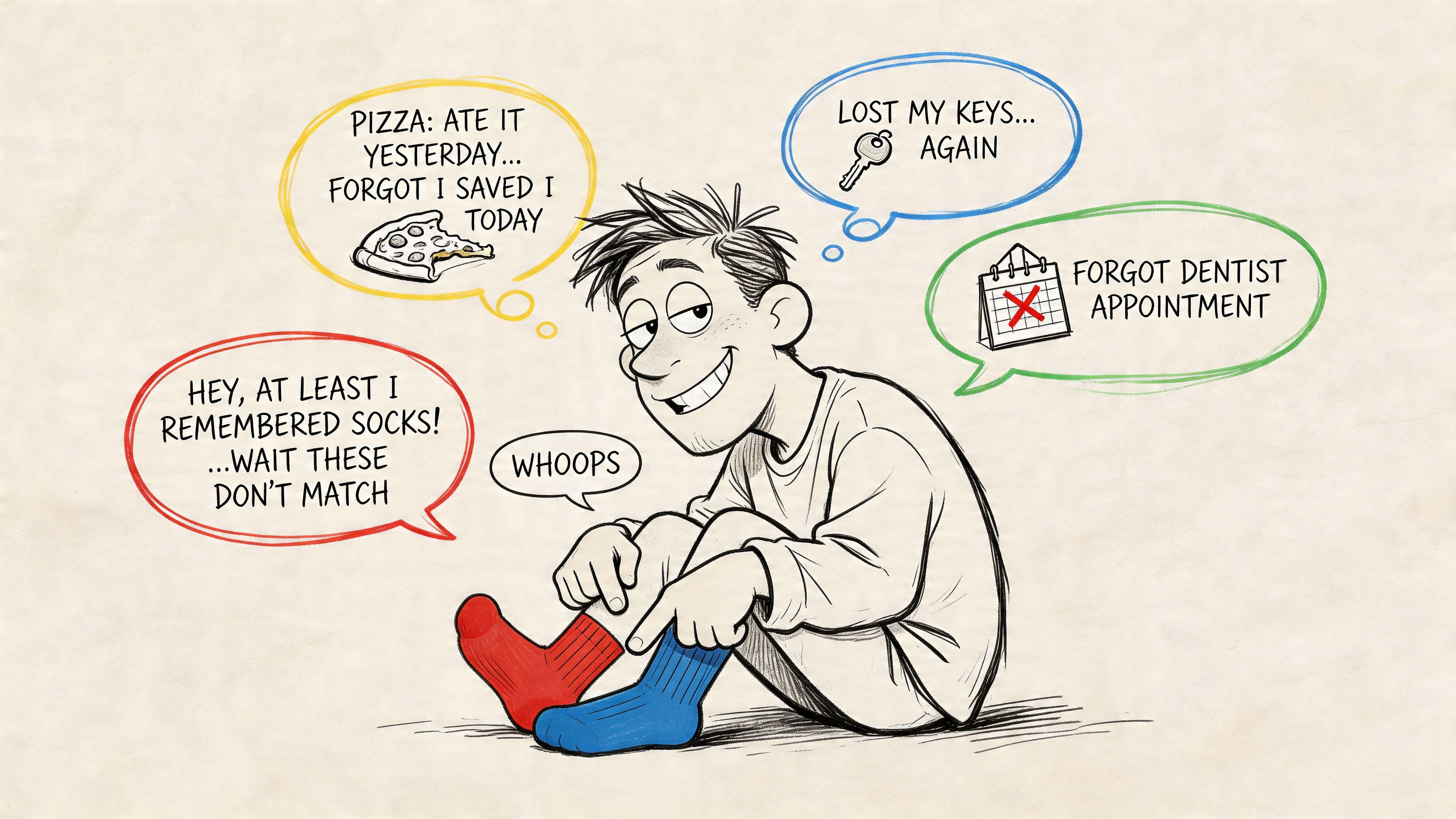
Pick one exaggerated trait that affects how your character talks, reacts, and ruins scenes.
Good examples of trait-driven concepts:
- Pathologically competitive about completely minor things
- Too sincere in a cynical environment
- Desperate to seem cultured but constantly wrong
- Hopelessly forgetful in ways that create escalating nonsense
A weak version sounds like this: “She’s funny and quirky.”
A stronger version sounds like this: “She’s a school receptionist who believes every routine announcement deserves Oscar-level dramatic delivery.”
That second version gives you voice, rhythm, and conflict immediately.
Build personality through friction
Characters become memorable when they rub against someone else in a specific way. Don’t ask only who they are. Ask who they irritate.
Try this mini-grid:
| Relationship target | Possible dynamic |
| Peter | Encourages his worst idea or blocks it for petty reasons |
| Lois | Tries way too hard to impress her |
| Meg | Becomes one of her few allies, but in an embarrassing way |
| Brian | Has smug intellectual debates with him |
| Stewie | Treats him like a very serious adult and makes things weirder |
That friction creates scene ideas faster than backstory alone.
Give them a voice, not just dialogue
A lot of fans write lines that sound like generic sitcom banter. Family Guy voices are often clearer than that. The speech pattern itself is part of the joke.
Try defining your character with these prompts:
- What words do they overuse
- What topic do they force into unrelated conversations
- What makes them pause
- Do they sound too formal, too casual, too theatrical, or too specific
For writing exercises, it helps to draft a fake interview, a petty argument, or a voicemail. If you want help polishing AI-generated dialogue so it sounds less stiff, a guide on how to humanize AI text is useful for smoothing out robotic phrasing.
Writing shortcut: If you can hear the character complaining about a parking spot, a school bake sale, or a lunch order, you’re close.
Backstory that actually helps
Backstory should explain the joke, not bury it. You don’t need five tragic twists. You need one or two details that support the comedic engine.
For example:
- He became a local historian because he got banned from three hobby forums and needed a new audience.
- She acts like a motivational speaker because she once won a tiny public speaking ribbon in middle school and never recovered from the praise.
Catchphrases that don’t feel forced
A catchphrase works when it grows out of personality. It shouldn’t sound like a slogan pasted on top.
Better options are short lines the character would naturally repeat:
- “That’s not the principle of the thing.”
- “I prepared remarks.”
- “Nobody respects procedure anymore.”
Those feel more like habits than branding.
Bringing Your Character to Life with AI
You have a funny Quahog resident in your head. You can hear the catchphrase, you know what petty hill they would die on, and you even know which neighbor they would annoy first. Now you need a picture that matches that voice.
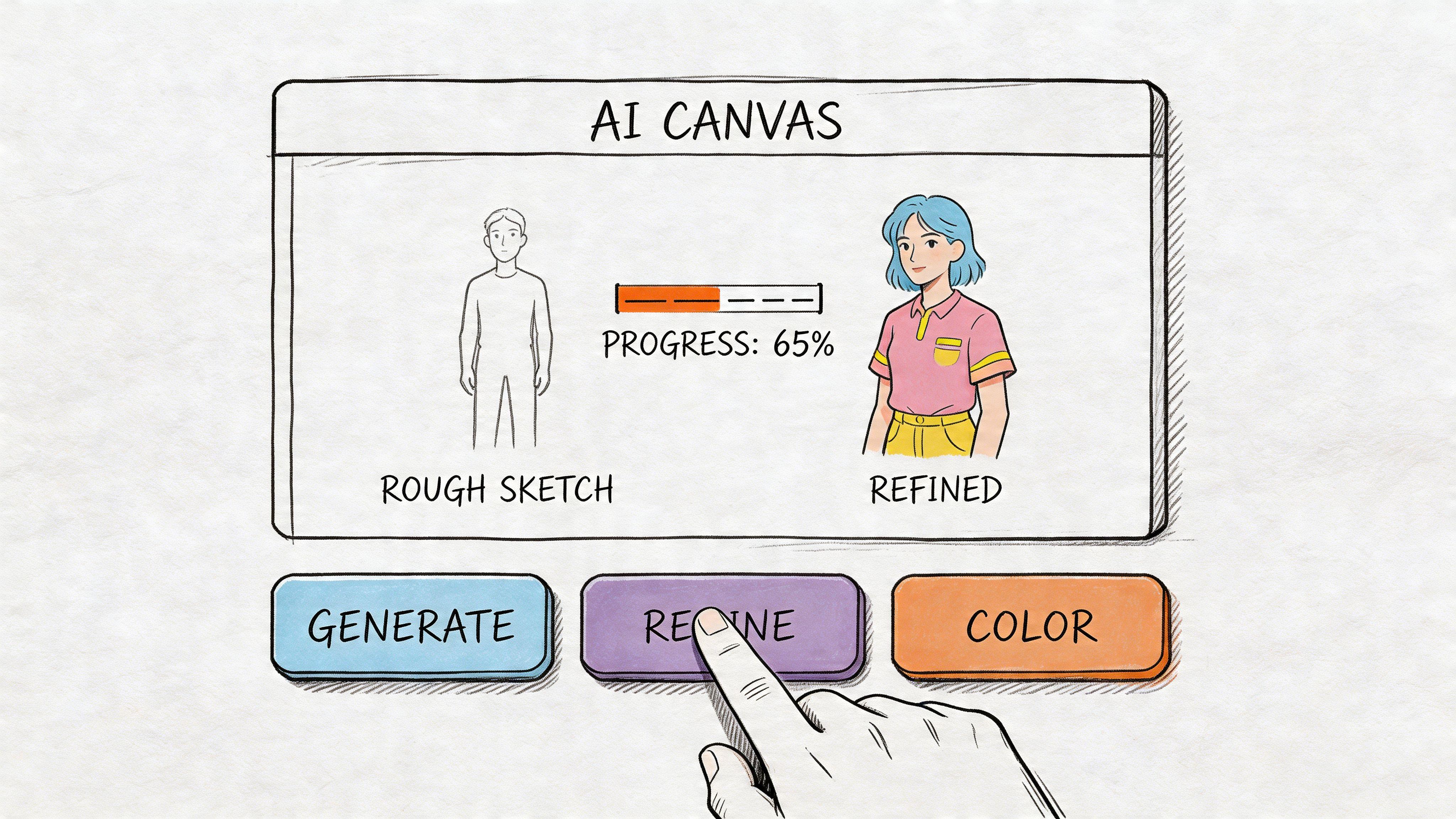
AI helps most when you treat it like a very literal storyboard artist. If your prompt is blurry, the result gets blurry too. If your prompt is structured, the image usually comes back closer to the clean TV-cartoon look you want.
A good prompt has layers. You are giving the tool a casting note, a model sheet, and a pose direction all at once.
Build the prompt in layers
Use this order:
- Who the character is
- The visual style
- Head and body proportions
- Clothes and props
- Facial expression and pose
- Setting
- What to avoid
That last part matters a lot. Negative prompts are like telling an artist, “Please don’t turn this into a glossy movie poster.”
Here is a simple template:
Generate an original suburban side character in a Family Guy-inspired cartoon style, oversized rounded head, simple oval eyes, small nose, soft jawline, flat cel shading, clean black outline, wearing a faded bowling shirt and tan pants, mildly annoyed expression, standing on a suburban sidewalk, bright flat colors, simple animated TV design. No photorealism, no anime, no painterly texture, no dramatic lighting, no detailed wrinkles.
Each phrase has a job. “Flat cel shading” keeps the image from drifting into painted lighting. “Clean black outline” pushes it toward animation cels. “No photorealism” cuts off one of the most common wrong turns.
Prompt examples you can actually use
A middle-aged side character
Generate an original middle-aged man in a Family Guy-inspired animated style, oversized football-shaped head, simple circular eyes, small rounded nose, soft chin, short brown hair, wearing a stained blue bowling shirt, gray slacks, and loafers, awkward half-smile, flat colors, single-layer cel shading, black cartoon outline, standing in front of a suburban convenience store. No photorealism, no anime, no 3D render, no complex background.
A teen character
Generate an original teenage girl in a Family Guy-inspired cartoon style, rounded head, simple facial features, shoulder-length messy hair, oversized hoodie, skirt, sneakers, nervous posture, flat color palette, clean cel animation look, high school hallway background. No realism, no glossy shading, no manga style, no extra fingers.
A non-human joke character
Generate an original eccentric pet shop parrot in a Family Guy-inspired cartoon design, simple shape language, exaggerated eyes, smug expression, tiny vest and bow tie, flat cel shading, black outline, standing on a shop counter in a Rhode Island-style suburban setting. No realism, no detailed feather texture, no dramatic lighting.
Match the image to the personality
This is the part a lot of guides skip. The picture should support the joke engine you built in the last section.
If your character is pompous, give them clothes that try too hard. If they are anxious, their posture should look slightly folded in. If their catchphrase sounds weirdly formal, their face should look like someone who says “per my last comment” in casual conversation. Visual design works like costume casting. The audience should get the vibe before the character even speaks.
You can ask AI for writing help too, and it works better if you request pieces instead of one big paragraph.
Try this:
Create an original Family Guy-style side character. Give me 1) three name ideas, 2) a job, 3) one exaggerated flaw, 4) a catchphrase, 5) one rivalry in Quahog, and 6) three short scene ideas that show the character’s personality.
Then refine with follow-ups like:
- make the flaw more specific
- make the catchphrase less forced
- give the character a more pathetic backstory
- rewrite the scene ideas so the joke comes from their personality, not random chaos
If you want help getting cleaner results from image generators, this walkthrough on how to generate images with AI is a useful companion.
Refine one variable at a time
A lot of beginners reroll the whole image the moment something looks off. That usually wastes time.
Change one thing, then test again. If the face feels too realistic, simplify the facial features and remove lighting language. If the body shape looks wrong, restate the proportions more clearly. If the outfit is stealing attention, strip it back to one memorable clothing detail instead of five.
AI art works a lot like giving notes during animation cleanup. Small corrections are easier to control than starting from scratch every time.
Naming and Introducing Your Character
A good Family Guy-style name sounds casual enough to exist in real life, but just offbeat enough to carry comic energy. You don’t need a joke name in neon lights. Sometimes the funniest choice is a totally normal first name paired with a last name that feels slightly strange, stiff, or oddly specific.
That range fits the series well. Verified data notes that the cast expanded from the 5 core Griffins in 1999 to over 200 recurring characters by 2023, showing just how many naming styles the show has played with, from plain to absurd, according to the IDRlabs Family Guy character page.
A few naming patterns that work
Use one of these formulas:
- Plain first name, unusual last name
Marty Wimple, Denise Pottle, Eric Grundle - Overly respectable full name
Linda Whitmore, Gerald Pembroke - Mildly childish rhythm
Bobby Pickens, Tammy Nibbs
Read the name aloud. If it sounds like someone who could appear for one line in a town hall scene, you’re on track.
Write a short bio like a fan wiki entry
Keep it to a few sentences. You want the gimmick, social role, and conflict point to show up fast.
A simple format:
| Bio part | What to include |
| Name | Full name and nickname if they have one |
| Role | Job, age group, or town function |
| Gimmick | The one trait that drives their comedy |
| Connections | Who they get along with or clash with |
| Scene hook | One memorable recurring situation |
Example:
Marty Wimple is a local copy shop manager in Quahog who treats every print order like a national emergency. He speaks with intense seriousness about paper quality, constantly annoys Brian by correcting his formatting, and somehow gets pulled into town drama over flyers, menus, and fake petitions.
That’s enough to share with friends, post with artwork, or use as a seed for scripts.
Using and Sharing Your Creation Legally
Once your character exists, you can do a lot with it for personal creative use. Fans usually turn these ideas into profile pictures, character sheets, joke posters, comic panels, or short bits of fan writing. Others go one step further and build simple puppets for voice clips, streams, or parody videos.
There’s also a technical path for animation. Verified data notes that character assets can be imported into Adobe Character Animator for puppetry, where professional pipelines report 88% lip-sync accuracy, and the same verified source says there are over 1.1 million related tutorials on YouTube, which helps explain why beginners can find plenty of walkthroughs for webcam-driven avatars and simple motion setups in this Character Animator tutorial reference.
Practical ways to use your character
- Share art online with a clear fan-made label.
- Write short parody scenes for social posts or private projects.
- Create a talking avatar for a class presentation, stream overlay, or joke video.
- Make a character card with name, traits, and catchphrases.
Keep the legal side simple
Your safest lane is personal, non-commercial fan creation. Don’t present the work as official. Don’t sell it as if you own the Family Guy brand or its original characters. If you post images, labeling them as fan art or parody helps keep your intent clear.
If you want to share images more widely, adding a visible mark can help keep attribution attached. A practical walkthrough on how to create a watermark image can help with that.
Respect the original property, make your contribution clearly fan-made, and keep your use modest. That’s the cleanest approach.
Conclusion Your Ticket to Quahog
The fun part of this process isn’t just drawing in a familiar style. It’s inventing someone who feels like they could walk into a Quahog scene and immediately cause trouble.
A strong design starts with a simple silhouette. A memorable character needs more than that. Give them a flaw, a weird priority, a speaking rhythm, and one relationship that always creates friction. That’s when the idea clicks.
If you don’t draw, that’s fine. You can still build the concept, write the bio, generate visuals, and refine the personality with modern tools. If you do draw, AI can still help you brainstorm outfits, scene ideas, and alternate versions faster.
The best original characters aren’t copies. They feel native to the world while still sounding like you. Start small. Name the person. Give them one bad habit. Put them in a grocery store, a school hallway, or outside The Drunken Clam, then ask what goes wrong.
If you want a family-friendly place to brainstorm dialogue, refine character bios, and generate visuals, try 1chat.