So, you need to write a 5-page document. The first question that probably pops into your head is, "How many words is that?" The answer isn't as straightforward as you might think, but there’s a solid rule of thumb to get you started.
For a standard, single-spaced document, you're looking at roughly 2,500 words. If you're double-spacing it—like for a college paper—that number gets cut in half to about 1,250 words.
The Quick Answer and Key Variables
Think of a page like a suitcase. How much you can fit inside depends entirely on how you pack. Your document's formatting—the "packing" method—is what really determines the final word count. The biggest factor by far is line spacing. Just switching from single to double spacing adds a ton of white space, effectively slicing your word count per page in two.
This infographic shows that difference in a single glance.
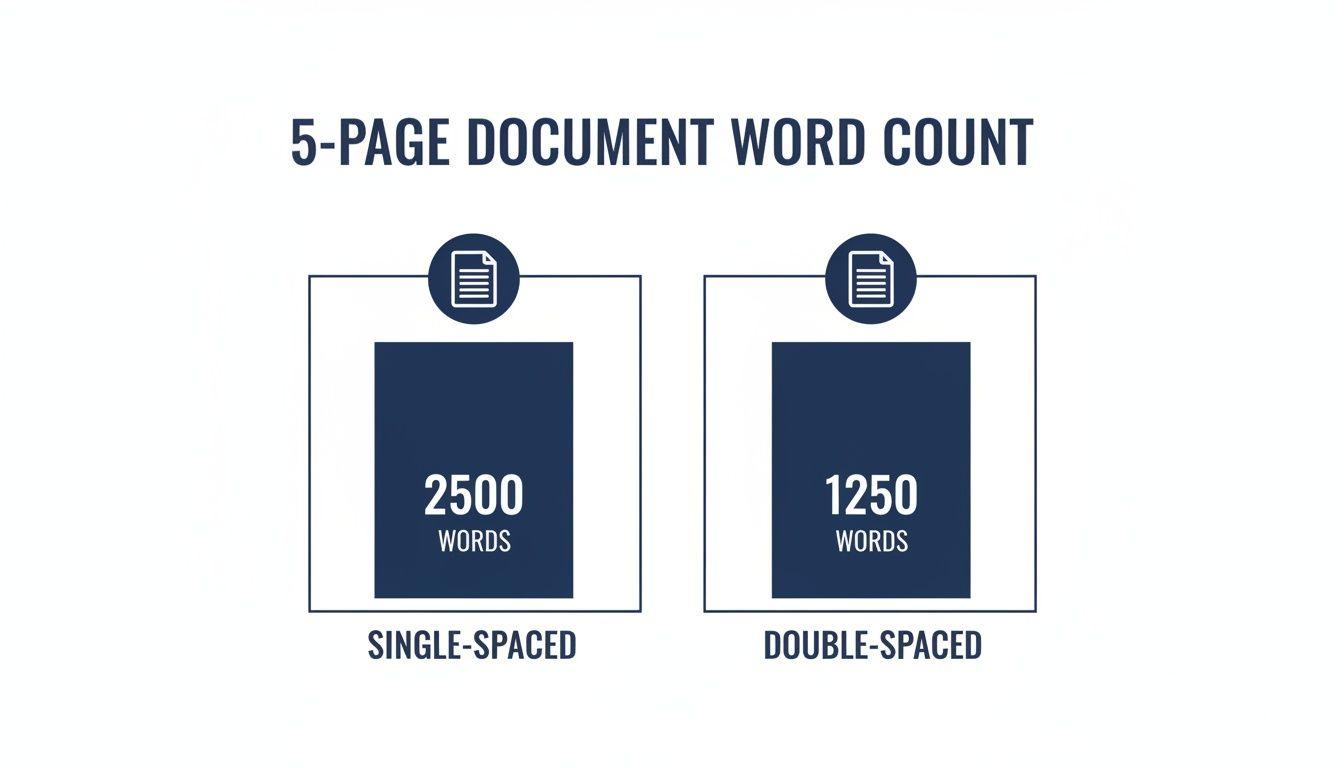
As you can see, single spacing jams the words together, while double spacing gives them plenty of room to breathe.
Understanding Industry Standards
Beyond the basic formatting rules, different fields have their own expectations. In the world of traditional publishing, for example, the age-old estimate is 250-300 words per page. That puts a 5-page manuscript at around 1,250 to 1,500 words.
Interestingly, modern data suggests this is shifting. As you can find in these detailed publishing benchmarks on Automateed.com, the average fiction book today clocks in at about 280 words per page (or 1,400 for 5 pages), while nonfiction sits closer to 233 words per page (1,165 for 5 pages).
The key takeaway is this: while formatting rules give you a mathematical answer, your document’s purpose—whether it's an academic essay, a business report, or a novel—often dictates the true expectation.
For most people, the guidelines boil down to a few common scenarios:
- Academic Papers (MLA/APA): These are almost always double-spaced, so 5 pages means you’re aiming for 1,250 words.
- Business Reports: To keep things concise, these are often single-spaced. Here, 5 pages would be about 2,500 words.
- Blog Posts & Web Content: This varies wildly, but if you were to translate it to a page count, a deep-dive article could easily hit 1,500 to 2,000 words, which would be a 5-page equivalent in many formats.
Key Factors That Change Your Page Count
Beyond simple line spacing, a few other formatting choices can really stretch or shrink your document. Think of a page as a box—how you arrange the items inside determines how much you can fit. Getting a handle on these settings gives you a surprising amount of control.
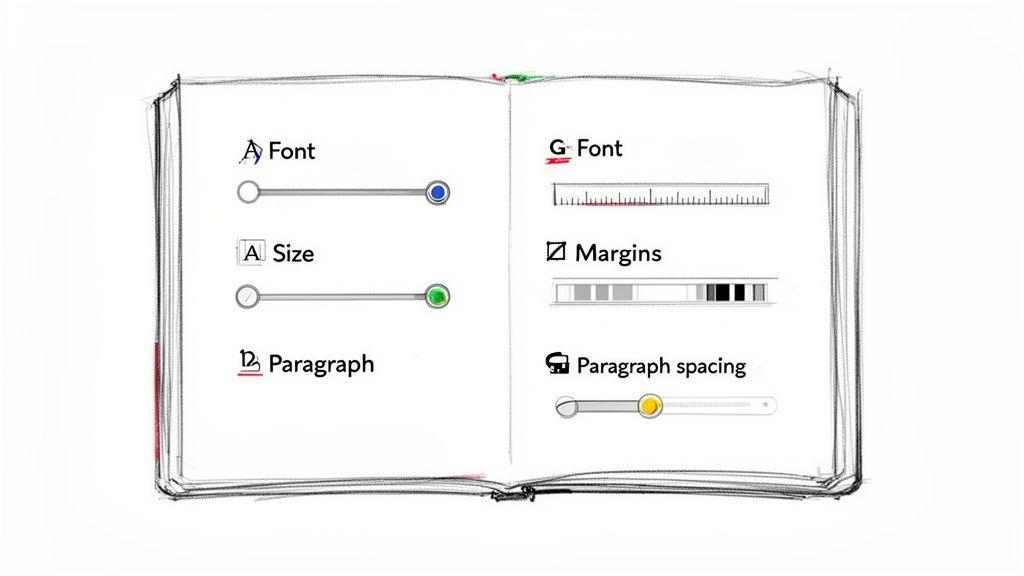
When you understand these factors, you can stop guessing and start making precise adjustments to hit that 5-page target.
Font Type and Size
Your choice of font has a surprisingly big effect on your page count. Some fonts are naturally wider, while others are more compact. For example, fonts like Arial and Helvetica take up more horizontal space, which means fewer words can fit on a single line. On the other hand, classic fonts like Times New Roman or Garamond are narrower, letting you pack more text onto the page.
Font size is an even more obvious lever. The standard for most academic and professional writing is a 12-point font. If you need to fill more space, bumping it up to 13pt will do the trick. If you’re over your page limit, dropping it to 11pt can help you squeeze things in.
Margins and Paragraph Spacing
Margins, the empty borders around your text, play a huge role in how much real estate you have for writing. The default is usually 1 inch on all sides. If you widen those margins to 1.25 or 1.5 inches, you shrink your available writing area and your text will naturally spill over onto more pages. Need more room? Reducing them to 0.75 inches works wonders.
Think of it this way: Wider margins are like building thicker walls in a room—they reduce the usable floor space. Thinner margins expand it, letting you fit more furniture inside.
There's one more subtle trick. Most word processors automatically add extra space after each paragraph, often 6pt or 8pt. Turning this feature off can make a huge difference in a long document, pulling everything together without changing a single word you've written. If you're formatting a school paper, our guide on how many words an essay should be offers more tips on this.
Real-World Word Counts for Different Documents
The "right" word count for five pages isn't a single number—it all depends on what you're writing. A five-page paper for your professor and a five-page proposal for a new client are completely different animals. Knowing the unspoken rules for each will help you look like a pro, not just someone trying to hit a page requirement.
Take academic essays. If you're using MLA or APA format, you're almost certainly double-spacing your work. That built-in breathing room means five pages will land you right around 1,250 words. This isn't just a random rule; it makes the text easier to read and leaves space for feedback.
Business and Digital Content
In the business world, however, the script flips entirely. A crisp, single-spaced business report is all about efficiency. Here, those same five pages could easily pack in 2,500 words or even more. The goal is to deliver dense, valuable information quickly, so every bit of white space is precious.
When we talk about web content, "pages" become more of a concept than a physical thing, but the same logic applies. A typical website page keeps things brief, usually between 300-400 words, to hold a reader's short attention span. So, a "5-page" equivalent in the digital space might be a longer article of about 1,500-2,000 words. We dig into these shorter formats in our guide on what 500 words looks like.
For small teams trying to create multi-page proposals, getting it done fast is critical. This is where AI-assisted writing tools are making a huge difference. A 2024 Gartner study found these tools can slash document creation time by an incredible 40%.
Practical Scenarios at a Glance
Let's ground these numbers in a few more common situations. Seeing them in context makes it much easier to plan your own writing.
- Academic Research Papers: As we mentioned, MLA and APA guidelines are king. It’s no surprise that Purdue OWL data shows over 70% of student papers stick to the standard double-spaced format, making 1,250 words the reliable target for 5 pages.
- Marketing Brochures: Think of a standard A4-sized brochure. You can usually fit about 400 words per page without it feeling cluttered. A five-page layout, then, would hold roughly 2,000 words of marketing copy.
- Book Manuscripts: While this varies, a typical trade paperback manuscript has around 250-300 words per page. At that rate, five pages works out to between 1,250 and 1,500 words.
Getting a feel for these real-world examples, like those in this handy master word count cheat sheet, helps you format your work perfectly for its intended audience.
How to Check Your Word Count in Seconds
Forget about manually counting words or trying to eyeball your page length. Every modern writing app has a built-in word counter that gives you the exact number in an instant. It’s a simple trick, but knowing where to find it lets you stay focused on what really matters: your writing.
Whether you’re working in Microsoft Word, Google Docs, or another program, the feature is usually just a click or two away. These tools can show you the total for your entire document, but they also have a fantastic feature for checking just a small piece of your text.
Finding the Word Counter in Your App
In most cases, you’ll find the word count sitting quietly in the status bar at the very bottom of your screen. If you don't see it there, a quick trip to the "Tools" or "Review" menu will almost always reveal it.
- Google Docs: Take a look at the bottom-left corner of your document. You can also navigate to Tools > Word Count or use the keyboard shortcut Ctrl+Shift+C (or Cmd+Shift+C on a Mac) to pop up a small box with detailed stats.
Here's what the clean, collaborative interface of Google Docs typically looks like.
The design is all about giving you a distraction-free writing space, and handy features like the word count are tucked away neatly until you need them.
Pro Tip: Try highlighting a single paragraph or an entire section. You'll notice the word count feature instantly updates to show the count for only the selected text. This is incredibly useful for hitting specific length goals for an introduction, a chapter, or a key argument.
Practical Tips for Meeting Page Count Goals
So, you know the target word count for your five pages, but your draft is either way too long or frustratingly short. Now what? Hitting a specific page count is a classic writer's dilemma, but it’s a great opportunity to refine your work. Here’s how you can skillfully adjust your content without compromising on quality.
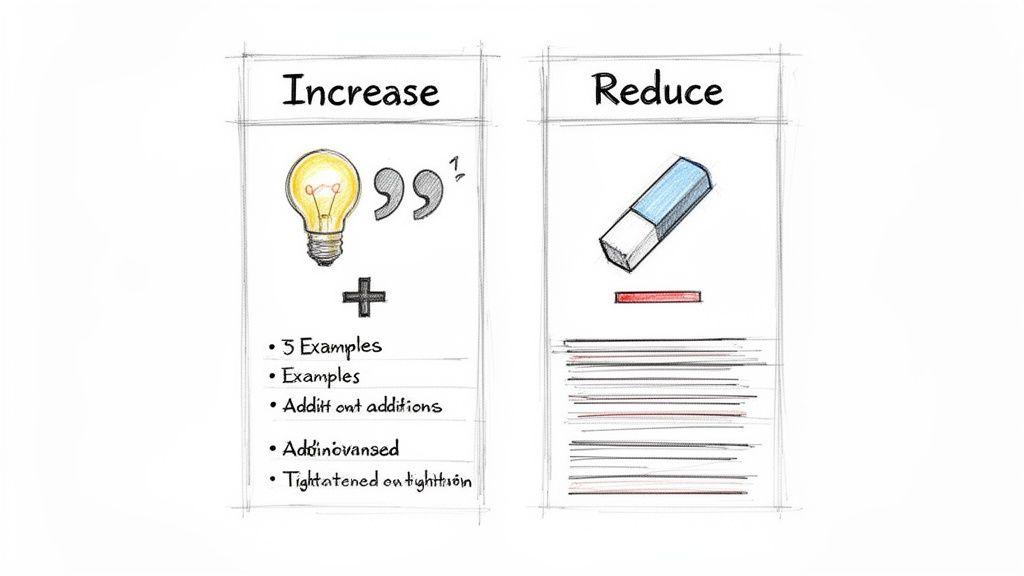
How to Add Substance (Without the Fluff)
Coming up short on your page count doesn't mean you have to start adding useless words. Think of it as a chance to add more value and make your arguments even stronger.
- Bring Your Points to Life: Made a claim? Back it up with a real-world example or a short, illustrative story. This makes your writing far more engaging and persuasive than just stating facts.
- Define Your Terms: Never assume your audience knows all the jargon. Taking a sentence or two to define key concepts shows expertise and ensures everyone is on the same page.
- Incorporate Expert Voices: A powerful quote from a recognized expert or a key statistic from a recent study can add instant credibility and weight to your writing.
Instead of just "adding words," you're actually enhancing the reader's understanding. For students, this mindset is crucial. If you're building an argument, our guide on structuring a 500-word essay has some great tips that can help you flesh out your points effectively.
How to Trim Down Your Draft
When you've written too much, the challenge is to get leaner and more direct without cutting the heart of your message. This is all about making every single word count.
In the world of publishing, word density is a real thing. One Kindlepreneur survey found that nonfiction books average about 233 words per page. That means a crisp, five-page document would clock in at around 1,165 words. To hit that target, you have to be ruthless about cutting anything that doesn't serve your main point. You can check out more of these publishing stats on Kindlepreneur.com.
Here are a few ways to start trimming the fat:
- Get Rid of Redundancies: Hunt down phrases like "in order to" (just use "to") or "due to the fact that" (try "because"). They add length but no meaning.
- Combine Short, Related Sentences: If you have a series of short, choppy sentences, look for ways to merge them. This creates a smoother flow and often saves a few words in the process.
- Cut Weak Filler Words: Be honest—do you really need that "very," "actually," "really," or "just"? More often than not, your sentences are stronger without them.
A Few Common Questions
We've covered the standard math, but real-world assignments often bring up unique questions. Let's tackle a few of the most common ones that come up.
How Many Words Are 5 Handwritten Pages?
Handwriting is a completely different animal. Because our handwriting size and spacing vary so much, it takes up far more room on a page than typed text.
A standard lined page usually holds between 100 and 200 words when written by hand. This means 5 handwritten pages will typically land somewhere between 500 and 1,000 words. If you’re turning in a handwritten assignment, your best bet is to ask your instructor what they consider the equivalent word count to be. It’s a simple question that can save you a lot of grading trouble later.
What Is the Word Count for 5 Pages in MLA or APA Format?
Academic formats like MLA and APA are designed for consistency, so they leave very little to chance. They require double-spacing, a 12-point standard font (like Times New Roman), and 1-inch margins all around.
Thanks to these strict rules, the math is refreshingly simple: 5 pages will consistently be about 1,250 words. This is the gold standard for most academic writing, making it a reliable number to keep in your back pocket for any high school or university paper.
Can I Just Adjust Margins or Font to Meet the Page Count?
Ah, the classic temptation. While you can technically play with the formatting to stretch your writing to five pages, it's a gamble that rarely pays off.
Professors and editors have seen it all—they can spot widened margins or a sly font size change from 12pt to 12.5pt in a heartbeat. It often looks like you're trying to pad the length instead of doing the work. Your time is much better spent either expanding on your ideas or editing your content to be more concise. A well-developed paper always makes a better impression than one that relies on formatting tricks.